ai text to video generator free
Imagine turning any idea into a polished video in seconds, completely free. With PixelDojo's free AI text to video generator, you describe your vision in plain text and instantly receive cinematic clips, engaging animations, or viral social media content ready to share. Skip expensive equipment, hiring crews, or learning complex software—achieve Hollywood-level results from your browser and focus on what matters: your story, your brand, your impact.
Join over 50,000 creators who have generated millions of videos using PixelDojo. Rated 4.9/5 by thousands of users, with 40+ cutting-edge AI tools loved worldwide. Cancel anytime—no risk, unlimited creative freedom.
Why Choose Pixel Dojo for ai text to video generator free
Professional-quality results with cutting-edge AI technology
Produce Viral Social Content Effortlessly
Craft scroll-stopping Reels, TikToks, and YouTube Shorts from simple text prompts. Use Seedance 2 or PixVerse V6 to maintain character consistency across multiple clips and grow your audience faster than ever.
Create Professional Marketing Videos Instantly
Transform product descriptions or scripts into polished promotional videos with synchronized audio using VEO 3.1 or Hailuo 2.3. Deliver high-converting content for campaigns without production costs or delays.
Experiment and Iterate Without Limits
Test dozens of styles, motions, and narratives for free using Kling Video, WAN 2.7 Video, and Grok Video. Refine ideas quickly, explore creative directions, and perfect your vision before committing resources.
How It Works
Getting started with PixelDojo's free AI text to video generator takes just three simple steps. Access powerful models like VEO 3.1, Kling Video, and Seedance 2 directly—no technical skills required.
Step 1: Choose Your Tool
Browse PixelDojo's video generation tools and select the perfect model for your project. Start with VEO 3.1 for cinematic quality, Kling Video for realistic motion, or Seedance 2 for consistent characters across scenes.
Step 2: Enter Your Prompt
Type a detailed text description of your video. Include scene details, style, camera movement, and mood—for example, 'A serene mountain sunrise with golden light, slow pan, cinematic style, 8 seconds.' Advanced models like WAN 2.7 Video and OmniHuman handle complex narratives and audio automatically.
Step 3: Customize & Download
Review the generated video, adjust parameters if needed using tools like Kling Reference to Video or Happy Horse Reference for refinements, then download in high quality. Add captions, reframe, or extend clips with built-in editors like Video Autocaption and Video Reframe—all free.


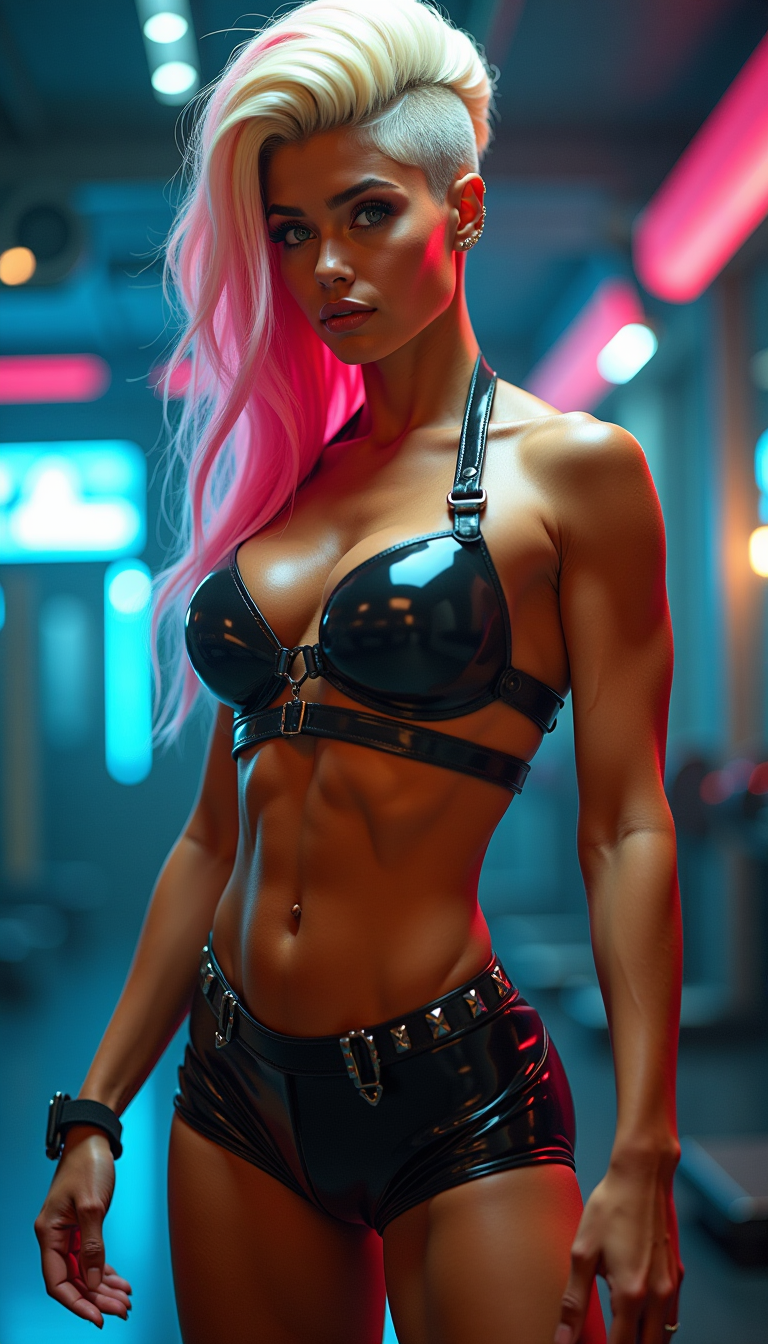


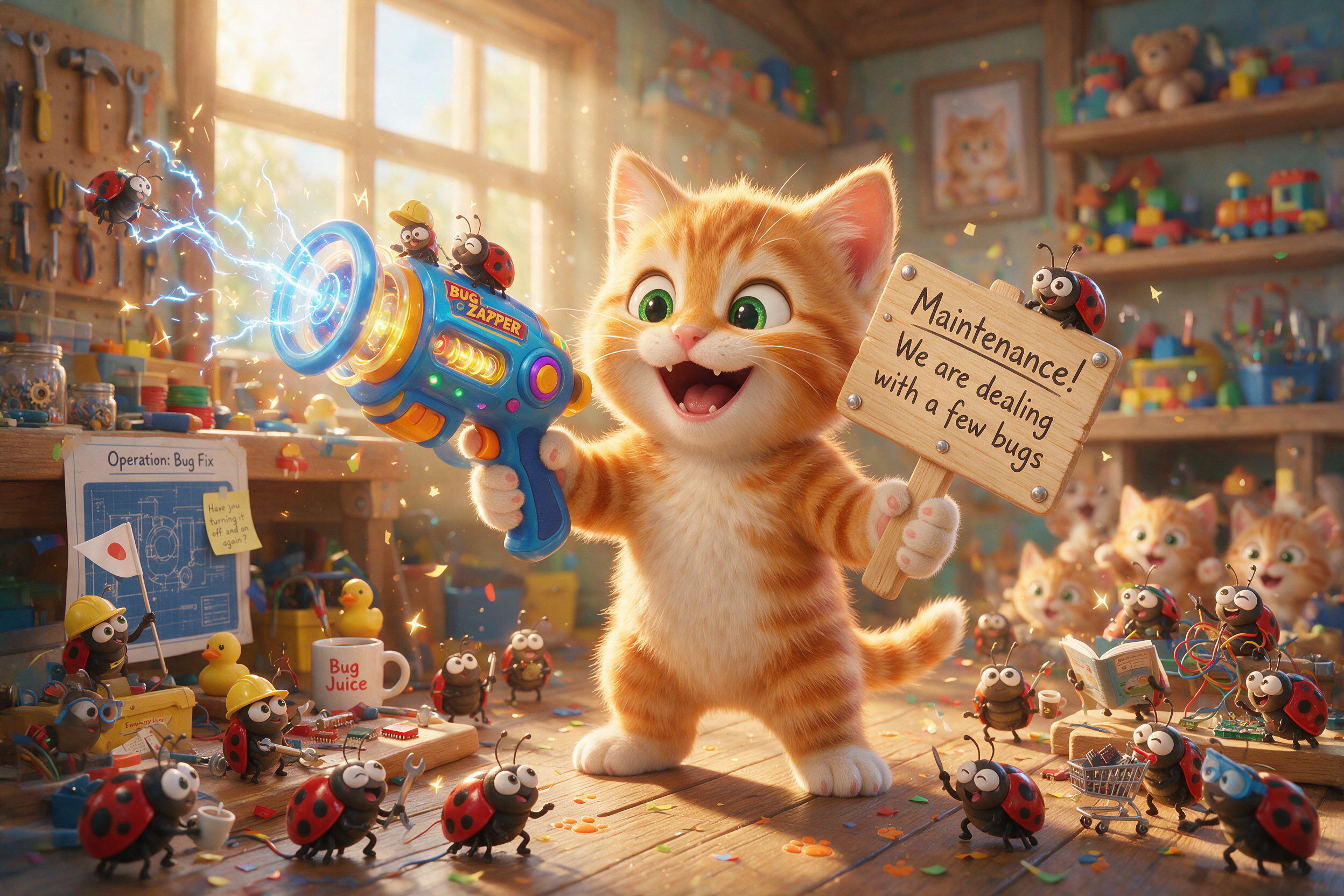
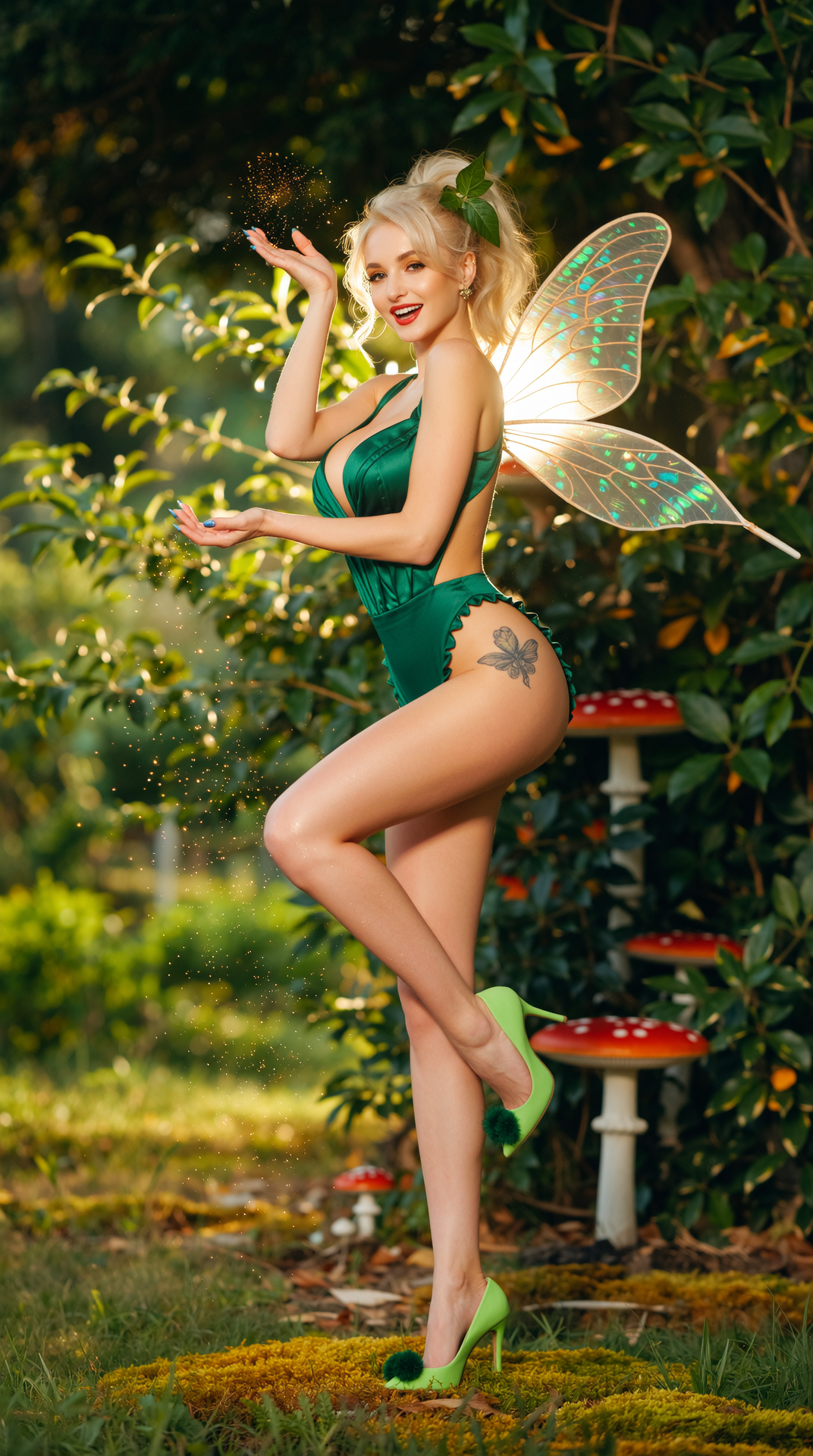
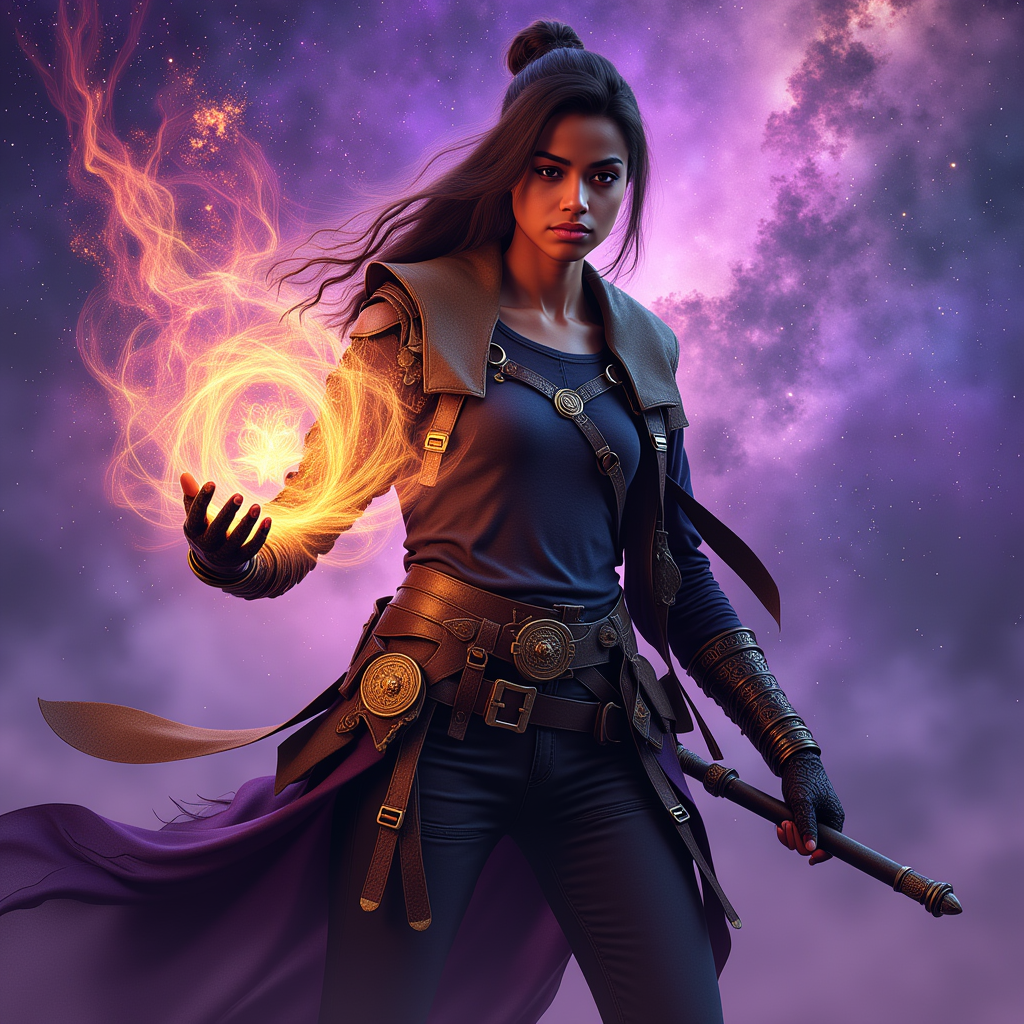




The Pixel Dojo Advantage
Why PixelDojo outperforms other options for free AI text to video generation
| Others | Pixel Dojo |
|---|---|
| Traditional video production | Eliminate costly equipment, crews, and weeks of editing—generate broadcast-quality videos from text in minutes for free |
| Generic AI tools with limits | Access 20+ premium models like VEO 3.1, WAN 2.7 Video, and Seedance 2 with generous free tiers and no watermarks on many outputs |
| Manual video editing software | Skip steep learning curves and time-consuming timelines—describe your vision in text and let AI handle motion, audio sync, and polish automatically |
Loved by creators on PixelDojo
Real feedback from people using PixelDojo, pulled from our in-product surveys.
Great variety of tools to create and modify images and video.
Lots of Tools, and the one time I needed support I got help right away
Easy to use once you get the hang of it
Love it make anything I can think of so far
Great for all your ideas use it encourage more people to use it
Because it is awesome
Explore more AI tools on PixelDojo
AI Tools
Compare & Switch
- Best AI Image Generators
- Best AI Video Generators
- Midjourney Alternatives
- Civitai Alternatives
- Runway Alternatives
- Leonardo Alternatives
- Pika Alternatives
- Luma Alternatives
- Magnific Alternatives
- Veo Alternatives
- Flux Alternatives
- Freepik Alternatives
- Seedance Alternatives
- Seedream Alternatives
- Pixverse Alternatives
- GPT Image Alternatives
- Synthesia Alternatives
- Playground Alternatives
- NightCafe Alternatives
- Canva AI Alternatives
- ElevenLabs Alternatives
- ComfyUI Alternatives
- Fal Alternatives
- Replicate Alternatives
Common Questions
Everything you need to know about ai text to video generator free
How do I create free AI videos from text prompts with PixelDojo?
Simply sign up for free at PixelDojo, select a video tool like VEO 3.1 or Kling Video, enter your text description, and generate. Our platform provides instant access to advanced models with no upfront costs, letting you produce professional text-to-video content immediately.
What makes PixelDojo the best free text to video AI generator in 2026?
PixelDojo aggregates top models including VEO 3.1 for cinematic results, Seedance 2 for character consistency, WAN 2.7 Video for complex scenes, and Hailuo 2.3 for smooth motion—all available with free credits and no subscription required to start. Users enjoy high-quality outputs, editing tools, and unlimited experimentation.
Can I generate videos with audio using a free AI text to video generator?
Yes! Tools like VEO 3.1, Grok Video, and OmniHuman on PixelDojo automatically include synchronized dialogue, sound effects, and music when you describe them in your prompt. Generate complete videos with native audio for free and export ready-to-use files.
Is there a limit to how many free text-to-video generations I can make?
PixelDojo offers generous free tiers across models like PixVerse V6, WAN variants, and Seedance 2, with daily refreshes and options to earn more credits. Many users create dozens of videos weekly without paying, and you can upgrade only if you need more capacity.
How do I maintain consistent characters in free AI generated videos?
Use Seedance 2 Reference, Kling Reference to Video, or OmniHuman on PixelDojo. Upload a reference image or describe your character once, then generate multiple scenes with the same consistent look and personality across your text-to-video projects—all at no cost.
Can beginners create high-quality videos with PixelDojo's free AI text to video tools?
Absolutely. No prior experience needed—our intuitive interface and pre-built models like Happy Horse, LTX-2 Video, and Vidu Q3 guide you. Start with simple prompts and refine using built-in editors like Video Reframe or Background Remover for stunning results every time.