ai video maker for creators
Imagine turning a simple idea into a polished, viral video ready for YouTube, TikTok, or Instagram in under 5 minutes. As a creator, you face endless demands for fresh content, tight deadlines, and skyrocketing production costs. PixelDojo's AI video maker empowers you to generate stunning videos, edit like a pro, and captivate your audience without hiring a team or spending hours in software. With tools like Kling Video, Seedance 2, and Creator Studio, you produce short-form reels, explainer videos, or branded stories that boost engagement by 5x. Say goodbye to creative blocks and hello to a content machine that scales your channel effortlessly.
Trusted by 10,000+ creators | 4.9/5 stars from 5K+ reviews | 1M+ videos generated | Featured on Creator Economy podcasts
Why Choose Pixel Dojo for ai video maker for creators
Professional-quality results with cutting-edge AI technology
Skyrocket Engagement with Viral-Ready Videos
Craft attention-grabbing short-form content using Kling Video and Seedance 2 that hooks viewers in seconds, driving likes, shares, and subscribers without scripting or filming.
Maintain Brand Consistency Effortlessly
Build loyal audiences with consistent characters via WAN Video Character Swap and Heygen Avatar, ensuring every video feels like part of your signature style.
Save Hours on Editing and Polish
Transform rough clips into pro masterpieces instantly with Video Autocaption, Lip Sync, and Video Upscaler, freeing you to focus on growing your creator business.
How It Works
Creating pro videos with PixelDojo is as simple as typing a prompt. Leverage 20+ specialized video tools to go from concept to download in minutes—no skills required.
Step 1: Choose Your Video Tool
Head to the Generate Videos section and select from powerhouses like Kling Video for dynamic motion, Seedance 2 for cinematic scenes, or Creator Studio for full control. Pick based on your style: text-to-video, image-to-video, or reference-based.
Step 2: Enter Your Prompt and Customize
Describe your vision in natural language—'energetic TikTok dance reel with neon lights and upbeat music'—then refine with add-ons like Lip Sync for talking heads or OmniHuman for realistic avatars. Tools like Grok Video auto-generate variations for the perfect take.
Step 3: Edit, Enhance & Download
Polish with Kling Video Edit, add captions via Video Autocaption, upscale for 4K clarity using Video Upscaler, then export. Integrate character swaps or reframing for platforms—ready to post and monetize.



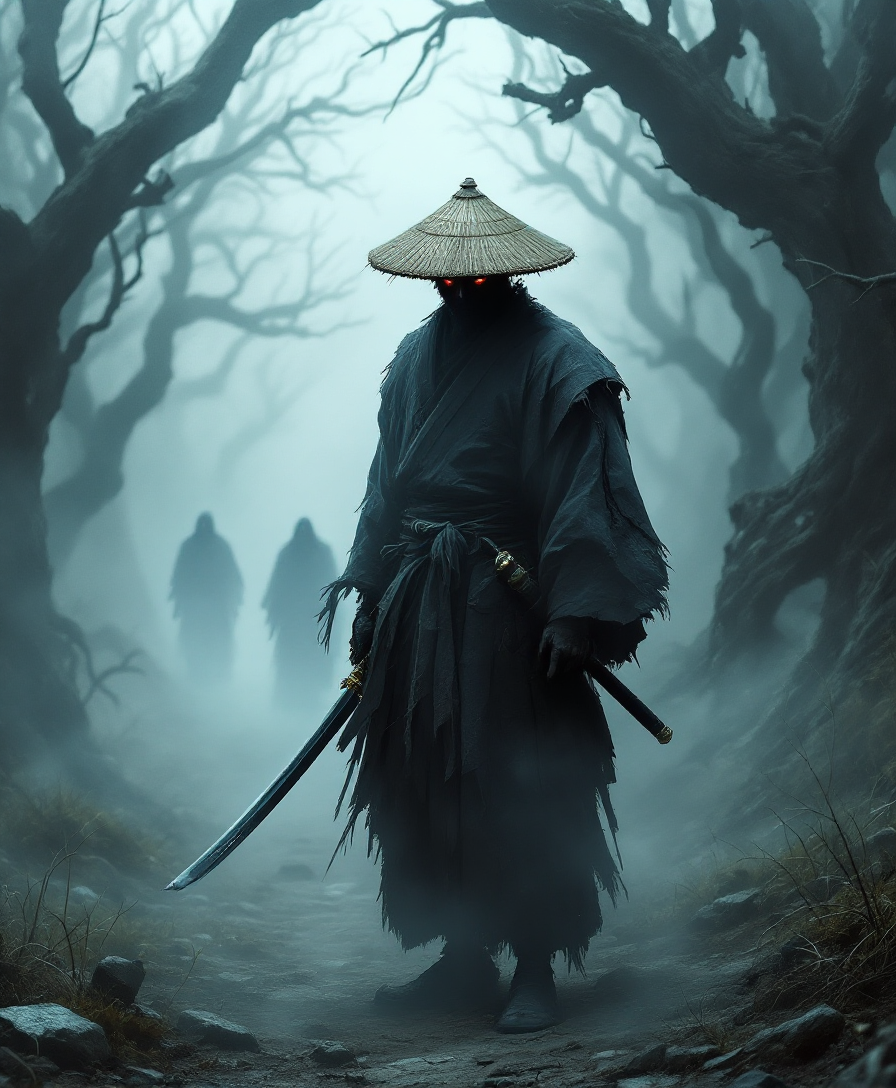
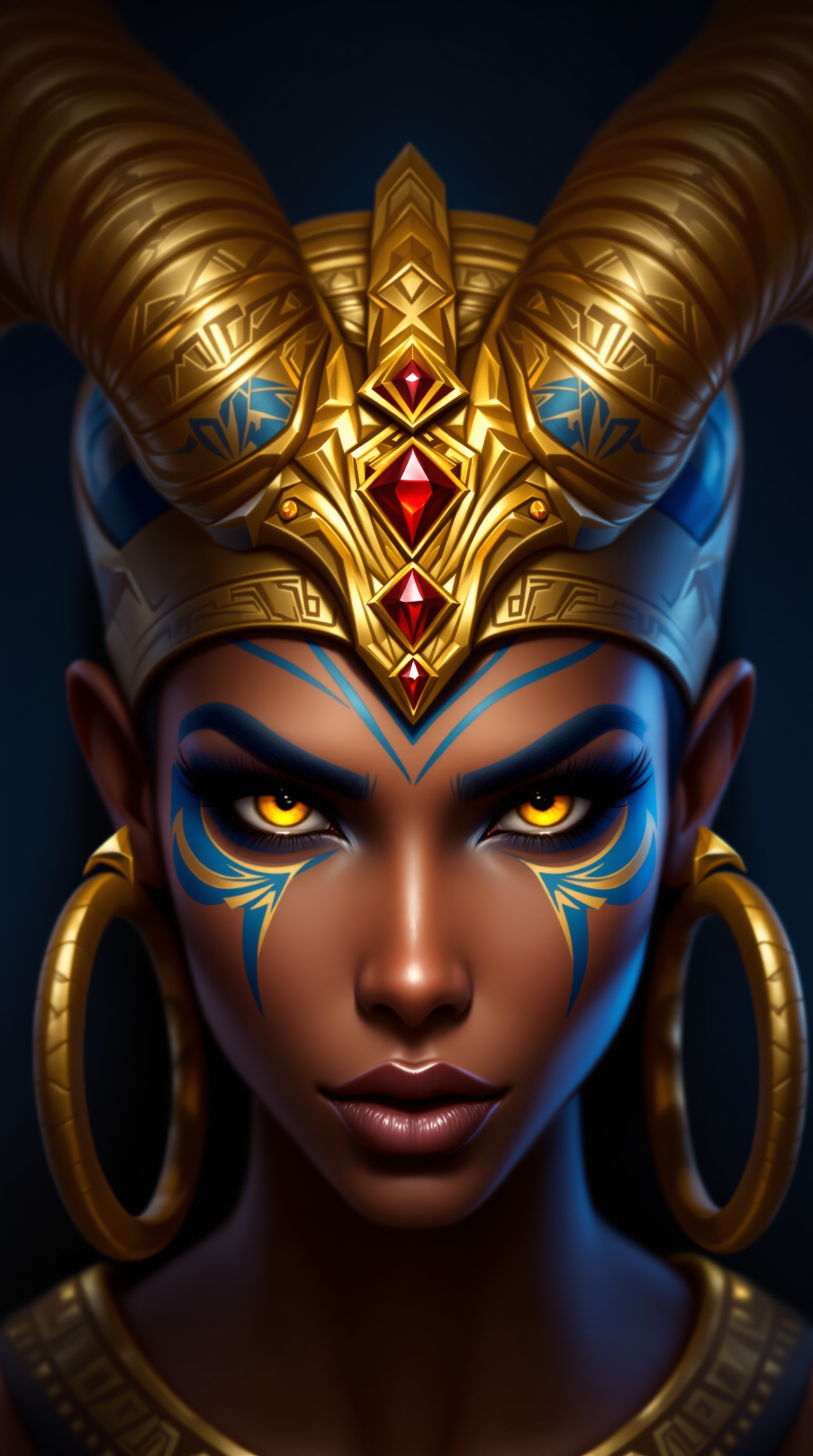
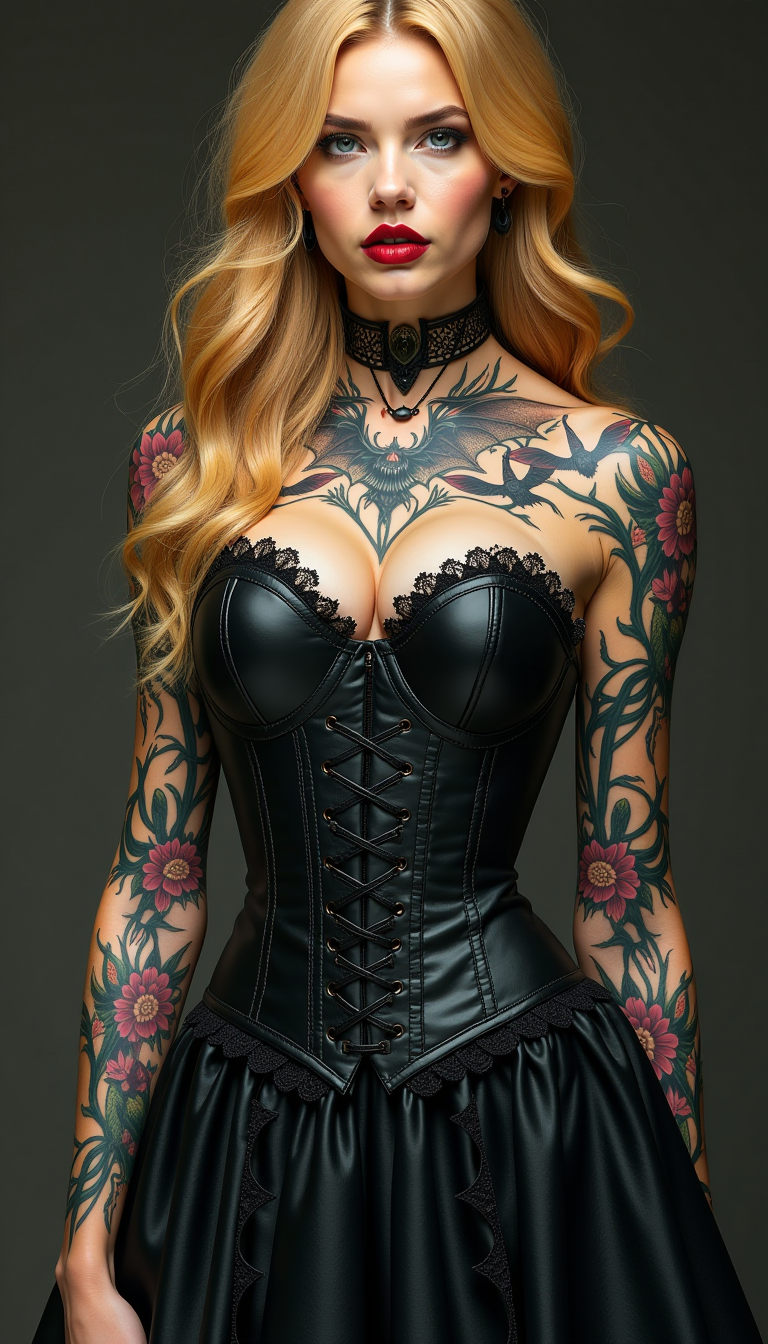


The Pixel Dojo Advantage
Why PixelDojo outperforms other options for AI video maker for creators
| Others | Pixel Dojo |
|---|---|
| Traditional video production | Cut costs by 90% and time from days to minutes—no cameras, crews, or studios needed with instant generation from text or images |
| Generic AI tools | Access 20+ specialized models like VEO 3.1 and Hailuo 2.3 for superior motion quality, character consistency, and edits tailored to creators |
| Manual video editing | Automate tedious tasks like lip sync, upscaling, and reframing, delivering broadcast-ready results 10x faster without learning curves |
Loved by creators on PixelDojo
Real feedback from people using PixelDojo, pulled from our in-product surveys.
Easy to use once you get the hang of it
Love it make anything I can think of so far
Great for all your ideas use it encourage more people to use it
Because it is awesome
exceptional quality and great overall design of platform and interface. very intuative. love the creative freedom.
Qwen image 2 is amazing!!
Explore more AI tools on PixelDojo
AI Tools
Compare & Switch
- Best AI Image Generators
- Best AI Video Generators
- Midjourney Alternatives
- Civitai Alternatives
- Runway Alternatives
- Leonardo Alternatives
- Pika Alternatives
- Luma Alternatives
- Magnific Alternatives
- Veo Alternatives
- Flux Alternatives
- Freepik Alternatives
- Seedance Alternatives
- Seedream Alternatives
- Pixverse Alternatives
- GPT Image Alternatives
- Synthesia Alternatives
- Playground Alternatives
- NightCafe Alternatives
- Canva AI Alternatives
- ElevenLabs Alternatives
- ComfyUI Alternatives
- Fal Alternatives
- Replicate Alternatives
Common Questions
Everything you need to know about ai video maker for creators
What is the best AI video maker for creators in 2024?
PixelDojo stands out as the top AI video maker for creators with 40+ tools like Kling Video, Seedance 2, and Grok Video. You get text-to-video, image-to-video, and advanced edits such as Lip Sync and Video Upscaler, all optimized for short-form content. Creators produce viral reels 5x faster, with consistent characters via Heygen Avatar, boosting engagement without production hassles.
How can I use AI video generation tools for YouTube content?
With PixelDojo, craft YouTube videos using Creator Studio or Runway for intros, explainers, or thumbnails-to-video. Start with a prompt, add Hailuo 2.3 for realistic motion, enhance with Video Autocaption for accessibility, and upscale to 4K. Thousands of creators scale channels effortlessly, hitting algorithm sweet spots.
What are the latest AI video creation techniques for social media?
Trends include reference-to-video with Kling Reference to Video and dynamic lip sync via Lip Sync tool. PixelDojo's WAN 2.7 Video excels at vertical formats for TikTok/Instagram. Achieve hyper-realistic avatars with OmniHuman and seamless merges—perfect for personalized creator content that trends.
Can I create consistent characters in AI videos for branding?
Yes, PixelDojo's WAN Video Character Swap, Kling Video Character Swap, and Consistent Characters ensure your avatar appears identically across videos. Train custom LoRAs or use Heygen Avatar for talking heads, maintaining brand trust while scaling output.
How does AI video editing work for beginners?
PixelDojo simplifies with one-click tools: extend clips via Grok Imagine Video Extend, reframe for platforms with Video Reframe, or polish reality with Reality Polisher on frames. No experience needed—edit Kling Video outputs directly, saving pros hours daily.
Is there a free AI video maker trial for content creators?
Absolutely—start free with PixelDojo's no-credit-card trial. Access all 40+ tools including PixVerse V6 and Seedance 2 Reference. Upgrade seamlessly for unlimited generations, with cancel-anytime subscriptions loved by creators worldwide.