create ai images
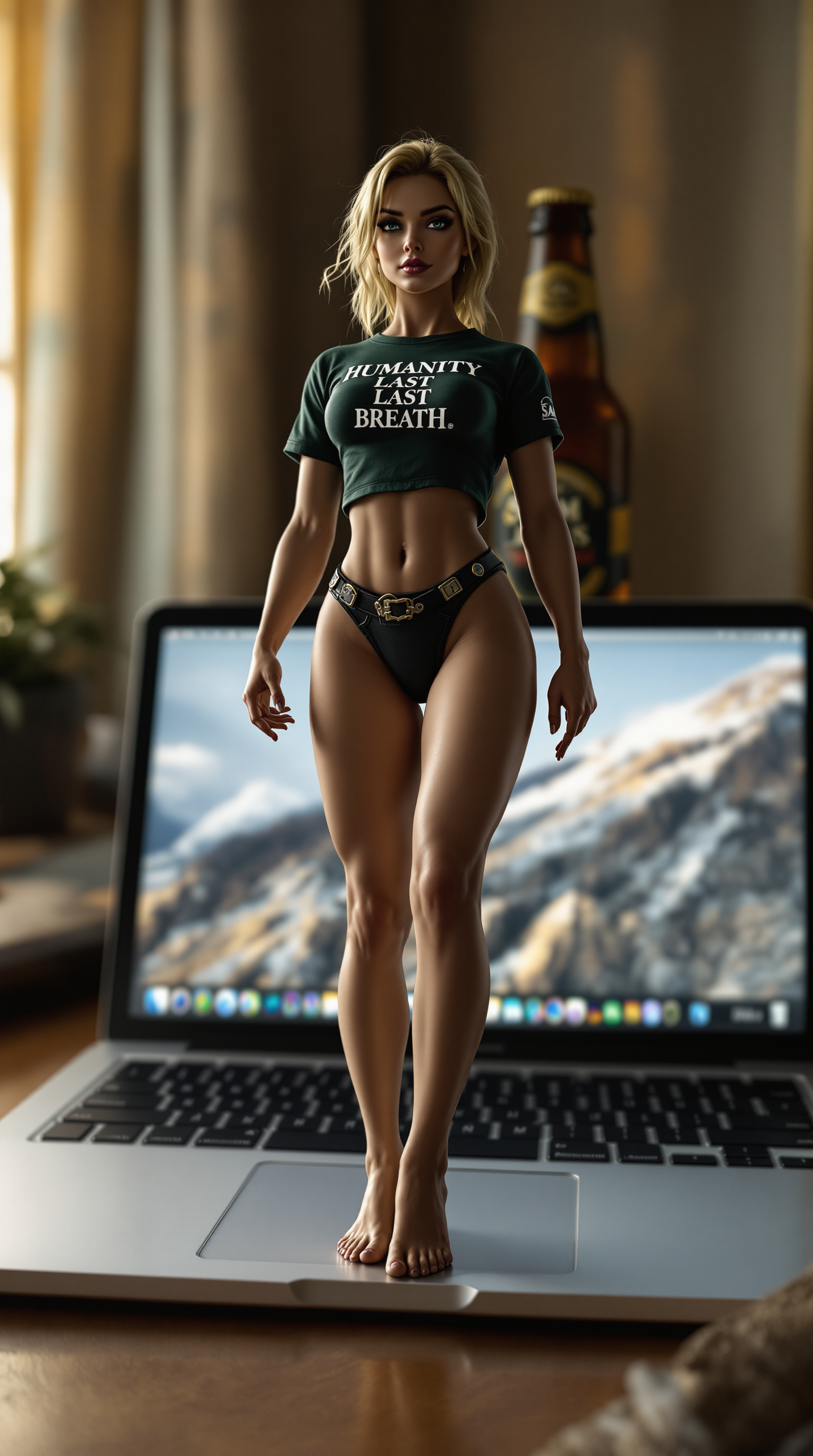
Imagine turning any idea into a polished, professional-quality image in under a minute. With PixelDojo, you can create eye-catching marketing visuals, consistent character portraits, product mockups, and artistic concepts without hiring designers or learning complex software. Whether you're launching a social campaign, building a brand identity, or exploring creative projects, our platform delivers high-resolution, on-brand results that captivate audiences and drive engagement. Focus on your vision while advanced models handle the technical magic, giving you more time to iterate, refine, and share.
Join over 50,000 creators who generated 10 million+ AI images last month. Average rating 4.9/5 from verified users. Trusted by freelancers, marketing teams, and enterprises worldwide for reliable, high-impact results.
Why Choose Pixel Dojo for create ai images
Professional-quality results with cutting-edge AI technology
Produce Marketing-Ready Visuals in Seconds
Generate photorealistic product shots, social media graphics, and campaign assets that look like they took hours of professional work. Use tools like Flux.2 Studio or GPT Image 2 to match your brand style perfectly every time.
Maintain Perfect Character Consistency
Create a single character once and reuse them across dozens of scenes, outfits, and poses with Consistent Characters and Ideogram Character tools. Ideal for stories, comics, or branded mascots that need a unified look.
Refine and Enhance Without Starting Over
Fix details, change backgrounds, adjust lighting, or upscale to 4K using Inpainting, Magic Lighting, Reality Polisher, and Creative Upscaler. Turn good generations into perfect finals effortlessly.
How It Works
Creating professional AI images with PixelDojo takes just three straightforward steps, leveraging the latest 2026 advancements in prompt adherence and editing workflows.
Step 1: Choose Your Tool
Browse our curated selection and pick the best model for your goal. Flux.2 Studio excels at photorealism and detail, Ideogram 4 leads in accurate text rendering, Google Nano Banana delivers fast character consistency, and GPT Image 2 handles complex compositions with ease.
Step 2: Enter Your Prompt
Describe your vision clearly: subject, style, lighting, composition, and mood. For best results in 2026, include specifics like 'hyper-realistic 4K product photo, soft window lighting, shallow depth of field, neutral color palette.' Reference images or previous generations can further guide the output.
Step 3: Customize & Download
Review results and refine instantly with Image to Image, Inpainting for targeted edits, Style Transfer, Background Remover, or Smart Resize. Upscale with P-Image Upscale or Magnific Upscaler for print-ready quality, then download in your preferred format.
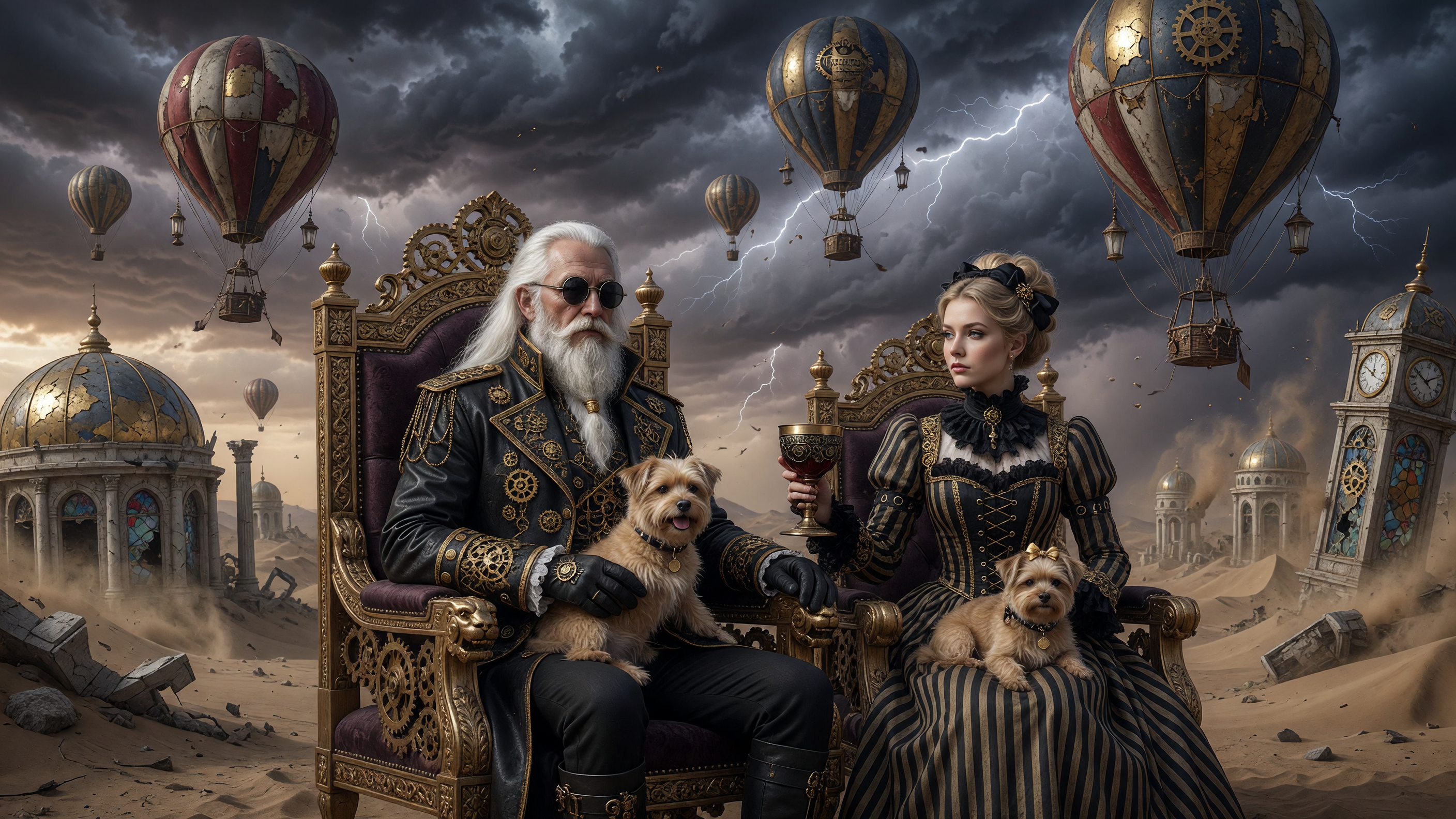
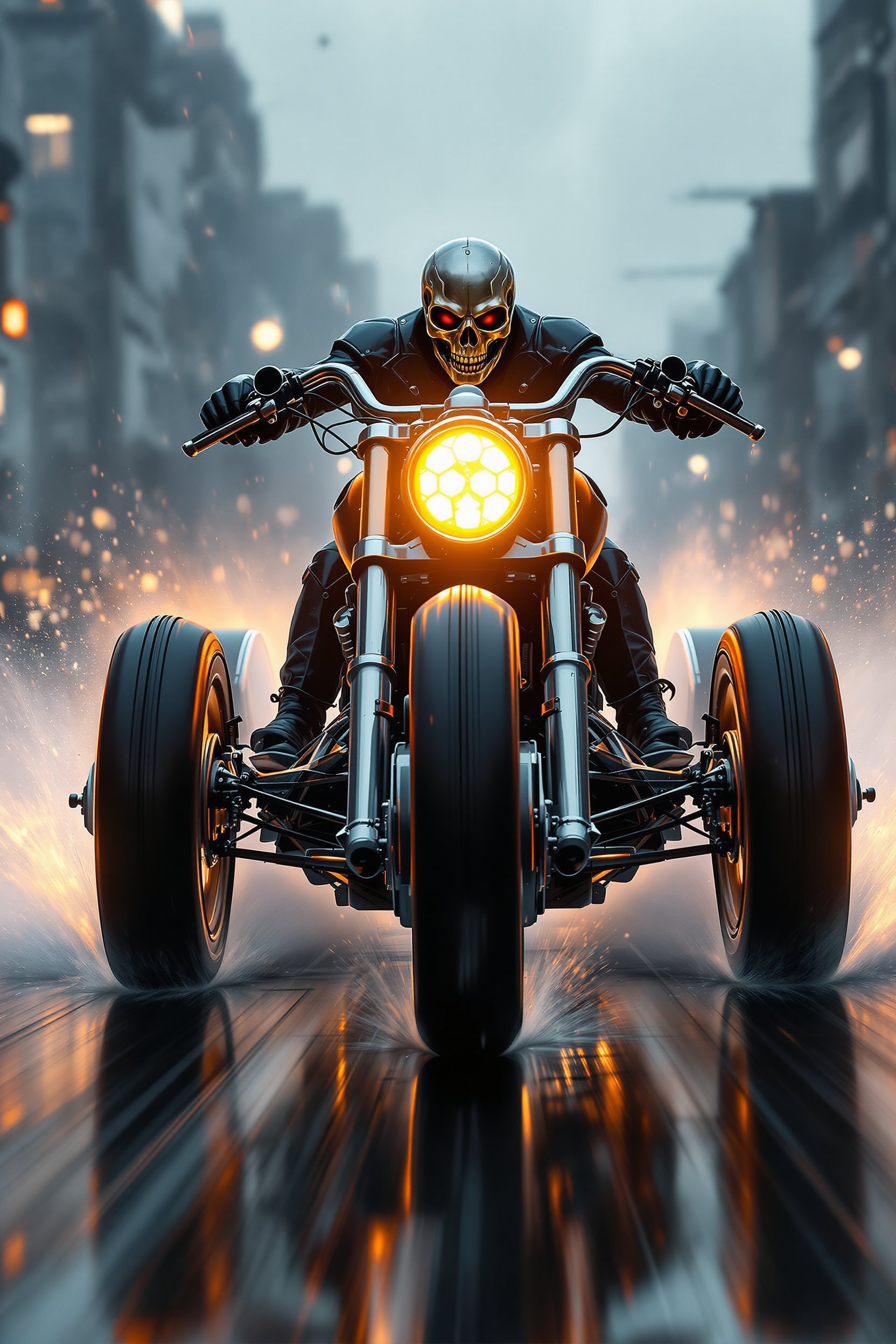
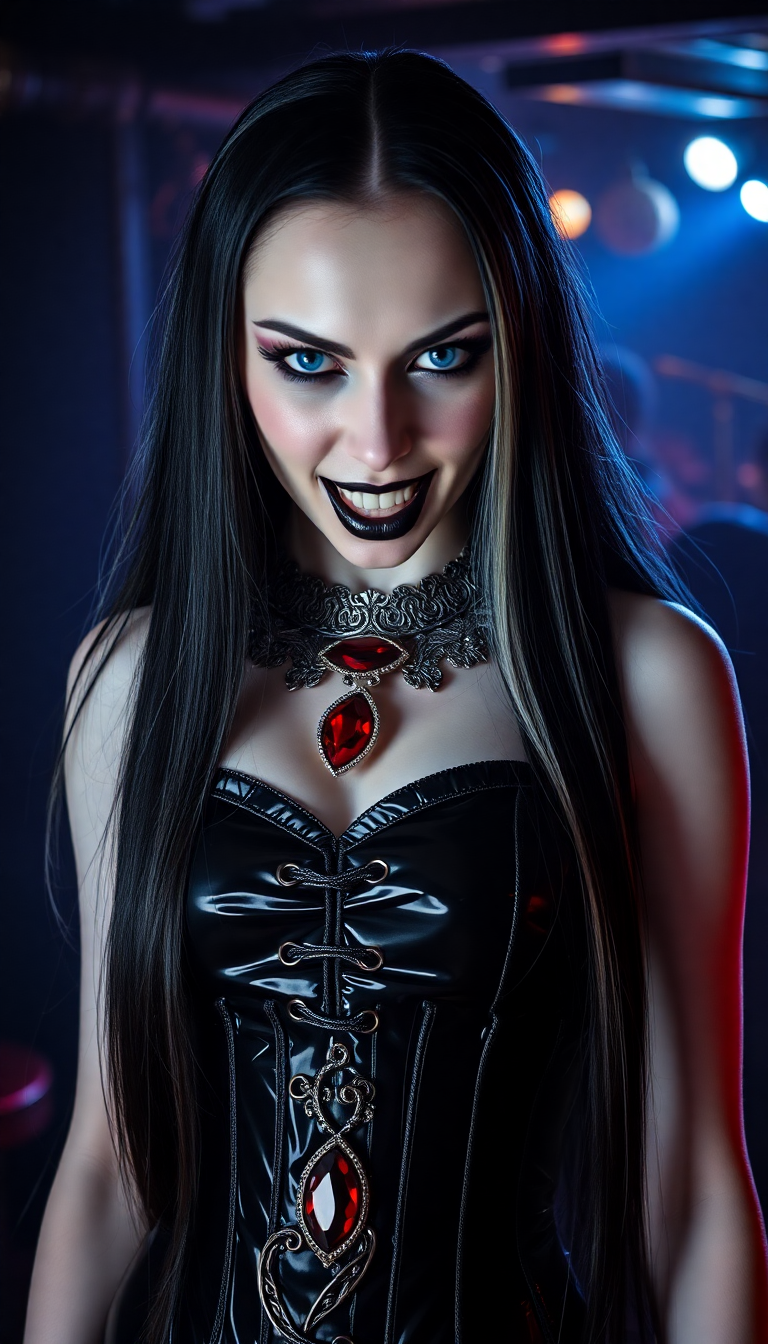
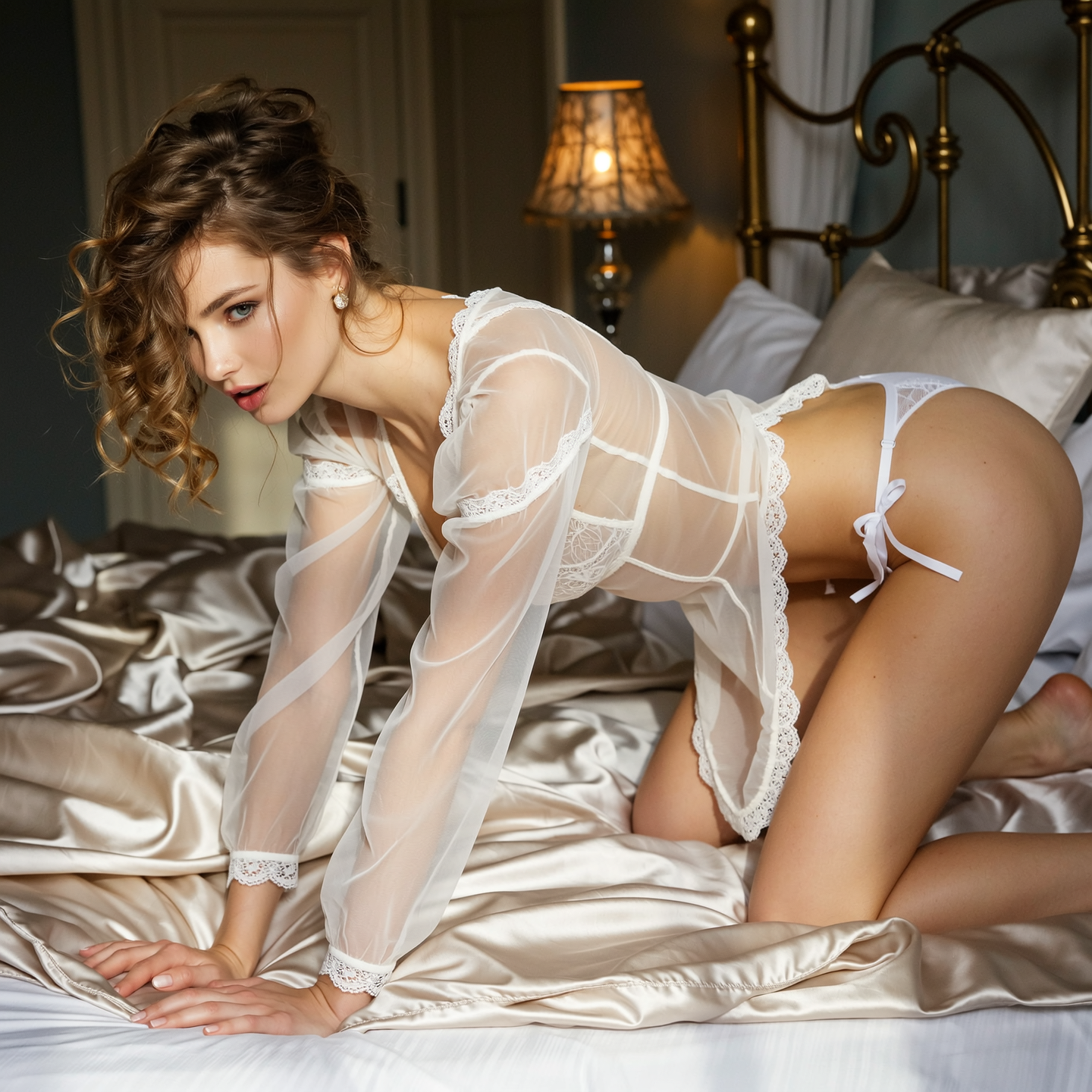
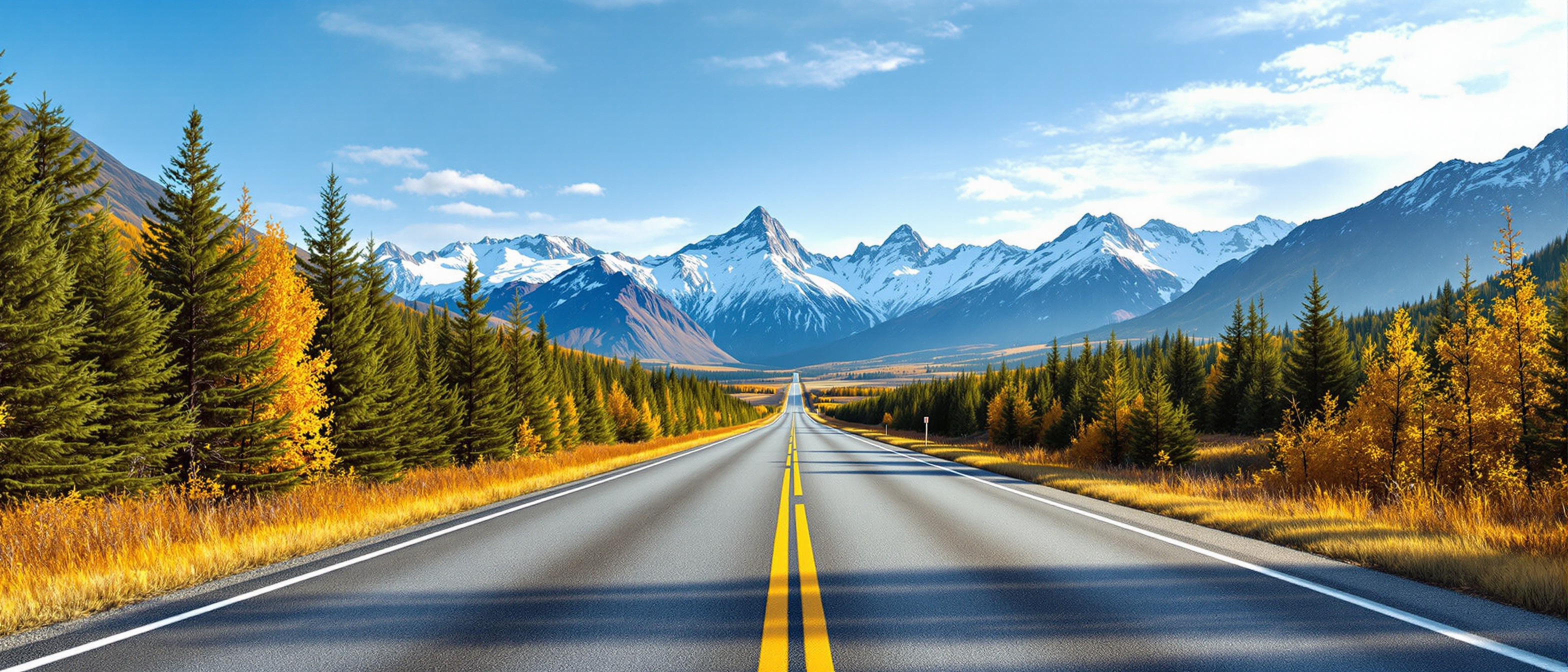
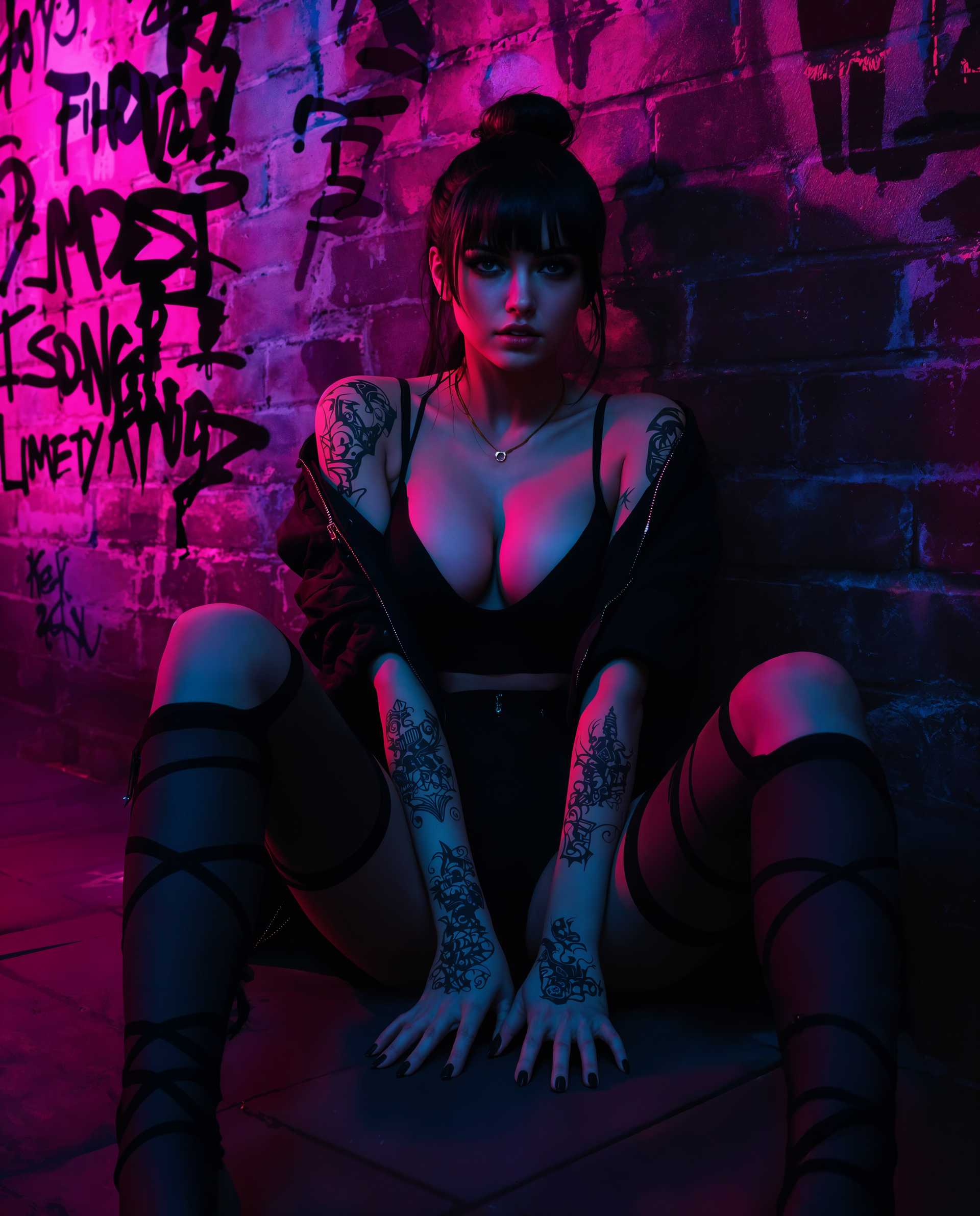
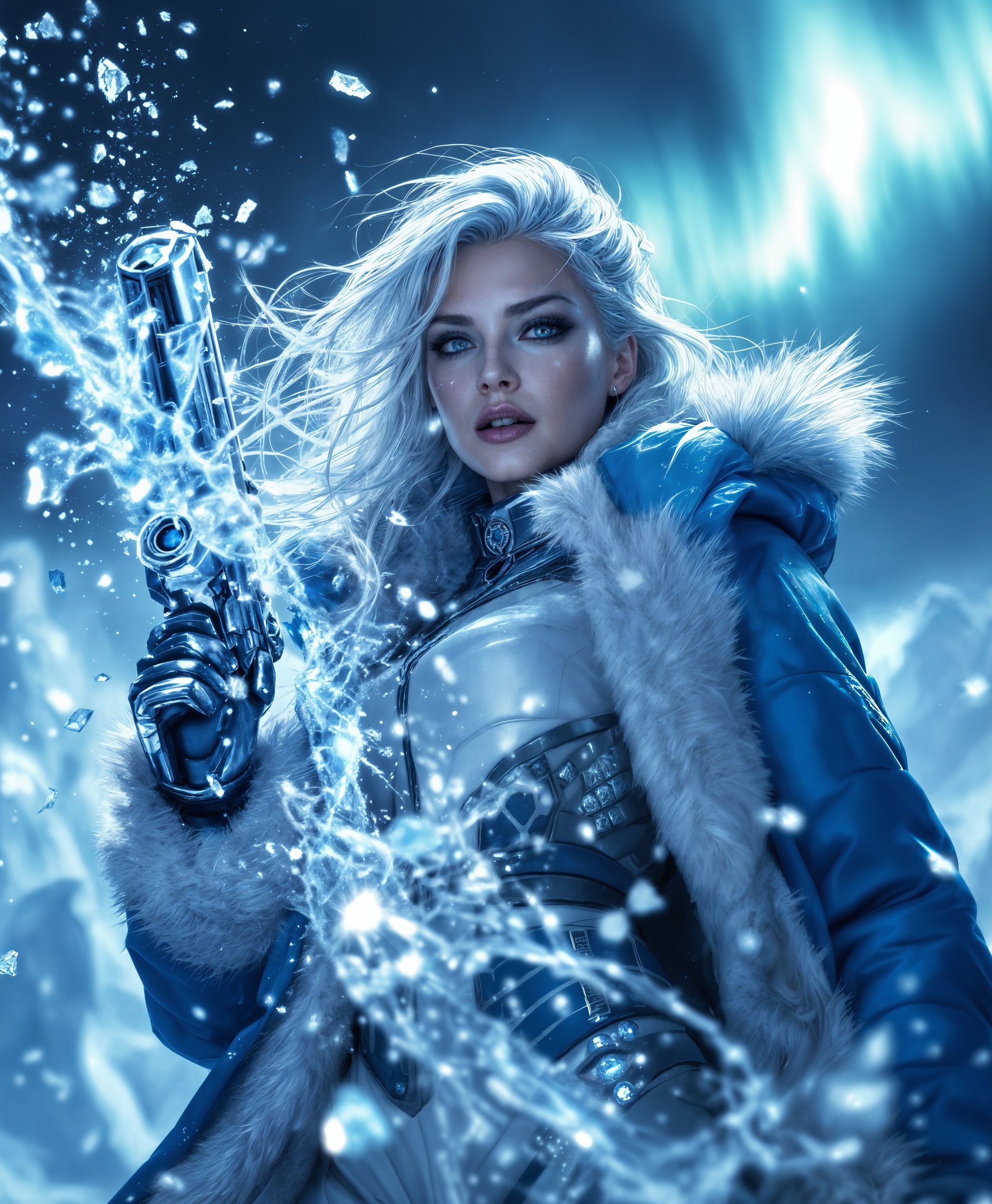
The Pixel Dojo Advantage
Why PixelDojo outperforms other options for AI image generation
| Others | Pixel Dojo |
|---|---|
| Traditional image creation | Skip weeks of sketching, shooting, or hiring specialists. Generate and iterate dozens of concepts in the time it takes to brief a designer. |
| Generic AI tools | Access 40+ specialized models in one workspace with seamless editing, consistent character tools, and commercial-friendly outputs tailored for real-world use. |
| Manual photo editing | Automate complex tasks like lighting correction, background changes, and upscaling while preserving creative control through intuitive AI-assisted workflows. |
Loved by creators on PixelDojo
Real feedback from people using PixelDojo, pulled from our in-product surveys.
Because it is awesome
exceptional quality and great overall design of platform and interface. very intuative. love the creative freedom.
Qwen image 2 is amazing!!
Creative freedom, range of tools and options.
I love the training feature
the quality is the best
Explore more AI tools on PixelDojo
AI Tools
Compare & Switch
- Best AI Image Generators
- Best AI Video Generators
- Midjourney Alternatives
- Civitai Alternatives
- Runway Alternatives
- Leonardo Alternatives
- Pika Alternatives
- Luma Alternatives
- Magnific Alternatives
- Veo Alternatives
- Flux Alternatives
- Freepik Alternatives
- Seedance Alternatives
- Seedream Alternatives
- Pixverse Alternatives
- GPT Image Alternatives
- Synthesia Alternatives
- Playground Alternatives
- NightCafe Alternatives
- Canva AI Alternatives
- ElevenLabs Alternatives
- ComfyUI Alternatives
- Fal Alternatives
- Replicate Alternatives
Common Questions
Everything you need to know about create ai images
How to create consistent character AI images with PixelDojo in 2026?
Use the Consistent Characters tool combined with Ideogram Character or Flux.2 Studio. Generate your base character once, then reference it in new prompts or use the dedicated character tools to maintain facial features, clothing style, and proportions across multiple scenes. This is perfect for storytelling series or brand campaigns.
What are the best techniques for text in AI generated images 2026?
Choose Ideogram 4 or GPT Image 2 for superior text rendering. Craft prompts that specify exact wording, font style, placement, and integration with the scene. Follow up with targeted Inpainting edits if needed. PixelDojo's models handle legible, context-aware text far better than older generators.
How can I generate photorealistic product photos using AI image tools?
Select Flux.2 Studio or Google Nano Banana for photorealism. Write detailed prompts including lighting (e.g., soft natural window light), materials, angles, and environment. Use Reality Polisher and Creative Upscaler afterward to enhance sharpness and 4K quality for e-commerce or marketing use.
Is it possible to edit existing photos into AI style with PixelDojo?
Yes, upload your photo and use Image to Image, Style Transfer, or Magic Lighting tools. Combine with Inpainting to replace backgrounds or elements, then apply Portrait Upscaler or Clarity Pro for professional polish. This hybrid workflow blends real photos with AI creativity seamlessly.
What AI image generation trends should creators follow in 2026?
Focus on consistent characters, usable text integration, iterative editing workflows, and 4K+ outputs. Popular styles include hyper-realistic headshots, action figure aesthetics, retro Polaroid effects, and branded visual identities. PixelDojo's tools like WAN Image, Recraft V4.1, and Bria 3.2 keep you ahead of these trends.
How do I get started creating AI images for marketing campaigns?
Begin with GPT Image 2 or Flux.2 Studio for campaign concepts. Generate variations quickly, refine with Background Remover and Smart Resize for different formats, then upscale. Many users report completing full campaign asset sets in under an hour using PixelDojo's integrated editing suite.