krea ai
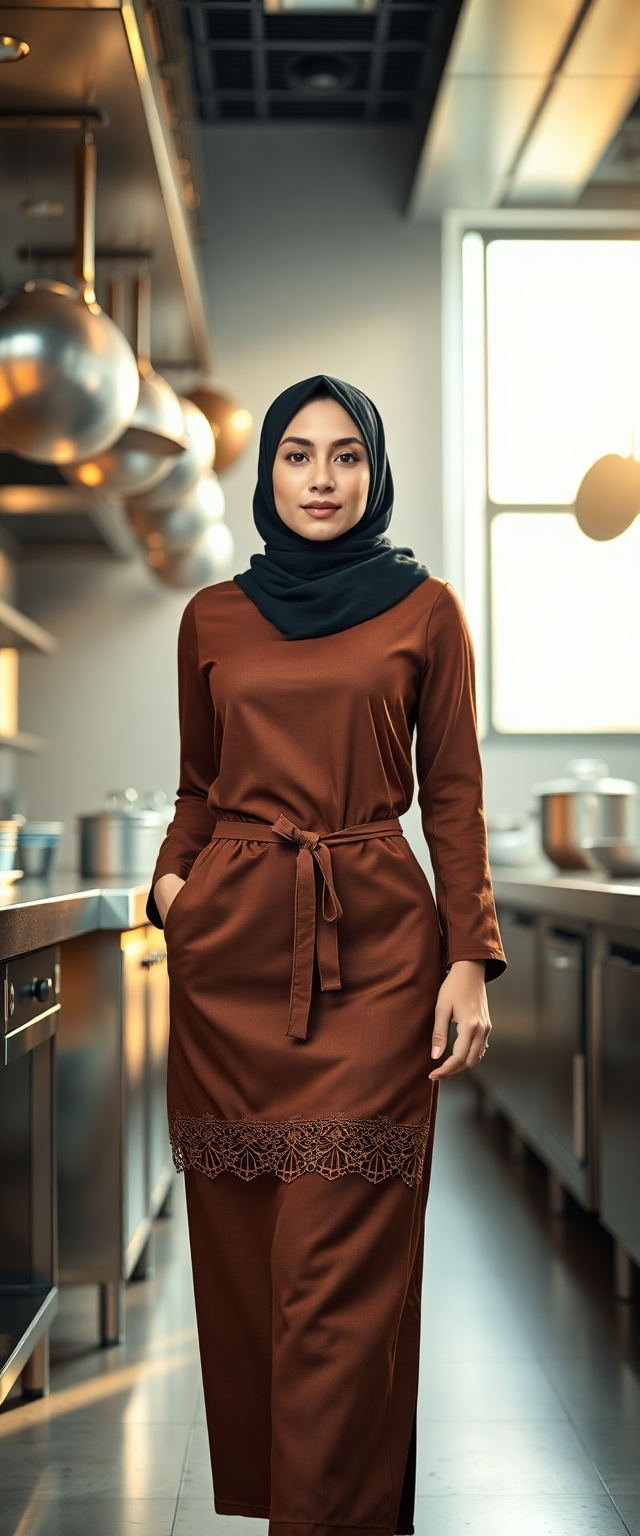
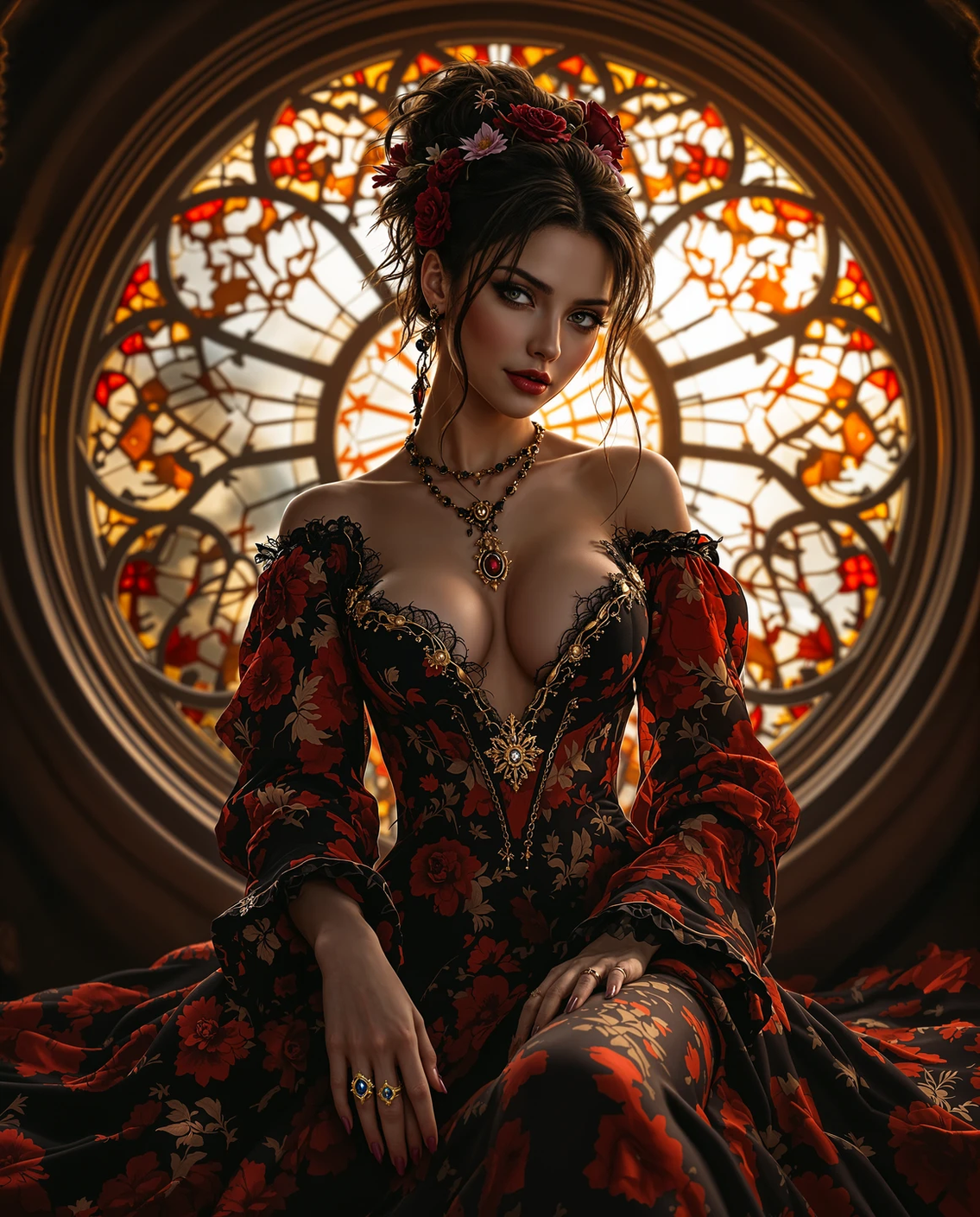
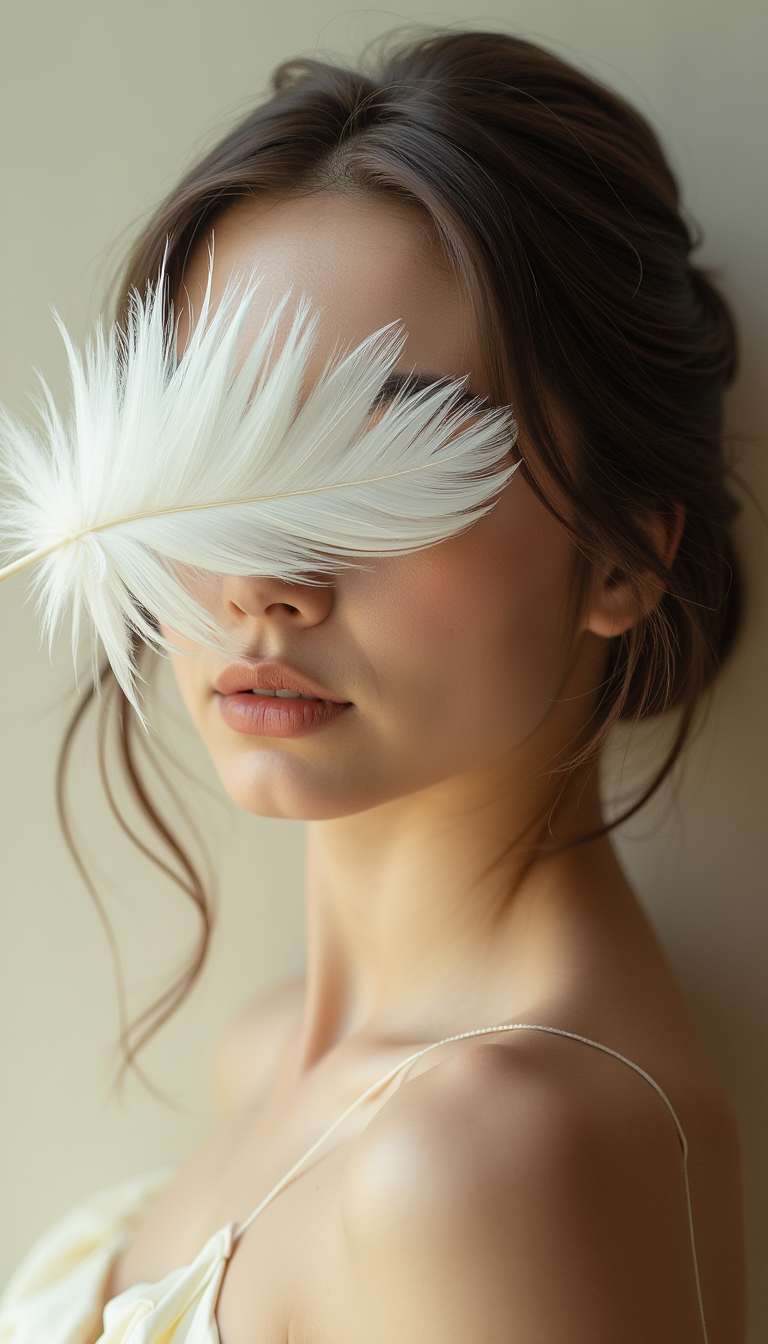
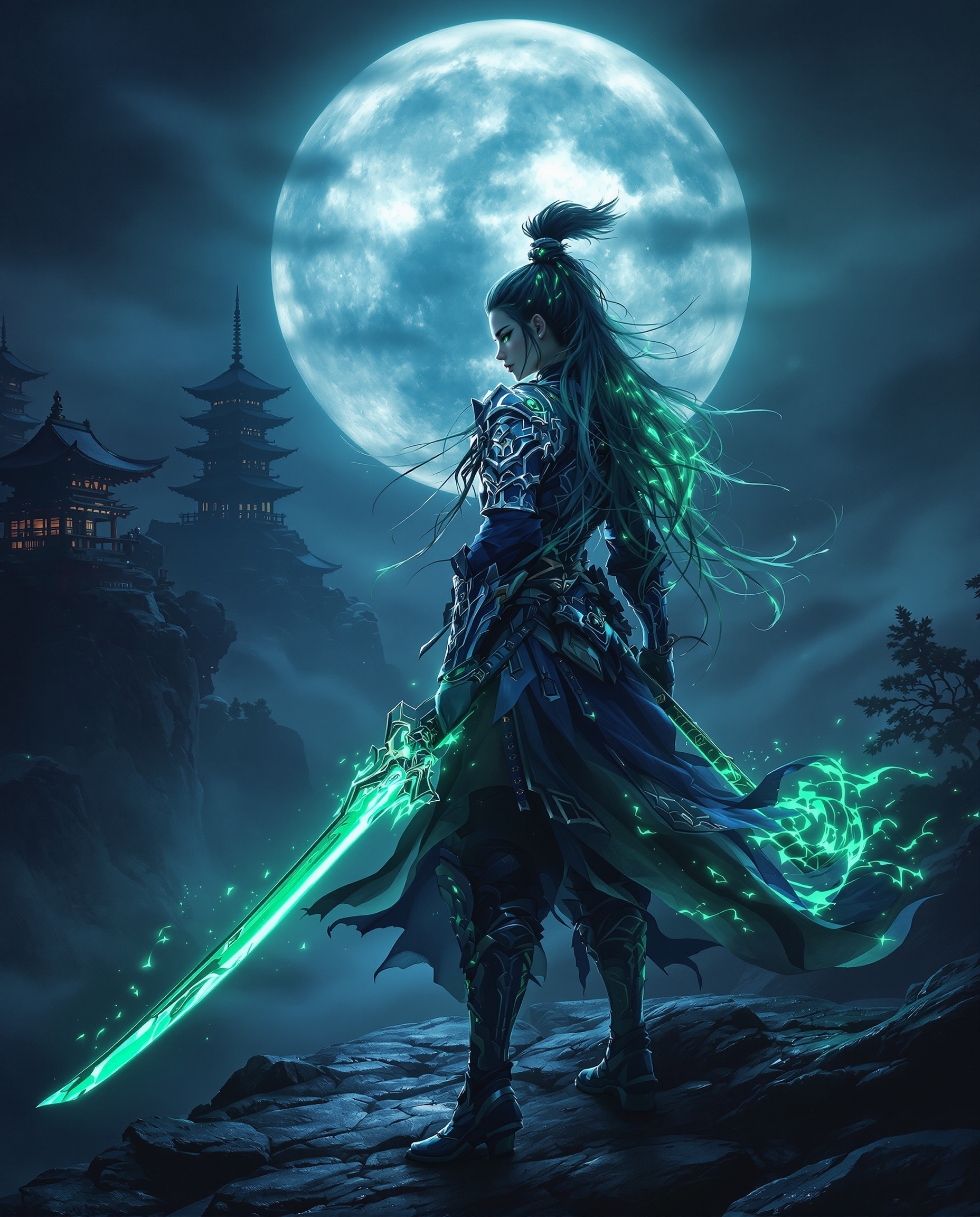
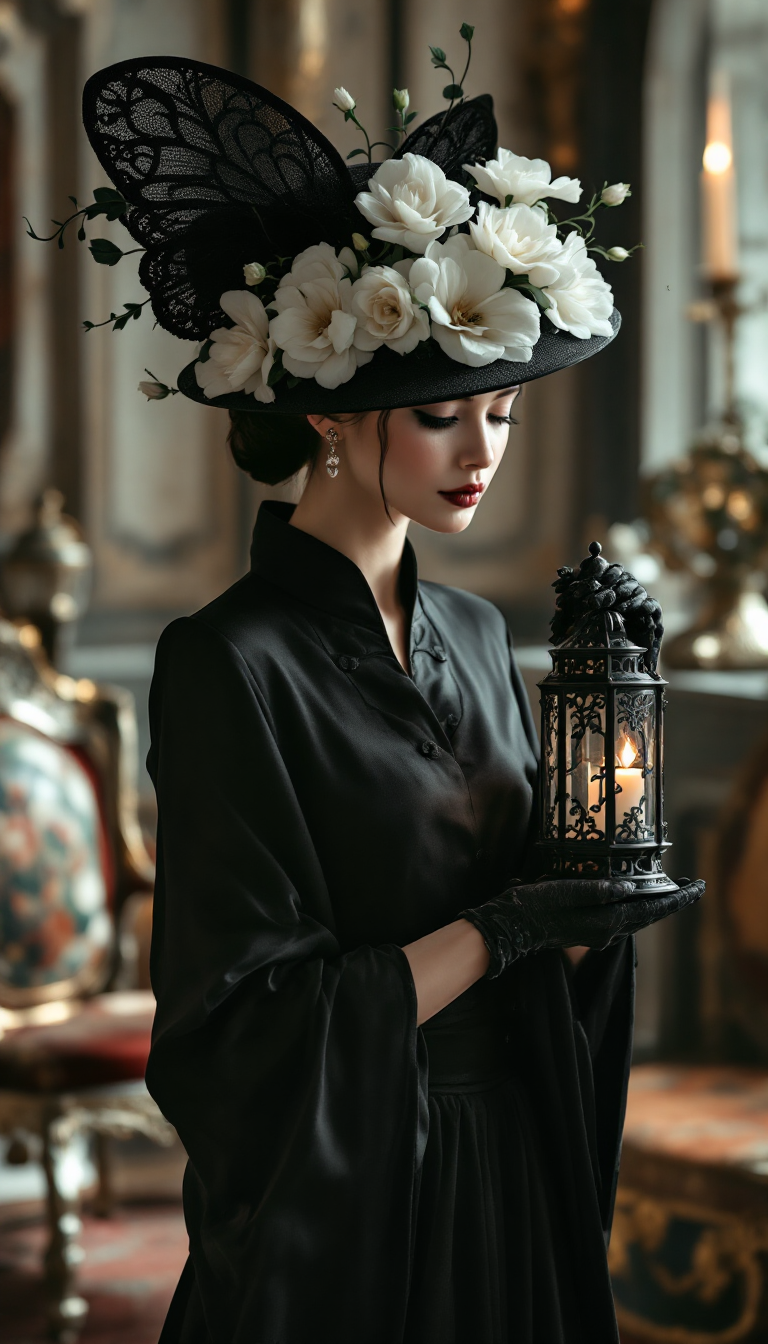
Imagine turning every creative spark into polished, gallery-worthy images without spending hours tweaking settings or learning complex software. PixelDojo empowers you to achieve the signature Krea AI aesthetic—rich style fidelity, expressive compositions, and seamless artistic control—right from your browser. Whether you're a designer refining brand visuals, a content creator building consistent character worlds, or a marketer needing scroll-stopping graphics, you can generate professional results that elevate your projects and captivate audiences in minutes, not days.
Loved by 50,000+ creators worldwide. 4.9/5 average rating from thousands of reviews. Over 2 million Krea-style images generated this month alone. Cancel anytime, no long-term commitments required.
Why Choose Pixel Dojo for krea ai
Professional-quality results with cutting-edge AI technology
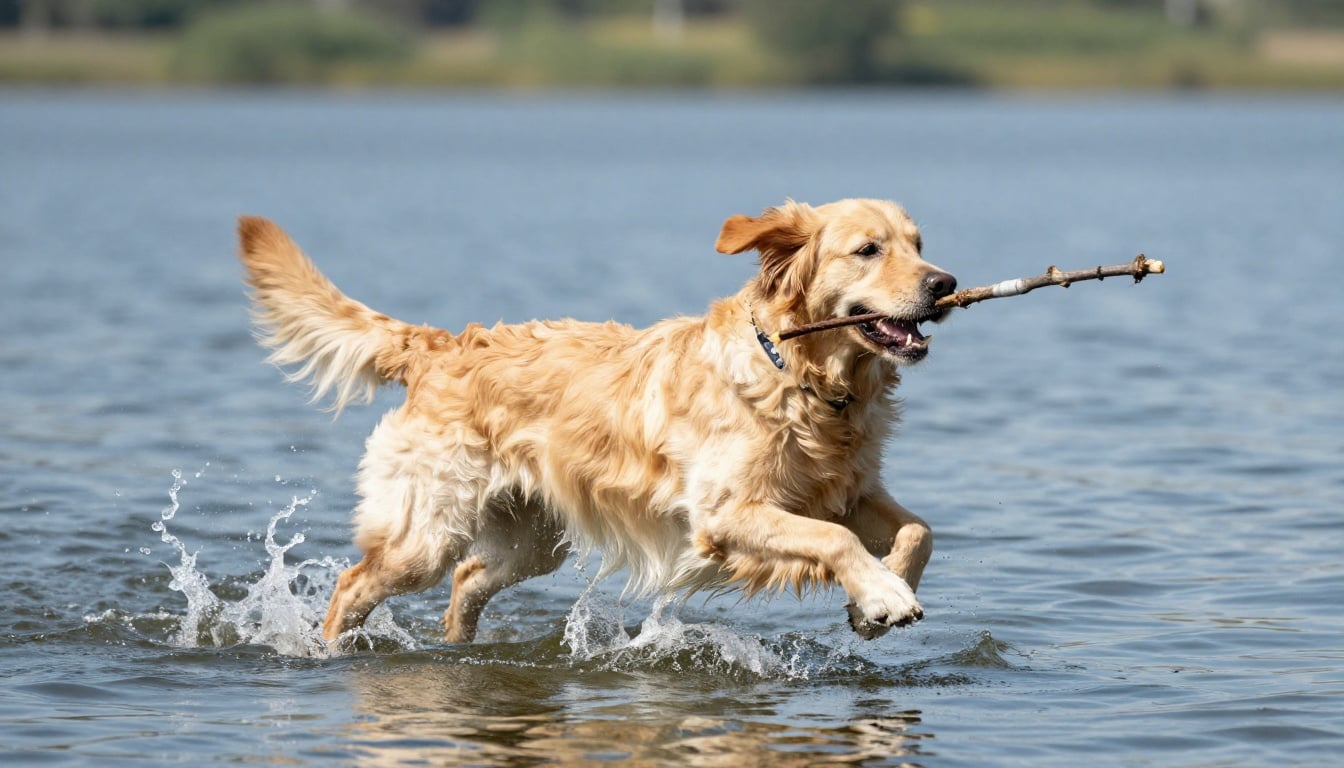
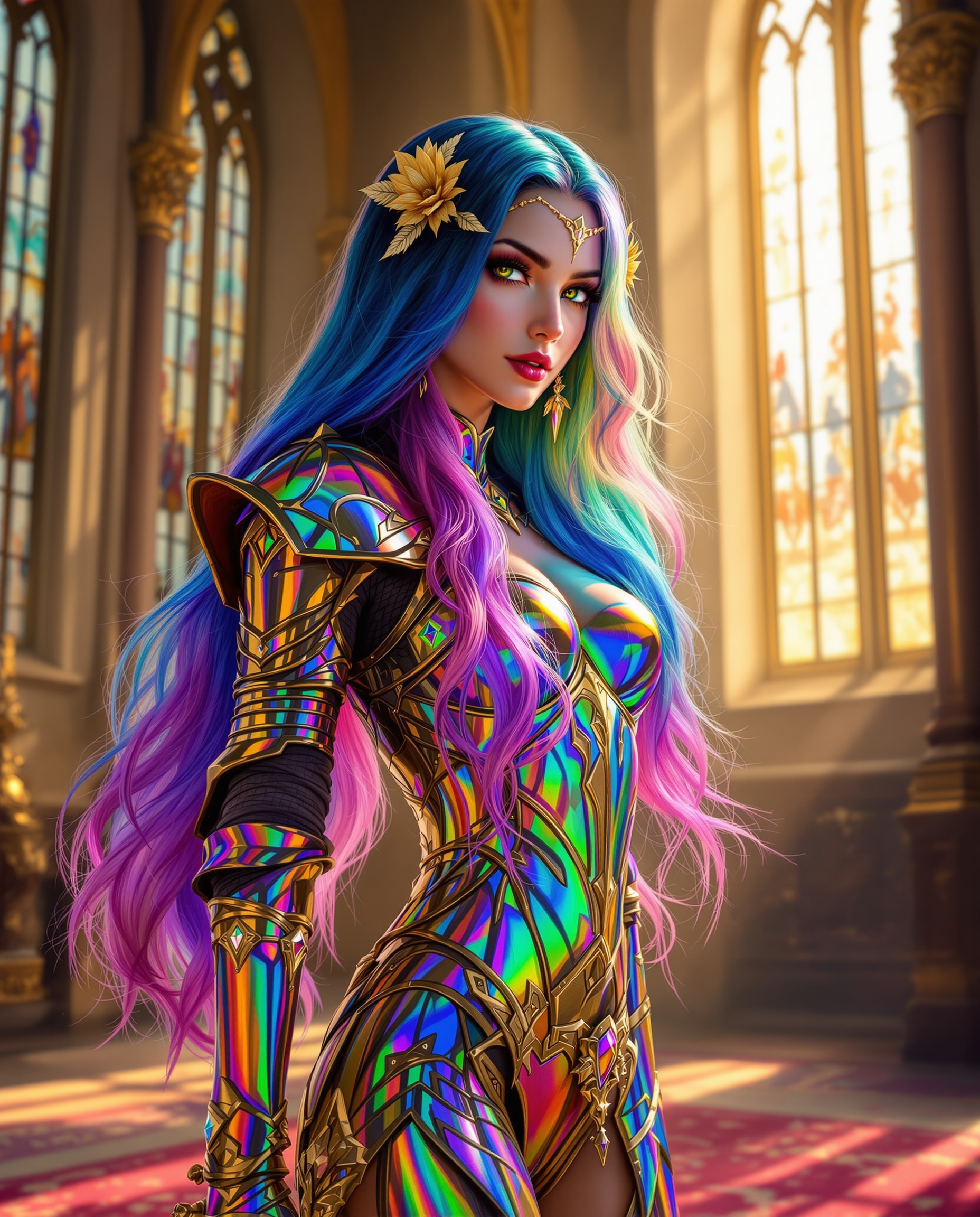
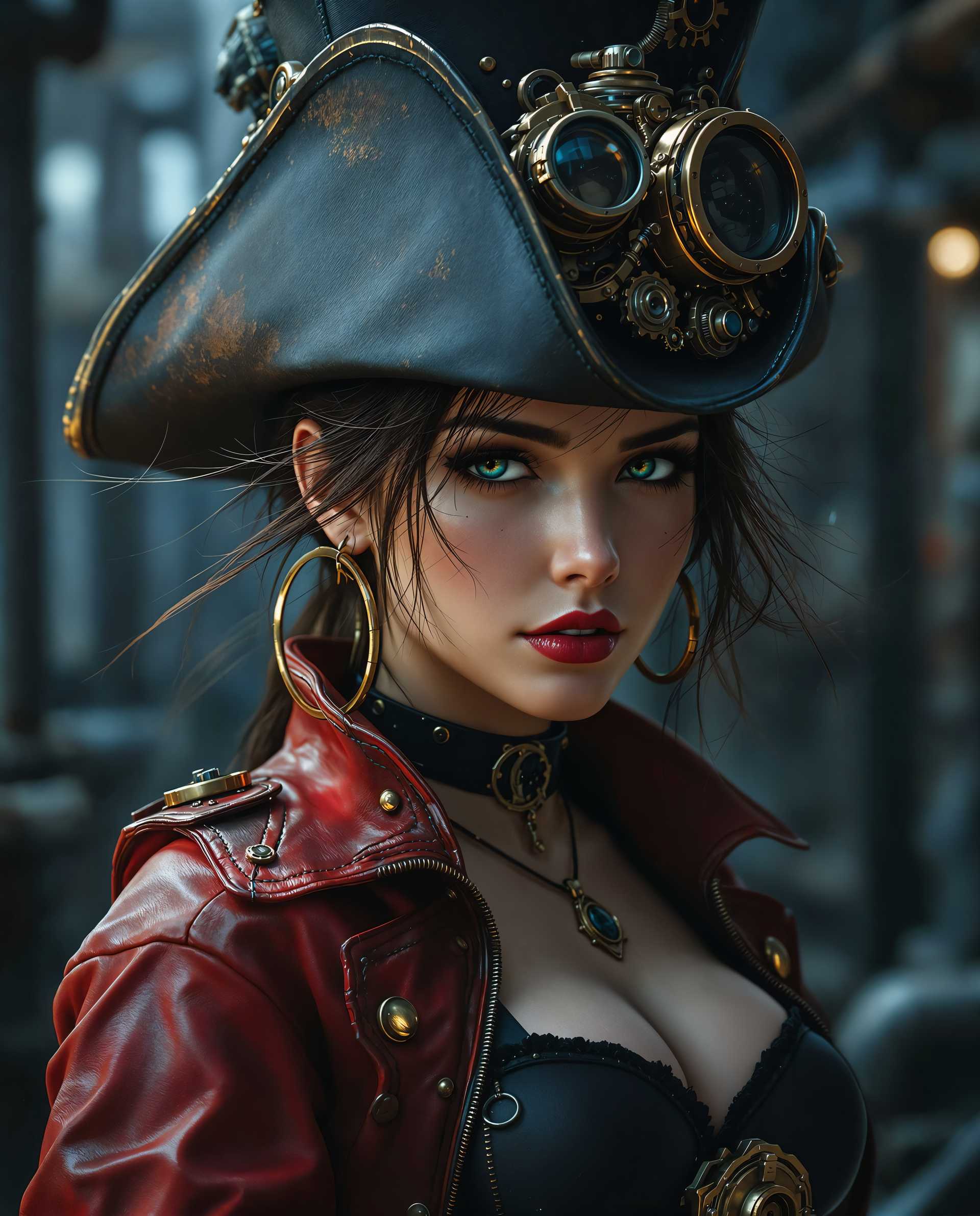
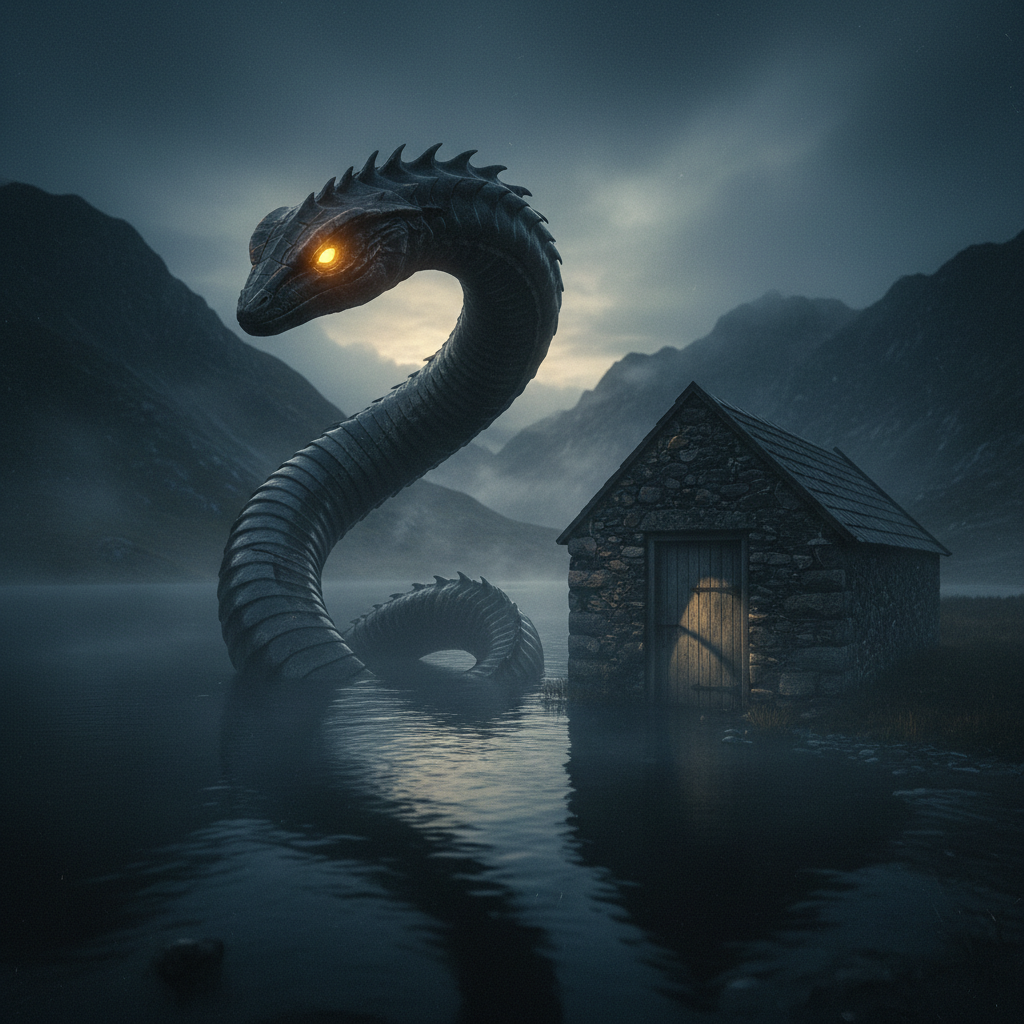
Master Stunning Aesthetics Instantly
Produce images with the refined, high-end visual language of Krea AI—balanced compositions, evocative mood, and artistic depth that make your work stand out in portfolios, campaigns, and social feeds.
Iterate and Refine in Real Time
Experiment with prompts, styles, and references on the fly to discover perfect variations quickly, helping you land on breakthrough concepts faster and with less frustration.
Achieve Consistent, Professional Quality
Maintain flawless style transfer and visual coherence across multiple images, enabling you to build cohesive collections, brand identities, or story sequences effortlessly.
How It Works
Getting started with Krea AI-inspired image generation on PixelDojo takes just three simple steps—no technical expertise needed.
Step 1: Choose Your Tool
Select Krea V2 for signature aesthetic focus and style transfer power, or pair it with Flux.2 Studio for versatile high-fidelity generation and Ideogram 4 for crisp text integration.
Step 2: Enter Your Prompt
Describe your vision in natural language, add style references or mood descriptions, and generate multiple variations instantly to explore creative directions.
Step 3: Customize & Download
Use PixelDojo's Image to Image, Style Transfer, or Magic Lighting tools to refine outputs, then upscale with P-Image Upscale or Creative Upscaler for print-ready quality before downloading.
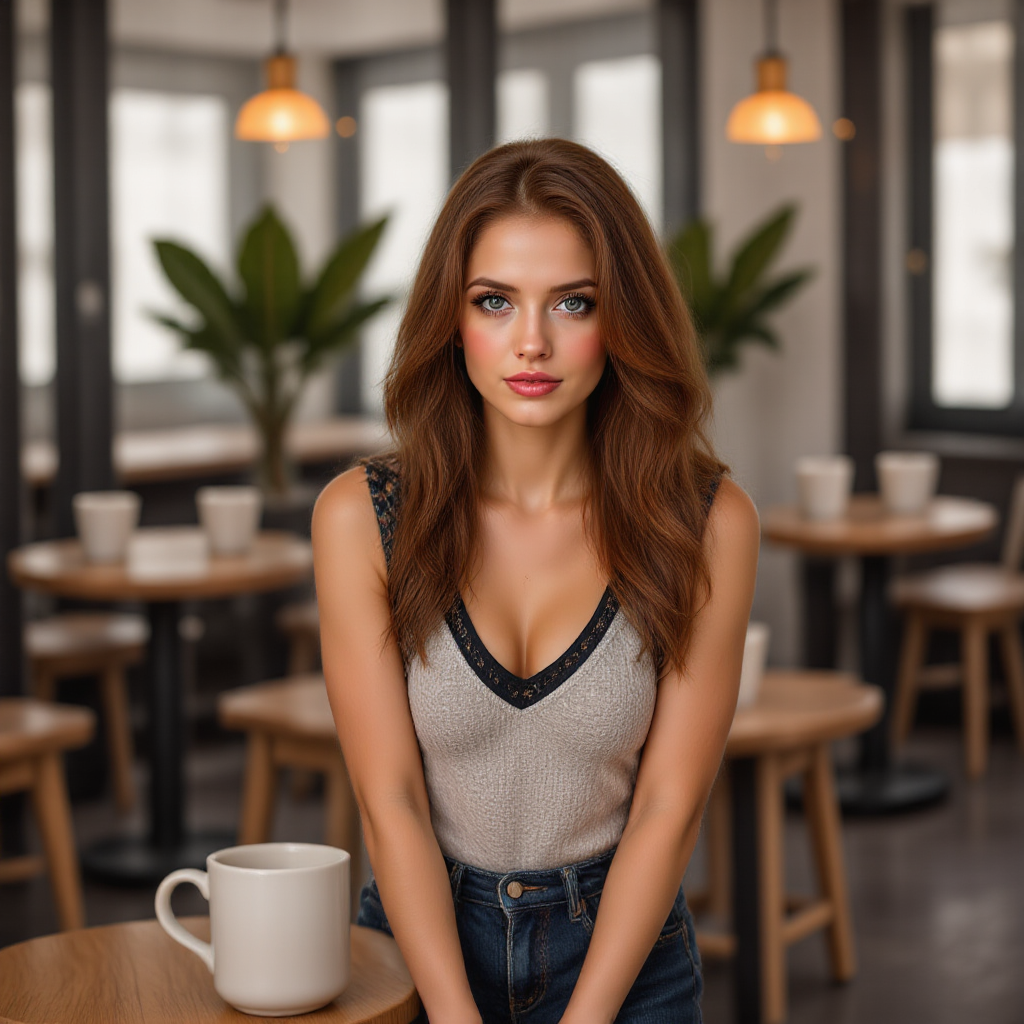
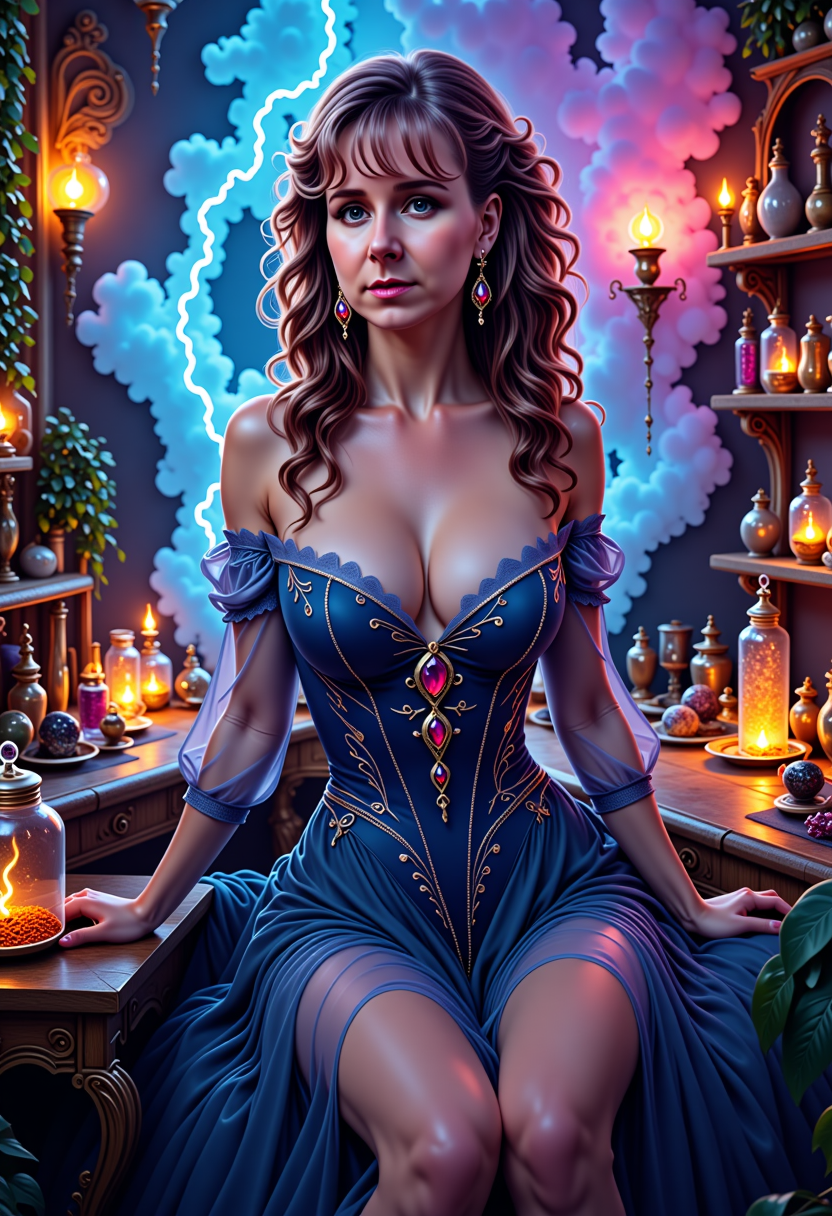
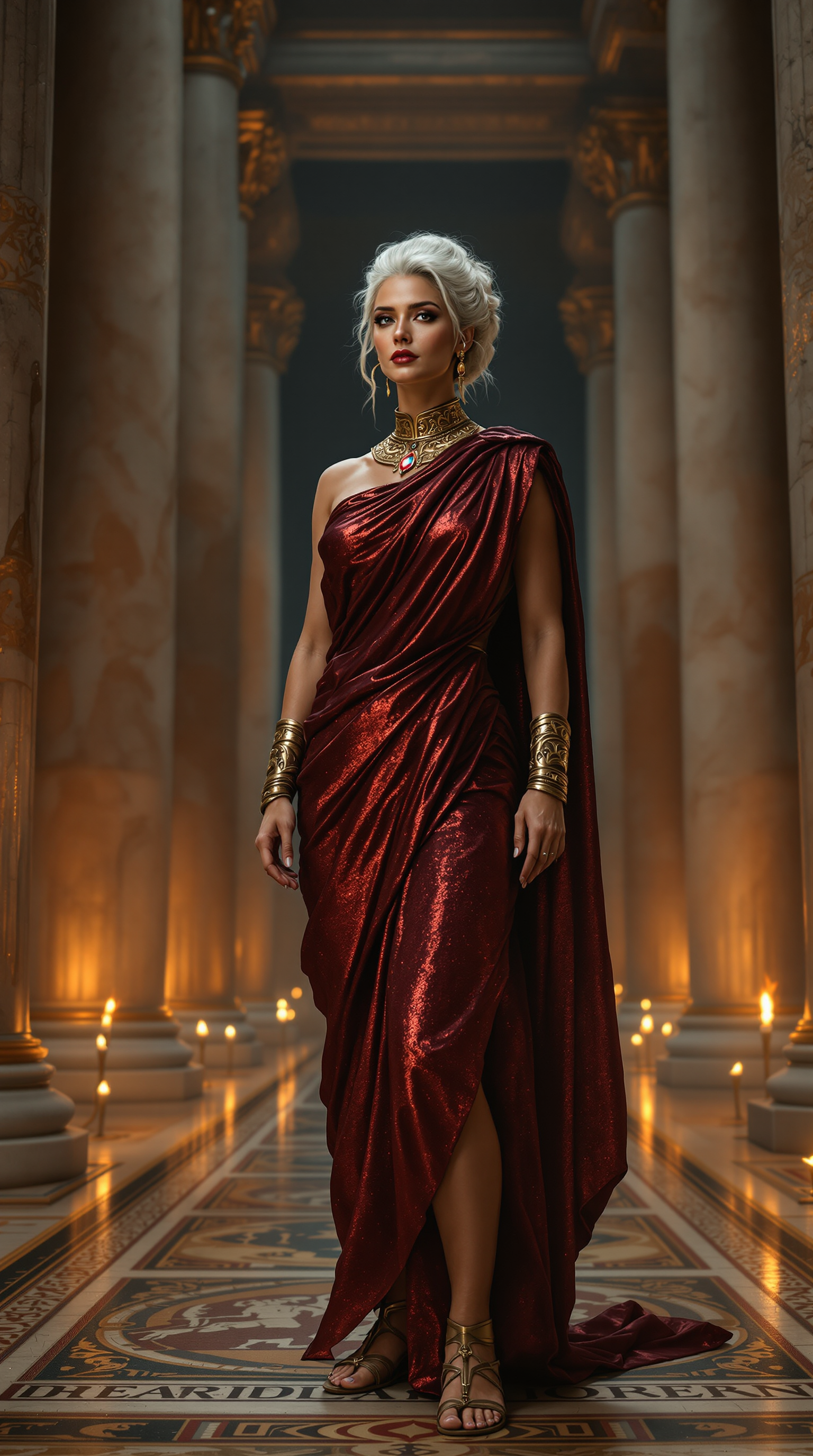
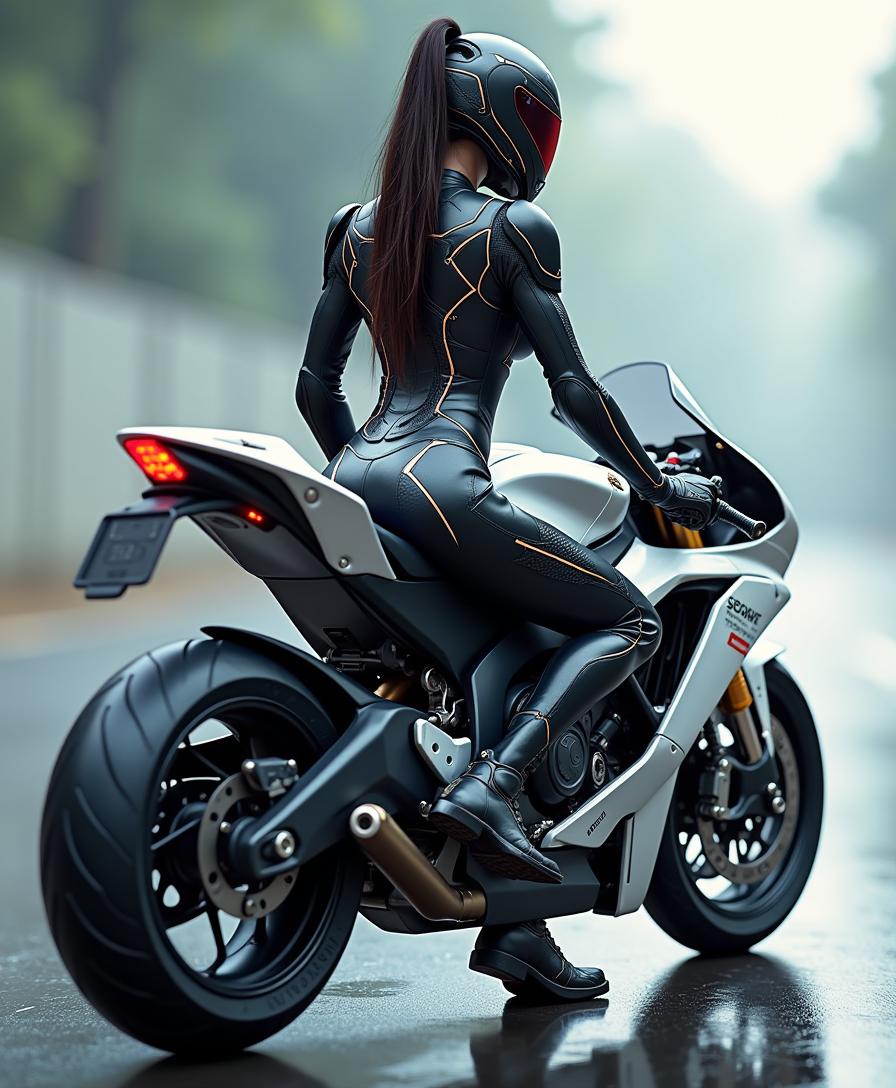
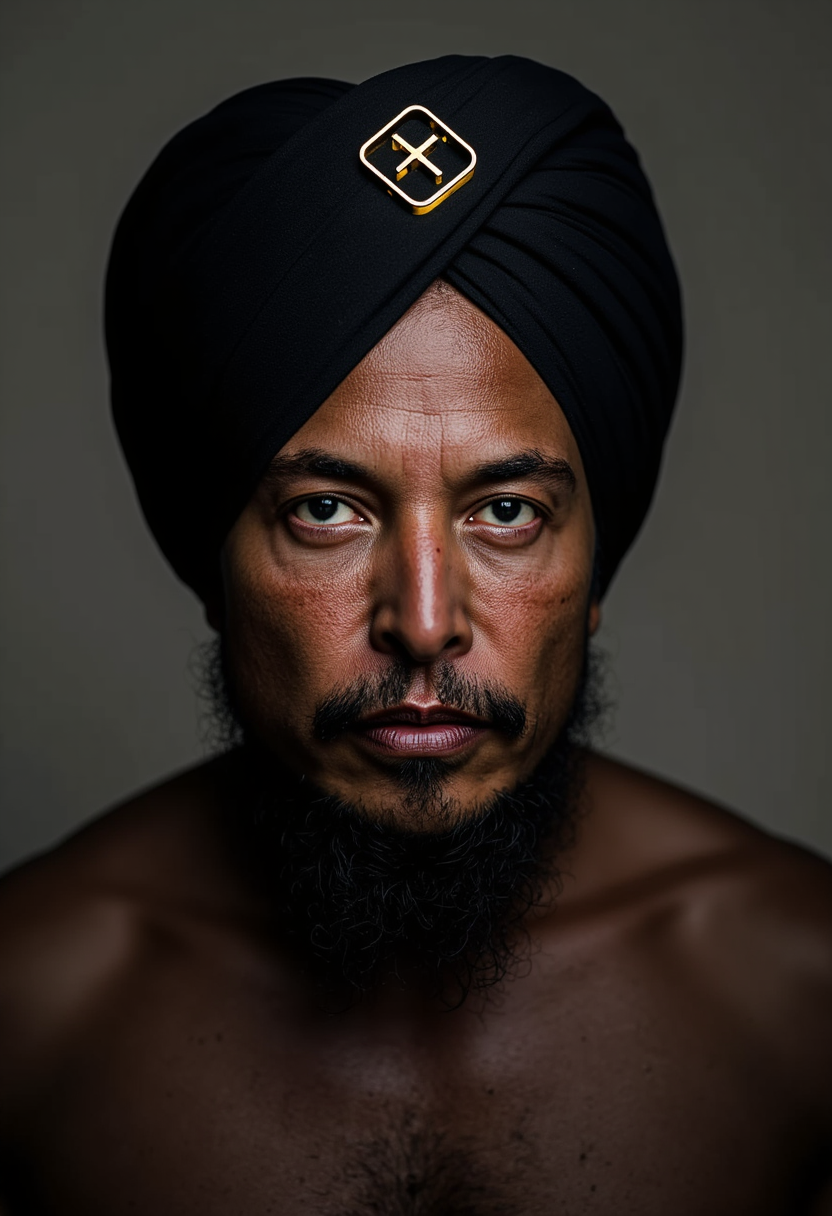
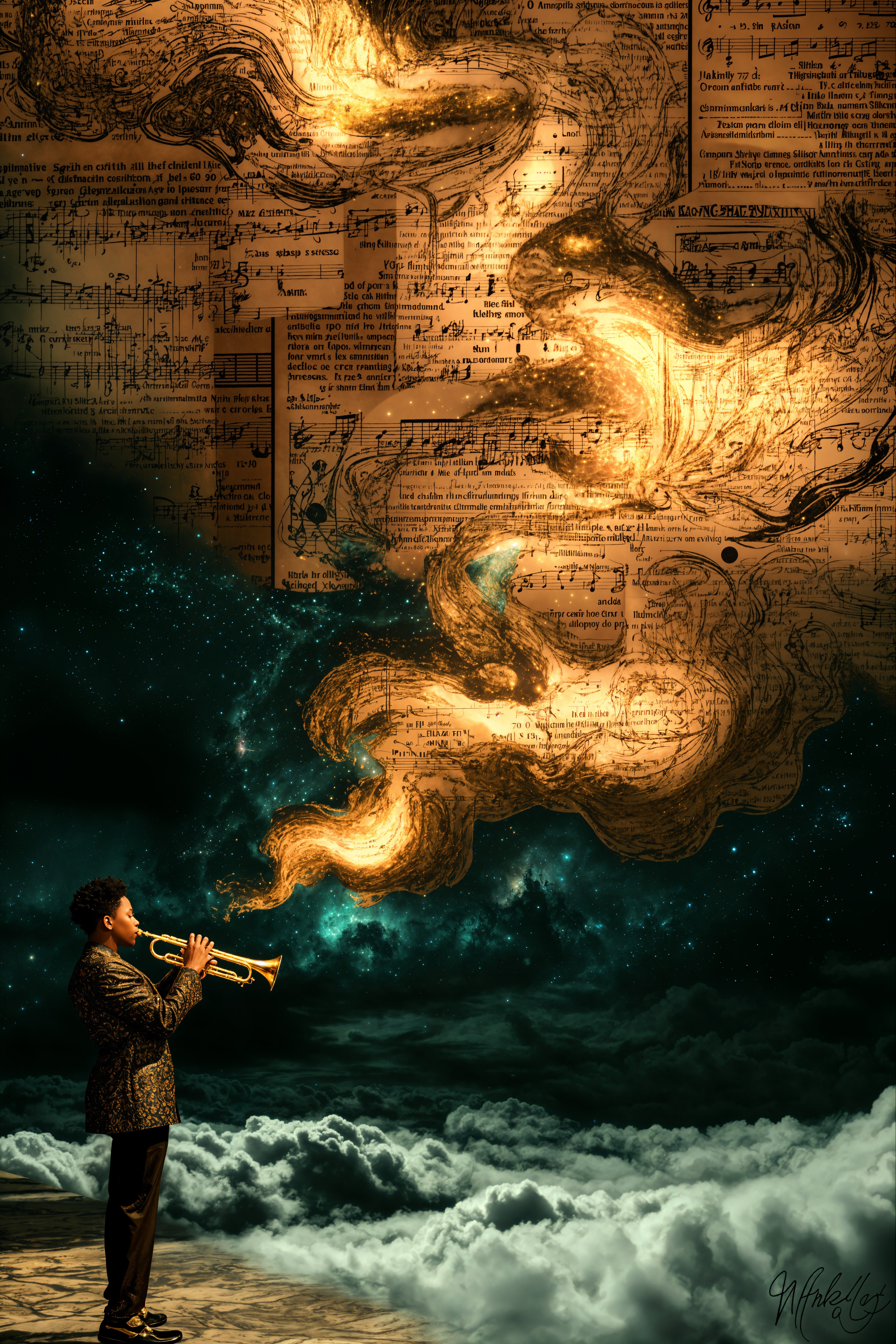
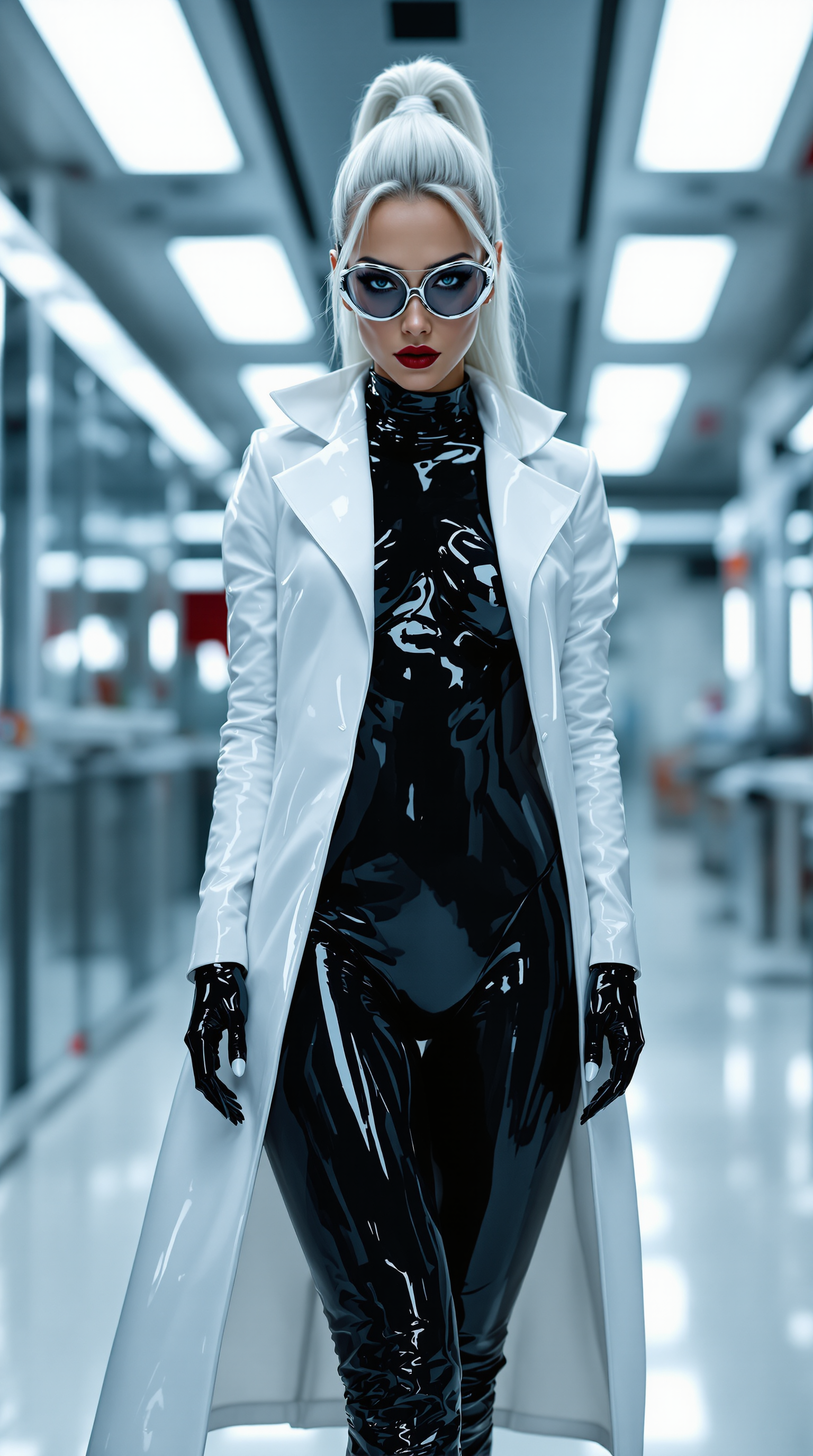

The Pixel Dojo Advantage
Why PixelDojo outperforms other options for Krea AI image generation
| Others | Pixel Dojo |
|---|---|
| Traditional design workflows | Skip expensive software subscriptions and weeks of learning curves—generate professional Krea-style results in seconds with intuitive prompts. |
| Generic AI platforms | Access specialized Krea V2 alongside 40+ curated models with built-in editing and upscaling tools tailored for aesthetic excellence. |
| Manual photo editing | Achieve complex style transfers and consistent aesthetics automatically instead of labor-intensive masking and layering in traditional editors. |
Loved by creators on PixelDojo
Real feedback from people using PixelDojo, pulled from our in-product surveys.
So many different models to try out
You keep adding to it to stay up to date and that is GOLD.
very easy to use and good support
Very easy to use
super easy to use
it's very easy to use
Explore more AI tools on PixelDojo
AI Tools
Compare & Switch
- Best AI Image Generators
- Best AI Video Generators
- Midjourney Alternatives
- Civitai Alternatives
- Runway Alternatives
- Leonardo Alternatives
- Pika Alternatives
- Luma Alternatives
- Magnific Alternatives
- Veo Alternatives
- Flux Alternatives
- Freepik Alternatives
- Seedance Alternatives
- Seedream Alternatives
- Pixverse Alternatives
- GPT Image Alternatives
- Synthesia Alternatives
- Playground Alternatives
- NightCafe Alternatives
- Canva AI Alternatives
- ElevenLabs Alternatives
- ComfyUI Alternatives
- Fal Alternatives
- Replicate Alternatives
Common Questions
Everything you need to know about krea ai
How do I create Krea AI style images with PixelDojo's Krea V2?
Simply choose the Krea V2 tool, enter a descriptive prompt focused on mood, lighting, and composition, and generate. Then refine with built-in Style Transfer or Image to Image features for perfect Krea-inspired aesthetics every time.
What makes Krea V2 different from other image models on PixelDojo?
Krea V2 is optimized for aesthetic depth, style fidelity, and creative control, delivering expressive results with strong artistic coherence that helps you produce gallery-quality images quickly.
Can I achieve real-time iteration like Krea AI on PixelDojo?
Yes—generate multiple variations instantly, then use real-time editing tools such as Magic Lighting, Style Transfer, and Inpainting to refine your Krea-style images on the fly until they match your vision perfectly.
How do I maintain consistent characters or styles in Krea AI images?
Leverage Consistent Characters, Character Stylist, and LoRA Face Swap tools alongside Krea V2 to lock in visual identity across an entire series of images with professional reliability.
What resolution and quality can I expect from Krea V2 generations?
Generate at high resolutions and upscale further with P-Image Upscale or Creative Upscaler to reach print-ready or 4K+ quality suitable for commercial use, marketing materials, and large-format displays.
Is PixelDojo suitable for professional Krea AI style commercial projects?
Absolutely—thousands of professionals use PixelDojo daily to produce client-ready Krea-style visuals. Flexible plans, API access, and commercial usage rights make it ideal for agencies, brands, and freelancers.