ai videos
Imagine turning a simple idea or photo into a polished, professional video in under a minute. With PixelDojo, you create high-quality AI videos that captivate audiences on social media, boost marketing campaigns, or bring stories to life—without cameras, actors, or expensive production crews. Focus on your vision while our tools handle the heavy lifting, delivering consistent results every time.
Over 100,000 creators trust PixelDojo to produce millions of AI videos monthly. 4.9/5 average rating from verified users. Featured in top creator communities for reliable character consistency and native audio integration. Cancel anytime, no long-term commitments.
Why Choose Pixel Dojo for ai videos
Professional-quality results with cutting-edge AI technology
Produce Videos in Minutes, Not Days
Skip weeks of filming and editing. Describe your scene or upload a reference, and generate ready-to-use AI videos with realistic motion, lighting, and physics using tools like VEO 3.1 or Seedance 2. Perfect for quick social posts or campaign assets that convert viewers into customers.
Maintain Perfect Character Consistency Across Scenes
Keep the same person, style, or brand elements in every shot. Use Consistent Characters, WAN Video Character Swap, or Kling Video Character Swap to build cohesive narratives that feel professionally produced, ideal for series, ads, or branded storytelling.
Add Native Audio and Polish Without Extra Tools
Generate videos with synchronized sound, voiceovers, or music directly in the workflow. Combine with Video Autocaption, Video Reframe, or Video Upscaler to deliver complete, platform-ready content that stands out and drives engagement.
How It Works
Creating AI videos with PixelDojo is straightforward. Choose from specialized video tools, provide your vision through prompts or references, and refine for perfect results.
Step 1: Choose Your Tool
Select from PixelDojo's Generate Videos suite including VEO 3.1 for realistic motion, Kling Video for cinematic storytelling, WAN 2.7 Video for versatile reference workflows, Grok Video, Seedance 2, or Gemini Omni Flash. Browse by style or use case like social media or marketing.
Step 2: Enter Your Prompt or Upload References
Type a detailed text prompt like 'energetic young entrepreneur pitching in a modern office, smooth camera pan' or upload images/videos for reference-to-video with Kling Reference to Video or WAN Reference to Video. Add character references for consistency using Consistent Characters.
Step 3: Customize, Enhance & Download
Preview the clip, then edit with Kling Video Edit, Happy Horse Video Edit, or Seedance 2 Video Edit. Add captions via Video Autocaption, reframe for different platforms, upscale with Video Upscaler, or merge clips. Export in desired format instantly.

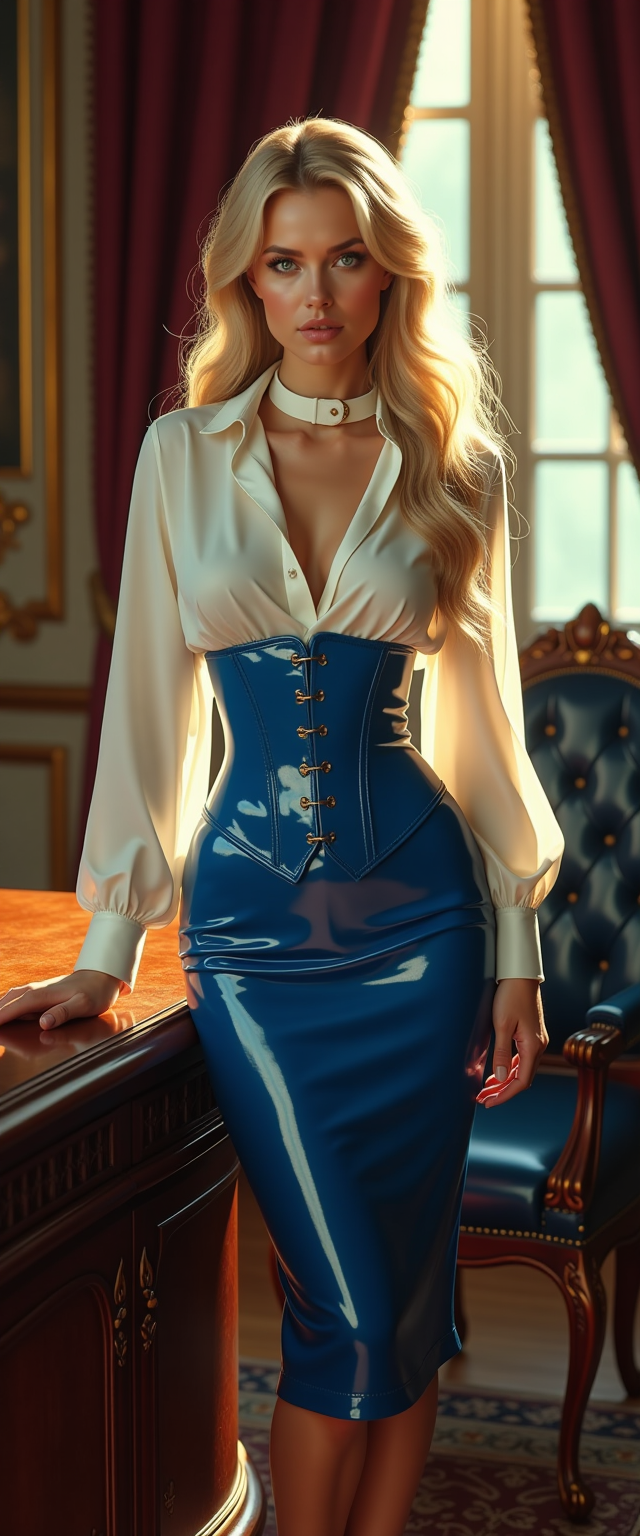

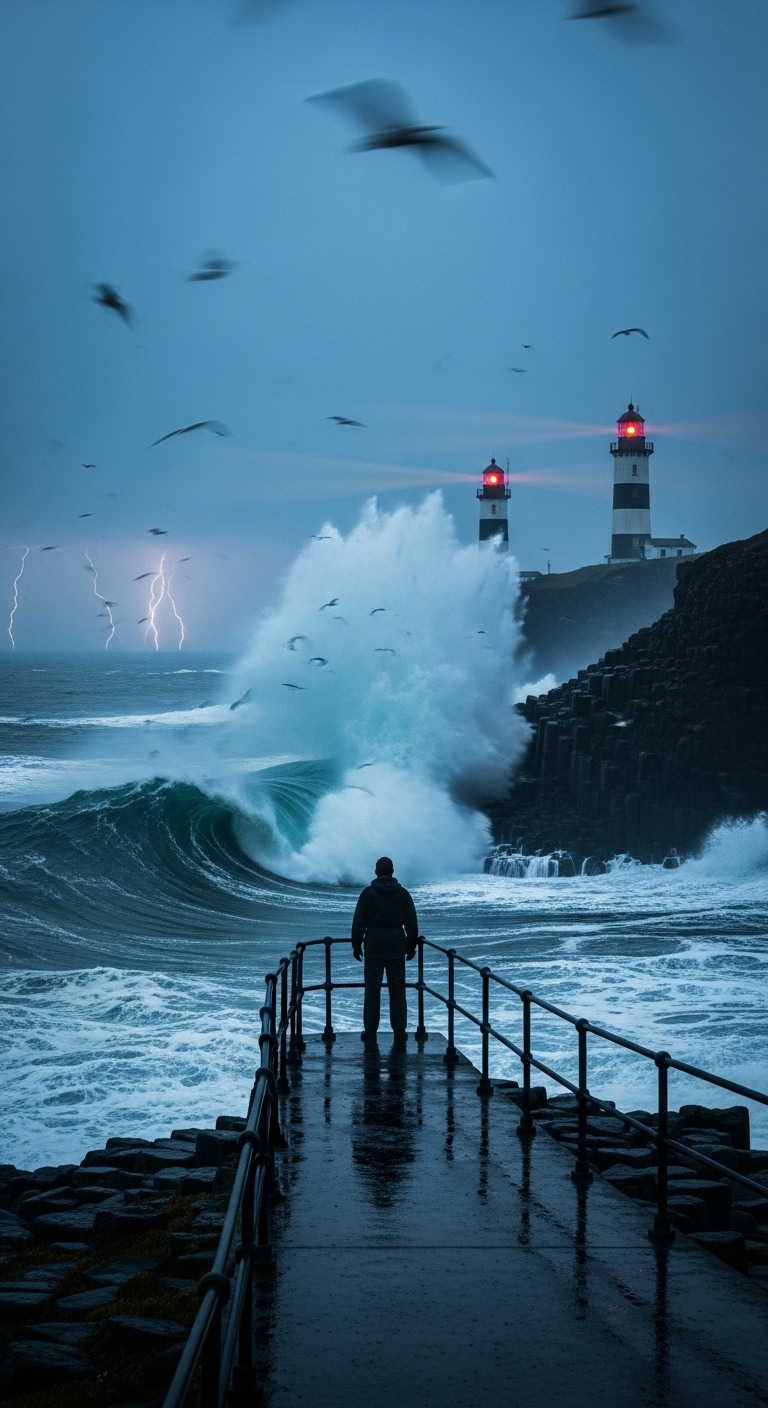
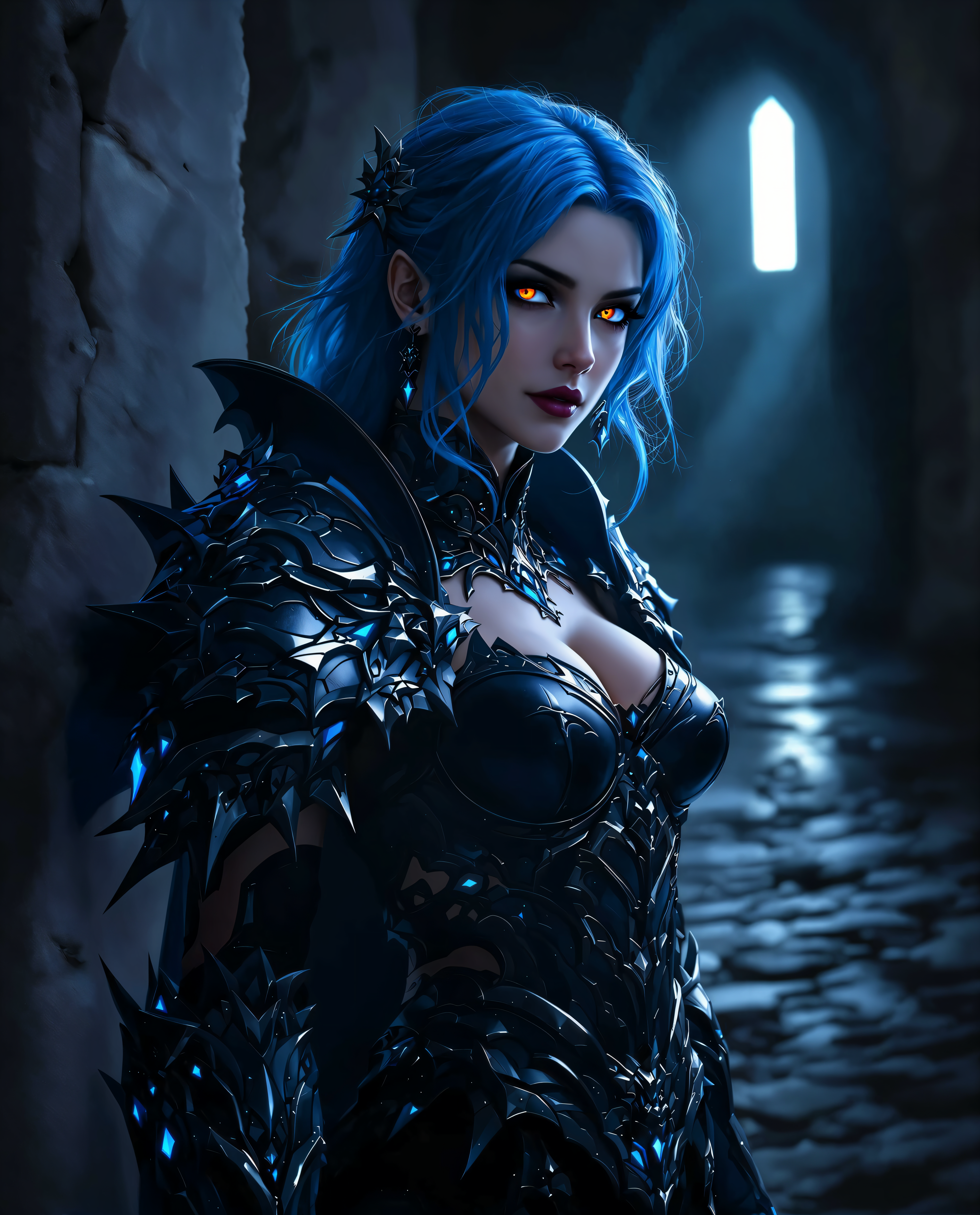


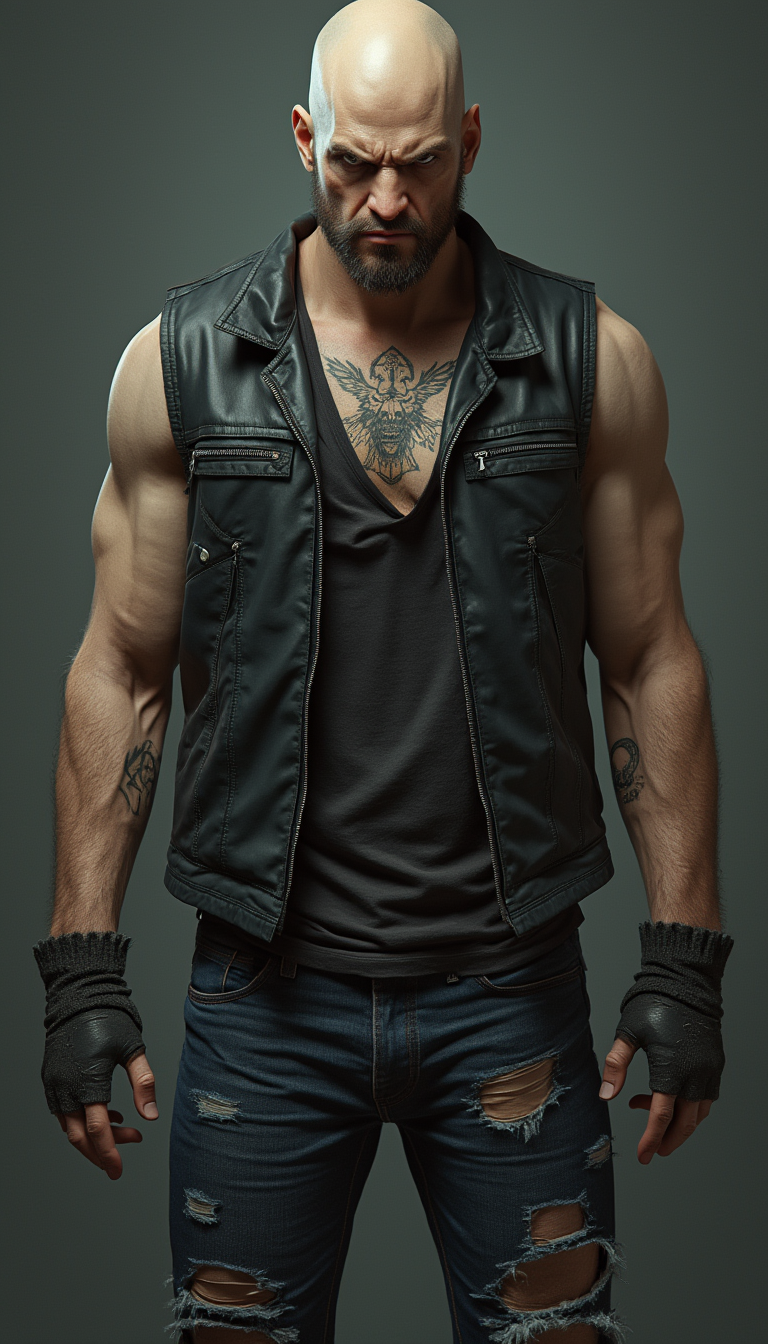
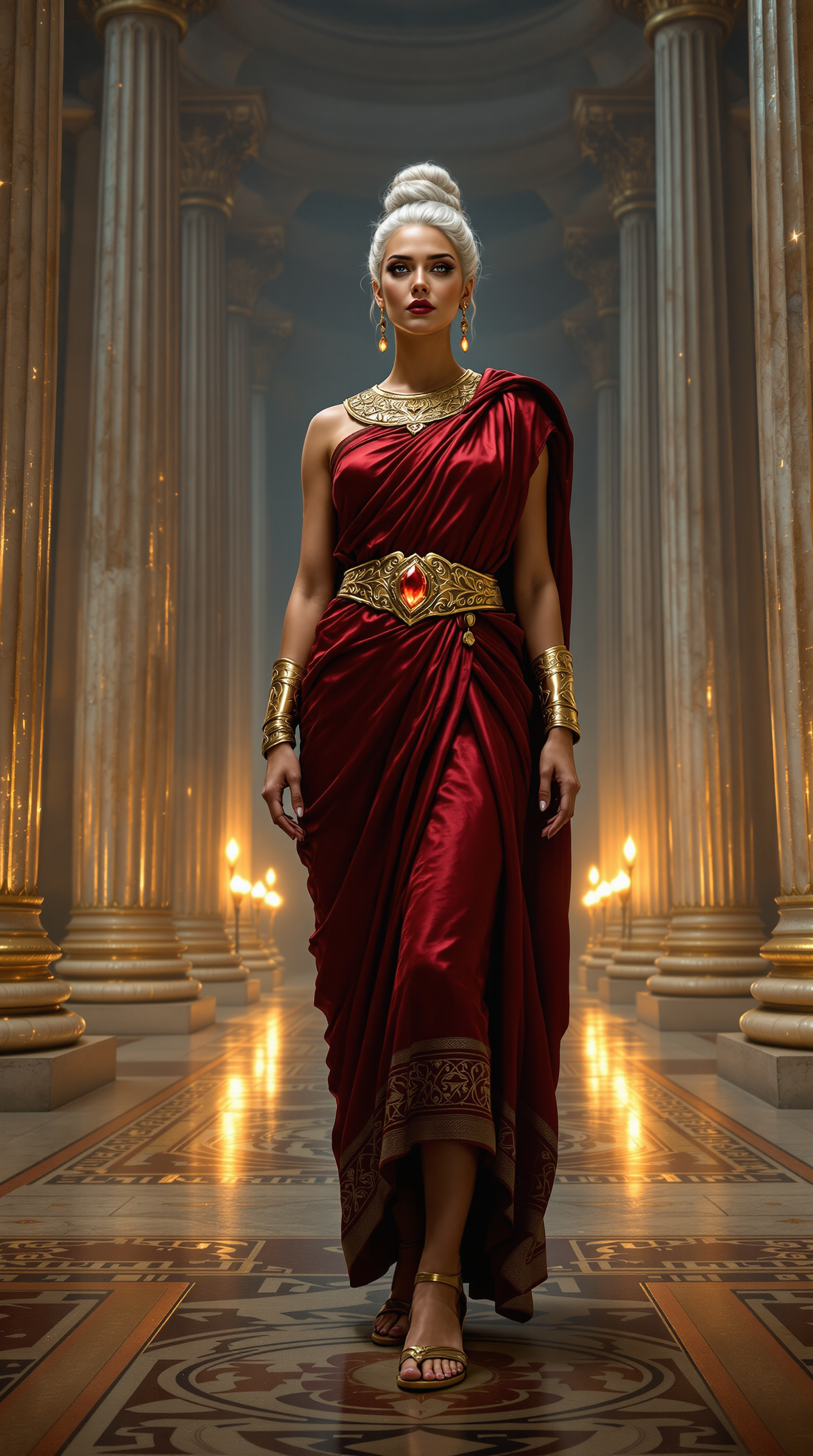
The Pixel Dojo Advantage
Why PixelDojo outperforms other options for AI video generation
| Others | Pixel Dojo |
|---|---|
| Traditional video production | Create broadcast-quality clips in minutes instead of weeks of scripting, casting, filming, and post-production—dramatically lowering costs while maintaining full creative control. |
| Generic AI tools | Access a curated collection of 40+ specialized video models and editors in one place, with seamless integration for characters, audio, and multi-shot consistency that single-tool platforms can't match. |
| Manual photo or clip editing | Automate complex tasks like motion generation, character swapping, and audio syncing with AI, freeing you to iterate creatively instead of spending hours on frame-by-frame adjustments. |
Loved by creators on PixelDojo
Real feedback from people using PixelDojo, pulled from our in-product surveys.
the amount you can do on this site
all in one place
It is a lot of fun to uae and easy too.
So many different models to try out
You keep adding to it to stay up to date and that is GOLD.
very easy to use and good support
Explore more AI tools on PixelDojo
AI Tools
Compare & Switch
- Best AI Image Generators
- Best AI Video Generators
- Midjourney Alternatives
- Civitai Alternatives
- Runway Alternatives
- Leonardo Alternatives
- Pika Alternatives
- Luma Alternatives
- Magnific Alternatives
- Veo Alternatives
- Flux Alternatives
- Freepik Alternatives
- Seedance Alternatives
- Seedream Alternatives
- Pixverse Alternatives
- GPT Image Alternatives
- Synthesia Alternatives
- Playground Alternatives
- NightCafe Alternatives
- Canva AI Alternatives
- ElevenLabs Alternatives
- ComfyUI Alternatives
- Fal Alternatives
- Replicate Alternatives
Common Questions
Everything you need to know about ai videos
How to generate consistent character AI videos with PixelDojo?
Start by creating or uploading a character reference using Consistent Characters or Character Sheets tools. Then select Kling Video or WAN 2.7 Video and include the reference in your prompt or upload it directly. For swaps across existing footage, use WAN Video Character Swap or Kling Video Character Swap. This ensures the same face, clothing, and proportions appear seamlessly in every scene, enabling professional series or ad campaigns without recasting.
What are the best AI video tools for social media content in 2026?
PixelDojo's top picks include VEO 3.1 for photorealistic short clips, PixVerse V6 for stylized aesthetics, and Seedance 2 for multi-reference consistency. Add Video Autocaption and Video Reframe to optimize for TikTok, Instagram Reels, or YouTube Shorts. Reference-based tools like Kling Reference to Video help maintain brand visuals across multiple posts, helping you scale content quickly while staying on-trend with 2026's focus on native audio and longer coherent clips.
Can I create AI videos with synchronized audio using PixelDojo?
Yes. Many tools like VEO 3.1 and WAN 2.7 Video support native audio generation during the initial render. For voiceovers or music, combine with Text to Speech or Text to Music, then sync using editing features in Grok Video Edit or Kling Video Edit. This integrated approach eliminates the need for separate audio software, delivering complete videos ready for publishing.
How long can AI videos be with PixelDojo tools?
Current capabilities support clips from 8-15 seconds natively, extendable to 30 seconds or more with Seedance 2 or WAN models. Use Merge Videos or Grok Imagine Video Extend to build longer sequences. For even greater length, generate scene-by-scene with consistent characters and stitch results, achieving 1-3 minute narratives suitable for YouTube or presentations.
Is PixelDojo suitable for beginners wanting to create AI videos?
Absolutely. The intuitive interface guides you from prompt to download with helpful examples and templates. Start with simple text-to-video using Grok Video or Happy Horse, then advance to references and edits. Thousands of new creators succeed daily, supported by clear how-to resources and a risk-free trial with cancel-anytime flexibility.
How does PixelDojo handle reference to video for brand consistency?
Upload brand images, logos, or style references into tools like Kling Reference to Video, WAN Reference to Video, or Happy Horse Reference. The AI preserves colors, textures, and elements across generations. Combine with Flux Pro Virtual Try-On or Character Stylist for product-focused videos, ensuring every output aligns perfectly with your visual identity for marketing or e-commerce.