ai voice over AI Generator
Imagine transforming your AI-generated images and videos into compelling, narrated stories that captivate audiences and drive results. With PixelDojo's AI voice over tools, you can instantly add professional-quality narration to your visuals, creating videos that inform, entertain, and convert. Whether you're building social media content, e-learning modules, marketing explainers, or personal projects, our platform empowers you to produce polished, voice-enhanced media without recording studios, voice actors, or complex editing software. Focus on your creative vision while PixelDojo handles the realistic speech synthesis, syncing, and polishing – delivering outcomes that save hours and elevate your content to professional standards.
Join over 50,000 creators who have produced millions of AI voice-enhanced videos this year. Rated 4.9/5 by users for voice realism and ease of use. Trusted by marketers, educators, and content creators worldwide for fast, high-impact results.
Why Choose Pixel Dojo for ai voice over
Professional-quality results with cutting-edge AI technology
Save Hours on Content Production
Generate natural-sounding voiceovers for your images and videos in under a minute, eliminating the need for recording sessions or hiring talent so you can focus on creating more visual content faster.
Reach Global Audiences with Multilingual Voices
Produce voiceovers in over 50 languages and accents to expand your reach, making your AI image-based stories accessible and engaging to international viewers without additional costs.
Create Professional-Quality Narrated Videos
Sync realistic AI voices seamlessly with your generated visuals using lip sync and editing tools, resulting in polished videos that boost viewer retention and conversion rates on any platform.
How It Works
Creating AI voice overs for your images and videos is simple and fast with PixelDojo. Combine powerful image and video generation with our dedicated audio tools for end-to-end results.
Step 1: Generate Your Visuals
Start by creating stunning base images or video clips using tools like Flux.2 Studio, Grok Image, VEO 3.1, Kling Video, or WAN 2.7 Video. Choose from consistent characters with Ideogram Character or Face Swap for branded visuals that match your narrative perfectly.
Step 2: Generate Realistic Voice Over
Navigate to the Text to Speech tool, enter your script or narration text, select from dozens of natural voices in multiple languages and emotions, and generate studio-quality audio in seconds. Use Video to Sound for automatic audio enhancement tailored to your visuals.
Step 3: Sync, Edit & Download
Combine everything using Lip Sync, Video Autocaption, or Grok Video Edit tools to perfectly align voice with visuals, add captions, and polish the final video. Export high-quality files ready for YouTube, social media, or presentations.




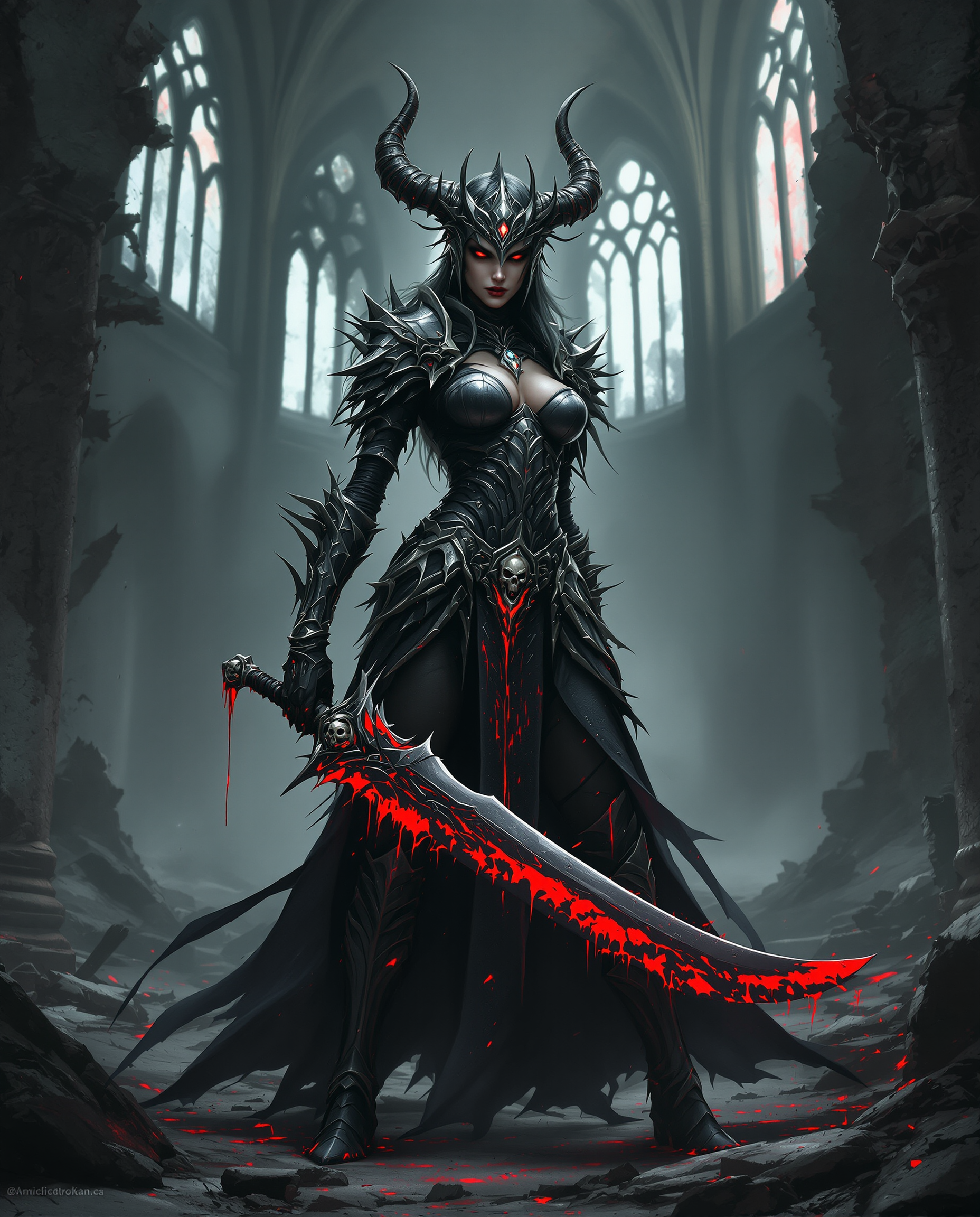
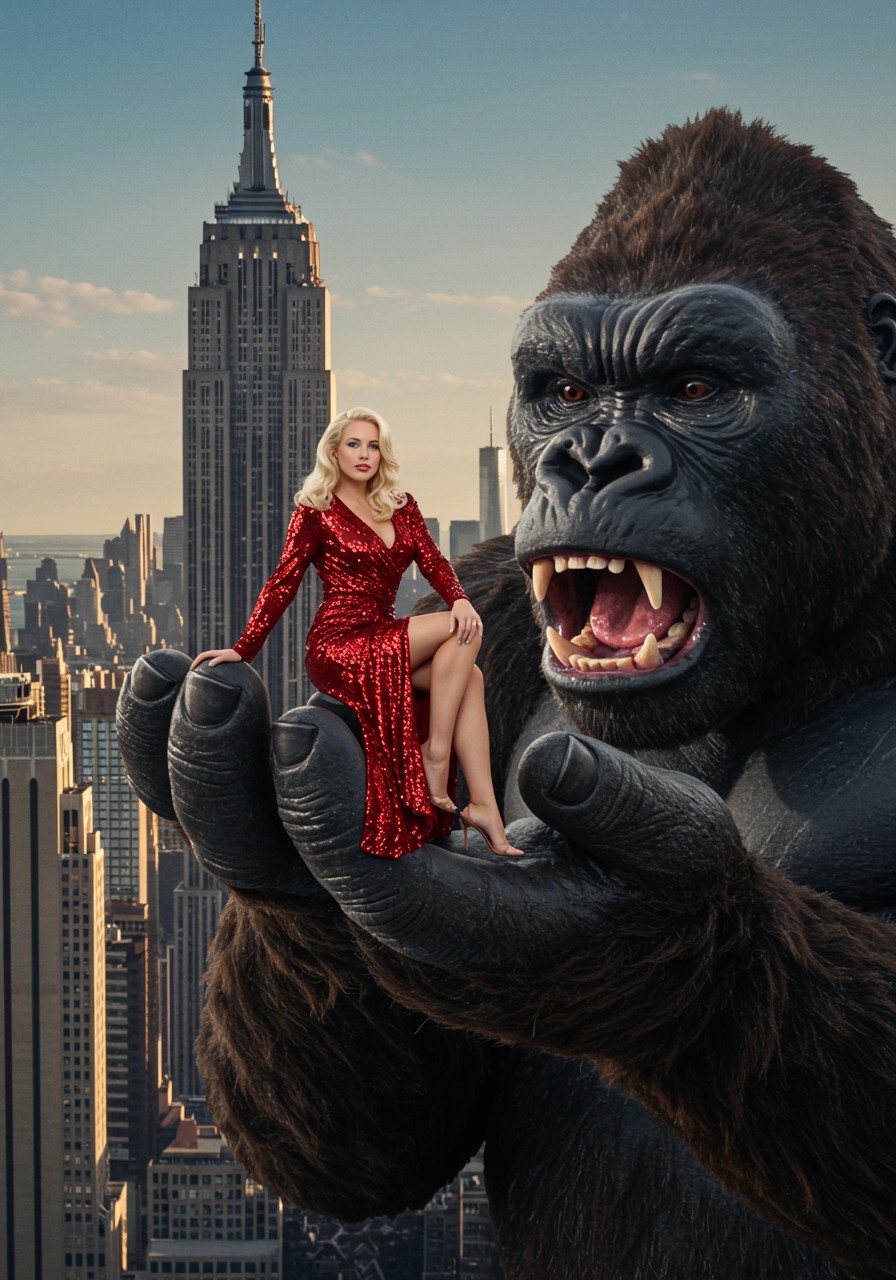
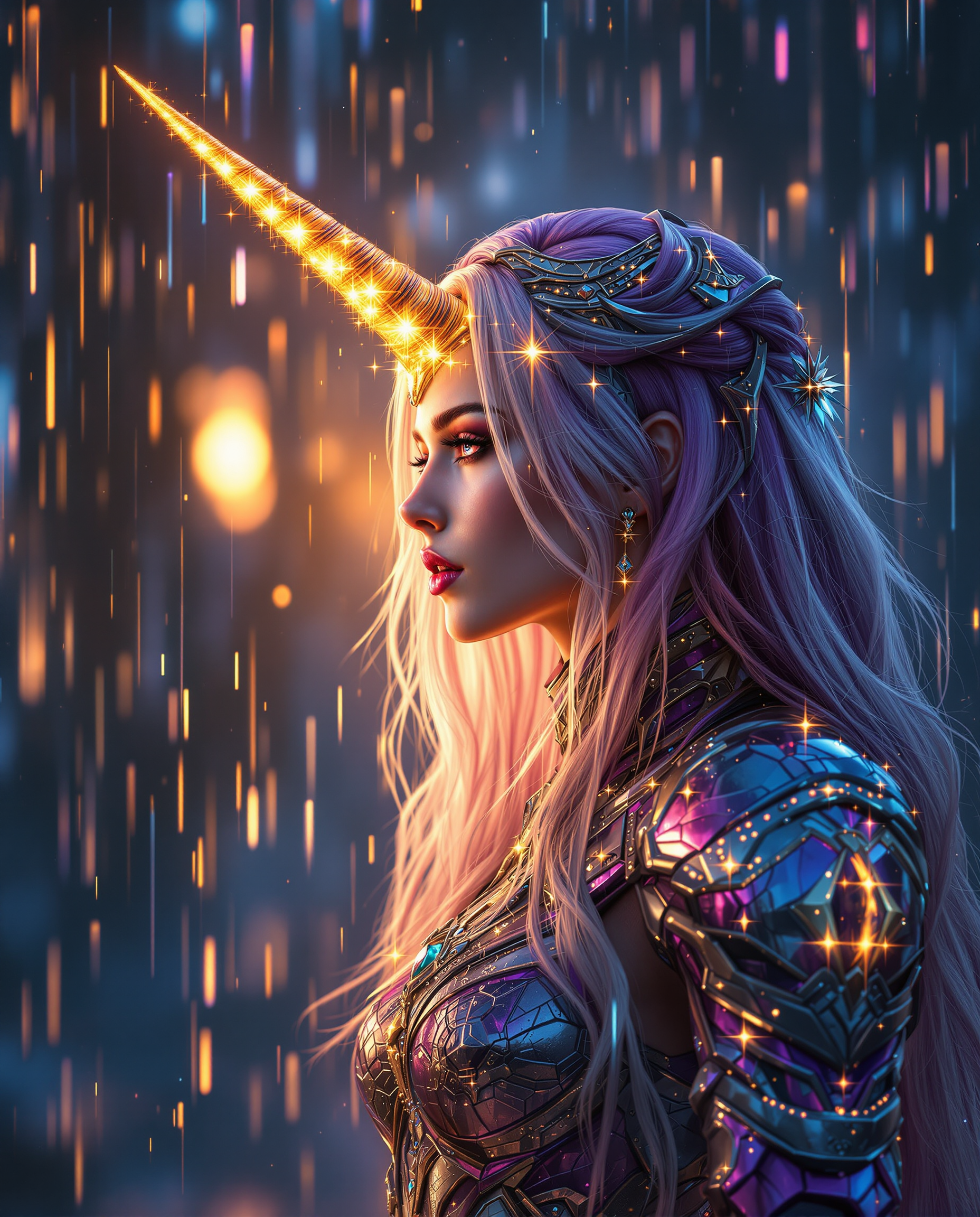
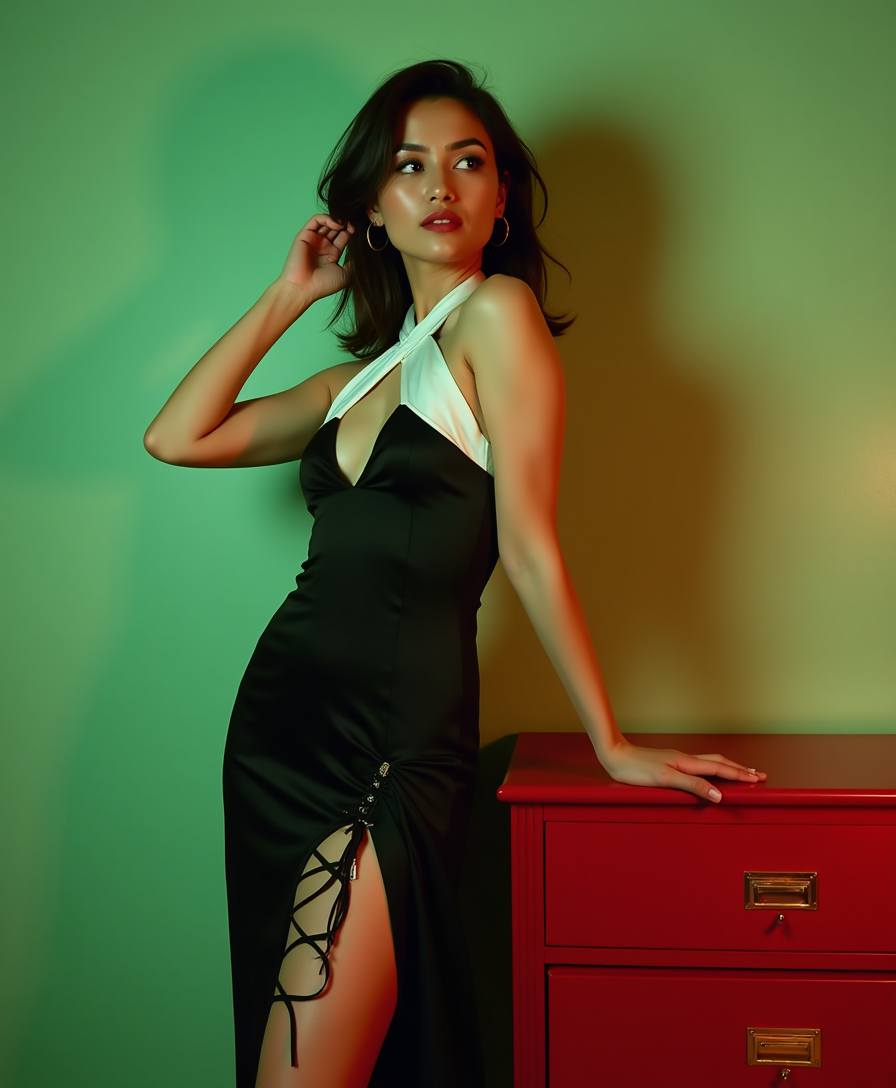
The Pixel Dojo Advantage
Why PixelDojo outperforms other options for AI voice over image and video creation
| Others | Pixel Dojo |
|---|---|
| Traditional voice recording | Instant professional results without scheduling actors, studios, or editing time – create in minutes what used to take days |
| Generic AI voice tools | Seamless integration with image and video generation plus advanced syncing features like lip sync and character consistency for truly cohesive content |
| Manual photo and audio editing | All-in-one platform with automated syncing, captioning, and enhancement tools that deliver polished results without technical expertise |
Loved by creators on PixelDojo
Real feedback from people using PixelDojo, pulled from our in-product surveys.
THIS IS SO DOPE !
I have already recommended it to friends
All the tools, plus the guidance
Excellent tools. Ease of use. Well thought out interface. Wide variety of AI tools and features which are up to date with more added each month
I really like how the site is kept up to date, and the leaderboard (where I'm currently #11 most popular artist)
This is the best image generator I've used so far. Well done!
Explore more AI tools on PixelDojo
AI Tools
Compare & Switch
- Best AI Image Generators
- Best AI Video Generators
- Midjourney Alternatives
- Civitai Alternatives
- Runway Alternatives
- Leonardo Alternatives
- Pika Alternatives
- Luma Alternatives
- Magnific Alternatives
- Veo Alternatives
- Flux Alternatives
- Freepik Alternatives
- Seedance Alternatives
- Seedream Alternatives
- Pixverse Alternatives
- GPT Image Alternatives
- Synthesia Alternatives
- Playground Alternatives
- NightCafe Alternatives
- Canva AI Alternatives
- ElevenLabs Alternatives
- ComfyUI Alternatives
- Fal Alternatives
- Replicate Alternatives
Common Questions
Everything you need to know about ai voice over
How to add AI voice over to AI generated images with PixelDojo?
Simply generate your images using tools like Flux.1 Studio or Grok Image, then use the Text to Speech tool to create narration. Combine them with Lip Sync or Video Edit tools for perfectly synced results in just a few clicks.
What are the best techniques for realistic AI voice over on videos in 2026?
Use PixelDojo's Text to Speech with emotional tone controls, combine with Lip Sync for natural mouth movements, and leverage Video to Sound for context-aware audio. Our tools incorporate the latest multimodal trends for human-like results every time.
Can I create multilingual AI voice overs for my image-based content?
Yes! PixelDojo supports over 50 languages and accents in the Text to Speech tool. Generate the same script in multiple languages and sync with your visuals to reach global audiences effortlessly.
How does PixelDojo's AI voice over compare for e-learning and explainer videos?
Our platform excels by letting you generate consistent characters with Pose Control or Character Stylist, add voiceovers, and include autocaptions – creating accessible, professional e-learning content faster than traditional methods.
Is there a free way to try AI voice over generation on images?
Absolutely – start with PixelDojo's free tier to test Text to Speech and basic syncing tools on your AI images. Upgrade anytime for unlimited generations and advanced features like custom voice styles.
What trends are shaping AI voice over image generation in 2026?
Key trends include seamless multimodal integration of voice with visuals, context-aware emotional delivery, and voice cloning for brand consistency. PixelDojo stays ahead with tools like WAN Sound to Video and advanced Lip Sync that deliver these capabilities today.