alibaba wanxiang 3.0 AI Generator
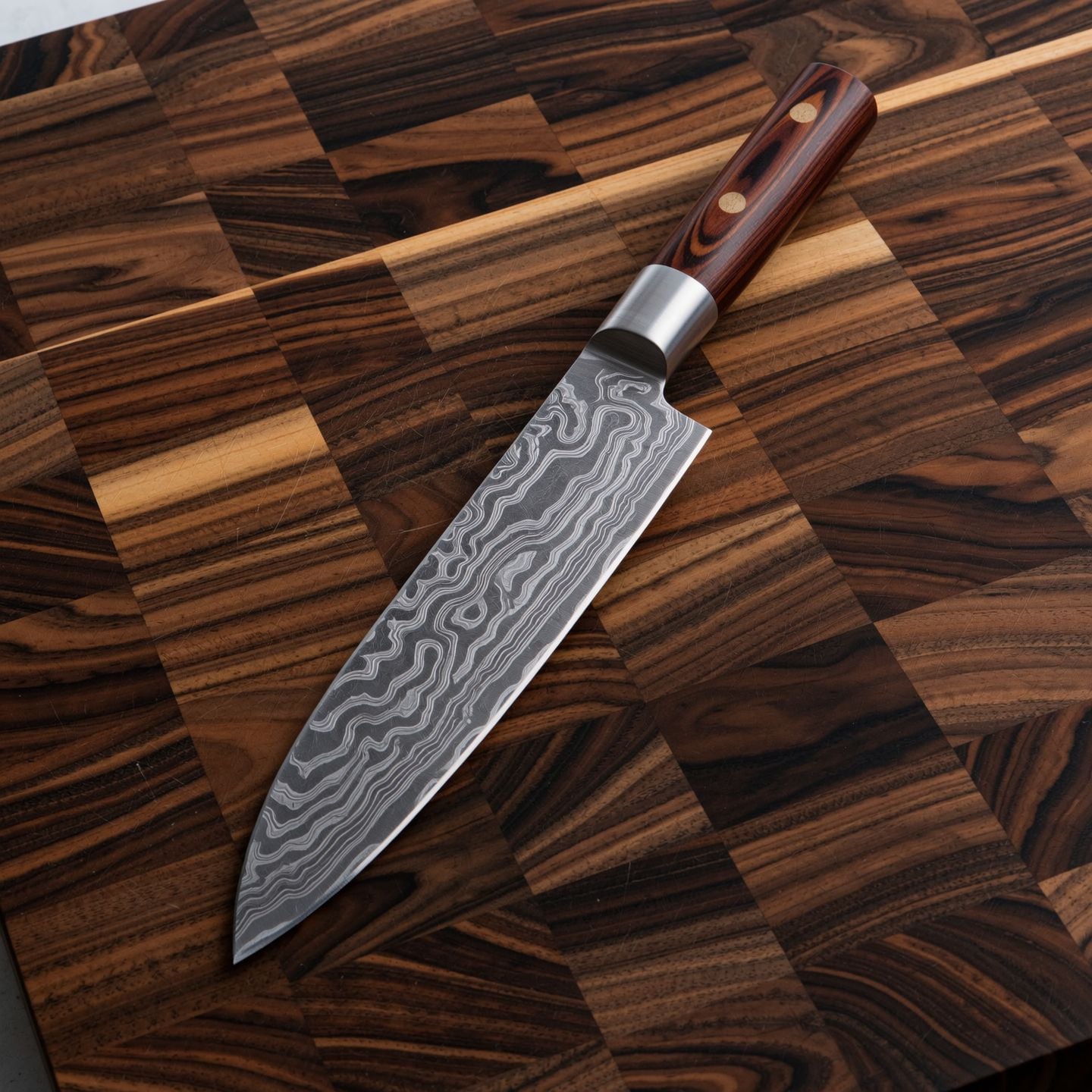
Generated on PixelDojo. Produced by PixelDojo's generation pipeline.
Imagine turning a simple product photo, a brand document, or a quick idea into a stunning cinematic image or a complete 30-second video story that looks like it came from a professional studio. With Alibaba Wanxiang 3.0 on PixelDojo, you achieve exactly that. You get lifelike characters with natural micro-expressions, rock-solid consistency across every frame, and native audio that syncs perfectly—all generated in one seamless pass. Marketers use it to produce high-converting ads that stop the scroll. Filmmakers storyboard entire scenes without a camera crew. Educators transform dry reports into engaging video lessons. Designers bring UI mockups to life with fluid motion. PixelDojo puts WAN 3.0, WAN Image, Flux.2 Studio, and over 40 complementary tools at your fingertips so you can go from concept to polished visual in minutes instead of weeks. You stay in control with detailed prompts, reference uploads, and instant edits. The result? Content that feels real, tells a story, and drives action. Stop settling for static slides or generic clips. Start creating the kind of visuals that make audiences feel something and remember your brand.
Real image examples generated on PixelDojo
Every example below was produced on PixelDojo. Hover to see the prompt.
Wi-product
image-to-image

Wan-food
image-to-image
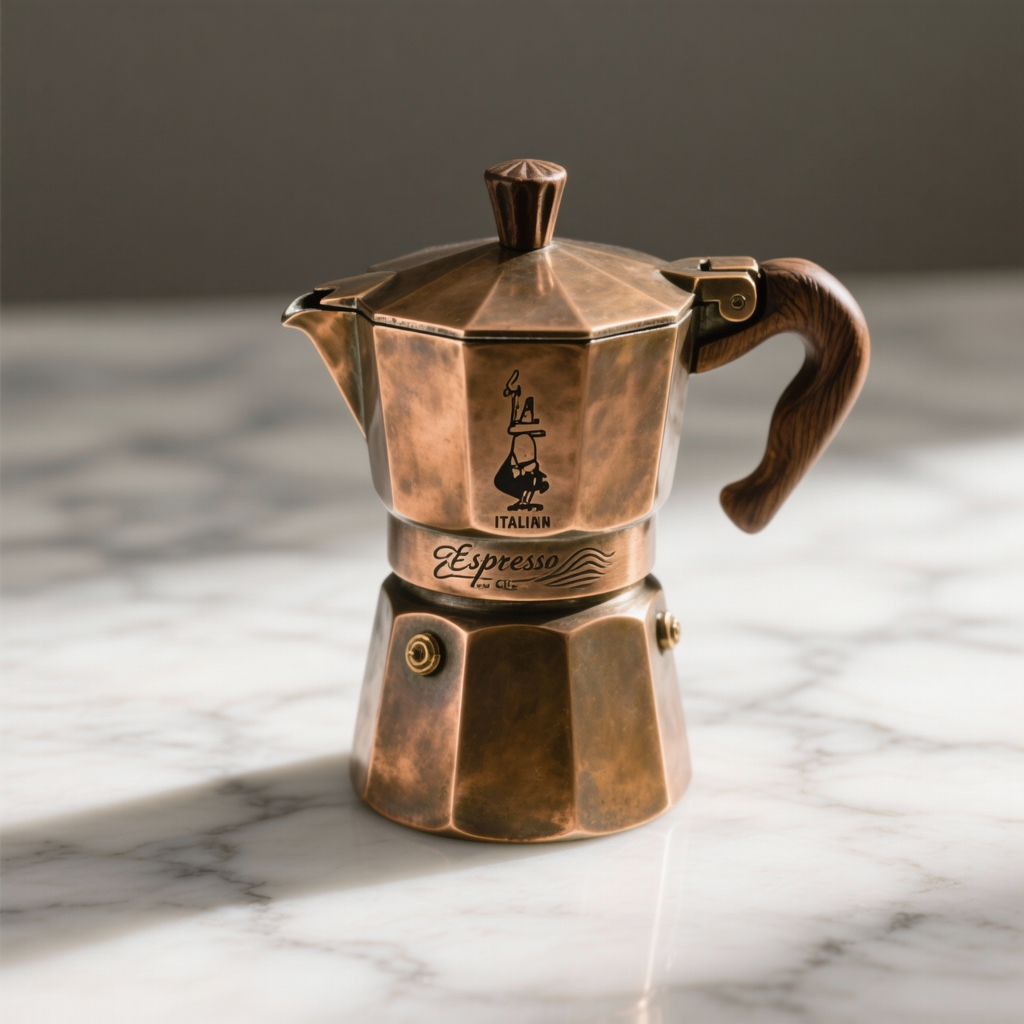
W26-product
image-to-image

Wan-cinematic
image-to-image

A 3d printer printing a humanoid robot
flux
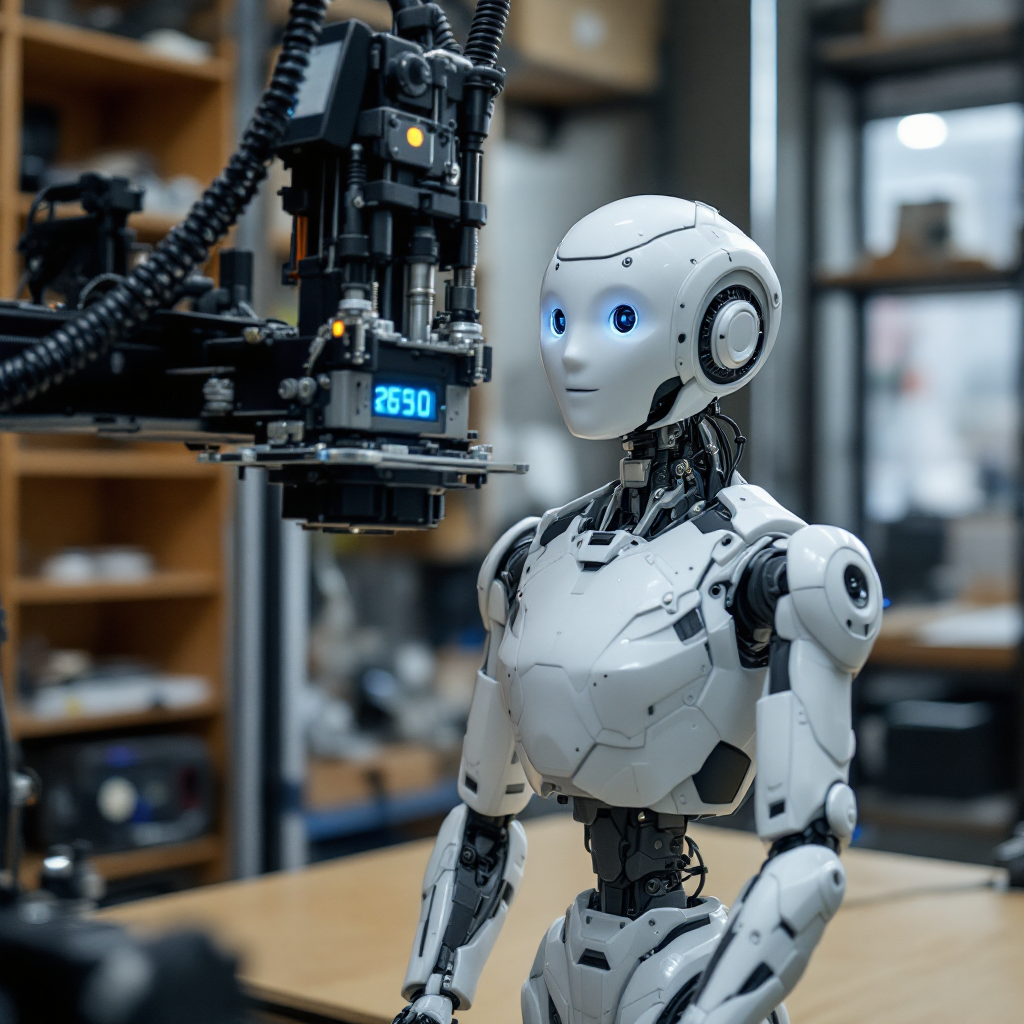
A 3d printer printing a humanoid robot
flux
Models you can run on PixelDojo for alibaba wanxiang 3.0
Switch models without switching tools. Each one runs in the same PixelDojo studio.
What you can do with alibaba wanxiang 3.0 on PixelDojo
Wanxiang 3.0 on PixelDojo
We give you Alibaba Wanxiang 3.0 for text-to-image work inside PixelDojo. You generate stills from prompts without leaving the same workspace you use for other models.
Prompt-driven still generation
Describe subject, setting, lighting, and style and we run Wanxiang 3.0 to produce images. You can iterate on wording and regenerate until the frame matches the brief.
Bilingual prompt support
We accept English and Chinese prompts for Wanxiang 3.0 so you can write in the language that fits the look you want. Mixed phrasing is fine when you need both.
Save, compare, and export
We keep generations in your PixelDojo history so you can compare takes and pick a winner. Export the files you need for decks, posts, or further edits.
Loved by thousands of creators, marketers, and filmmakers worldwide. PixelDojo users produce campaign-ready Wanxiang 3.0 content every day, with 4.9-star feedback on speed, quality, and ease. Join the community turning ideas into professional visuals that convert.
Why Choose Pixel Dojo for alibaba wanxiang 3.0
Professional-quality results with cutting-edge AI technology
Tell Complete Cinematic Stories in 30 Seconds
You generate full narrative videos with beginning, middle, and end plus synchronized audio and smooth camera moves using WAN 3.0. A single prompt or photo becomes a ready-to-post ad, explainer, or short film that holds attention and builds emotion.
Keep Every Character and Detail Perfectly Consistent
You lock faces, clothing, props, and style across shots so nothing drifts. Combine WAN Image, Consistent Characters, and WAN 3.0 references to create series, product lines, or branded stories that look professionally produced every time.
Turn Photos, Docs, and Ideas into Marketing Assets Instantly
You drop in a product shot, PDF, or presentation and walk away with a polished video or still that sells. PixelDojo’s WAN 3.0 plus Image to Image and Marketing Studio let you skip production teams and launch campaigns the same day.
How It Works
You create Alibaba Wanxiang 3.0 images and videos on PixelDojo in three straightforward steps. The platform handles the heavy lifting so you focus on your vision.
Step 1: Choose Your Tool
Sign in and pick WAN 3.0 under Generate Videos for full cinematic clips up to 30 seconds, or start with WAN Image, Flux.2 Studio, or QWEN Image 2 to craft the perfect still. For character work, open Consistent Characters or Character Sheets first. Everything lives in one dashboard so you move between stills and motion without leaving the site.
Step 2: Enter Your Prompt and References
Write like a director: describe lighting, camera movement, emotions, and story beats in natural language. Upload one or more images, a PDF or PPT, or audio. Use phrases such as “the person from image 1 walks toward the object in image 2.” PixelDojo’s WAN 3.0 understands multimodal inputs and thinking mode for documents, giving you precise control over every element.
Step 3: Customize, Generate & Download
Set duration from 2 to 30 seconds, choose 480P to 1080P, and pick aspect ratio. Hit generate, then refine with WAN 2.7 Video Edit, Inpainting, Style Transfer, or Video Upscaler. Download instantly or iterate until it is perfect. Your finished image or video is ready for social, ads, or presentations.
The Pixel Dojo Advantage
Why PixelDojo outperforms other options for Alibaba Wanxiang 3.0 image and video generation
| Others | Pixel Dojo |
|---|---|
| Traditional video production | You skip weeks of filming, actors, and editing suites. Generate a complete 30-second cinematic ad or explainer in minutes with WAN 3.0, cutting costs dramatically while keeping full creative control. |
| Generic AI tools | You get dedicated Wanxiang 3.0 power plus 40+ specialized tools like Flux.2 Studio, Kling Video, Consistent Characters, and Video Upscaler in one place. No switching platforms or losing consistency. |
| Manual photo editing | You automate motion, lighting, and character lock with Image to Image, Reality Polisher, and WAN 3.0 instead of spending hours in complex software. Results look professional even if you have never edited video before. |
Loved by creators on PixelDojo
Real feedback from people using PixelDojo, pulled from our in-product surveys.
Ease of use, friendliness and support of the owner, continued innovation.
it is an amazing site to create a pics and vids for those who don't have the hardware themselves
good tools in one place
Prompt updates, strong features, and a community that is always willing to help and hear/act on professional feedback. I've never had a better experience.
user friendly all in one thing
I really like the schedule of AI work performed!
Explore more AI tools on PixelDojo
AI Tools
Compare & Switch
- Best AI Image Generators
- Best AI Video Generators
- Midjourney Alternatives
- Civitai Alternatives
- Runway Alternatives
- Leonardo Alternatives
- Pika Alternatives
- Luma Alternatives
- Magnific Alternatives
- Veo Alternatives
- Flux Alternatives
- Freepik Alternatives
- Seedance Alternatives
- Seedream Alternatives
- Pixverse Alternatives
- GPT Image Alternatives
- Synthesia Alternatives
- Playground Alternatives
- NightCafe Alternatives
- Canva AI Alternatives
- ElevenLabs Alternatives
- ComfyUI Alternatives
- Fal Alternatives
- Replicate Alternatives
Common Questions
Everything you need to know about alibaba wanxiang 3.0
What is Alibaba Wanxiang 3.0 and how do I generate images with it on PixelDojo?
Alibaba Wanxiang 3.0 is the latest model in the Tongyi Wanxiang family, built for high-fidelity cinematic visuals and 30-second videos from text, images, or documents. On PixelDojo you start with WAN Image or Flux.2 Studio to create stunning stills in that signature lifelike style, then feed them into WAN 3.0 to add motion, audio, and narrative. The combination gives you both beautiful images and ready-to-use video from the same workflow.
How can I keep characters consistent when using Wanxiang 3.0 on PixelDojo?
You upload reference photos into Consistent Characters or Character Sheets, then point WAN 3.0 at those assets with simple positional language. The model locks facial features, clothing, and style across the entire 30-second clip. Follow up with Face Swap or WAN Video Character Swap if you need extra control. Thousands of users rely on this exact process for branded series and product stories.
Can I turn a PDF or PowerPoint into a Wanxiang 3.0 video on PixelDojo?
Yes. Upload your document directly into WAN 3.0, add a short prompt describing the tone and story, and the model reads the content then builds a narrated cinematic video up to 30 seconds long. It is perfect for turning product specs, training decks, or reports into engaging marketing or educational assets without extra production work.
What prompting techniques work best for Alibaba Wanxiang 3.0 cinematic images?
Write as if you are directing a camera crew: include lighting, camera angle, emotional beats, and specific actions. Example: “Warm golden-hour light, slow push-in on a smiling barista handing a cup, steam rising, cozy café background.” Pair the prompt with a reference image in WAN Image or Flux.2 Studio, then animate the result in WAN 3.0. Longer, descriptive prompts produce richer, more controllable results.
Is PixelDojo the easiest way to access Wanxiang 3.0 for marketing videos?
Absolutely. You get WAN 3.0 plus Marketing Studio, Image to Image, Video Autocaption, and upscalers in one login. No separate accounts, no stitching clips, no audio mismatch. Create, edit, caption, and export campaign-ready 30-second videos that convert, then cancel anytime if it is not the right fit. Thousands of marketers already use this exact stack.
How do I get started with Alibaba Wanxiang 3.0 image generation for free on PixelDojo?
Click Try it Today, sign up, and you immediately access WAN Image, WAN 3.0, and 40+ other tools. Generate your first cinematic still or short video in minutes. Explore editing options like Inpainting and Style Transfer at no extra commitment. The platform is loved by thousands of creators and you can cancel anytime.