art maker

Imagine turning any creative idea into gallery-worthy art in seconds. With PixelDojo's AI art maker, you can generate stunning digital illustrations, oil paintings, abstract compositions, and more—without drawing skills, expensive software, or years of practice. Focus on your vision while our tools handle the execution, letting you explore endless styles and refine every detail until it matches your imagination perfectly.
Join over 85,000 creators who have generated millions of artworks with PixelDojo. Our platform holds a 4.9/5 rating from artists, designers, and hobbyists worldwide, with thousands of new pieces created daily. Cancel anytime—no long-term commitment required.
Why Choose Pixel Dojo for art maker
Professional-quality results with cutting-edge AI technology
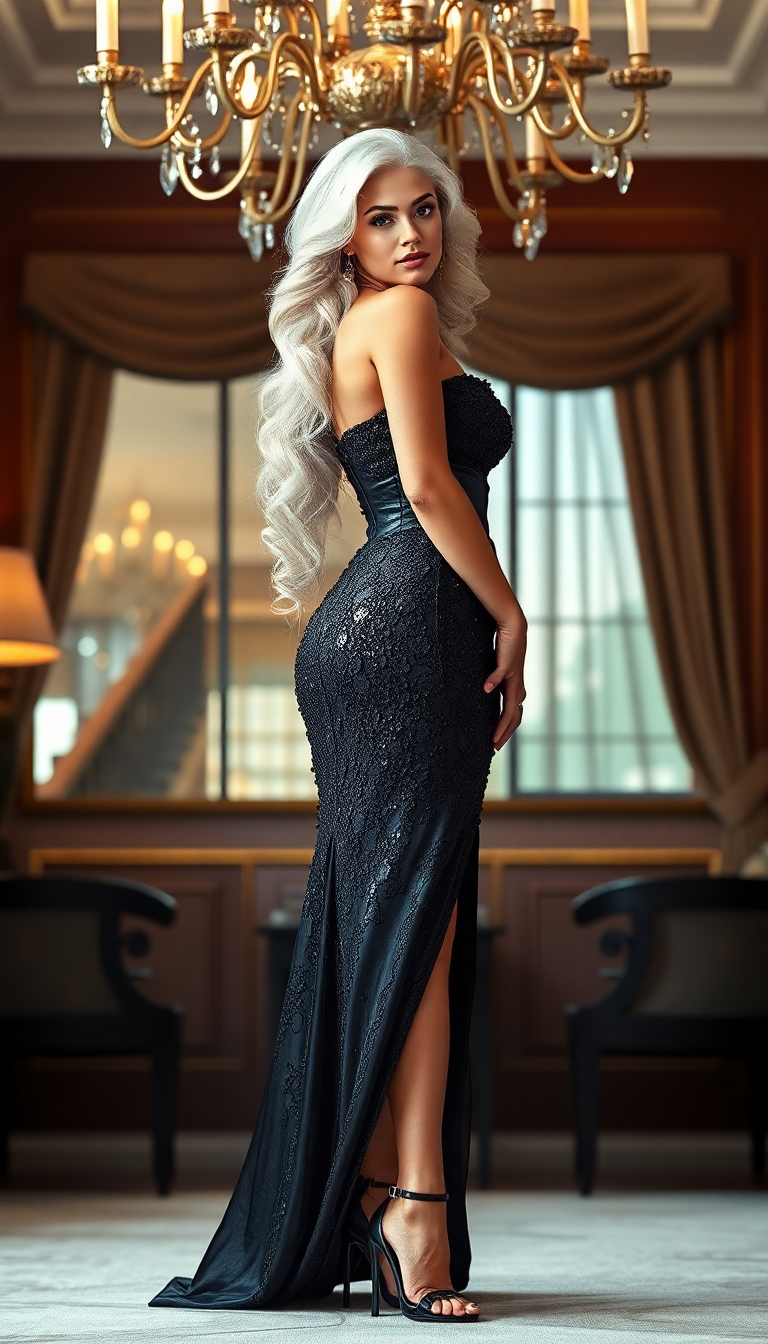
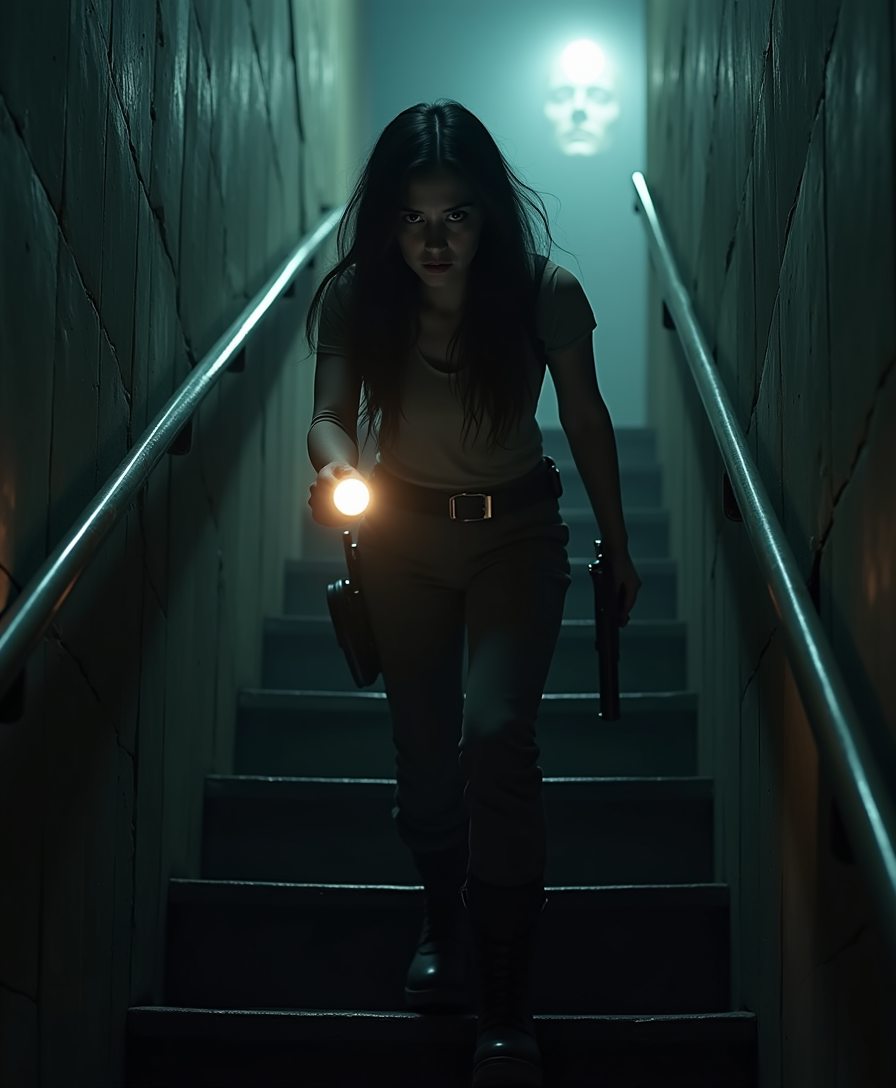
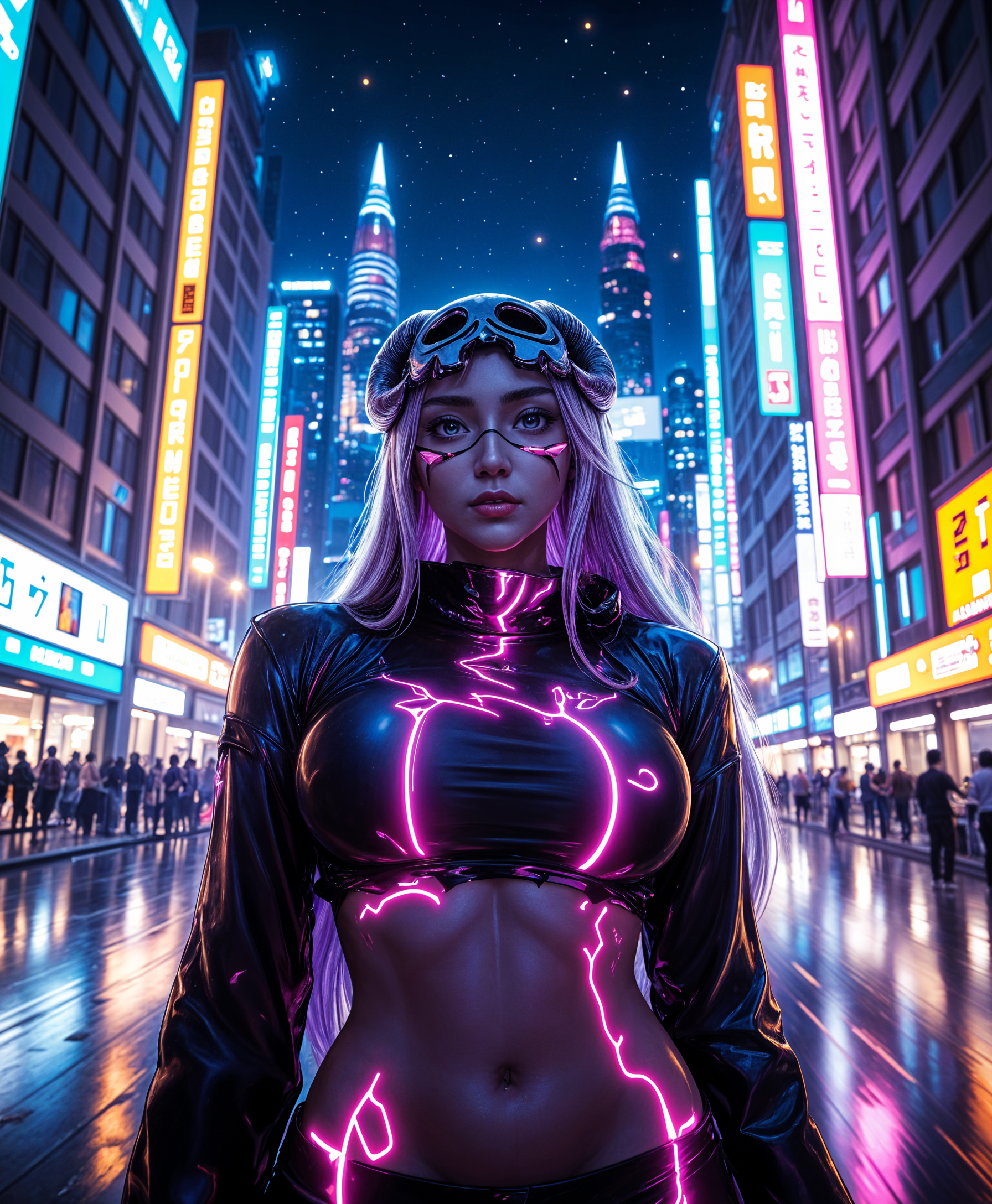
Explore Any Art Style Instantly
Bring trending aesthetics like neon noir cityscapes, kawaii botanicals, or retro 70s vibes to life effortlessly. Tools such as Flux.2 Studio and Ideogram 4 deliver authentic, high-detail results tailored to your prompt, helping you stay ahead of 2026 art trends without studying techniques.
Create Consistent Characters & Series
Develop memorable characters that remain identical across dozens of scenes and styles. Use Consistent Characters and Ideogram Character tools to build cohesive storybooks, brand campaigns, or personal art collections that feel professionally produced.
Refine & Perfect with Professional Edits
Iterate quickly using Style Transfer, Inpainting, Magic Lighting, and Reality Polisher to adjust lighting, fix details, or shift moods. Achieve polished, publication-ready results faster than traditional methods, turning rough concepts into masterpieces.
How It Works
Creating professional art with PixelDojo takes just three simple steps—designed for creators of all levels to achieve outstanding outcomes immediately.
Step 1: Choose Your Tool
Browse the Generate Images section and pick a specialized model like Flux.2 Studio for rich painterly effects, Ideogram 4 for crisp typography in art, or Grok Image for imaginative, experimental styles. Match the tool to your desired outcome for the best results.
Step 2: Enter Your Prompt
Describe your artwork in natural language—include style references, mood, colors, and composition. Reference 2026 trends like surreal experimentalism or nostalgic film aesthetics to guide the AI toward exactly what you envision.
Step 3: Customize & Download
Review your generation, then refine with Edit Images tools such as Style Transfer for new aesthetics, Inpainting to add or remove elements, or Change Camera Angle for fresh perspectives. Upscale with Magnific Upscaler for print-quality resolution and download instantly.


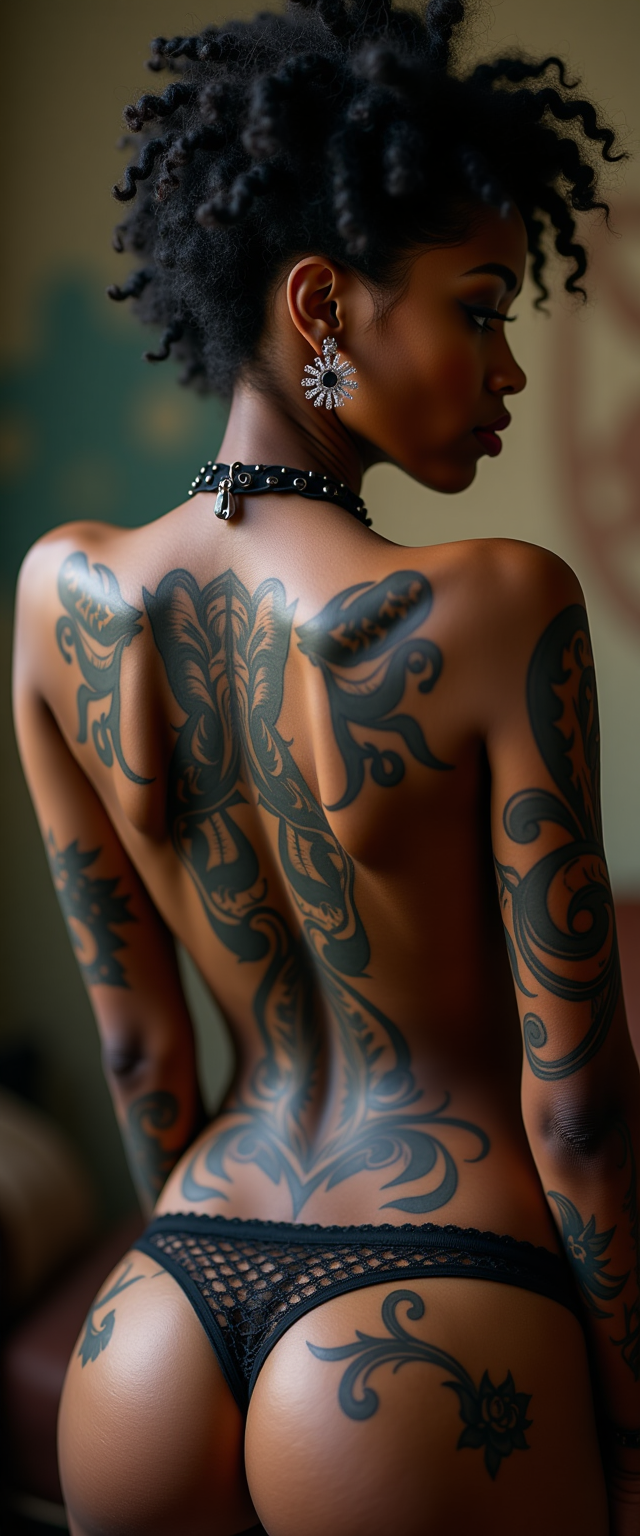
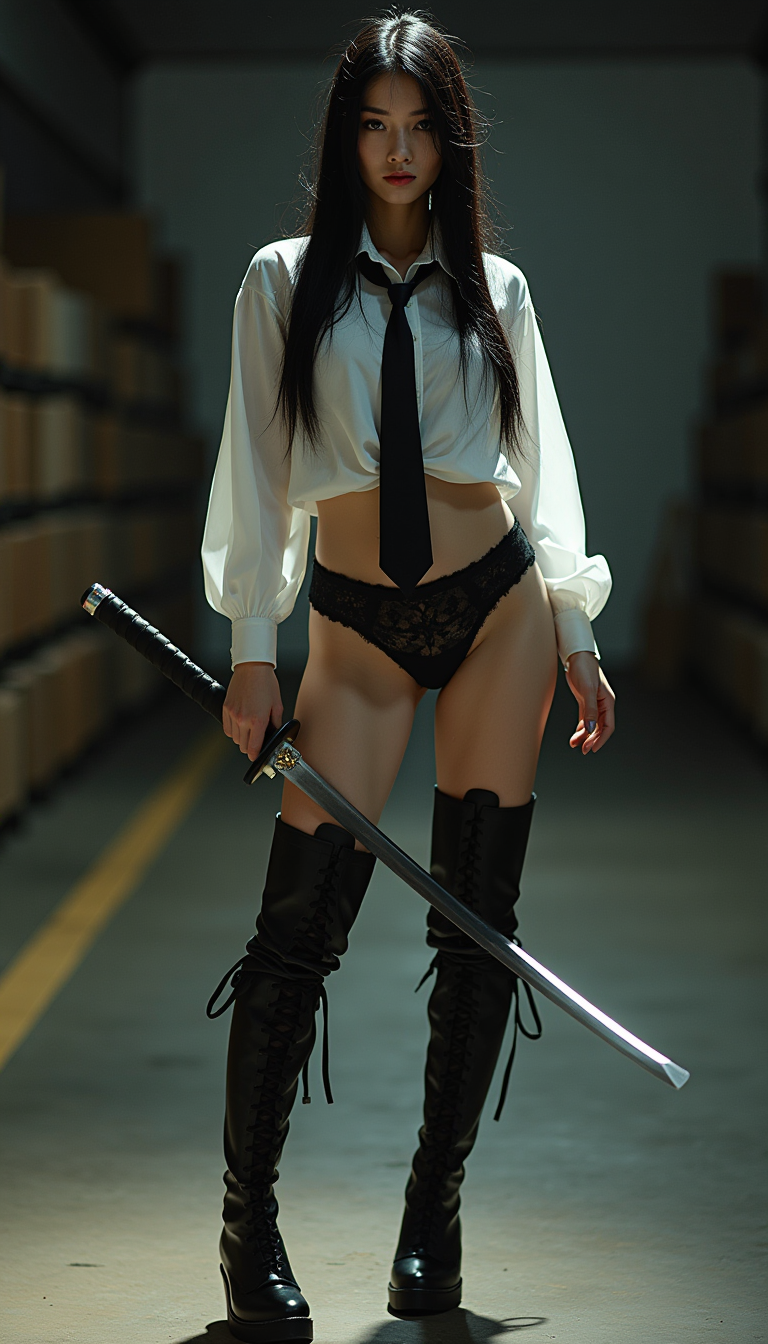
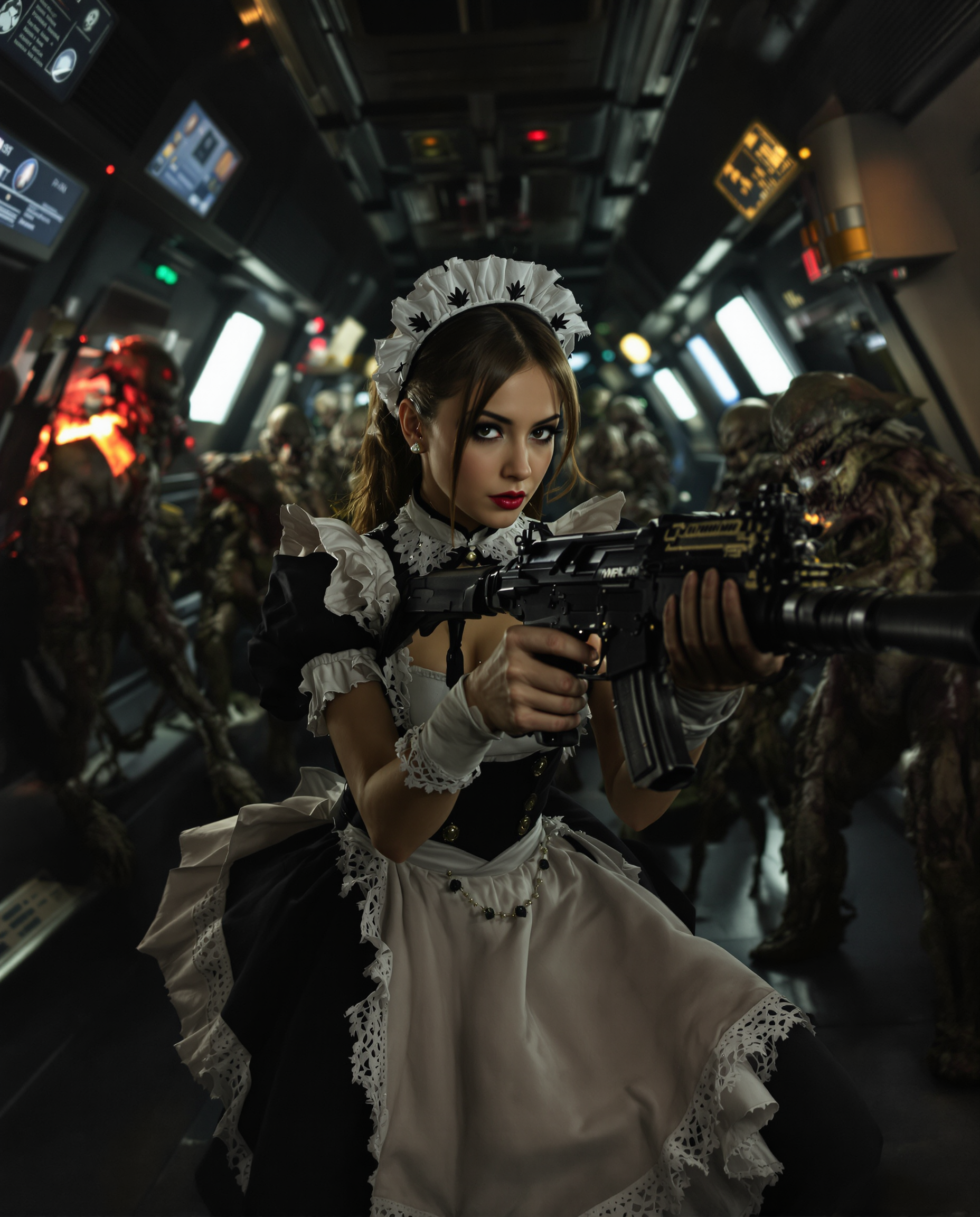
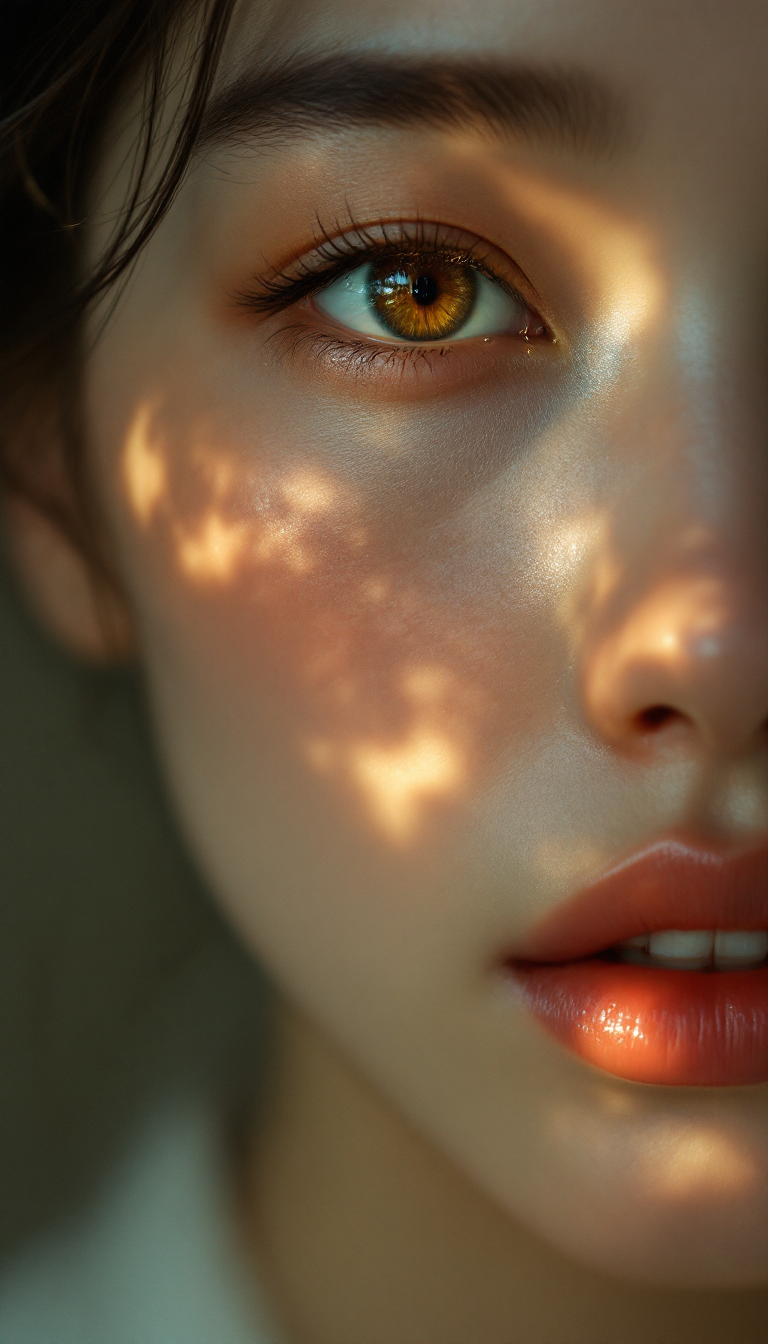
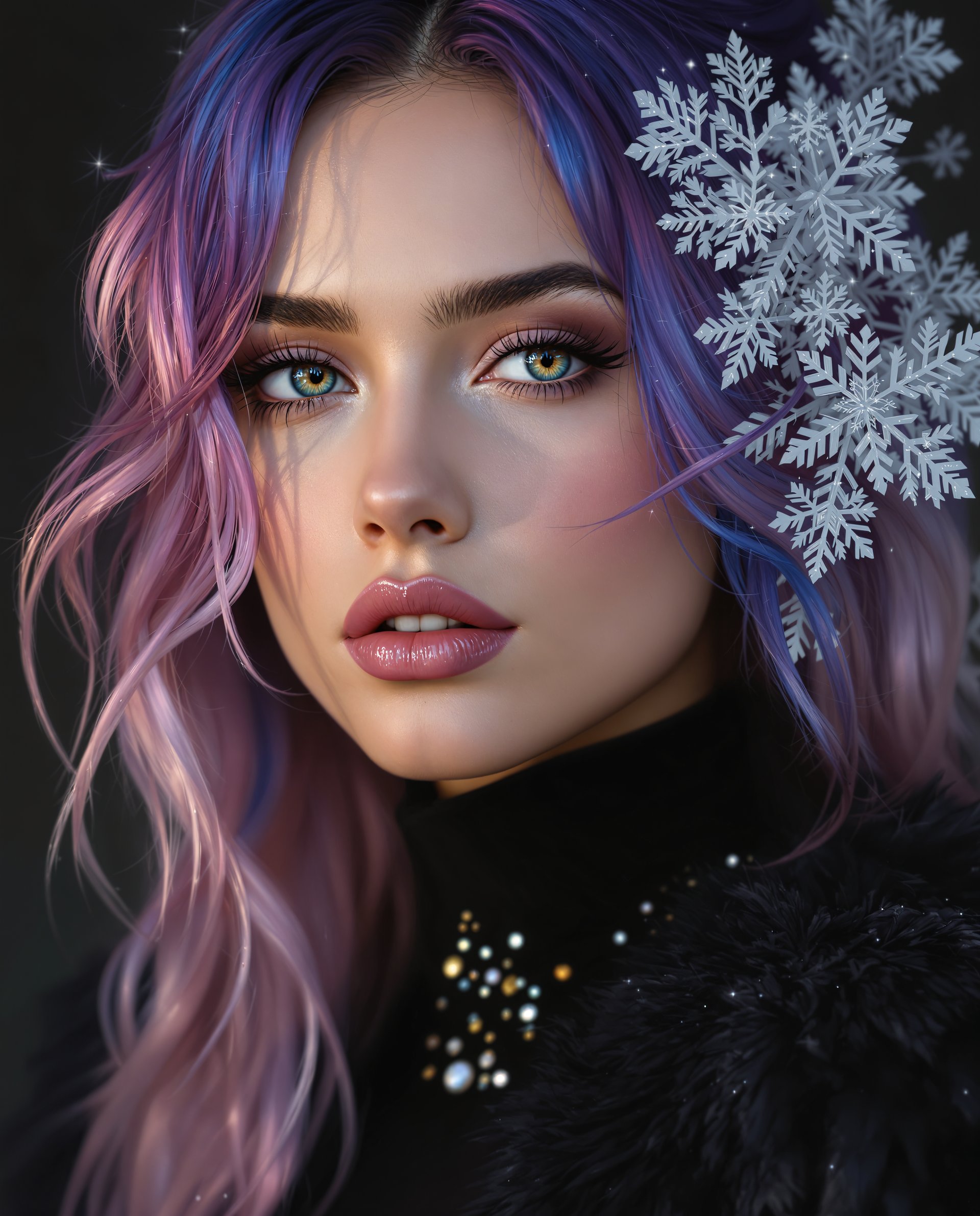
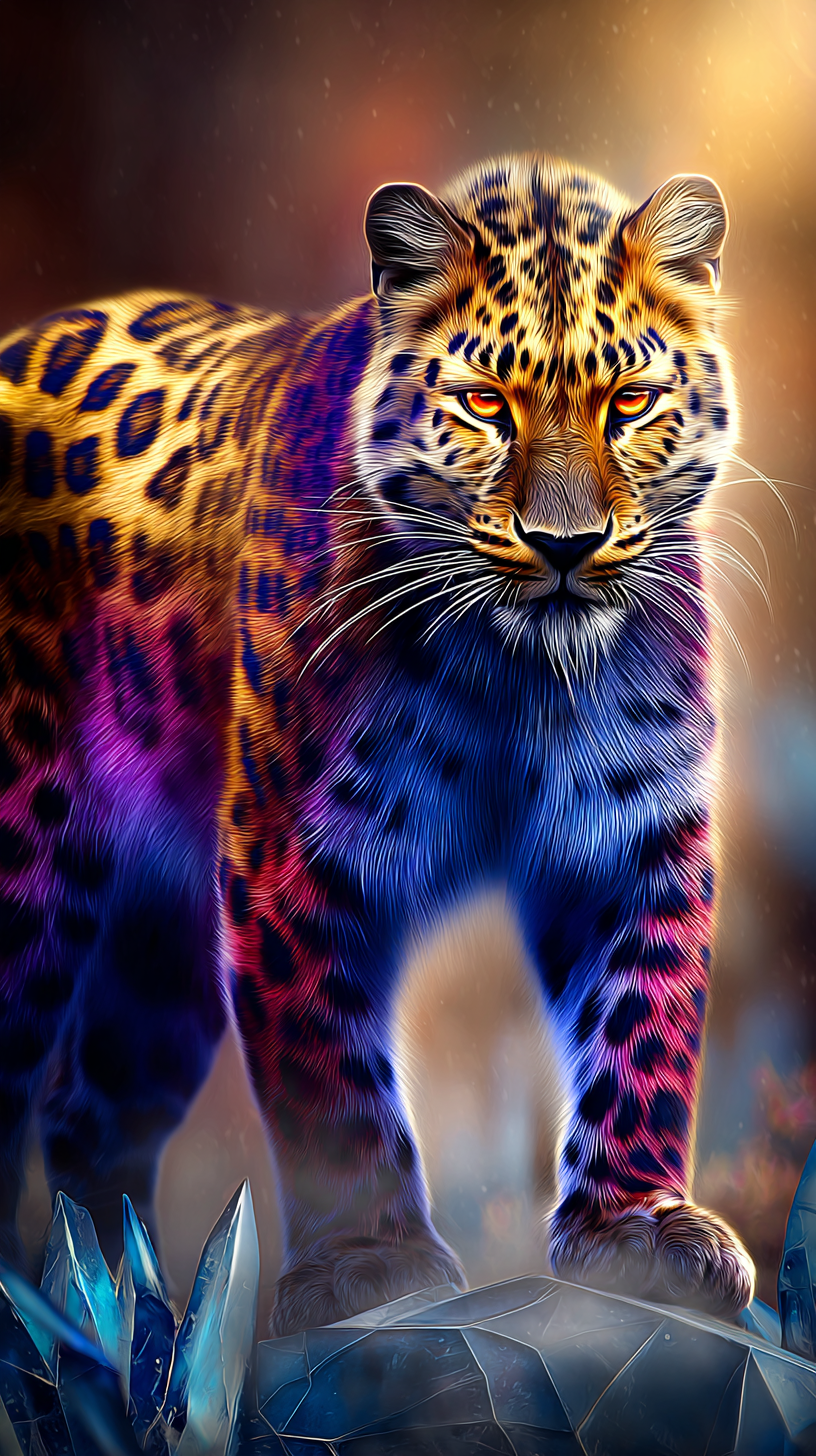
The Pixel Dojo Advantage
Why PixelDojo outperforms other options for AI art maker generation
| Others | Pixel Dojo |
|---|---|
| Traditional art creation | Produce professional-grade pieces in minutes instead of hours or days, eliminating the need for physical supplies, studio space, or formal training while exploring unlimited styles. |
| Generic AI tools | Access 40+ specialized models and integrated editing suite including Consistent Characters, Style Transfer, and upscalers—all in one seamless workspace for superior control and quality. |
| Manual photo editing | Generate original art from scratch or enhance ideas with AI-powered tools that understand artistic intent, saving time on complex compositions and delivering consistent, high-end results. |
Loved by creators on PixelDojo
Real feedback from people using PixelDojo, pulled from our in-product surveys.
So many different models to try out
You keep adding to it to stay up to date and that is GOLD.
very easy to use and good support
Very easy to use
super easy to use
it's very easy to use
Explore more AI tools on PixelDojo
AI Tools
Compare & Switch
- Best AI Image Generators
- Best AI Video Generators
- Midjourney Alternatives
- Civitai Alternatives
- Runway Alternatives
- Leonardo Alternatives
- Pika Alternatives
- Luma Alternatives
- Magnific Alternatives
- Veo Alternatives
- Flux Alternatives
- Freepik Alternatives
- Seedance Alternatives
- Seedream Alternatives
- Pixverse Alternatives
- GPT Image Alternatives
- Synthesia Alternatives
- Playground Alternatives
- NightCafe Alternatives
- Canva AI Alternatives
- ElevenLabs Alternatives
- ComfyUI Alternatives
- Fal Alternatives
- Replicate Alternatives
Common Questions
Everything you need to know about art maker
How does an AI art maker help create consistent characters for series or stories?
PixelDojo's Consistent Characters and Ideogram Character tools let you upload reference images or train simple models to maintain the same character appearance across multiple generations. Combine with Flux.2 Studio for varied poses and scenes while keeping visual identity intact—perfect for illustrated books, comics, or marketing campaigns.
What are the best techniques for generating trending AI art styles in 2026?
Describe your desired style explicitly in prompts and select models like Flux.2 Studio for painterly depth or WAN Image for experimental textures. Incorporate trends such as authenticity over perfection or surreal silliness. Follow up with Style Transfer and Magic Lighting edits to fine-tune mood and details for current aesthetics like neon noir or nostalgic retro.
Can beginners use PixelDojo's AI art maker to produce gallery-quality results?
Absolutely. Start with simple natural-language prompts in tools like Grok Image or GPT Image 2. Our intuitive interface and editing tools such as Inpainting and Background Remover guide you through refinements. Thousands of new users create professional-looking art on their first try, with no prior experience needed.
How can I edit and improve AI-generated art after the initial creation?
Use PixelDojo's comprehensive Edit Images suite: apply Style Transfer to shift artistic movements, Inpainting to seamlessly add or remove elements, Change Camera Angle for dynamic compositions, and Reality Polisher for enhanced realism. Upscale finished pieces with Magnific Upscaler or Creative Upscaler for crisp, high-resolution downloads suitable for printing or digital use.
What long-tail keywords or prompt tips work best for AI art maker results?
Include specific descriptors like 'in the style of expressive storytelling with imperfect textures' or 'hyper-detailed kawaii botanical illustration with soft lighting.' Reference current trends such as human-AI synergy or bold experimentalism. Tools like Ideogram 4 excel at text integration within art, while PonyXL or Recraft V4.1 handle unique stylistic requests effectively.
Is PixelDojo's AI art maker suitable for commercial projects and client work?
Yes. Generate and refine commercial-ready assets using our full toolkit including Consistent Characters for brand mascots, Virtual Try-On elements if needed, and high-resolution upscalers. Many designers and businesses rely on PixelDojo for concept art, illustrations, and marketing visuals, with flexible usage rights and easy iteration to meet client specifications.