artguru face swap AI Generator
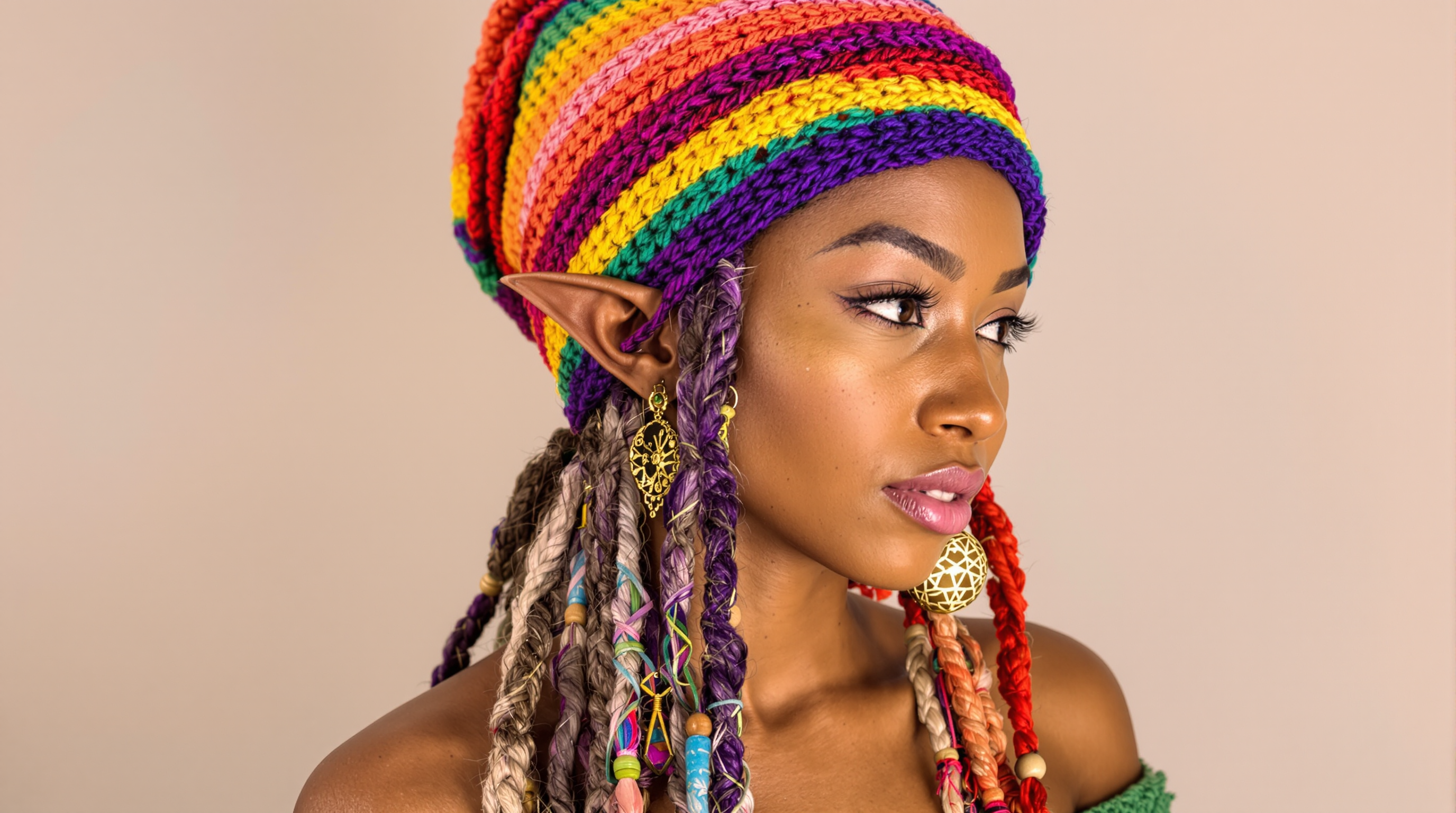
Transform ordinary photos into captivating visuals with effortless face swaps that look completely natural. Whether you're creating hilarious social media memes, professional headshots with new expressions or outfits, or consistent characters for storytelling, PixelDojo empowers you to achieve stunning results in minutes. Swap faces across photos and videos, maintain perfect skin tones and lighting, and produce share-worthy content that stands out on Instagram, TikTok, or LinkedIn without any design experience required.
Join over 50,000 creators who have generated millions of face-swapped images this month. 4.9/5 average rating from 12,000+ reviews. Trusted by influencers, marketers, and hobbyists worldwide for photorealistic results every time.
Why Choose Pixel Dojo for artguru face swap
Professional-quality results with cutting-edge AI technology
Create Viral Social Media Content Instantly
Swap your face onto celebrity photos, trending templates, or fun scenarios to produce shareable memes and Reels that drive engagement and grow your following fast.
Generate Professional Headshots & Portraits
Transform selfies into polished LinkedIn headshots, model portfolios, or branded avatars with perfect lighting, expressions, and backgrounds in a single swap.
Build Consistent Characters for Stories & Brands
Maintain the exact same face across multiple scenes, outfits, and angles for comics, animations, marketing campaigns, or personalized video content.
How It Works
Achieve professional Artguru-style face swaps in three simple steps using PixelDojo's specialized tools.
Step 1: Choose Your Tool
Select the dedicated Face Swap tool or LoRA Face Swap from the Characters & Faces section for maximum realism and consistency. For advanced control, combine with Consistent Characters.
Step 2: Enter Your Prompt & Upload Images
Upload your source face photo and target image or video. Describe the desired outcome like 'swap face onto beach sunset portrait, natural lighting, photorealistic' or use templates for quick results.
Step 3: Customize & Download
Refine with Style Transfer, Magic Lighting, or Background Remover if needed. Preview in multiple variations, then download high-resolution images or video files ready for social sharing.
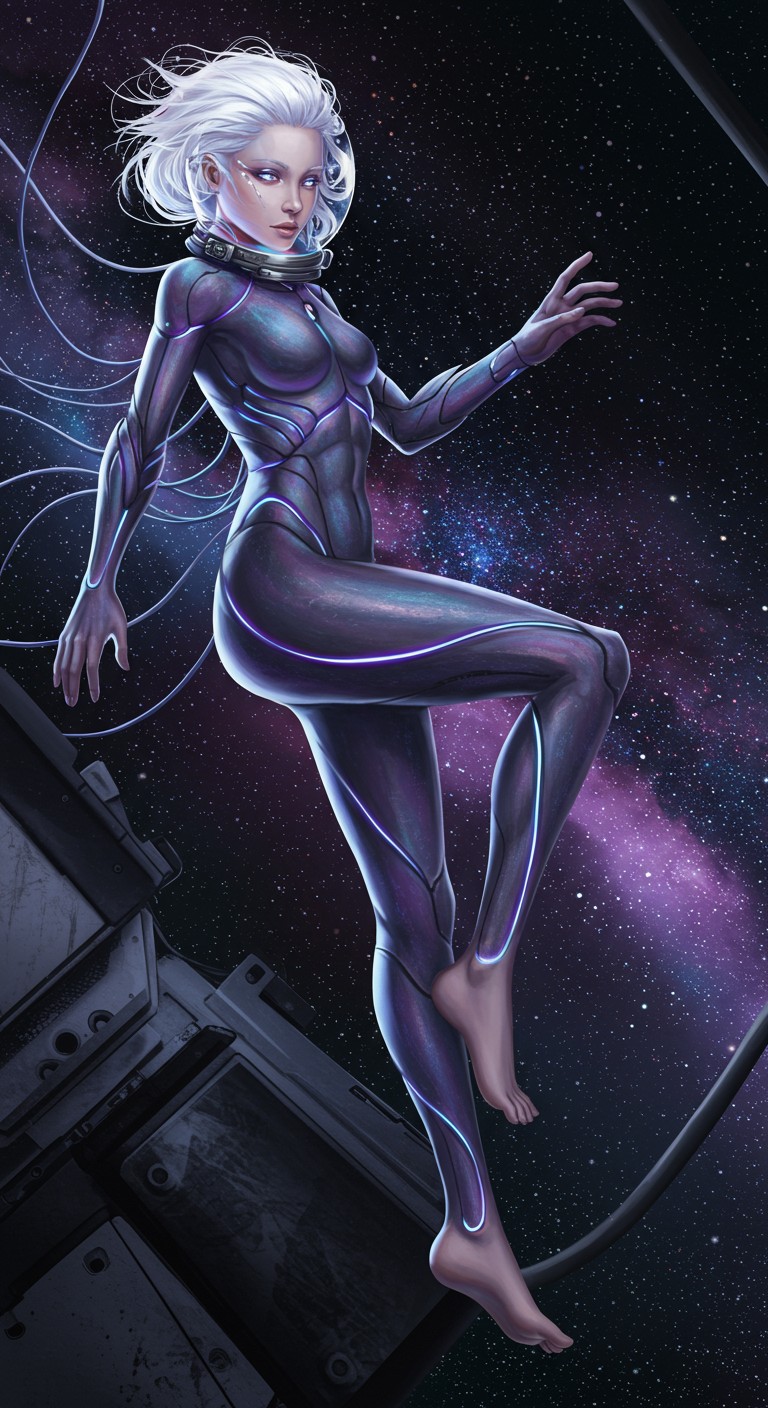
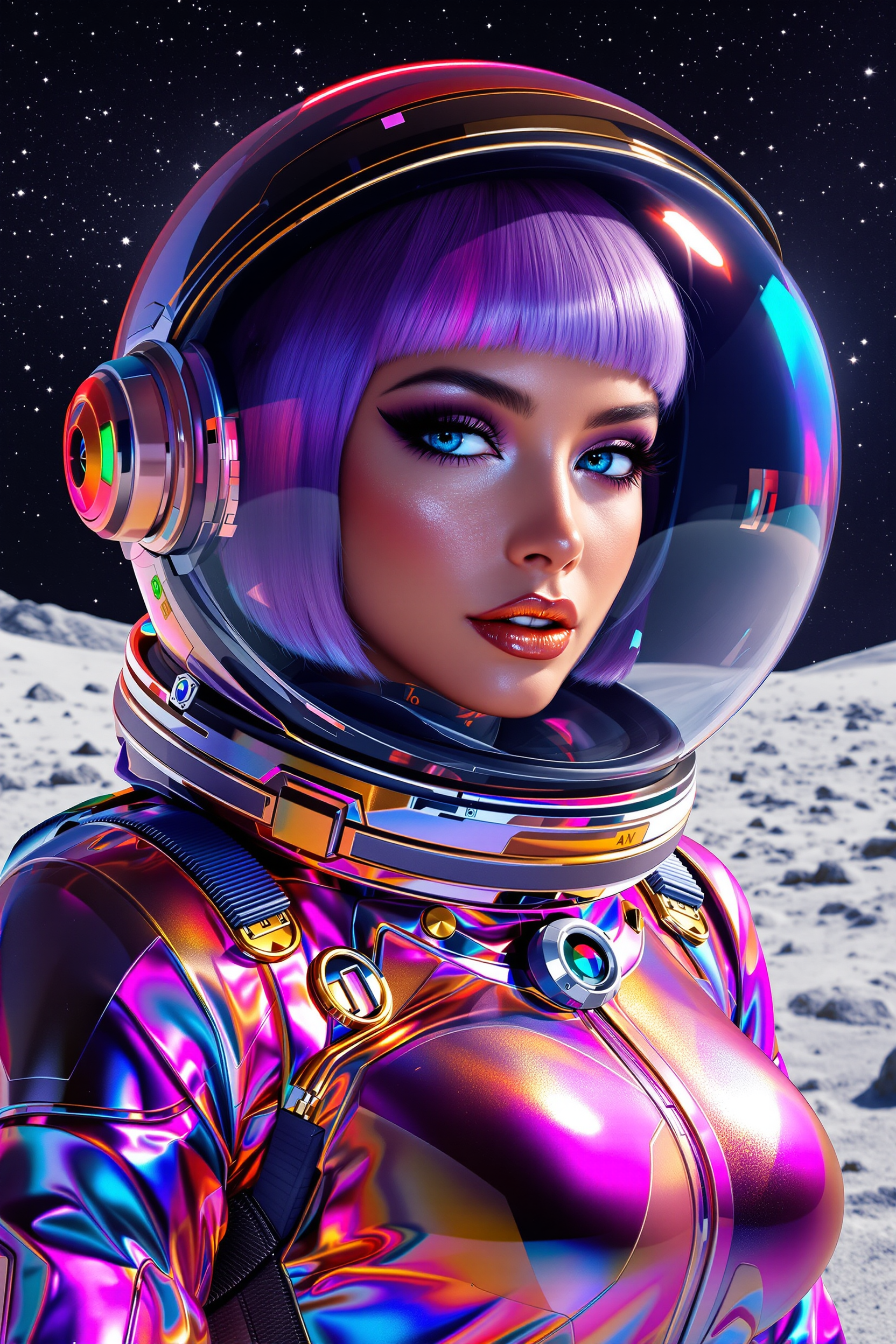
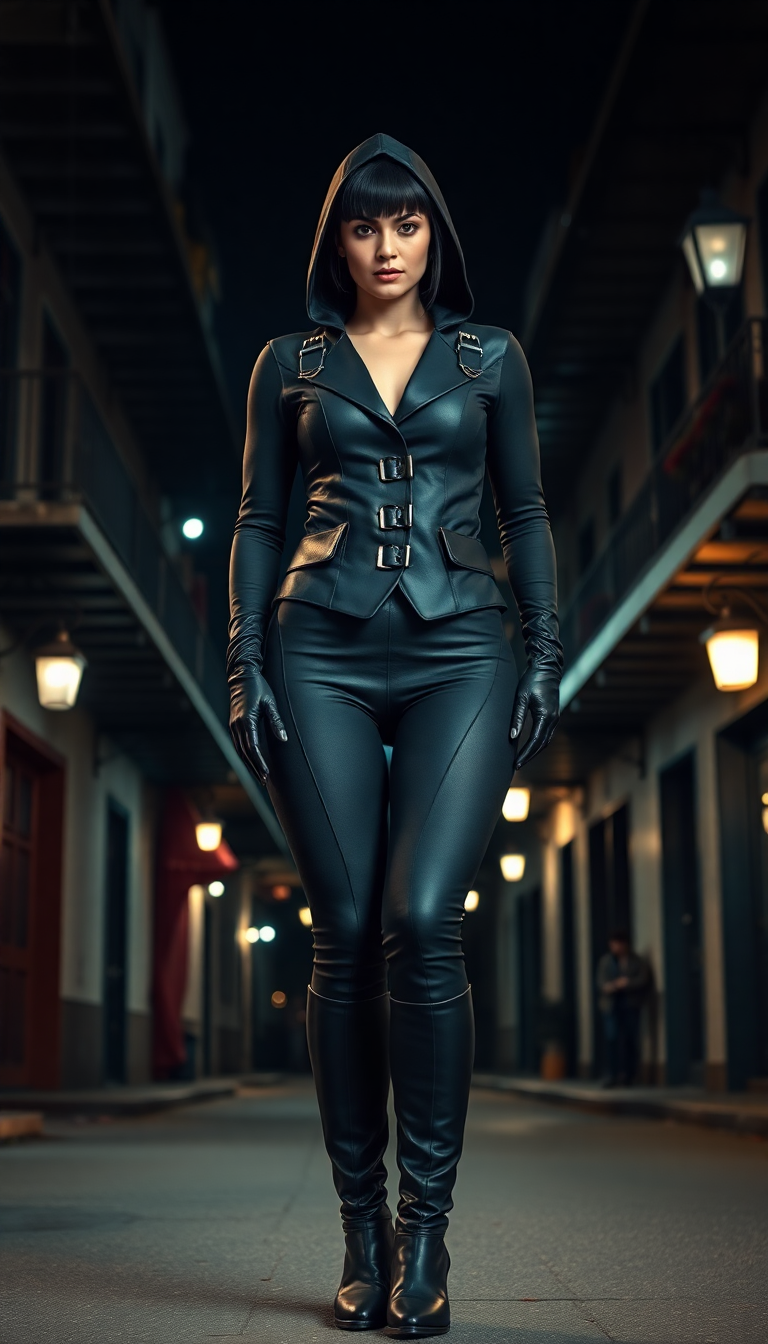

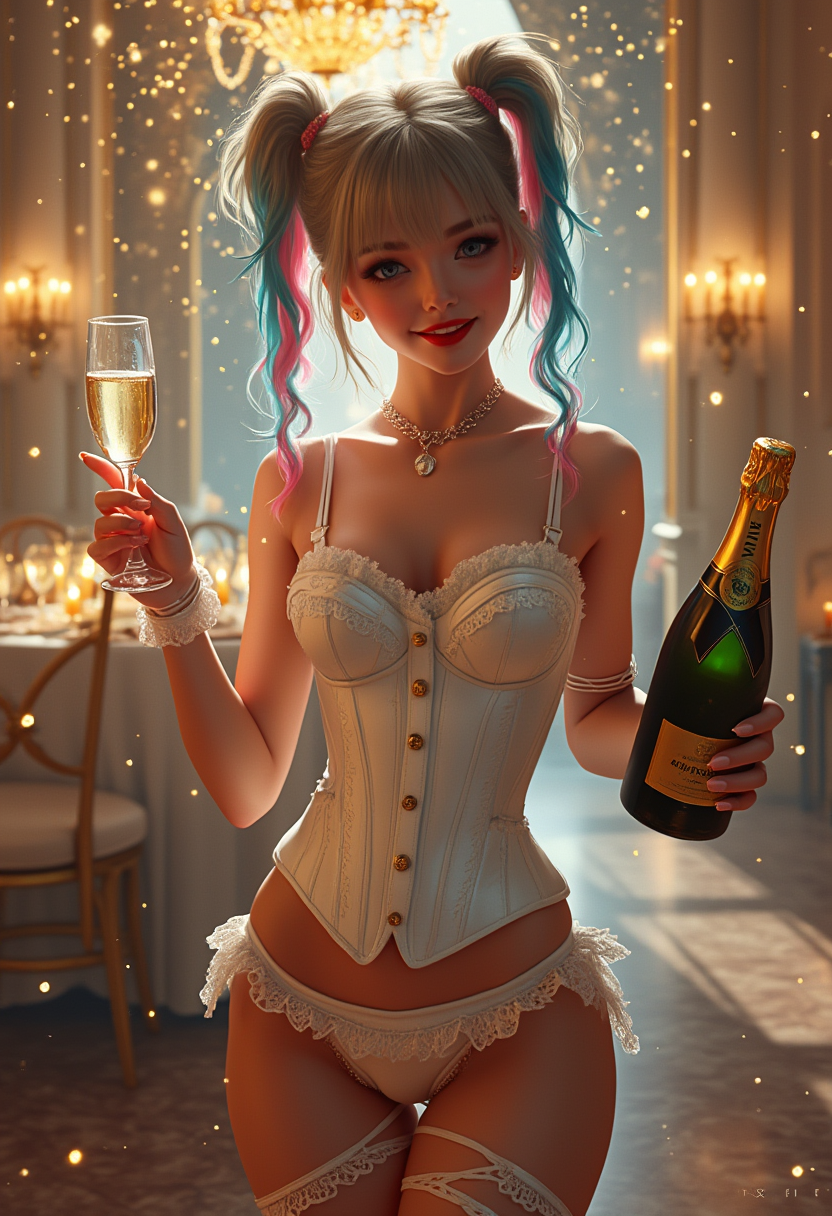
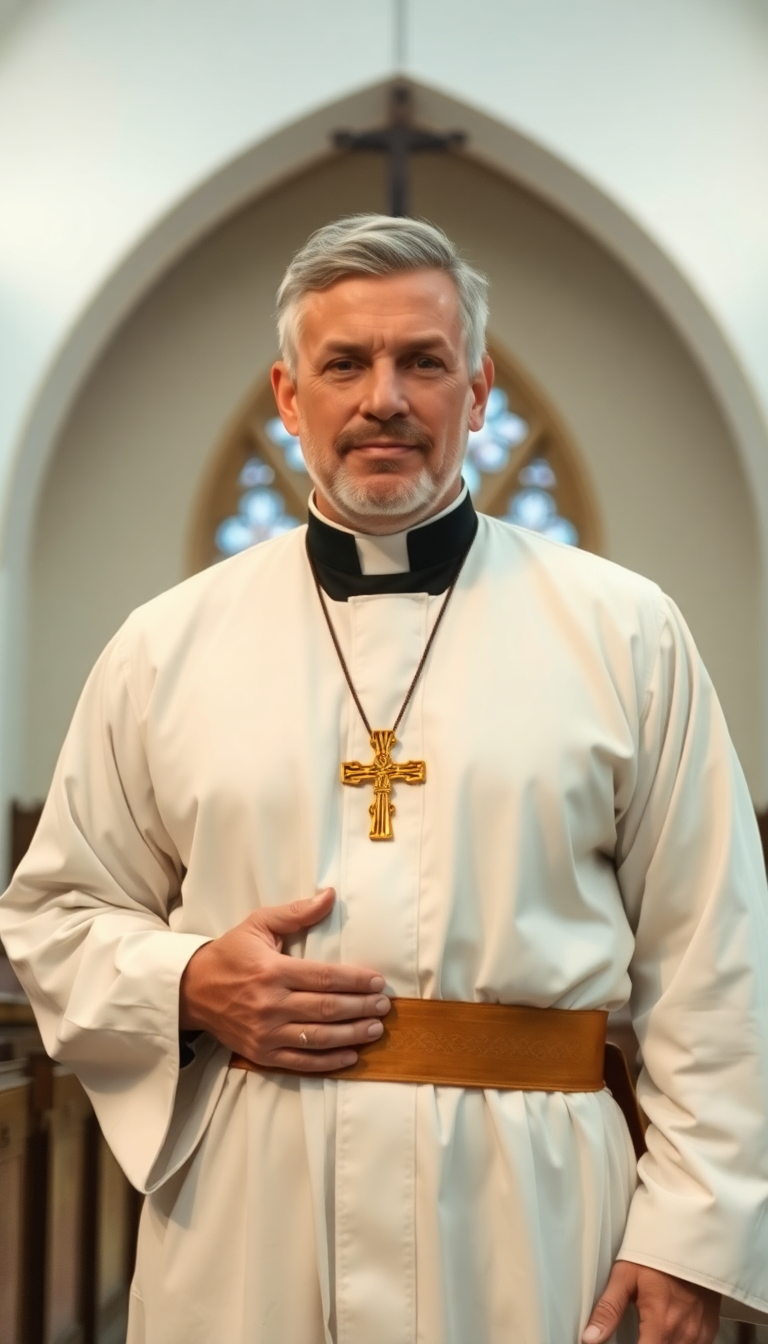
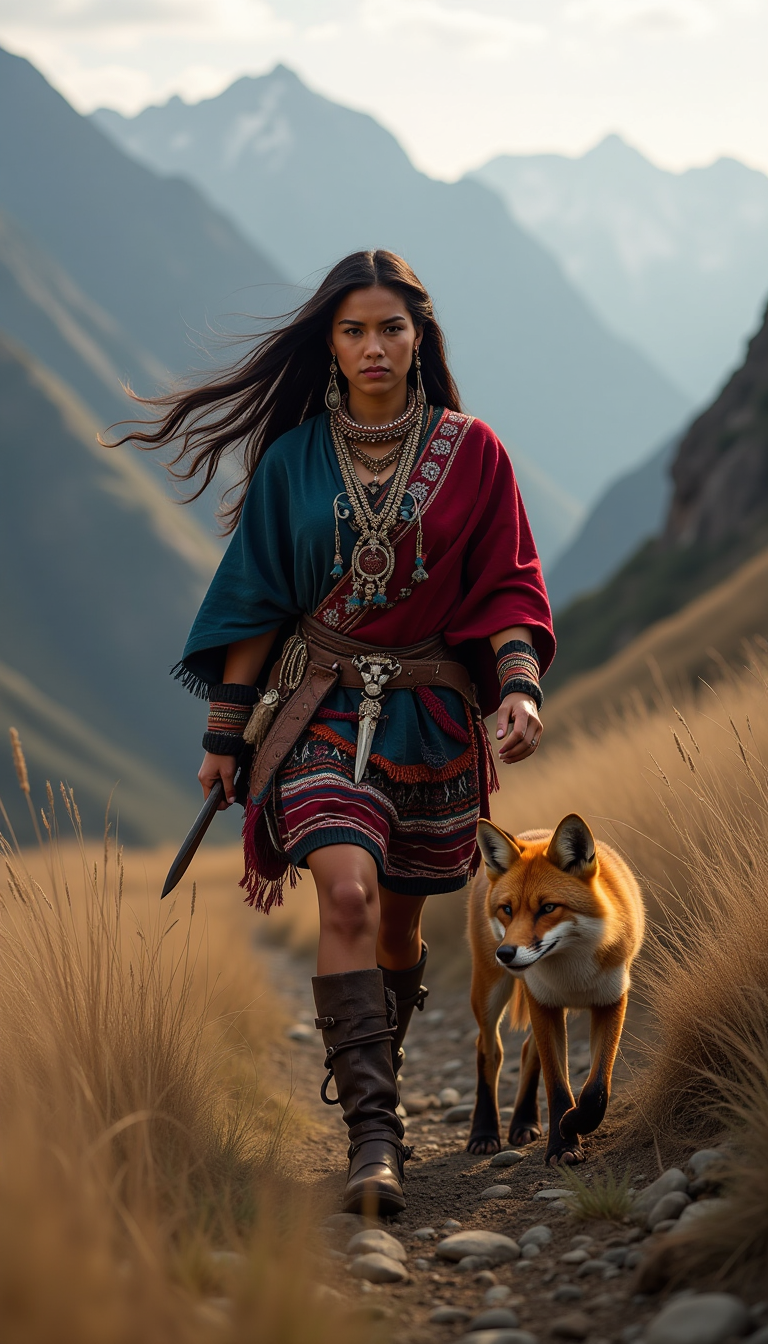
The Pixel Dojo Advantage
Why PixelDojo outperforms other options for Artguru face swap image generation
| Others | Pixel Dojo |
|---|---|
| Traditional face swap creation | Produce photorealistic swaps in seconds instead of spending hours in complex software learning curves and manual blending |
| Generic AI tools | Specialized Face Swap and LoRA Face Swap tools deliver superior facial consistency, skin matching, and lighting accuracy every time |
| Manual photo editing | No advanced skills or expensive software needed – achieve professional multi-face and video swaps with simple uploads and prompts |
Loved by creators on PixelDojo
Real feedback from people using PixelDojo, pulled from our in-product surveys.
I love the training feature
the quality is the best
All the tools needed in one dashboard
Very fair and very broad in tools.
Accurate results
Great site and so much fun to use!
Explore more AI tools on PixelDojo
AI Tools
Compare & Switch
- Best AI Image Generators
- Best AI Video Generators
- Midjourney Alternatives
- Civitai Alternatives
- Runway Alternatives
- Leonardo Alternatives
- Pika Alternatives
- Luma Alternatives
- Magnific Alternatives
- Veo Alternatives
- Flux Alternatives
- Freepik Alternatives
- Seedance Alternatives
- Seedream Alternatives
- Pixverse Alternatives
- GPT Image Alternatives
- Synthesia Alternatives
- Playground Alternatives
- NightCafe Alternatives
- Canva AI Alternatives
- ElevenLabs Alternatives
- ComfyUI Alternatives
- Fal Alternatives
- Replicate Alternatives
Common Questions
Everything you need to know about artguru face swap
How to create Artguru face swap images for free with AI tools?
PixelDojo offers free access to powerful Face Swap and LoRA Face Swap tools. Simply sign up, upload your photos, and generate realistic swaps instantly. No credit card required to start creating viral content and professional portraits.
What are the best techniques for realistic Artguru-style face swaps in 2026?
Use high-quality source images with good lighting, combine Face Swap with Consistent Characters for multi-image projects, and apply Magic Lighting or Style Transfer for perfect skin tones and seamless blending. PixelDojo's tools handle angle matching and expression preservation automatically.
Can I do multi-face swaps and video face swaps like Artguru on PixelDojo?
Yes! PixelDojo's Face Swap supports multiple faces in one image, while WAN Video Character Swap, Kling Video Character Swap, and related video tools enable smooth face replacements in videos. Achieve results comparable to or better than Artguru with added consistency features.
How does PixelDojo's LoRA Face Swap improve on standard face swap results?
LoRA Face Swap allows training on your specific face for ultra-consistent results across dozens of images and styles. Perfect for creating branded avatars, story characters, or professional portfolios where the same person appears in varied scenes.
Is PixelDojo good for Artguru face swap headshots and professional portraits?
Absolutely. Upload a selfie and target professional photo, then use Face Swap combined with Portrait Upscaler and Reality Polisher. Generate polished LinkedIn-ready headshots, model comps, or avatar variations with natural expressions and lighting.
What trends are driving Artguru face swap popularity for social media in 2026?
Creators are using face swaps for personalized memes, celebrity crossovers, pet transformations, brand storytelling with consistent characters, and short-form video content. PixelDojo makes these trends accessible with fast, high-quality tools that support batch generation and easy sharing.