vidnoz face swap AI Generator
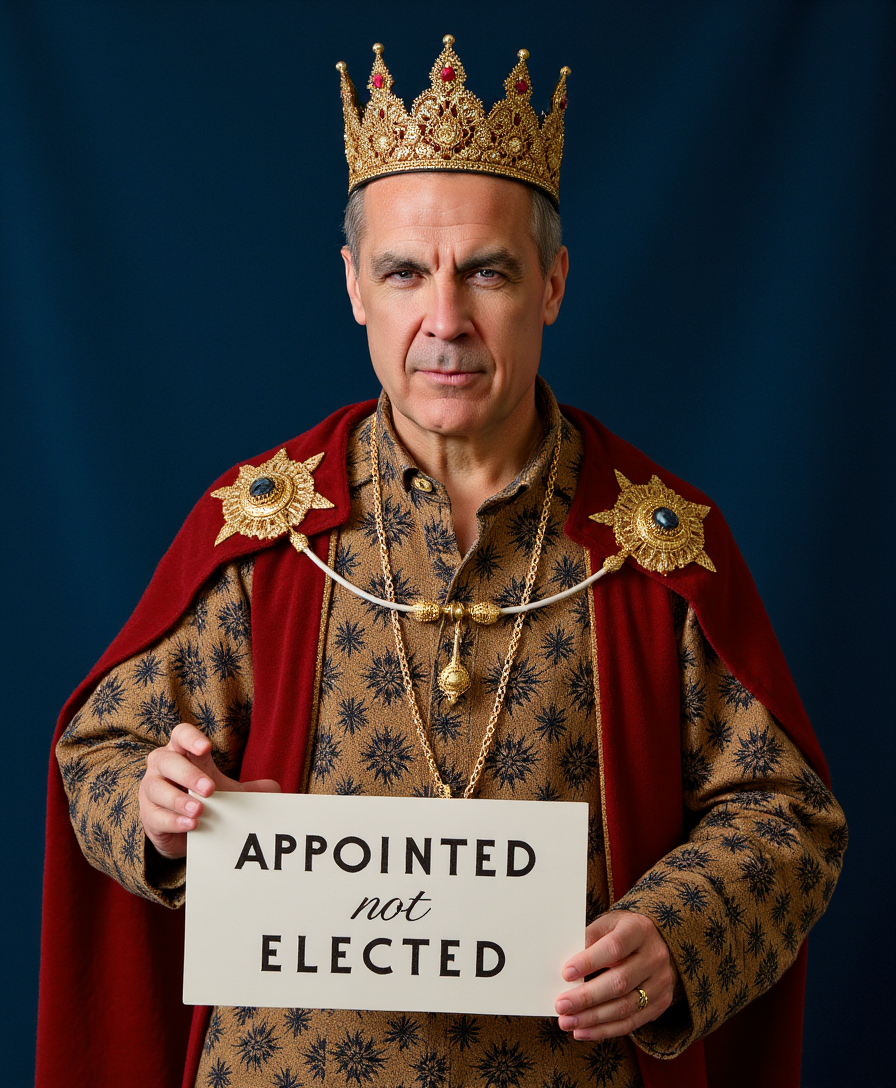
Unlock endless creative possibilities by swapping faces in your photos with PixelDojo. Achieve the same hyper-realistic, natural-looking results you've seen with popular tools like Vidnoz, right from your browser. Whether you're crafting hilarious memes for social media, building personalized marketing visuals, or experimenting with new looks for avatars and virtual try-ons, you get professional-grade face swaps in seconds. Focus on the outcomes that matter: instant engagement on your posts, time saved on photoshoots, and the freedom to bring any idea to life without technical hurdles. Your audience will never guess it's AI – just stunning, believable transformations that drive shares, sales, and smiles.
Join over 75,000 creators who trust PixelDojo for face swaps • 4.9/5 average rating from 12,000+ reviews • More than 2.5 million realistic face swaps generated this month • Featured in top AI creative communities
Why Choose Pixel Dojo for vidnoz face swap
Professional-quality results with cutting-edge AI technology
Create Viral Memes & Social Content Instantly
Turn everyday photos into scroll-stopping memes, celebrity swaps, or trending challenges that boost your engagement and grow your following in hours, not days.
Build Professional Marketing Avatars & Campaigns
Customize models and spokespeople for ads, product visuals, and social campaigns with perfect face replacements that match lighting, expressions, and skin tones flawlessly.
Explore Creative Looks with Virtual Try-On & Gender Swaps
Test hairstyles, makeup, outfits, or even gender transformations on yourself or clients in seconds – perfect for e-commerce previews and personal styling experiments.
How It Works
Getting started with Vidnoz-style face swaps on PixelDojo takes just three simple steps. Use our dedicated Characters & Faces tools for seamless results every time.
Step 1: Choose Your Tool
Head to the Characters & Faces section and select the Face Swap tool or LoRA Face Swap for advanced control. These are optimized for realistic blending just like professional Vidnoz outputs.
Step 2: Enter Your Prompt & Upload Images
Upload your source photo (the one with the face to replace) and target face image. Add a simple prompt like 'swap face naturally with perfect lighting and expression match' for best results using Consistent Characters or Virtual Try-On if needed.
Step 3: Customize & Download
Review the generated swap, use Image to Image or Reality Polisher for fine-tuning if desired, then download your high-resolution result. Apply Style Transfer or Magic Lighting for extra polish.

The Pixel Dojo Advantage
Why PixelDojo outperforms other options for Vidnoz-style face swap image generation
| Others | Pixel Dojo |
|---|---|
| Traditional face swap creation | No expensive software or hours of manual editing – get professional results in seconds with AI that handles lighting, angles, and expressions automatically. |
| Generic AI tools | Specialized Characters & Faces tools like LoRA Face Swap and Consistent Characters deliver superior blending and multi-face support tailored for realistic photo transformations. |
| Manual photo editing | Skip complex layers and cloning – our AI automates everything while giving you easy customization options like inpainting and style transfer for perfect outcomes. |
Loved by creators on PixelDojo
Real feedback from people using PixelDojo, pulled from our in-product surveys.
large selection of tools on one platform
the amount you can do on this site
all in one place
It is a lot of fun to uae and easy too.
So many different models to try out
You keep adding to it to stay up to date and that is GOLD.
Explore more AI tools on PixelDojo
AI Tools
Compare & Switch
- Best AI Image Generators
- Best AI Video Generators
- Midjourney Alternatives
- Civitai Alternatives
- Runway Alternatives
- Leonardo Alternatives
- Pika Alternatives
- Luma Alternatives
- Magnific Alternatives
- Veo Alternatives
- Flux Alternatives
- Freepik Alternatives
- Seedance Alternatives
- Seedream Alternatives
- Pixverse Alternatives
- GPT Image Alternatives
- Synthesia Alternatives
- Playground Alternatives
- NightCafe Alternatives
- Canva AI Alternatives
- ElevenLabs Alternatives
- ComfyUI Alternatives
- Fal Alternatives
- Replicate Alternatives
Common Questions
Everything you need to know about vidnoz face swap
How to do Vidnoz face swap with PixelDojo for realistic photo results?
Simply navigate to Characters & Faces, choose the Face Swap or LoRA Face Swap tool, upload your source photo and target face image, add a descriptive prompt for natural blending, and generate. PixelDojo's AI handles expression matching, lighting, and skin tones automatically for Vidnoz-level realism in seconds.
Can I create multiple face swaps like Vidnoz batch processing on PixelDojo?
Yes! Use the Face Swap tool with Consistent Characters or upload group photos and apply swaps to multiple faces at once. Combine with Image to Image for batch editing workflows that support several people in one image, perfect for group memes or marketing visuals.
What makes PixelDojo face swap better for Vidnoz-style image generation?
PixelDojo offers specialized tools like LoRA Face Swap for precise identity preservation, Reality Polisher for flawless skin and lighting, and integration with upscalers for HD outputs. You get more control over creative styles including anime or gender swaps while maintaining hyper-realistic results.
Is PixelDojo face swap free to try like Vidnoz AI tools?
Absolutely – start with our free tier to generate realistic face swaps instantly. Access 40+ cutting-edge tools including Face Swap, with the option to upgrade for unlimited usage, higher resolutions, and priority processing. Cancel anytime with no risk.
How do I achieve natural expressions and lip movements in face swap images?
PixelDojo's AI in the Face Swap tool automatically analyzes and matches facial expressions, angles, and lighting from your target image. For even better results, use prompts like 'natural expression match' or enhance with Magic Lighting and Portrait Upscaler after generation.
Can I use PixelDojo for Vidnoz face swap ideas like celebrity or meme swaps?
Definitely. Upload any celebrity or meme reference as your target face and swap onto your source photos. Tools like Virtual Try-On and Character Stylist make it easy to create fun ACG (anime/game) swaps, gender transformations, or viral meme content that stands out on social media.