Fast Image Models
Generated on PixelDojo. Produced by PixelDojo's generation pipeline.
The fastest image model we measured is Flux 2 Klein 4B. It handed back a finished 1024 by 1024 portrait in about 9 seconds on August 26, 2026 and charged 0.1 credit for it. We sent one identical prompt to the fast generators in the catalog that day, timed every request from submission to the finished file, downloaded each result and looked at it before ranking anything. Then we put the runner up through a cheap upscaler to see what a fast pipeline can produce end to end. Below is the order we landed on, the price and the clock behind it, and an honest note on when each pick is the wrong one.
The three files, first results, nothing retouched
Every example below was produced on PixelDojo. Hover to see the prompt.
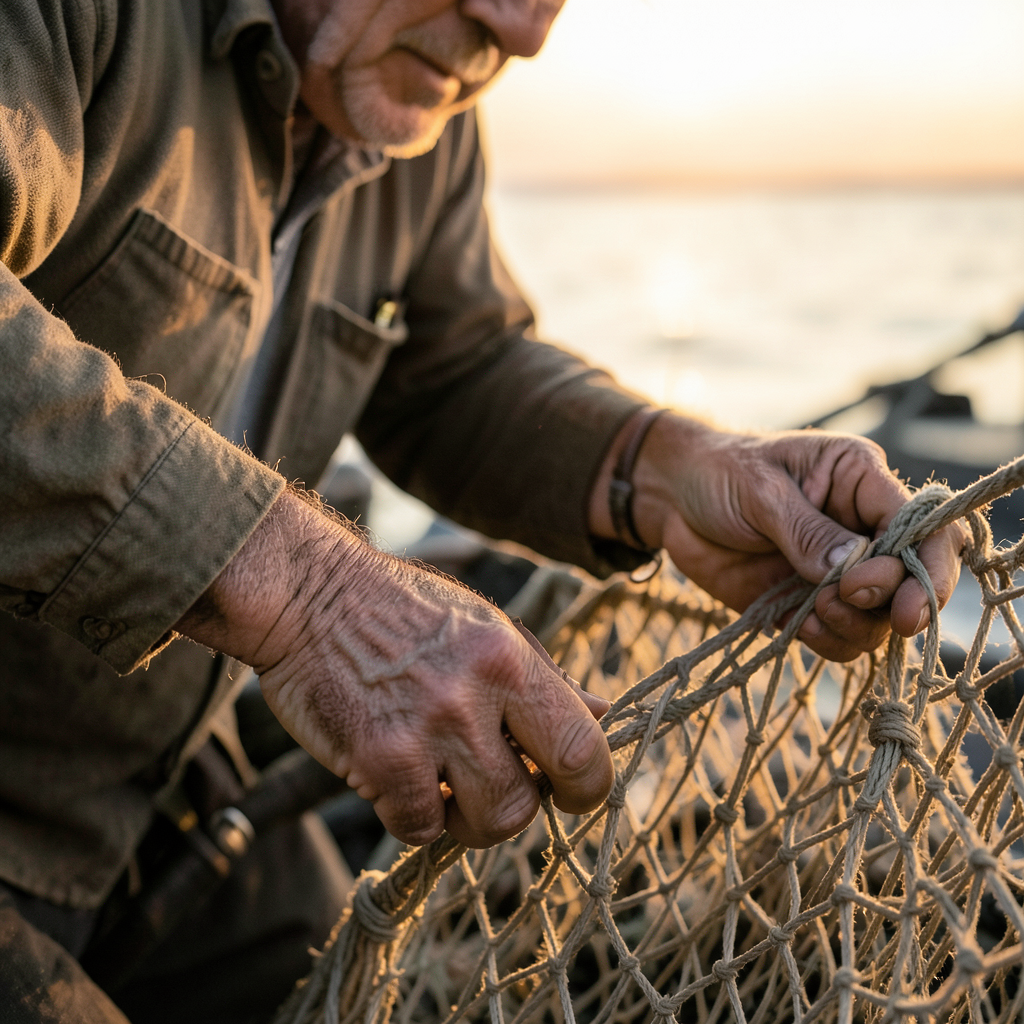
Portrait of a middle-aged fisherman mending a net at golden hour, weathered hands in focus, shallow depth of field, natural skin texture, documentary photography style
Flux 2 Klein 4B
Portrait of a middle-aged fisherman mending a net at golden hour, weathered hands in focus, shallow depth of field, natural skin texture, documentary photography style
Z Image Turbo
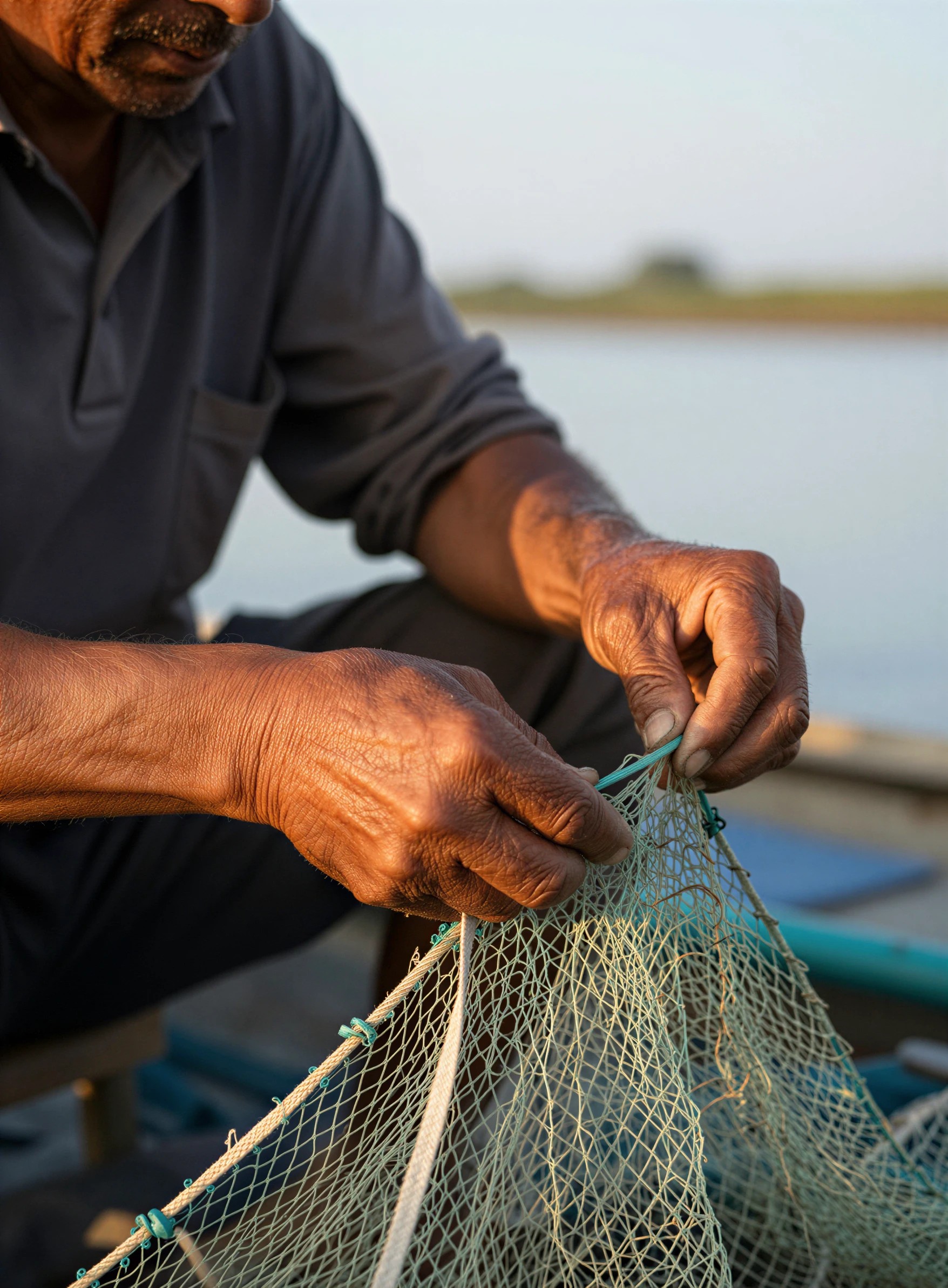
The Z Image Turbo portrait sent through P-Image Upscale at the default 4 megapixel target, no detail or realism enhancement
P-Image Upscale
The ranking, with the reason and the catch
1. Flux 2 Klein 4B. 0.1 credit, about 9 seconds
The cheapest and the quickest thing in the test, and the output is not a compromise. Ours came back 1024 by 1024 as a close documentary crop: two hands working a knotted rope net, low sun burning across the water behind, a boat rail dissolving into bokeh at the edge. Both hands are anatomically right on the first result, fingers wrapped where the rope actually goes, which is the thing fast models usually get wrong. The forearms carry real sun damage, tendon shadow and loose skin at the wrist. What it gave up is framing. The top of the frame cuts the face just under the eyes, so you get hands and light rather than a portrait. At 0.1 credit you can generate ten variations for the price of one image from a premium tier, and picking from ten is a better use of the money than tuning one. Skip it if you need a named face in shot or custom LoRA weights, because this one does not load them.
2. Z Image Turbo. 0.5 credit, about 20 seconds
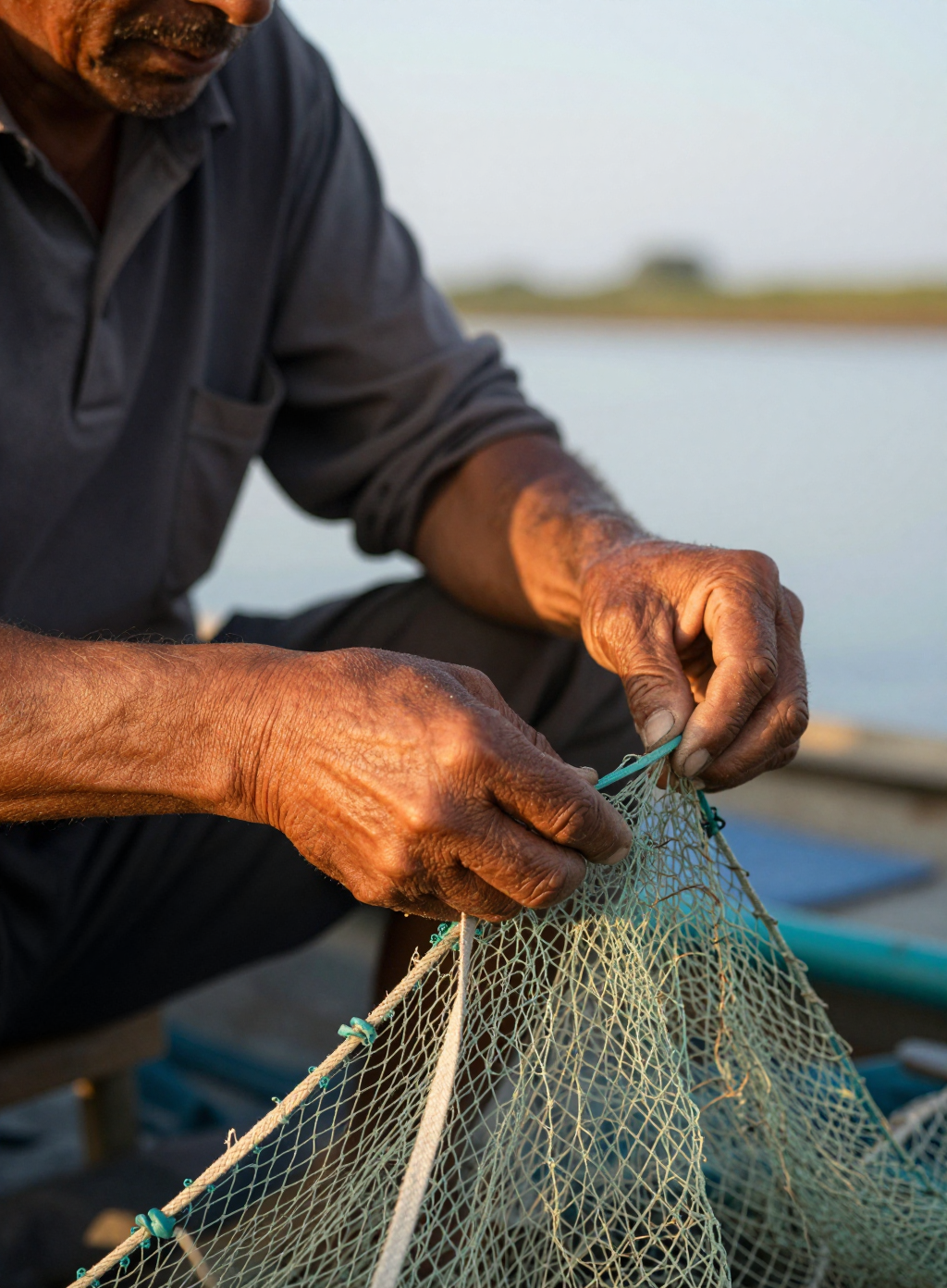
Five times the price of Klein 4B and roughly twice the wait, and it buys back frame size and micro detail. Our run returned 1024 by 1392, a taller crop that holds more of the body, the net and the boat. Skin is where it wins: vein tracks and a fine wrinkle lattice across both forearms, deep knuckle creases, sun darkened tone read against a navy work polo. The net is a fine teal mesh being worked with a green netting needle, and the mesh keeps its knot structure instead of smearing into a texture. It also accepts up to three LoRA weights in a single request, which Klein 4B does not, so this is the fast model to reach for when you have trained a subject or a style and want it back in under half a minute. Skip it when you are generating in volume and a five times price gap is what decides the budget.
3. P-Image Upscale. 0.1 credit, about 20 seconds
This one does not generate. It is the finishing step that makes a fast, cheap picture printable, and it belongs in any speed ranking because a 1024 pixel file is not a deliverable. We fed it the Z Image Turbo portrait at 1024 by 1392 and asked for the default 4 megapixel target. It returned 1756 by 2386 in about 20 seconds for 0.1 credit. Compared at the same magnification, the original softens into mush across the back of the hand while the upscale keeps pores, single forearm hairs and separated net filaments. No bright halos on the edges, no waxy sheen on the skin. The megapixel target sets the price, from 0.1 credit at 4 megapixels up to 3 credits at 128, so the cheapest tier is the one that pairs naturally with a fast generator. Skip it if you want it to rescue a picture. It resolves what is already in the file and will not invent a better composition.
One portrait prompt, one day, every request timed. Flux 2 Klein 4B: 0.1 credit, about 9 seconds. Z Image Turbo: 0.5 credit, about 20 seconds. The 4 megapixel finishing pass: 0.1 credit, about 20 seconds.
Why Choose Pixel Dojo for Fast Image Models
Professional-quality results with cutting-edge AI technology
Ranked on runs, not on spec sheets
Same prompt, same day, default settings, first result kept from each model. Every output was downloaded and viewed at full size before the order was decided.
The whole stack costs 0.7 credits
0.1 for Flux 2 Klein 4B, 0.5 for Z Image Turbo, 0.1 for the 4 megapixel finishing pass. Running all three is cheaper than one image from most premium tiers.
Speed you can actually plan around
About 9 seconds and about 20 seconds, measured from submission to finished file. Queue load moves those numbers, so treat them as typical rather than guaranteed.
How It Works
How the test ran, so you can repeat it:
Send one prompt to each model, unchanged
A single documentary portrait line asking for weathered hands in focus and shallow depth of field. No per model tuning, no seed, no negative prompt, no retries. Whatever a plain prompt produces is what you would get on your first attempt too.
Time it from submission to finished file
A clock reading before the request and another when the asset URL arrived. That bracket gave about 9 seconds for Flux 2 Klein 4B and about 20 seconds for Z Image Turbo.
Finish the keeper with a cheap upscale
The kept image went to P-Image Upscale at the default 4 megapixel target. It came back at 1756 by 2386 in about 20 seconds for 0.1 credit, which is the last step in a fast pipeline that ends with a usable file.
Loved by creators on PixelDojo
Real feedback from people using PixelDojo, pulled from our in-product surveys.
All the tools, plus the guidance
Excellent tools. Ease of use. Well thought out interface. Wide variety of AI tools and features which are up to date with more added each month
I really like how the site is kept up to date, and the leaderboard (where I'm currently #11 most popular artist)
This is the best image generator I've used so far. Well done!
es facil de comprender asi uno no sea programador
amazing web site
Explore more AI tools on PixelDojo
AI Tools
Compare & Switch
- Best AI Image Generators
- Best AI Video Generators
- Midjourney Alternatives
- Civitai Alternatives
- Runway Alternatives
- Leonardo Alternatives
- Pika Alternatives
- Luma Alternatives
- Magnific Alternatives
- Veo Alternatives
- Flux Alternatives
- Freepik Alternatives
- Seedance Alternatives
- Seedream Alternatives
- Pixverse Alternatives
- GPT Image Alternatives
- Synthesia Alternatives
- Playground Alternatives
- NightCafe Alternatives
- Canva AI Alternatives
- ElevenLabs Alternatives
- ComfyUI Alternatives
- Fal Alternatives
- Replicate Alternatives
Common Questions
Everything you need to know about Fast Image Models
What is the fastest AI image model?
Flux 2 Klein 4B in our test. It returned a finished 1024 by 1024 image about 9 seconds after the request went out on August 26, 2026. Z Image Turbo took about 20 seconds on the same prompt the same day.
What is the cheapest fast image model?
Flux 2 Klein 4B again, at 0.1 credit per image. Z Image Turbo is 0.5 credit. Both are flat per image, so the price does not move with the prompt length or the aspect ratio you ask for.
Is a fast model good enough for client work?
For a subject led shot, yes. Our 0.1 credit result had correct hands, real skin texture and believable golden hour light on the first generation with no retries. The catch is resolution and framing, and a 0.1 credit upscale pass fixes the resolution half of that.
Does the upscale step cancel out the speed?
It roughly doubles the wall clock. Generate in about 9 seconds, upscale in about 20, so a print sized file lands about half a minute after you hit go for 0.2 credits total. That is still faster than a single run on most premium image tiers.
Which fast model works with a LoRA I trained?
Z Image Turbo. It takes up to three sets of LoRA weights in one request with matching scales. Flux 2 Klein 4B does not load custom weights, so a trained subject or style has to go through Z Image Turbo.
How do I call these from the API?
POST to /api/v1/models/flux-2-klein-4b/run, /api/v1/models/z-image-turbo/run or /api/v1/models/p-image-upscale/run with your API key. Same key, same request shape for all three, so switching models is one string in the URL.