best veo alternative
Generated on PixelDojo. Produced by PixelDojo's generation pipeline.
You deserve cinematic AI videos with native audio, lifelike motion, and professional polish that captivate audiences and drive results—without juggling multiple subscriptions or facing waitlists. PixelDojo stands as the best Veo alternative, putting Veo 3.1 right alongside Kling Video, WAN 3.0, Seedance 2.5, Hailuo 2.3, MiniMax H3, PixVerse V6, Grok Video, and Flux 3 Video in one seamless workspace. Start by generating high-impact stills with Nano Banana 2, GPT Image 2, Flux.2 Studio, Seedream 5, or Ideogram 4, then animate them into dynamic clips using image-to-video tools. Whether you're building marketing campaigns, social media stories, consistent character narratives, or product showcases, you achieve Hollywood-level outcomes in minutes. Thousands of creators already rely on PixelDojo to produce watermark-free, commercially licensed content that converts viewers into customers. Skip the complexity of traditional production and generic single-model platforms—your ideas come to life faster, more affordably, and with unmatched flexibility. Explore 40+ cutting-edge AI tools today and see why PixelDojo is the go-to destination for anyone seeking a true Veo alternative that delivers real results.
Real video examples generated on PixelDojo
Every example below was produced on PixelDojo. Hover to see the prompt.
First-person roller coaster
minimax-h3-turbo
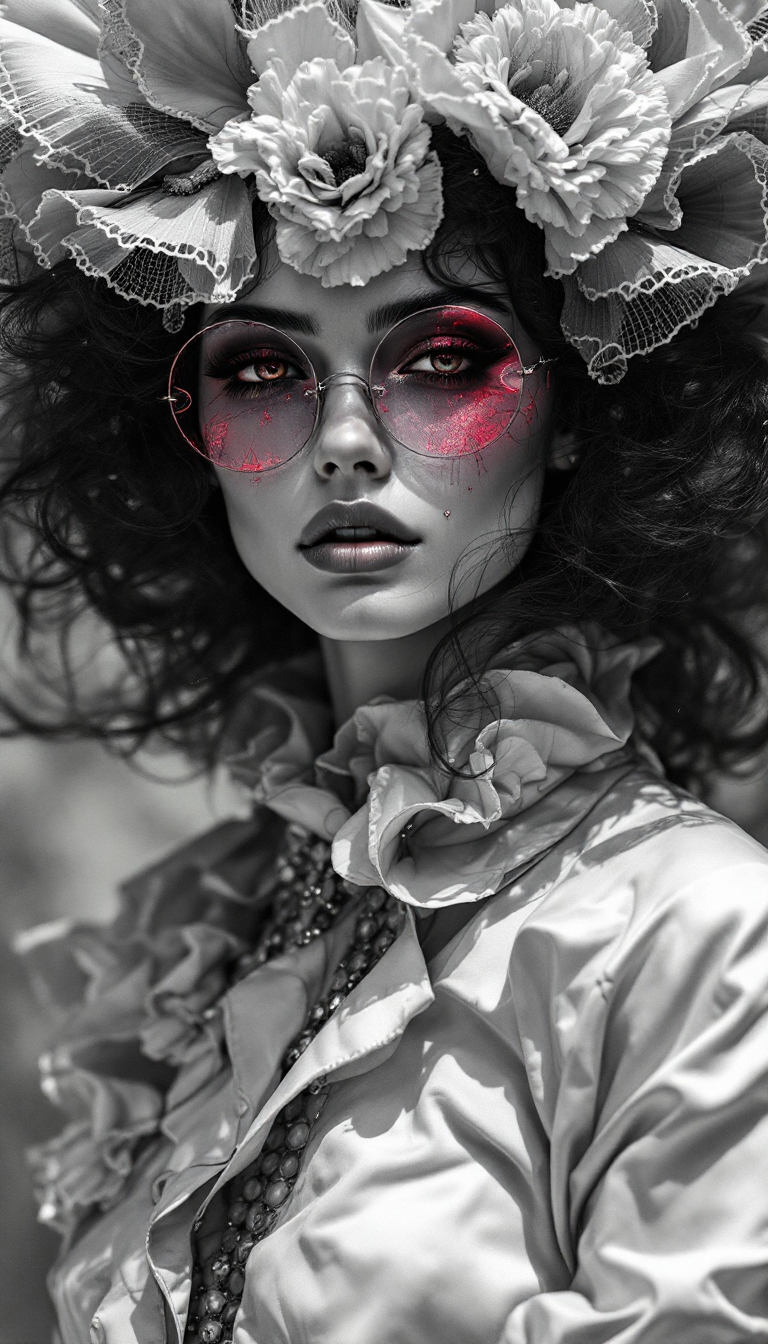
Top avant-garde fashion model shot
flux
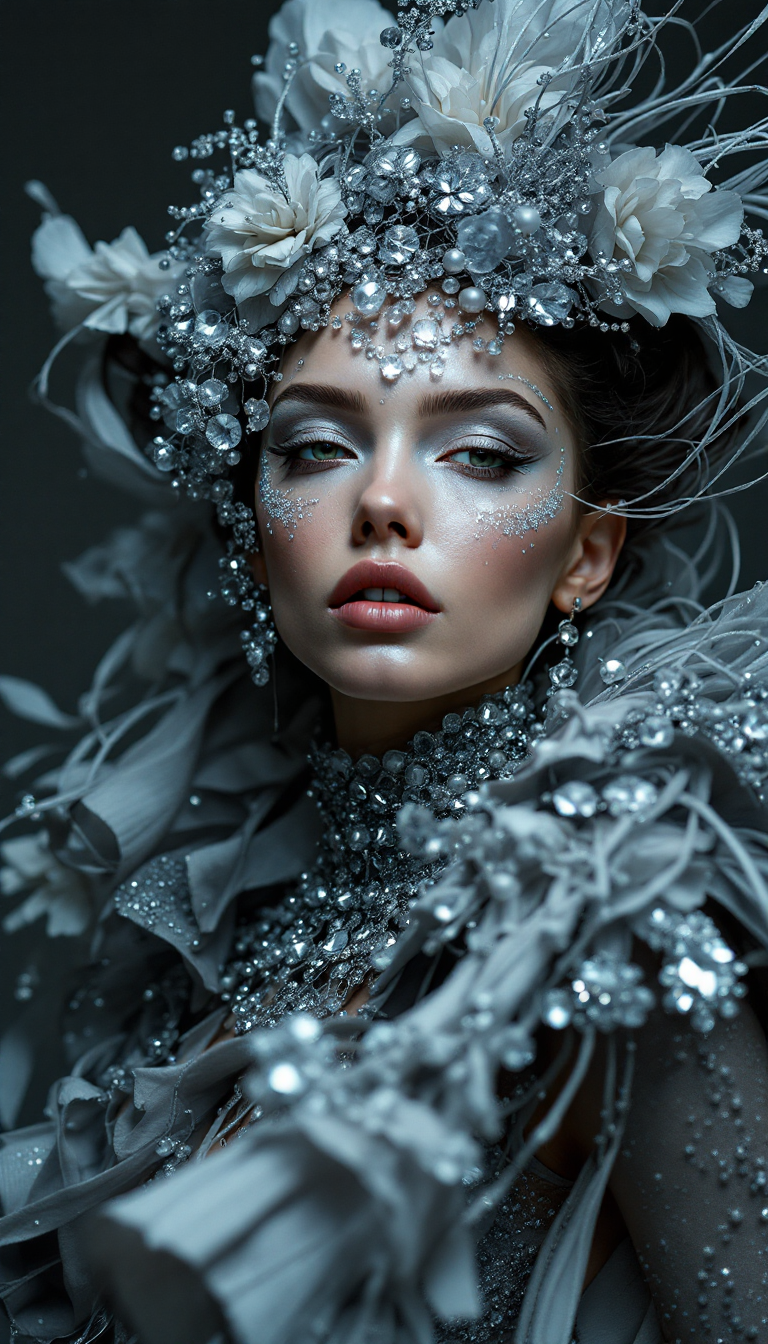
Top avant-garde fashion model shot
flux
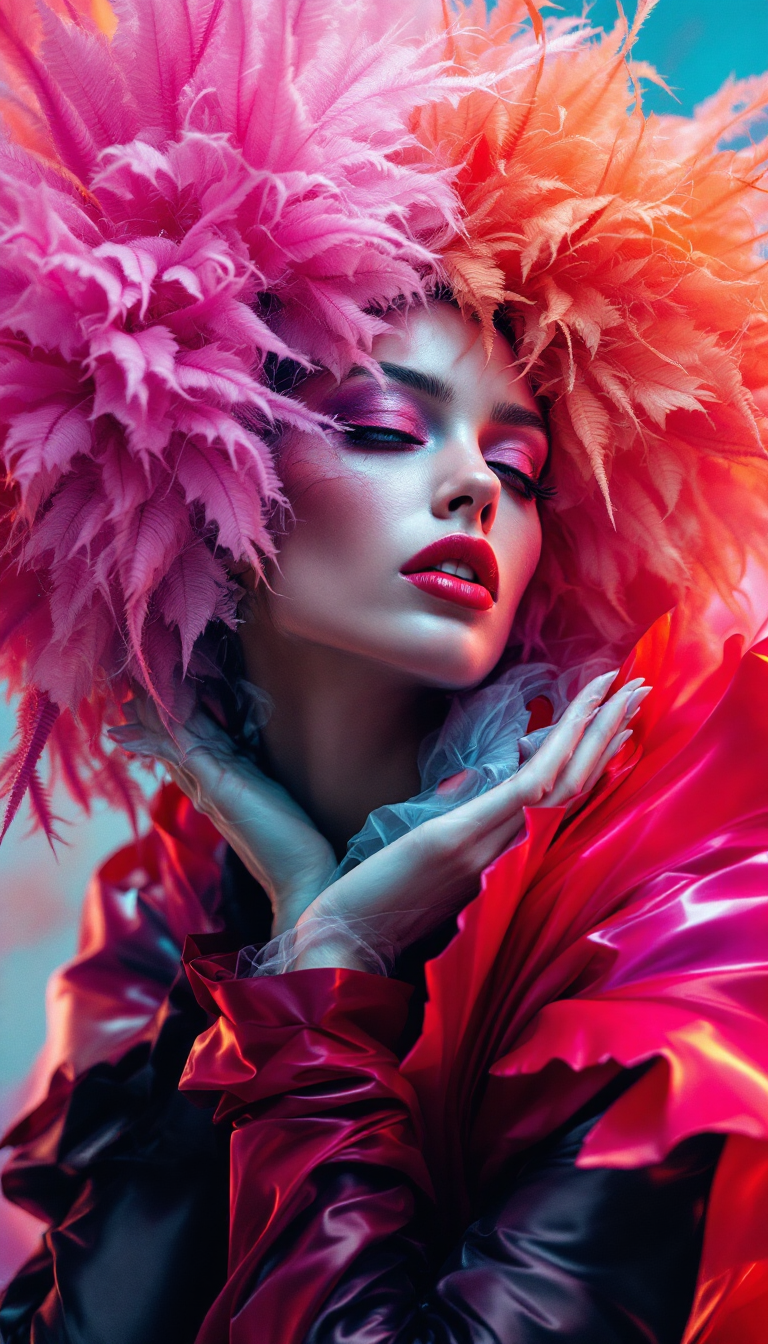
Top avant-garde fashion model shot
flux
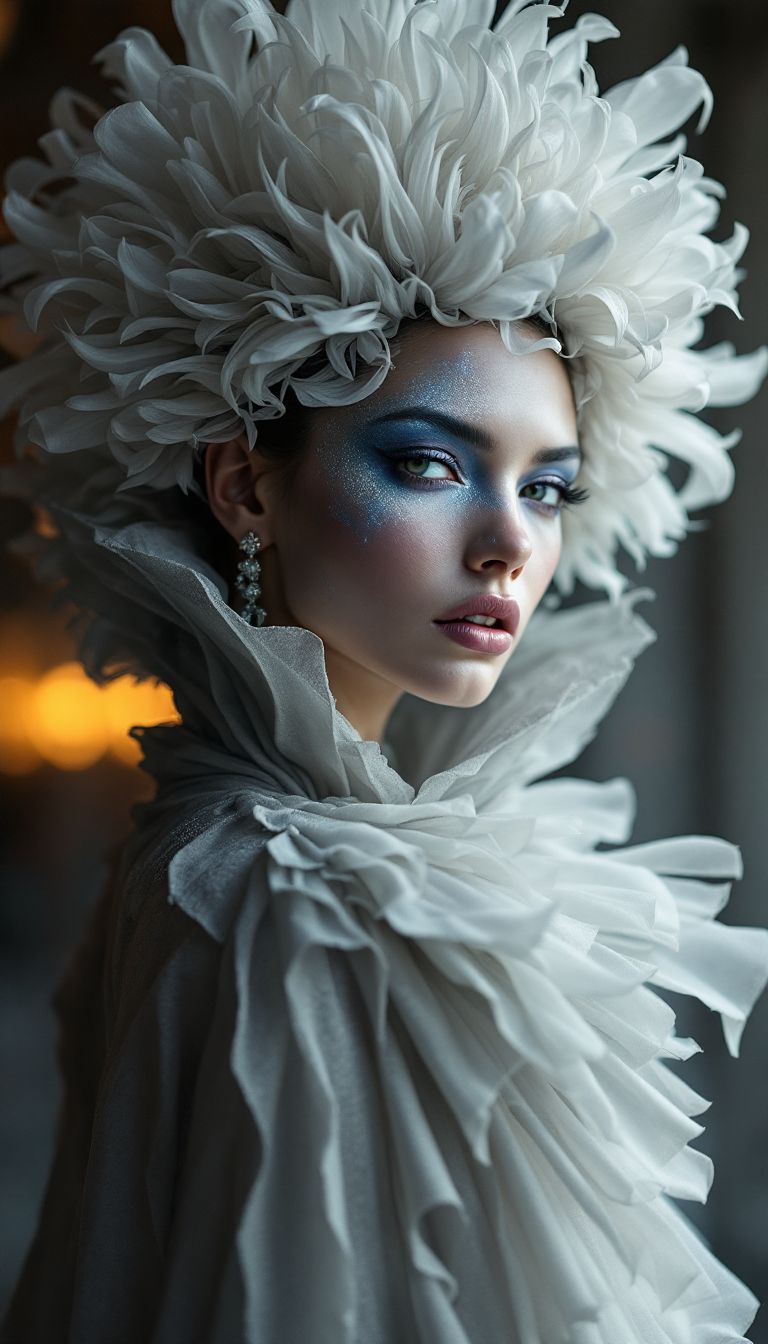
Top avant-garde fashion model shot
flux
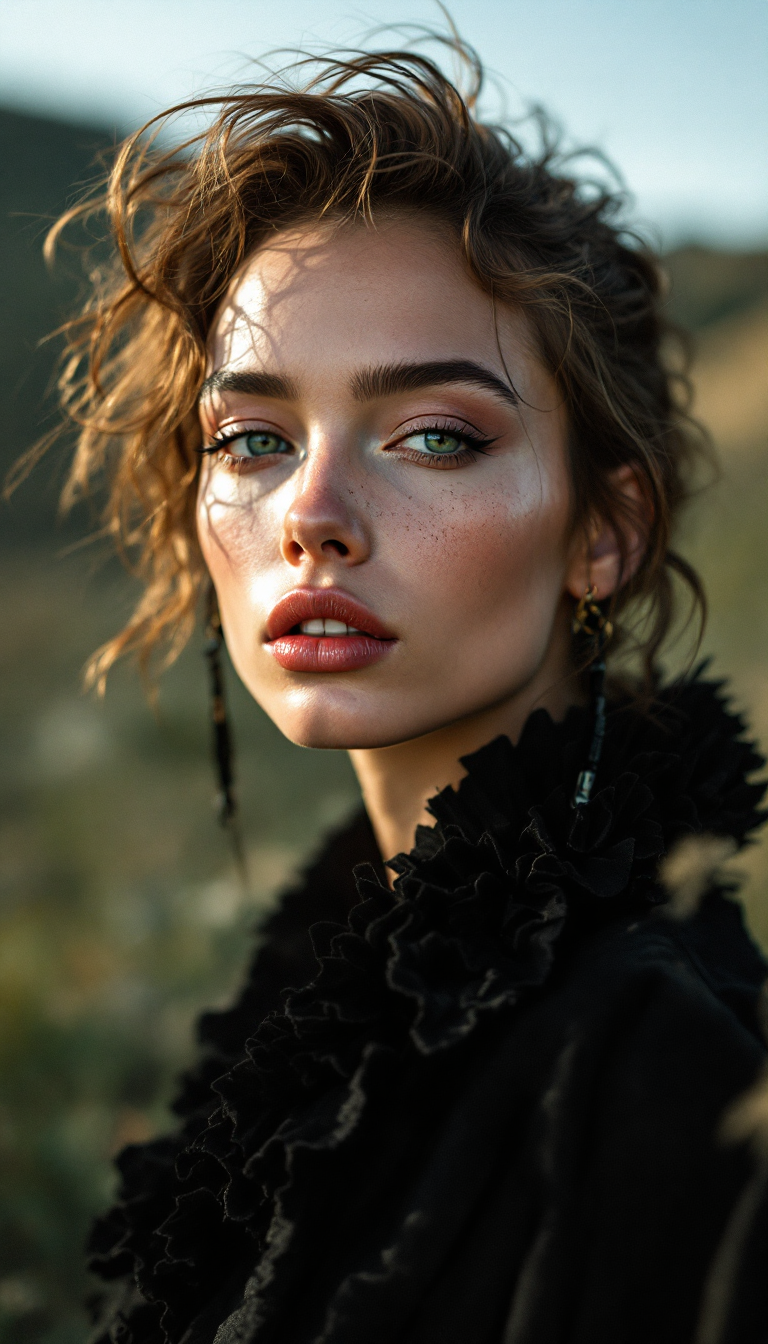
Top avant-garde fashion model shot
flux
Models you can run on PixelDojo for best veo alternative
Switch models without switching tools. Each one runs in the same PixelDojo studio.
What you can do with best veo alternative on PixelDojo
Multiple video models
We give you access to several video generation models in one workspace so you can compare outputs and pick the look that fits the scene.
Image to video
Start from a still frame or key art and generate motion that follows your prompt, camera notes, and subject.
Iterate without restarting
You can refine prompts, restyle clips, and generate variants from a take you already like instead of beginning from scratch.
Export ready clips
We output clips you can download and drop into your editor for cuts, audio, and finishing.
Loved by thousands of creators worldwide who generate professional videos and images daily. 40+ cutting-edge AI tools with full commercial rights, cancel anytime.
Why Choose Pixel Dojo for best veo alternative
Professional-quality results with cutting-edge AI technology
Access Every Top Model in One Place
You generate cinematic videos with native audio and realistic physics using VEO 3.1, Kling Video, WAN 3.0, Seedance 2.5, and more—then refine stills with Flux.2 Studio or Seedream 5—without switching accounts or paying extra subscriptions.
Build Consistent Characters That Convert
You create reusable characters with Marketing Studio, Consistent Characters, Character Sheets, Ideogram Character, WAN Video Character Swap, and Kling Avatar, then animate them into engaging stories that boost brand loyalty and sales.
Complete Workflow from Idea to Finished Asset
You go from prompt to polished video or image using Image to Image, Inpainting, Video Autocaption, Video Reframe, P-Image Upscale, Magnific Upscaler, and Reality Polisher, delivering ready-to-publish content that outperforms traditional methods.
How It Works
Creating professional Veo-alternative videos and images on PixelDojo is straightforward and designed around your creative goals, not technical hurdles.
Step 1: Choose Your Tool
Select from Generate Videos like VEO 3.1 for cinematic realism with audio, Kling Video for expressive motion, WAN 3.0 for long 30-second takes, or Seedance 2.5 for multi-shot stories. Pair with Generate Images such as Flux.2 Studio or Seedream 5 to start from a custom still. Your choice matches the outcome you want—marketing clips, social shorts, or character-driven narratives.
Step 2: Enter Your Prompt
Describe your vision in natural language: scene details, camera movement, lighting, character actions, and audio cues. Upload a reference image for image-to-video with WAN Reference to Video or Kling. PixelDojo's models interpret your words precisely, producing native-audio clips up to 30 seconds or high-fidelity images that you can iterate instantly.
Step 3: Customize & Download
Adjust duration, resolution, aspect ratio, and style. Enhance with Edit Videos tools like Kling Video Edit, WAN 2.7 Video Edit, Video Autocaption, or Upscale & Enhance options such as FLUX Video Upscale and Portrait Upscaler. Download watermark-free files with full commercial rights, ready for your campaigns or social channels.
The Pixel Dojo Advantage
Why PixelDojo outperforms other options for Veo-alternative video and image generation
| Others | Pixel Dojo |
|---|---|
| Traditional video production | You skip costly crews, locations, and weeks of editing by generating professional cinematic clips with native audio and consistent characters in minutes using VEO 3.1, Kling Video, and WAN 3.0. |
| Generic AI tools | You access 40+ specialized models including Seedance 2.5, Hailuo 2.3, MiniMax H3, and image tools like Ideogram 4 and Recraft V4.1 in one credit-based workspace instead of limited single-model platforms. |
| Manual photo and video editing | You achieve polished, upscaled, captioned, and reframed results instantly with Inpainting, Style Transfer, Video Analyzer, Merge Videos, and Magnific Upscaler rather than hours of tedious software work. |
Loved by creators on PixelDojo
Real feedback from people using PixelDojo, pulled from our in-product surveys.
Prompt updates, strong features, and a community that is always willing to help and hear/act on professional feedback. I've never had a better experience.
user friendly all in one thing
I really like the schedule of AI work performed!
The best tools for IA on the web !
The guy that operates the website is constantly updating it
I’ve been using PixelDojo for around 8 months now and it’s always worked wonderfully while constantly adding features.
Explore more AI tools on PixelDojo
AI Tools
Compare & Switch
- Best AI Image Generators
- Best AI Video Generators
- Midjourney Alternatives
- Civitai Alternatives
- Runway Alternatives
- Leonardo Alternatives
- Pika Alternatives
- Luma Alternatives
- Magnific Alternatives
- Veo Alternatives
- Flux Alternatives
- Freepik Alternatives
- Seedance Alternatives
- Seedream Alternatives
- Pixverse Alternatives
- GPT Image Alternatives
- Synthesia Alternatives
- Playground Alternatives
- NightCafe Alternatives
- Canva AI Alternatives
- ElevenLabs Alternatives
- ComfyUI Alternatives
- Fal Alternatives
- Replicate Alternatives
Common Questions
Everything you need to know about best veo alternative
What is the best Veo alternative for creating cinematic AI videos with native audio?
PixelDojo is the best Veo alternative because you get VEO 3.1 plus Kling Video, WAN 3.0, Seedance 2.5, Grok Video, and PixVerse V6 all in one place. You produce realistic clips with synchronized audio, lip-sync, and physics-aware motion that rival top cinematic quality, then enhance them with Video Autocaption and FLUX Video Upscale for immediate professional use.
How can I generate Veo-like videos and images without a separate expensive subscription?
On PixelDojo you use a single credit system across VEO 3.1 Fast/Standard/Lite, Kling Video, Seedance 2.5, Flux.2 Studio, Seedream 5, and 40+ other tools. You create high-converting marketing videos, social content, and consistent character stories with full commercial rights, canceling anytime if needed.
Can I start with an AI-generated image and turn it into a Veo-alternative video?
Yes. Generate a still with Nano Banana 2, GPT Image 2, QWEN Image 2, or Ideogram 4, then animate it using WAN Reference to Video, Kling Video, Seedance 2 Reference, or P Video Animate. You maintain character consistency via Character Sheets and Face Swap while adding native audio and camera control for engaging results.
What editing and enhancement tools make PixelDojo the complete Veo alternative?
After generation you refine with Image to Image, Inpainting, Change Camera Angle, Magic Lighting, Background Remover, Runway Aleph, Grok Video Edit, Kling Video Edit, Video Reframe, Extract Frame, P-Image Upscale, Magnific Upscaler, and Reality Polisher. Your final assets look studio-ready without extra software.
How do I keep characters consistent across multiple Veo-alternative videos and images?
Use Marketing Studio, Consistent Characters, Character Sheets, Ideogram Character, WAN Video Character Swap, Kling Video Character Swap, Kling Avatar, P Video Avatar, LoRA Face Swap, and Flux Pro Virtual Try-On. You lock identities once and reuse them in VEO 3.1, WAN 3.0, or Seedance 2.5 clips for branded storytelling that builds audience trust.
Is PixelDojo suitable for both beginners and professional creators seeking a Veo alternative?
Absolutely. Beginners simply enter a prompt and download results, while professionals leverage Developer API, Train Models like Flux Trainer or WAN 2.2 Image Trainer, ComfyUI, 3D tools such as Rodin and Hunyuan 3D, plus Audio options like Text to Music and Seed Audio 1.0. Everyone enjoys 40+ tools, thousands of successful creators, and the freedom to cancel anytime.