bytedance seedance 2.0 AI Generator
Generated on PixelDojo. Produced by PixelDojo's generation pipeline.
You can transform a simple idea into a professional cinematic video in minutes with PixelDojo's Seedance 2.0 tools. Generate stunning 4 to 15-second clips featuring ultra-realistic motion that follows real-world physics, perfectly synchronized native stereo audio including dialogue and effects, and multi-shot sequences that feel directed by a pro. Upload your own photos, video clips and audio tracks as references to lock characters, copy camera movements or set the exact mood you want. Whether you need viral social content, product showcases, marketing stories or character-driven narratives, you achieve Hollywood-quality results without cameras, crews or expensive software. PixelDojo puts Seedance 2, Seedance 2.5 and Seedance 2 Reference right at your fingertips so you stay in full creative control from the first prompt to the final download.
Real video examples generated on PixelDojo
Every example below was produced on PixelDojo. Hover to see the prompt.
H3 vs Seedance 2
seedance-2-5
Integrated_multimodal_description: Shot 1 A young male dancer in streetwear executes sharp…
minimax-h3
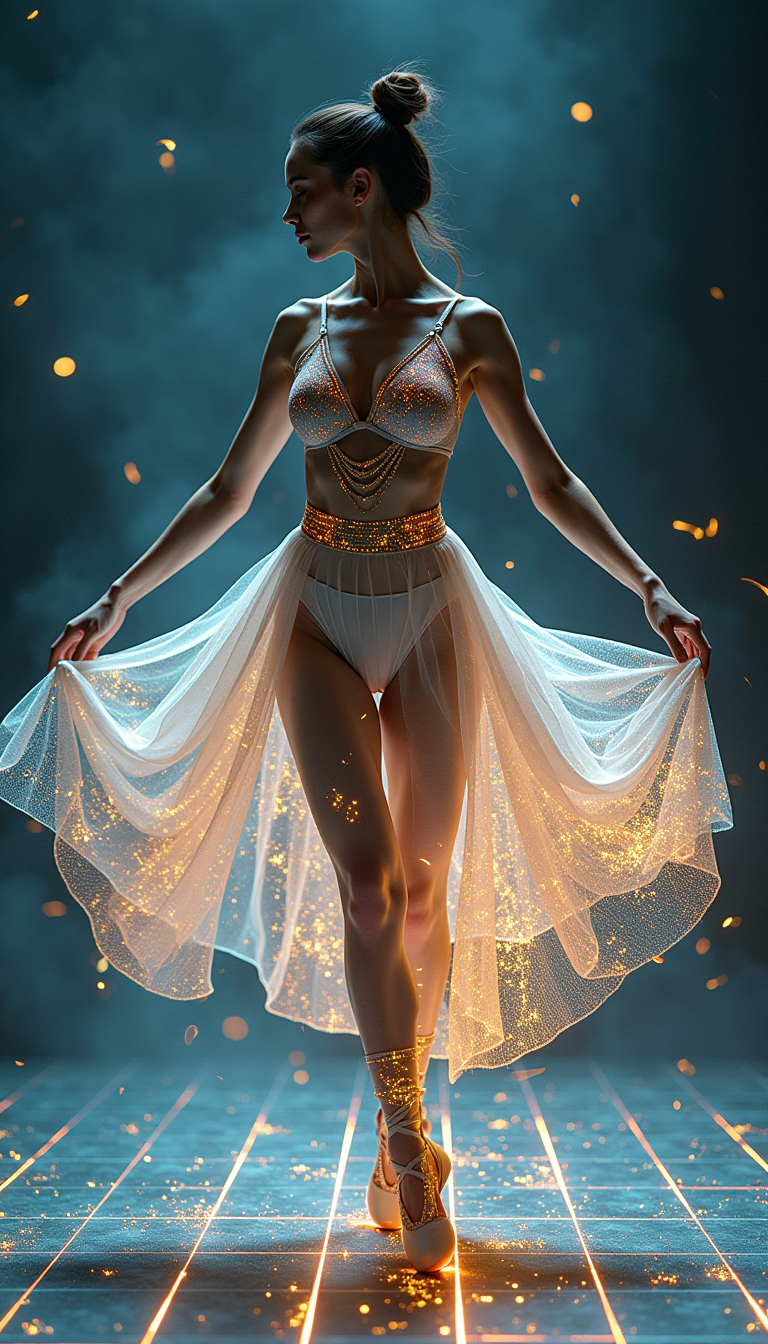
A digital dance goddess
flux
Pv-character
image-to-video
A cozy cafe interior with steam rising from a coffee cup
xai-video
OmniHuman video with 14
image-to-video
Models you can run on PixelDojo for bytedance seedance 2.0
Switch models without switching tools. Each one runs in the same PixelDojo studio.
What you can do with bytedance seedance 2.0 on PixelDojo
Text to Video
We host ByteDance Seedance 2.0 so you can turn written prompts into short clips with coherent motion and scene continuity.
Image to Video
Upload a still and we generate video that carries forward the look of your source while adding camera and subject movement.
Prompt and Version Control
We keep your Seedance 2.0 runs, prompts, and outputs together so you can iterate and compare takes before you export.
Export for Editing
Download generated clips in common formats ready for timelines, social posts, and client review.
Thousands of creators worldwide trust PixelDojo to produce Seedance 2.0 videos that look and sound authentic. Join a community that has generated millions of clips with 4.9-star average feedback. Loved by marketers, filmmakers and social stars who cancel anytime if it doesn't fit their workflow.
Why Choose Pixel Dojo for bytedance seedance 2.0
Professional-quality results with cutting-edge AI technology
Cinematic Videos with Perfect Physics
You produce clips where figure skaters land jumps, athletes collide realistically and objects obey gravity so your audience never questions if it is real. Seedance 2 and Seedance 2.5 deliver industry-leading motion stability that turns everyday ideas into footage ready for ads or films.
Native Audio and Multi-Shot Control
You generate video and sound together in one pass so dialogue, effects and music stay perfectly in sync. Combine up to nine images, three videos and three audio files then describe camera moves and you get director-level multi-shot sequences without extra editing software.
Locked Characters Across Every Frame
You keep the same face, clothing and style consistent even when the camera changes angles or the scene cuts. Seedance 2 Reference plus PixelDojo character tools let you build entire stories around one hero or product that looks identical from start to finish.
How It Works
You create Seedance 2.0 style videos in three simple steps inside PixelDojo. No technical knowledge required—just pick the right tool, add your vision and download ready-to-use footage.
Step 1: Choose Your Tool
Log into PixelDojo and go to Generate Videos. Select Seedance 2 for standard cinematic clips, Seedance 2.5 for even longer or higher-quality output, or Seedance 2 Reference when you need character or product lock. Pair it with Marketing Studio if you want campaign-ready versions or Film Studio for extra polish. The interface shows you exactly which inputs each model accepts so you start with the best match for your project.
Step 2: Enter Your Prompt
Type a detailed description that starts with the subject and action, then add camera, lighting and mood. Upload up to nine reference images, three short video clips and three audio files. Tag them in your prompt like @Image1 for the character face or @Video1 for the camera orbit. Seedance 2 understands mixed inputs so you can copy a dance move from one clip, a lighting style from a photo and a soundtrack from an audio track all at once. Preview options appear instantly so you can tweak before generating.
Step 3: Customize & Download
Once the clip generates, jump to Edit Videos and use Seedance 2 Video Edit or Seedance 2.5 Video Edit to extend the scene, swap elements or refine motion. Add captions with Video Autocaption, reframe for different platforms with Video Reframe, or boost resolution using FLUX Video Upscale. Merge multiple clips if needed then download in your chosen aspect ratio and quality. Everything stays inside PixelDojo so you never leave the platform.
The Pixel Dojo Advantage
Why PixelDojo outperforms other options for Seedance 2.0 video generation
| Others | Pixel Dojo |
|---|---|
| Traditional video production | You skip location scouting, actor hiring and days of shooting. PixelDojo Seedance 2 tools deliver the same cinematic look and physics in minutes at a fraction of the cost so you iterate faster and launch campaigns the same day. |
| Generic AI tools | You get true multimodal control with nine images plus video and audio references plus native audio generation. PixelDojo also bundles Seedance 2.5, dedicated video editors and character swap tools in one place so your workflow never breaks. |
| Manual photo and video editing | You avoid hours of keyframing, rotoscoping and audio syncing. Generate the entire clip with locked characters and perfect physics then make targeted changes with Seedance 2 Video Edit instead of starting from scratch. |
Loved by creators on PixelDojo
Real feedback from people using PixelDojo, pulled from our in-product surveys.
Versatility quality, value, ROI, innovation
variety of tools available and prompt tools
A "one-stop-shop" for creators! Thanks!!
Lots of different tools. It's easy to purchase more credits.
Amazing performance!
Excellent website for creating all types of media
Explore more AI tools on PixelDojo
AI Tools
Compare & Switch
- Best AI Image Generators
- Best AI Video Generators
- Midjourney Alternatives
- Civitai Alternatives
- Runway Alternatives
- Leonardo Alternatives
- Pika Alternatives
- Luma Alternatives
- Magnific Alternatives
- Veo Alternatives
- Flux Alternatives
- Freepik Alternatives
- Seedance Alternatives
- Seedream Alternatives
- Pixverse Alternatives
- GPT Image Alternatives
- Synthesia Alternatives
- Playground Alternatives
- NightCafe Alternatives
- Canva AI Alternatives
- ElevenLabs Alternatives
- ComfyUI Alternatives
- Fal Alternatives
- Replicate Alternatives
Common Questions
Everything you need to know about bytedance seedance 2.0
What is ByteDance Seedance 2.0 and how does PixelDojo make it easy to use?
ByteDance Seedance 2.0 is a next-generation video model that accepts text, images, video clips and audio together then outputs 4-15 second cinematic clips with native stereo sound and realistic physics. PixelDojo gives you instant access to Seedance 2, Seedance 2.5 and Seedance 2 Reference inside a simple dashboard. You never need to hunt for APIs or wait for waitlists—just choose the tool, add your references and generate. Thousands of creators already use these exact models on PixelDojo because the platform also includes matching edit, upscale and character tools so everything stays in one workflow.
How do I create Seedance 2.0 videos with multimodal references on PixelDojo?
Open Generate Videos, pick Seedance 2 or Seedance 2.5, then upload up to nine images, three videos and three audio files. In your prompt tag each file so the model knows whether to copy the face, the camera move or the soundtrack. PixelDojo automatically handles the mixed inputs and shows you a preview. After generation you can refine with Seedance 2 Video Edit or Seedance 2.5 Video Edit. This combination lets you produce product reveals, dance sequences and story clips that look like they were shot on set.
Can I keep the same character consistent across multiple Seedance 2.0 shots using PixelDojo?
Yes. Use Seedance 2 Reference and upload clear photos of your character or product. The model locks facial features, clothing and proportions even when the camera orbits or the lighting changes. Combine this with PixelDojo's Consistent Characters and WAN Video Character Swap tools if you need extra control. You can then generate a whole series of clips that feel like the same person or item appears in every scene—perfect for ads, social series or short films.
What are the latest Seedance 2.0 techniques for cinematic AI videos on PixelDojo?
Start your prompt with the main action in the first 20 words, then add camera language such as slow push-in or tracking shot. Feed a short reference video for motion style and an audio track for rhythm. PixelDojo Seedance 2.5 supports longer clips and higher resolutions so you can create 4K-ready footage. After generation use Video Autocaption and Video Reframe to adapt the same clip for TikTok, Reels or YouTube without re-rendering. These techniques turn simple ideas into viral-ready content that performs like professionally produced videos.
How does PixelDojo help me create marketing videos with Seedance 2.0?
Marketing Studio plus Seedance 2 lets you generate product showcases, transformation sequences and testimonial-style clips with realistic physics and native audio. Upload your product photos as references, describe the desired camera path and you receive ready-to-post videos. Then apply Magic Lighting or Background Remover if needed and upscale with FLUX Video Upscale. Because you can cancel anytime and access 40+ tools, you test dozens of versions for the cost of one traditional shoot.
Can I edit and extend Seedance 2.0 videos inside PixelDojo?
Absolutely. After generating with Seedance 2 or Seedance 2.5, open Seedance 2 Video Edit or Seedance 2.5 Video Edit to lengthen the clip, change specific actions or swap characters while keeping the original look. You can also merge videos, extract frames or add captions. All edits stay consistent with the original physics and audio so the final piece feels seamless. This end-to-end workflow is why creators choose PixelDojo over jumping between separate platforms.