chatgpt images
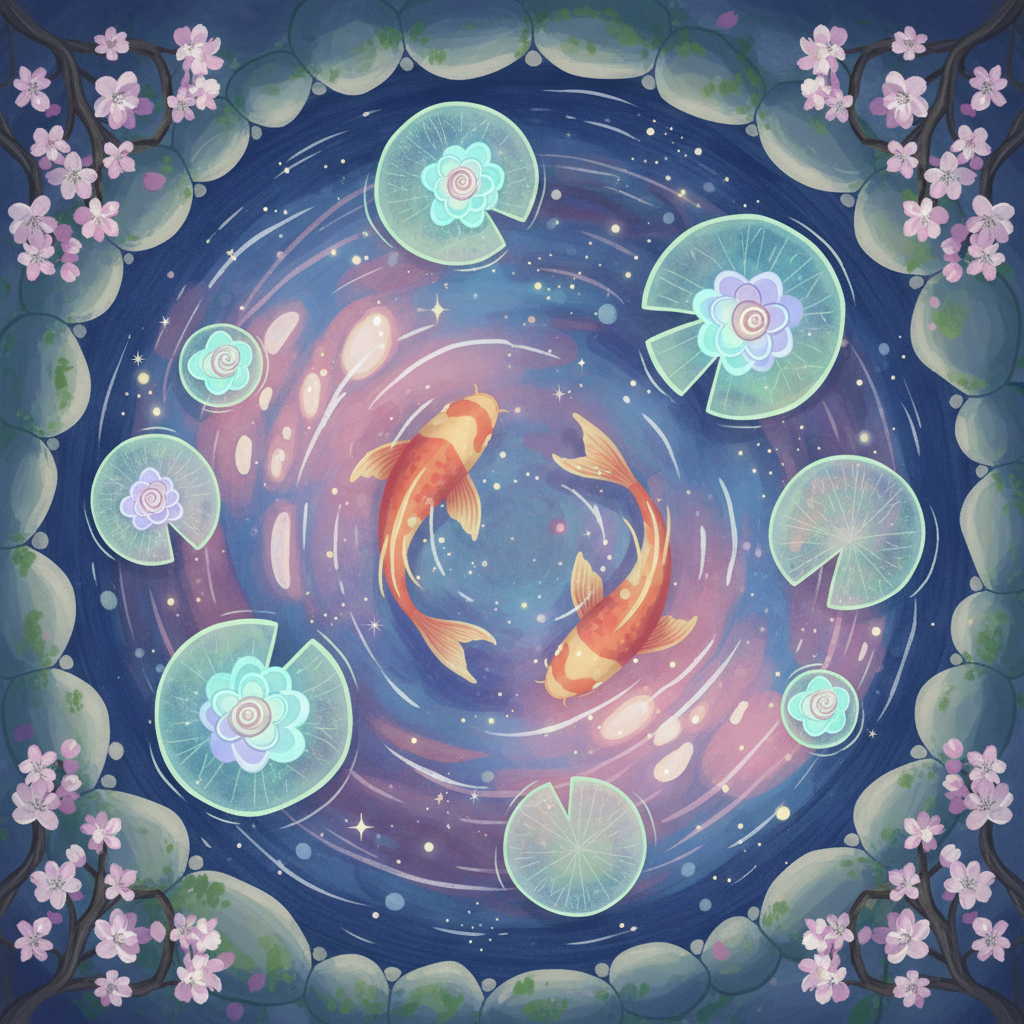
Generated on PixelDojo. Produced by PixelDojo's generation pipeline.
You want ChatGPT images that look professional, convert viewers, and stand out on social feeds or client projects—without spending hours in complex software. PixelDojo delivers exactly that. Generate photorealistic portraits, product shots with flawless text, cinematic scenes, and trending stylized art that matches the latest high-fidelity AI image generation quality. Using GPT Image 2, Nano Banana 2, Flux.2 Studio, and Krea Image, you produce marketing assets, social content, and custom visuals that drive engagement and sales. Latest techniques focus on detailed prompts covering subject, lighting, composition, and style to achieve studio-level results instantly. Transform your ideas into ready-to-use images that elevate your brand, save time, and impress audiences. Start creating outcomes that matter: more clicks, stronger campaigns, and effortless creativity.
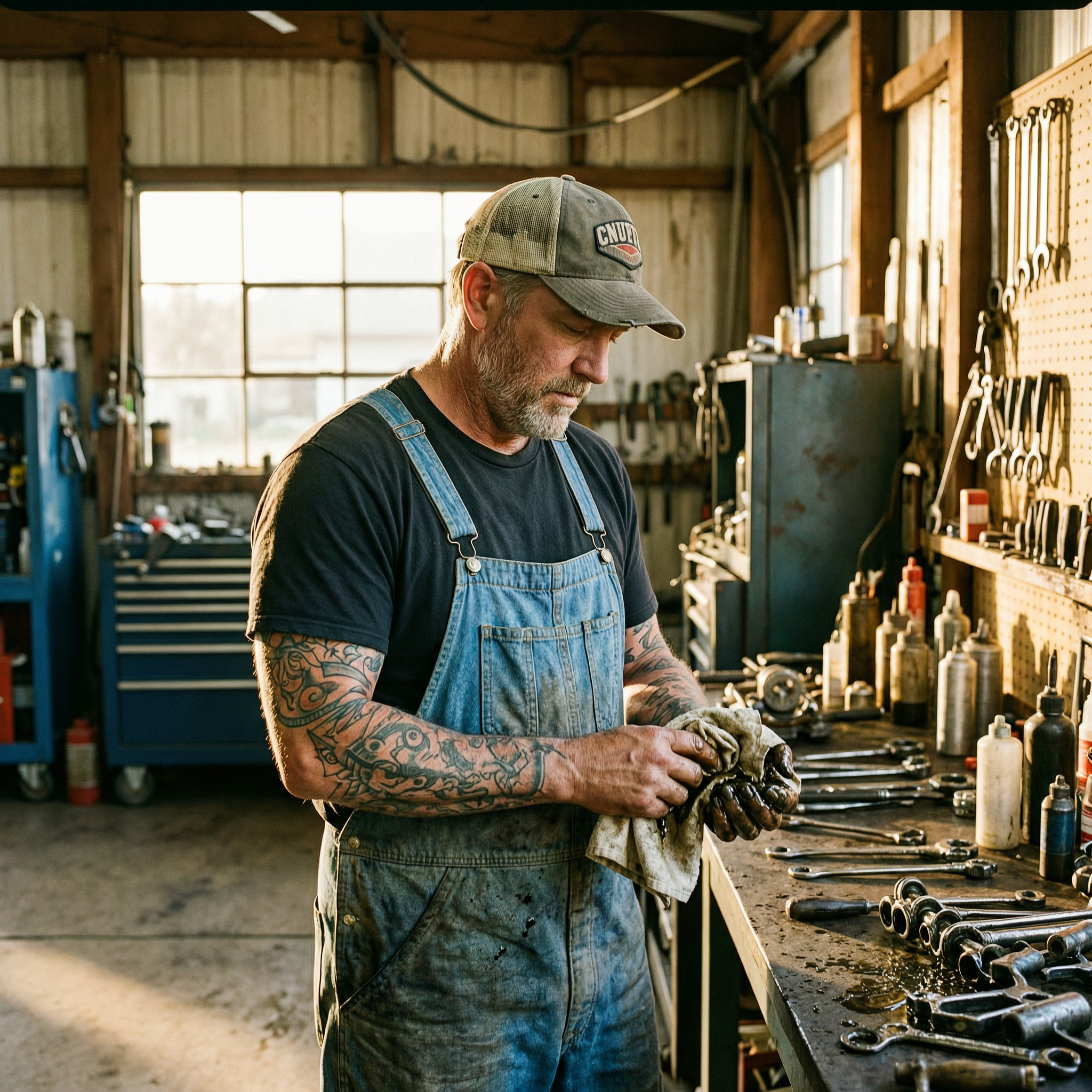
Real image examples generated on PixelDojo
Every example below was produced on PixelDojo. Hover to see the prompt.
Gg-illustration
image-to-image
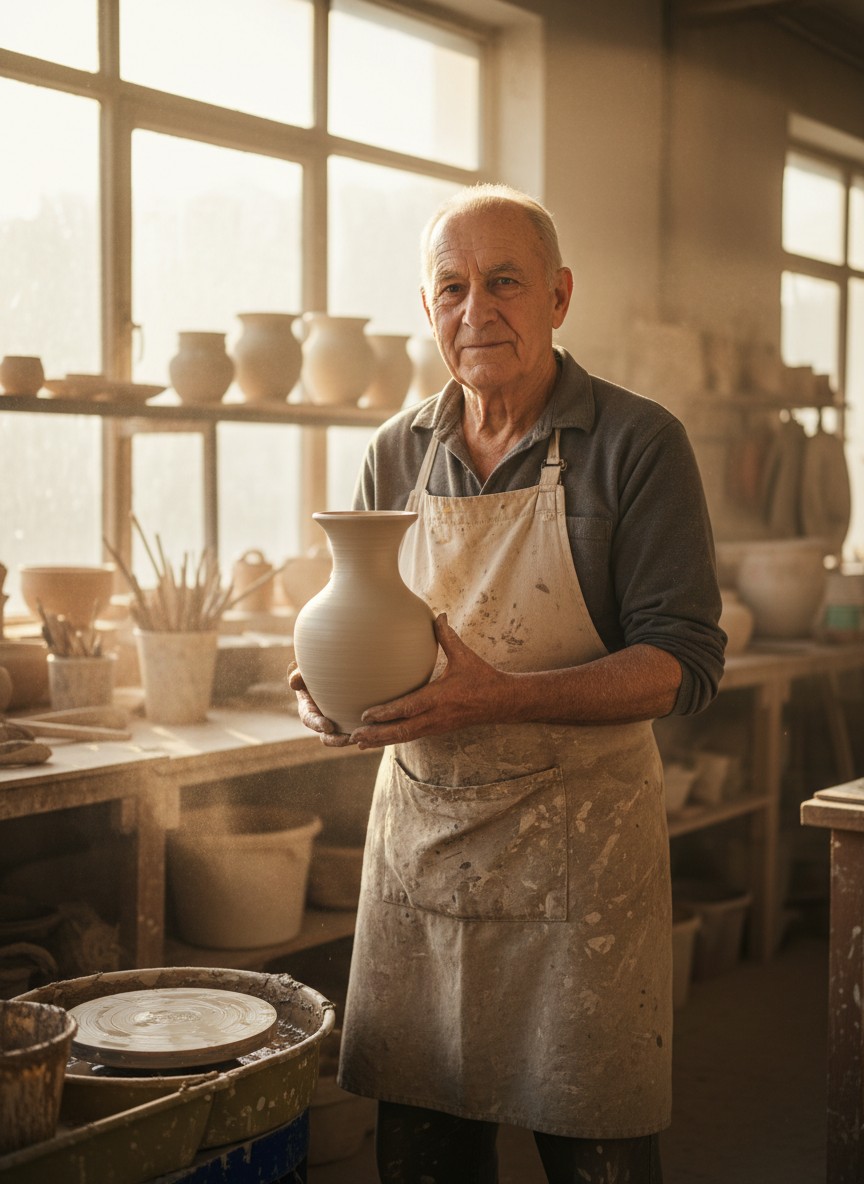
Gg-portrait
image-to-image
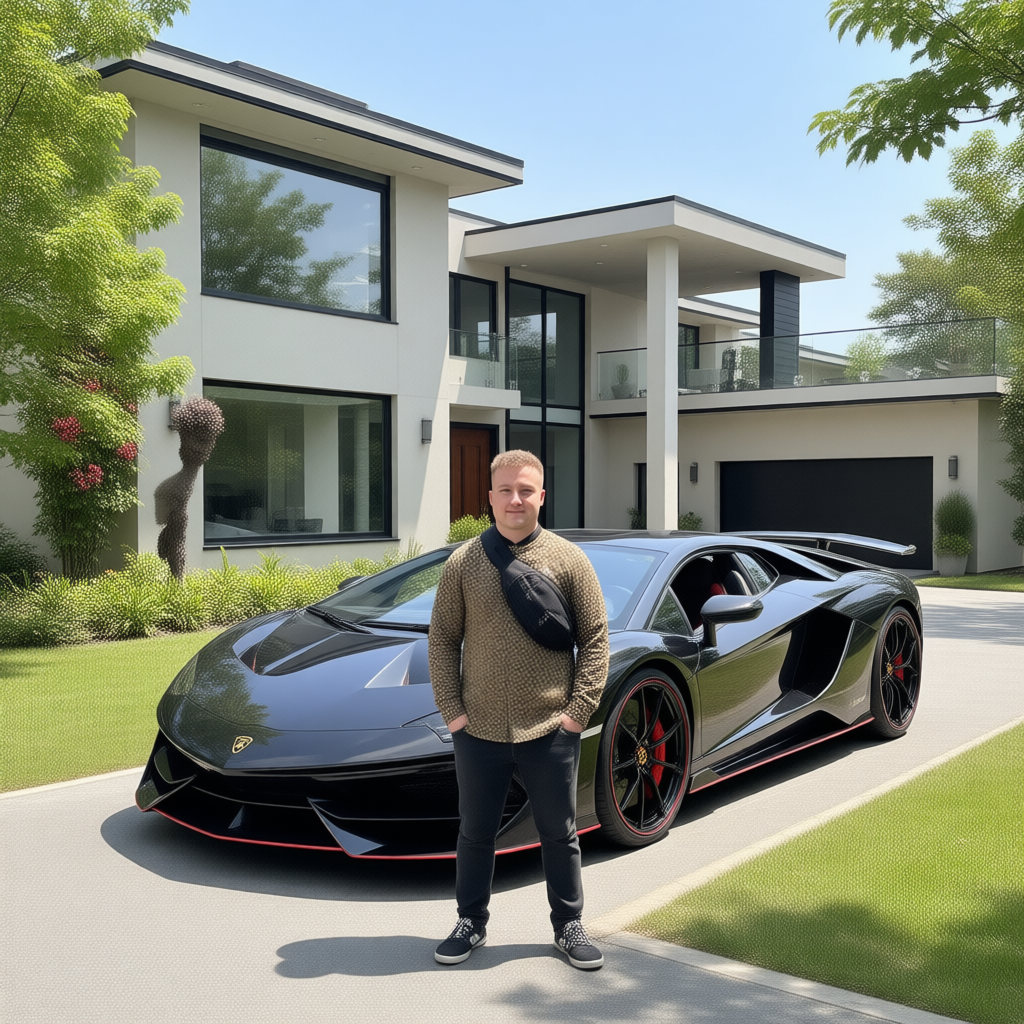
Canvas generate — From qwen-image
canvas-generate
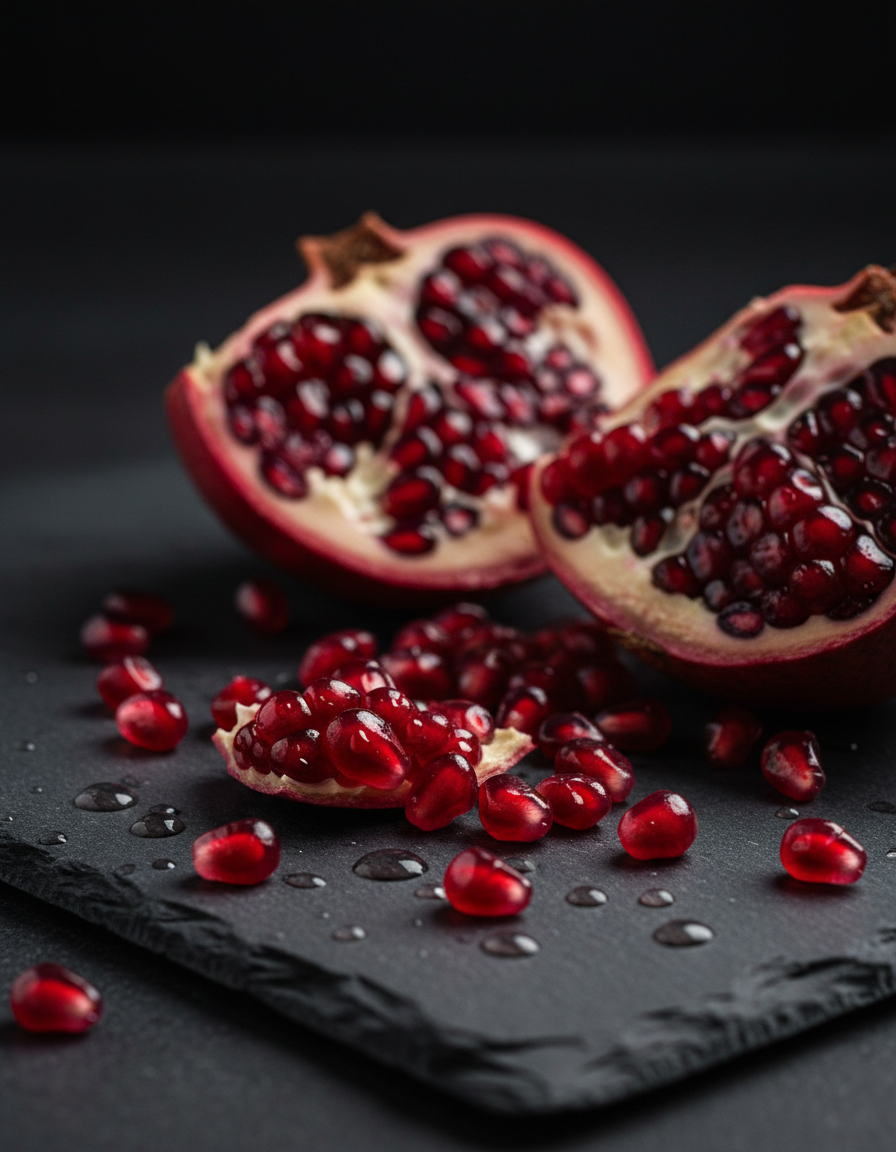
Gg-product
image-to-image
Wan-portrait
image-to-image
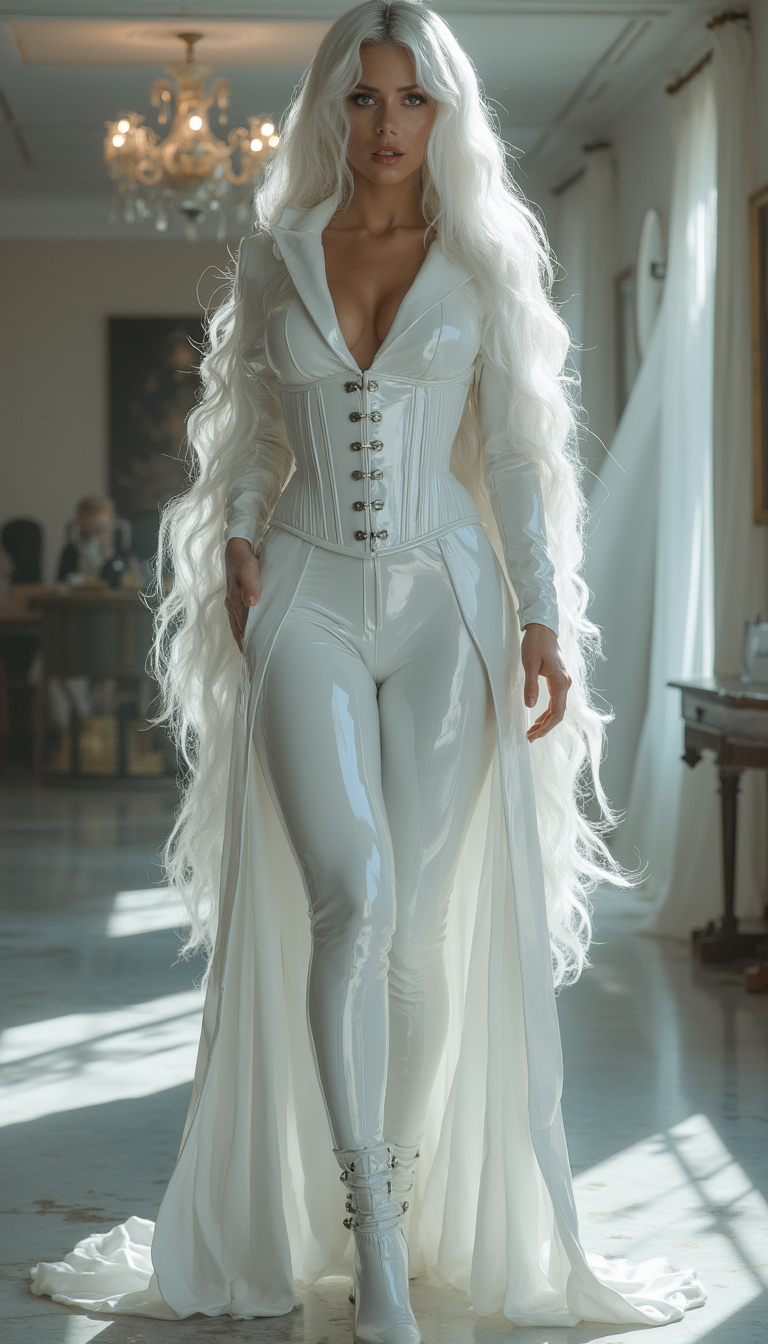
Image from library
flux-studio
Models you can run on PixelDojo for chatgpt images
Switch models without switching tools. Each one runs in the same PixelDojo studio.
What you can do with chatgpt images on PixelDojo
Prompt to Image
We generate images from natural language prompts in the ChatGPT image style. You can iterate on wording and get new variants without leaving the workspace.
Guided Image Edits
We let you refine an existing result with follow-up instructions. Adjust composition, style, and details while keeping the same scene.
Style and Aspect Control
We offer presets for look, lighting, and aspect ratio so outputs match common social and print formats. You can lock a style across a batch of related images.
Download Ready Files
We export finished images in standard formats for posts, mockups, and client review. History stays in your account so you can reuse prompts and prior versions.
Loved by thousands of creators worldwide generating professional ChatGPT images daily. 40+ cutting-edge AI tools with 4.9/5 user satisfaction. Join the community that trusts PixelDojo for consistent, high-converting visuals.
Why Choose Pixel Dojo for chatgpt images
Professional-quality results with cutting-edge AI technology
Produce Photorealistic ChatGPT Images That Convert
You achieve studio-quality product photos, portraits, and scenes with accurate details, natural lighting, and perfect text rendering using GPT Image 2 and Flux.2 Studio. Your e-commerce listings, ads, and presentations look premium, boosting click-through rates and sales without hiring photographers.
Create Viral Trending ChatGPT Image Styles Instantly
You generate caricatures, stylized illustrations, action-figure concepts, and cinematic looks that perform on social media. Nano Banana 2 and QWEN Image 2 let you replicate popular aesthetics quickly, turning your content into shareable assets that grow your following and brand awareness.
Edit and Scale ChatGPT Images for Any Campaign
You refine generations with Image to Image, Inpainting, Style Transfer, and Background Remover, then upscale via P-Image Upscale or Magnific Upscaler. Consistent Characters and Character Sheets keep faces and branding identical across sets, delivering polished, campaign-ready files in minutes instead of days.
How It Works
You create professional ChatGPT images on PixelDojo in three straightforward steps that put you in full control of the outcome. No design experience required—just describe what you need and watch high-quality results appear.
Step 1: Choose Your Tool
Select GPT Image 2 from the Generate Images section for authentic high-fidelity ChatGPT-style output with superior text and photorealism. Pair it with Flux.2 Studio or Nano Banana 2 for extra variety and speed. These tools understand complex scenes, lighting, and composition so your first generation already looks polished.
Step 2: Enter Your Prompt
Describe your vision in natural language: subject, setting, lighting direction, camera angle, style, mood, and aspect ratio. Example: “Photorealistic close-up of a ceramic coffee mug on a marble counter, soft morning window light from the left, shallow depth of field, warm tones, 4:5 portrait.” GPT Image 2 and Qwen 3 Pro follow details precisely, producing images that match your intent on the first try.
Step 3: Customize & Download
Use Edit Images tools like Inpainting, Change Camera Angle, Magic Lighting, and Reality Polisher to perfect any area. Apply Style Transfer or Background Remover, then enhance with P-Image Upscale or Portrait Upscaler. Download high-resolution files ready for web, print, or social. Consistent Characters keeps your subjects identical across multiple images.
The Pixel Dojo Advantage
Why PixelDojo outperforms other options for chatgpt images generation
| Others | Pixel Dojo |
|---|---|
| Traditional chatgpt images creation | You skip waiting lists and daily limits. Generate unlimited photorealistic ChatGPT images plus full editing and upscaling in one platform, delivering campaign assets in seconds instead of hours. |
| Generic AI tools | You access GPT Image 2 together with Flux.2 Studio, Nano Banana 2, Seedream 5, and specialized editors like Inpainting and Consistent Characters. This combination produces more accurate text, better photorealism, and consistent branding that generic single-model tools cannot match. |
| Manual photo editing | You replace days of Photoshop work with three clicks. Create, refine, and upscale professional ChatGPT images using Image to Image, Style Transfer, and Magnific Upscaler—no skills or expensive software required. |
Loved by creators on PixelDojo
Real feedback from people using PixelDojo, pulled from our in-product surveys.
Love how I can almost create anything
The Flux Pro Ultra is just amazing!
Very easy to use, and they have fast wan 2.2 video generation with custom loras available.
The overall quality of the site and it's amazing variety of tools. The continued updates of the UI. The unbelievable level of tech support.
THIS IS SO DOPE !
I have already recommended it to friends
Explore more AI tools on PixelDojo
AI Tools
Compare & Switch
- Best AI Image Generators
- Best AI Video Generators
- Midjourney Alternatives
- Civitai Alternatives
- Runway Alternatives
- Leonardo Alternatives
- Pika Alternatives
- Luma Alternatives
- Magnific Alternatives
- Veo Alternatives
- Flux Alternatives
- Freepik Alternatives
- Seedance Alternatives
- Seedream Alternatives
- Pixverse Alternatives
- GPT Image Alternatives
- Synthesia Alternatives
- Playground Alternatives
- NightCafe Alternatives
- Canva AI Alternatives
- ElevenLabs Alternatives
- ComfyUI Alternatives
- Fal Alternatives
- Replicate Alternatives
Common Questions
Everything you need to know about chatgpt images
How do I generate high-quality chatgpt images with PixelDojo?
Choose GPT Image 2 or Flux.2 Studio, write a detailed prompt covering subject, lighting, composition, and style, then generate. Refine with Inpainting or Style Transfer and upscale with P-Image Upscale. You get photorealistic, text-accurate images ready for any use in under a minute.
What is the best PixelDojo tool for authentic chatgpt images?
GPT Image 2 delivers the closest match to the latest high-fidelity ChatGPT image quality, especially for photorealism and readable text. Combine it with Nano Banana 2 for speed or QWEN Image 2 for artistic styles. All tools sit inside one dashboard so you switch instantly.
Can I create photorealistic chatgpt images for marketing?
Yes. GPT Image 2 and Flux.2 Studio excel at product shots, lifestyle scenes, and portraits with natural lighting and sharp details. Add Background Remover and Reality Polisher, then upscale. Your ads, websites, and social posts look professionally photographed without a studio.
How can I write better prompts for chatgpt images on PixelDojo?
Include subject, setting, lighting direction, camera terms (85mm, shallow depth of field), style, mood, and aspect ratio. Keep it specific but not overloaded. Example: “Cinematic 16:9 shot of a laptop on a wooden desk, golden hour light from the right, warm color grade, photorealistic.” GPT Image 2 follows these instructions precisely.
Does PixelDojo let me edit and keep consistency in chatgpt images?
Absolutely. Use Image to Image, Inpainting, Change Camera Angle, and Style Transfer to refine any generation. Consistent Characters and Character Sheets lock faces and branding across a series. WAN Image and Ideogram 4 add extra control so every image in your campaign matches perfectly.
Is there any risk trying chatgpt image generation on PixelDojo?
None. You get 40+ cutting-edge AI tools including GPT Image 2, loved by thousands of creators worldwide. Cancel anytime with no questions asked. Start generating professional ChatGPT images today and see the results for yourself.