civitai online alternative
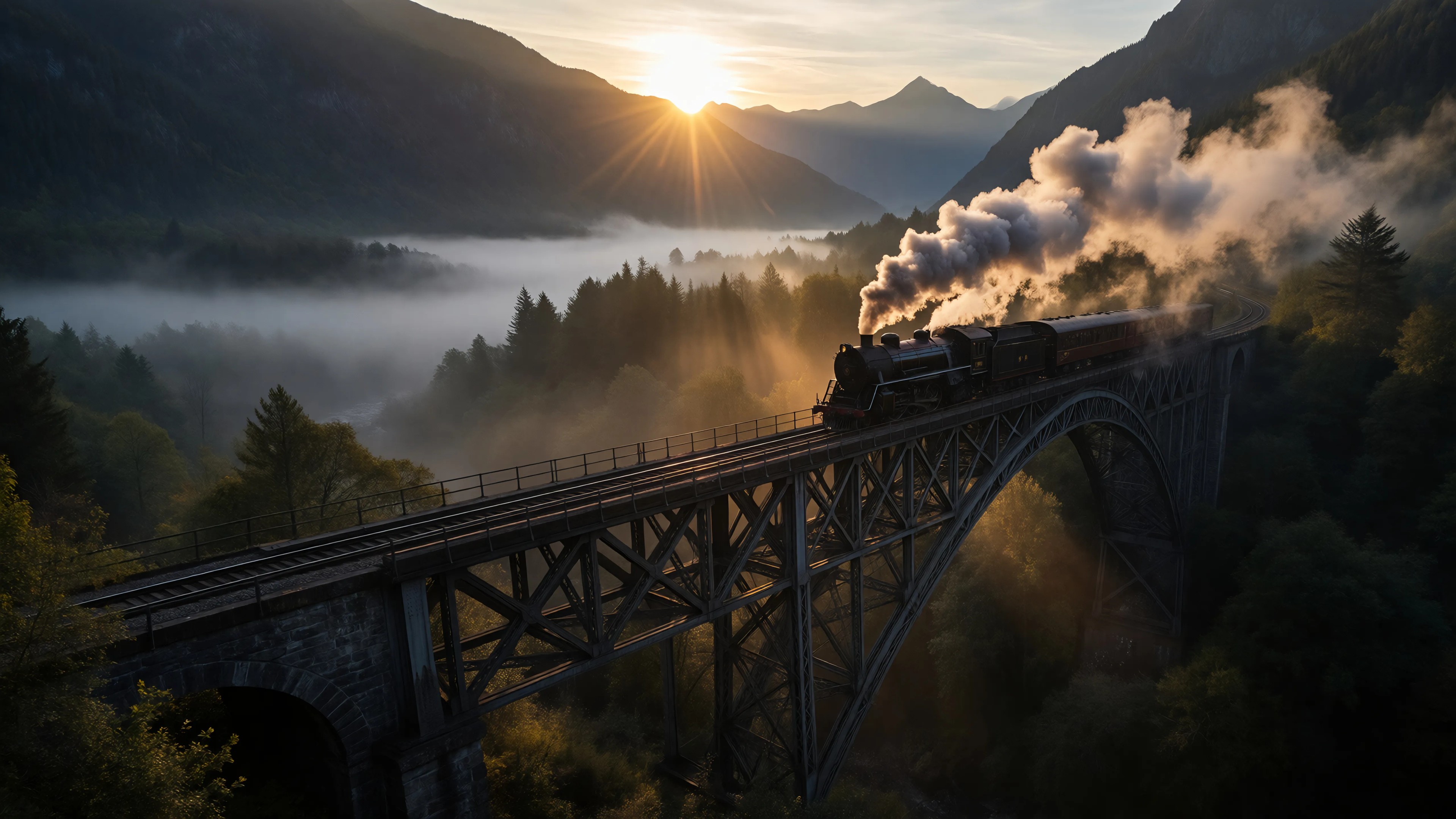
Generated on PixelDojo. Produced by PixelDojo's generation pipeline.
You want the stunning, highly customized AI images that fill Civitai communities—photorealistic portraits, unique anime characters, branded product shots, and consistent faces across entire series. But you do not want to download gigabyte-sized models, install local software, or own a high-end GPU. PixelDojo is the Civitai online alternative built exactly for that outcome. Open your browser and start generating immediately with Flux.2 Studio for unmatched photorealism and prompt accuracy, PonyXL for stylized characters and anime, SDXL for versatile high-resolution work, QWEN Image 2 and Seedream 5 for artistic control, plus Ideogram 4 for perfect in-image text. Train your own unique styles and faces with Flux Trainer, SDXL Trainer or QWEN Trainer so your characters stay identical from first image to video. Thousands of creators already use PixelDojo to produce marketing visuals, social content, game assets and personal art without ever leaving the web. You get the creative power of community-driven models plus professional editing, upscaling, character consistency and video tools all in one place. Cancel anytime. Your next masterpiece is one prompt away.
Real image examples generated on PixelDojo
Every example below was produced on PixelDojo. Hover to see the prompt.
Ia-cinematic
image-to-image
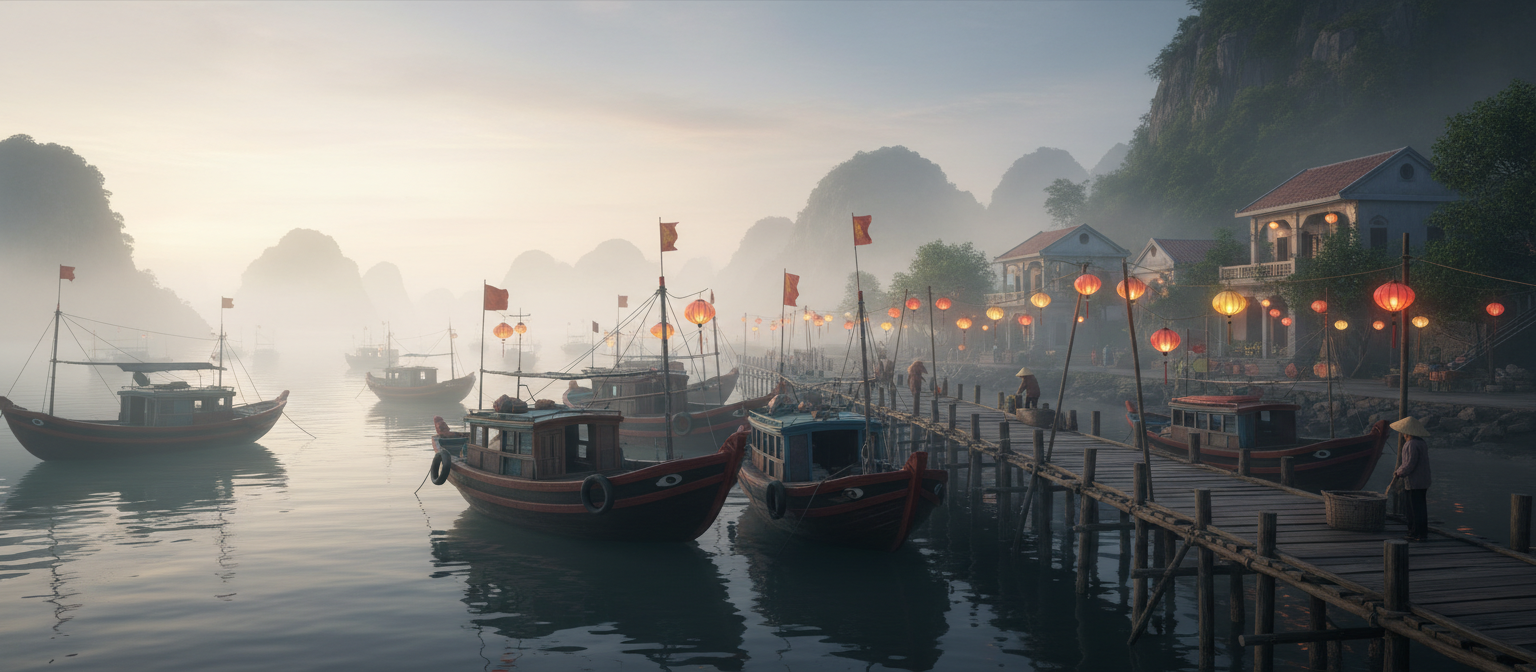
Gg-cinematic
image-to-image
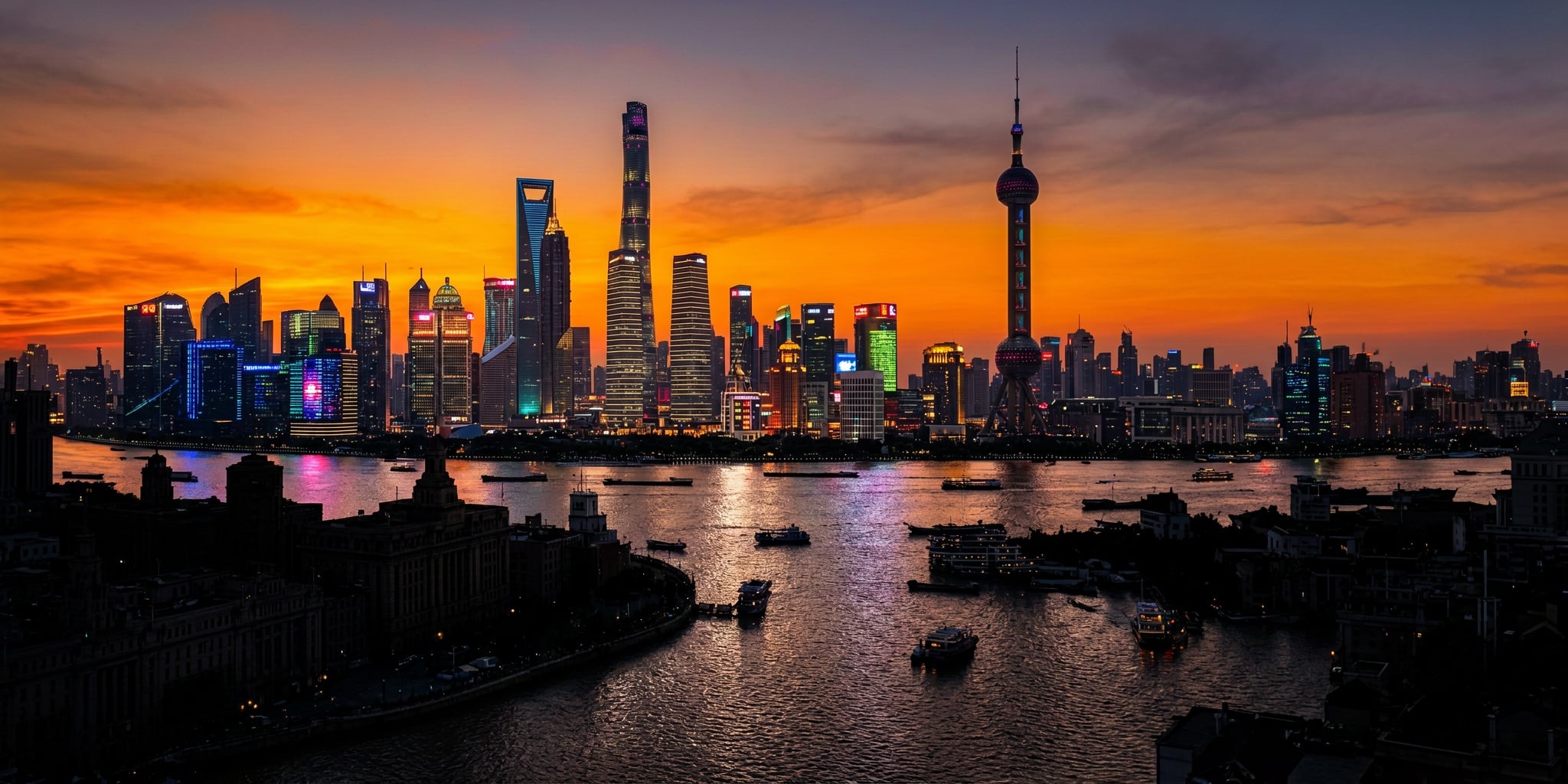
Ern-cinematic
image-to-image
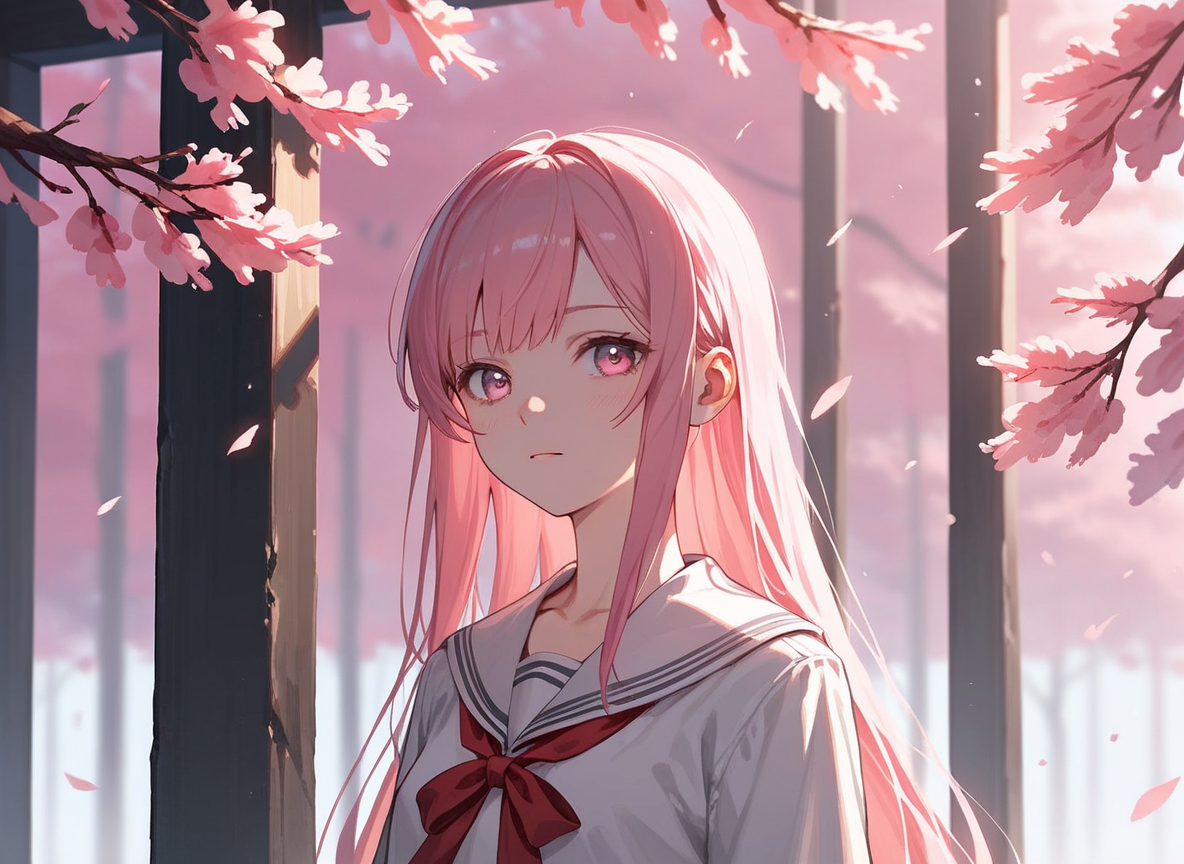
Px-anime
image-to-image
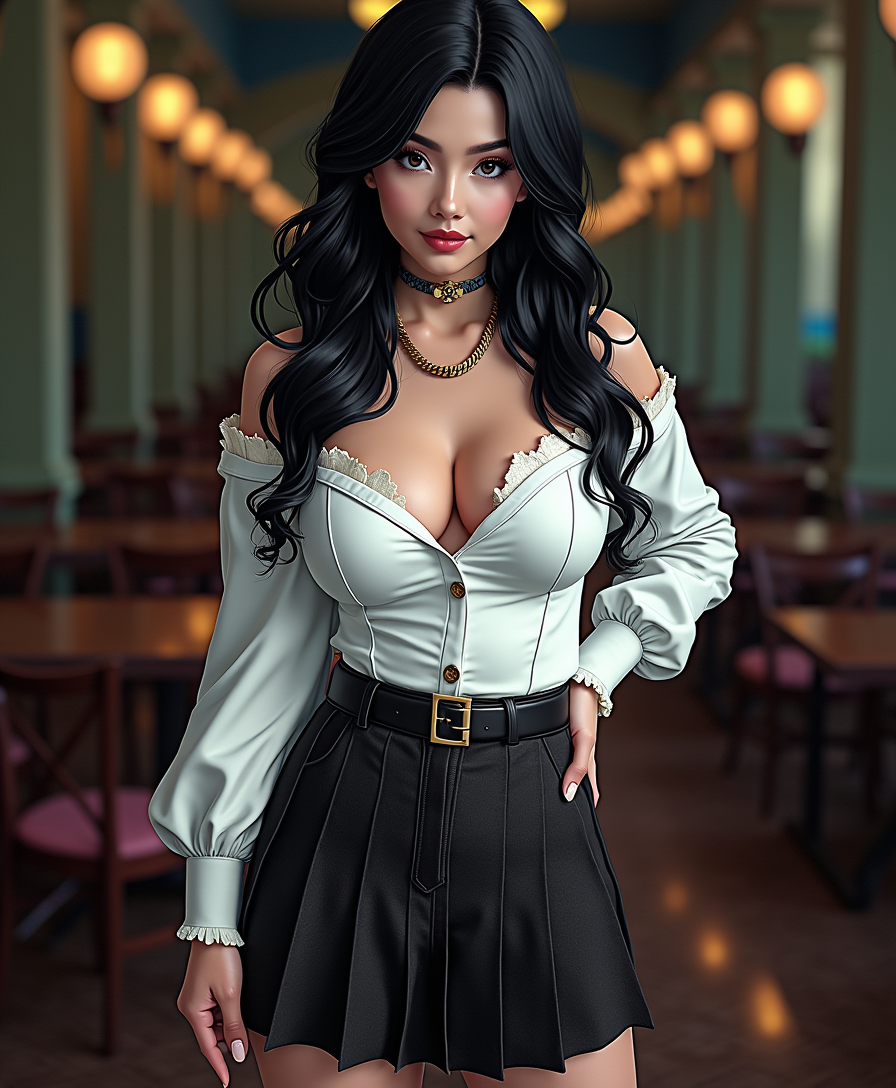
Anime character
flux
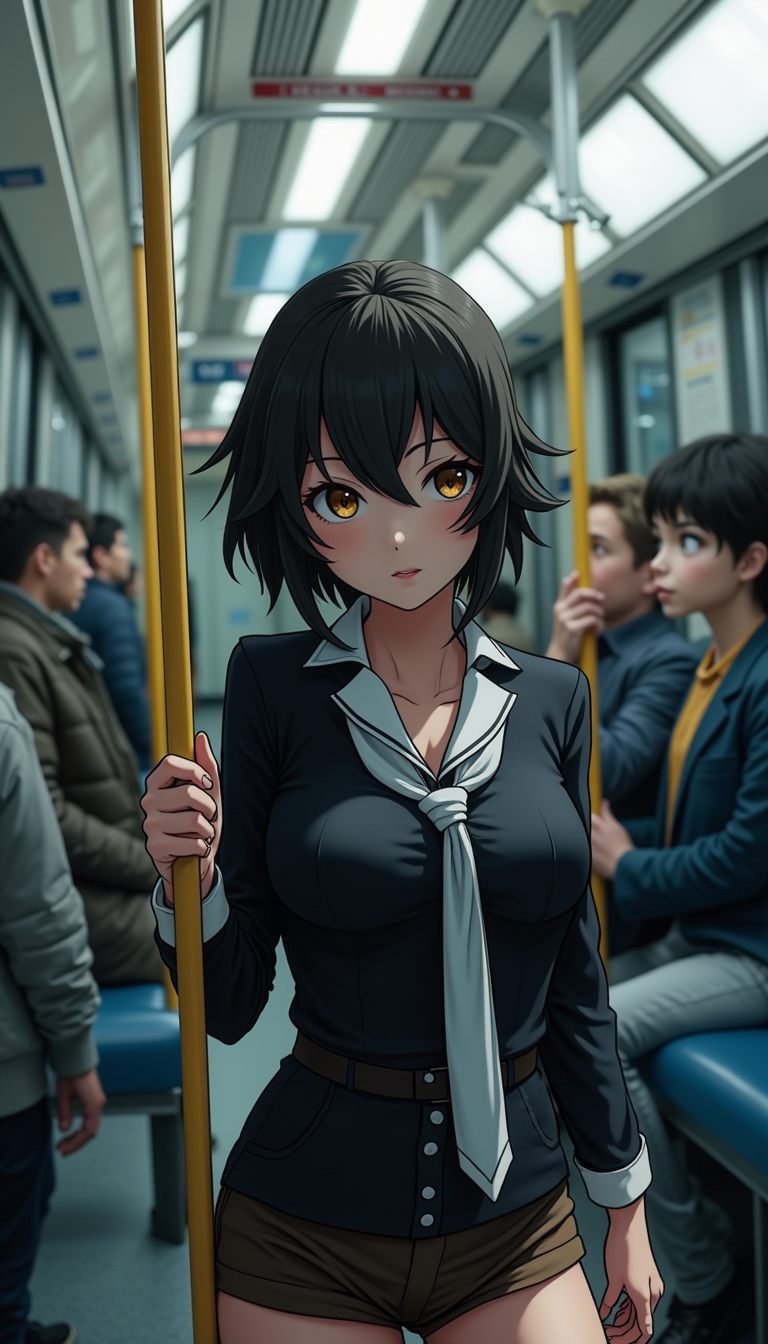
Anime character
flux
Models you can run on PixelDojo for civitai online alternative
Switch models without switching tools. Each one runs in the same PixelDojo studio.
What you can do with civitai online alternative on PixelDojo
Studio Image Generation
We run text-to-image and image-to-image workflows in the browser so you can iterate on prompts, seeds, and samplers without installing a local stack.
Community Model Access
We host popular checkpoints and LoRAs for style and character work, so you can mix models in one place instead of hunting files across sites.
Prompt And Control Tools
We give you negative prompts, CFG, steps, and aspect presets so you can steer composition and keep outputs consistent across a series.
Private Saves And Export
We keep generations in your account gallery and let you download full-resolution files for editing, posting, or client delivery.
Loved by thousands of creators worldwide. 40+ cutting-edge AI tools. Instant browser generation. Cancel anytime.
Why Choose Pixel Dojo for civitai online alternative
Professional-quality results with cutting-edge AI technology
Launch Custom Styles in Seconds
Achieve the exact look you see in top Civitai galleries—hyper-real skin, dramatic lighting, unique art styles—using Flux.2 Studio, Flux.1 Studio, Krea Image or Recraft V4.1. No waiting for downloads. Your first professional image is ready before a local setup even finishes installing.
Keep Characters Identical Across Every Project
Build an entire visual universe with Consistent Characters, Character Sheets, Ideogram Character and LoRA Face Swap. Generate the same person, mascot or product in new poses, outfits and scenes, then bring them to life with Kling Video or WAN 3.0. Perfect for stories, brands and campaigns.
Finish and Ship Professional Work Faster
Edit with Inpainting, Style Transfer, Magic Lighting and Background Remover. Upscale to print quality using P-Image Upscale or Magnific Upscaler. Turn stills into video with VEO 3.1 or Seedance 2.5. Everything you need to go from idea to finished asset lives inside PixelDojo.
How It Works
Creating Civitai-quality custom images on PixelDojo takes three simple steps. You stay in your browser the entire time.
Step 1: Choose Your Perfect Tool
Pick Flux.2 Studio or Flux.1 Studio when you need photorealism and precise prompt following. Choose PonyXL or Ideogram 4 for stylized characters and anime. Select SDXL, Seedream 5 or QWEN Image 2 for versatile high-detail work. Open Character Sheets or Consistent Characters if you already have a face you want to reuse.
Step 2: Describe Your Vision and Generate
Type a detailed prompt the way Civitai users do—include lighting, camera angle, style tags and mood. Add reference images with Image to Image or use Inpainting to refine specific areas. Hit generate. Watch Flux.2 Studio, PonyXL or SDXL deliver multiple high-quality options in seconds.
Step 3: Polish, Animate and Download
Apply Style Transfer, Change Camera Angle or Reality Polisher. Upscale with Clarity Pro or Portrait Upscaler. Swap faces with Face Swap or create video versions using Kling Video, WAN 2.7 Video or Marketing Studio. Download in any resolution you need, ready for social, print or client delivery.
The Pixel Dojo Advantage
Why PixelDojo outperforms other options for Civitai-style image generation
| Others | Pixel Dojo |
|---|---|
| Traditional Civitai-style local generation | You skip every download, installation and GPU requirement. Flux.2 Studio, PonyXL and SDXL run instantly in the browser so you create instead of troubleshooting. |
| Generic AI tools | You get specialized community-grade models plus dedicated trainers (Flux Trainer, SDXL Trainer), character consistency tools and a full video suite that generic platforms simply do not offer. |
| Manual photo editing and illustration | You produce dozens of professional variations, consistent characters and video versions in the time it takes to edit a single photo. PixelDojo multiplies your output without sacrificing quality. |
Loved by creators on PixelDojo
Real feedback from people using PixelDojo, pulled from our in-product surveys.
The site is easy to navigate and use.
All the tools, readily available and easy to understand
You guys, the LORA training is the BEST in the space right now, great job with that!
Tons of variety. Ease of use. Tools for beginners and advance users.
easiest workflow to get best output image or video
awesome functionality, UX, constant flood of improvements, discord interactivity
Explore more AI tools on PixelDojo
AI Tools
Compare & Switch
- Best AI Image Generators
- Best AI Video Generators
- Midjourney Alternatives
- Civitai Alternatives
- Runway Alternatives
- Leonardo Alternatives
- Pika Alternatives
- Luma Alternatives
- Magnific Alternatives
- Veo Alternatives
- Flux Alternatives
- Freepik Alternatives
- Seedance Alternatives
- Seedream Alternatives
- Pixverse Alternatives
- GPT Image Alternatives
- Synthesia Alternatives
- Playground Alternatives
- NightCafe Alternatives
- Canva AI Alternatives
- ElevenLabs Alternatives
- ComfyUI Alternatives
- Fal Alternatives
- Replicate Alternatives
Common Questions
Everything you need to know about civitai online alternative
What is the best Civitai online alternative for Flux and SDXL generation?
PixelDojo gives you Flux.2 Studio, Flux.1 Studio, SDXL, PonyXL, QWEN Image 2 and Seedream 5 all in one browser tab. You generate the same high-quality, highly customizable images Civitai communities love without ever downloading a model or owning a GPU. Thousands of creators already switched for the speed and simplicity.
Can I train custom models and LoRAs like on Civitai using PixelDojo?
Yes. Use Flux Trainer, Flux 2 Trainer, SDXL Trainer, QWEN Trainer or Z-Image Trainer to create your own unique styles and characters. Once trained, apply them across images, Character Sheets and even video tools so your creations stay perfectly consistent.
How do I keep the same character across many images and videos?
Start with Consistent Characters or Character Sheets, then refine with Ideogram Character, Face Swap or LoRA Face Swap. Export stills into Kling Video, WAN 3.0 or P Video Animate. Your character looks identical whether they appear in a portrait, product shot or 10-second clip.
Is PixelDojo really risk-free compared to local Civitai setups?
Absolutely. You get 40+ cutting-edge tools with no hardware investment, no software conflicts and no wasted hours on setup. Loved by thousands of creators worldwide. Cancel anytime if it is not the perfect Civitai online alternative for you.
Which PixelDojo tools replace Civitai-style image editing and upscaling?
Use Image to Image, Inpainting, Style Transfer, Magic Lighting, Background Remover and Image Outpainting for precise control. Then upscale with P-Image Upscale, Magnific Upscaler, Creative Upscaler or Portrait Upscaler to reach print and social-ready resolution in one click.
Can I create videos from my Civitai-style images on PixelDojo?
Yes. Turn any still into motion with VEO 3.1, Kling Video, WAN 2.7 Video, Seedance 2.5, Hailuo 2.3 or Marketing Studio. Add Video Autocaption, Video Reframe or Merge Videos to finish professional clips without leaving the platform.