convert picture to anime AI Generator
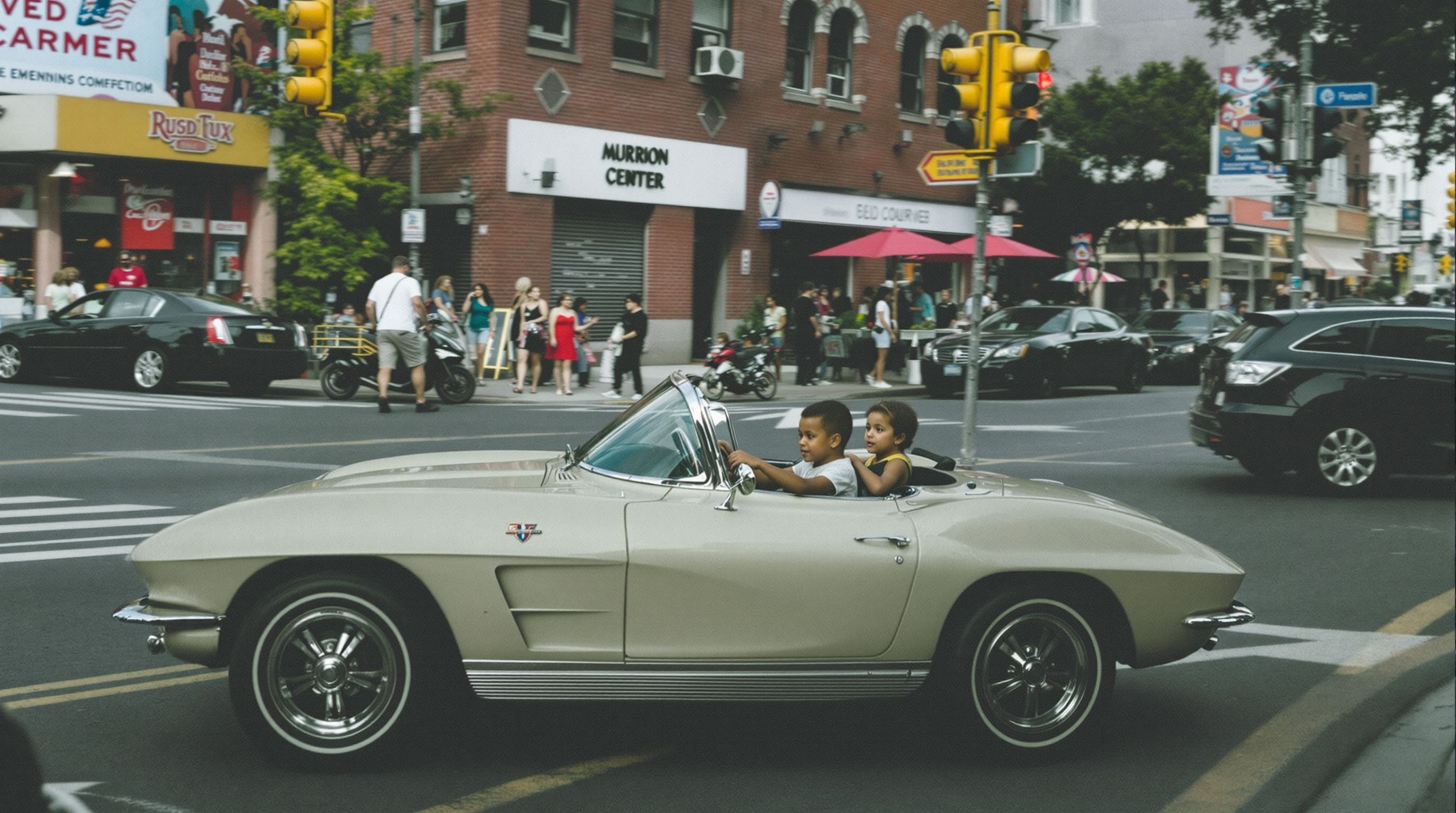
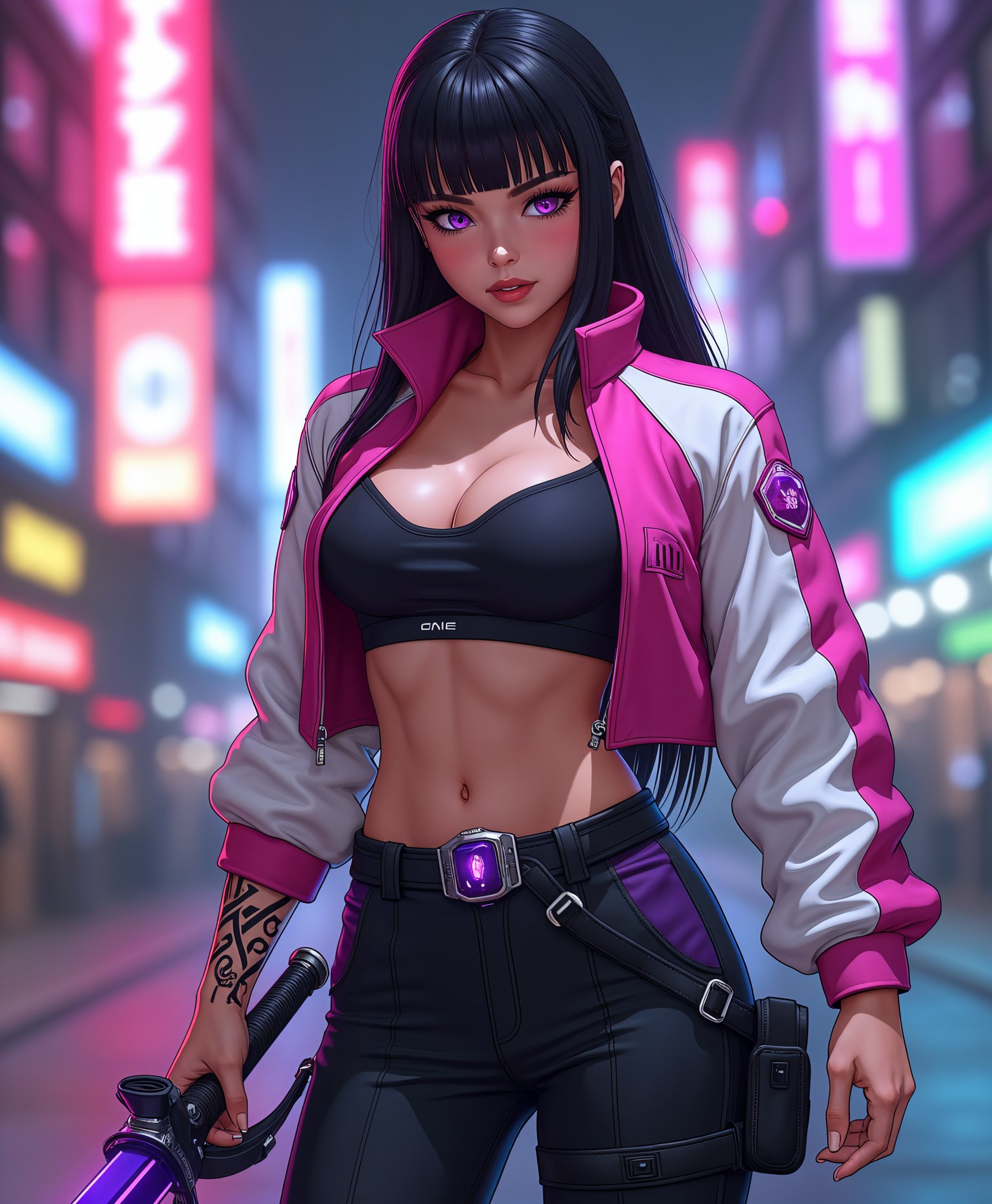
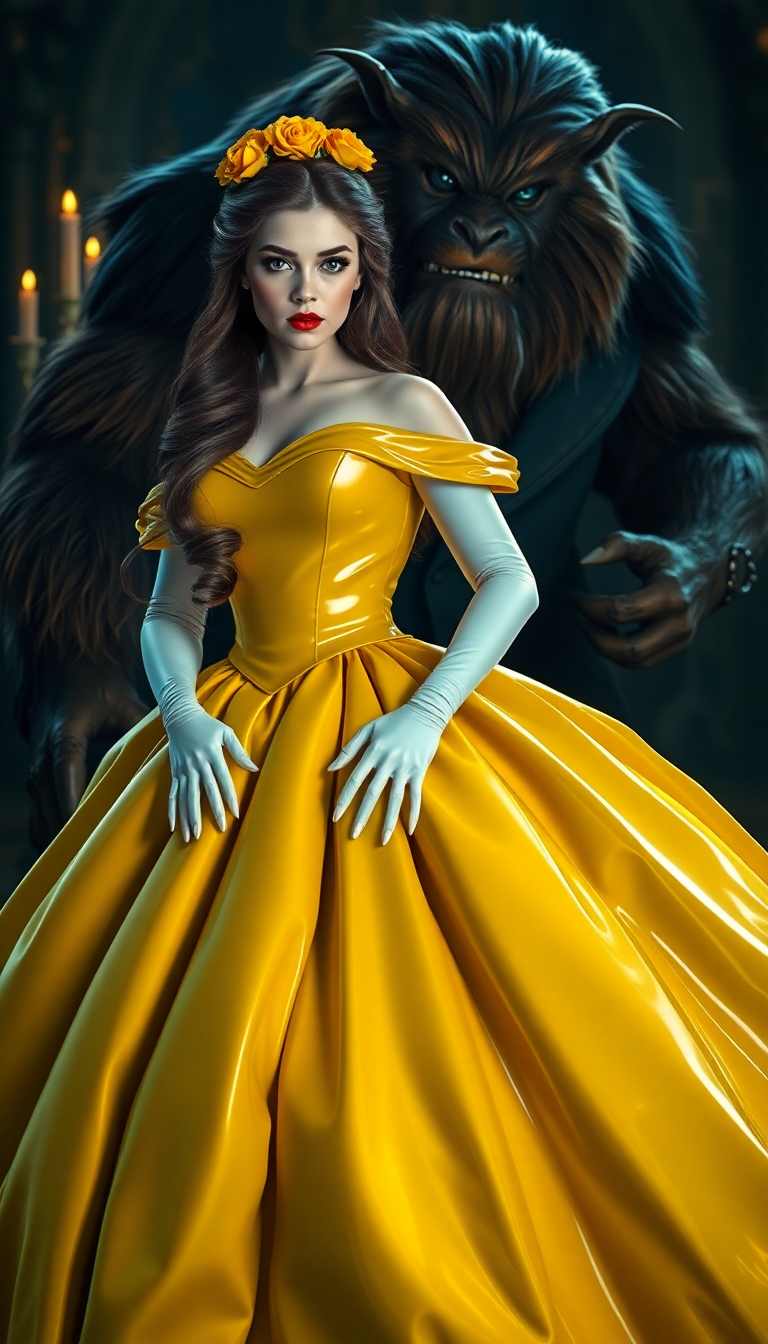
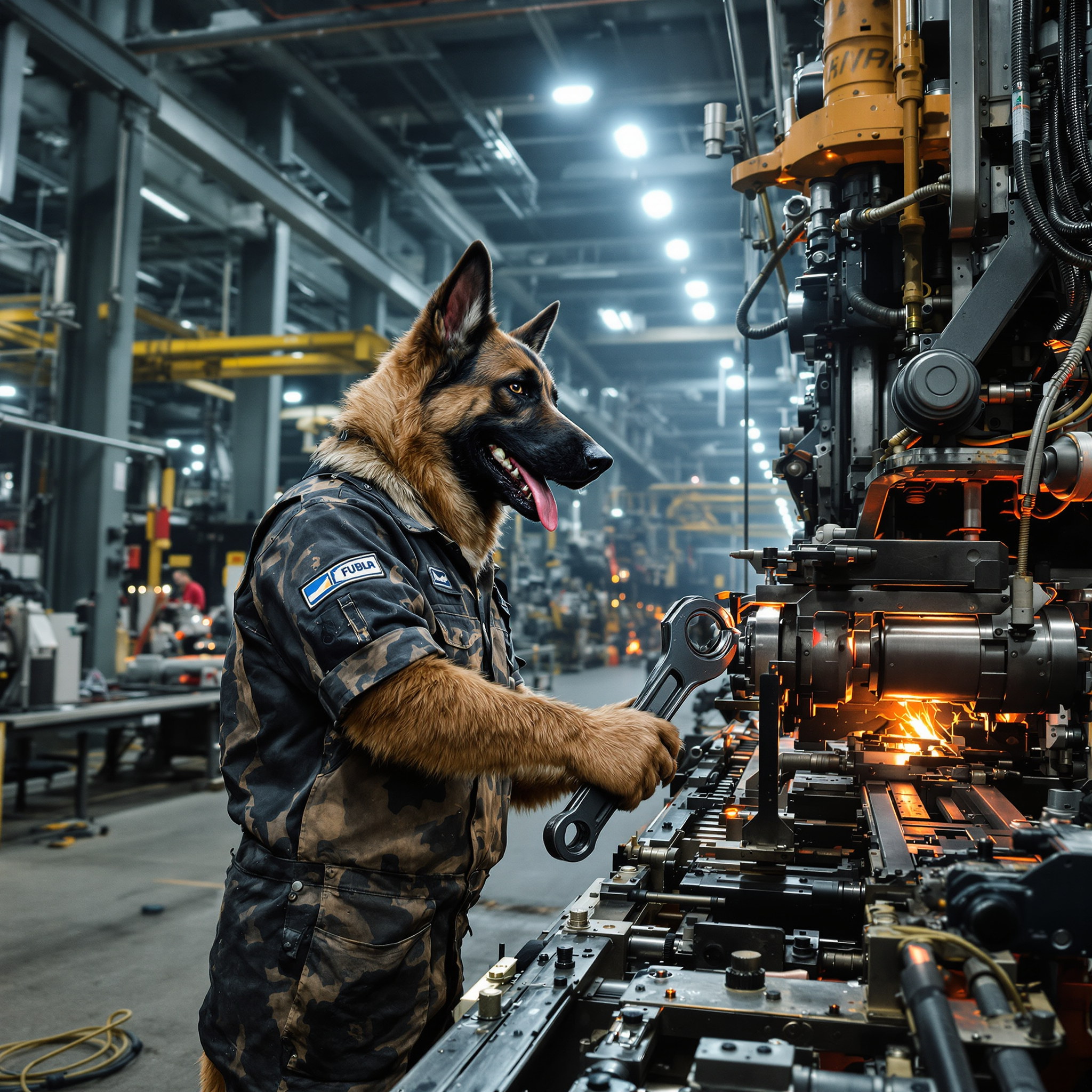
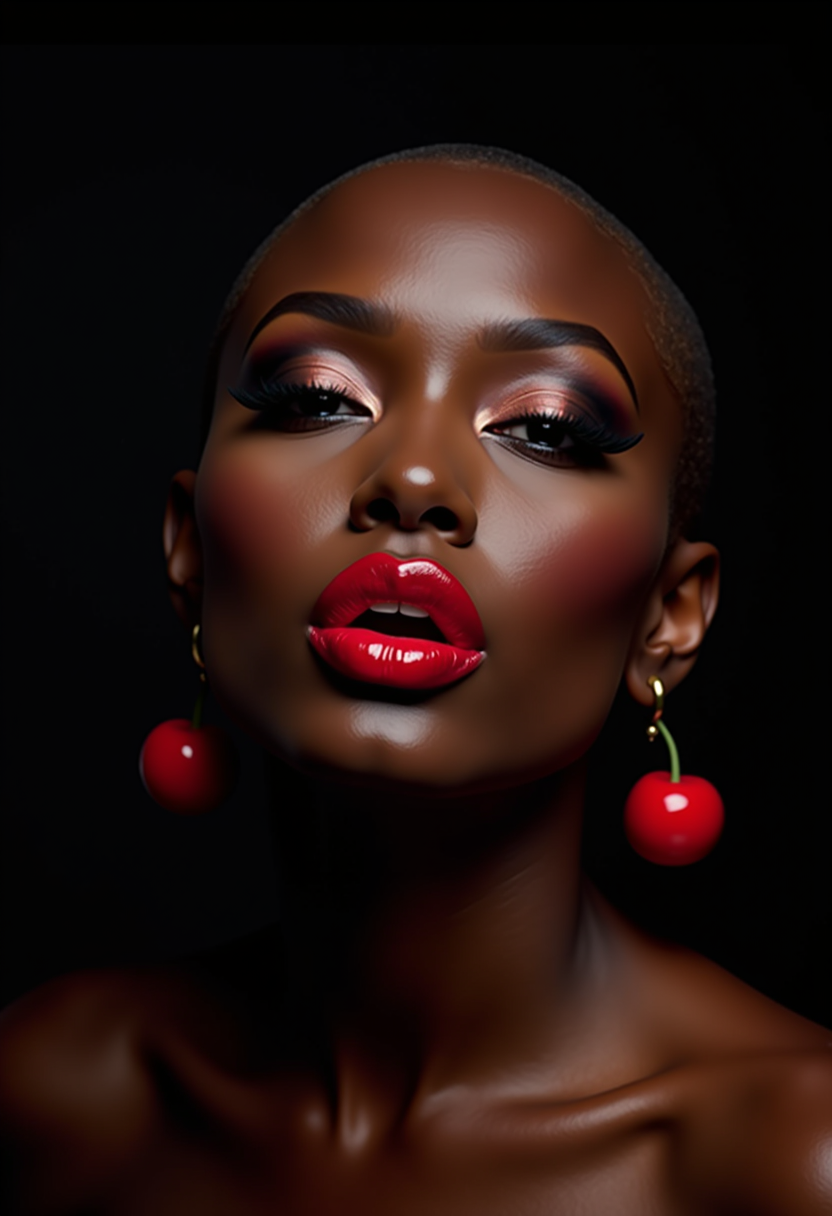
Ever wondered how you'd look as an anime character? With PixelDojo's advanced AI tools, you can effortlessly transform your photos into stunning anime-style images. Whether it's a selfie, a pet photo, or a landscape shot, our platform enables you to create captivating anime art in just a few clicks. Unleash your creativity and bring your images to life with PixelDojo.
Join over 10,000 satisfied users who have transformed their photos into anime art with PixelDojo's AI tools. Rated 4.8/5 based on 2,000+ reviews.
Why Choose Pixel Dojo for convert picture to anime
Professional-quality results with cutting-edge AI technology
Instant Anime Transformations
Convert your photos into anime-style images within seconds, saving you time and effort.
User-Friendly Interface
No technical skills required—our intuitive platform makes it easy for anyone to create anime art.
Diverse Anime Styles
Choose from a variety of anime styles to match your personal preference and artistic vision.
How It Works
Creating anime-style images with PixelDojo is simple and straightforward. Follow these steps to get started:
Step 1: Choose Your Tool
Select the 'Image to Image' tool from PixelDojo's 'Transform' category to begin the conversion process.
Step 2: Upload Your Photo
Click on the 'Upload' button to select the photo you wish to transform into an anime-style image.
Step 3: Apply Anime Style
Choose your desired anime style from the available options and let the AI work its magic.

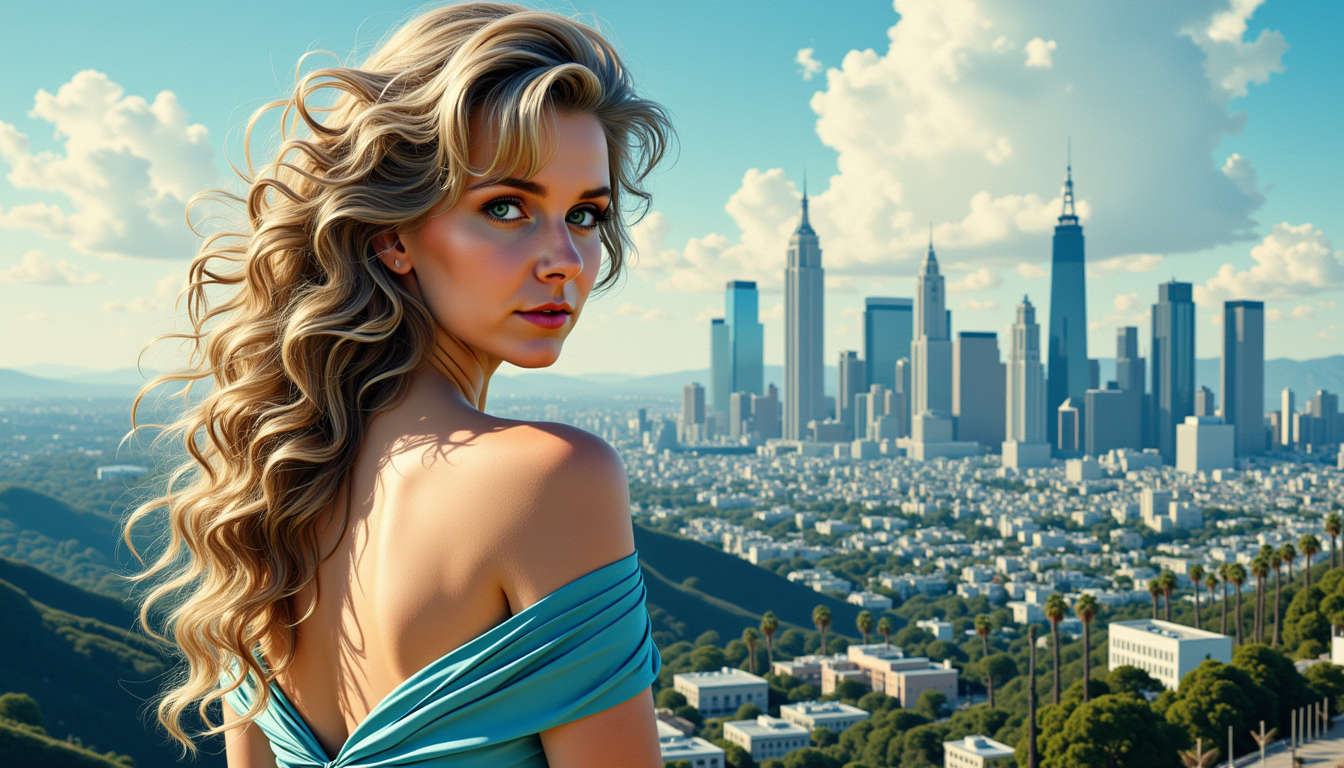
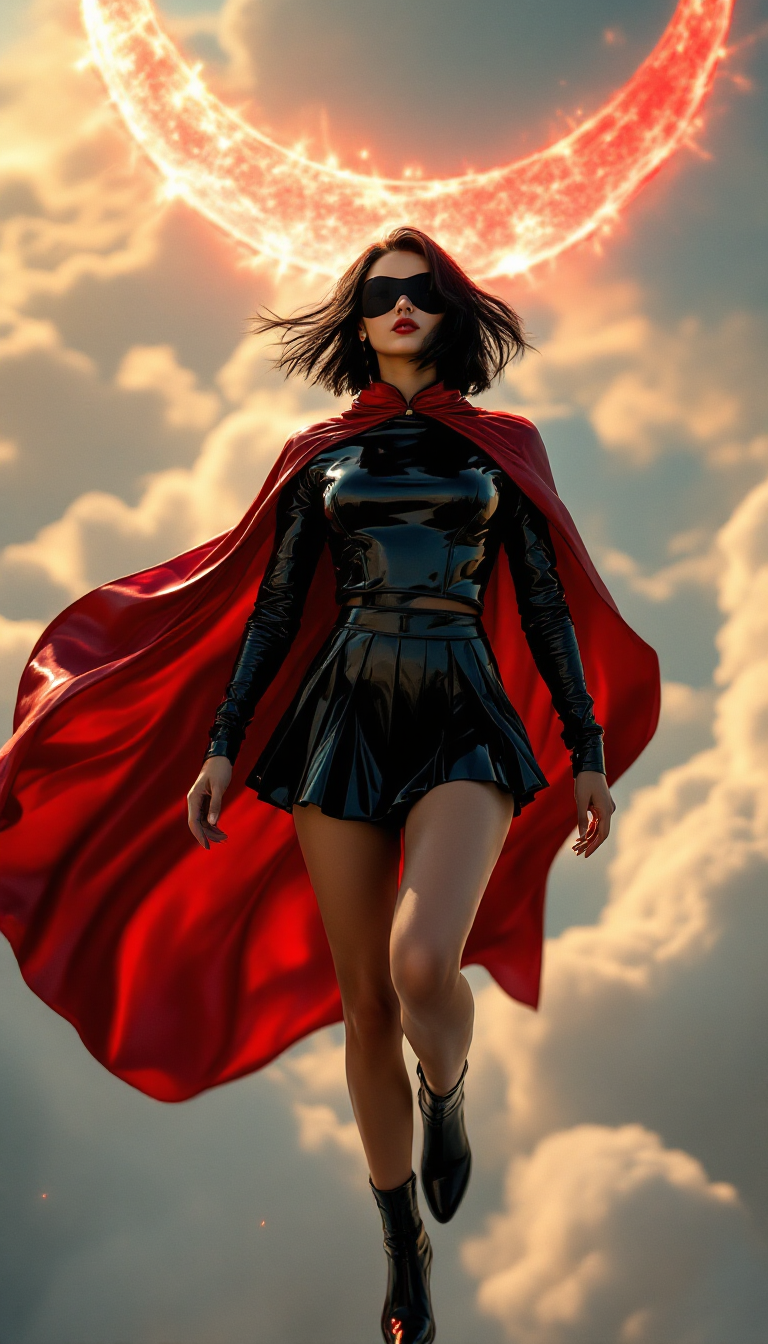
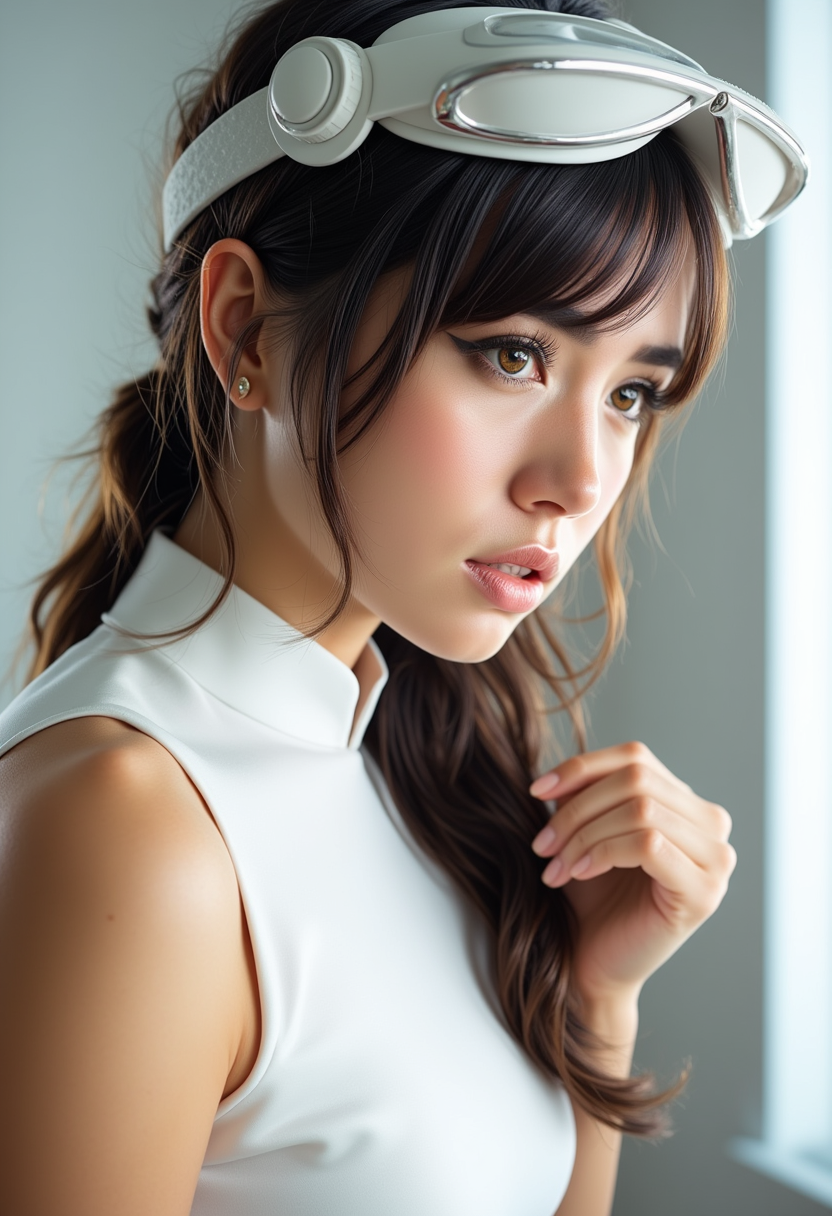


The Pixel Dojo Advantage
Why PixelDojo is the superior choice for converting photos to anime-style images:
| Others | Pixel Dojo |
|---|---|
| Traditional Photo Editing | Eliminates the need for manual editing skills, allowing for quick and effortless transformations. |
| Generic AI Tools | Offers specialized tools tailored for anime-style conversions, ensuring higher quality results. |
| Manual Drawing | Saves hours of drawing time by providing instant anime-style images from your photos. |
Loved by creators on PixelDojo
Real feedback from people using PixelDojo, pulled from our in-product surveys.
Great site and so much fun to use!
very useful set of tools for image creation, upscaling and enhancement
ease of use, variety of tools, high quality trainings, and a well-maintained discord channel
Ease of use, friendliness and support of the owner, continued innovation.
it is an amazing site to create a pics and vids for those who don't have the hardware themselves
good tools in one place
Explore more AI tools on PixelDojo
AI Tools
Compare & Switch
- Best AI Image Generators
- Best AI Video Generators
- Midjourney Alternatives
- Civitai Alternatives
- Runway Alternatives
- Leonardo Alternatives
- Pika Alternatives
- Luma Alternatives
- Magnific Alternatives
- Veo Alternatives
- Flux Alternatives
- Freepik Alternatives
- Seedance Alternatives
- Seedream Alternatives
- Pixverse Alternatives
- GPT Image Alternatives
- Synthesia Alternatives
- Playground Alternatives
- NightCafe Alternatives
- Canva AI Alternatives
- ElevenLabs Alternatives
- ComfyUI Alternatives
- Fal Alternatives
- Replicate Alternatives
Common Questions
Everything you need to know about convert picture to anime
How can I convert my picture to anime using PixelDojo?
Simply use our 'Image to Image' tool under the 'Transform' category. Upload your photo, select your desired anime style, and let the AI do the rest.
Do I need any technical skills to use PixelDojo's anime conversion tools?
No, PixelDojo is designed with a user-friendly interface that requires no technical expertise. Anyone can create anime-style images effortlessly.
Can I customize the anime styles applied to my photos?
Yes, PixelDojo offers a variety of anime styles to choose from, allowing you to select the one that best fits your artistic vision.
Is there a limit to the number of photos I can convert to anime?
PixelDojo offers flexible subscription plans to suit your needs, with options that allow for unlimited conversions.
Can I use the anime images I create for commercial purposes?
Yes, the images you create with PixelDojo can be used for both personal and commercial projects, subject to our terms of service.
Is my data secure when using PixelDojo's tools?
Absolutely. PixelDojo prioritizes user privacy and data security, ensuring that your photos and personal information are protected.