anime to real life converter AI Generator
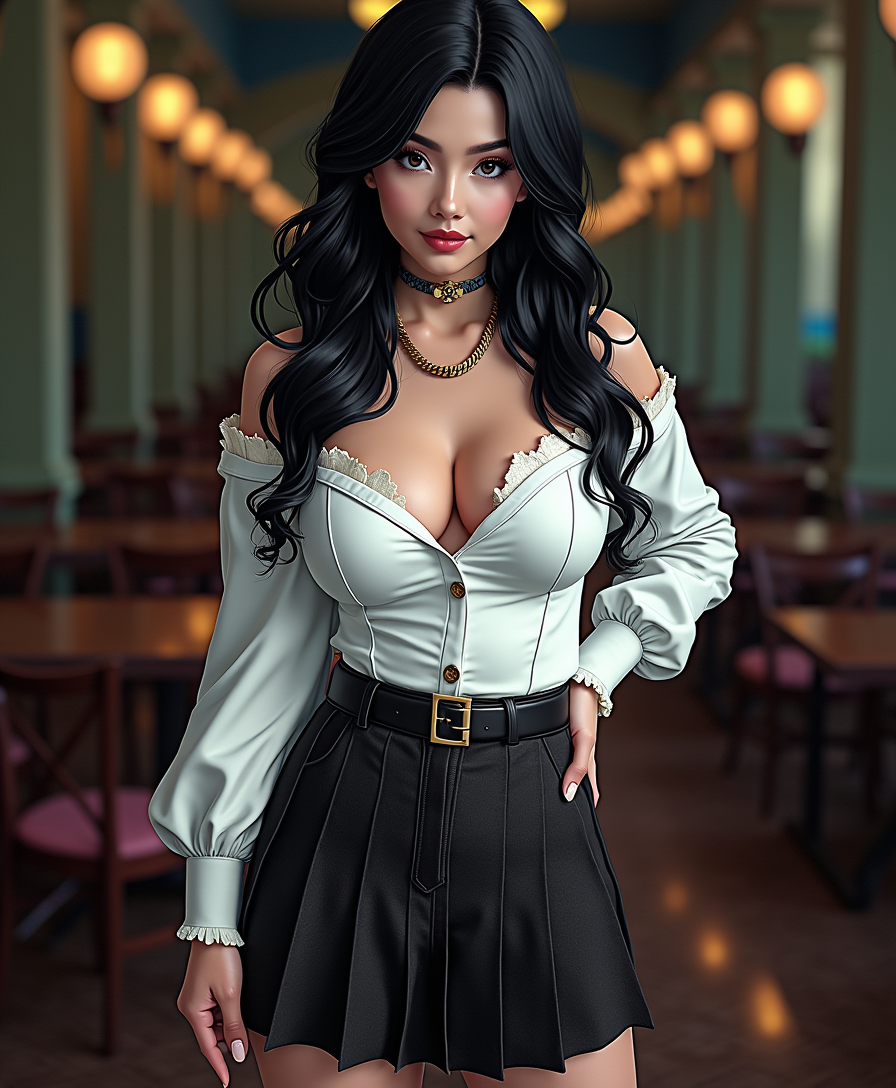
Generated on PixelDojo. Produced by PixelDojo's generation pipeline.
Have you ever imagined what your favorite anime characters would look like in real life? With PixelDojo's advanced AI tools, you can effortlessly transform anime-style images into lifelike photos. Whether you're a cosplayer seeking inspiration, a designer working on character concepts, or simply an anime enthusiast, our 'anime to real life converter' empowers you to bring your favorite characters into the real world with stunning realism.
Real image examples generated on PixelDojo
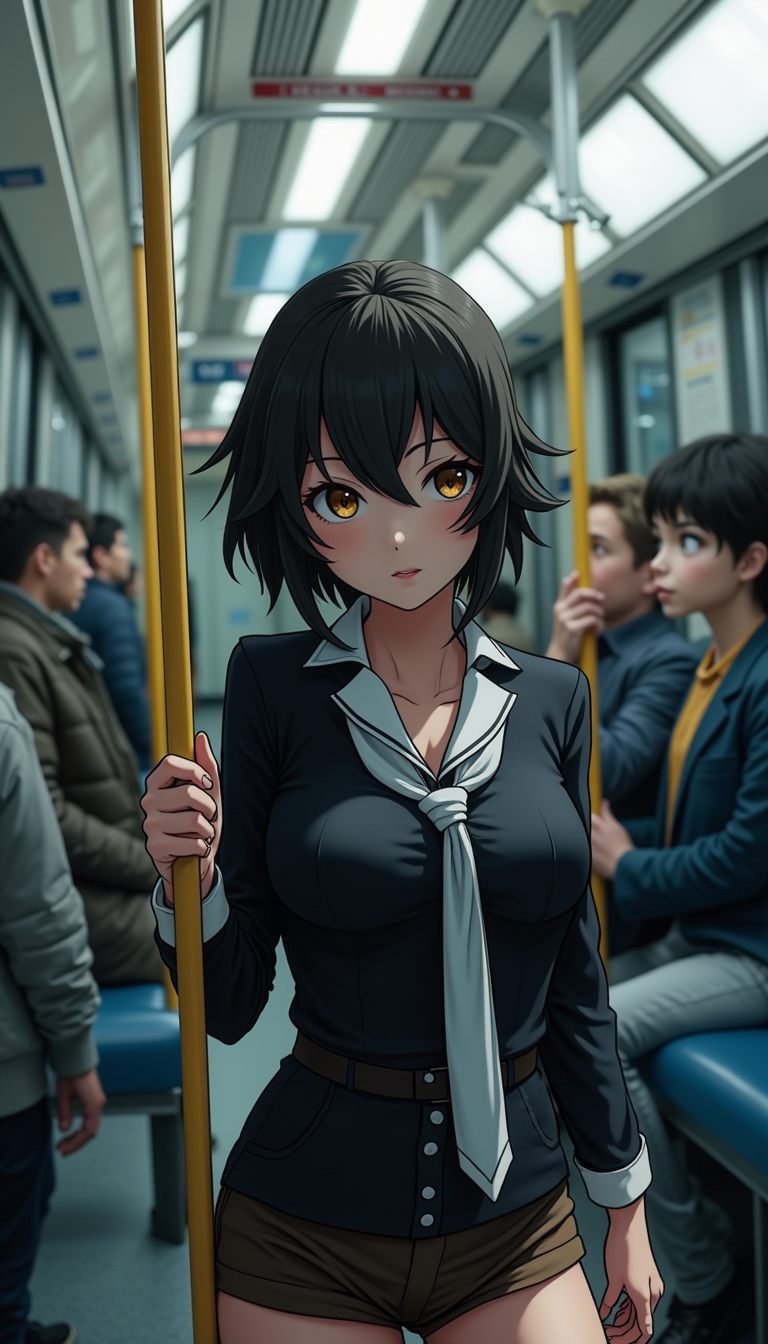
Every example below was produced on PixelDojo. Hover to see the prompt.
Anime character
flux
Anime character
flux
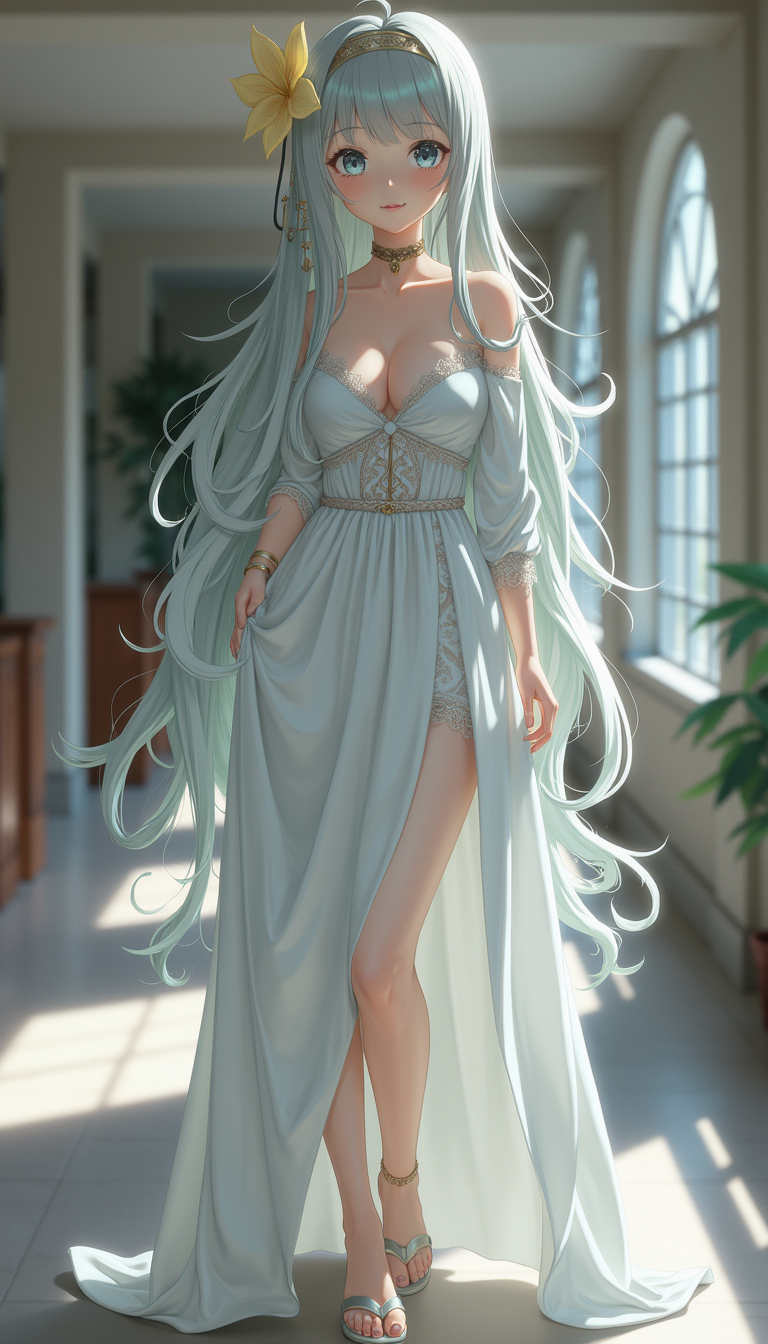
Anime character
flux
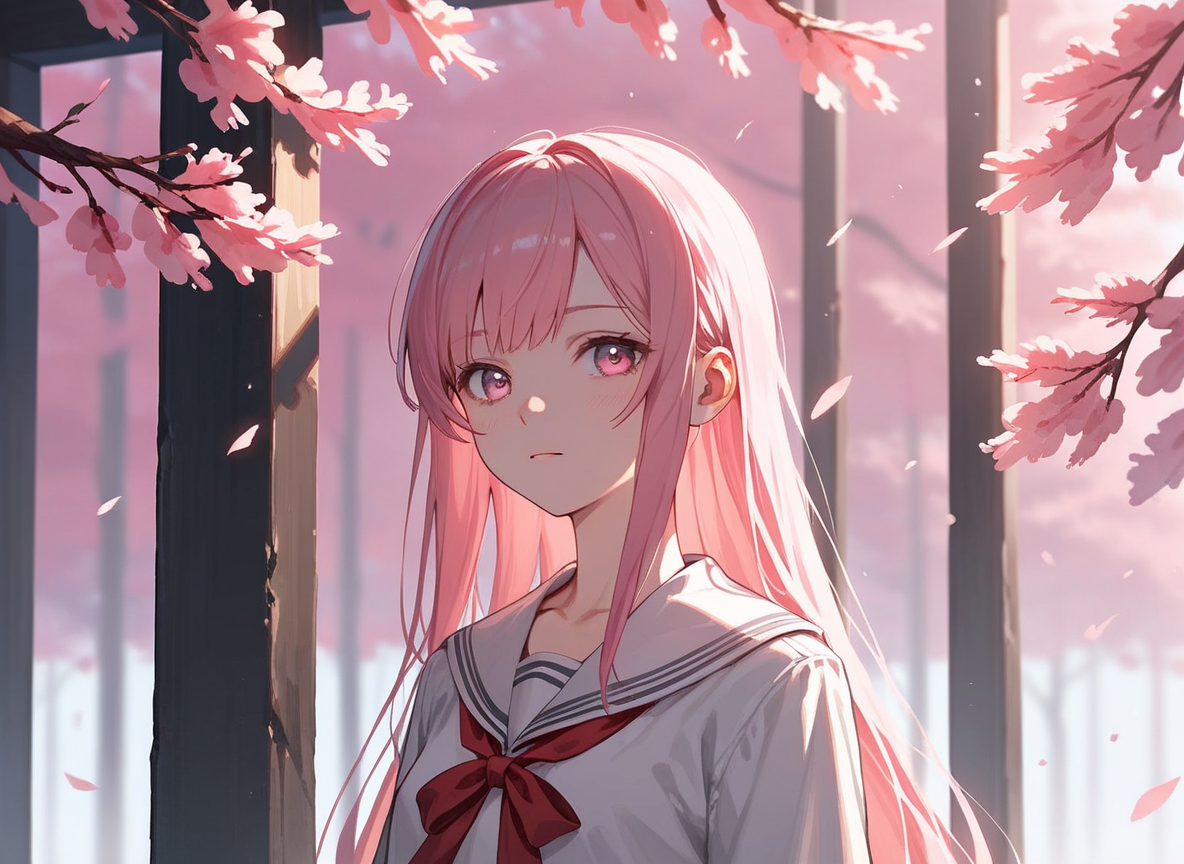
Px-anime
image-to-image
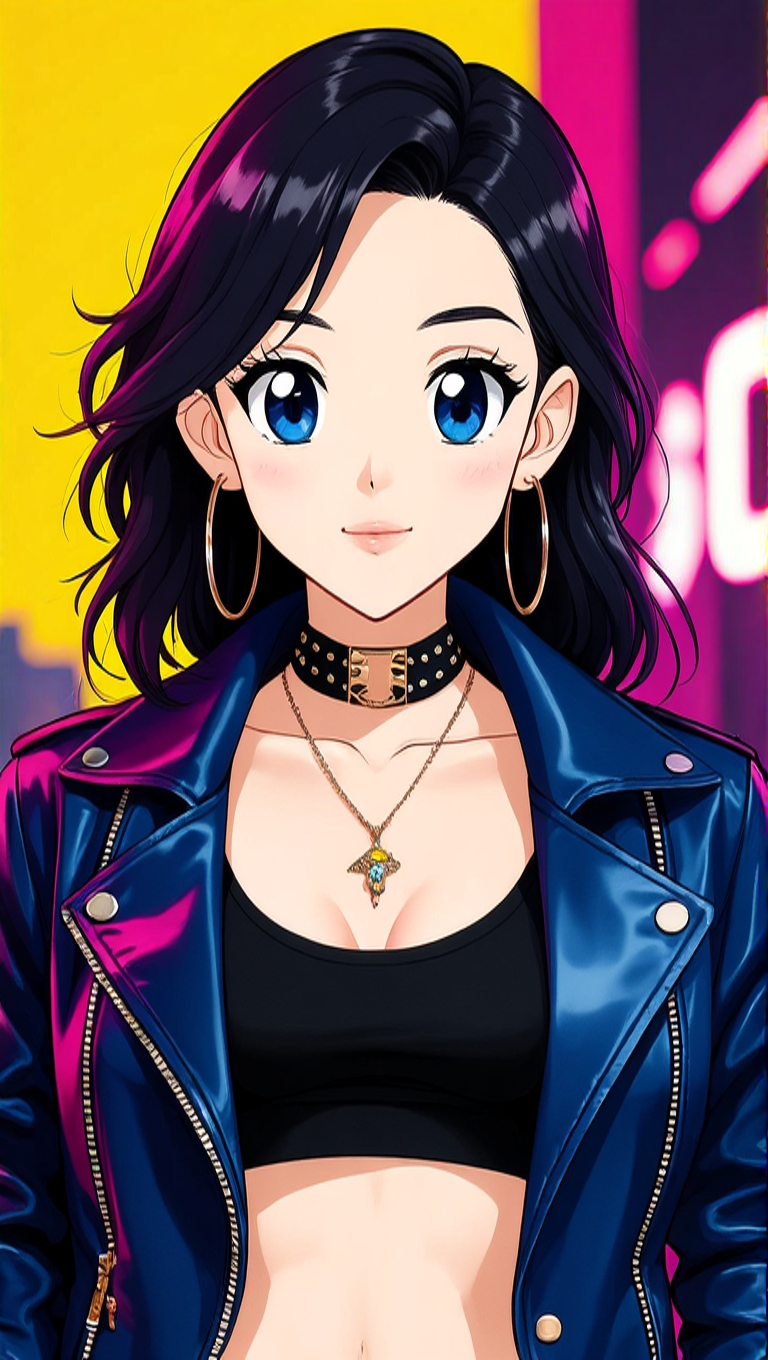
Make her look like an anime character edit
hidream
Pix-anime
image-to-video
Models you can run on PixelDojo for anime to real life converter
Switch models without switching tools. Each one runs in the same PixelDojo studio.
What you can do with anime to real life converter on PixelDojo
Anime Image Upload Tool
Creators upload anime-style images to our platform. We process these inputs to generate corresponding real-life versions.
Realism Level Adjustment Controls
Users select from various realism settings during generation. This produces outputs that match their desired style.
Batch Processing for Multiple Images
Creators submit several anime images at once. We handle the conversions in a single workflow.
High Resolution Output Options
We generate converted images at resolutions up to 4K. Creators receive files ready for professional use.
Join over 10,000 creators who have transformed more than 50,000 anime images into realistic photos using PixelDojo's AI technology.
Why Choose Pixel Dojo for anime to real life converter
Professional-quality results with cutting-edge AI technology
Effortless Transformation
Convert anime images to realistic photos in just a few clicks, saving time and effort.
High-Quality Results
Generate high-resolution, photorealistic images that capture every detail of your favorite characters.
Versatile Applications
Use the transformed images for cosplay references, character design, social media avatars, and more.
How It Works
Creating realistic images from anime characters is simple with PixelDojo. Follow these steps:
Step 1: Choose Your Tool
Select the 'Image to Image' tool from PixelDojo's suite of AI applications.
Step 2: Upload Your Anime Image
Click 'Upload' to select the anime image you wish to transform into a realistic photo.
Step 3: Customize & Generate
Adjust the style settings to your preference and click 'Generate' to create your realistic image.
The Pixel Dojo Advantage
Why PixelDojo is the Best Choice for Anime to Real Life Conversion
| Others | Pixel Dojo |
|---|---|
| Traditional Photo Editing | Automates the conversion process, eliminating the need for manual editing skills. |
| Generic AI Tools | Specifically designed for anime to real life conversion, ensuring accurate and high-quality results. |
| Manual Drawing | Saves hours of work by generating realistic images instantly. |
Loved by creators on PixelDojo
Real feedback from people using PixelDojo, pulled from our in-product surveys.
The Flux Pro Ultra is just amazing!
Very easy to use, and they have fast wan 2.2 video generation with custom loras available.
The overall quality of the site and it's amazing variety of tools. The continued updates of the UI. The unbelievable level of tech support.
THIS IS SO DOPE !
I have already recommended it to friends
All the tools, plus the guidance
Explore more AI tools on PixelDojo
Popular AI Models
AI Tools
Compare & Switch
- Best AI Image Generators
- Best AI Video Generators
- Midjourney Alternatives
- Civitai Alternatives
- Runway Alternatives
- Leonardo Alternatives
- Pika Alternatives
- Luma Alternatives
- Magnific Alternatives
- Veo Alternatives
- Flux Alternatives
- Freepik Alternatives
- Seedance Alternatives
- Seedream Alternatives
- Pixverse Alternatives
- GPT Image Alternatives
- Synthesia Alternatives
- Playground Alternatives
- NightCafe Alternatives
- Canva AI Alternatives
- ElevenLabs Alternatives
- ComfyUI Alternatives
- Fal Alternatives
- Replicate Alternatives
Common Questions
Everything you need to know about anime to real life converter
How does PixelDojo's anime to real life converter work?
PixelDojo utilizes advanced AI algorithms to analyze your uploaded anime image and generate a realistic version by applying lifelike textures and details.
Is there a limit to the number of images I can convert?
With PixelDojo's subscription, you can convert as many images as your monthly credits allow. Feel free to transform as many anime characters as you like.
Can I adjust the realism level of the converted image?
Yes, PixelDojo allows you to customize the style settings, enabling you to control the level of realism applied to your image.
What file formats are supported for upload?
PixelDojo supports common image formats such as JPG and PNG for both upload and download.
Is my data secure when using PixelDojo?
Absolutely. PixelDojo prioritizes user privacy and ensures that all uploaded images are processed securely and not stored permanently.
Can I use the converted images for commercial purposes?
Yes, the images you create with PixelDojo can be used for both personal and commercial projects without any restrictions.