drawing ai
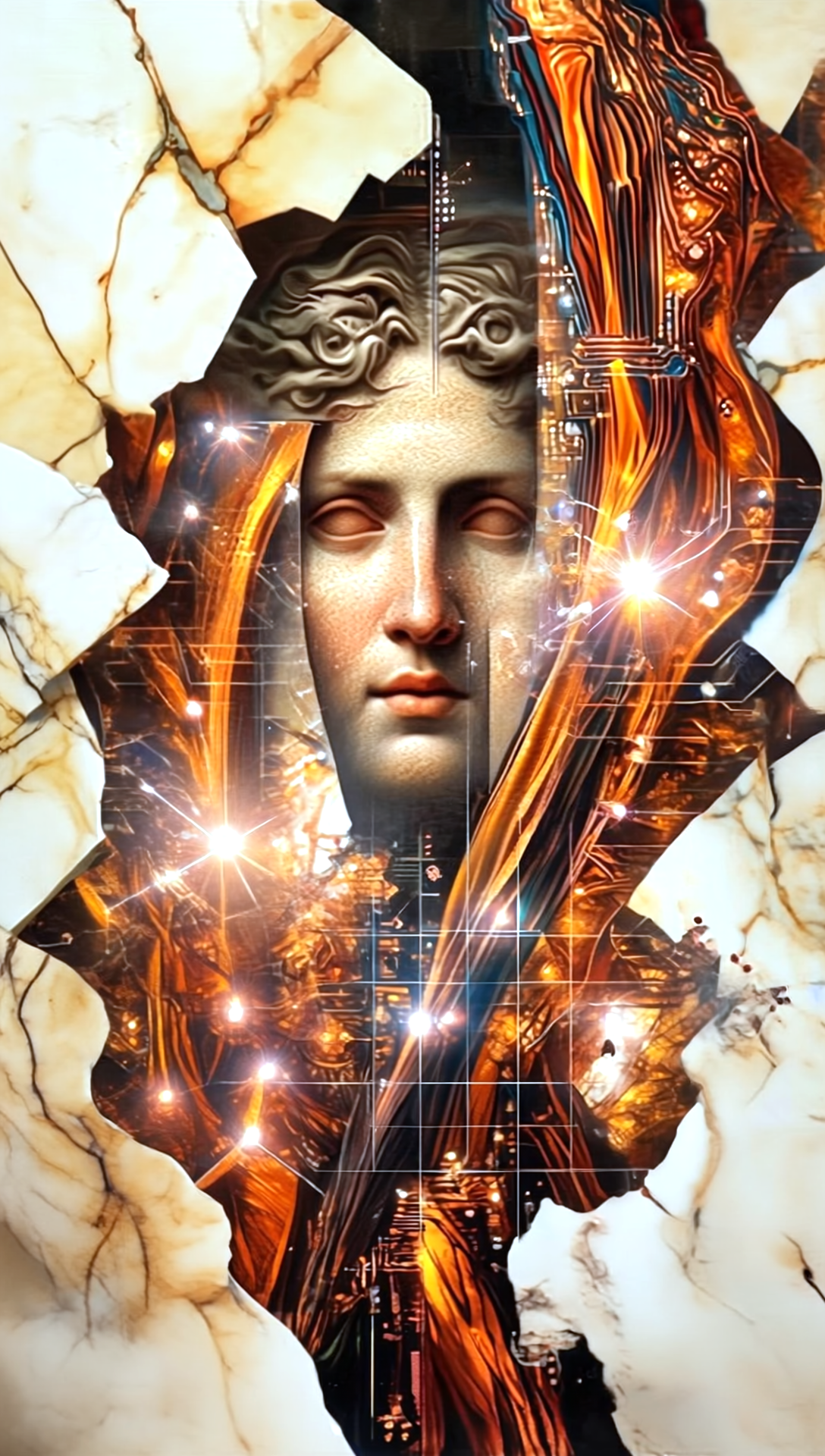
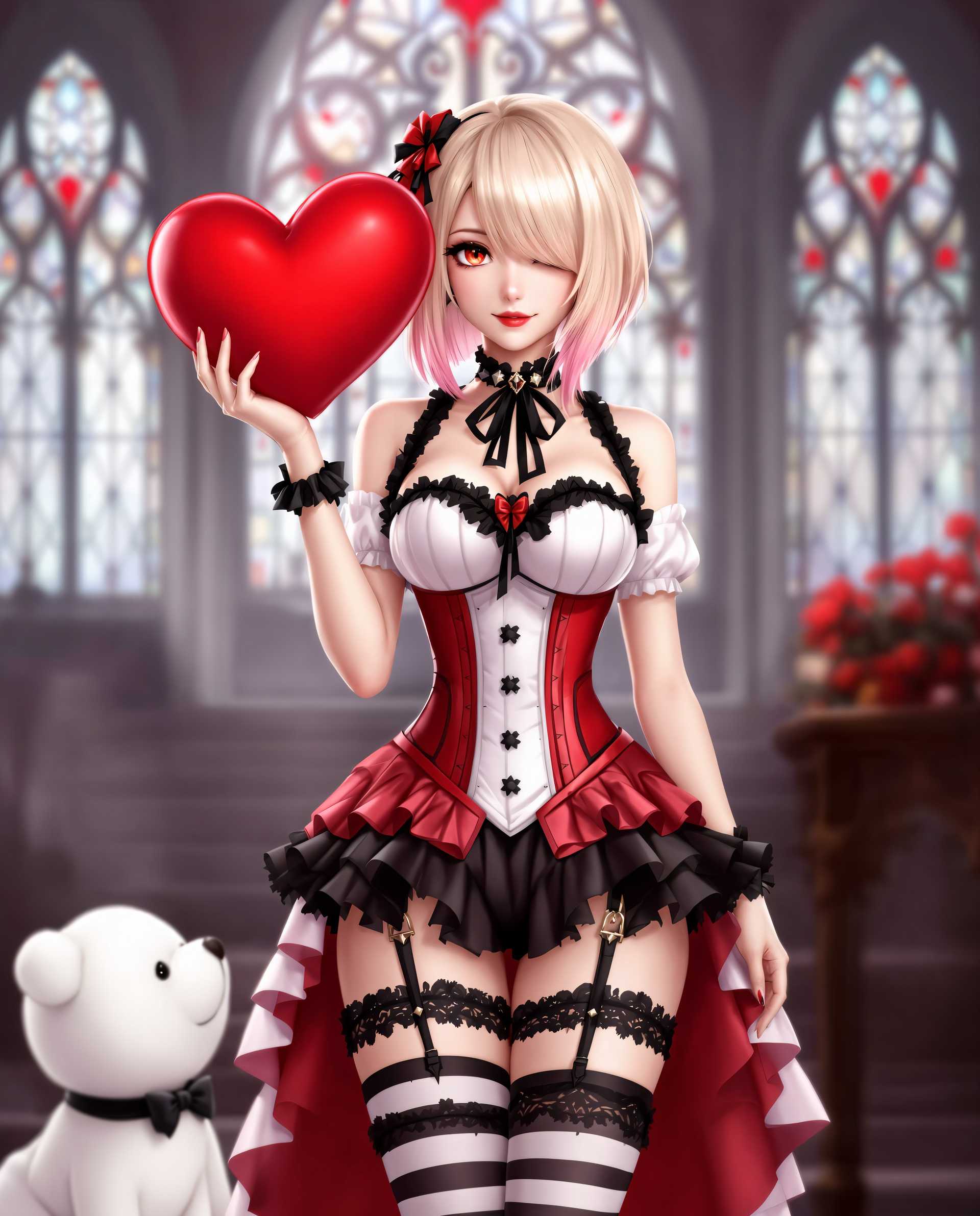
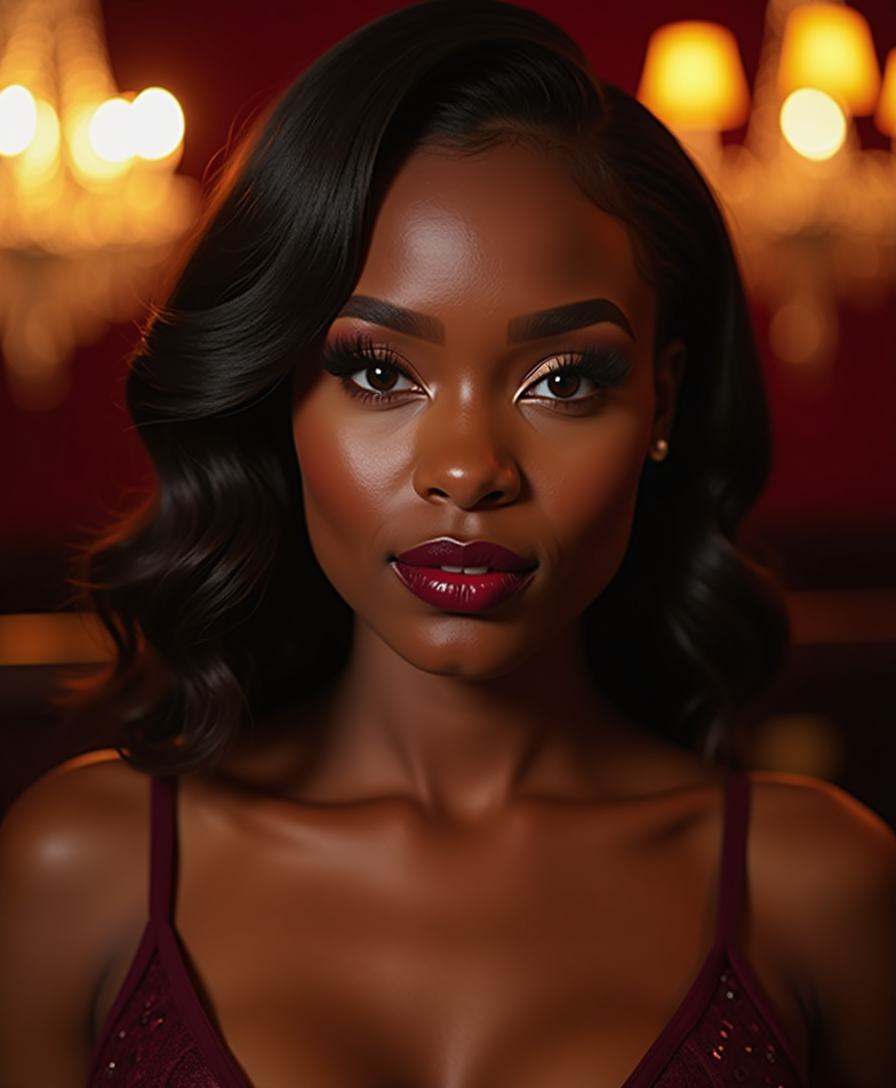
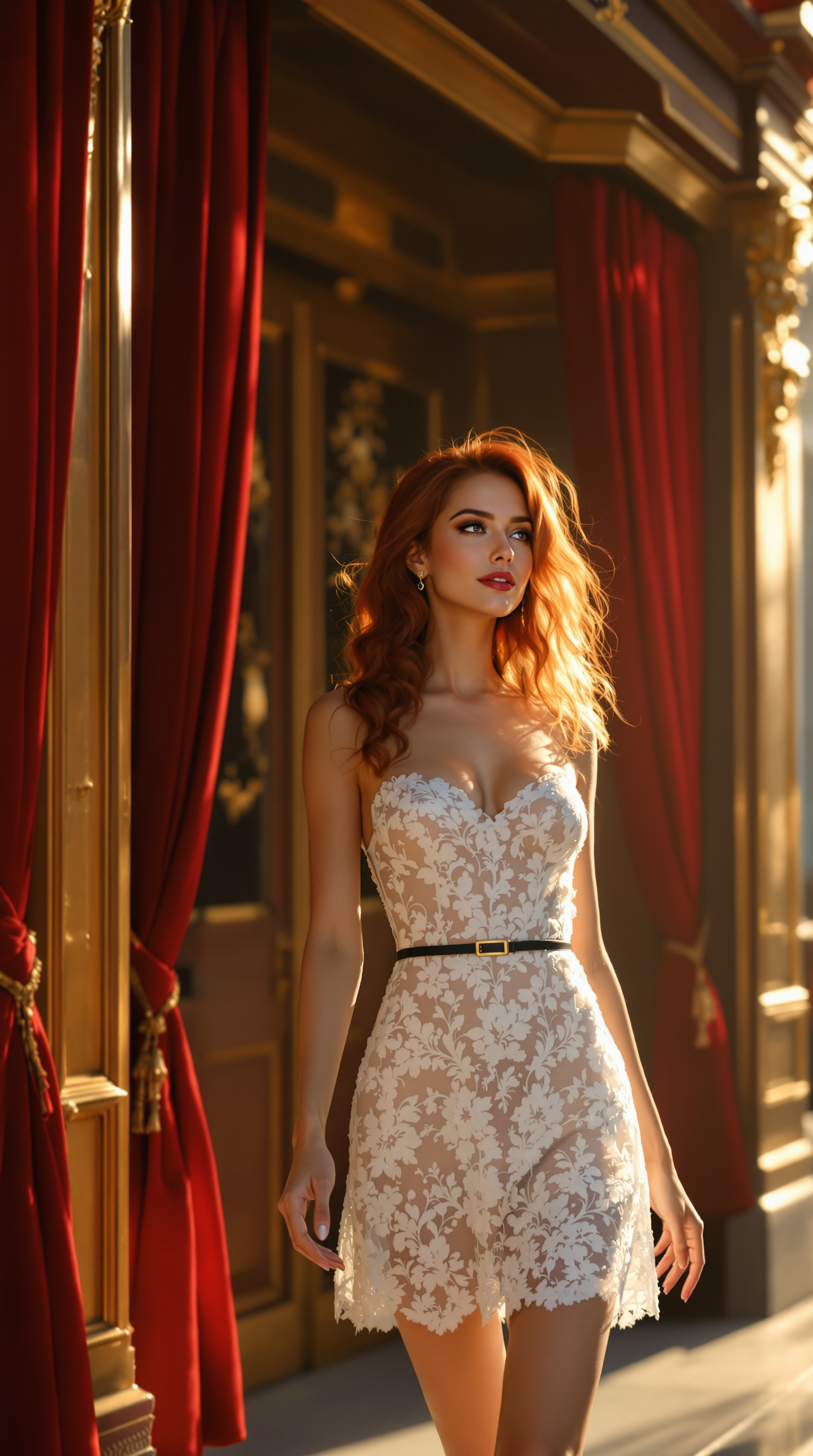
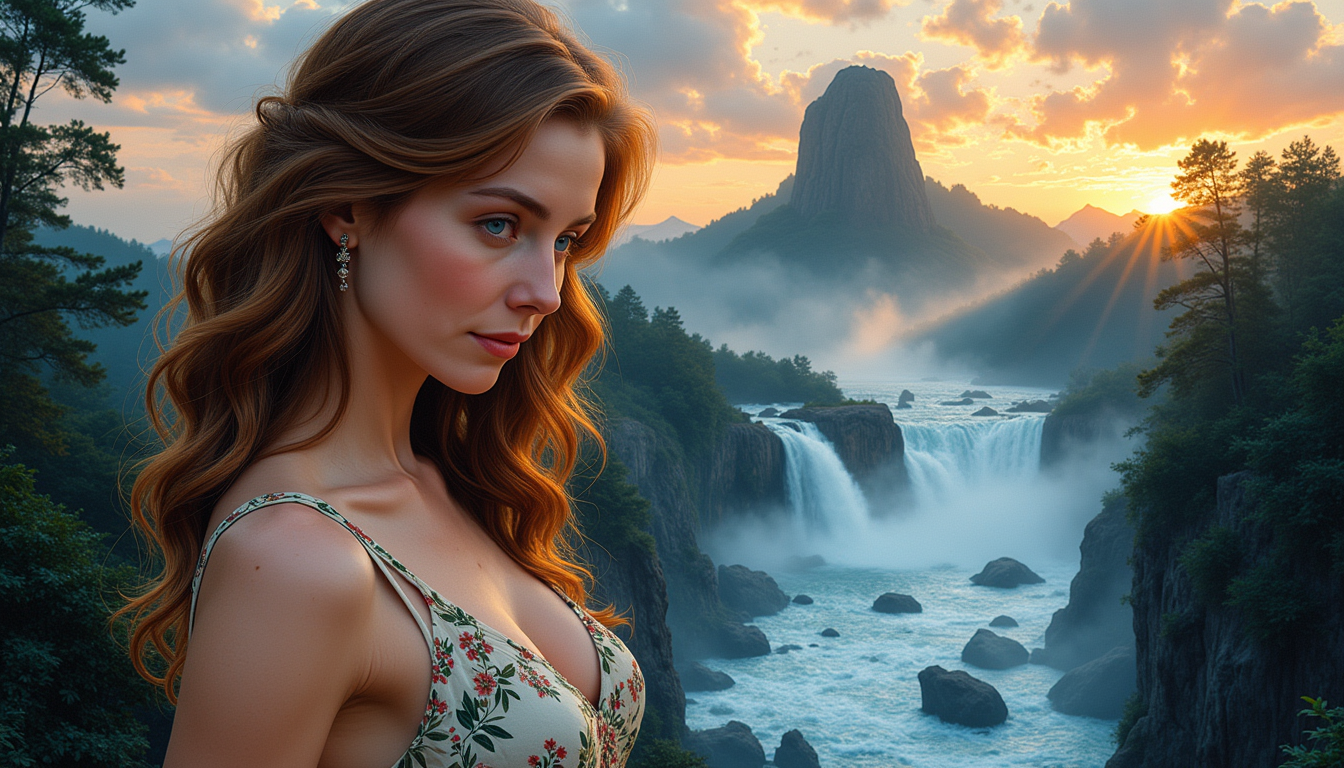
Imagine bringing your ideas to life as beautiful hand-drawn art without picking up a pencil. With PixelDojo's Drawing AI tools, you can generate professional-quality sketches, illustrations, and pencil-style drawings in seconds. Whether you're designing book covers, creating marketing visuals, illustrating stories, or exploring personal creativity, you'll achieve polished, authentic drawing results that look like they were crafted by a skilled artist. Focus on your vision while our AI handles the technique, delivering consistent, high-quality drawings every time.
Join over 50,000 creators who have generated millions of AI drawings with PixelDojo. Rated 4.9/5 by users for ease and quality. Trusted by authors, marketers, and designers worldwide for professional results.
Why Choose Pixel Dojo for drawing ai
Professional-quality results with cutting-edge AI technology
Create Professional Illustrations Without Drawing Skills
Produce gallery-worthy pencil sketches, ink drawings, and digital illustrations for books, websites, and social media that captivate your audience and elevate your projects.
Iterate and Refine Your Vision in Minutes
Quickly generate variations of your drawings, adjust styles from realistic sketches to whimsical cartoons, and perfect every detail until it matches your exact creative intent.
Achieve Consistent Character and Style Across Projects
Maintain the same hand-drawn look and character appearance across multiple images for comics, storybooks, branding campaigns, and series illustrations.
How It Works
Creating stunning AI drawings is simple with PixelDojo. Choose from specialized tools, describe your vision, and refine to perfection.
Step 1: Choose Your Tool
Select from PixelDojo's drawing-focused tools like Krea V2 for sketch-to-illustration magic, Flux.2 Studio for detailed pencil styles, Ideogram 4 for clean line art, Recraft V4.1 for vector-like drawings, or SDXL and PonyXL for versatile artistic sketches.
Step 2: Enter Your Prompt
Describe your drawing idea with details like 'detailed pencil sketch of a serene mountain landscape at dawn, cross-hatching shading, on textured paper, black and white'. Add style references such as 'in the style of classic ink illustration' for best results.
Step 3: Customize & Download
Use Image to Image or Style Transfer to refine your drawing, apply Inpainting for precise edits, adjust lighting with Magic Lighting, or upscale with Creative Upscaler. Download high-resolution files ready for print or digital use.
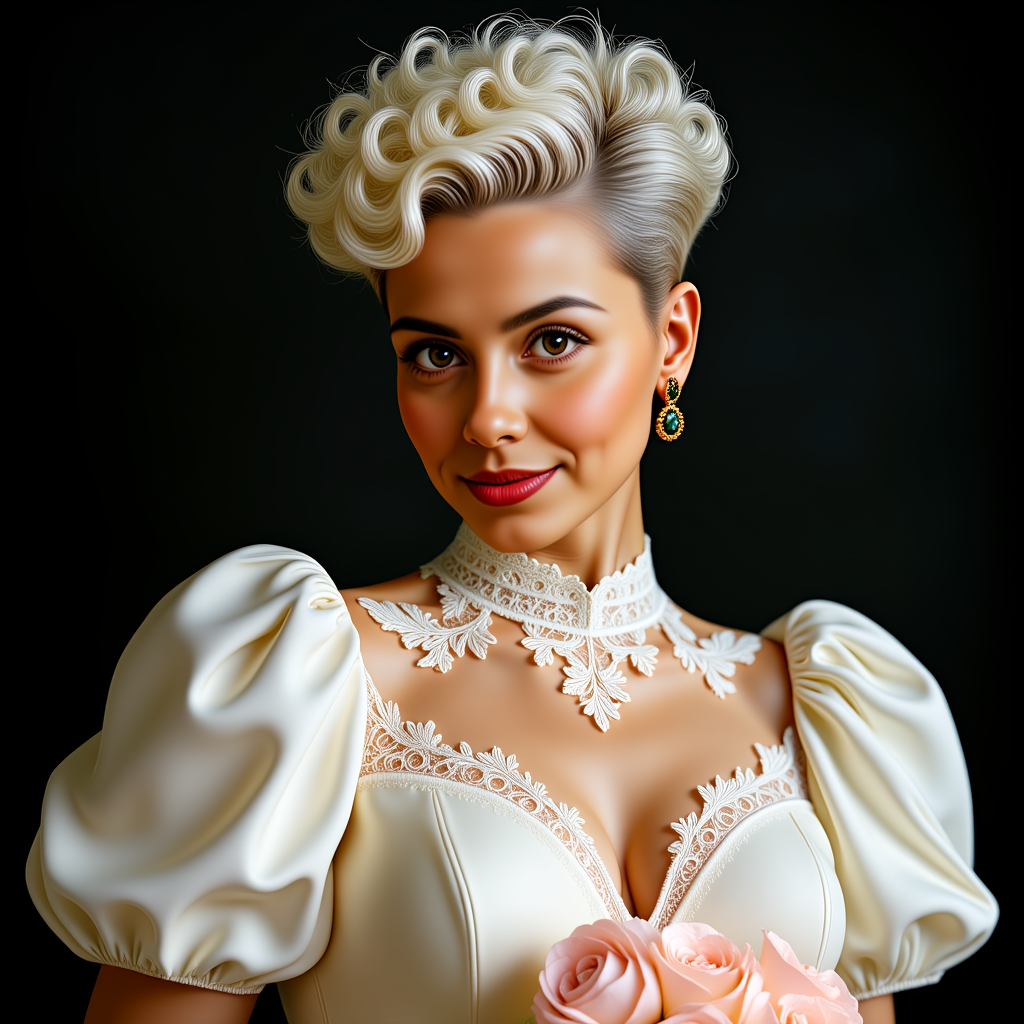
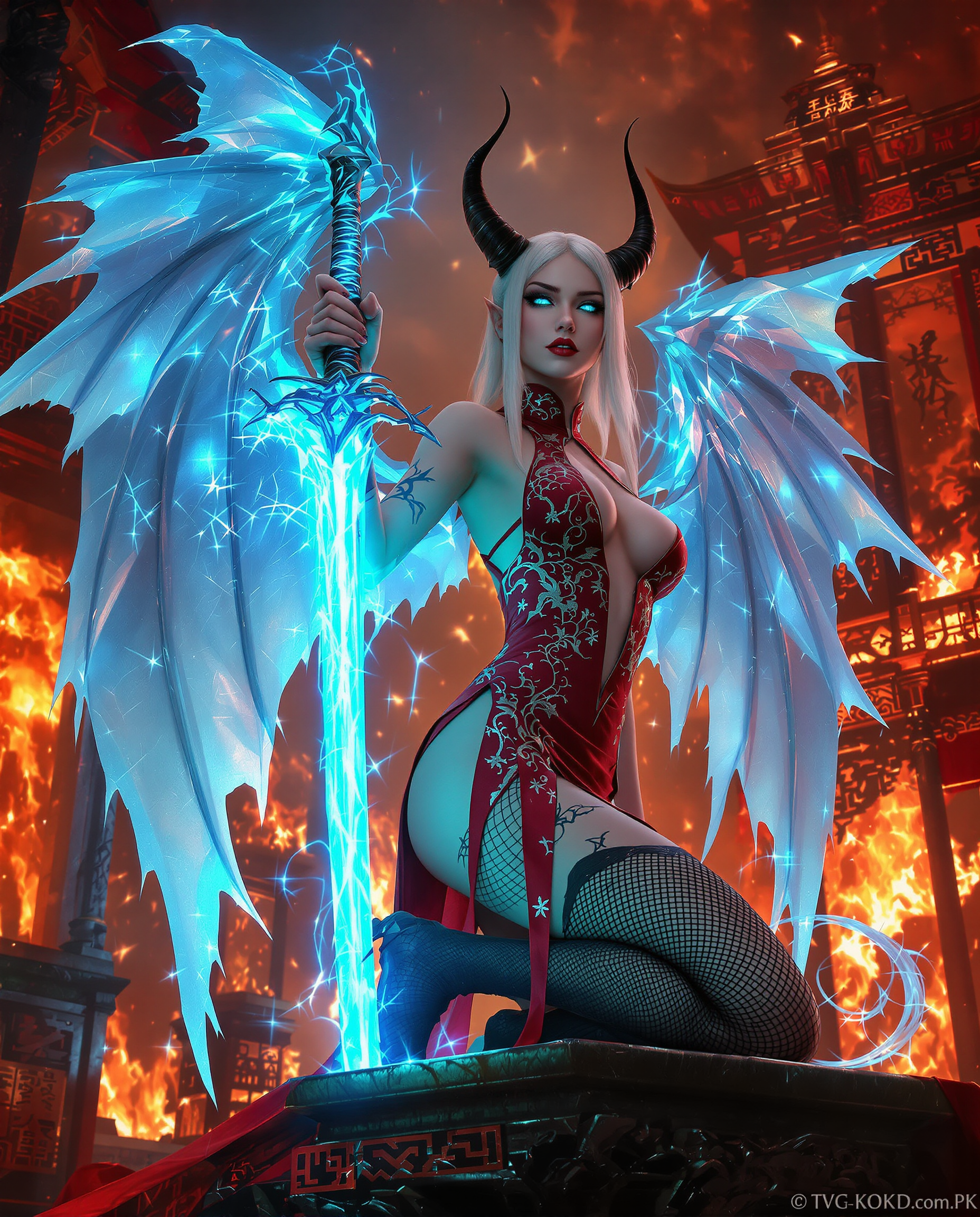
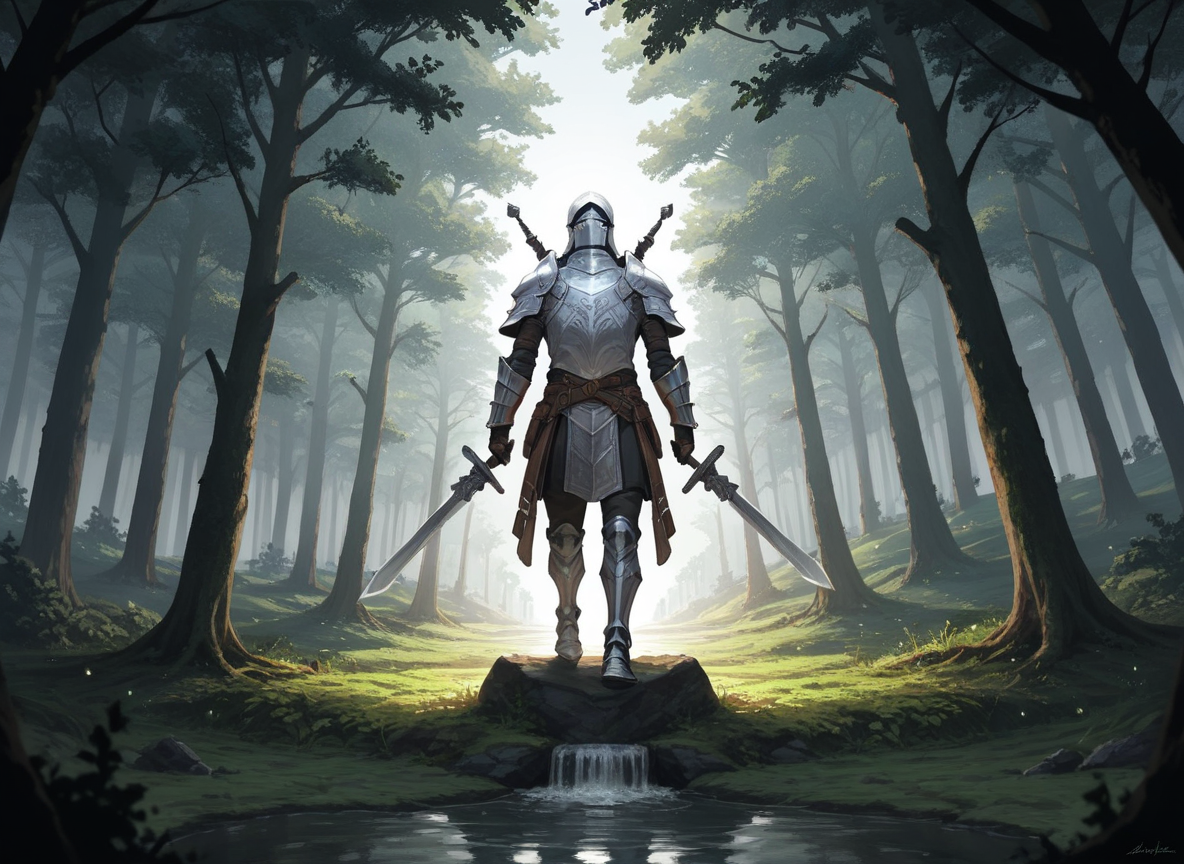
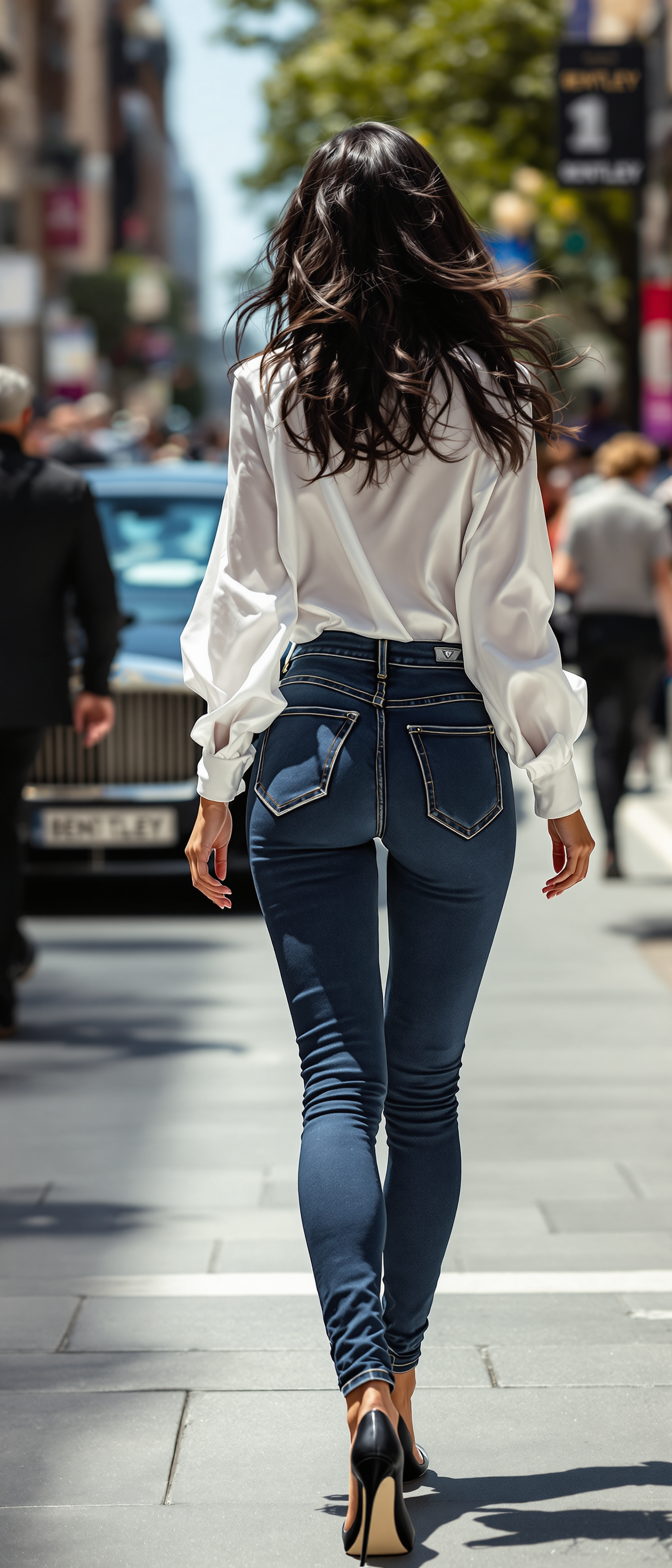
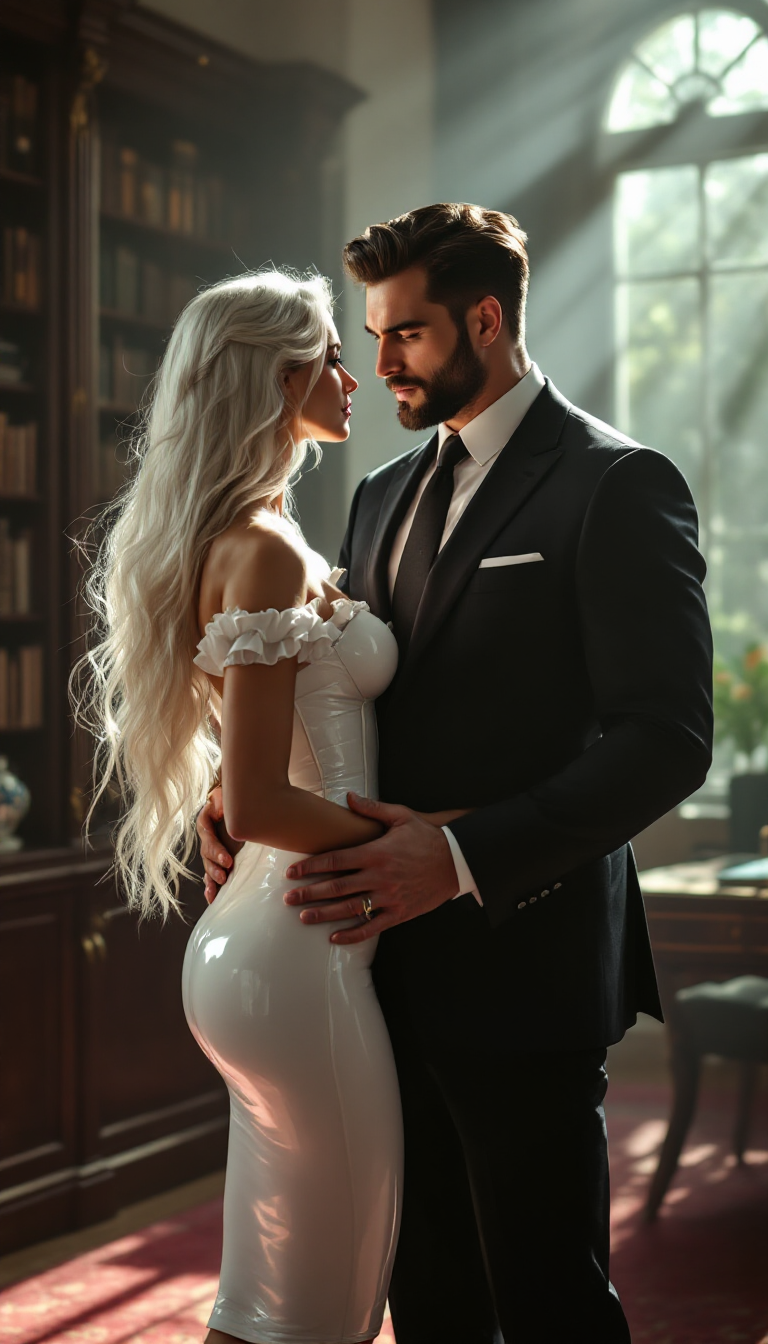
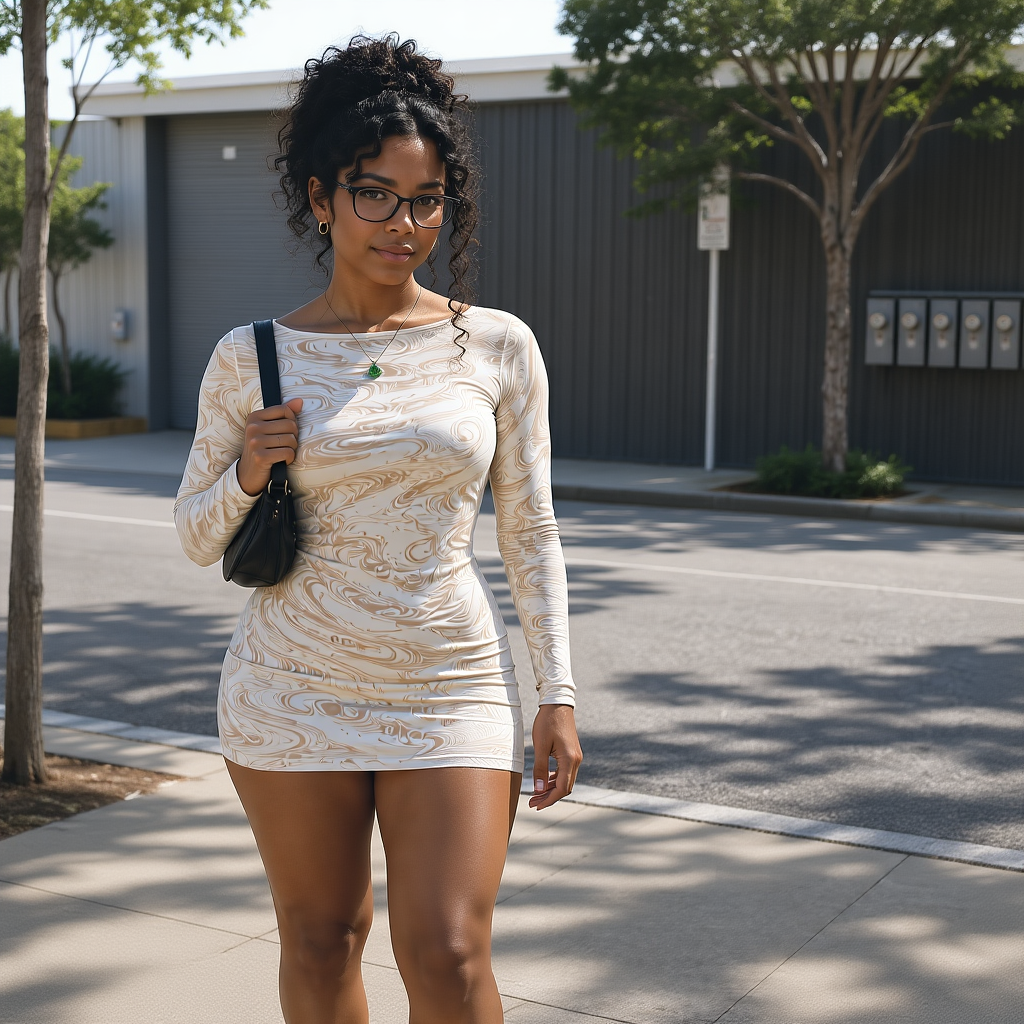
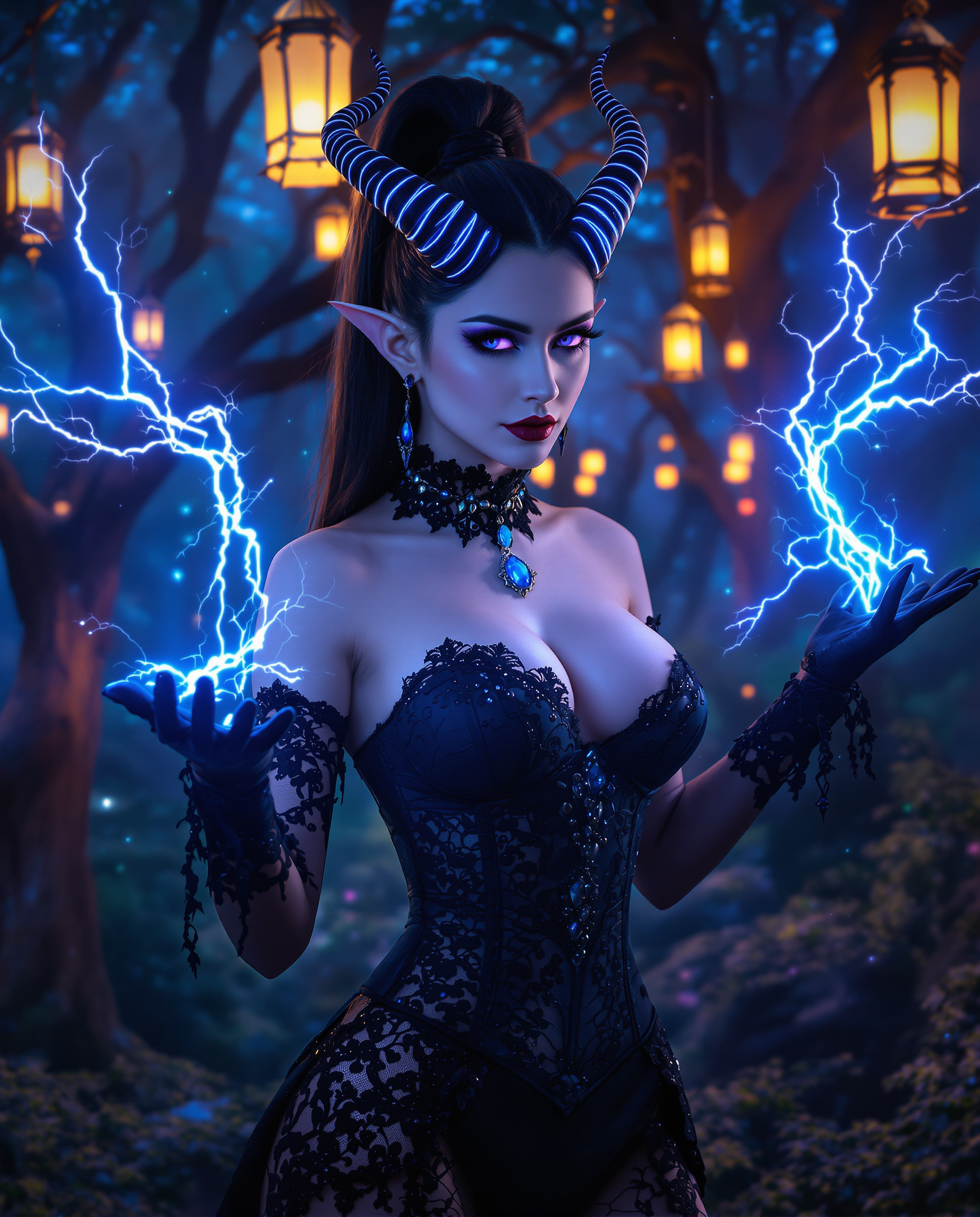
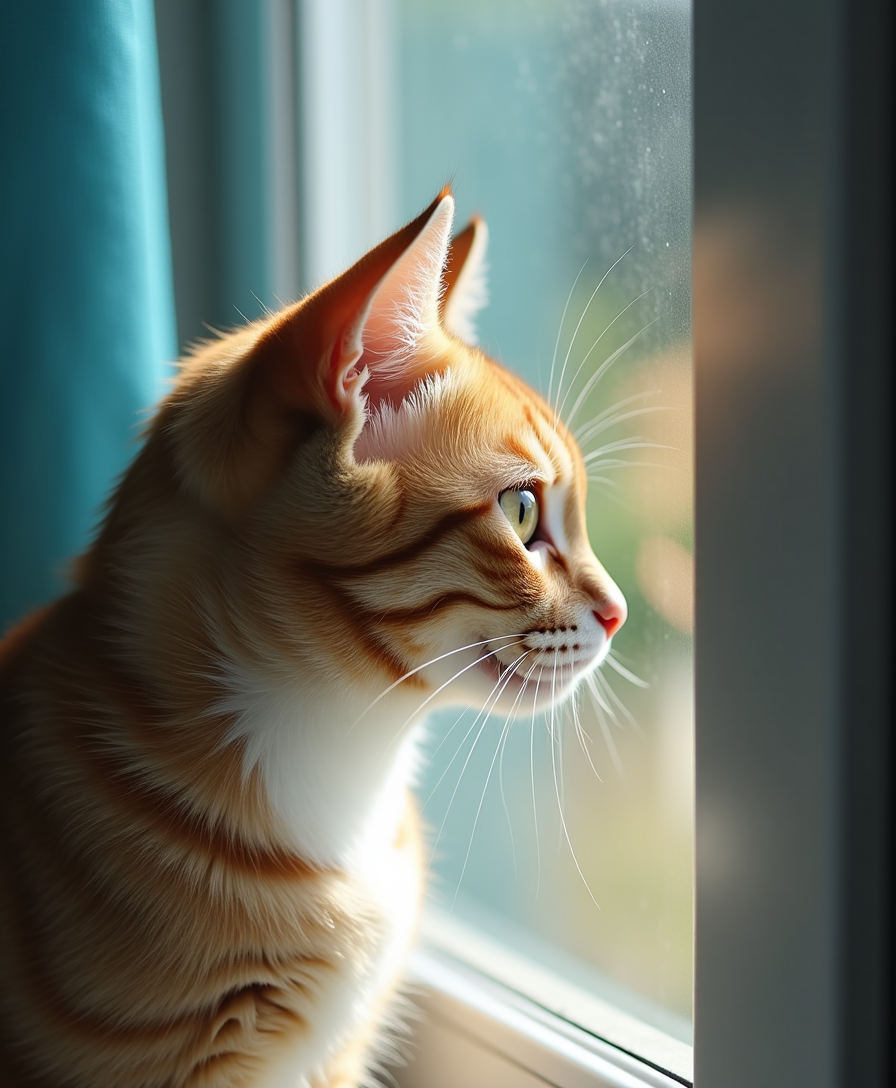
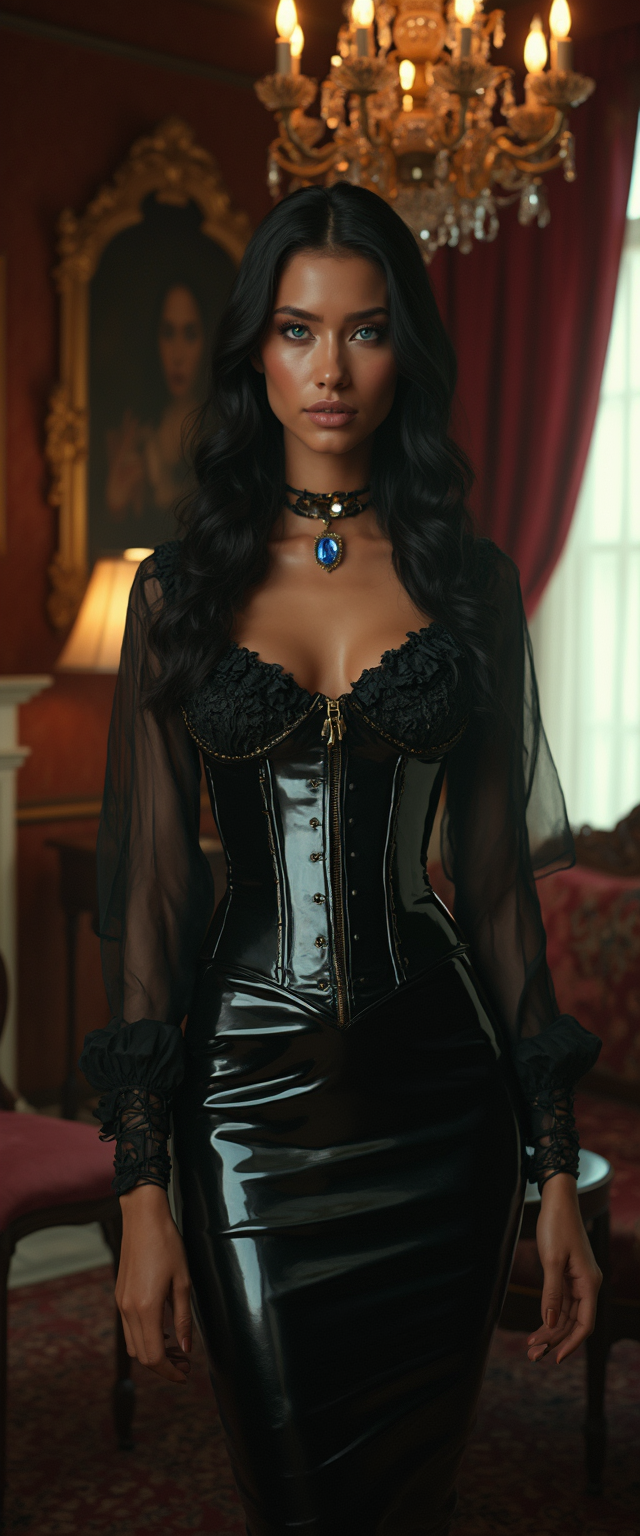
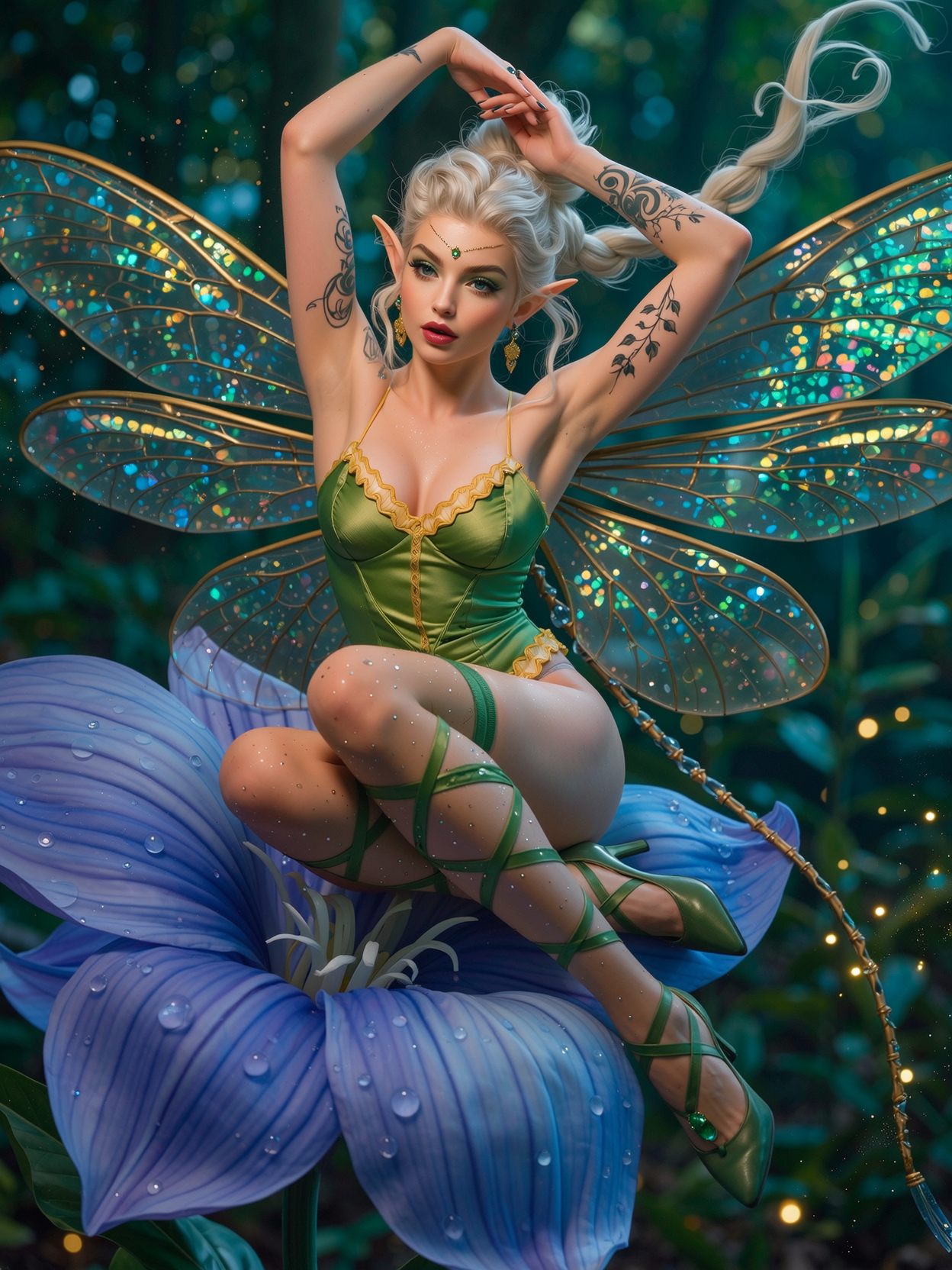
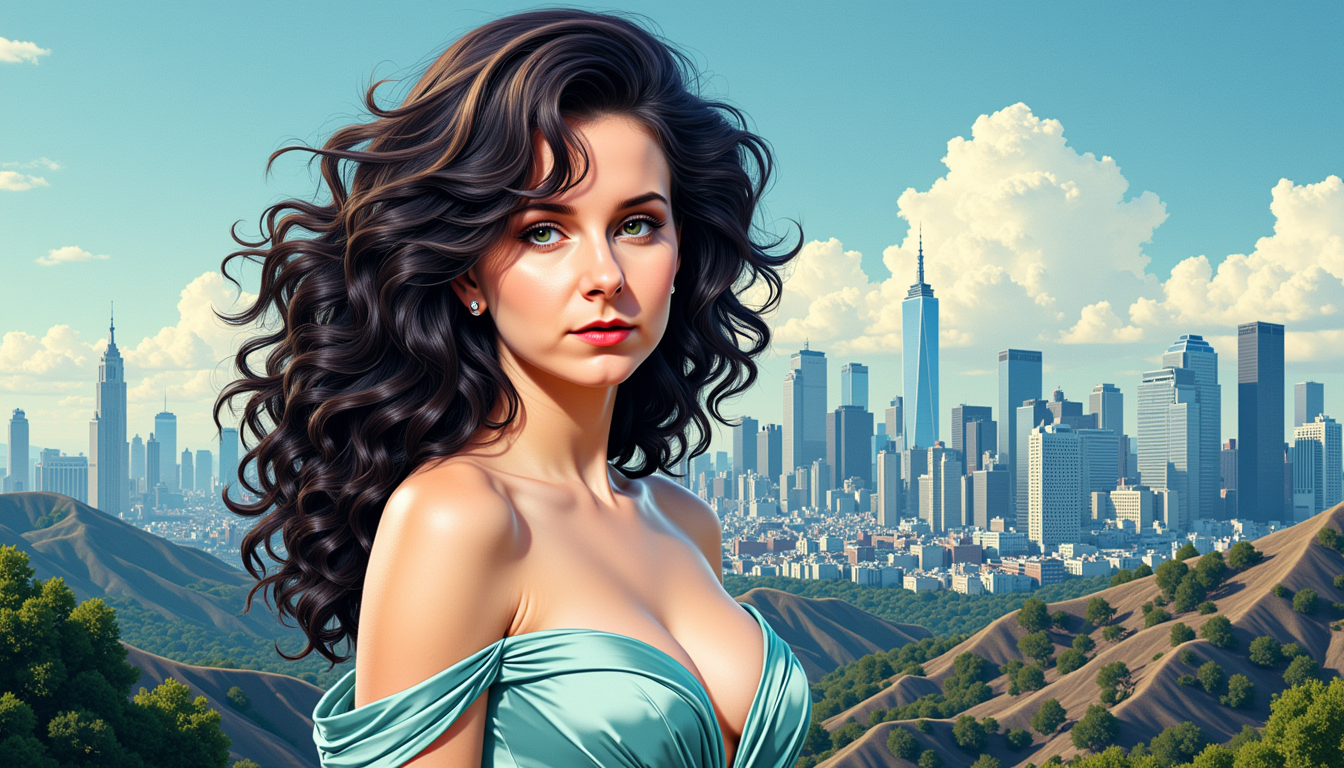
The Pixel Dojo Advantage
Why PixelDojo outperforms other options for drawing AI image generation
| Others | Pixel Dojo |
|---|---|
| Traditional drawing creation | Skip years of practice and expensive supplies—generate professional hand-drawn style images instantly with consistent quality and unlimited variations |
| Generic AI tools | Access specialized drawing models like Krea V2 and Flux.2 Studio plus advanced editing tools designed specifically for sketch refinement and illustration workflows |
| Manual photo editing | Transform ideas into drawings from scratch or convert photos to authentic sketch styles with one-click tools like Style Transfer and Inpainting—no manual tracing required |
Loved by creators on PixelDojo
Real feedback from people using PixelDojo, pulled from our in-product surveys.
Top notch quality and strong prompt adherence.
A well resourced sunscription with attention to updates.
Easy to use and there's lots of options.
super lora download
Great variety of tools to create and modify images and video.
Lots of Tools, and the one time I needed support I got help right away
Explore more AI tools on PixelDojo
AI Tools
Compare & Switch
- Best AI Image Generators
- Best AI Video Generators
- Midjourney Alternatives
- Civitai Alternatives
- Runway Alternatives
- Leonardo Alternatives
- Pika Alternatives
- Luma Alternatives
- Magnific Alternatives
- Veo Alternatives
- Flux Alternatives
- Freepik Alternatives
- Seedance Alternatives
- Seedream Alternatives
- Pixverse Alternatives
- GPT Image Alternatives
- Synthesia Alternatives
- Playground Alternatives
- NightCafe Alternatives
- Canva AI Alternatives
- ElevenLabs Alternatives
- ComfyUI Alternatives
- Fal Alternatives
- Replicate Alternatives
Common Questions
Everything you need to know about drawing ai
How do I generate realistic pencil drawings with drawing AI tools?
Use PixelDojo tools like Flux.2 Studio or Krea V2 and craft prompts specifying 'pencil sketch', 'graphite drawing', 'cross-hatching', and 'textured paper'. Start with a clear subject description, add lighting and mood details, then refine with Image to Image or Inpainting for precise shading and line work. Thousands of creators achieve photorealistic sketch results this way.
Can drawing AI create consistent characters for comic books or story illustrations?
Yes! PixelDojo's Consistent Characters feature combined with tools like Ideogram 4 and Recraft V4.1 lets you lock character designs across multiple drawings. Generate your base character, then use the same reference in new prompts or apply Character Stylist for variations while keeping facial features and style identical.
What are the best prompts for creating hand-drawn style AI illustrations?
Effective prompts include the subject, medium ('ink drawing', 'colored pencil'), style details ('loose sketch lines', 'detailed hatching'), and atmosphere ('soft morning light on textured paper'). PixelDojo users succeed by adding references like 'in the style of classic children's book illustration' and iterating with Style Transfer for perfect results.
How can I turn my photos into beautiful AI drawings and sketches?
Upload your photo to PixelDojo's Image to Image tool, select a drawing model like Krea V2 or SDXL, and prompt for 'convert to detailed pencil sketch' or 'ink illustration style'. Follow up with Style Transfer or Magic Lighting to enhance the hand-drawn feel, then upscale for print-quality output.
Is drawing AI suitable for professional book covers and marketing materials?
Absolutely. Creators use PixelDojo's drawing tools to produce high-resolution illustrations perfect for book covers, social graphics, and ads. Tools like Recraft V4.1 deliver clean, scalable results while editing features ensure your drawings meet professional standards every time.
How does PixelDojo help with AI drawing trends like textured illustrations in 2026?
PixelDojo stays ahead with tools supporting current trends such as real-paper textured drawings, hybrid illustration styles, and consistent character work. Use WAN Image, ImagineArt, or Style Transfer to incorporate tactile, handmade aesthetics that match 2026 illustration trends without manual effort.