ecommerce product ai

Generated on PixelDojo. Produced by PixelDojo's generation pipeline.
You no longer wait weeks or spend thousands on photoshoots to fill your online store with images that sell. With PixelDojo's ecommerce product AI tools, you take one real product photo and instantly generate studio-quality white-background shots, lifestyle scenes in any setting, on-model fashion looks, color variants, and even virtual try-ons that let shoppers see themselves wearing your items. The result is a complete, consistent visual catalog that builds trust, reduces returns, and turns browsers into buyers faster than traditional methods ever could. Whether you sell on Shopify, Amazon, Etsy or your own site, you launch new products the same day they arrive and keep every listing looking professionally shot.
Real image examples generated on PixelDojo
Every example below was produced on PixelDojo. Hover to see the prompt.
ecommerce product ai on PixelDojo
flux

Create a YouTube Header for "FLUXPRO" AI image generation
flux
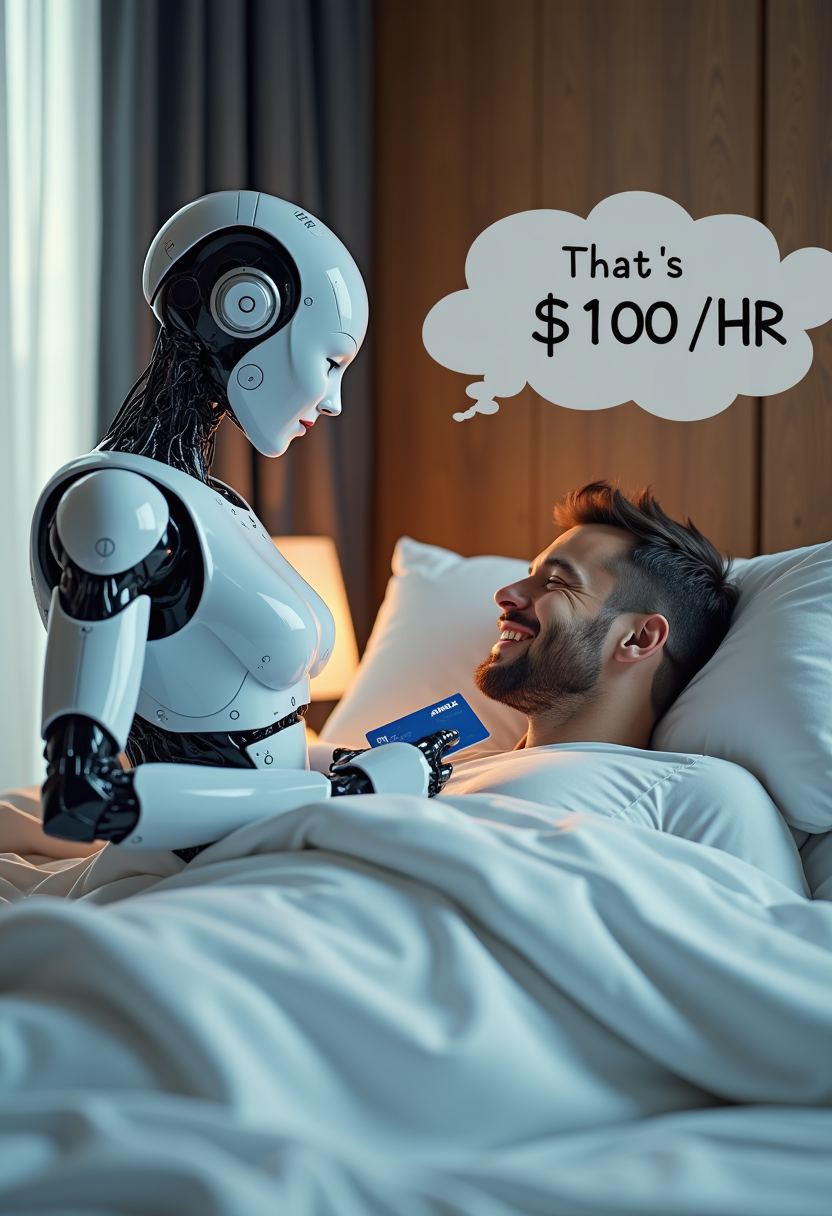
Create image of very beautiful AI robot woman in bed a happy man under the covers
flux

Create a minion that looks like Elon Musk holding a sign that reads "GO FUCK YOURSELF!!" w…
flux

Create a crisp
flux-studio

**Visual Concept:** A visual timeline of affiliate marketing evolution
flux
Models you can run on PixelDojo for ecommerce product ai
Switch models without switching tools. Each one runs in the same PixelDojo studio.
What you can do with ecommerce product ai on PixelDojo
Studio Product Shots
Generate catalog-ready product images on white or custom backgrounds from a reference photo. You can set lighting, camera angle, and packaging details for listings.
Lifestyle Scene Placement
Place products in rooms, outdoor settings, or themed environments while keeping scale and branding consistent. Build a set of shots that match one product line.
Color And Variant Sets
Create colorways, materials, and SKU variants without a new photoshoot. Align new frames with existing gallery photos so shoppers see a coherent collection.
Ad Creative Variations
Produce crop-ready images for marketplaces, social ads, and landing pages from one product concept. Adjust composition and empty space for each channel.
Join thousands of ecommerce creators and brands who generate professional product images daily with PixelDojo. Over 10,000 sellers have already transformed their catalogs, reporting faster launches and stronger conversion rates. 40+ cutting-edge AI tools, loved by thousands of creators worldwide, cancel anytime.
Why Choose Pixel Dojo for ecommerce product ai
Professional-quality results with cutting-edge AI technology
Fill Your Entire Catalog Overnight
Turn a single product photo into hundreds of marketplace-ready images, lifestyle variants, and seasonal scenes so every SKU looks complete and professional without another photoshoot.
Boost Conversions with Lifestyle and Try-On Visuals
Place your products in real-life settings or let customers virtually try on apparel and accessories, giving shoppers the confidence to buy and dramatically lowering return rates.
Slash Photography Costs by 90%+
Eliminate studio rentals, models, lighting setups and retouching bills. Generate unlimited high-resolution assets for pennies while keeping every image on-brand and accurate.
How It Works
Creating conversion-ready ecommerce product images is simple: start with your real product photo, choose the right PixelDojo tool, describe the scene you want, then refine and download. You stay in full control of product accuracy while AI handles lighting, backgrounds and context.
Step 1: Choose Your Tool and Upload Your Product
Select Flux.2 Studio or Nano Banana 2 for photorealistic generation, Image to Image for scene changes, Background Remover for clean cutouts, or Flux Pro Virtual Try-On and Virtual Try-On for fashion. Upload one clear photo of your actual product on a simple background. The AI uses this as the unbreakable reference so every generated image keeps your product's exact shape, color, texture and details.
Step 2: Enter Your Prompt and Generate Scenes
Describe the exact look you need: 'professional ecommerce product shot of the mug on pure white background, soft studio lighting, 85mm lens' or 'lifestyle scene of the mug on a marble kitchen counter with morning sunlight, steam rising, photorealistic'. For apparel, use Virtual Try-On or Consistent Characters to place garments on diverse models. Generate multiple angles, color variants with Seedream 5, and seasonal settings in seconds. Marketing Studio or VEO 3.1 can turn stills into short product videos.
Step 3: Customize, Enhance and Download
Use Inpainting or Reality Polisher to fix any tiny details, Change Camera Angle for extra views, Style Transfer to match your brand look, then upscale with P-Image Upscale or Magnific Upscaler for crisp zoom-ready files. Add 3D views with Rodin if you want interactive product visualization. Download marketplace-perfect JPEGs or PNGs, or send straight to Video Autocaption and Film Studio for ads. Your full catalog is ready the same day.
The Pixel Dojo Advantage
Why PixelDojo outperforms other options for ecommerce product image generation
| Others | Pixel Dojo |
|---|---|
| Traditional photoshoots | You skip weeks of scheduling, travel, models and editing. Generate an entire seasonal campaign in an afternoon while keeping every product 100% accurate to the real item. |
| Generic AI tools | You get specialized ecommerce workflows, virtual try-on, consistent character models, background removal, upscaling and video tools all in one place instead of jumping between disconnected apps that distort product details. |
| Manual photo editing | You replace hours of Photoshop work with one-click background swaps, lighting changes and lifestyle composites that look professionally shot, then scale the same style across thousands of SKUs instantly. |
Loved by creators on PixelDojo
Real feedback from people using PixelDojo, pulled from our in-product surveys.
Amazing performance!
Excellent website for creating all types of media
Very eay to use, works well to train SDXL loras.
The amazing tools
Top notch quality and strong prompt adherence.
A well resourced sunscription with attention to updates.
Explore more AI tools on PixelDojo
AI Tools
Compare & Switch
- Best AI Image Generators
- Best AI Video Generators
- Midjourney Alternatives
- Civitai Alternatives
- Runway Alternatives
- Leonardo Alternatives
- Pika Alternatives
- Luma Alternatives
- Magnific Alternatives
- Veo Alternatives
- Flux Alternatives
- Freepik Alternatives
- Seedance Alternatives
- Seedream Alternatives
- Pixverse Alternatives
- GPT Image Alternatives
- Synthesia Alternatives
- Playground Alternatives
- NightCafe Alternatives
- Canva AI Alternatives
- ElevenLabs Alternatives
- ComfyUI Alternatives
- Fal Alternatives
- Replicate Alternatives
Common Questions
Everything you need to know about ecommerce product ai
How do I create AI product images that Amazon and Shopify will accept?
Start with a real photo of your actual product. Use Background Remover or Flux.2 Studio to generate a pure white-background hero shot that fills 85% of the frame. Keep every product detail identical to the physical item. PixelDojo's tools produce marketplace-compliant files you can download at the exact resolution and format required. Lifestyle and infographic images go in secondary slots. Thousands of sellers already use these images successfully.
Can I generate on-model fashion photos and virtual try-ons without hiring models?
Yes. Upload your garment photo and use Flux Pro Virtual Try-On, Virtual Try-On, or Consistent Characters to place it on diverse, realistic models in any pose or setting. Shoppers can even upload their own photo for a personal try-on experience. This approach cuts photoshoot costs dramatically while giving customers the confidence that reduces returns. Pair with Kling Avatar or P Video Avatar for short try-on videos.
How do I keep product colors, textures and logos perfectly accurate across hundreds of images?
Always begin with a high-quality reference photo of the real product. PixelDojo's Image to Image, Flux.2 Studio and Seedream 5 treat that photo as the source of truth. Use the same prompt structure and lighting language for every SKU. For ultimate brand consistency, train a custom model with Flux Trainer or QWEN Trainer on 10-20 of your existing photos so every future generation matches your exact look.
What about lifestyle scenes, seasonal campaigns and A/B testing new looks?
Describe any environment you want: marble bathroom, beach picnic, holiday table, urban loft. Nano Banana 2, Krea Image and ImagineArt generate photorealistic context while preserving your product. Create dozens of variants in minutes, then use Marketing Studio to turn the best stills into video ads. Test which scenes convert highest without ever booking another location or model.
Can I also create product videos and 3D views from the same images?
Absolutely. Once you have stills, send them to Marketing Studio, VEO 3.1, Kling Video or Seedance 2.5 to generate short demonstration or lifestyle videos. For interactive 3D, upload a few angles to Rodin or Hunyuan 3D and get a spinable model shoppers can examine from every side. One product photo becomes a complete visual stack: stills, video, try-on and 3D.
Is there a free way to try ecommerce product AI before committing?
Yes. PixelDojo lets you explore 40+ tools including Flux.2 Studio, Nano Banana 2, Virtual Try-On and Background Remover. Generate your first product images today, see the quality on your own items, then decide. Loved by thousands of creators worldwide, you can cancel anytime with no long-term contract.