face ai
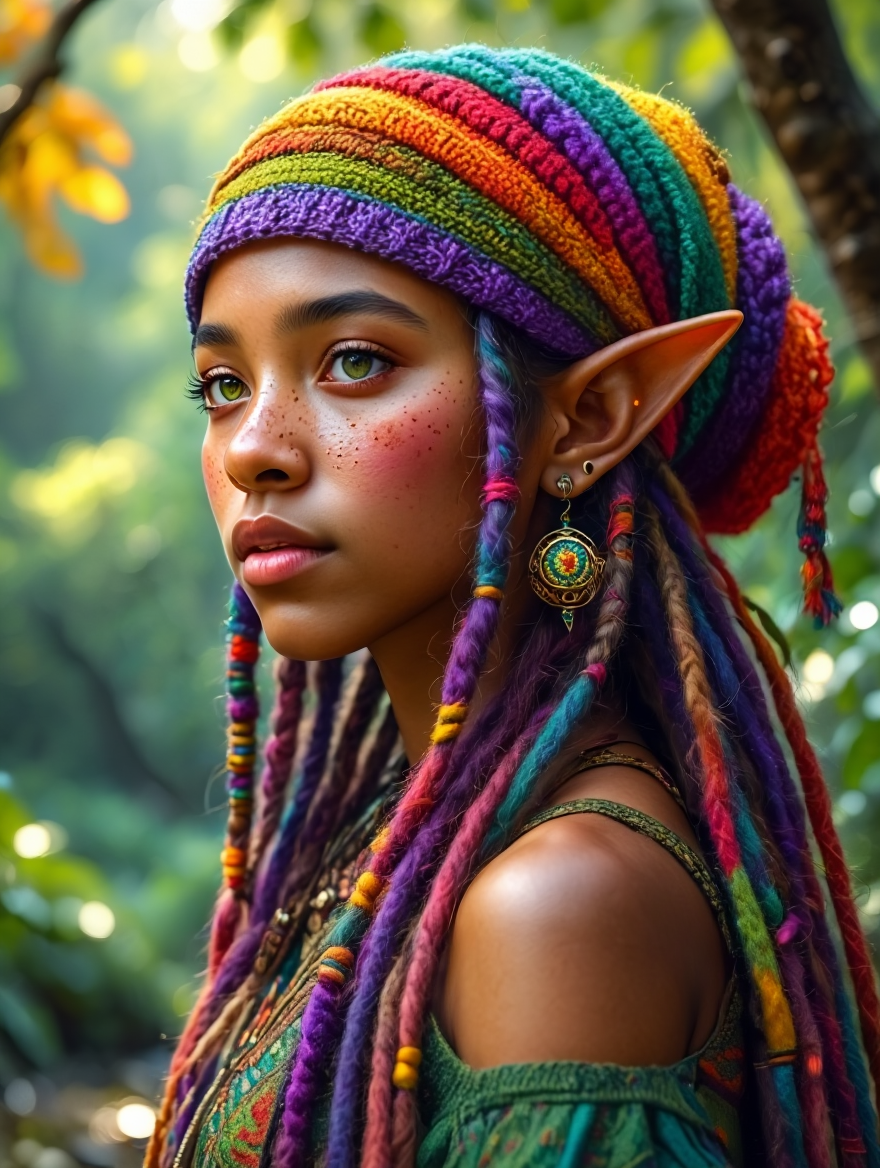
Imagine generating professional-quality portraits, story characters, or virtual try-on visuals that look completely real—without booking photographers, scheduling shoots, or spending hours in editing software. With PixelDojo's Face AI tools, you achieve exactly that: lifelike faces with natural skin textures, genuine expressions, and perfect consistency across multiple images. Whether you're a marketer needing authentic headshots, a storyteller building recurring characters, or a creator exploring new looks through virtual try-ons, you get fast, high-quality results that elevate your projects and save you time and money. Focus on your vision while the AI handles the realism, letting you produce content that resonates because it feels human and authentic.
Trusted by over 75,000 creators worldwide • 4.9/5 average rating from 12,500+ reviews • More than 2.3 million realistic faces generated in the last 30 days • Featured in top creative communities for consistent character workflows
Why Choose Pixel Dojo for face ai
Professional-quality results with cutting-edge AI technology
Professional Headshots & Portraits Without the Studio
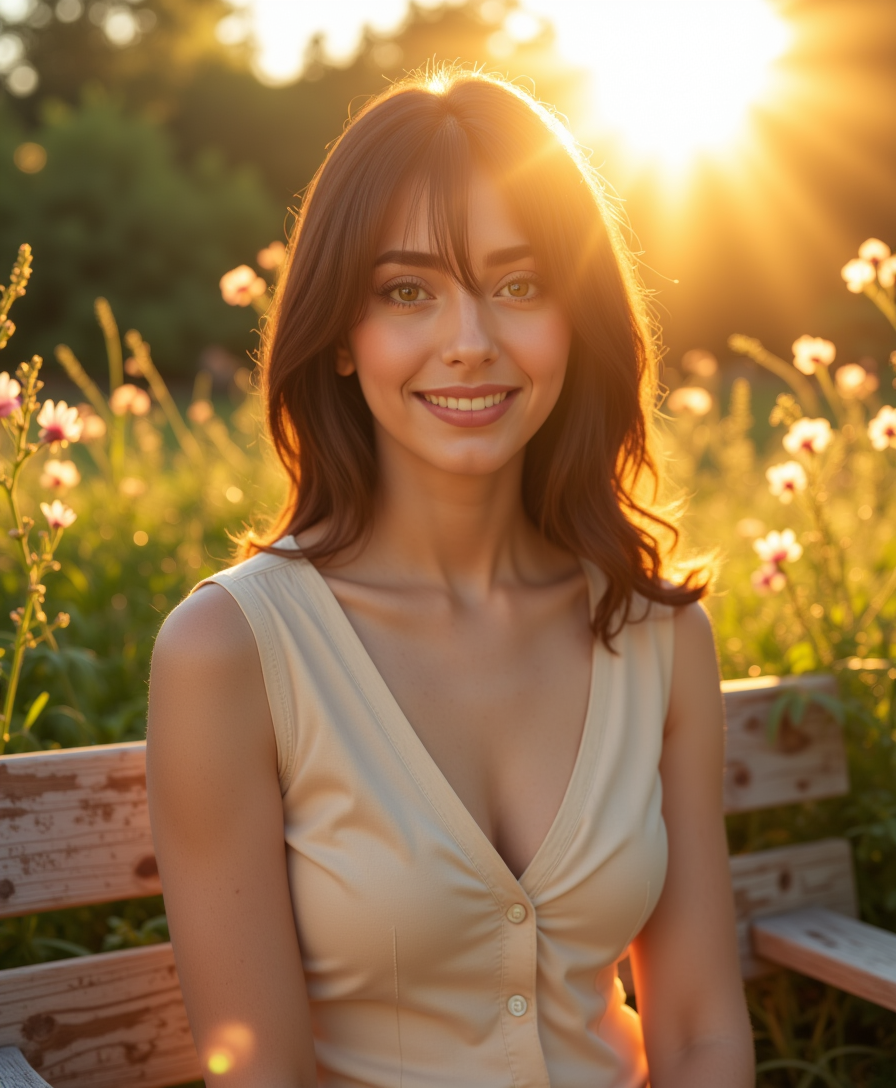
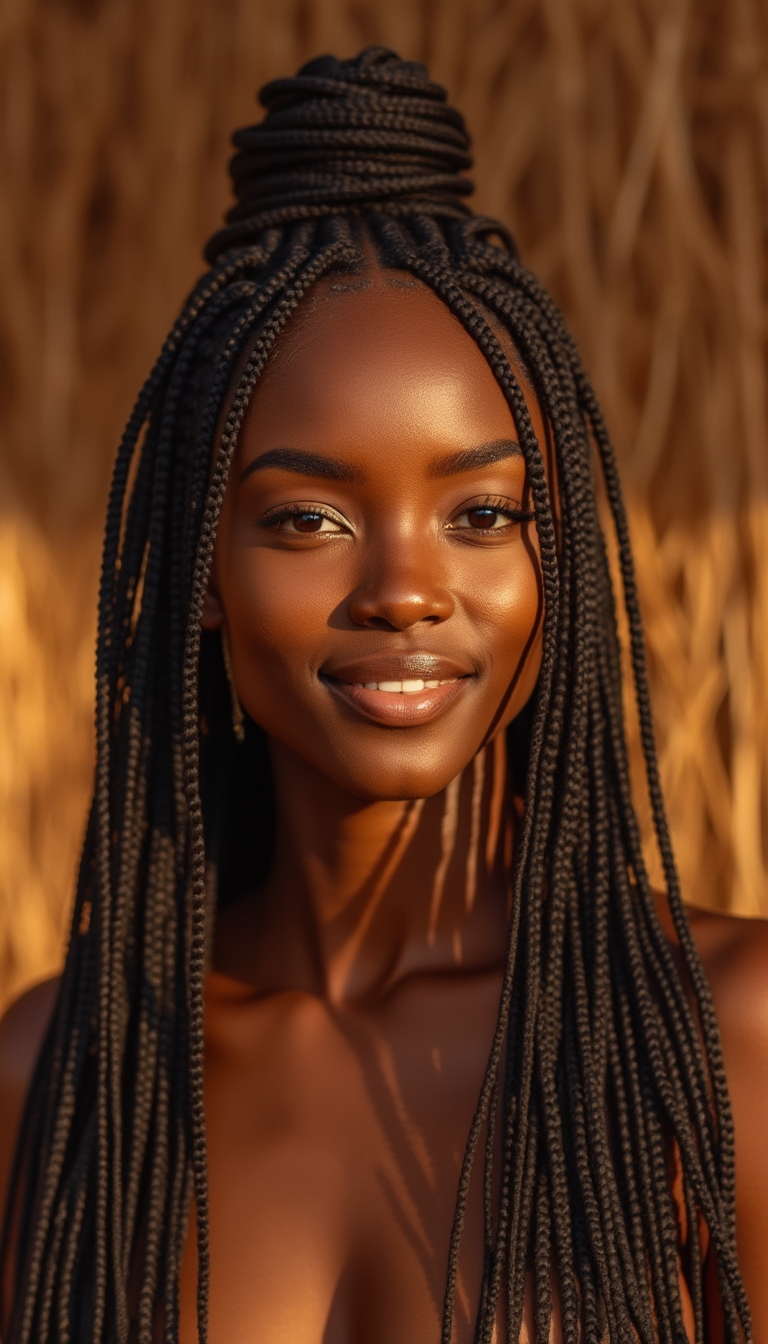
Produce polished, photorealistic headshots and portraits in minutes that look like they were taken by a professional photographer. Capture natural skin details, authentic expressions, and flattering lighting for LinkedIn profiles, marketing campaigns, or personal branding—delivering results that build credibility instantly.
Consistent Characters Across Every Scene & Angle
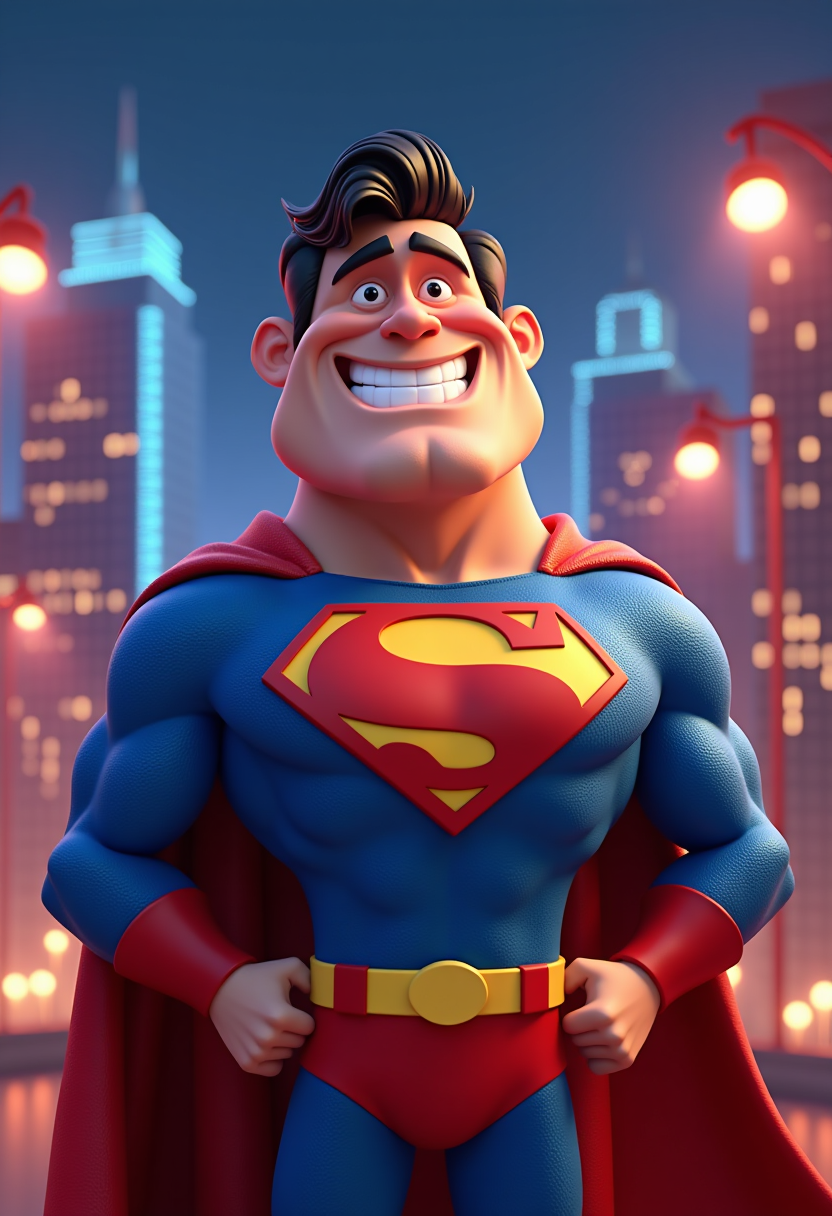
Maintain the exact same face, features, and identity across dozens of images, storyboards, or video frames. Perfect for book illustrations, brand mascots, social media series, or animated content where your audience recognizes and connects with the same character every time.
Instant Virtual Try-Ons & Creative Face Swaps
Experiment with hairstyles, outfits, makeup, or even entirely new identities on any face in seconds. Ideal for fashion e-commerce mockups, personal style exploration, or fun creative projects—helping you visualize and share ideas before committing to real-world changes.
How It Works
Creating stunning face AI images is simple with PixelDojo's specialized tools. Follow these three steps to generate realistic, consistent results tailored to your needs.
Step 1: Choose Your Tool
Browse the Characters & Faces category and select from specialized options like Consistent Characters for story continuity, Flux Pro Virtual Try-On or Virtual Try-On for outfit and style experiments, LoRA Face Swap for identity transformations, Character Sheets for reference packs, or Ideogram Character for stylized yet realistic portraits. Tools like Flux.2 Studio and Nano Banana 2 excel at photorealistic skin and expressions.
Step 2: Enter Your Prompt or Upload Reference
Describe your desired face in natural language or upload a reference photo. Use detailed prompts like 'photorealistic portrait of a woman in her 30s, natural skin texture with subtle freckles, warm genuine smile, golden hour lighting, candid iPhone photo style, shallow depth of field' to achieve authentic, imperfect realism. For consistency, reference existing characters or use LoRA Face Swap to lock in features.
Step 3: Customize & Download
Refine your output using Image to Image, Inpainting, Magic Lighting, or Style Transfer for perfect skin, expressions, or backgrounds. Adjust camera angles, apply Character Stylist variations, or upscale with Portrait Upscaler. Preview consistency across multiple generations, then download high-resolution files ready for any project.

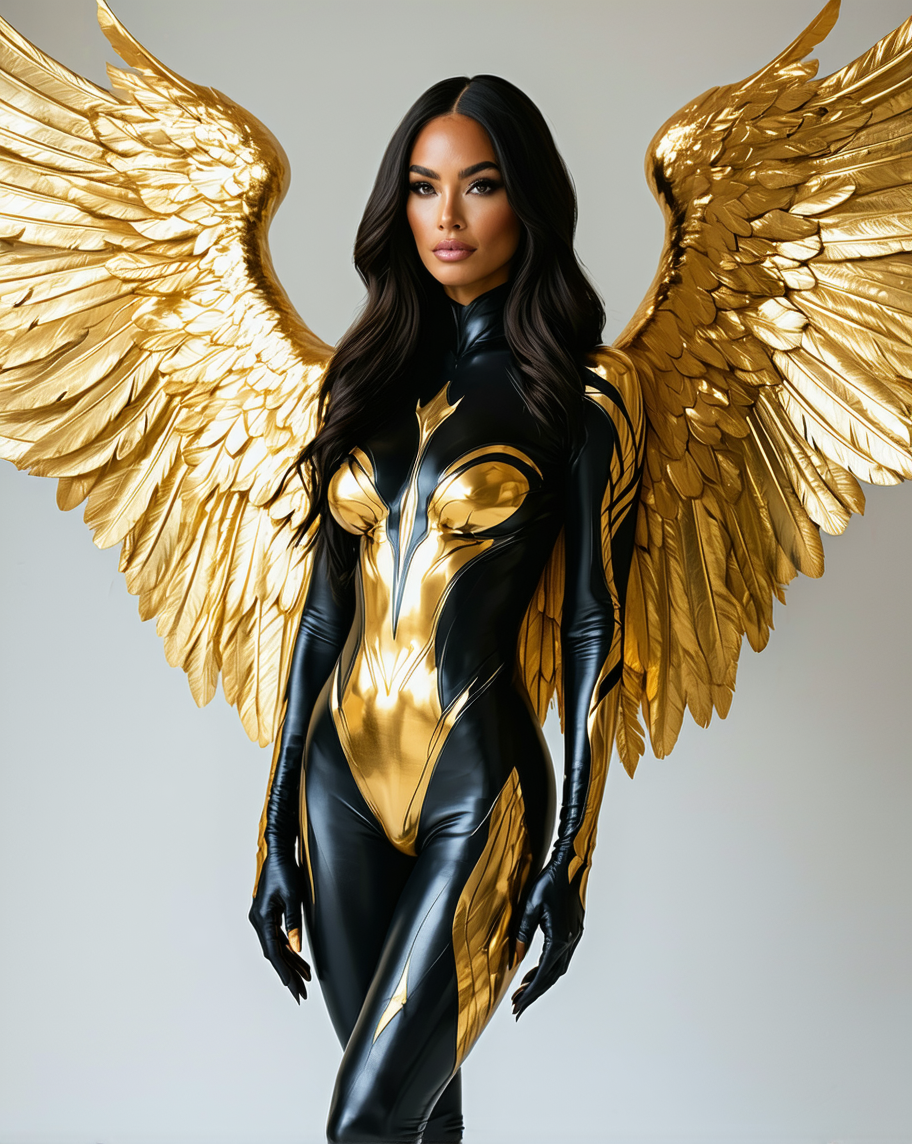

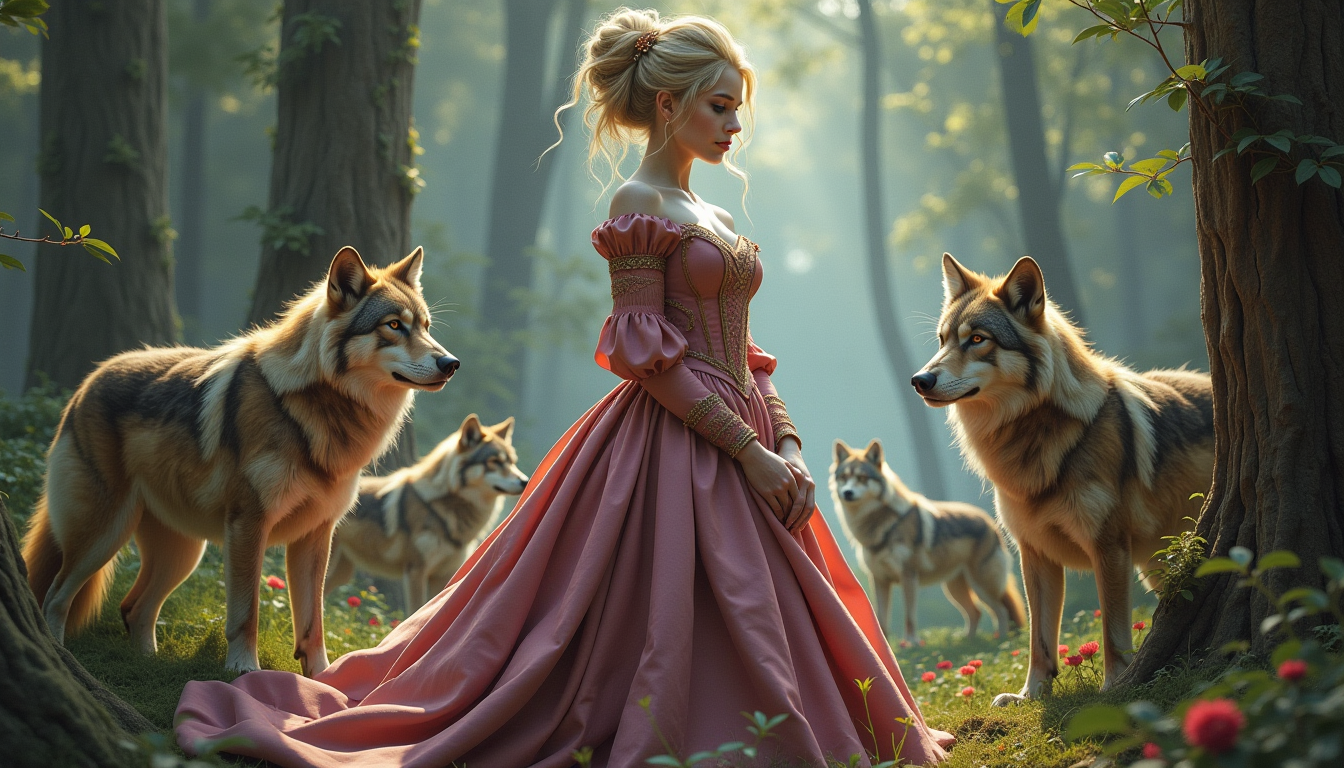
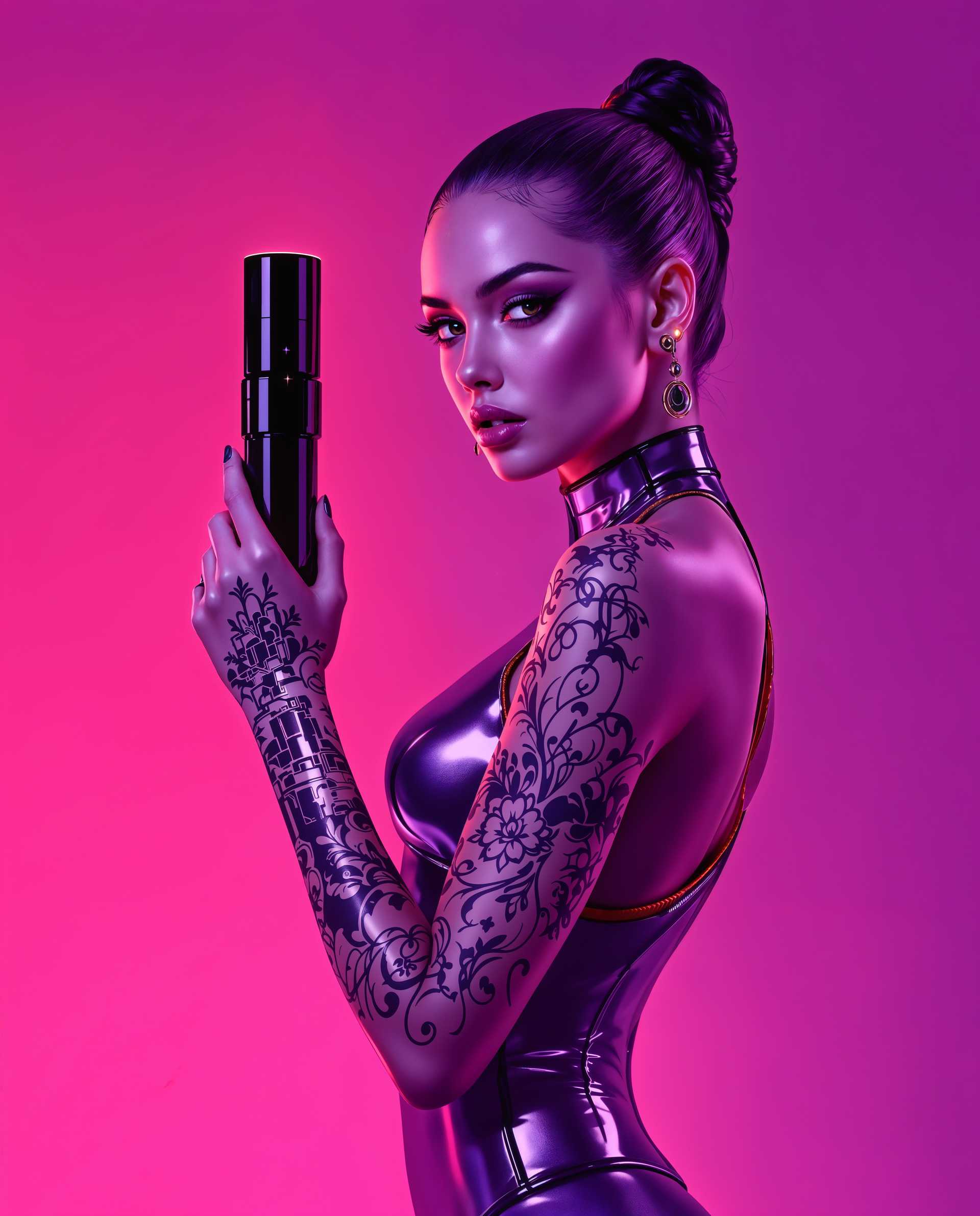

The Pixel Dojo Advantage
Why PixelDojo outperforms other options for face AI image generation
| Others | Pixel Dojo |
|---|---|
| Traditional face photography or modeling | Generate unlimited professional headshots and portraits instantly at a fraction of the cost—no scheduling, travel, or retouching sessions required while achieving natural, authentic results every time. |
| Generic AI tools | Access dedicated face-specific tools like Consistent Characters and LoRA Face Swap that maintain identity across images far better than general-purpose generators, delivering reliable consistency for branding and storytelling. |
| Manual photo editing | Skip hours of tedious retouching with AI-powered features like Reality Polisher, Inpainting, and Magic Lighting that automatically perfect skin textures, expressions, and lighting while preserving realistic imperfections. |
Loved by creators on PixelDojo
Real feedback from people using PixelDojo, pulled from our in-product surveys.
THIS IS SO DOPE !
I have already recommended it to friends
All the tools, plus the guidance
Excellent tools. Ease of use. Well thought out interface. Wide variety of AI tools and features which are up to date with more added each month
I really like how the site is kept up to date, and the leaderboard (where I'm currently #11 most popular artist)
This is the best image generator I've used so far. Well done!
Explore more AI tools on PixelDojo
AI Tools
Compare & Switch
- Best AI Image Generators
- Best AI Video Generators
- Midjourney Alternatives
- Civitai Alternatives
- Runway Alternatives
- Leonardo Alternatives
- Pika Alternatives
- Luma Alternatives
- Magnific Alternatives
- Veo Alternatives
- Flux Alternatives
- Freepik Alternatives
- Seedance Alternatives
- Seedream Alternatives
- Pixverse Alternatives
- GPT Image Alternatives
- Synthesia Alternatives
- Playground Alternatives
- NightCafe Alternatives
- Canva AI Alternatives
- ElevenLabs Alternatives
- ComfyUI Alternatives
- Fal Alternatives
- Replicate Alternatives
Common Questions
Everything you need to know about face ai
How do I create realistic AI faces with face AI image generation tools?
Start by selecting Consistent Characters or Flux.2 Studio in PixelDojo's Characters & Faces section. Craft detailed prompts emphasizing natural skin texture, genuine expressions, candid lighting, and real-world imperfections like subtle pores or light leaks. Upload reference photos for even better accuracy, then refine with Inpainting or Magic Lighting. Thousands of users achieve photorealistic results in under a minute that pass as authentic photography.
What is the best way to generate consistent characters using AI face tools?
Use PixelDojo's Consistent Characters tool combined with Character Sheets to lock in facial features, proportions, and identity. Generate a base character with Flux.2 Studio or Nano Banana 2, then reference it across new scenes and angles. LoRA Face Swap further strengthens consistency for recurring appearances in stories, marketing, or videos—ensuring your audience instantly recognizes the character.
Can I do virtual try-ons and face swaps with face AI generation?
Absolutely. PixelDojo's Flux Pro Virtual Try-On and Virtual Try-On tools let you upload any face and instantly apply new hairstyles, outfits, makeup, or even swap identities. Perfect for fashion visualization, personal styling, or creative projects. Combine with Style Transfer for artistic variations while keeping core facial features realistic and consistent.
How to make AI generated faces look natural and avoid the 'AI look'?
Focus on authentic, imperfect styles by prompting for candid iPhone aesthetics, film grain, natural skin textures, uneven lighting, and genuine micro-expressions. PixelDojo's Reality Polisher and Magic Lighting tools automatically enhance these human qualities. Users report their outputs fool even discerning viewers because they prioritize real-world details over polished perfection.
What face AI tools work best for professional headshots and portraits?
Ideogram Character, Flux.2 Studio, and Portrait Upscaler deliver exceptional results for headshots. Describe specific lighting like Rembrandt or golden hour, lens details, and subtle makeup. Add Character Stylist for variations. The process takes seconds and produces images suitable for resumes, websites, or campaigns—often outperforming traditional sessions in speed and cost.
Is face AI image generation suitable for beginners with no design experience?
Yes—PixelDojo is designed for everyone. Simply choose a tool like Virtual Try-On or Consistent Characters, type a simple description or upload a photo, and let the AI handle the rest. Step-by-step guidance, preset styles, and one-click refinements make it effortless. New users create their first realistic faces within minutes and quickly progress to advanced consistent character workflows.