face changer app AI Generator
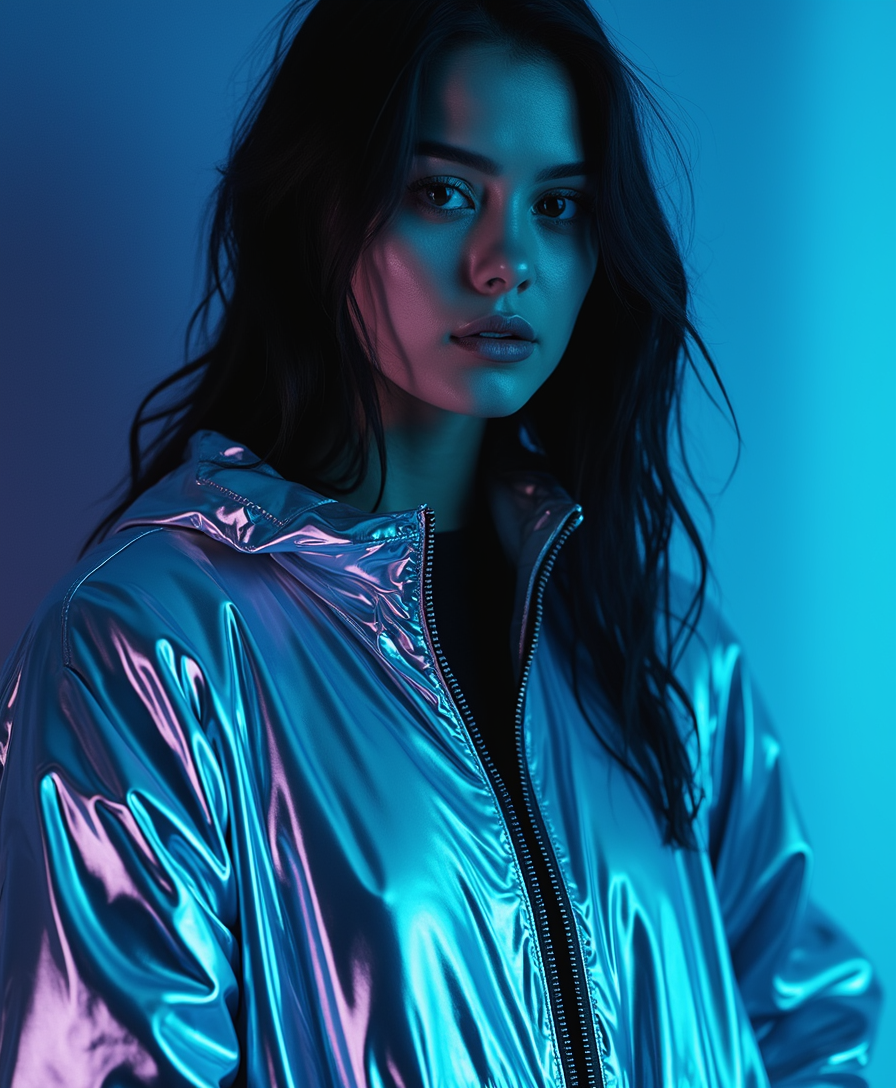
Generated on PixelDojo. Produced by PixelDojo's generation pipeline.
Imagine slipping your face into your favorite celebrity's body, turning your pet into a movie star, or seeing yourself rock a new hairstyle – all without Photoshop skills or hours of editing. PixelDojo's AI face changer app makes these dream transformations a reality in seconds. Whether you're crafting viral memes for social media, building consistent characters for storytelling, or experimenting with virtual try-ons for fashion fun, our specialized tools like Face Swap, LoRA Face Swap, and Consistent Characters deliver seamless, photorealistic results every time. You get pro-level face changes that blend perfectly, preserving lighting, angles, and expressions for jaw-dropping realism. No more awkward mismatches or blurry outputs. Creators use this to boost engagement on TikTok and Instagram, personalize avatars for games, or even prototype marketing visuals. With over 40 cutting-edge AI tools at your fingertips – including Flux.2 Studio for base images and Virtual Try-On for outfits – you unlock endless creative possibilities. Best of all, it's browser-based, free to start, and loved by thousands worldwide. Transform any photo today and watch your ideas come alive.
Real image examples generated on PixelDojo
Every example below was produced on PixelDojo. Hover to see the prompt.
A beautiful woman with dark hair
flux
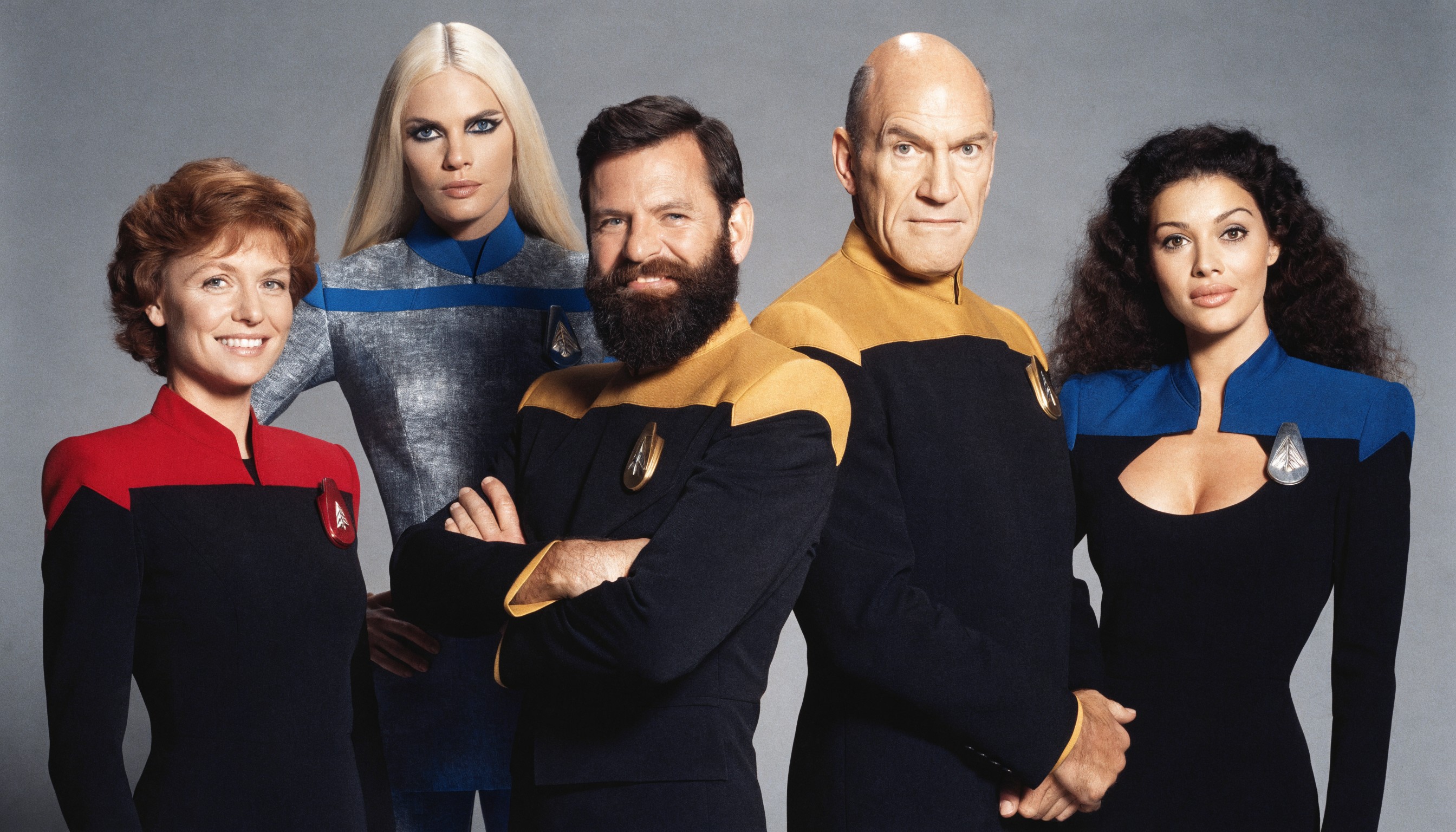
A highly detailed photorealistic studio portrait photograph of five Star Trek: The Next Ge…
recraft
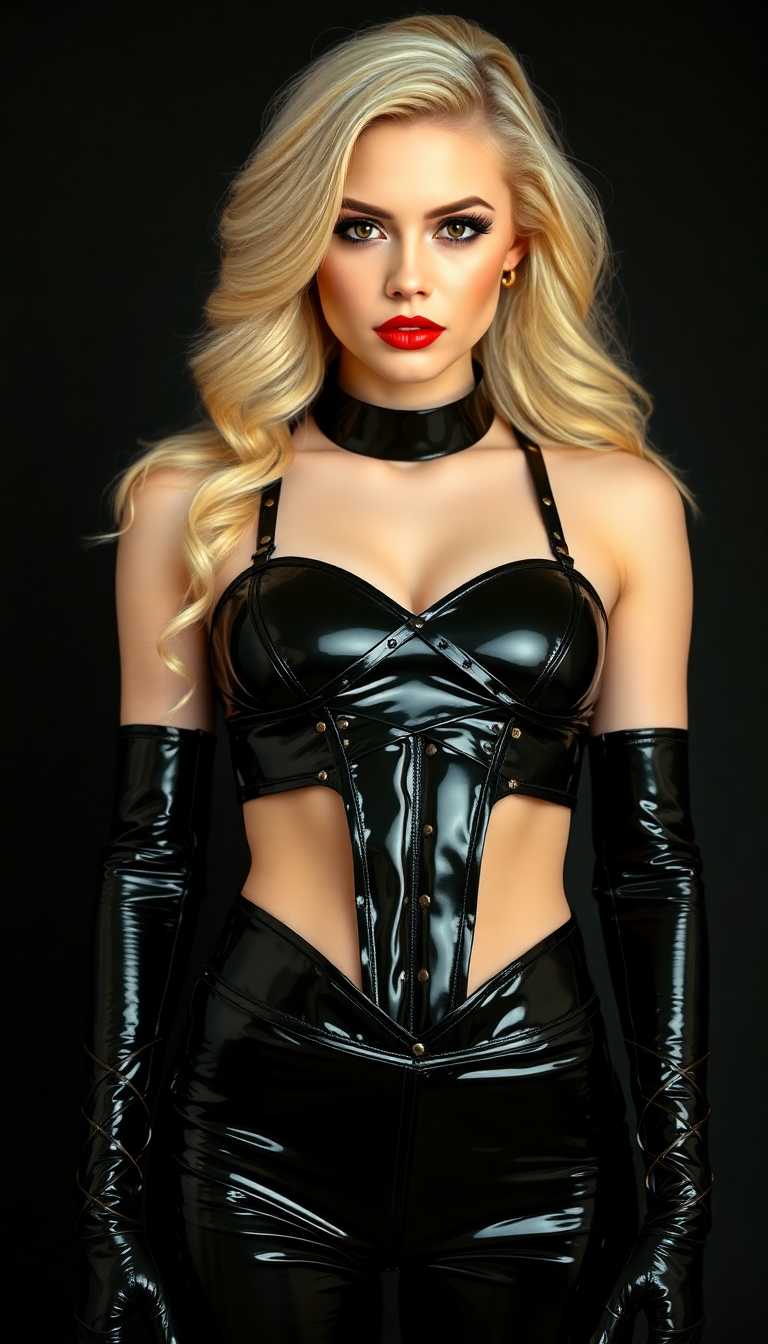
A striking 21-year-old woman with an athletic build and pale
flux

Masterpiece
creative-upscaler
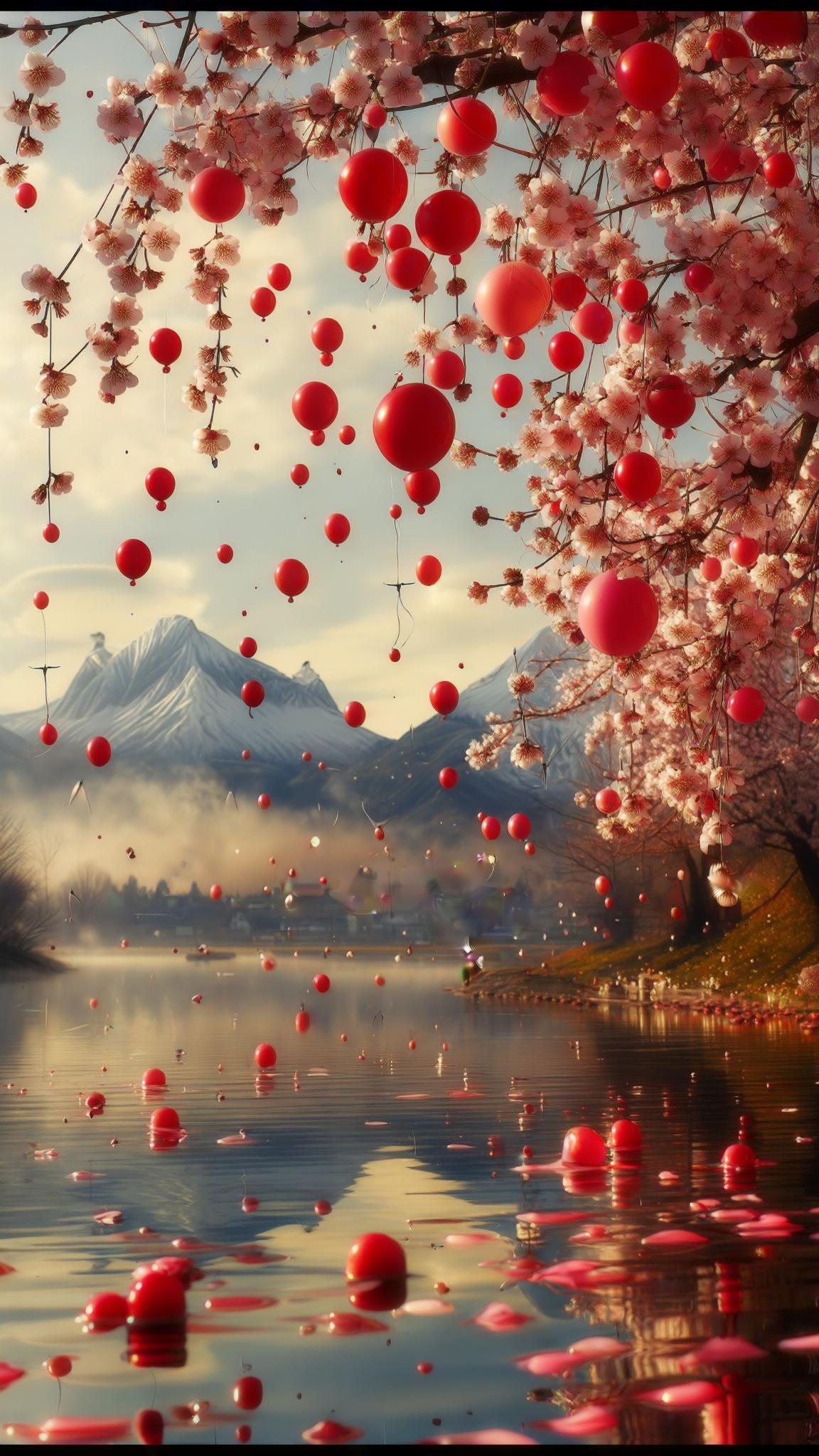
Core description: sunrise over tranquil lake reflecting cascading cherry-blossom petals
stable-diffusion
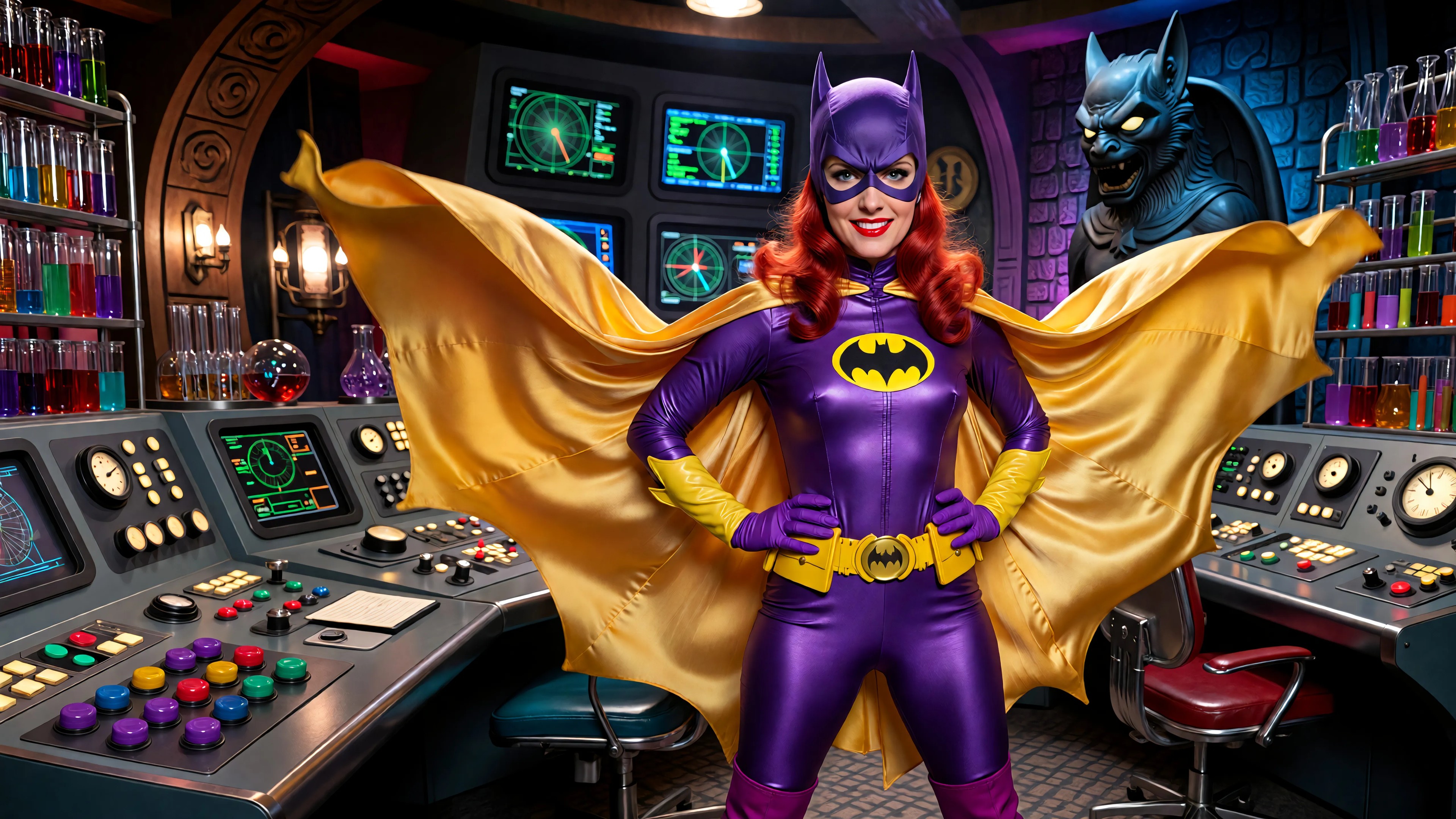
A highly detailed photorealistic recreation of a 1966 Batman TV series screenshot featurin…
imagineart
Models you can run on PixelDojo for face changer app
Switch models without switching tools. Each one runs in the same PixelDojo studio.
What you can do with face changer app on PixelDojo
Apply Faces from References
Creators upload reference photos of faces. We map them onto new generated images.
Adjust Facial Features
We let users tweak age, expression, or proportions on faces. Changes apply directly during generation.
Keep Faces Consistent
Creators lock a selected face across multiple outputs. This produces matching results in varied scenes.
Batch Process Face Swaps
We apply one face to groups of images in a single run. Users review and refine the set afterward.
50,000+ Creators Worldwide | 4.9/5 Stars from 12K Reviews | 'Game-changer for content creators' – TechRadar | 1M+ Face Swaps Generated Last Month
Why Choose Pixel Dojo for face changer app
Professional-quality results with cutting-edge AI technology
Create Viral Memes & Social Hits Instantly
Swap your face onto celebrities, animals, or friends for shareable laughs that skyrocket likes and shares. Tools like Face Swap ensure flawless blends, turning casual selfies into engagement goldmines without design expertise.
Build Lifelike Characters for Stories & Games
Generate consistent faces across multiple images with Consistent Characters and LoRA Face Swap, perfect for comics, videos, or RPGs. Maintain your unique look in any pose, outfit, or scene effortlessly.
Experiment with Hairstyles, Makeup & Outfits
Virtually try on clothes, styles, or accessories using Virtual Try-On and Pose Control, seeing hyper-real results before committing. Ideal for fashion influencers, e-commerce sellers, or personal style upgrades.
How It Works
PixelDojo simplifies face changing to three effortless steps using pro tools like Face Swap, LoRA Face Swap, and Flux.2 Studio. No apps to download – just upload, generate, and wow your audience.
Step 1: Choose Your Face Changer Tool
Head to the Characters & Faces section and select Face Swap for quick single-image changes, LoRA Face Swap for custom-trained precision, or Consistent Characters for series. Upload your source face (your selfie) and target image (the body or scene).
Step 2: Enter Prompt & Refine Settings
Describe tweaks like 'match lighting, keep smile, photorealistic' or use auto-detection. Enhance with Image to Image for poses or Virtual Try-On for outfits. Hit generate – Flux.2 Studio or PonyXL powers ultra-realistic swaps in seconds.
Step 3: Customize, Upscale & Download
Preview results, refine with Inpainting for details or Magnific Upscaler for 4K sharpness. Download HD files instantly or iterate. Your perfect face-changed image is ready to post or print.
The Pixel Dojo Advantage
Why PixelDojo outperforms other options for face changer app image generation
| Others | Pixel Dojo |
|---|---|
| Traditional photo editing software | Cuts hours of manual masking and blending to seconds of AI magic, delivering pro results you can achieve without expert skills |
| Generic AI image generators | Specialized Face Swap and LoRA tools ensure perfect facial alignment and realism, unlike vague outputs from basic models |
| Manual photo editing apps | Eliminates trial-and-error warping with one-click swaps powered by Consistent Characters, saving you time for pure creativity |
Loved by creators on PixelDojo
Real feedback from people using PixelDojo, pulled from our in-product surveys.
Excellent website for creating all types of media
Very eay to use, works well to train SDXL loras.
The amazing tools
Top notch quality and strong prompt adherence.
A well resourced sunscription with attention to updates.
Easy to use and there's lots of options.
Explore more AI tools on PixelDojo
AI Tools
Compare & Switch
- Best AI Image Generators
- Best AI Video Generators
- Midjourney Alternatives
- Civitai Alternatives
- Runway Alternatives
- Leonardo Alternatives
- Pika Alternatives
- Luma Alternatives
- Magnific Alternatives
- Veo Alternatives
- Flux Alternatives
- Freepik Alternatives
- Seedance Alternatives
- Seedream Alternatives
- Pixverse Alternatives
- GPT Image Alternatives
- Synthesia Alternatives
- Playground Alternatives
- NightCafe Alternatives
- Canva AI Alternatives
- ElevenLabs Alternatives
- ComfyUI Alternatives
- Fal Alternatives
- Replicate Alternatives
Common Questions
Everything you need to know about face changer app
What is the best free online face changer app in 2024?
PixelDojo stands out as the top free AI face changer app online, offering Face Swap, LoRA Face Swap, and Virtual Try-On with no watermarks on free tiers. Upload photos, swap instantly using Flux.2 Studio for realism, and export HD. Thousands rate it 4.9/5 for ease and quality – perfect for memes or pros.
How does AI face swap work in a face changer app?
PixelDojo's AI detects facial landmarks, seamlessly blends your source face onto targets via Face Swap or LoRA Face Swap, matching skin tones and expressions. Enhance with Pose Control or Reality Polisher for perfection. Generate in seconds, no skills needed – outcomes include viral content or custom avatars.
Can I use a face changer app for virtual try-on clothes?
Yes! PixelDojo's Virtual Try-On combined with Face Swap lets you see your face in new outfits realistically. Upload your photo, select clothing via prompts, and generate try-ons powered by PonyXL. Ideal for fashion decisions or e-commerce visuals, with Background Remover for clean results.
Is PixelDojo's face swap app safe and private?
Absolutely – your images process securely on servers, auto-deleted after use. No data storage without consent. Tools like Consistent Characters keep your face private for personal projects. Join 50K+ safe users creating without worries.
How to create consistent faces for stories with a face changer app?
Use Consistent Characters or train a LoRA Face Swap model in minutes. Input your face once, generate it in endless scenes with SDXL or Flux Trainer. Perfect for book covers, animations, or social series – maintain identity across 100+ images effortlessly.
What are the latest trends in AI face changer app techniques?
2024 trends include hyper-real deep blends via diffusion models like WAN 2.6 and multi-face swaps for groups. PixelDojo leads with OmniHuman for video faces and Magic Lighting for cinematic effects. Create trending pet-human swaps or AR filters that pop on Instagram.