face swap ai online free AI Generator
Imagine transforming any photo or video by seamlessly placing your face—or a friend's—onto celebrities, models, or entirely new characters in seconds. With PixelDojo's free face swap AI online, you achieve professional-grade results without editing skills, expensive software, or waiting for renders. Whether you're crafting viral social media memes, testing new hairstyles and looks for content creation, or producing engaging video edits for your brand, these tools deliver natural lighting, expressions, and skin tones that look completely real. Users worldwide are creating shareable content that boosts engagement, saving hours compared to traditional methods, and exploring endless creative possibilities—all starting completely free.
Over 75,000 creators have generated millions of face swaps with PixelDojo. Rated 4.9/5 by users for realism and ease. Trusted for viral TikTok and Instagram content in 2026 trends like multi-face group swaps and expressive video transformations.
Why Choose Pixel Dojo for face swap ai online free
Professional-quality results with cutting-edge AI technology
Go Viral with Instant Meme and Social Content
Swap faces onto trending templates or celebrity photos to create shareable memes and reaction images that capture attention on TikTok, Instagram, and beyond—driving likes, shares, and followers without any design experience.
Experiment with Looks and Styles Risk-Free
Try virtual makeovers, hairstyles, outfits, or character transformations on yourself or clients in seconds. Perfect for content creators testing concepts before shoots or brands visualizing campaigns.
Produce Professional Video Edits Effortlessly
Extend face swaps to full videos with consistent tracking across frames, matching expressions and lighting for cinematic results—ideal for storytelling, ads, or fun personal projects that stand out.
How It Works
Getting started with face swap AI online free on PixelDojo takes just three simple steps. Upload your images or videos, let the AI handle the blending, and download high-quality results ready to share.
Step 1: Choose Your Tool
Navigate to the Characters & Faces section and select Face Swap for quick photo swaps or LoRA Face Swap for highly consistent, personalized results across multiple images. For videos, try Kling Video Character Swap or WAN Video Character Swap.
Step 2: Upload Your Source and Target Images
Upload a clear photo of the face you want to swap in as the source, then add the target photo or video where the new face should appear. Use Consistent Characters for matching multiple angles or add details like pose control for better alignment.
Step 3: Customize, Generate & Download
Fine-tune with options like Magic Lighting for natural skin tones, Style Transfer for artistic effects, or Video Reframe for perfect framing. Hit generate to see realistic results in seconds, then upscale with Portrait Upscaler or Clarity Pro before downloading.
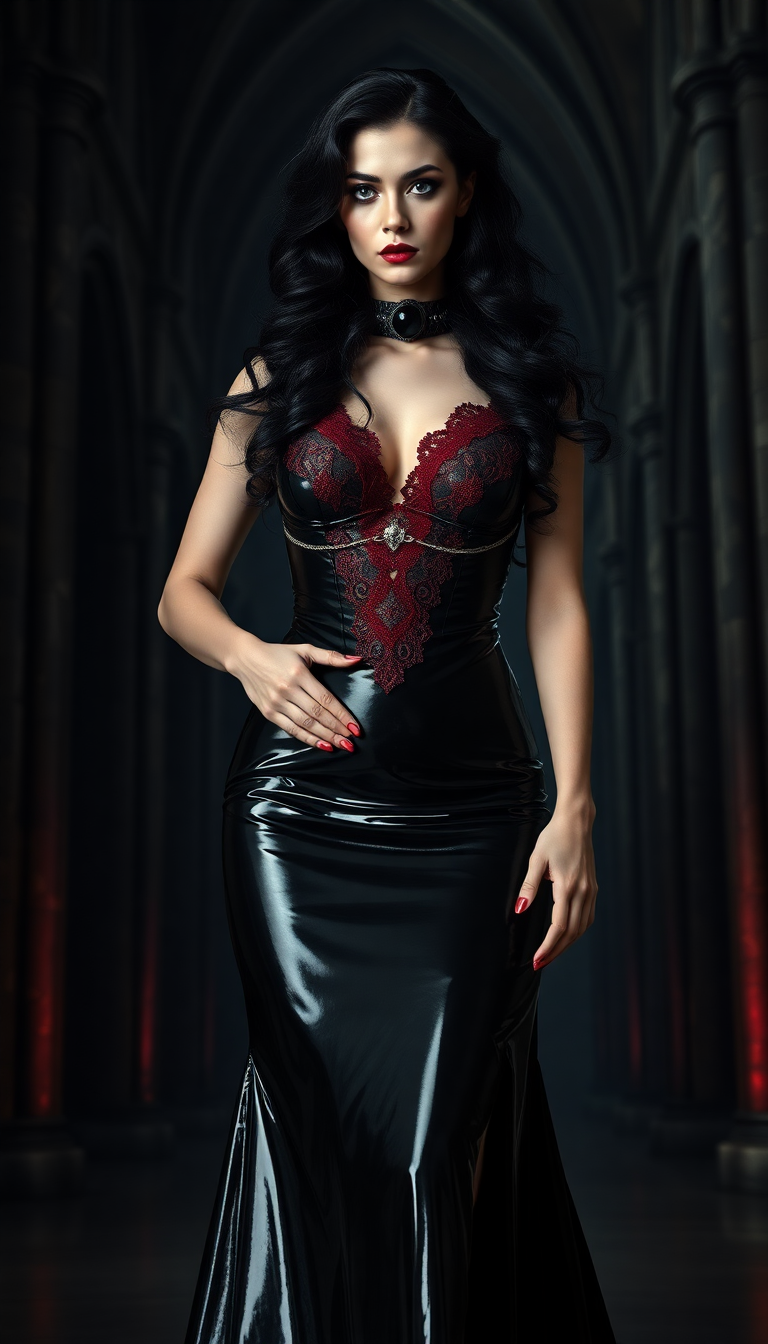


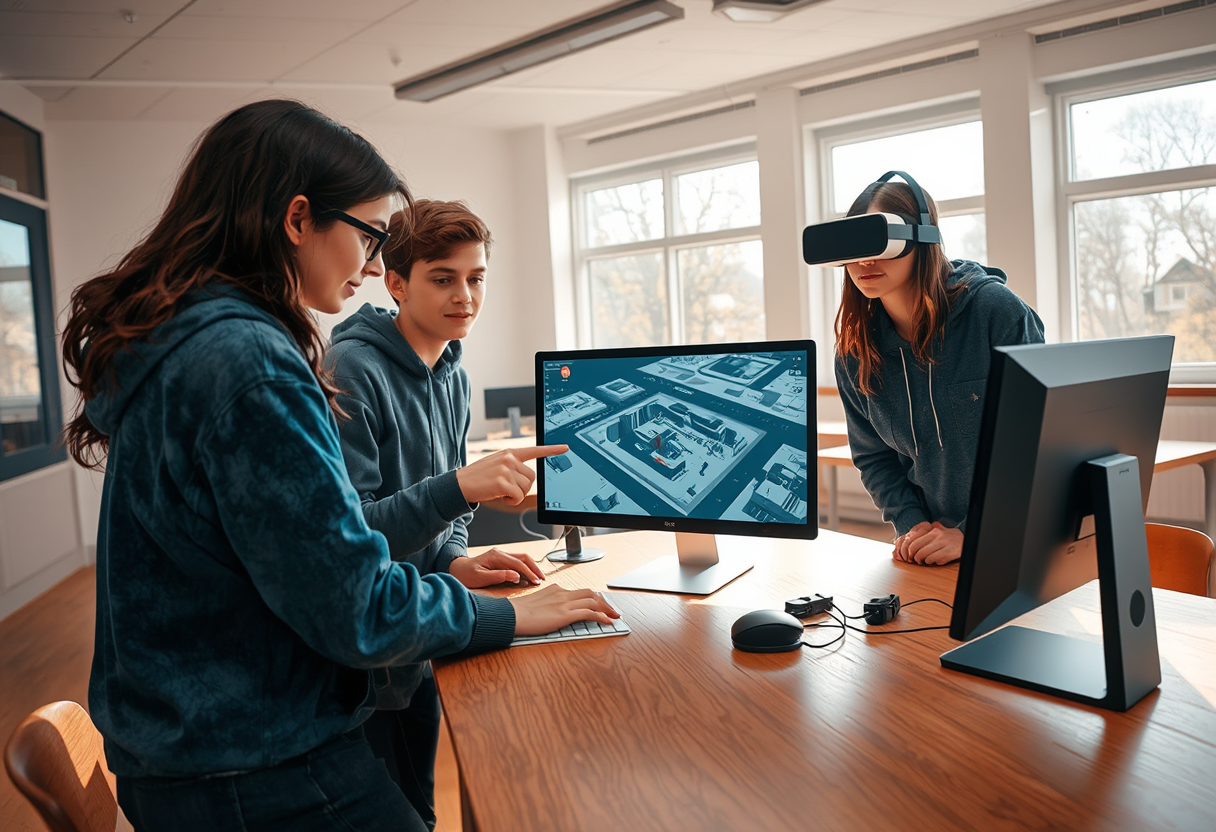
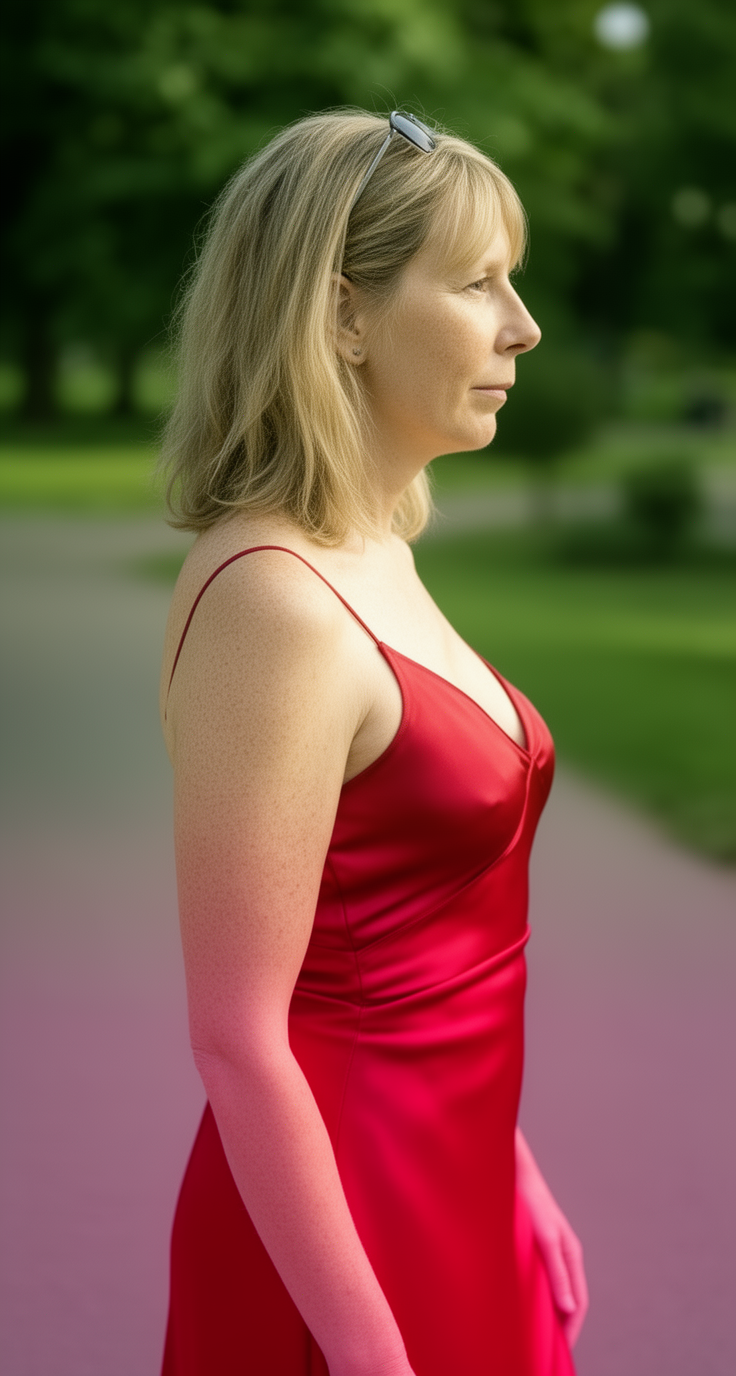

The Pixel Dojo Advantage
Why PixelDojo outperforms other options for face swap AI online free image generation
| Others | Pixel Dojo |
|---|---|
| Traditional face swap creation | No Photoshop skills or hours of manual masking needed—AI handles detection, blending, and lighting automatically for instant professional results |
| Generic AI tools | Specialized Face Swap and LoRA Face Swap tools deliver superior consistency and realism, especially for repeated use or video, with integrated upscalers and video editors in one platform |
| Manual photo editing | Achieve seamless, photorealistic swaps in seconds instead of painstaking pixel-level edits, with free daily access and no watermarks on core features |
Loved by creators on PixelDojo
Real feedback from people using PixelDojo, pulled from our in-product surveys.
Excellent tools. Ease of use. Well thought out interface. Wide variety of AI tools and features which are up to date with more added each month
I really like how the site is kept up to date, and the leaderboard (where I'm currently #11 most popular artist)
This is the best image generator I've used so far. Well done!
es facil de comprender asi uno no sea programador
amazing web site
phenomenal site. would highly recommend
Explore more AI tools on PixelDojo
AI Tools
Compare & Switch
- Best AI Image Generators
- Best AI Video Generators
- Midjourney Alternatives
- Civitai Alternatives
- Runway Alternatives
- Leonardo Alternatives
- Pika Alternatives
- Luma Alternatives
- Magnific Alternatives
- Veo Alternatives
- Flux Alternatives
- Freepik Alternatives
- Seedance Alternatives
- Seedream Alternatives
- Pixverse Alternatives
- GPT Image Alternatives
- Synthesia Alternatives
- Playground Alternatives
- NightCafe Alternatives
- Canva AI Alternatives
- ElevenLabs Alternatives
- ComfyUI Alternatives
- Fal Alternatives
- Replicate Alternatives
Common Questions
Everything you need to know about face swap ai online free
How to do face swap AI online free with PixelDojo?
Simply visit PixelDojo.ai, go to Characters & Faces, and select the free Face Swap tool. Upload your source face photo and target image—no sign-up required for initial swaps. The AI automatically detects features and blends them realistically. For more advanced results, use LoRA Face Swap to train quick consistency or combine with Background Remover for clean edits. Results are watermark-free on free tiers.
Is face swap AI online free for videos too?
Yes! PixelDojo offers free access to video face swap capabilities through tools like Kling Video Character Swap and WAN Video Character Swap. Upload a short clip and source face, and the AI tracks expressions across frames for natural movement. Extend results with Video Upscaler or Lip Sync for professional polish—all starting free with generous daily limits.
What makes PixelDojo's free face swap AI better than other online tools?
PixelDojo combines specialized face swap tools with 40+ integrated AI models like Consistent Characters, Pose Control, and Magic Lighting for unmatched realism. Unlike limited free tiers elsewhere, you get seamless photo-to-video workflows, upscaling options, and no hidden watermarks on core generations. Thousands of creators report higher success rates with complex swaps like group photos or angled lighting.
Can I use face swap AI online free for professional headshots or client work?
Absolutely. Many professionals use PixelDojo's Face Swap and Virtual Try-On tools to create polished headshots, test hairstyles, or generate client previews. Tools like Portrait Upscaler and Reality Polisher ensure high-resolution, natural outputs suitable for portfolios or marketing. Free to experiment, then scale with paid credits if needed.
How realistic are the results from free face swap AI online tools in 2026?
In 2026, PixelDojo's AI delivers photorealistic swaps by matching skin tones, lighting, and expressions using advanced models. Trends show improved handling of diverse angles and multi-face swaps. Start with clear, well-lit photos for best outcomes, then refine with Style Transfer or Image Analyzer. Users consistently achieve results that pass as original photos.
Are there any limits or sign-up requirements for free face swap AI on PixelDojo?
PixelDojo offers generous free daily swaps with no mandatory sign-up for basic use—perfect for quick experiments. Create a free account for higher limits, Consistent Characters training, and access to video tools. Cancel anytime, with full transparency on usage. No watermarks on free generations.