weight ai

Generated on PixelDojo. Produced by PixelDojo's generation pipeline.
Unlock the full potential of AI image generation by mastering weighted prompts. This technique allows you to emphasize or de-emphasize specific elements in your images, giving you unparalleled control over the final output. Whether you're aiming for a particular style, composition, or subject focus, understanding how to apply weights to your prompts can transform your creative process.
Real image examples generated on PixelDojo
Every example below was produced on PixelDojo. Hover to see the prompt.
Wi-stylized
image-to-image

weight ai on PixelDojo
flux

Masterpiece
creative-upscaler
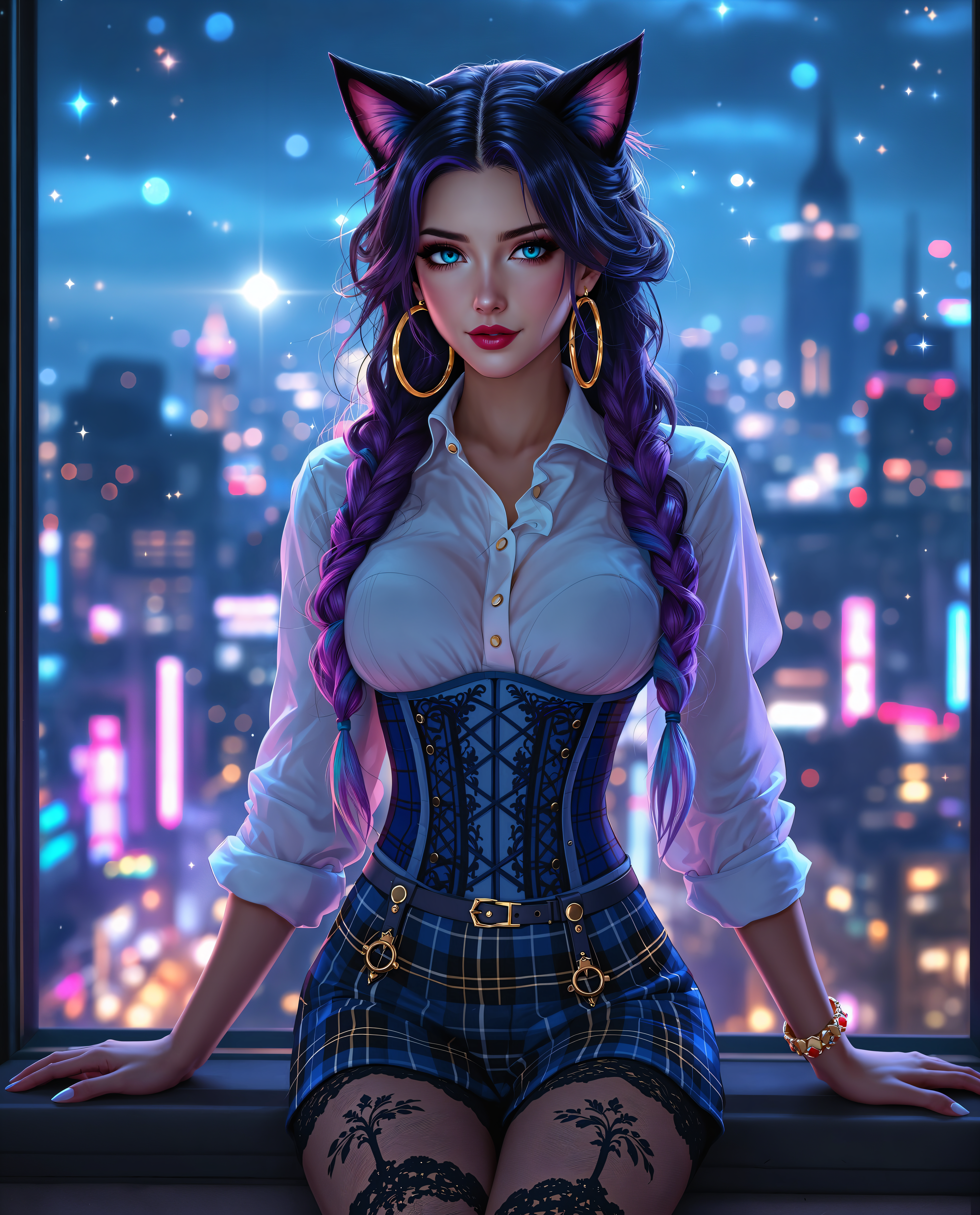
weight ai on PixelDojo

This image is a closeup portrait of a person with a highly stylized and fashionable appear…
flux
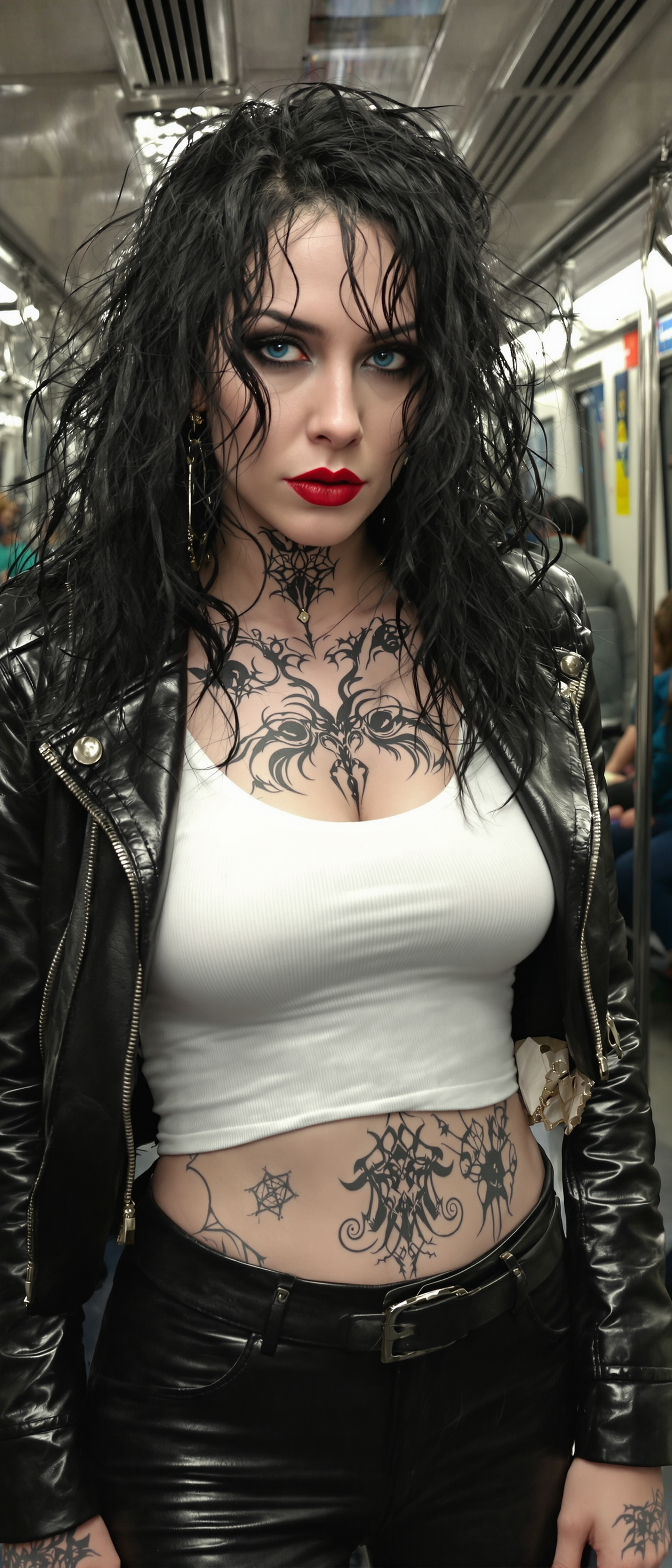
A pale vampire queen stands poised in a dimly lit subway train
stable-diffusion
Models you can run on PixelDojo for weight ai
Switch models without switching tools. Each one runs in the same PixelDojo studio.
What you can do with weight ai on PixelDojo
Adjust Prompt Element Weights
Creators assign numerical values to prompt terms. We generate images that reflect the specified emphasis levels.
Load Custom Model Weights
We support uploading trained weight files. Creators apply these to modify image generation behavior.
Blend Multiple Model Weights
Users combine weights from different models. We produce results that incorporate selected features from each.
Modify Weight Settings Directly
We provide sliders and inputs for weight parameters. Creators adjust values to refine output details.
Join thousands of creators who have enhanced their AI-generated images using weighted prompts, achieving over 95% satisfaction in image accuracy and relevance.
Why Choose Pixel Dojo for weight ai
Professional-quality results with cutting-edge AI technology
Achieve Precise Image Control
By assigning weights to different elements in your prompt, you can dictate the prominence of each aspect, resulting in images that align closely with your vision.
Enhance Creative Flexibility
Weighted prompts allow for nuanced adjustments, enabling you to experiment with various styles and compositions without starting from scratch.
Save Time on Revisions
Fine-tuning images becomes more efficient as you can make targeted changes through prompt adjustments, reducing the need for extensive post-processing.
How It Works
Creating customized AI-generated images with weighted prompts involves a few straightforward steps:
Step 1: Select Your AI Tool
Choose an AI image generation tool that supports weighted prompts, such as PixelDojo's Flux Creator or SDXL Image Creator.
Step 2: Craft Your Prompt with Weights
Compose your text prompt, assigning weights to specific elements using syntax like '::' followed by a number to indicate importance. For example, 'a serene landscape::2, a bustling city::1' gives more emphasis to the landscape.
Step 3: Generate and Refine
Run the prompt through the AI tool to generate the image. Review the output and adjust the weights as needed to fine-tune the result to your satisfaction.
The Pixel Dojo Advantage
Why PixelDojo's tools excel in weighted prompt image generation:
| Others | Pixel Dojo |
|---|---|
| Basic AI Image Generators | Offers advanced weighting capabilities for precise control over image elements. |
| Manual Image Editing | Reduces the need for extensive post-processing by allowing targeted adjustments during generation. |
| Other AI Platforms | Provides a user-friendly interface with comprehensive support for weighted prompts and customization. |
Loved by creators on PixelDojo
Real feedback from people using PixelDojo, pulled from our in-product surveys.
deployment rate of splendid features is incredible. Legend
large selection of tools on one platform
the amount you can do on this site
all in one place
It is a lot of fun to uae and easy too.
So many different models to try out
Explore more AI tools on PixelDojo
AI Tools
Compare & Switch
- Best AI Image Generators
- Best AI Video Generators
- Midjourney Alternatives
- Civitai Alternatives
- Runway Alternatives
- Leonardo Alternatives
- Pika Alternatives
- Luma Alternatives
- Magnific Alternatives
- Veo Alternatives
- Flux Alternatives
- Freepik Alternatives
- Seedance Alternatives
- Seedream Alternatives
- Pixverse Alternatives
- GPT Image Alternatives
- Synthesia Alternatives
- Playground Alternatives
- NightCafe Alternatives
- Canva AI Alternatives
- ElevenLabs Alternatives
- ComfyUI Alternatives
- Fal Alternatives
- Replicate Alternatives
Common Questions
Everything you need to know about weight ai
How do weighted prompts enhance AI image generation?
Weighted prompts allow you to assign importance to specific elements in your description, guiding the AI to focus more on certain aspects, resulting in images that better align with your vision.
Can I use weighted prompts with any AI image generator?
Not all AI image generators support weighted prompts. It's essential to choose platforms like PixelDojo that offer this functionality for greater control over your outputs.
What syntax is used for creating weighted prompts?
Typically, you use '::' followed by a numerical value to assign weight. For example, 'a sunset::2, a mountain::1' gives more emphasis to the sunset.
Is there a limit to the weight value I can assign?
While there's no strict limit, it's advisable to use reasonable values to maintain balance in the image. Excessively high weights might lead to unnatural results.
Can I de-emphasize elements using weighted prompts?
Yes, by assigning lower weights or using negative values, you can reduce the prominence of certain elements in the generated image.
Do weighted prompts require advanced technical skills?
No, weighted prompts are user-friendly and can be utilized by anyone familiar with basic prompt crafting. They offer an intuitive way to guide AI image generation.