face swap app AI Generator
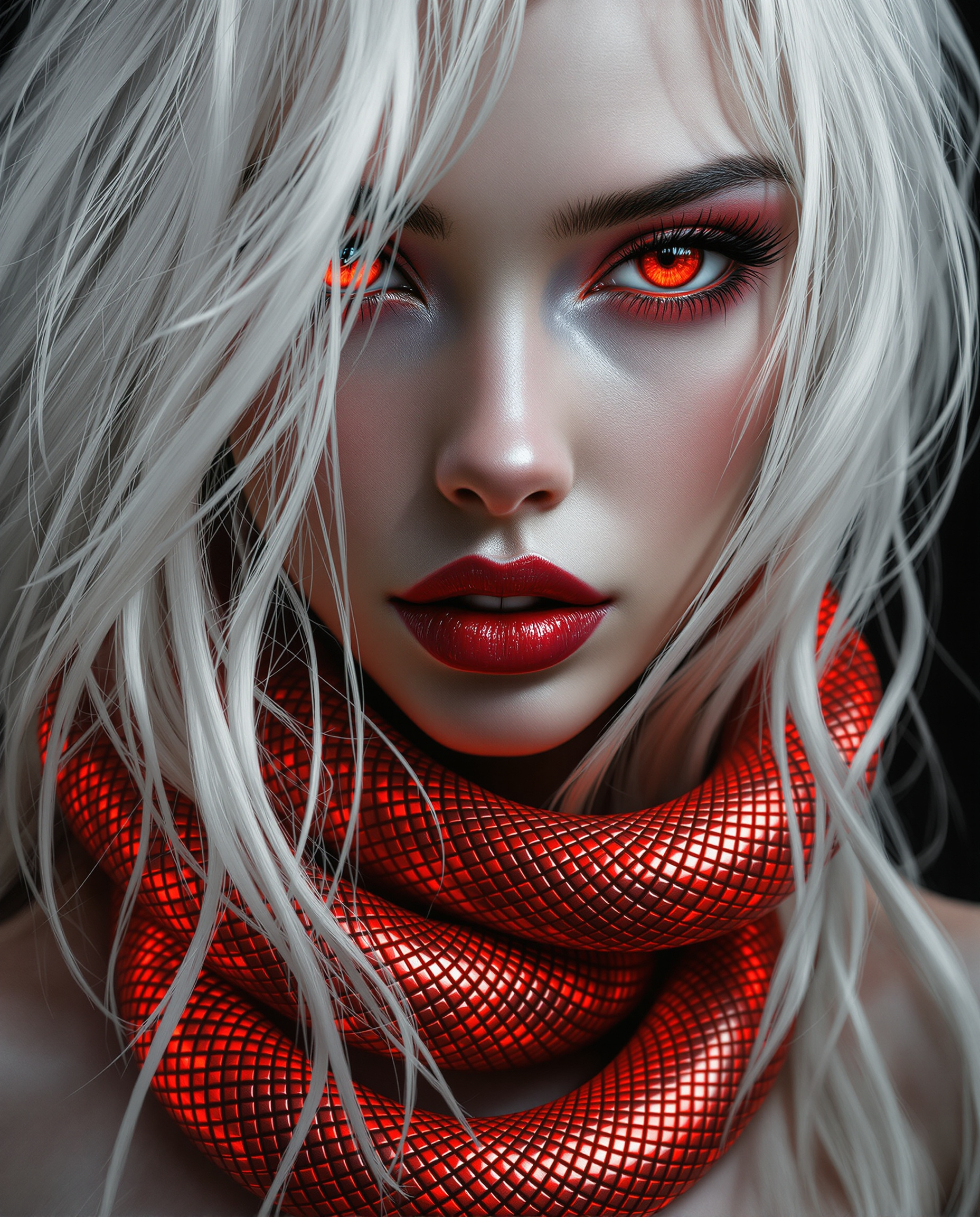
PixelDojo's face swap app empowers you to transform photos and videos with seamless, photorealistic face replacements. Achieve viral social media content, personalized marketing visuals, and creative storytelling outcomes that captivate audiences and elevate your projects without any design expertise required.
Over 75,000 creators have produced millions of face swaps on PixelDojo. 4.9/5 average rating from thousands of reviews. Featured in top creator communities for delivering professional results every time.
Why Choose Pixel Dojo for face swap app
Professional-quality results with cutting-edge AI technology
Produce Viral Social Media Content in Minutes
Swap your face onto trending templates or custom scenes to generate shareable memes, TikTok clips, and Instagram reels that drive massive engagement and follower growth.
Master Realistic Virtual Try-Ons for Any Look
Preview hairstyles, makeup, outfits, or even full character transformations on your exact face with perfect lighting and angle matching for confident real-world decisions.
Build Consistent Characters Across All Projects
Maintain identical facial identity in series of images and videos using advanced tools, perfect for brand storytelling, comics, or professional campaigns.
How It Works
Creating professional face swaps with PixelDojo takes just three easy steps using our specialized AI tools.
Step 1: Choose Your Tool
Browse the Characters & Faces section and select LoRA Face Swap for photos, Virtual Try-On for fashion previews, or Kling Video Character Swap for dynamic video results.
Step 2: Enter Your Prompt
Upload your reference face photo and target image or video clip. Add a simple description like 'swap face naturally with matching skin tone' or choose from ready templates.
Step 3: Customize & Download
Refine details such as expression, lighting, or camera angle with options like Magic Lighting or Change Camera Angle, then generate and download your polished result in high resolution.
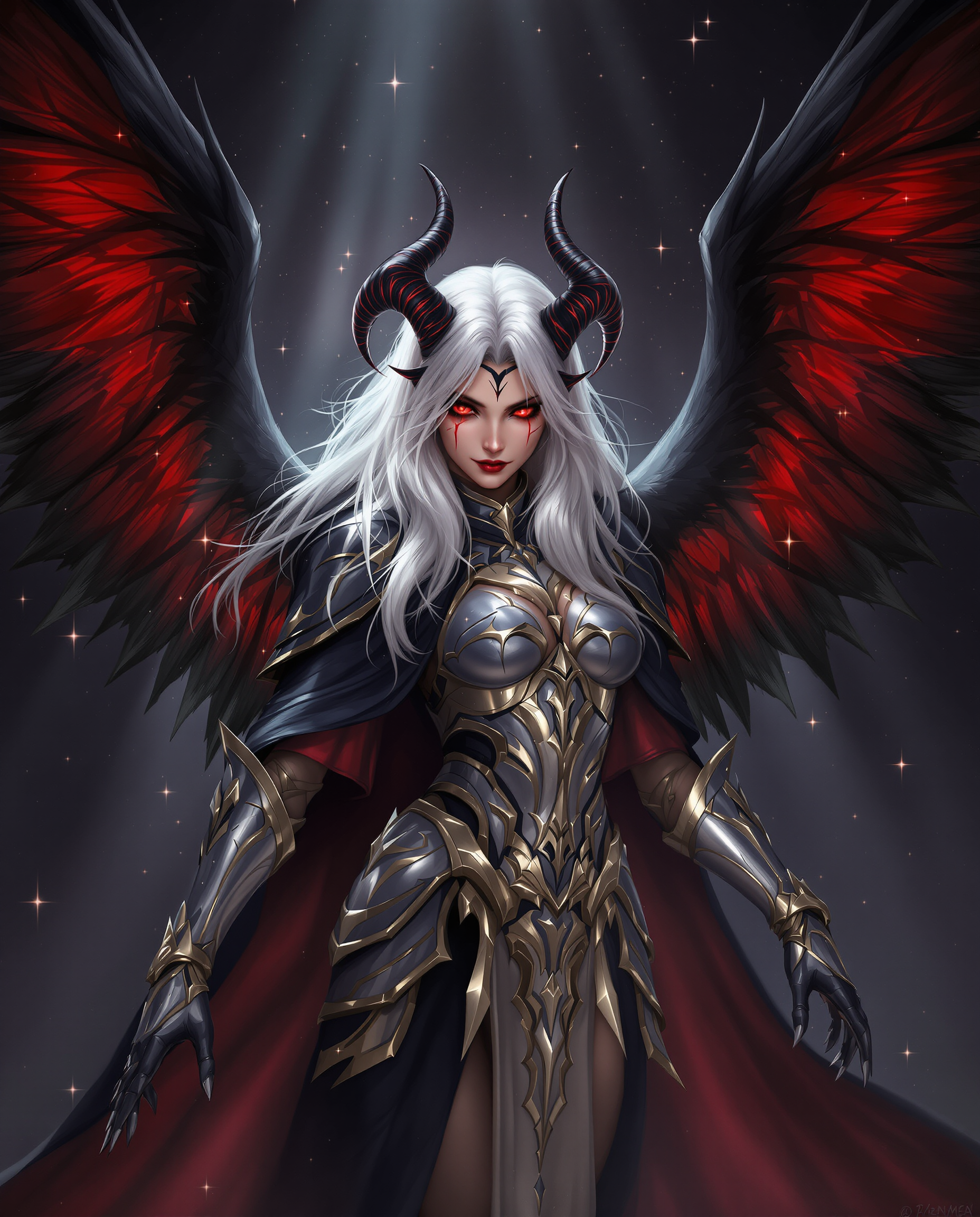
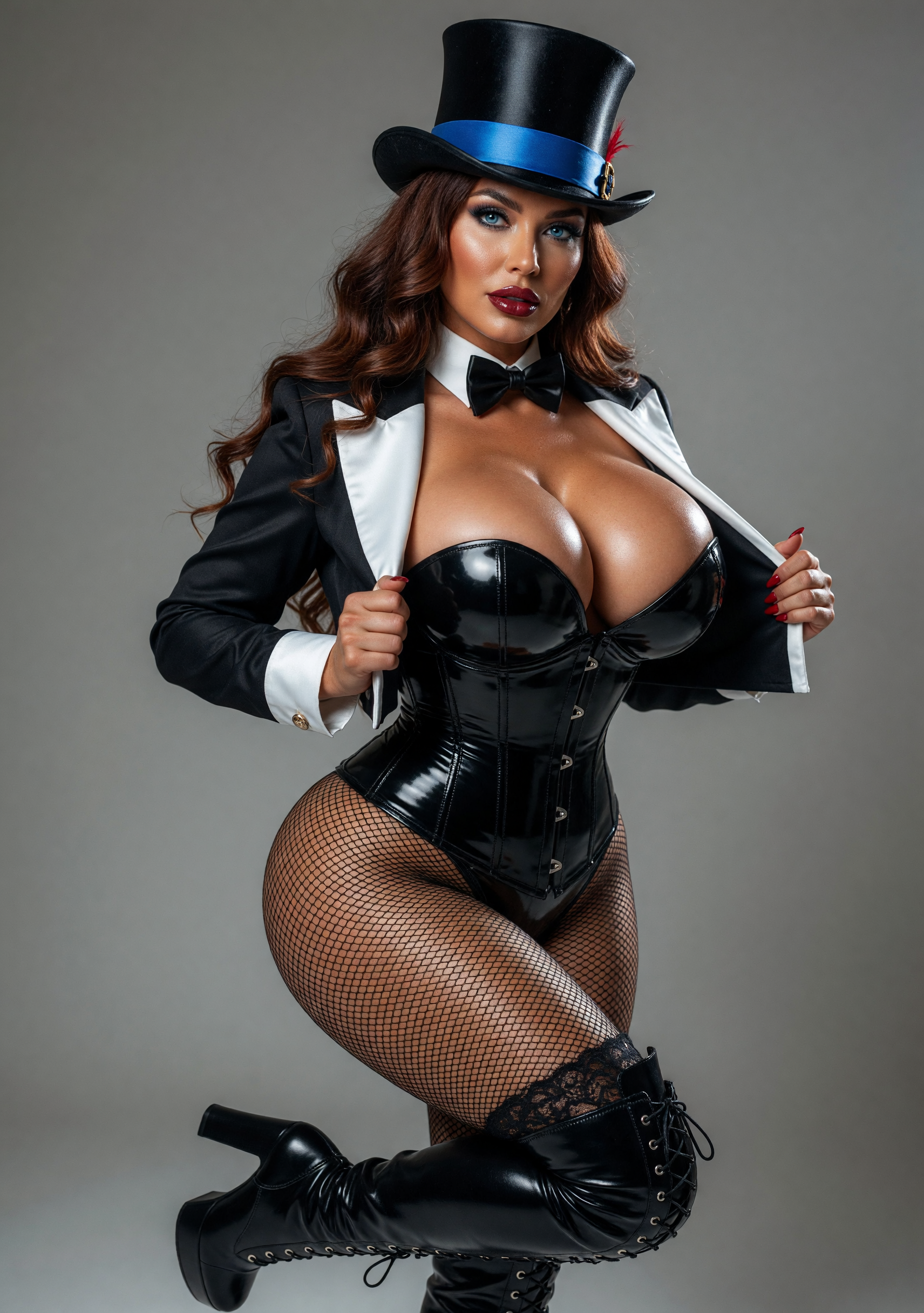
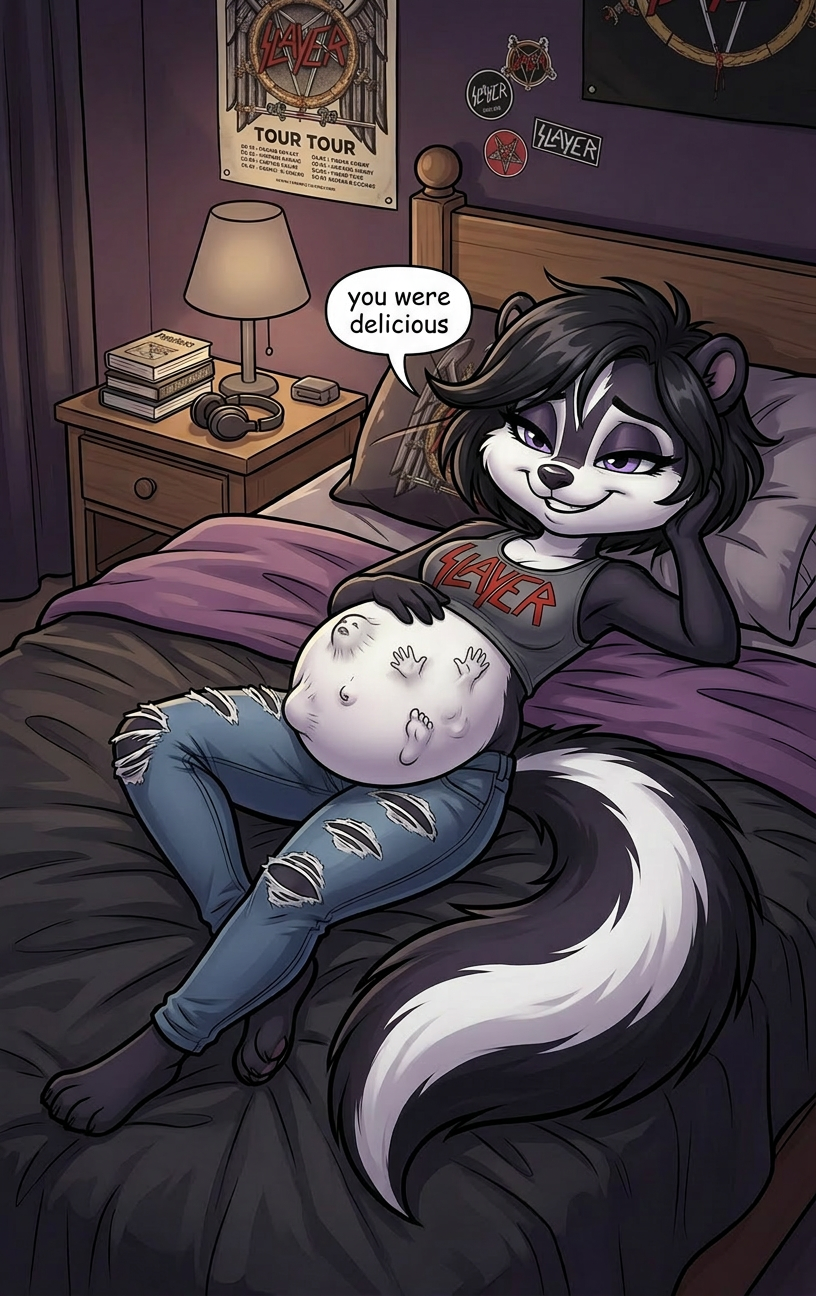
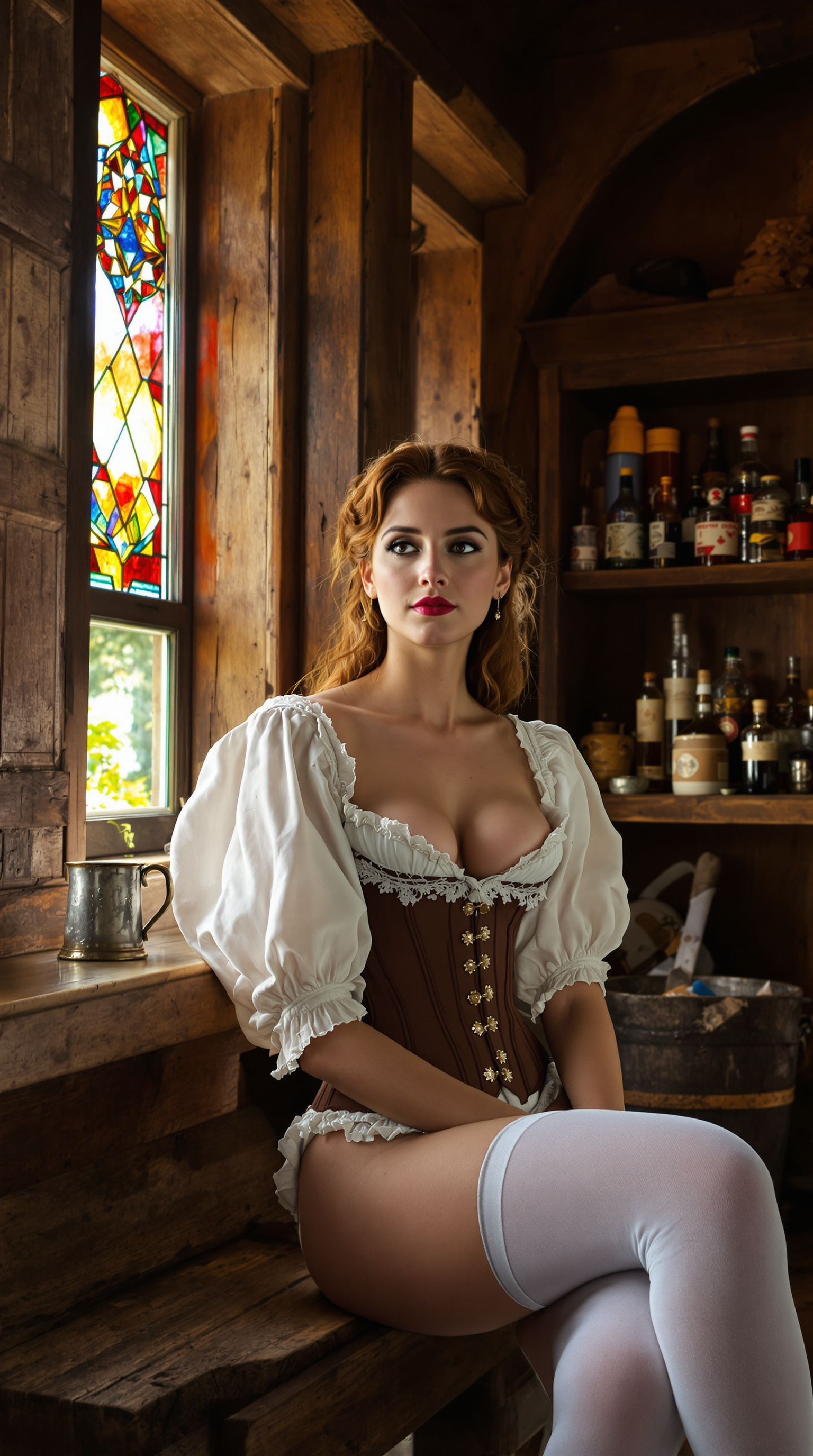
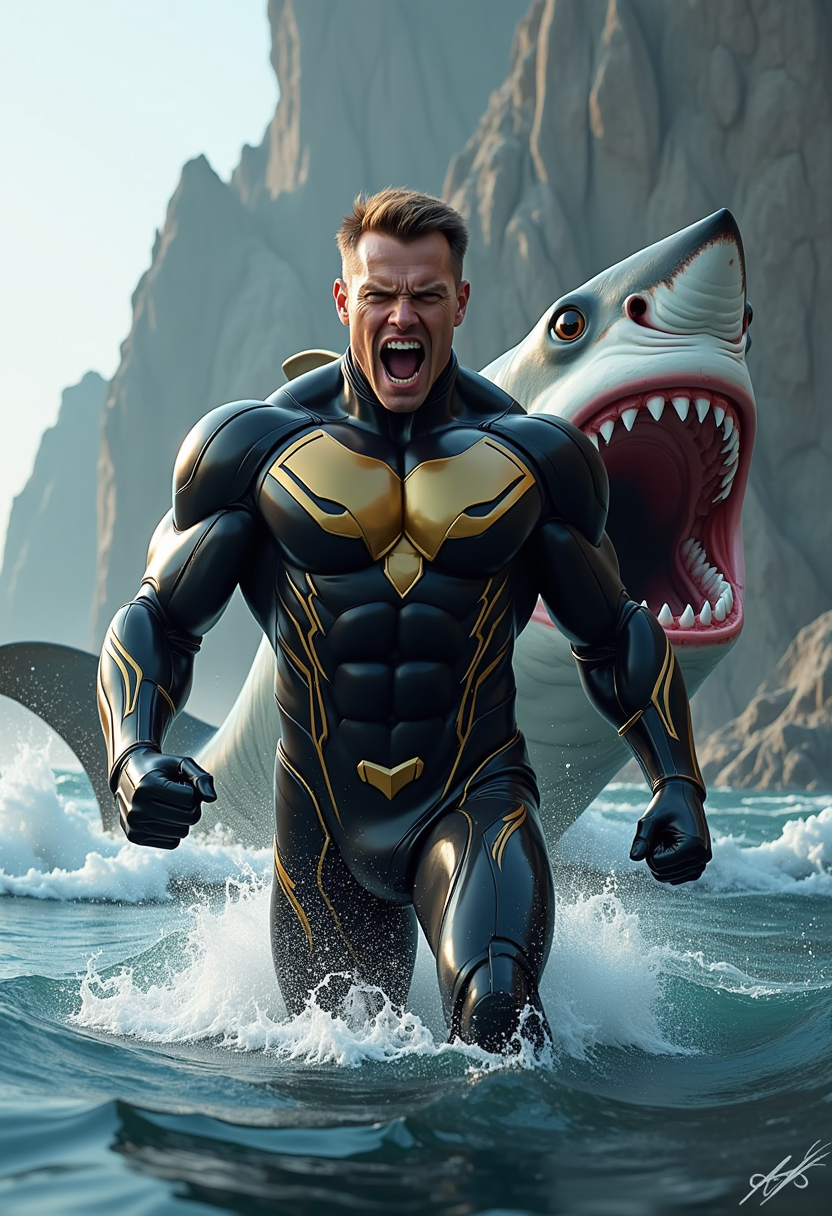
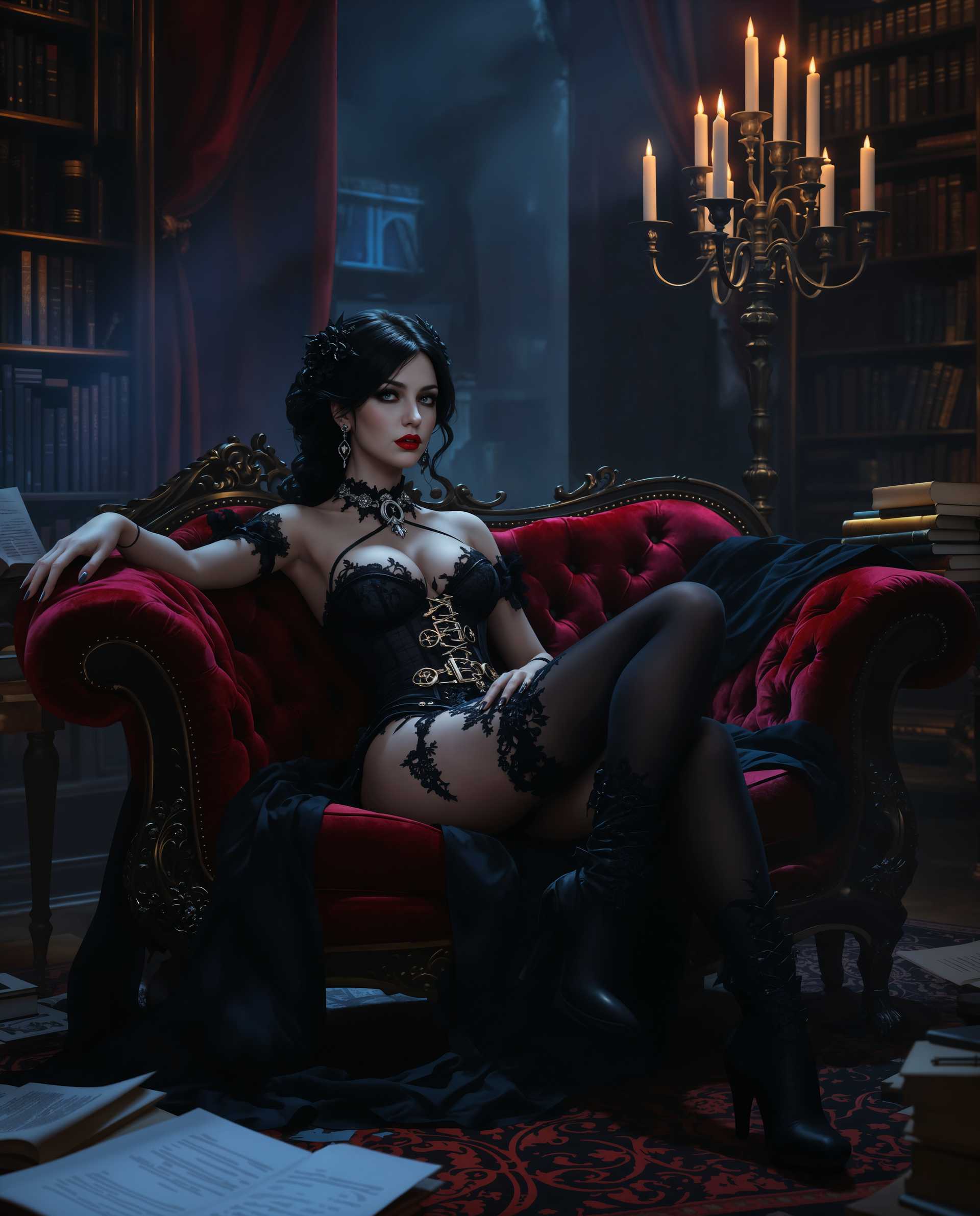
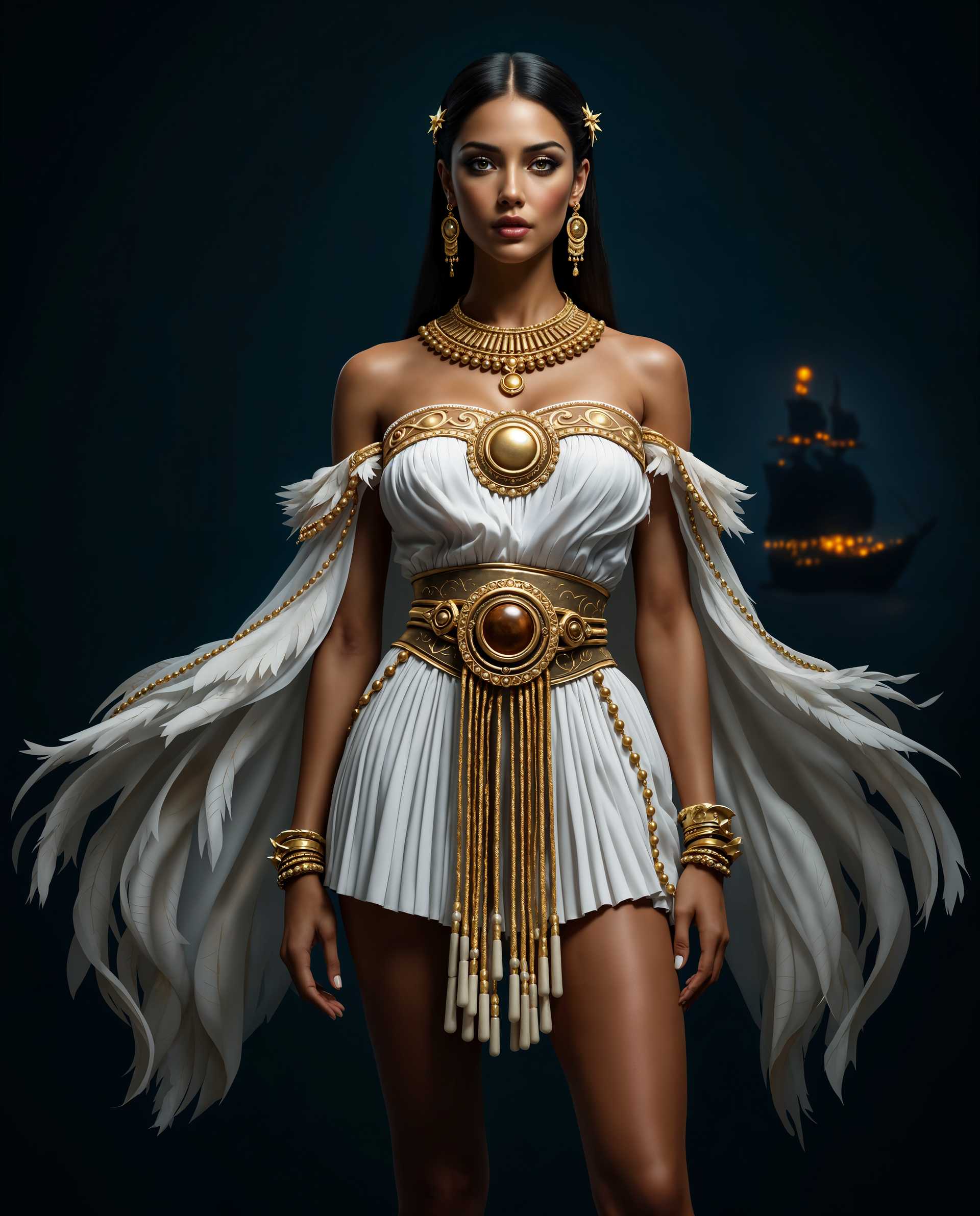

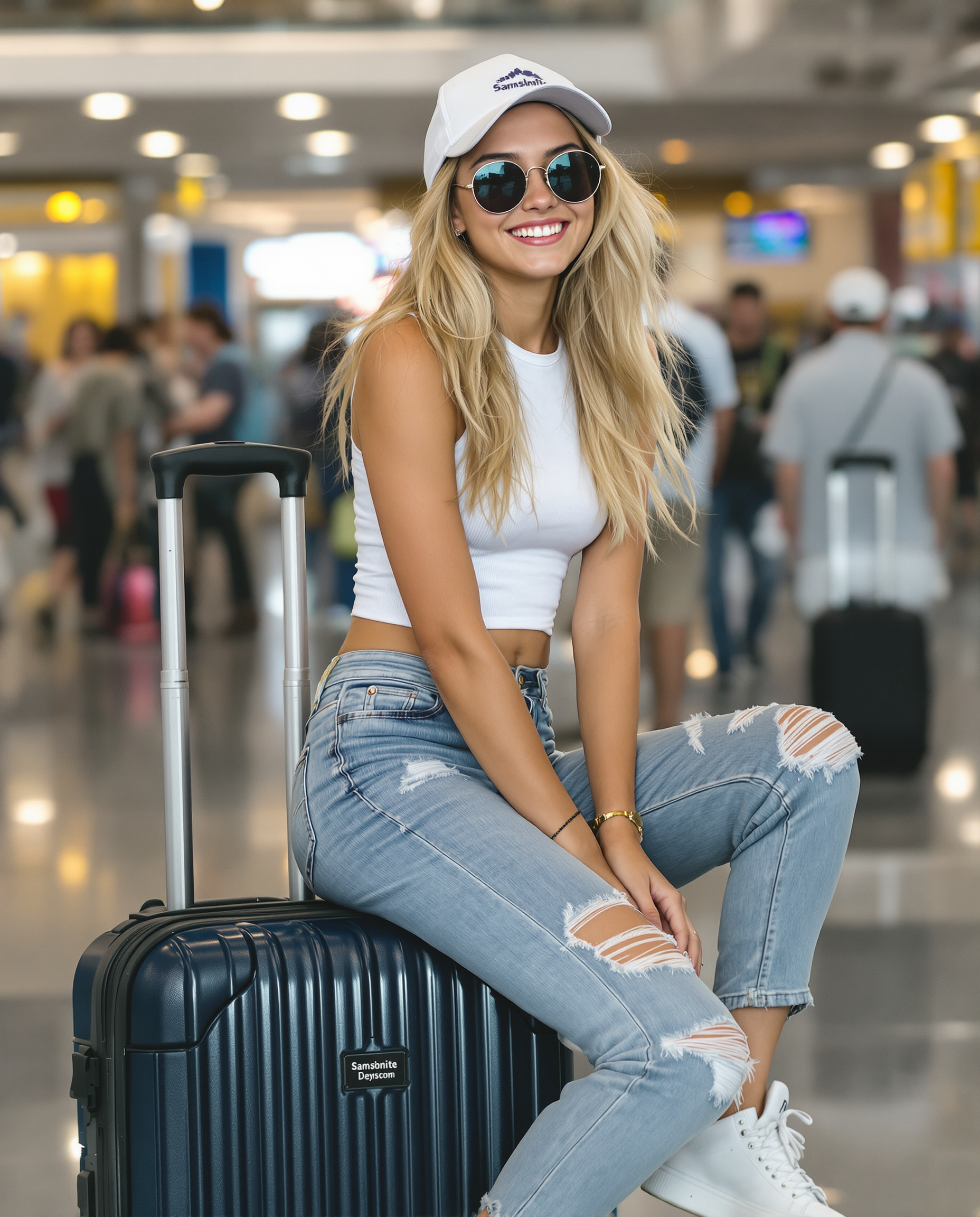
![Shadowrun Math Projection - A close-up of a person's face (Jessica Szohr) with set logical ambient background, DayGlo pink black holographic equations projected Crisis Point their skin. The background is Ghost and [Egyptian|Folk] , with the equations appearing Cinestill and ever-changing, creating a World of Warcraft and perfect symmetry mood](https://cdn.pixeldojo.ai/cdn-cgi/image/f=auto,q=90,w=3840/pixeldojo/generated-images/1743825092743-6uv9kpzp9.png)
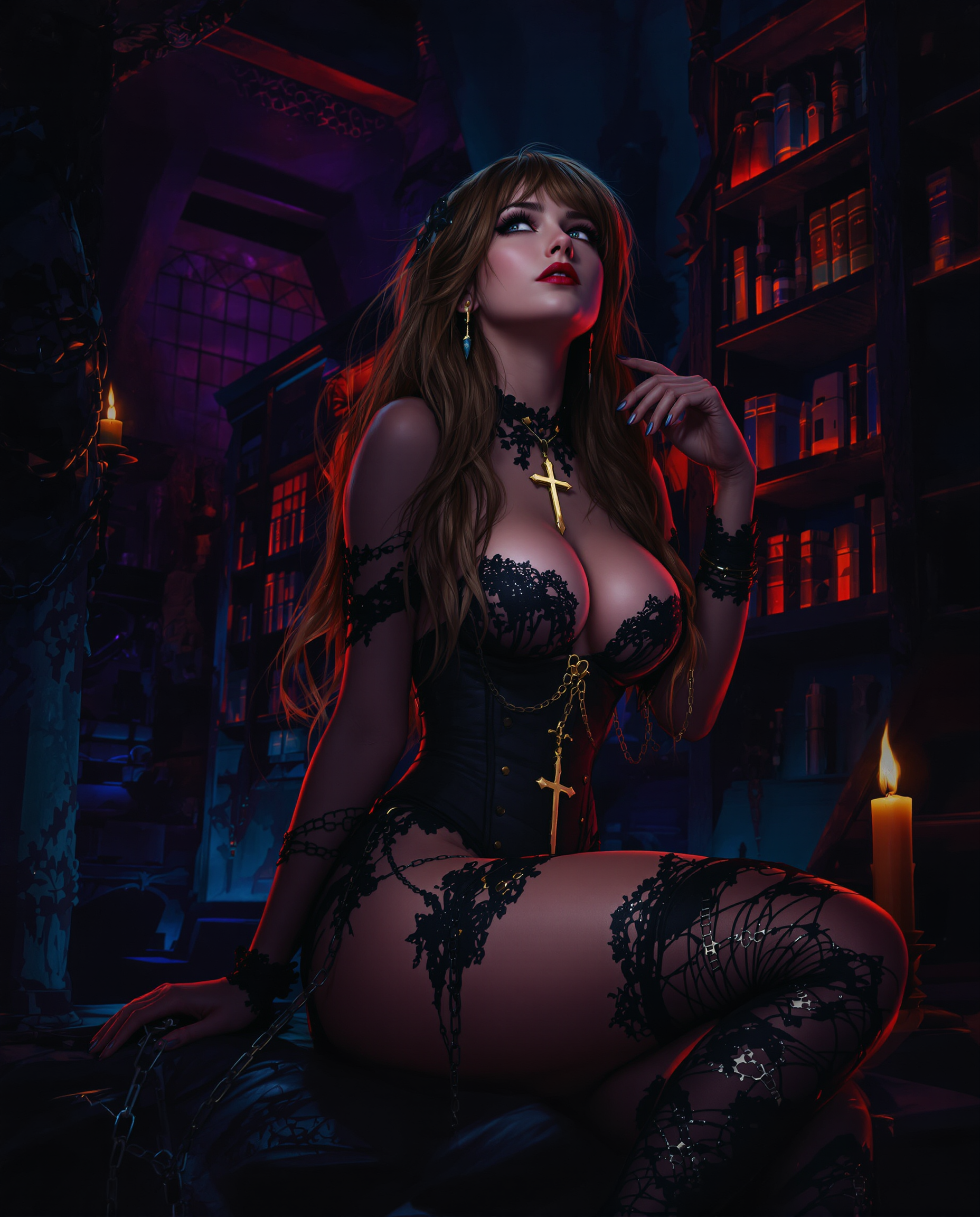
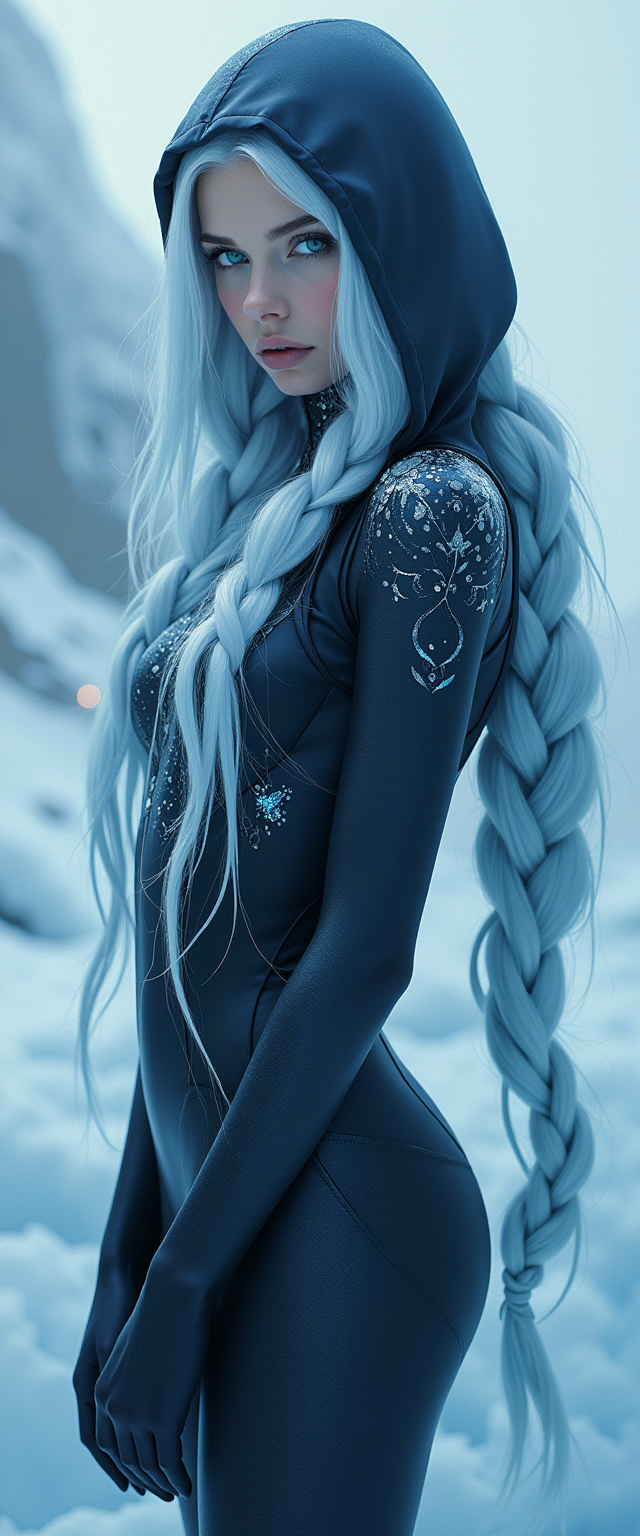
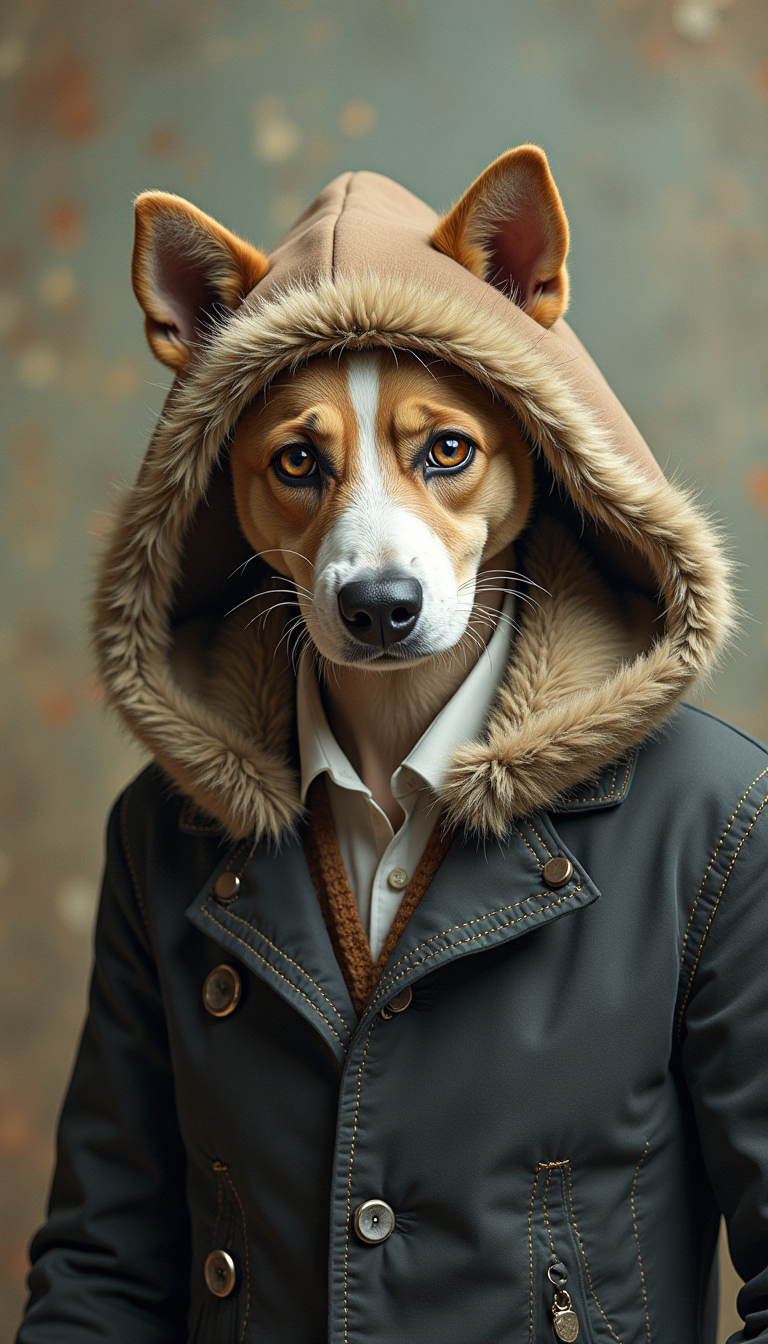
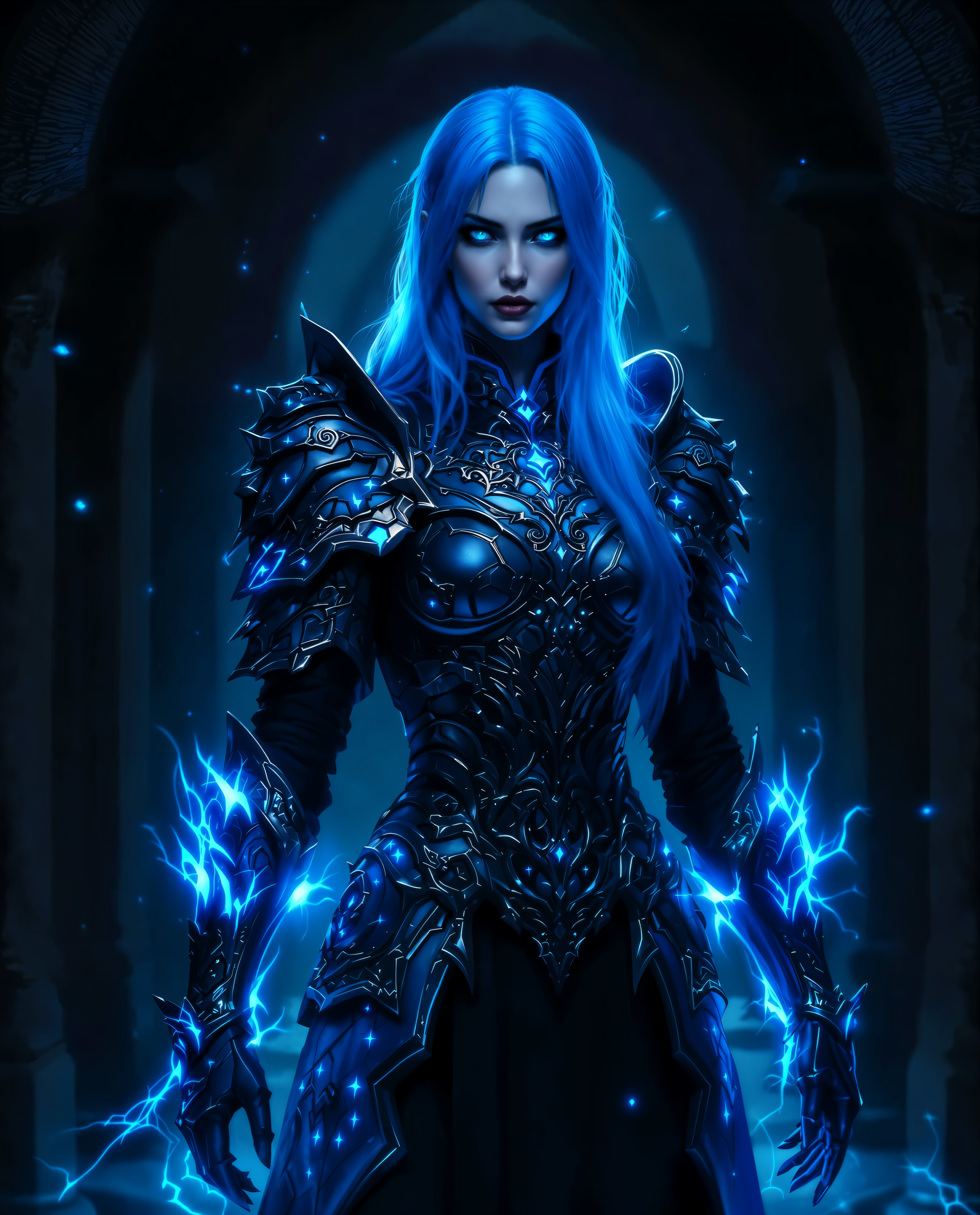
The Pixel Dojo Advantage
Why PixelDojo outperforms other options for face swap image generation
| Others | Pixel Dojo |
|---|---|
| Traditional face swap creation | Delivers instant, neural-network blended results with perfect expression and lighting matching instead of time-consuming manual layering |
| Generic AI tools | Specialized face swap suite including LoRA Face Swap and video character tools ensures superior identity consistency and realism across images and videos |
| Manual photo editing | Automated facial landmark detection and AI blending produce natural, professional outcomes in seconds without requiring advanced Photoshop skills |
Loved by creators on PixelDojo
Real feedback from people using PixelDojo, pulled from our in-product surveys.
Prompt updates, strong features, and a community that is always willing to help and hear/act on professional feedback. I've never had a better experience.
user friendly all in one thing
I really like the schedule of AI work performed!
The best tools for IA on the web !
The guy that operates the website is constantly updating it
I’ve been using PixelDojo for around 8 months now and it’s always worked wonderfully while constantly adding features.
Explore more AI tools on PixelDojo
AI Tools
Compare & Switch
- Best AI Image Generators
- Best AI Video Generators
- Midjourney Alternatives
- Civitai Alternatives
- Runway Alternatives
- Leonardo Alternatives
- Pika Alternatives
- Luma Alternatives
- Magnific Alternatives
- Veo Alternatives
- Flux Alternatives
- Freepik Alternatives
- Seedance Alternatives
- Seedream Alternatives
- Pixverse Alternatives
- GPT Image Alternatives
- Synthesia Alternatives
- Playground Alternatives
- NightCafe Alternatives
- Canva AI Alternatives
- ElevenLabs Alternatives
- ComfyUI Alternatives
- Fal Alternatives
- Replicate Alternatives
Common Questions
Everything you need to know about face swap app
How does the best AI face swap app create realistic results in 2026?
PixelDojo's face swap app uses advanced neural networks and tools like LoRA Face Swap and Flux Pro Virtual Try-On to detect facial landmarks, match skin tones, lighting, and expressions automatically. This produces seamless, photorealistic swaps that look completely natural in both photos and videos.
What is the easiest way to make viral face swap videos with an AI face swapper?
Upload your face and a target video clip to Kling Video Character Swap or WAN Video Character Swap. The AI handles motion tracking and lip sync for professional-quality results you can share instantly on social platforms.
Can I use a face swap app for virtual try-on of hairstyles and outfits?
Yes! PixelDojo's Virtual Try-On and Flux Pro Virtual Try-On tools let you realistically preview any hairstyle, makeup, or clothing on your exact face with accurate lighting and angles, helping you make better purchasing decisions.
How do I maintain consistent characters using an AI face swap app across multiple images?
Use Consistent Characters combined with LoRA Face Swap and Character Stylist tools. Train once on your reference face and generate unlimited consistent outputs for stories, branding, or series content with perfect identity preservation.
Is PixelDojo's face swap app suitable for professional marketing and brand content?
Absolutely. Brands leverage our Heygen Avatar, Kling Avatar, and video character swap tools to create localized spokesperson videos and personalized campaigns with realistic face replacements that maintain brand consistency.
What makes PixelDojo the top choice for high-quality AI face swaps compared to other options?
With over 40 specialized tools including WAN Video Character Swap, Ideogram Character, and advanced upscalers, PixelDojo delivers unmatched speed, realism, and control. Enjoy unlimited generations, easy cancellation, and results loved by thousands of creators worldwide.