
AI 3D Model Generator

Generated on PixelDojo. Produced by PixelDojo's generation pipeline.
Imagine bringing your creative visions to life in stunning 3D without the need for complex software or extensive training. With PixelDojo's AI-powered 3D model generator, you can effortlessly transform text descriptions or 2D images into high-quality 3D models. Whether you're a designer, game developer, or hobbyist, our tools empower you to create detailed 3D assets quickly and easily.
Real image examples generated on PixelDojo
Every example below was produced on PixelDojo. Hover to see the prompt.
A highly detailed
stable-diffusion
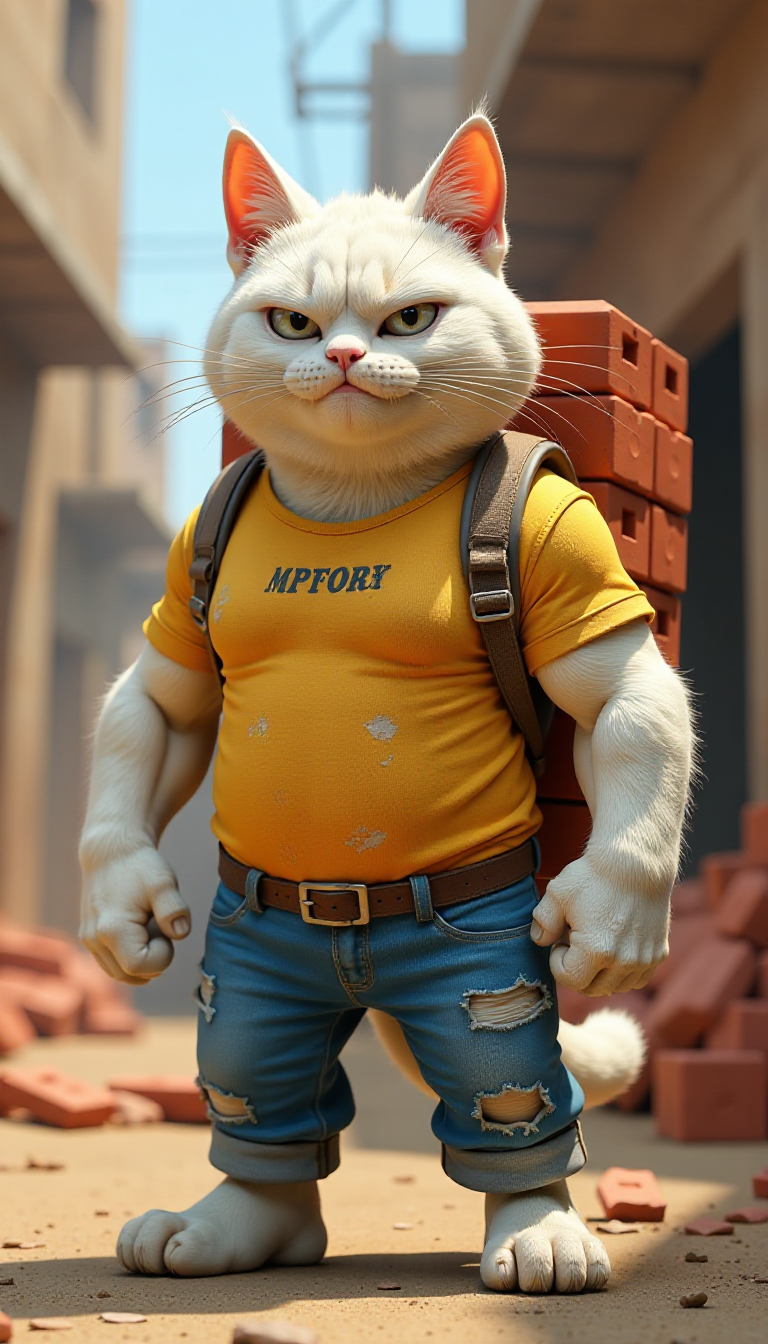
IcreaTE 3D RENDERED Pixar style an anthropomorphic cat with muscular features
flux
A man talking
image-to-video

Nicholas the cat
flux
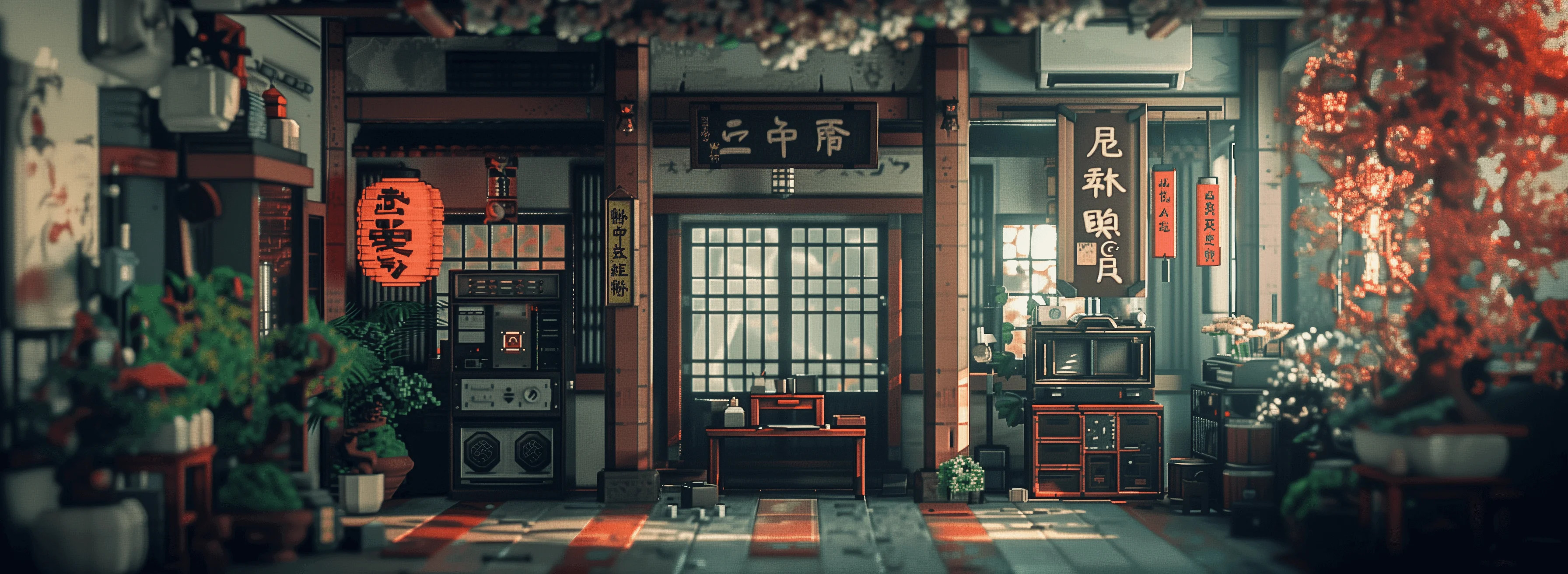
Masterpiece
creative-upscaler
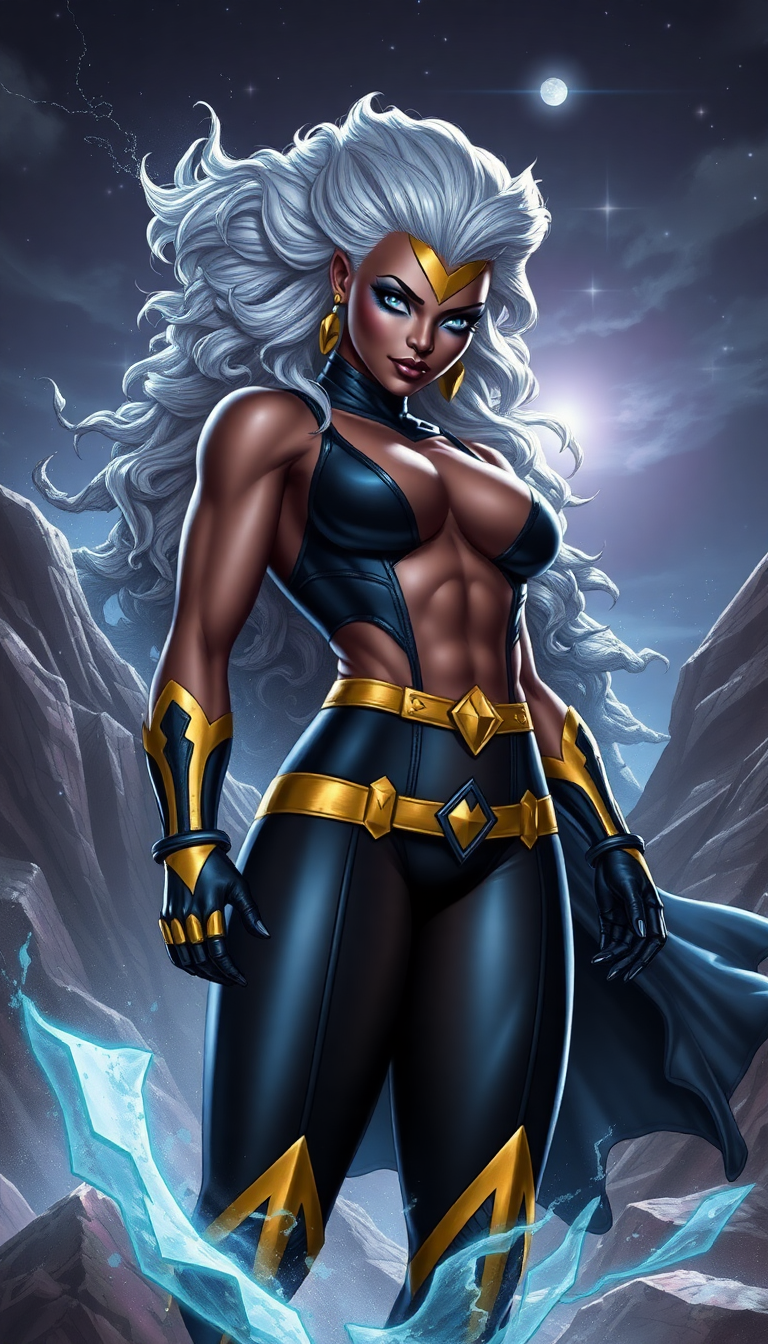
X men ororo Monroe super hero
flux
Models you can run on PixelDojo for 3d model ai generator
Switch models without switching tools. Each one runs in the same PixelDojo studio.
What you can do with 3d model ai generator on PixelDojo
Prompt Based 3D Modeling
We let creators enter text prompts to produce 3D models for their projects.
2D Image to 3D Conversion
Users upload images and we create matching 3D models from them.
Customizable Model Parameters
Creators adjust settings like detail level and style in generated models.
Image Rendering from Models
We enable rendering of multiple images from each 3D model at different angles.
Join 1M+ creators who have transformed their workflows with PixelDojo's AI tools. Rated 4.8/5 by our users for ease of use and quality results.
Why Choose Pixel Dojo for 3d model ai generator
Professional-quality results with cutting-edge AI technology
Rapid 3D Model Creation
Generate detailed 3D models from text or images in minutes, accelerating your design process.
No Prior Experience Needed
Our intuitive interface allows anyone to create 3D models without specialized training.
Versatile Applications
Use your 3D models in games, animations, product designs, and more.
How It Works
Creating 3D models with PixelDojo is simple and straightforward. Follow these steps to bring your ideas to life:
Step 1: Choose Your Tool
Select the appropriate AI tool based on your input: 'Text to 3D' for text descriptions or 'Image to 3D' for 2D images.
Step 2: Enter Your Prompt
Input a detailed text description or upload a 2D image of the object you want to create in 3D.
Step 3: Generate and Download
Click 'Generate' to let the AI create your 3D model. Once complete, download the model in your preferred format.
The Pixel Dojo Advantage
Why PixelDojo is the superior choice for AI-powered 3D model generation:
| Others | Pixel Dojo |
|---|---|
| Traditional 3D Modeling Software | Eliminates the steep learning curve and time-consuming processes associated with traditional software. |
| Generic AI Tools | Offers specialized tools tailored for 3D model generation, ensuring higher quality and accuracy. |
| Manual 3D Design | Significantly reduces the time and effort required to create detailed 3D models. |
Loved by creators on PixelDojo
Real feedback from people using PixelDojo, pulled from our in-product surveys.
All the tools, readily available and easy to understand
You guys, the LORA training is the BEST in the space right now, great job with that!
Tons of variety. Ease of use. Tools for beginners and advance users.
easiest workflow to get best output image or video
awesome functionality, UX, constant flood of improvements, discord interactivity
Awesome site with so many features
Explore more AI tools on PixelDojo
Popular AI Models
AI Tools
Common Questions
Everything you need to know about 3d model ai generator
What is an AI 3D model generator?
An AI 3D model generator turns pictures into a 3D model with shape and textures. On Pixel Dojo, Rodin builds a model from up to 5 reference images, and you can add an optional prompt to guide it.
Is 3D model generation free on Pixel Dojo?
No, 3D model generation uses credits. Rodin starts at 12 credits per model and goes up to 16 at the highest detail tier, with an optional high pack for 16 more.
What formats does the AI 3D model generator support?
Rodin exports GLB, USDZ, FBX, OBJ and STL files. Use USDZ for Apple AR and STL for 3D printing. GLB works well as a general default.
How long does 3D model generation take?
It depends on the mode you pick. Rodin has a fast mode for quick drafts and a standard mode for detailed, production-ready models.
Can I generate 3D characters with AI?
Yes. Upload up to 5 pictures of your character and Rodin builds a 3D model with shape and textures. You can add a short prompt to guide the result.