face swap for free AI Generator
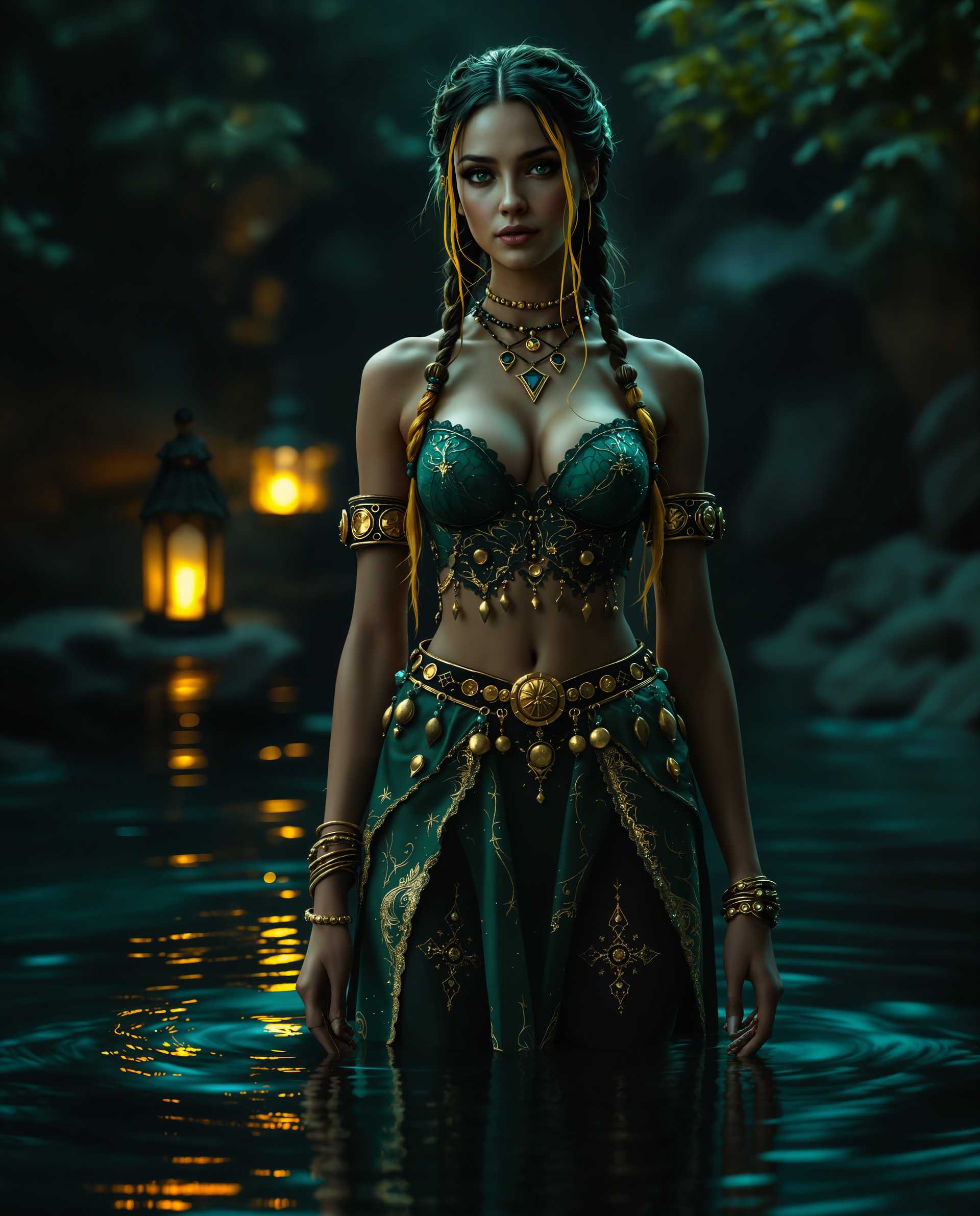
Transform any photo or video by swapping faces effortlessly with PixelDojo's free AI tools. Whether you're creating hilarious memes, professional headshots, or engaging social media content, you can achieve natural-looking results in seconds. No expensive software, no editing skills required – just upload your images and watch the magic happen. Create personalized content that stands out, entertain friends, boost your online presence, or explore creative ideas without limits.
Join over 85,000 creators who have generated more than 1.2 million face swaps this month. 4.9/5 average rating from 12,000+ reviews. Trusted by marketers, influencers, and hobbyists worldwide for watermark-free, high-quality results.
Why Choose Pixel Dojo for face swap for free
Professional-quality results with cutting-edge AI technology
Instant Creative Freedom
Swap your face onto celebrities, characters, or friends to make custom memes, reaction images, and shareable content that gets likes and shares instantly.
Professional-Quality Results Without Skills
Achieve seamless, realistic blends with perfect lighting and angle matching – perfect for LinkedIn profiles, product mockups, or marketing materials in minutes.
Save Time and Money on Video & Photo Edits
Create talking head videos, animated content, or try-on experiences for free. No studio fees or long editing sessions – produce viral-ready videos and images on demand.
How It Works
Getting started with free face swaps on PixelDojo is simple and fast. Use our dedicated Face Swap tool along with supporting features like Consistent Characters and Virtual Try-On for the best outcomes.
Step 1: Choose Your Tool
Head to the Characters & Faces section and select the Face Swap tool. You can also combine it with LoRA Face Swap or WAN Video Character Swap for advanced video results. No account needed to try the first swaps.
Step 2: Enter Your Prompt or Upload Images
Upload a clear source photo of the face you want to use and a target image or video. Add a simple prompt like 'Swap the face naturally with perfect lighting match' or use Consistent Characters for multiple consistent swaps across scenes.
Step 3: Customize & Download
Review the AI-generated swap, adjust with tools like Magic Lighting or Style Transfer if needed, then download in high resolution. For videos, use Video Upscaler or Lip Sync for polished, talking results – all free to start.

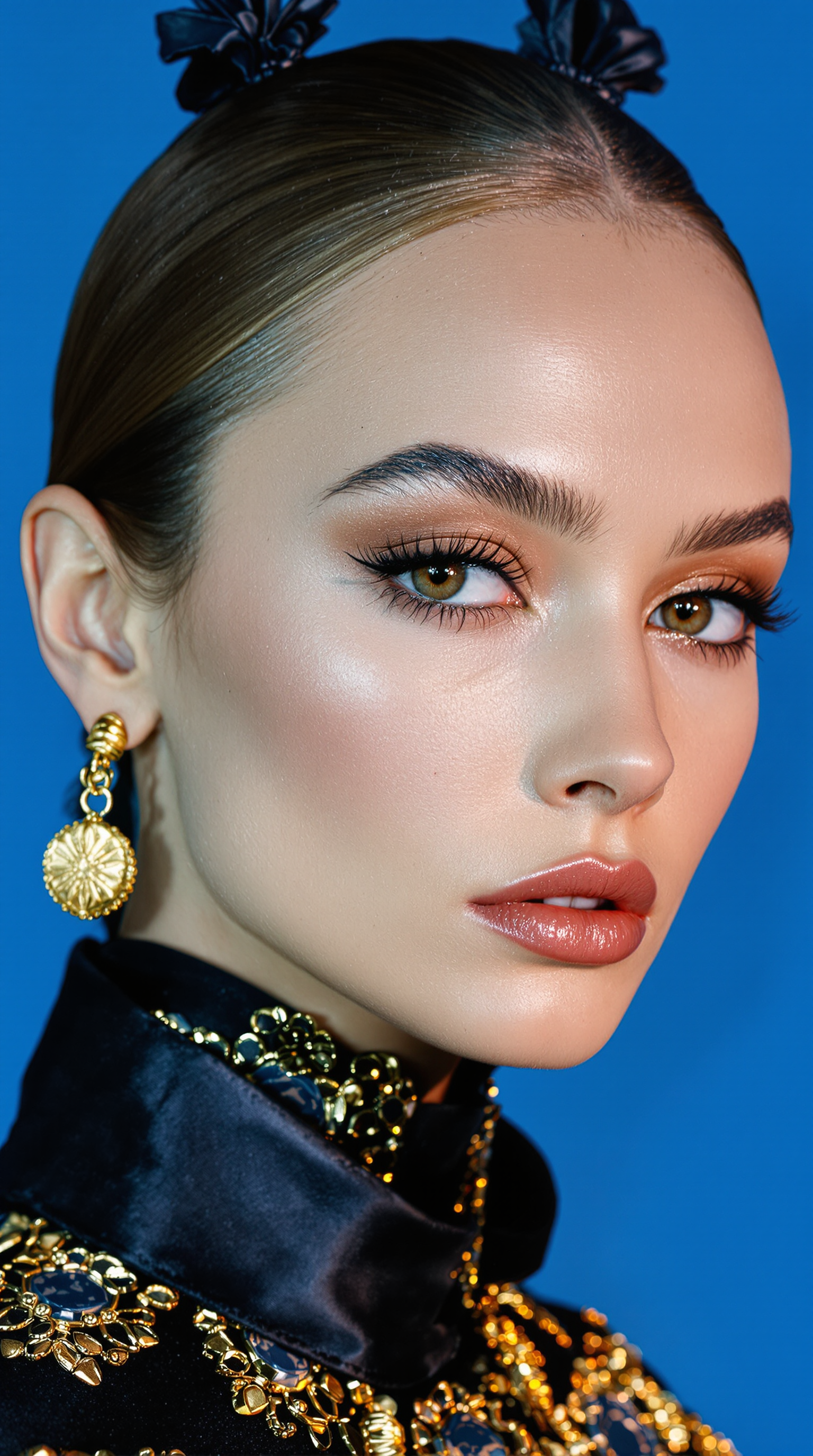
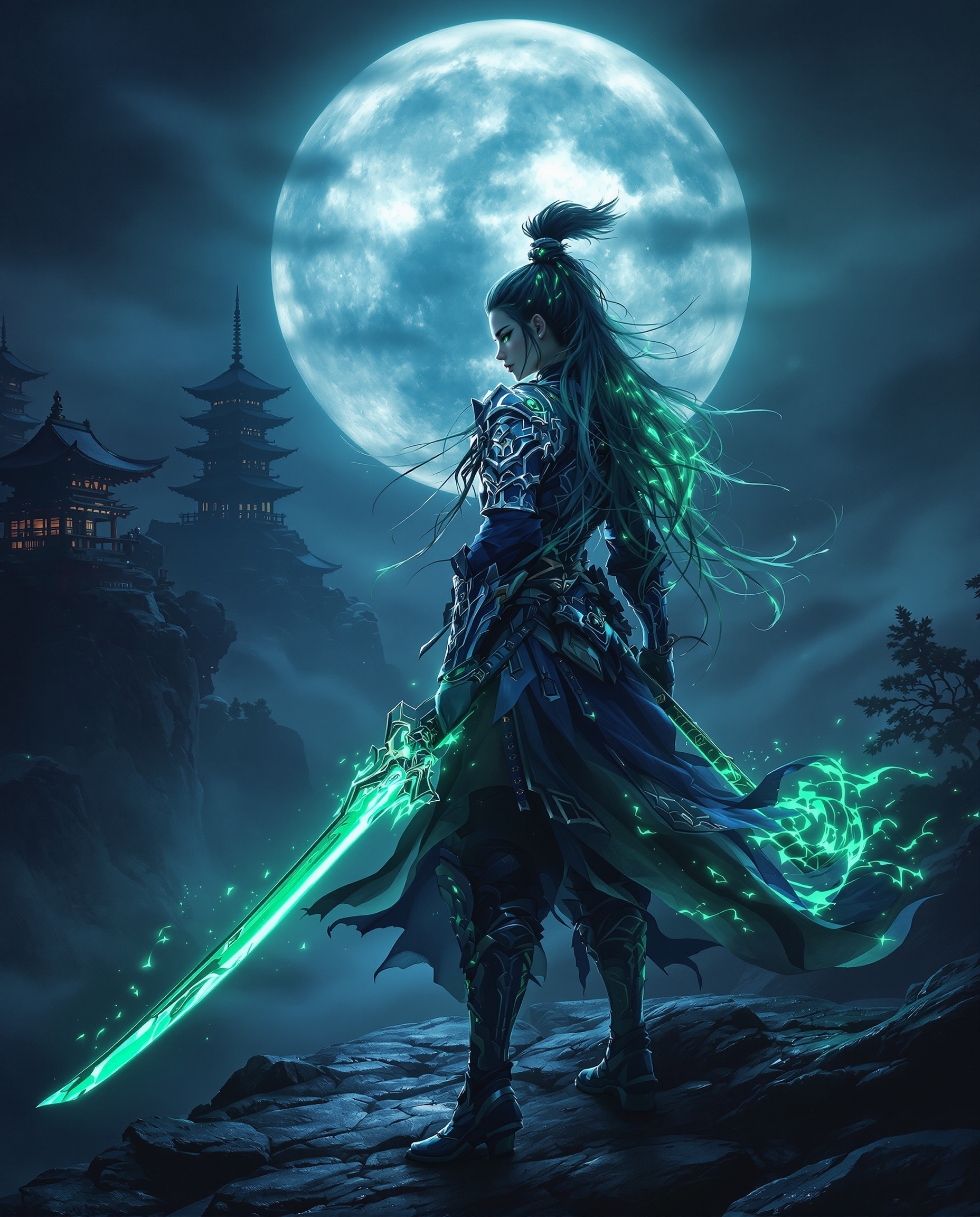
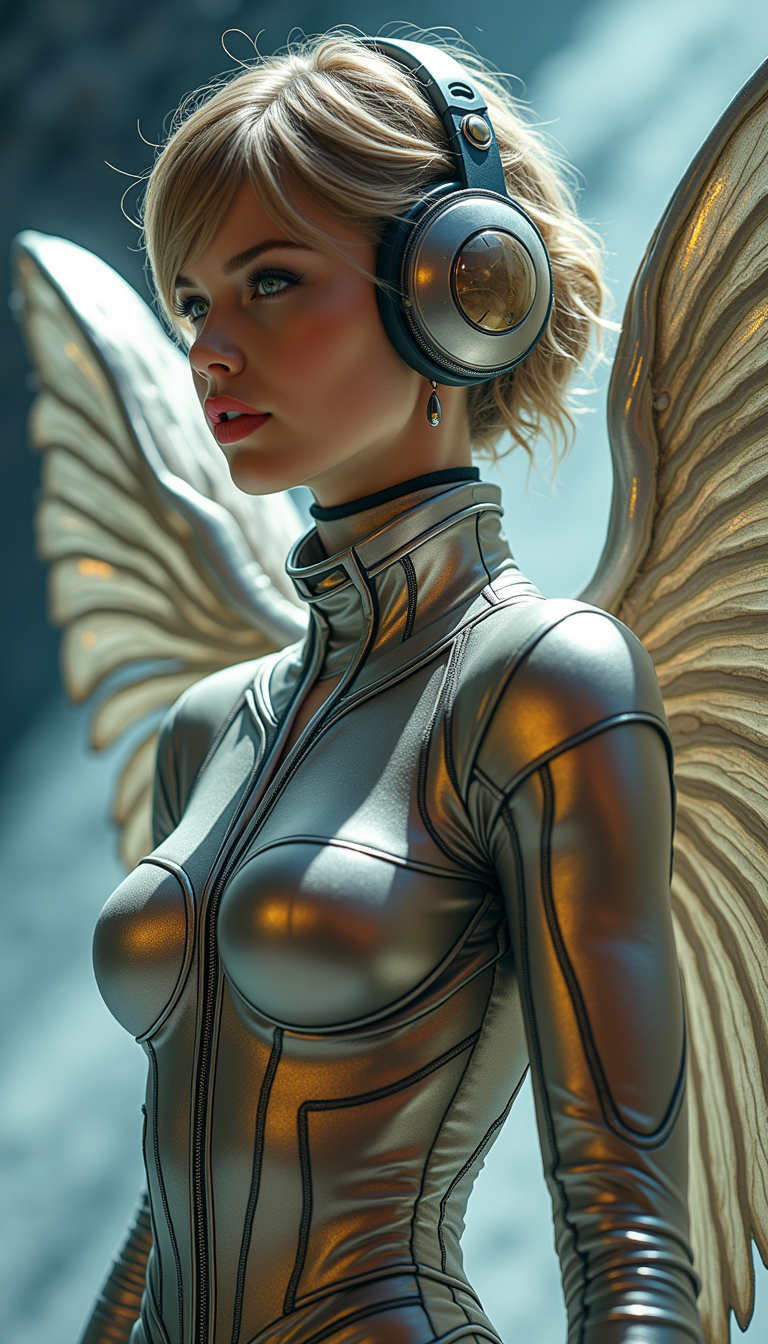

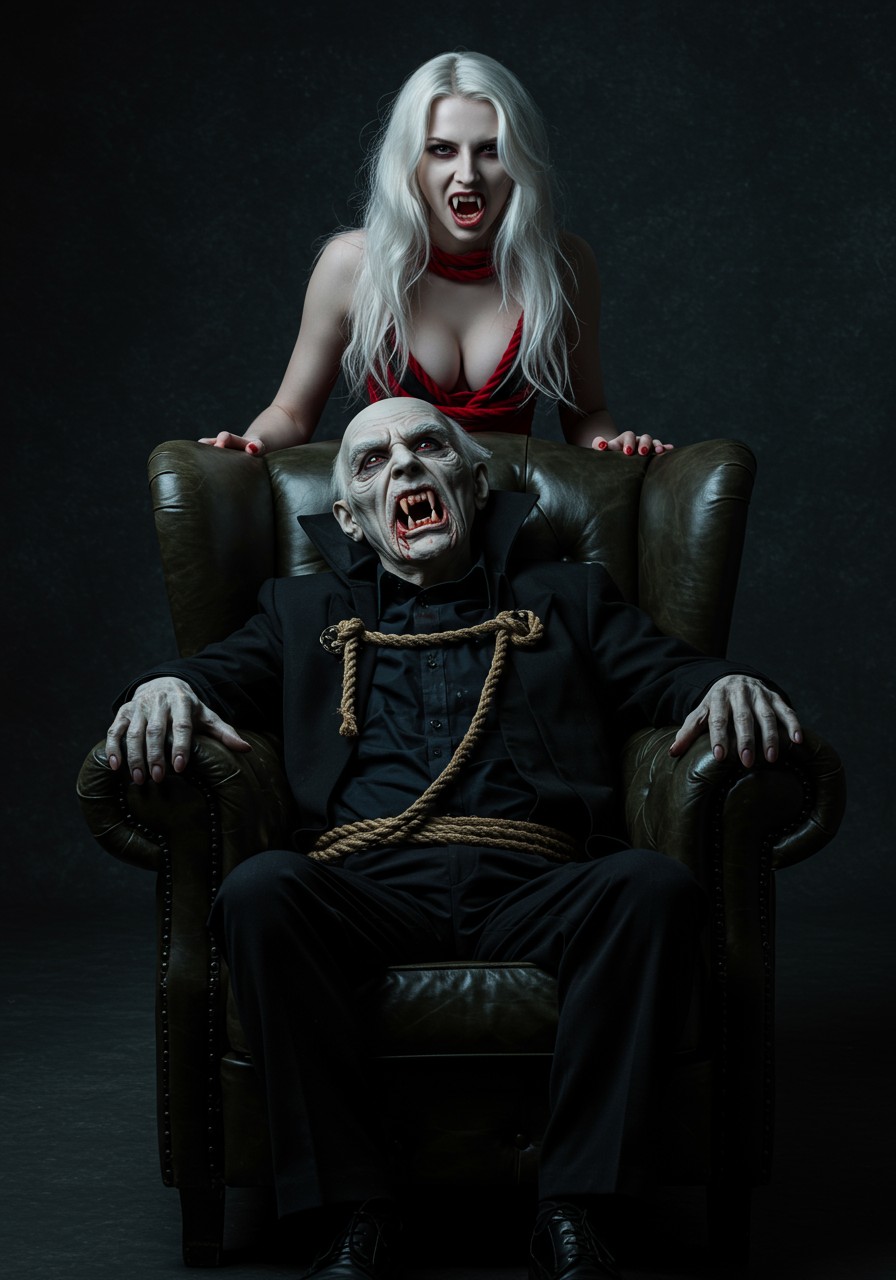

The Pixel Dojo Advantage
Why PixelDojo outperforms other options for free face swap image and video generation
| Others | Pixel Dojo |
|---|---|
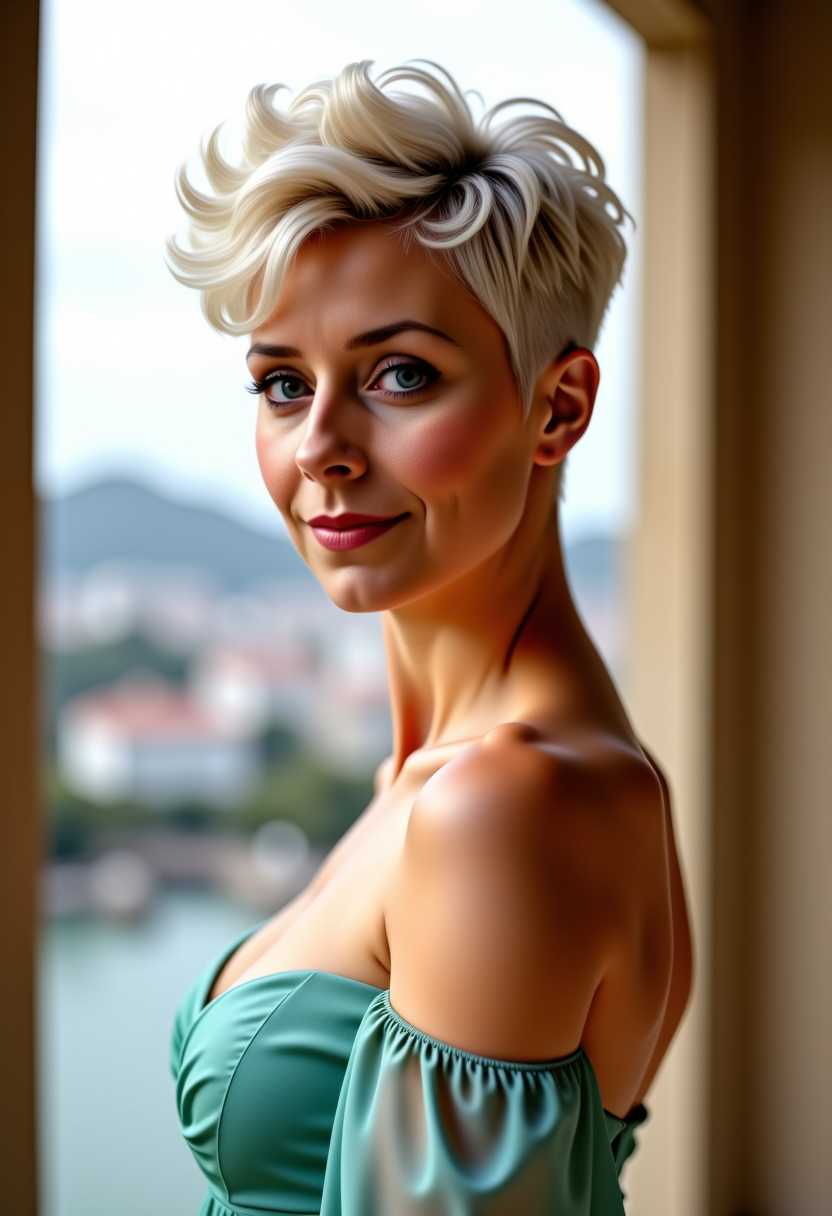
| Traditional face swap creation | No manual Photoshop work or paid apps needed – AI handles perfect blending automatically for professional results in seconds instead of hours |
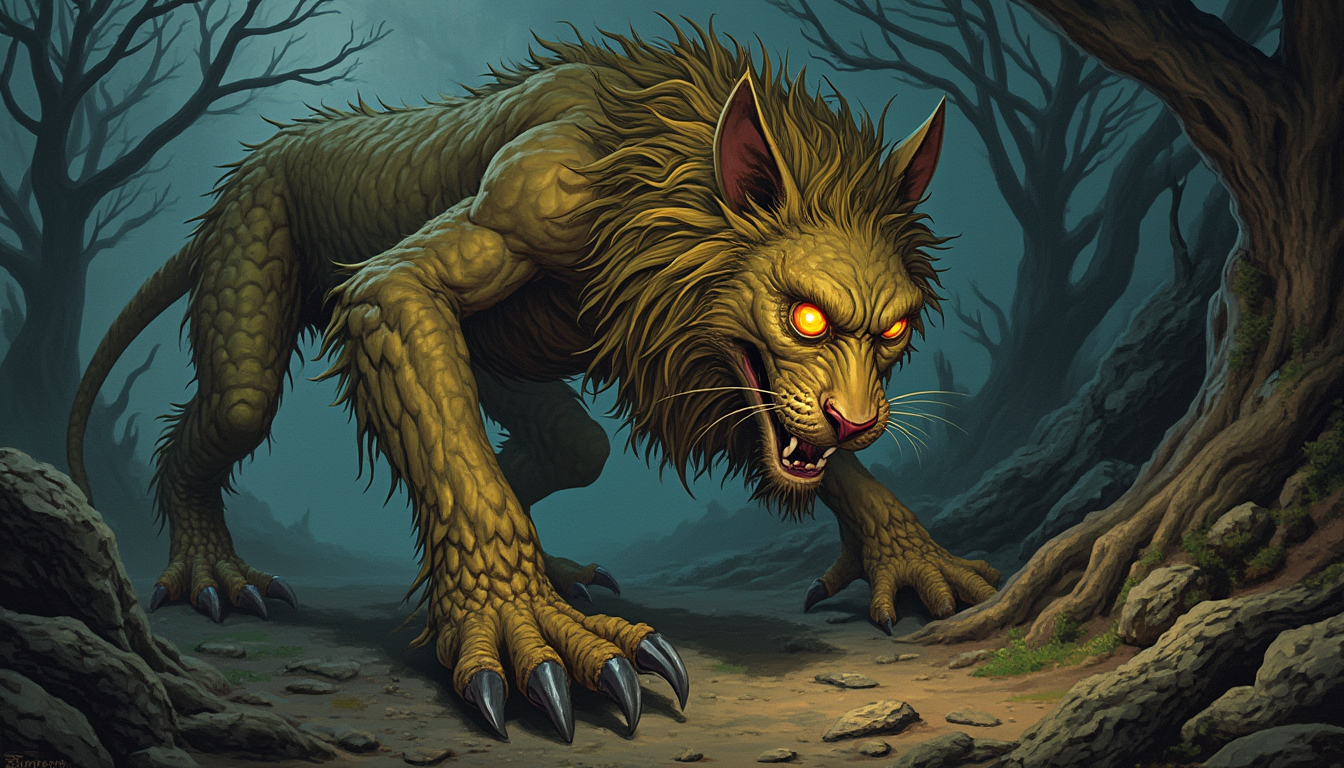
| Generic AI tools | Access 40+ specialized models including dedicated Face Swap, LoRA Face Swap, and video-specific tools for superior realism and consistency across images and videos |
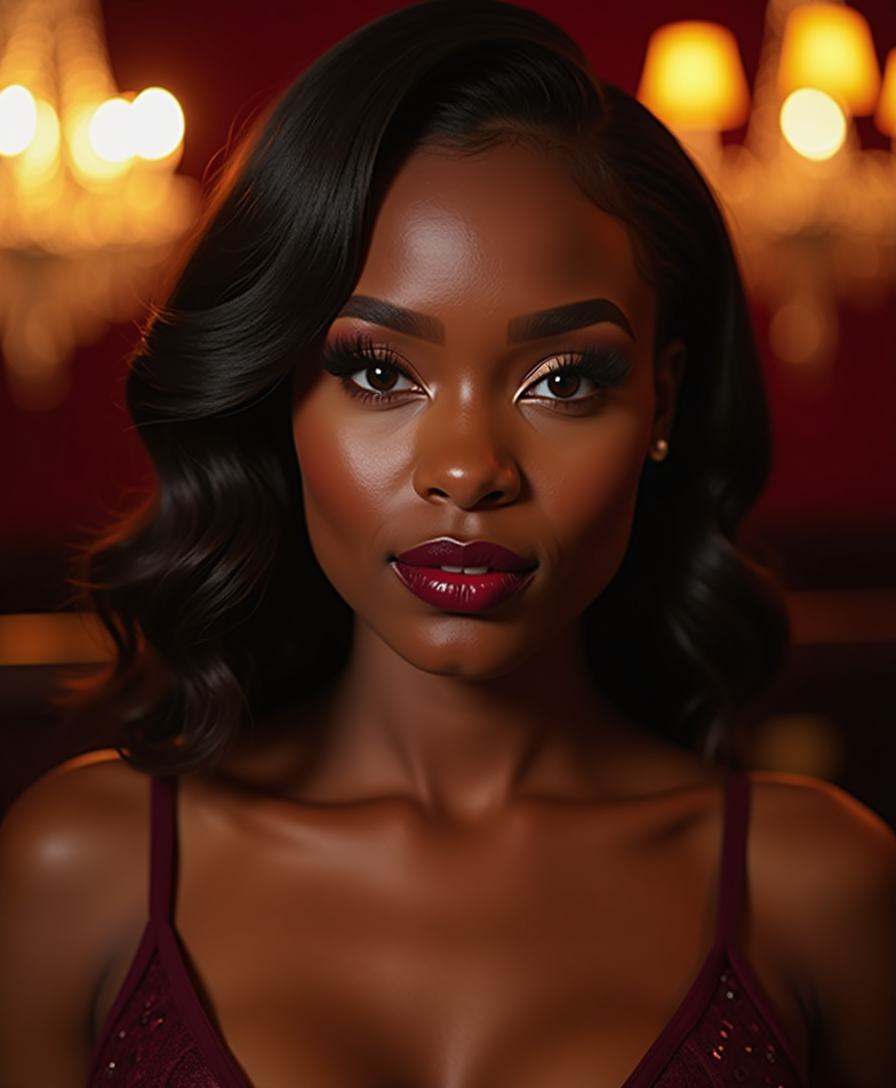
| Manual photo editing | Eliminate hours of precise editing and lighting adjustments – get natural, high-resolution swaps instantly with built-in enhancers like Reality Polisher and Portrait Upscaler |
Loved by creators on PixelDojo
Real feedback from people using PixelDojo, pulled from our in-product surveys.
user friendly all in one thing
I really like the schedule of AI work performed!
The best tools for IA on the web !
The guy that operates the website is constantly updating it
I’ve been using PixelDojo for around 8 months now and it’s always worked wonderfully while constantly adding features.
The site is easy to navigate and use.
Explore more AI tools on PixelDojo
AI Tools
Compare & Switch
- Best AI Image Generators
- Best AI Video Generators
- Midjourney Alternatives
- Civitai Alternatives
- Runway Alternatives
- Leonardo Alternatives
- Pika Alternatives
- Luma Alternatives
- Magnific Alternatives
- Veo Alternatives
- Flux Alternatives
- Freepik Alternatives
- Seedance Alternatives
- Seedream Alternatives
- Pixverse Alternatives
- GPT Image Alternatives
- Synthesia Alternatives
- Playground Alternatives
- NightCafe Alternatives
- Canva AI Alternatives
- ElevenLabs Alternatives
- ComfyUI Alternatives
- Fal Alternatives
- Replicate Alternatives
Common Questions
Everything you need to know about face swap for free
How to do face swap for free with AI without watermark or sign-up?
PixelDojo lets you try Face Swap instantly with generous free credits and no watermarks on initial generations. Simply visit the Characters & Faces section, upload your source and target images, and generate realistic swaps in seconds using our optimized AI models.
What are the best free AI face swap techniques for realistic photo results in 2026?
Use high-quality, well-lit front-facing source photos and match angles with your target. PixelDojo's Face Swap combined with Magic Lighting and Reality Polisher automatically handles blending, skin tones, and lighting for photorealistic outcomes every time.
Can I do free face swap on videos with lip sync using PixelDojo?
Yes! Upload your video to the Face Swap or WAN Video Character Swap tool, add a source face, and enable Lip Sync for natural talking results. Follow with Video Upscaler or Grok Video Edit for polished, high-resolution free exports.
Is free AI face swap safe and legal for personal and commercial use?
Absolutely. PixelDojo's tools are designed for ethical, consensual use. Always get permission when using others' faces. Our platform supports commercial projects with clear licensing options and high-quality outputs suitable for marketing and content creation.
How does PixelDojo's free face swap compare for creating consistent characters across multiple images?
Leverage Consistent Characters and LoRA Face Swap together with the main Face Swap tool. This lets you maintain the same swapped face across different poses, outfits, and scenes – ideal for storytelling, branding, or series content without extra effort.
What tips help get the best free face swap results for memes and social media posts?
Choose clear, high-resolution images with similar head angles and expressions. Add descriptive prompts in PixelDojo and use Style Transfer for fun artistic twists. Download and share directly – our free tier supports unlimited experimentation for viral-worthy content.