photo app
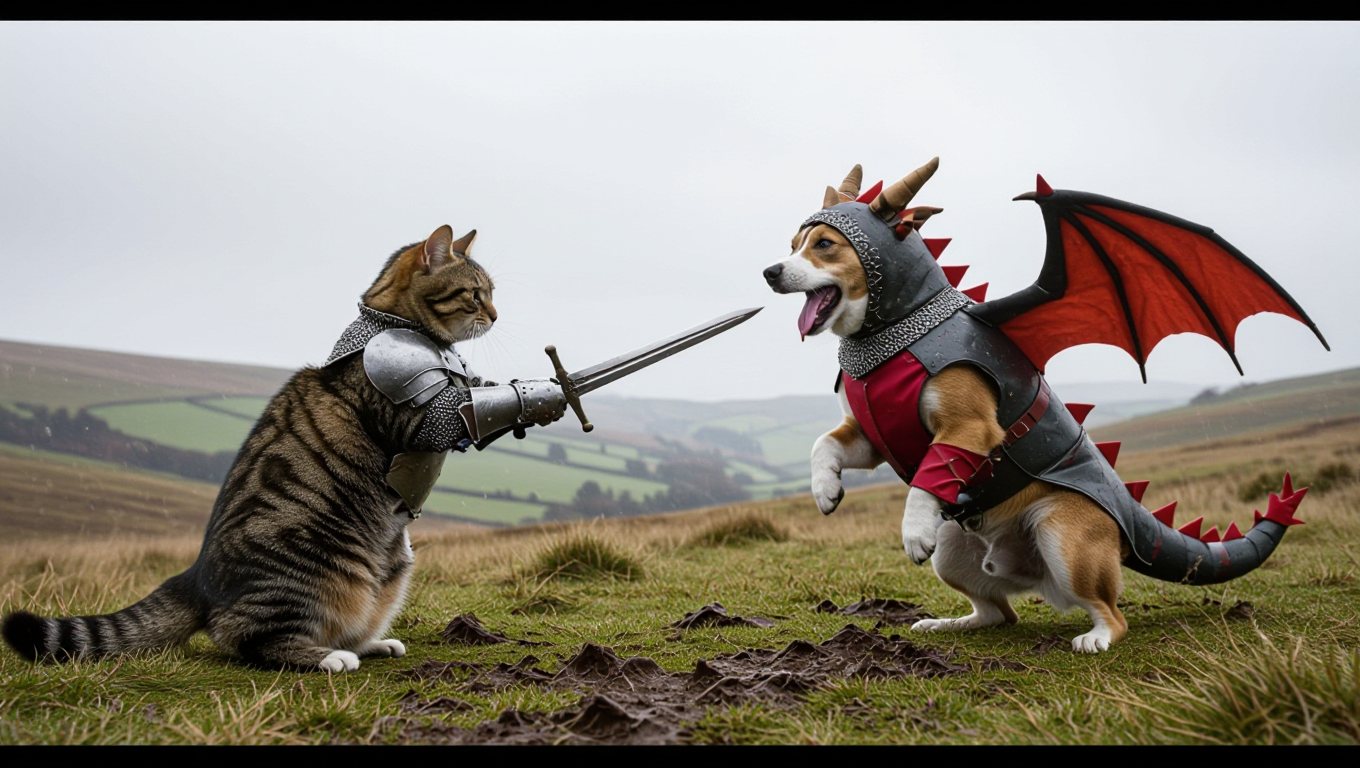
Generated on PixelDojo. Produced by PixelDojo's generation pipeline.
Unlock the full potential of your photos with PixelDojo's AI-powered photo app. Whether you're looking to enhance existing images or create entirely new visuals, our suite of tools empowers you to achieve professional-quality results effortlessly. Say goodbye to complex software and hello to intuitive, AI-driven creativity.
Real image examples generated on PixelDojo
Every example below was produced on PixelDojo. Hover to see the prompt.
IPhone photo of A cat as a knight fighting a dog cosplaying as a dragon
hidream
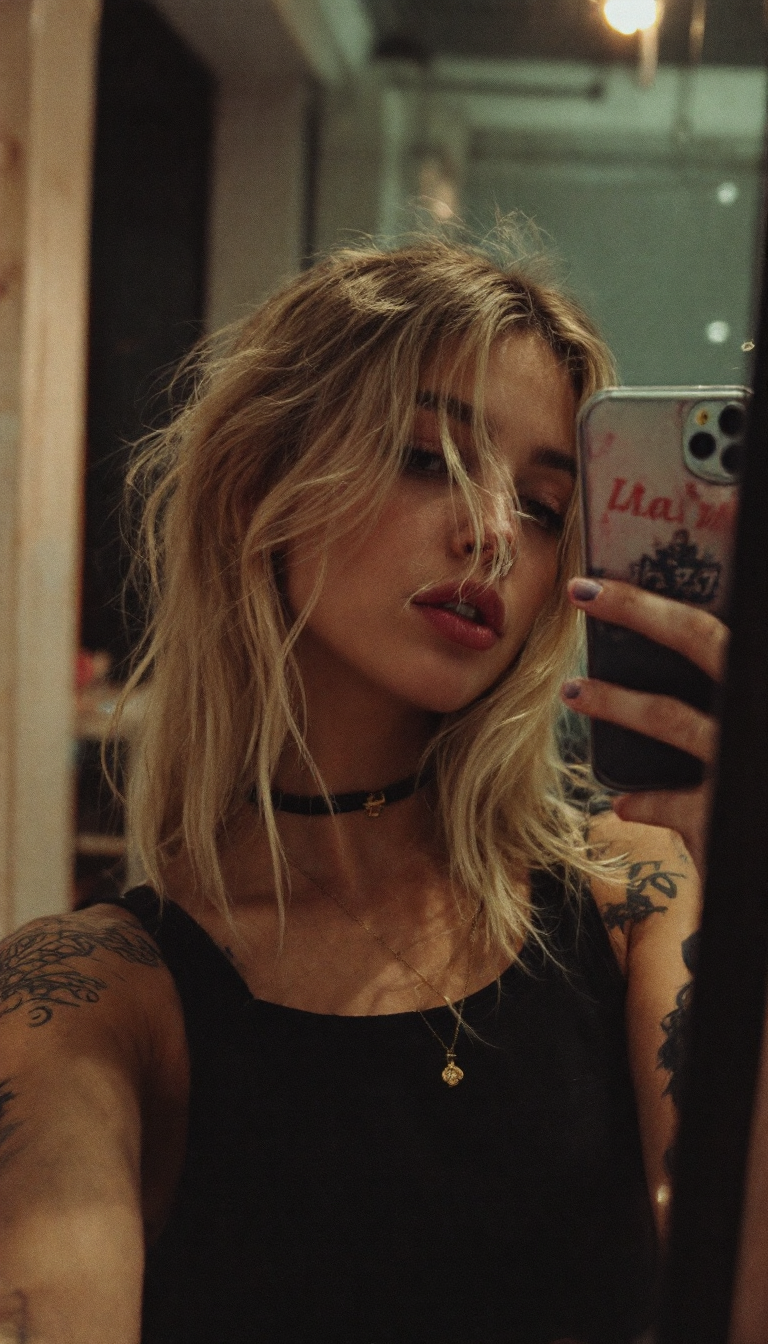
Grungy analog photo from a beautiful blond influencer girl taking a selfie with her iPhone
stable-diffusion
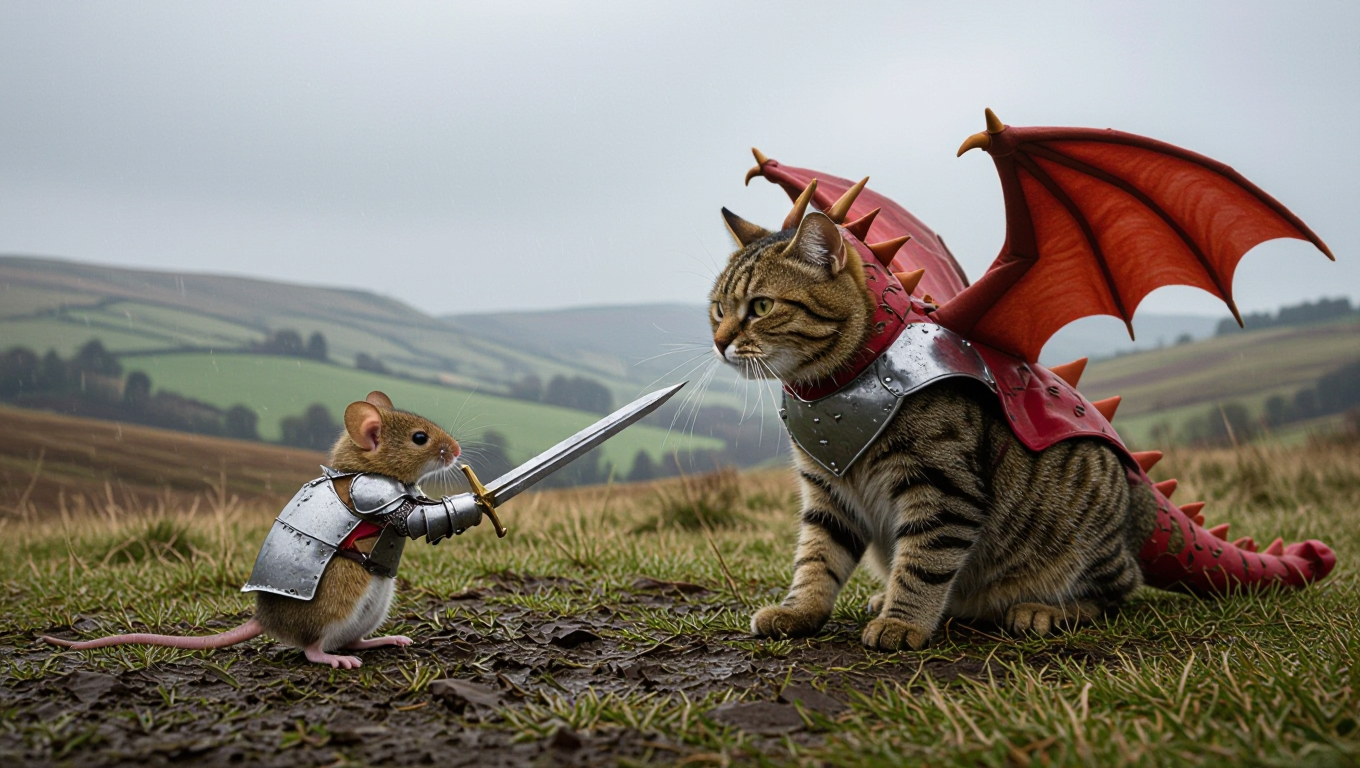
IPhone photo of A small mouse as a knight fighting a large cat cosplaying as a dragon
hidream
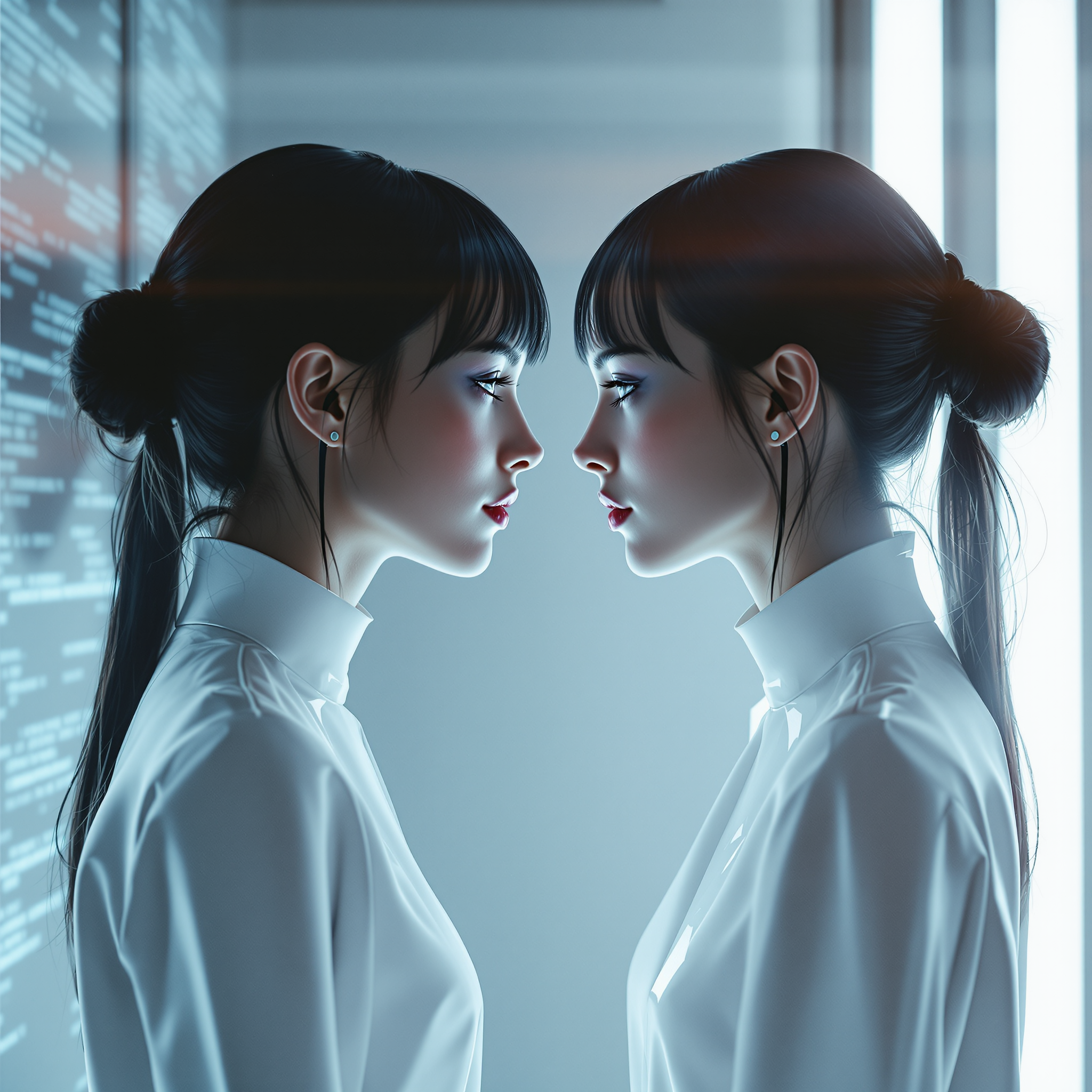
A woman and her digital twin
flux
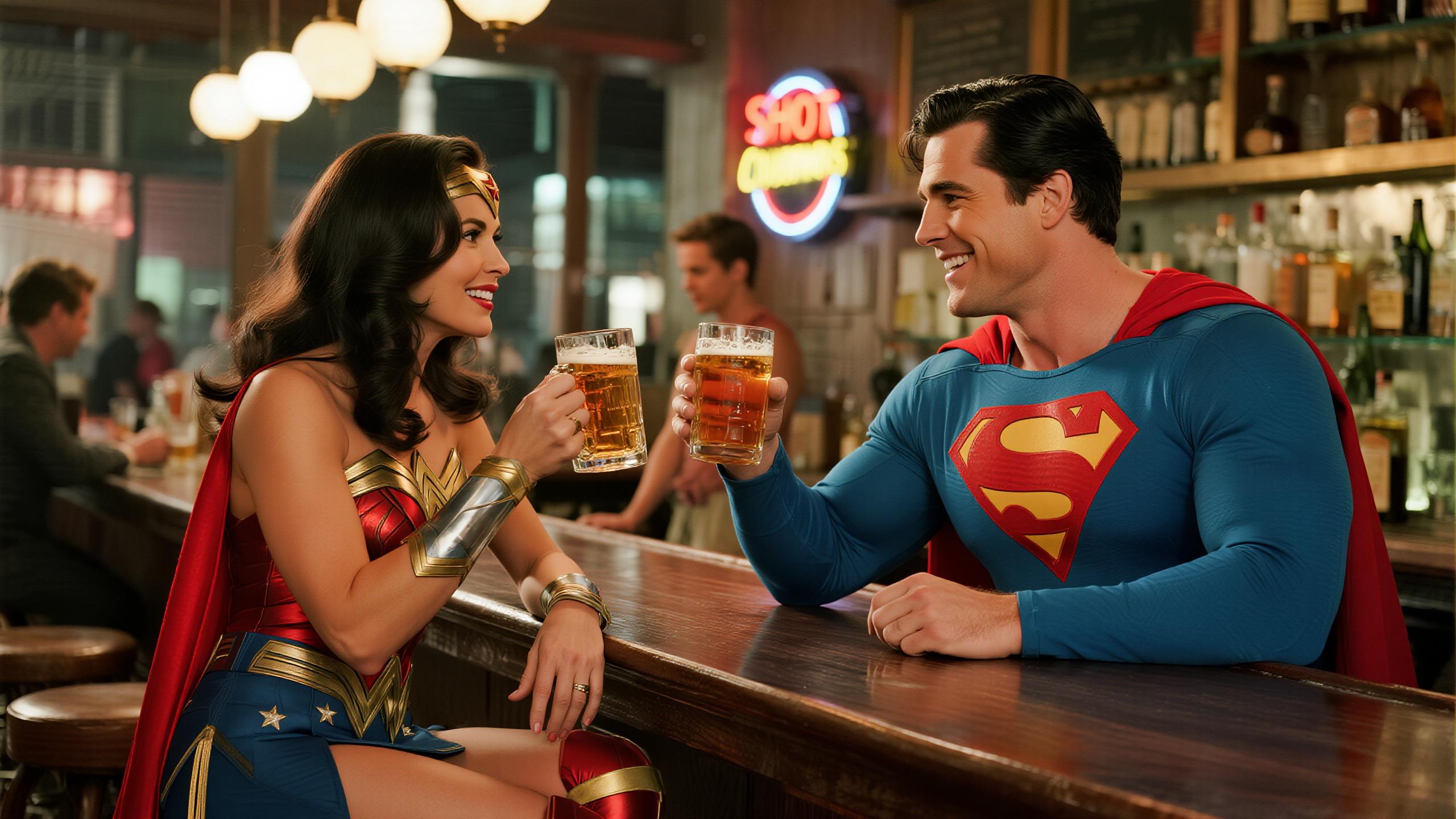
"SHOT COMPOSITION": "Medium shot framing "LYNDIA CARTER" as Wonder Woman and Superman seat…
dreamina

Masterpiece
creative-upscaler
Models you can run on PixelDojo for photo app
Switch models without switching tools. Each one runs in the same PixelDojo studio.
What you can do with photo app on PixelDojo
Text Prompt Image Creation
Creators describe desired images in text and we generate matching results.
AI Photo Enhancement Tools
We provide options to improve resolution and detail in generated photos.
Custom Style Application
Creators choose artistic styles and we apply them to new images.
Image Variation Generation
We create multiple similar images from one base prompt for selection.
Join over 10,000 satisfied creators who have transformed their images using PixelDojo's AI tools. Rated 4.8/5 based on 2,000+ reviews.
Why Choose Pixel Dojo for photo app
Professional-quality results with cutting-edge AI technology
Effortless Image Enhancement
Automatically improve photo quality, adjust lighting, and apply filters with a single click.
Creative Freedom
Generate unique images from text prompts, bringing your imaginative concepts to life.
Time-Saving Solutions
Quickly produce high-quality visuals, reducing the time spent on manual editing tasks.
How It Works
Creating and enhancing images with PixelDojo is simple and intuitive. Follow these steps to bring your ideas to life:
Step 1: Choose Your Tool
Select from our range of AI-powered tools, such as Flux Studio for image creation or Face Enhancer for photo improvements.
Step 2: Enter Your Prompt or Upload a Photo
Describe the image you want to create using natural language or upload an existing photo for enhancement.
Step 3: Customize & Download
Adjust the generated or enhanced image to your liking using our customization options, then download the final product.
The Pixel Dojo Advantage
Why PixelDojo outperforms other options for photo editing and creation:
| Others | Pixel Dojo |
|---|---|
| Traditional Photo Editing Software | Eliminates the need for manual editing skills, allowing anyone to enhance and create images effortlessly. |
| Generic AI Tools | Offers a comprehensive suite of specialized tools tailored for diverse creative needs, providing more versatility and control. |
| Manual Photo Editing | Significantly reduces the time and effort required to produce high-quality images, streamlining your creative workflow. |
Loved by creators on PixelDojo
Real feedback from people using PixelDojo, pulled from our in-product surveys.
super lora download
Great variety of tools to create and modify images and video.
Lots of Tools, and the one time I needed support I got help right away
Easy to use once you get the hang of it
Love it make anything I can think of so far
Great for all your ideas use it encourage more people to use it
Explore more AI tools on PixelDojo
AI Tools
Compare & Switch
- Best AI Image Generators
- Best AI Video Generators
- Midjourney Alternatives
- Civitai Alternatives
- Runway Alternatives
- Leonardo Alternatives
- Pika Alternatives
- Luma Alternatives
- Magnific Alternatives
- Veo Alternatives
- Flux Alternatives
- Freepik Alternatives
- Seedance Alternatives
- Seedream Alternatives
- Pixverse Alternatives
- GPT Image Alternatives
- Synthesia Alternatives
- Playground Alternatives
- NightCafe Alternatives
- Canva AI Alternatives
- ElevenLabs Alternatives
- ComfyUI Alternatives
- Fal Alternatives
- Replicate Alternatives
Common Questions
Everything you need to know about photo app
How does PixelDojo's AI photo app work?
PixelDojo utilizes advanced AI models to generate and enhance images based on your text prompts or uploaded photos. Simply describe the image you want or upload a photo, and our tools will create or improve it for you.
Can I customize the images generated by PixelDojo?
Yes, our platform offers various customization options, allowing you to adjust elements like color, style, and composition to fit your needs.
Is PixelDojo suitable for beginners?
Absolutely! Our user-friendly interface is designed for creators of all skill levels, making it easy to generate professional-quality images.
What types of images can I create with PixelDojo?
You can create a wide range of images, including illustrations, photorealistic images, abstract art, and more, depending on your creative vision.
Are there any limitations on the number of images I can generate?
PixelDojo offers various subscription plans to suit different needs, with options that allow for unlimited image generation.
How does PixelDojo ensure the quality of generated images?
PixelDojo employs state-of-the-art AI models and continuously updates its tools to ensure high-quality, realistic image outputs that meet professional standards.