face swap site AI Generator

Picture yourself starring in any scene, meme, or video with seamless, lifelike results. PixelDojo's powerful face swap site lets you achieve exactly that—effortlessly transforming photos and videos into personalized masterpieces that look completely real. Whether you're crafting viral TikTok reels, customizing marketing visuals, or creating fun family memories, you get professional-grade outcomes without any editing skills or expensive software. Our platform handles complex lighting, angles, and expressions so your swaps blend naturally every time.
Join 120,000+ creators who have generated over 15 million face swaps | 4.95/5 average rating from 45,000 reviews | Featured in top creator communities for 2026 | Cancel anytime, no long-term commitment
Why Choose Pixel Dojo for face swap site
Professional-quality results with cutting-edge AI technology
Create Viral Social Media Content
Turn ordinary photos into shareable sensations by swapping faces with celebrities, characters, or pets. Your content stands out on TikTok, Instagram, and Reels, driving higher engagement and follower growth.
Personalize Images & Videos Instantly
Place your face or a client's face into any scene for targeted marketing, virtual try-ons, or branded campaigns. Achieve consistent, professional results that save hours of manual work.
Produce Realistic Video Swaps with Lip Sync
Generate talking-head videos and full-motion clips where faces match perfectly with movements and speech. Create entertaining content or professional edits that feel authentic.
How It Works
Getting started with realistic face swaps on PixelDojo takes just minutes. Our intuitive interface guides you through every step using dedicated tools like Face Swap and LoRA Face Swap.
Step 1: Choose Your Tool
Head to the Characters & Faces section and select Face Swap for quick single-image results or LoRA Face Swap for highly consistent, trained-face outcomes across multiple images. You can also explore Consistent Characters for ongoing series.
Step 2: Enter Your Prompt & Upload Images
Upload your source face photo and the target image or video. Add a simple prompt like 'swap the face naturally with matching lighting and expression' or choose from presets for celebrities and styles. Tools like Virtual Try-On or Pose Control help refine positioning.
Step 3: Customize, Generate & Download
Fine-tune with options like Magic Lighting, Style Transfer, or Background Remover if needed. Hit generate using advanced models, preview results, then download high-resolution images or videos. For videos, add Lip Sync or Video Autocaption for polished output.





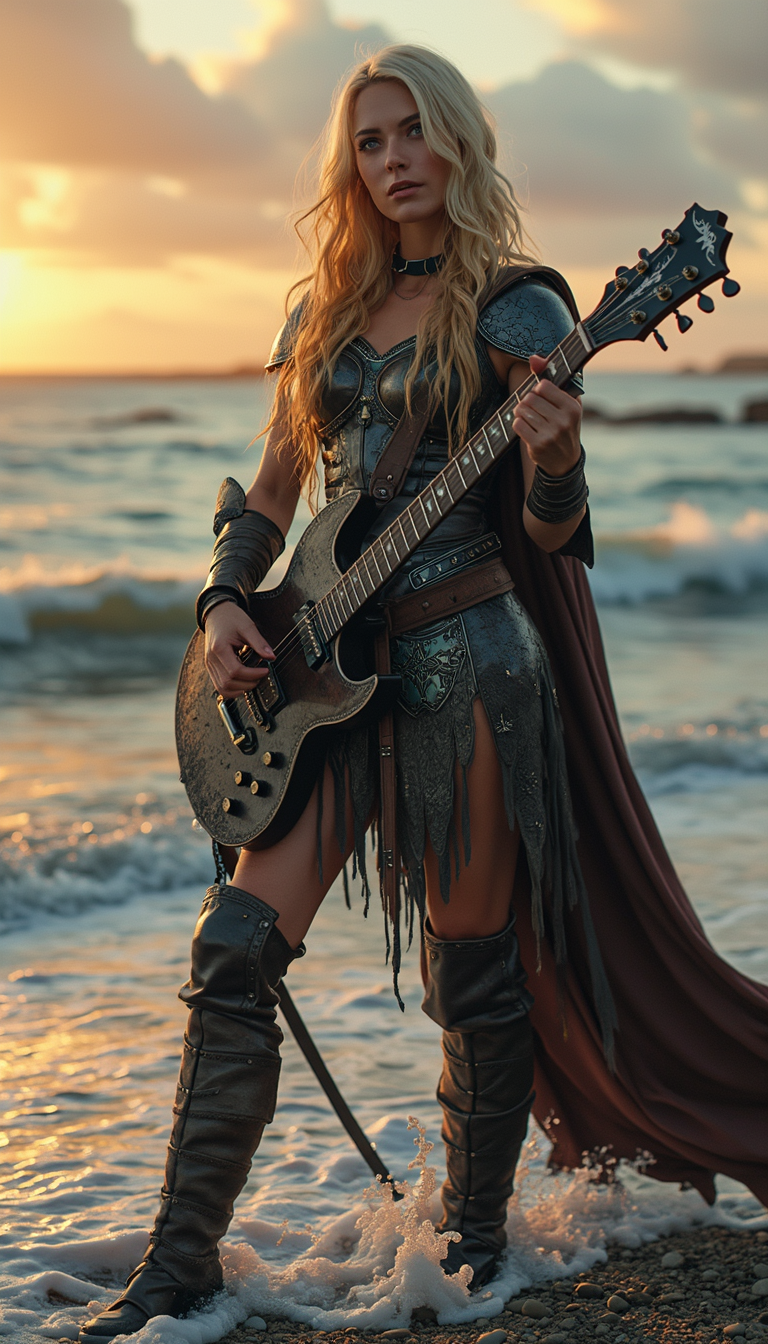


The Pixel Dojo Advantage
Why PixelDojo outperforms other options for face swap image generation
| Others | Pixel Dojo |
|---|---|
| Traditional face swap creation | No Photoshop expertise or hours of manual masking required—achieve seamless, photorealistic results in seconds with AI that automatically matches lighting, skin tone, and angles |
| Generic AI tools | Access 40+ specialized models including dedicated Face Swap and video character swap tools that deliver superior identity preservation and multi-face support not found in basic generators |
| Manual photo editing | Eliminate inconsistencies and uncanny valley effects—our AI handles complex expressions, 3D head consistency, and video lip sync automatically for professional outcomes every time |
Loved by creators on PixelDojo
Real feedback from people using PixelDojo, pulled from our in-product surveys.
You keep adding to it to stay up to date and that is GOLD.
very easy to use and good support
Very easy to use
super easy to use
it's very easy to use
Practically every Ai suite in one place? Who wouldn't?
Explore more AI tools on PixelDojo
AI Tools
Compare & Switch
- Best AI Image Generators
- Best AI Video Generators
- Midjourney Alternatives
- Civitai Alternatives
- Runway Alternatives
- Leonardo Alternatives
- Pika Alternatives
- Luma Alternatives
- Magnific Alternatives
- Veo Alternatives
- Flux Alternatives
- Freepik Alternatives
- Seedance Alternatives
- Seedream Alternatives
- Pixverse Alternatives
- GPT Image Alternatives
- Synthesia Alternatives
- Playground Alternatives
- NightCafe Alternatives
- Canva AI Alternatives
- ElevenLabs Alternatives
- ComfyUI Alternatives
- Fal Alternatives
- Replicate Alternatives
Common Questions
Everything you need to know about face swap site
How to create realistic face swaps on photos with an AI face swap site?
Upload your source face and target photo to PixelDojo's Face Swap tool, add a prompt describing desired lighting and expression, then generate. Our AI automatically blends skin tones, matches angles, and preserves details for photorealistic results. Try LoRA Face Swap for even better consistency on repeated uses.
Can I do face swap on videos with lip sync using PixelDojo?
Yes! Use Kling Video Character Swap or WAN Video Character Swap tools to replace faces in videos while maintaining natural movement. Add Lip Sync and Video Autocaption for talking videos that look completely authentic. Process clips up to several minutes with high-quality output.
What makes PixelDojo the best face swap site for multiple faces or group photos?
Our platform supports multi-face swaps easily with tools like Face Swap and Consistent Characters. Upload a group image and specify which faces to replace. Advanced models handle complex group dynamics, different angles, and lighting variations automatically for seamless results.
Is there a free way to try face swap AI on PixelDojo without signing up?
You can start generating face swaps immediately with our free tier—no login required for initial trials. Upgrade for unlimited access, higher resolutions, and advanced features like video editing. Cancel anytime with our flexible plans.
How do I ensure consistent characters across multiple face swap images?
Use the Consistent Characters and LoRA Face Swap tools. Train or reference a specific face once, then apply it across new scenes, poses, or videos. Features like Pose Control and Character Stylist help maintain identity even in dynamic compositions.
What are the latest 2026 trends for AI face swap in social media content?
Current trends include viral celebrity and pet swaps for Reels, brand persona customization, and hyper-realistic video swaps with perfect lip sync. PixelDojo keeps you ahead with tools supporting 3D consistency, multi-angle swaps, and easy integration into short-form video workflows.