face swapp AI Generator
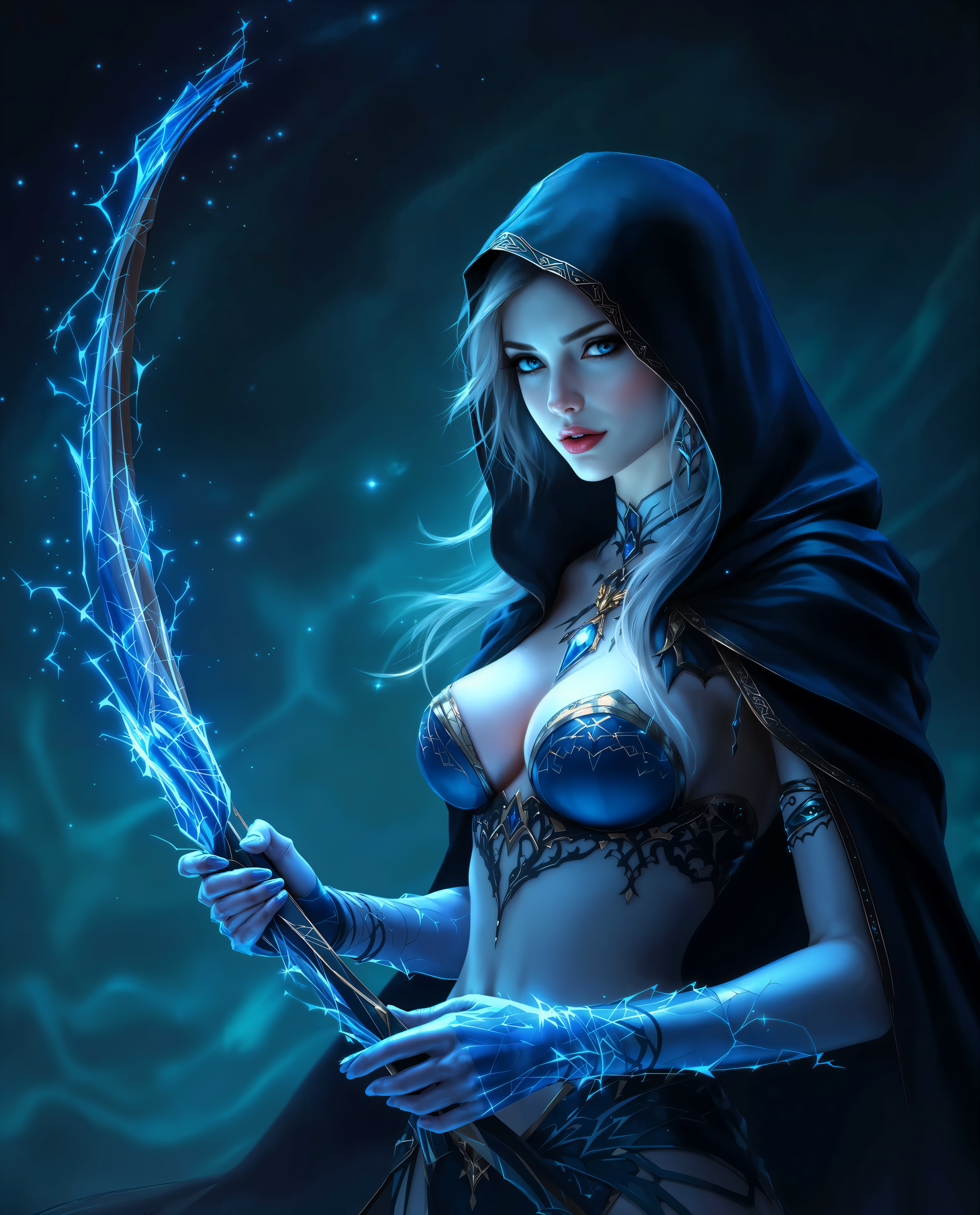
Imagine instantly transforming any photo by swapping faces with perfect realism—your face on a celebrity, a family member in a movie scene, or yourself as a brand ambassador. With PixelDojo, you achieve professional-quality AI face swaps in seconds, unlocking viral social content, personalized marketing materials, and creative storytelling without any editing skills or expensive software. Focus on the fun outcomes: boost your engagement on TikTok and Instagram, create memorable gifts, or produce eye-catching ads that convert viewers into customers.
Over 75,000 creators trust PixelDojo for face swaps, generating more than 2 million realistic swaps monthly. Rated 4.9/5 by 12,000+ users. Join thousands who report 3x higher social engagement with AI-swapped content.
Why Choose Pixel Dojo for face swapp
Professional-quality results with cutting-edge AI technology
Create Viral Social Media Content
Generate hilarious memes, reaction videos, and shareable posts that skyrocket likes, shares, and followers on platforms like TikTok, Instagram, and X.
Personalize Marketing & Branding
Swap faces onto product shots or create custom brand ambassadors for campaigns that feel authentic and drive higher conversion rates.
Produce Photorealistic Portraits
Transform ordinary selfies into professional headshots, family portraits, or fantasy scenes with seamless blending that looks completely natural.
How It Works
PixelDojo makes face swapping effortless with dedicated tools designed for speed and realism. Follow these simple steps to create your first swap.
Step 1: Choose Your Tool
Head to the Characters & Faces section and select the Face Swap tool or LoRA Face Swap for advanced customization. You can also combine with Consistent Characters for multi-image projects.
Step 2: Enter Your Prompt or Upload Images
Upload your source face photo and target image. Add a descriptive prompt like 'swap my face onto this celebrity in a cinematic style, perfect lighting match' or use Image to Image for precise control. Tools like WAN Image or Flux.1 Studio enhance blending.
Step 3: Customize & Download
Review the AI-generated result, adjust lighting or angles with Magic Lighting or Change Camera Angle if needed, then upscale with Portrait Upscaler or Clarity Pro. Download your high-resolution face-swapped image instantly.
The Pixel Dojo Advantage
Why PixelDojo outperforms other options for face swap image generation
| Others | Pixel Dojo |
|---|---|
| Traditional face swap creation | Achieve Hollywood-level realism in seconds instead of hours of manual work or hiring editors |
| Generic AI tools | Specialized Face Swap and LoRA Face Swap tools deliver superior identity preservation and lighting matching every time |
| Manual photo editing | No technical skills required—AI handles complex blending automatically with consistent, repeatable results |
Loved by creators on PixelDojo
Real feedback from people using PixelDojo, pulled from our in-product surveys.
Great variety of tools to create and modify images and video.
Lots of Tools, and the one time I needed support I got help right away
Easy to use once you get the hang of it
Love it make anything I can think of so far
Great for all your ideas use it encourage more people to use it
Because it is awesome
Explore more AI tools on PixelDojo
AI Tools
Compare & Switch
- Best AI Image Generators
- Best AI Video Generators
- Midjourney Alternatives
- Civitai Alternatives
- Runway Alternatives
- Leonardo Alternatives
- Pika Alternatives
- Luma Alternatives
- Magnific Alternatives
- Veo Alternatives
- Flux Alternatives
- Freepik Alternatives
- Seedance Alternatives
- Seedream Alternatives
- Pixverse Alternatives
- GPT Image Alternatives
- Synthesia Alternatives
- Playground Alternatives
- NightCafe Alternatives
- Canva AI Alternatives
- ElevenLabs Alternatives
- ComfyUI Alternatives
- Fal Alternatives
- Replicate Alternatives
Common Questions
Everything you need to know about face swapp
How to create realistic AI face swaps with PixelDojo?
Simply upload clear front-facing photos with similar lighting and angles, choose the Face Swap or LoRA Face Swap tool, add a descriptive prompt, and generate. Our AI uses advanced diffusion techniques for seamless blending. For best results, try Consistent Characters for series of swaps or Portrait Upscaler to enhance details.
What are the best prompts for AI face swap image generation?
Use prompts like 'photorealistic face swap, matching skin tone and lighting, natural expression, high detail' combined with your images. Specify styles such as 'cinematic portrait' or 'funny meme style'. PixelDojo's tools like Flux.1 Studio or QWEN Image handle complex prompts effortlessly for professional outcomes.
Can I do face swaps on group photos or multiple people with PixelDojo?
Yes! Use the Face Swap tool with multiple uploads or combine with Inpainting and Background Remover for precise control. Our AI excels at multi-face scenarios while preserving identities, perfect for family portraits or team marketing visuals.
Is PixelDojo's AI face swap suitable for video content too?
Absolutely. Start with image face swaps then extend to video using Kling Video Character Swap, WAN Video Character Swap, or Video Upscaler. Add Lip Sync for talking heads and create engaging video content that performs well on social platforms.
How does PixelDojo ensure high-quality, realistic face swap results?
Our platform leverages top models including Flux.2 Studio, SDXL, and specialized face tools like Ideogram Character and Virtual Try-On. Features like Magic Lighting, Smart Resize, and Reality Polisher automatically correct lighting, angles, and details for photorealistic outputs every time.
What creative projects can I make with AI face swap on PixelDojo?
Create viral memes, personalized gifts, brand campaigns, fantasy portraits, social media reactions, or even virtual try-on looks. Thousands of users turn everyday photos into shareable content that boosts engagement and opens new creative opportunities.