faceswap website AI Generator
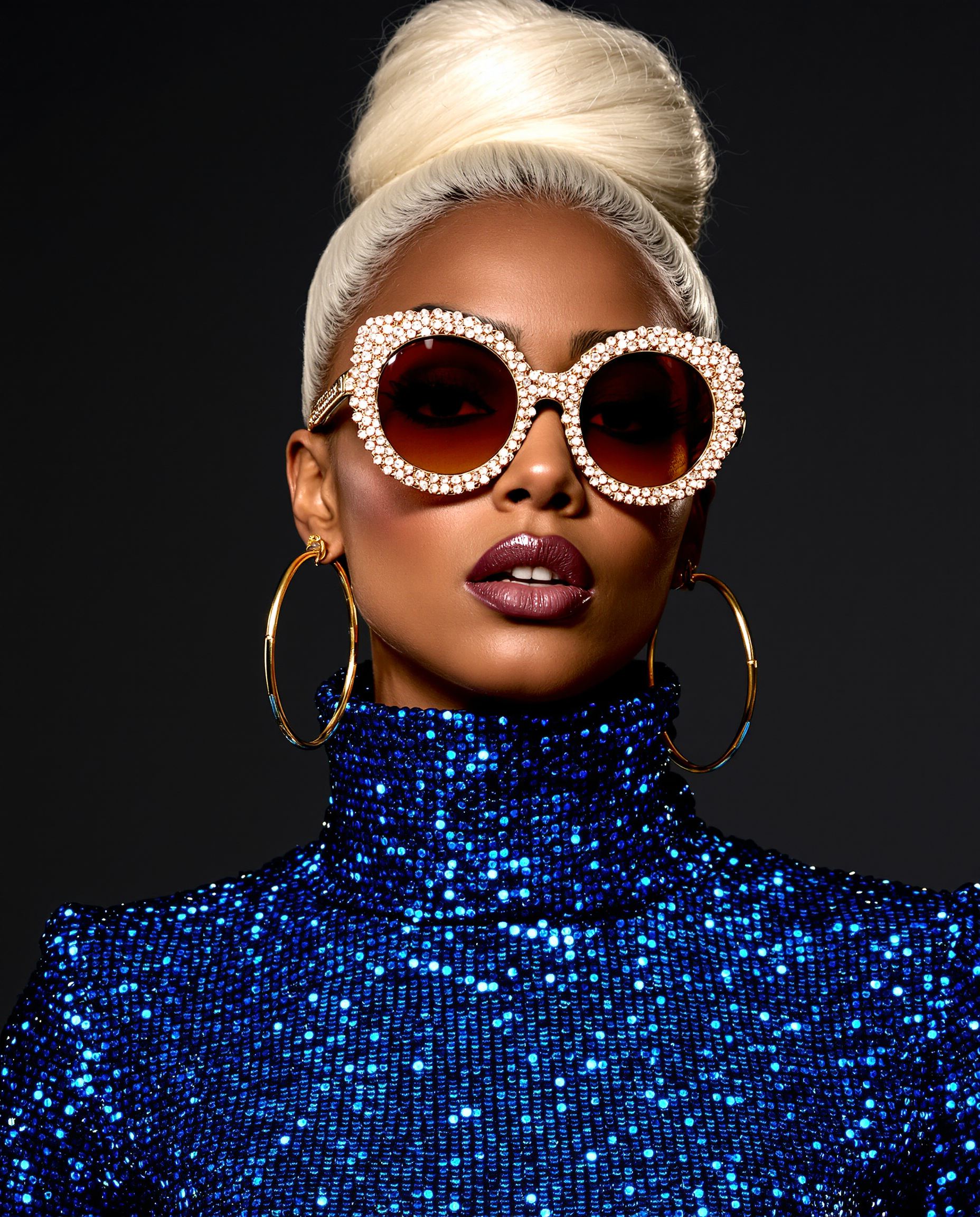
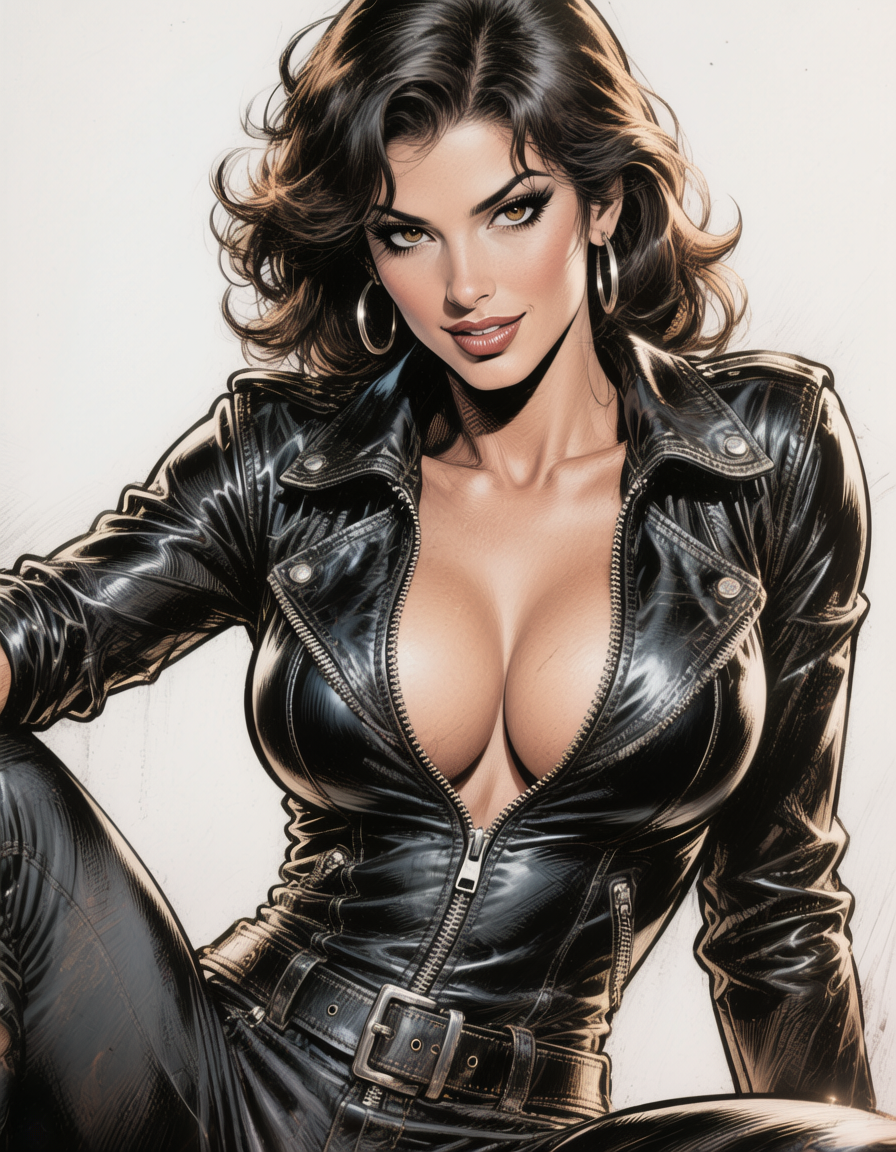
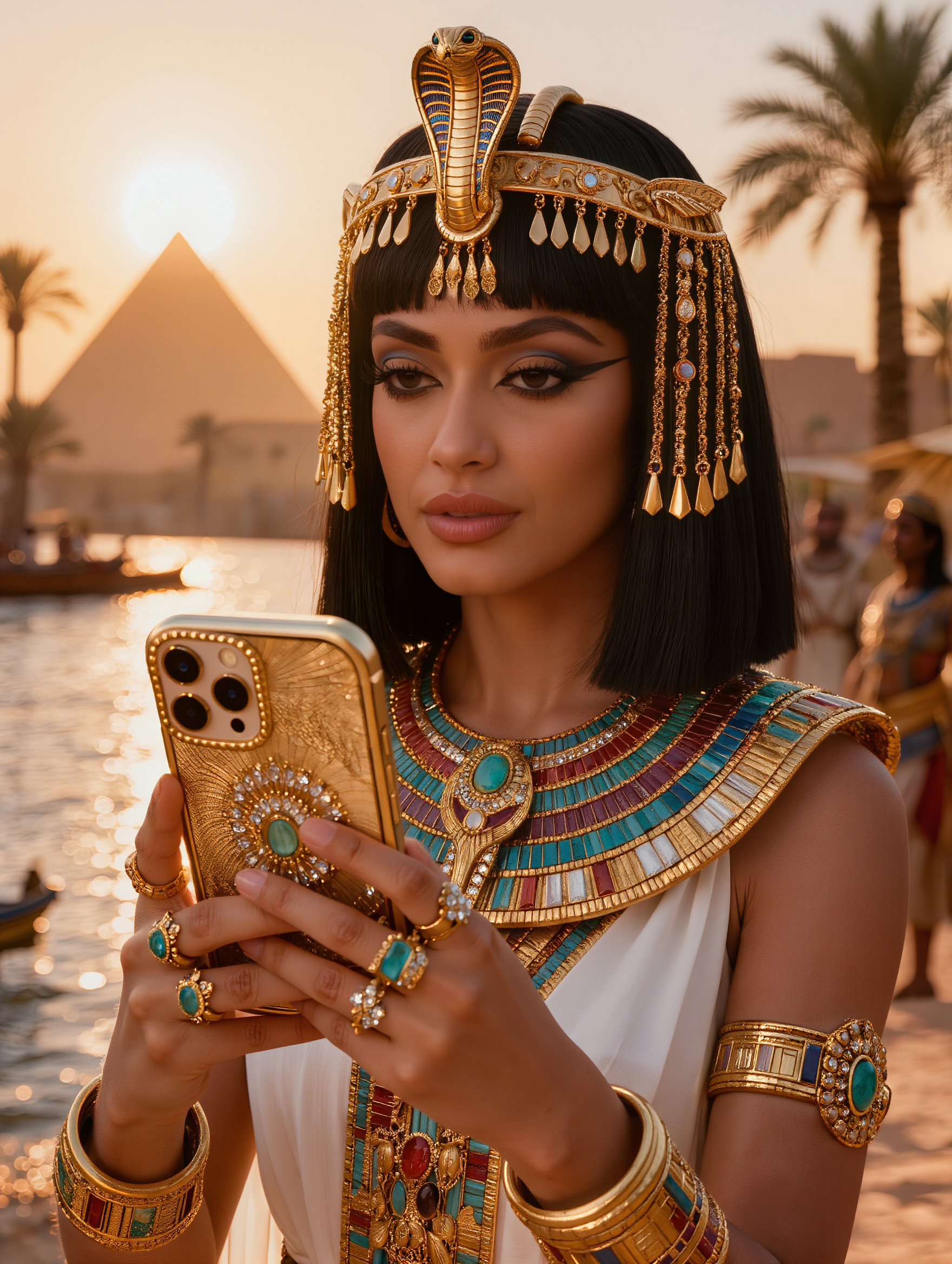
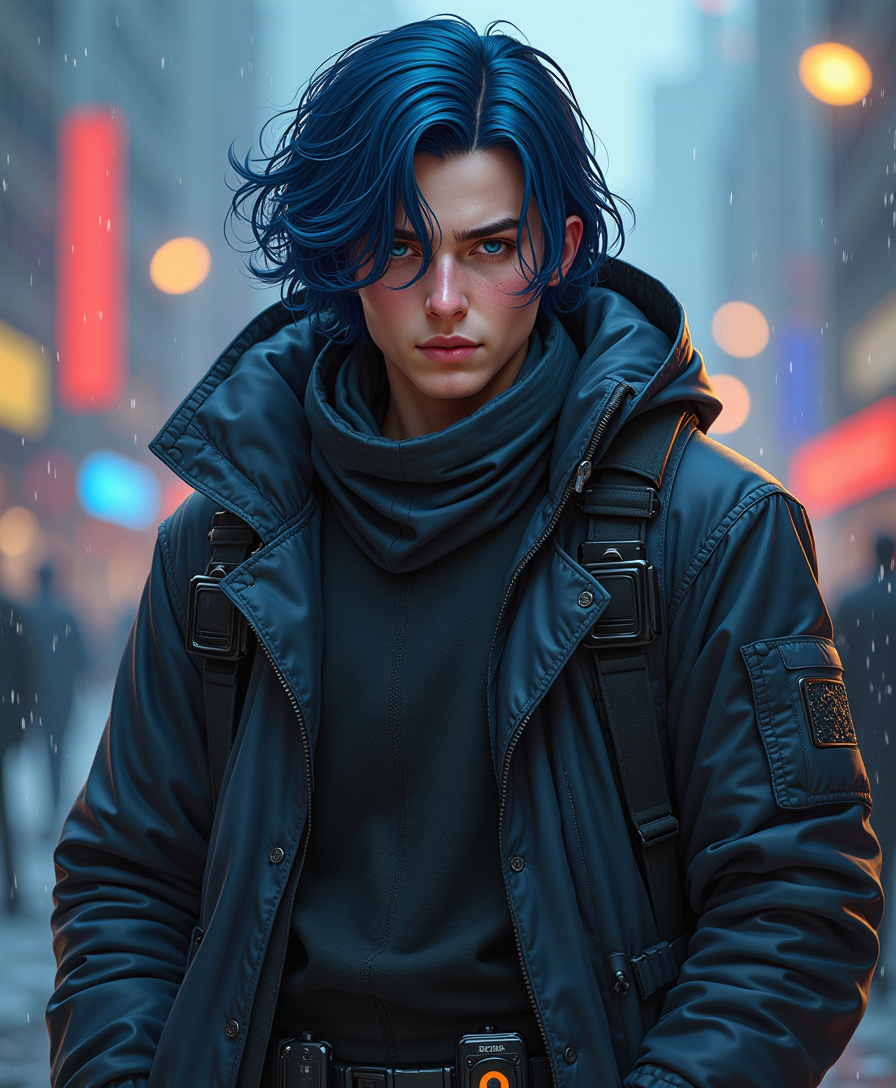
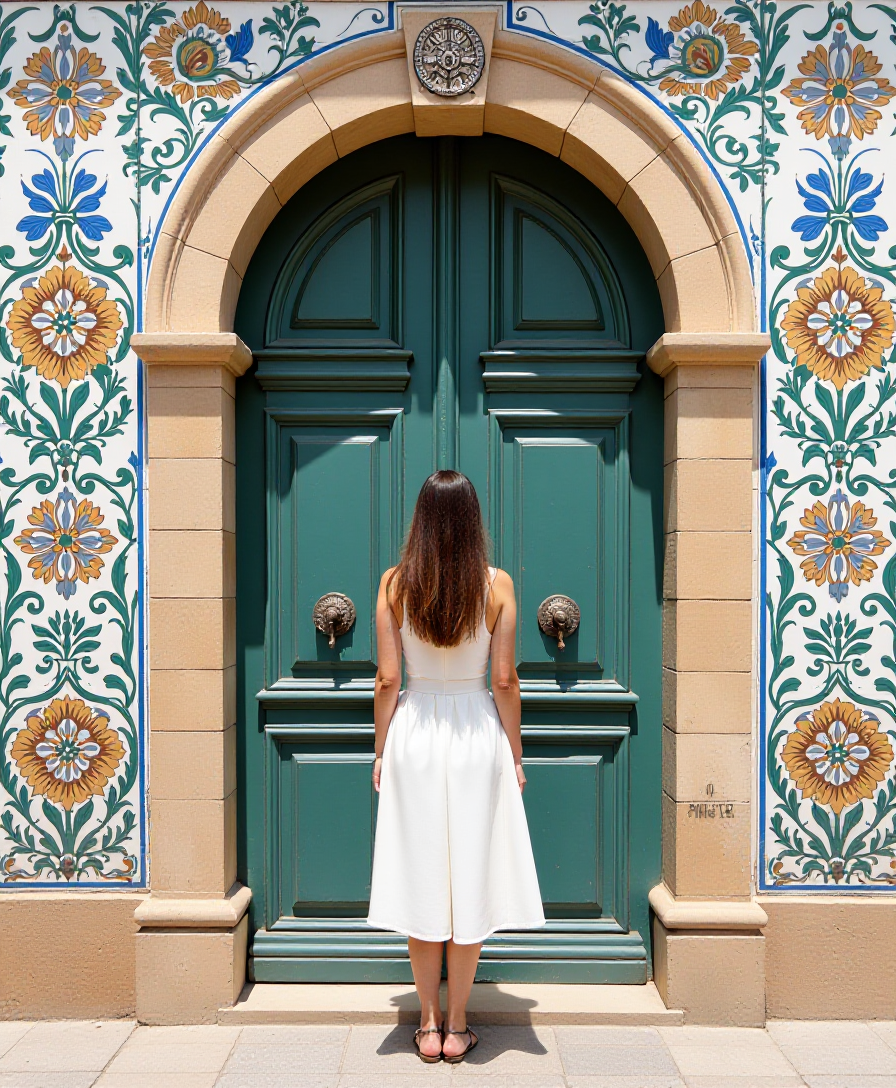
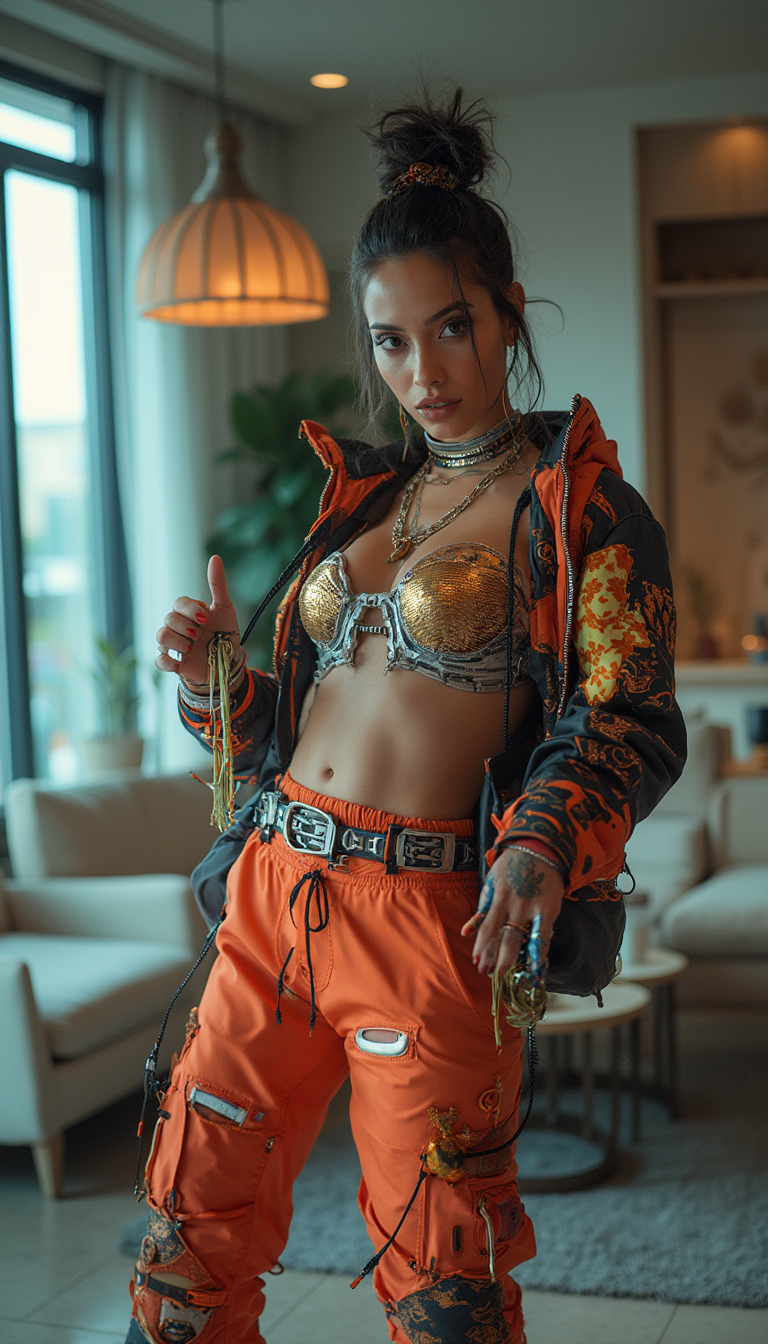
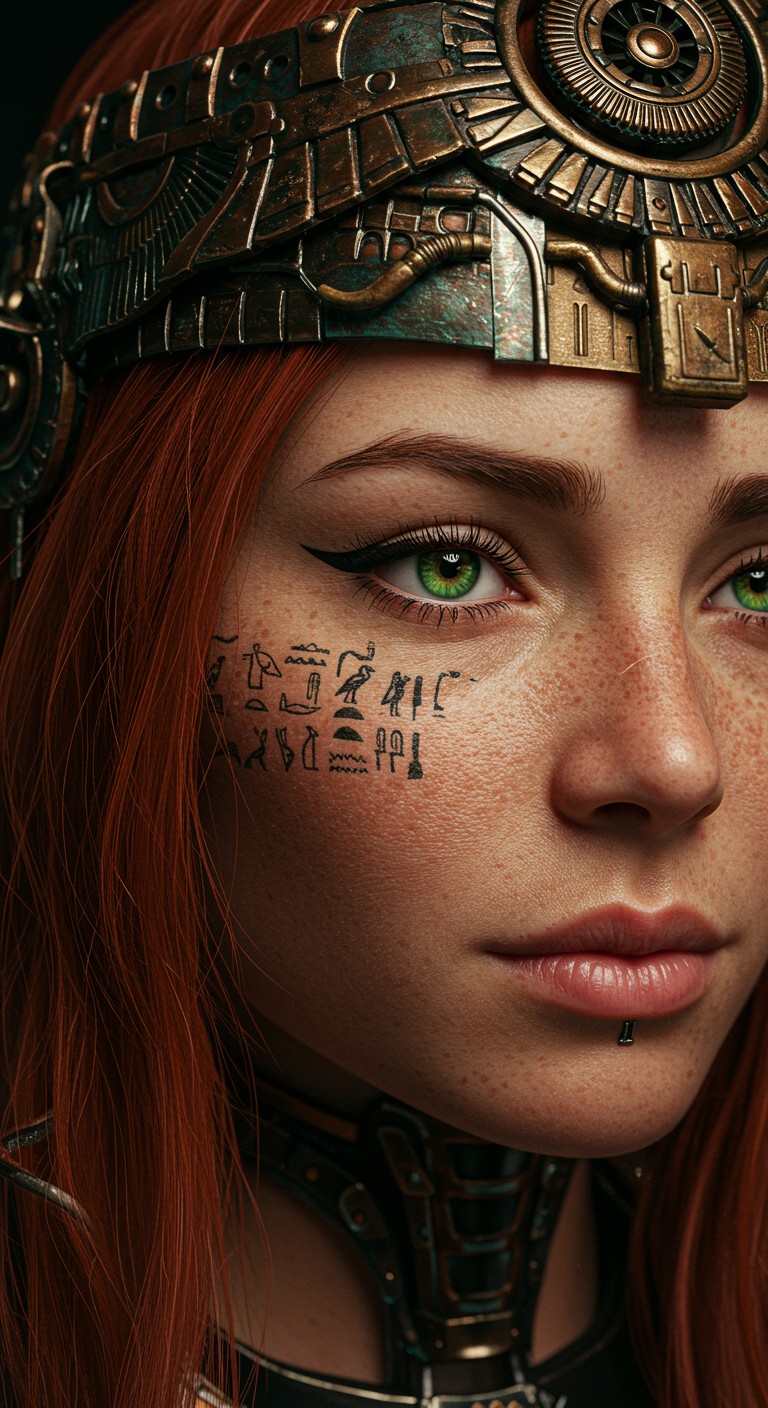
With PixelDojo's dedicated AI face swap tools, you can instantly transform any photo by swapping faces with perfect realism, lighting, and expression matching. Create hilarious viral memes for social media, personalized gifts for friends and family, professional headshots featuring your ideal look, or engaging marketing visuals that capture attention—all without any editing skills or expensive software. Achieve natural results that fool even close observers in just seconds, unlocking creative freedom you never thought possible.
Over 75,000 creators have generated millions of face swaps on PixelDojo. 4.9/5 average rating from verified users. Featured in top creative communities for delivering Hollywood-level realism every time. Trusted by influencers, marketers, and everyday creators worldwide.
Why Choose Pixel Dojo for faceswap website
Professional-quality results with cutting-edge AI technology
Generate Viral Social Media Content Effortlessly
Swap faces to produce scroll-stopping memes, TikTok videos, and Instagram posts that boost engagement and grow your audience faster than ever before.
Achieve Flawless Professional Results Instantly
Deliver photorealistic swaps with perfect skin tones, lighting, and angles for client work, campaigns, or personal projects—no retouching required.
Unlock Unlimited Creative Experiments Safely
Test celebrity looks, historical figures, character designs, or virtual try-ons for fun, education, or business while maintaining full control and privacy.
How It Works
Creating realistic face swaps on PixelDojo takes just three simple steps using our specialized Characters & Faces tools.
Step 1: Choose Your Tool
Navigate to the Characters & Faces section and select the dedicated Face Swap tool or LoRA Face Swap for even more precise identity preservation and consistency across multiple images.
Step 2: Enter Your Prompt or Upload Images
Upload your source face photo and target image, or use Consistent Characters and Virtual Try-On features to guide the swap. Add a simple text prompt describing the desired expression, angle, or style for perfect results.
Step 3: Customize & Download
Preview the swap, fine-tune with Pose Control or Style Transfer if needed, then generate and download your high-resolution, watermark-free image. Use Reality Polisher for final enhancements.

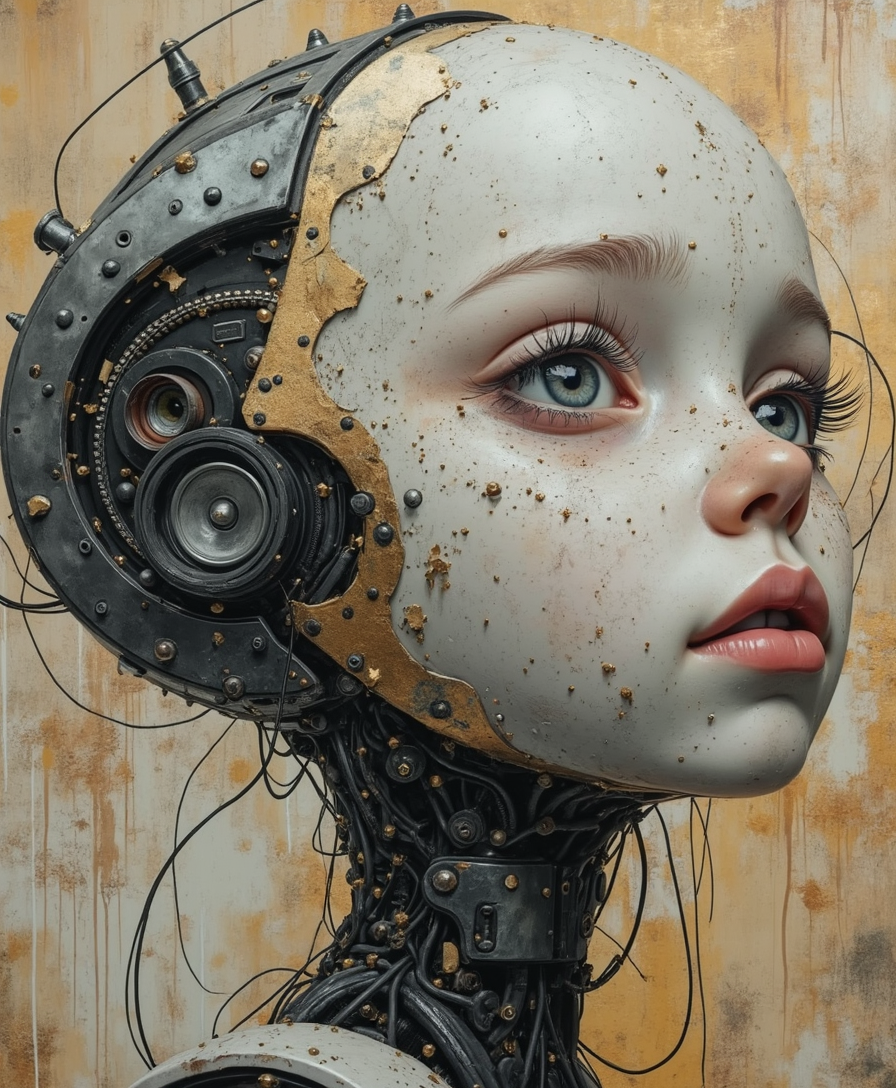
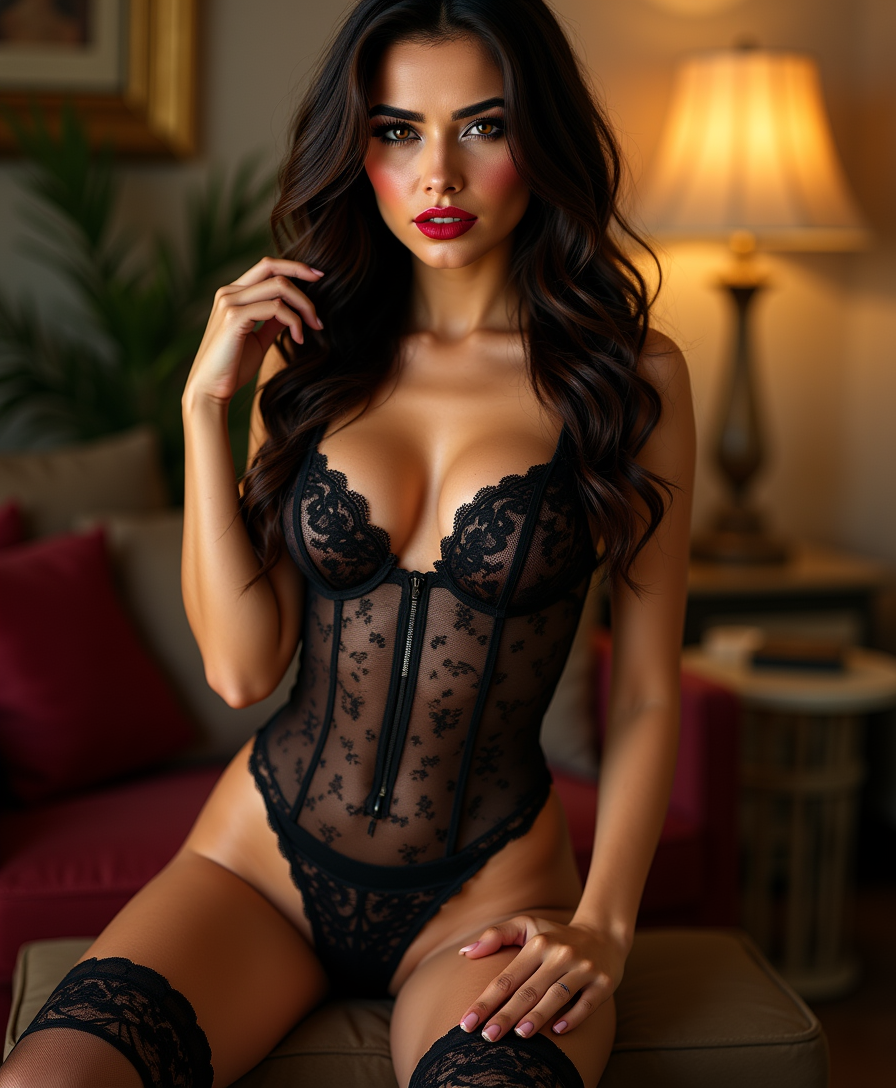
![=== Scene ===
Description: An octopus somehow ends up in a suburban backyard and slithers onto a trampoline, its tentacles spreading out in all directions. It tries to bounce — clumsily, with suction cups sticking briefly to the surface before releasing. The movement is weirdly graceful and hilarious. A sprinkler gently sprays in the background, mist catching the sunlight.
Tone: {"palette":"Greens, hose-wet trampoline black, soft blues from the sprinkler mist — all slightly desaturated and sun-faded","mood":"Delightful, bizarre, real — the kind of thing you'd rewind 3 times saying ‘What the hell did I just watch?’"}, {"enhancers":["realistic octopus tentacle movement and skin texture","suction cup interaction with trampoline surface","moisture glistening in the sunlight on skin and trampoline fabric","gentle spray from backyard sprinkler casting water particles through sunbeams","accurate trampoline dip and vibration from tentacle pressure"]}, cartoon octopus, dry skin, floating bounce, fake trampoline motion, stylized environment, underwater lighting
=== Shot ===
Composition: Fixed mid-wide angle from the side of the trampoline at ground level, like a security cam or home video. Slight lens compression and sun flare in the top corner. Shallow depth of field on the octopus motion.
Camera Motion: The octopus slowly inches forward, then flops its body upward in a half-bounce, followed by tentacles flailing slightly in mid-air before landing in a wet slurp. It pauses, blinks (somehow), then tries again — determined but confused.](https://cdn.pixeldojo.ai/cdn-cgi/image/f=auto,q=90,w=3840/pixeldojo/generated-images/1755017280099-6fvyrt73j.png)
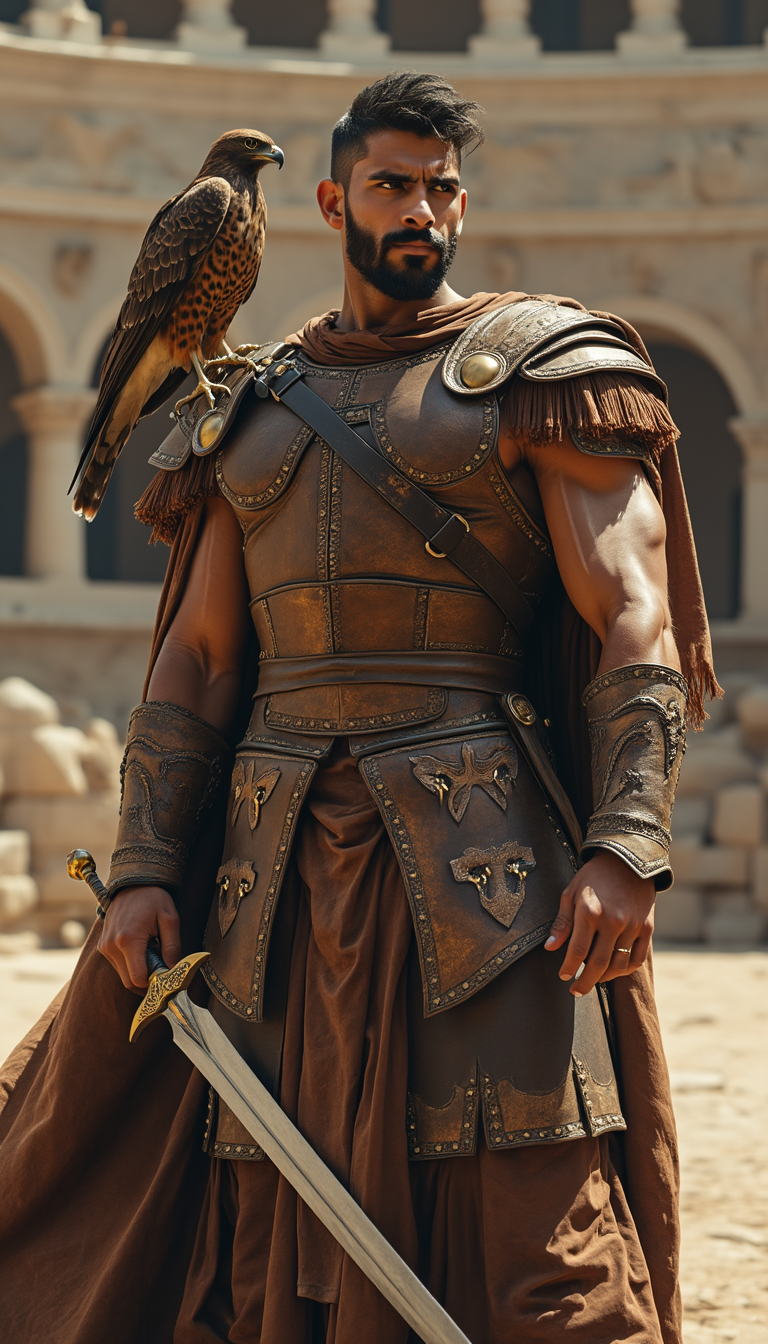
The Pixel Dojo Advantage
Why PixelDojo outperforms other options for face swap image generation
| Others | Pixel Dojo |
|---|---|
| Traditional face swap creation | Instant AI-powered results with zero learning curve or costly software—achieve pro-level realism in seconds instead of hours of manual work. |
| Generic AI tools | Specialized Face Swap and LoRA Face Swap models trained specifically for identity accuracy deliver superior blending, expression matching, and consistency every time. |
| Manual photo editing | Automated handling of complex elements like skin texture, lighting, and shadows produces natural results without tedious pixel-level adjustments. |
Loved by creators on PixelDojo
Real feedback from people using PixelDojo, pulled from our in-product surveys.
good tools in one place
Prompt updates, strong features, and a community that is always willing to help and hear/act on professional feedback. I've never had a better experience.
user friendly all in one thing
I really like the schedule of AI work performed!
The best tools for IA on the web !
The guy that operates the website is constantly updating it
Explore more AI tools on PixelDojo
AI Tools
Compare & Switch
- Best AI Image Generators
- Best AI Video Generators
- Midjourney Alternatives
- Civitai Alternatives
- Runway Alternatives
- Leonardo Alternatives
- Pika Alternatives
- Luma Alternatives
- Magnific Alternatives
- Veo Alternatives
- Flux Alternatives
- Freepik Alternatives
- Seedance Alternatives
- Seedream Alternatives
- Pixverse Alternatives
- GPT Image Alternatives
- Synthesia Alternatives
- Playground Alternatives
- NightCafe Alternatives
- Canva AI Alternatives
- ElevenLabs Alternatives
- ComfyUI Alternatives
- Fal Alternatives
- Replicate Alternatives
Common Questions
Everything you need to know about faceswap website
How does an AI face swap website create realistic results in photos?
PixelDojo's Face Swap tool analyzes facial landmarks, skin tones, and lighting from your uploaded images using advanced AI models to blend them seamlessly. Combine it with Reality Polisher or Image to Image for even more natural outputs that match expressions and angles perfectly.
What is the best way to make viral face swap images for social media?
Upload fun source and target photos into the Face Swap tool, add a creative prompt, and generate multiple variations. Use Consistent Characters for series content or integrate with video tools like WAN Video Character Swap for TikTok-ready clips that drive massive engagement.
Can I use PixelDojo face swap for professional headshots or marketing?
Absolutely. The Face Swap and LoRA Face Swap tools deliver studio-quality results suitable for campaigns, portfolios, or client projects. Pair with Portrait Upscaler and Magic Lighting for polished, commercial-ready images every time.
How to perform face swaps on videos using an AI website?
PixelDojo supports video face swaps through Kling Video Character Swap, WAN Video Character Swap, and related editing tools like Lip Sync and Video Reframe. Start with your images in Face Swap, then extend to video for dynamic, realistic results.
Is it safe and private to upload personal photos to a face swap AI tool?
Yes, PixelDojo prioritizes user privacy with secure processing. Your images are not stored or used for training without consent. Experiment freely with Virtual Try-On and Character Stylist while keeping full ownership of your creations.
What makes PixelDojo's face swap better than other online tools for beginners?
PixelDojo offers over 40 specialized tools including dedicated Face Swap, LoRA Face Swap, and Pose Control in one easy interface. No technical skills needed—simple uploads and prompts deliver superior realism with options to upscale, edit, or convert to video seamlessly.