faceswaponline AI Generator

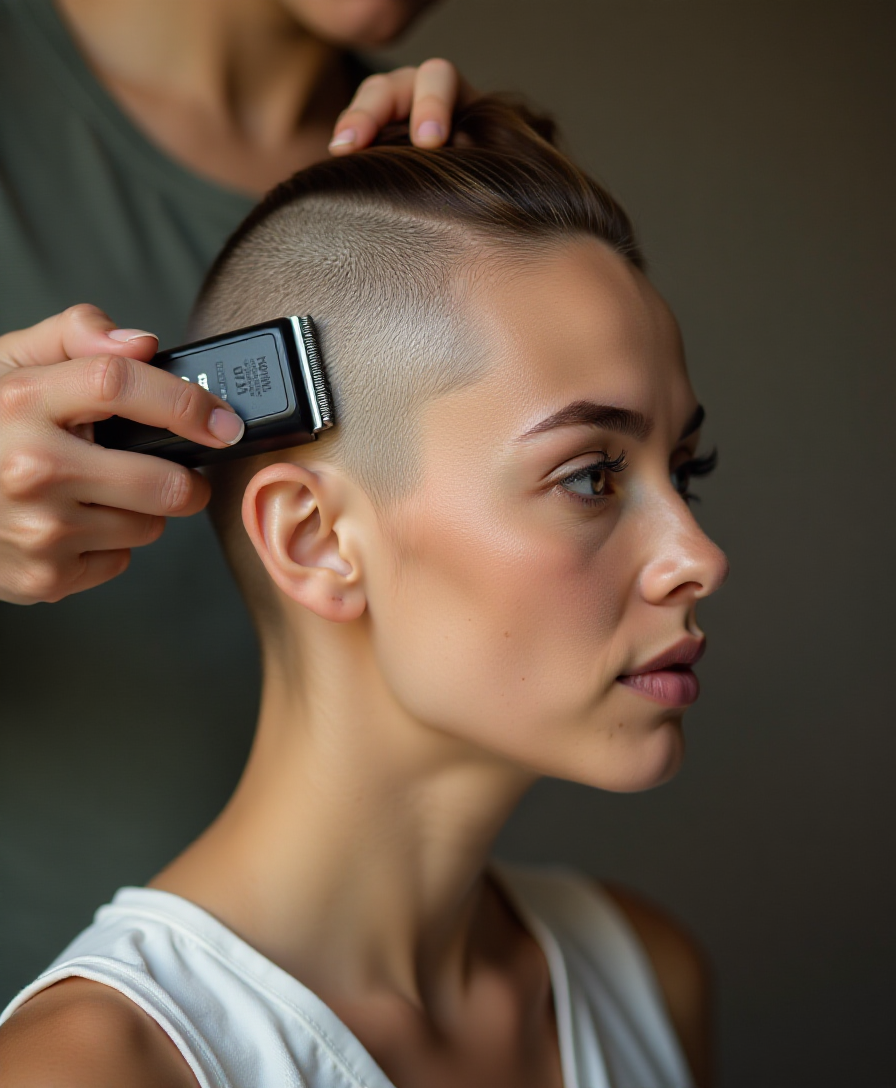
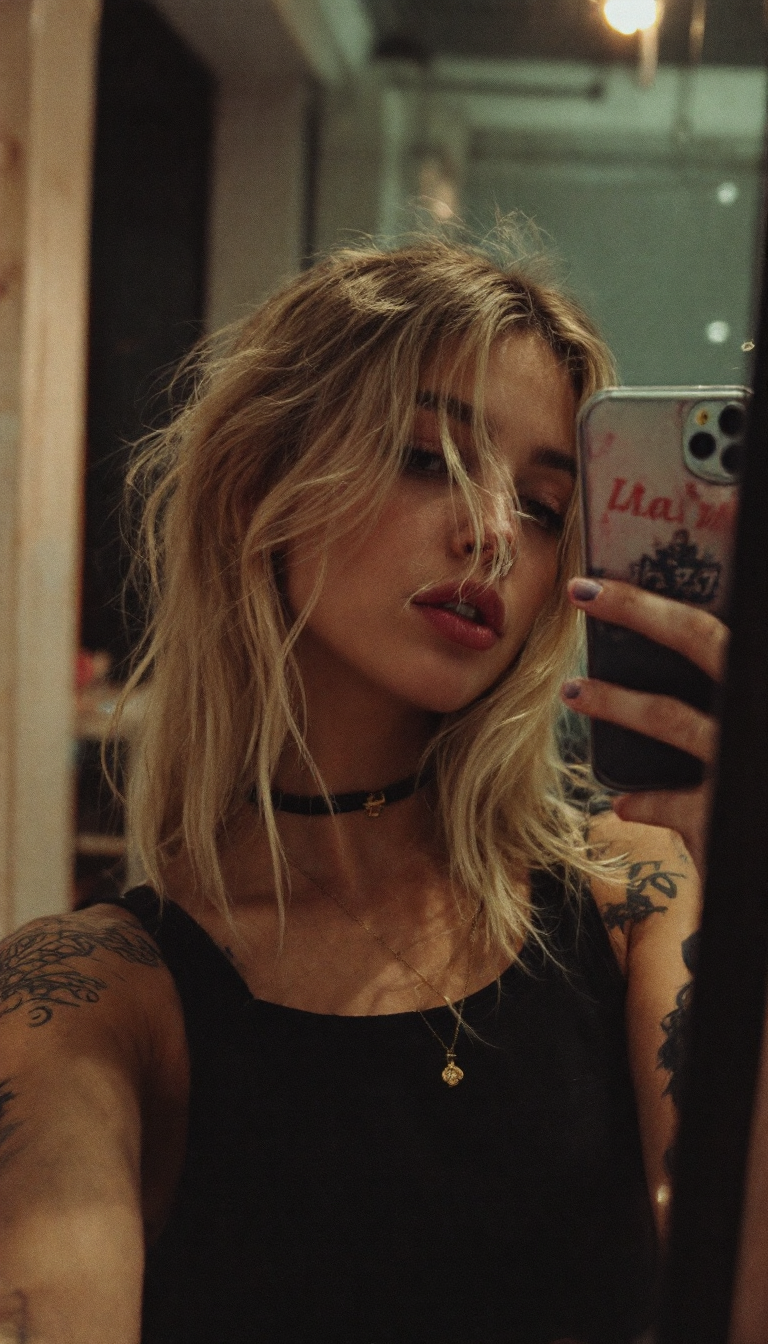
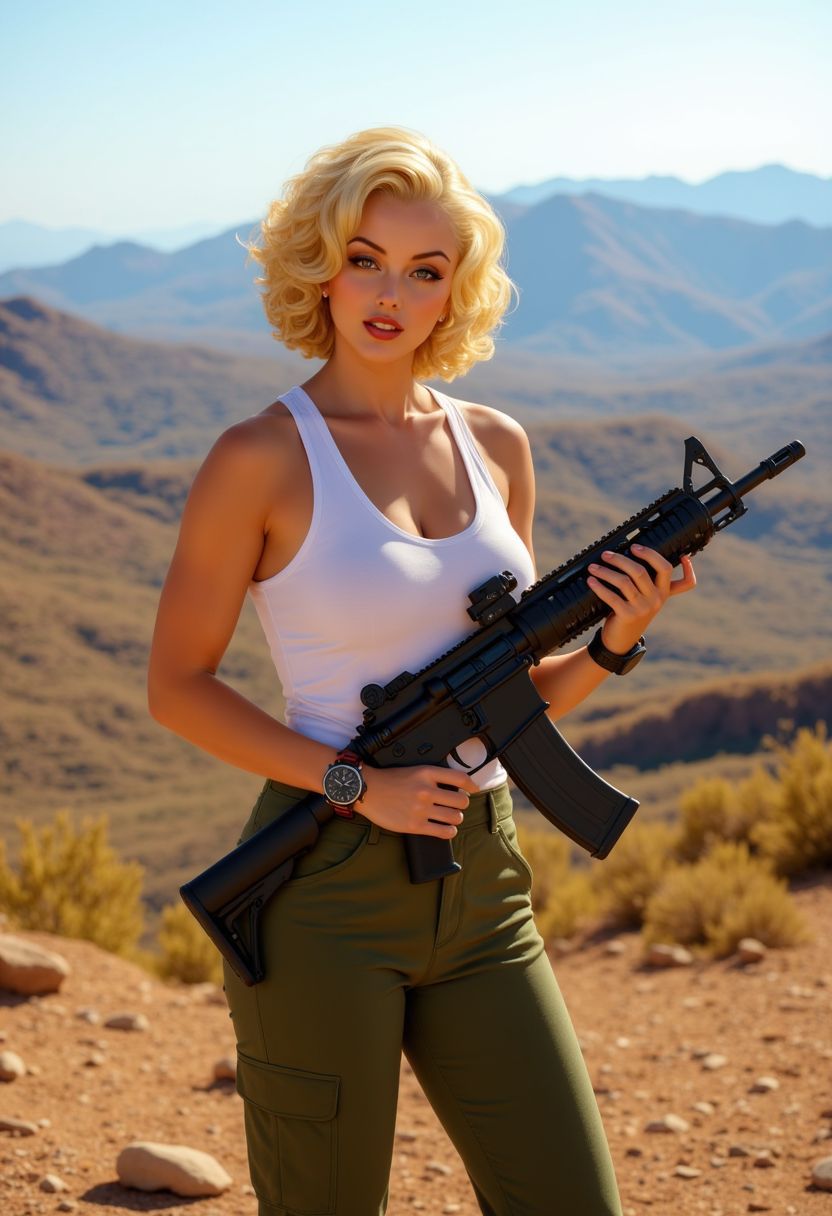
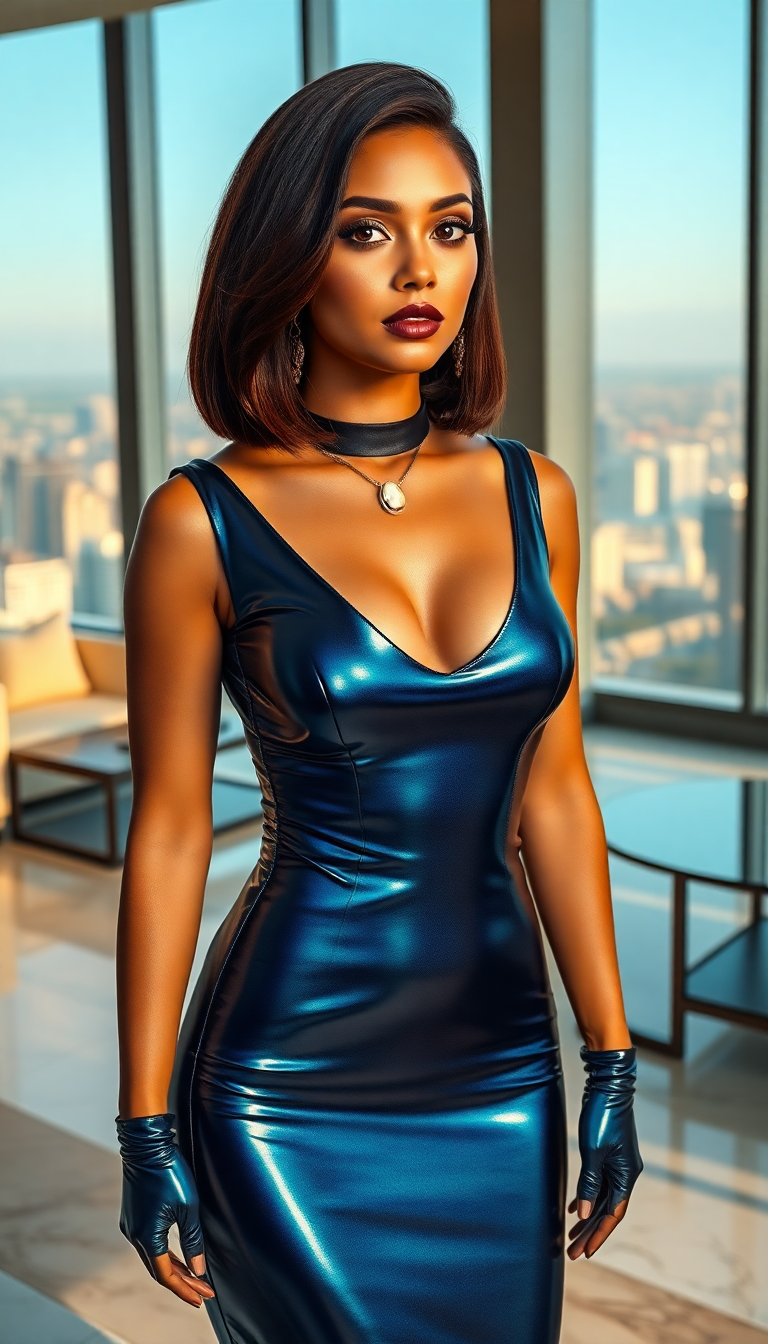
Imagine transforming any photo or video by seamlessly swapping faces to create hilarious memes that go viral, professional composites for marketing campaigns, or consistent character appearances across an entire series of images and videos. With PixelDojo's specialized AI face swap online tools, you achieve natural-looking results that preserve lighting, expressions, skin tones, and angles perfectly. Whether you're a content creator looking to boost engagement on social media, a marketer localizing ads for different audiences, or simply someone who wants to fix group photos or visualize new looks, PixelDojo empowers you to produce high-quality face swaps online without any technical expertise or expensive software. Focus on the creative outcomes that matter to you while our advanced models handle the complex blending automatically.
Over 75,000 creators worldwide have generated more than 2 million face swaps using PixelDojo. Average user rating of 4.9 out of 5 stars based on 12,500+ reviews. Trusted by social media influencers, marketing agencies, and video producers for reliable, realistic results every time.
Why Choose Pixel Dojo for faceswaponline
Professional-quality results with cutting-edge AI technology
Produce Viral-Worthy Social Content in Minutes
Swap faces to craft engaging memes, reaction videos, and TikTok trends that capture attention and drive shares. Use Face Swap combined with Grok Video or Kling Video tools to create shareable clips that stand out in feeds and grow your audience faster than ever before.
Achieve Professional Edits Without Any Skills
Fix imperfect group photos, generate custom headshots, or preview casting choices with photorealistic accuracy. Our LoRA Face Swap and Reality Polisher tools ensure seamless integration so your results look like they were shot that way originally, saving you hours of manual work.
Maintain Perfect Character Consistency Across Projects
Create recurring characters for stories, animations, or marketing series using Consistent Characters and WAN Video Character Swap. Keep the same face, expression style, and identity across multiple generations and video clips for professional-level storytelling.
How It Works
Getting started with realistic face swaps online on PixelDojo takes just three simple steps. Our intuitive platform guides you from upload to download with powerful AI handling all the technical details for natural results.
Step 1: Choose Your Tool
Log into PixelDojo and select the dedicated Face Swap tool for quick image swaps or LoRA Face Swap for more advanced, style-specific control. You can also combine it with Consistent Characters for ongoing projects or video tools like Kling Video Character Swap if working with moving footage.
Step 2: Upload Your Images and Customize
Upload a clear source photo of the face you want to use and the target image or video where you want the swap. Add descriptive prompts like 'professional headshot in modern office lighting' or use generative tools such as Flux.2 Studio or GPT Image 2 to create new scenes around the swapped face.
Step 3: Generate, Refine & Download
Click generate and watch the AI create a seamless swap in seconds. Use Edit Images tools like Magic Lighting, Style Transfer, or Reality Polisher to fine-tune details, then upscale with Portrait Upscaler for print-quality results before downloading.






The Pixel Dojo Advantage
Why PixelDojo outperforms other options for face swap online image generation
| Others | Pixel Dojo |
|---|---|
| Traditional face swap creation | Instant AI-powered results with automatic lighting and angle matching instead of hours of manual cutting, pasting, and blending in complex software. |
| Generic AI tools | Purpose-built Face Swap, LoRA Face Swap, and video character swap tools deliver superior realism and consistency specifically optimized for face replacement tasks. |
| Manual photo editing | No expertise required – our AI handles landmark detection, feature mapping, and seamless blending automatically while you focus on creative direction and quick iterations. |
Loved by creators on PixelDojo
Real feedback from people using PixelDojo, pulled from our in-product surveys.
Prompt updates, strong features, and a community that is always willing to help and hear/act on professional feedback. I've never had a better experience.
user friendly all in one thing
I really like the schedule of AI work performed!
The best tools for IA on the web !
The guy that operates the website is constantly updating it
I’ve been using PixelDojo for around 8 months now and it’s always worked wonderfully while constantly adding features.
Explore more AI tools on PixelDojo
AI Tools
Compare & Switch
- Best AI Image Generators
- Best AI Video Generators
- Midjourney Alternatives
- Civitai Alternatives
- Runway Alternatives
- Leonardo Alternatives
- Pika Alternatives
- Luma Alternatives
- Magnific Alternatives
- Veo Alternatives
- Flux Alternatives
- Freepik Alternatives
- Seedance Alternatives
- Seedream Alternatives
- Pixverse Alternatives
- GPT Image Alternatives
- Synthesia Alternatives
- Playground Alternatives
- NightCafe Alternatives
- Canva AI Alternatives
- ElevenLabs Alternatives
- ComfyUI Alternatives
- Fal Alternatives
- Replicate Alternatives
Common Questions
Everything you need to know about faceswaponline
How to do face swap online for free using AI tools?
Simply visit PixelDojo.ai, sign up for a free account, and access the Face Swap tool directly from the dashboard. Upload your source face image and target photo or video, add any optional prompts for scene customization, and generate high-quality results in seconds. Our free tier includes multiple daily generations using advanced models like Face Swap and Consistent Characters, with options to upgrade for unlimited use and priority processing.
What are the best techniques for realistic AI face swaps in 2026?
For the most natural results, start with high-resolution, well-lit frontal or near-frontal images of both the source face and target. Ensure similar head angles and expressions where possible. PixelDojo's AI automatically matches skin tones, lighting, and shadows. Combine with tools like Reality Polisher for edge refinement and Portrait Upscaler for enhanced detail. Always use clear, single-face images for optimal detection and blending.
Can I perform face swaps on videos as well as photos with PixelDojo?
Yes, PixelDojo supports both image and video face swaps online. Use Kling Video Character Swap, WAN Video Character Swap, or Grok Video tools to maintain consistent faces across video frames while preserving motion and expressions. Upload your video, select the face source, and the AI handles frame-by-frame swapping with smooth results suitable for social media or professional projects.
Is online face swapping safe, private, and ethical to use?
PixelDojo prioritizes user privacy with secure processing and does not store your uploaded images beyond the generation session. Always obtain consent when using someone else's likeness and avoid creating misleading or harmful content. Our tools are designed for creative, entertainment, and professional uses such as memes, marketing visuals, and personal projects while respecting ethical guidelines.
What creative projects can I complete using faceswaponline tools on PixelDojo?
Popular projects include creating personalized holiday cards, viral social media memes, before-and-after beauty visualizations, localized advertising campaigns, consistent character storytelling for YouTube series, and fun virtual try-on experiences. Combine Face Swap with Virtual Try-On or Character Stylist for endless possibilities in fashion, entertainment, and content creation.
How does PixelDojo's face swap compare in quality and speed to other online options?
PixelDojo delivers photorealistic swaps faster than most alternatives thanks to optimized models and a streamlined interface. Users report superior consistency in skin texture, lighting, and facial proportions, especially when using specialized tools like LoRA Face Swap or integrating with upscalers and polishers. The all-in-one platform also lets you refine, animate, or upscale in the same workflow without switching apps.