fave swap ai
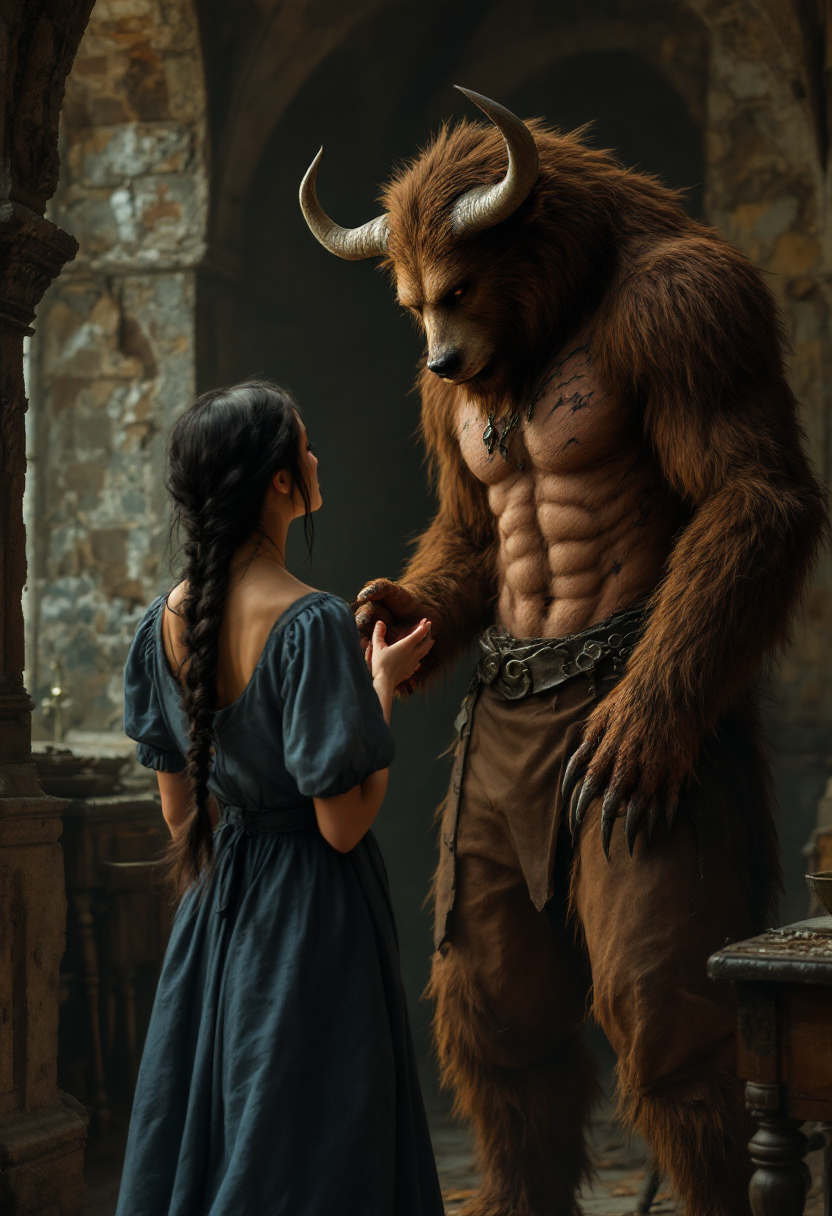
Imagine turning any photo into a hilarious meme, a personalized gift, or stunning professional content in just seconds. With PixelDojo's Fave Swap AI, you achieve photorealistic face swaps that look completely natural, complete with perfect lighting, skin tones, and expressions. Whether you're a content creator building your social media presence, a marketer crafting engaging campaigns, or someone who simply loves creative fun, our tools deliver outcomes that captivate audiences and save you hours of work. No design skills required – just upload, swap, and share.
Join over 85,000 creators who have generated more than 2.5 million face swaps this year • 4.9/5 rating from 12,000+ reviews • Trusted by influencers, brands, and families worldwide for consistent, high-quality results
Why Choose Pixel Dojo for fave swap ai
Professional-quality results with cutting-edge AI technology
Create Viral Social Media Content That Drives Engagement
Swap your face onto trending templates, celebrities, or funny scenarios to produce shareable images and videos that boost likes, comments, and followers on TikTok, Instagram, and more.
Personalize Photos for Memorable Gifts and Keepsakes
Place loved ones' faces into custom scenes, historical moments, movie posters, or adventure settings to create one-of-a-kind gifts that bring joy and lasting memories.
Achieve Professional Photorealistic Edits Instantly
Get flawless results with accurate lighting, skin matching, and natural expressions every time, perfect for headshots, marketing visuals, or high-quality creative projects without any editing expertise.
How It Works
Getting started with Fave Swap AI on PixelDojo is straightforward and rewarding. Our intuitive platform guides you to professional outcomes in three simple steps using our specialized face swap tools.
Step 1: Choose Your Tool
Navigate to the Characters & Faces section and select the dedicated Face Swap tool for quick single-image results, or try LoRA Face Swap for consistent character identity across multiple photos and projects.
Step 2: Enter Your Prompt or Upload Images
Upload your clear source face photo and the target image where you want the swap. For advanced control, add a descriptive prompt like 'swap face with natural lighting and realistic skin texture' or use Consistent Characters for series work.
Step 3: Customize & Download
Fine-tune options like lighting, angle, and expression matching using tools such as Magic Lighting or Style Transfer. Generate your swap, preview in high resolution, then download or extend to video with WAN Video Character Swap or Kling Video Character Swap for animated results.
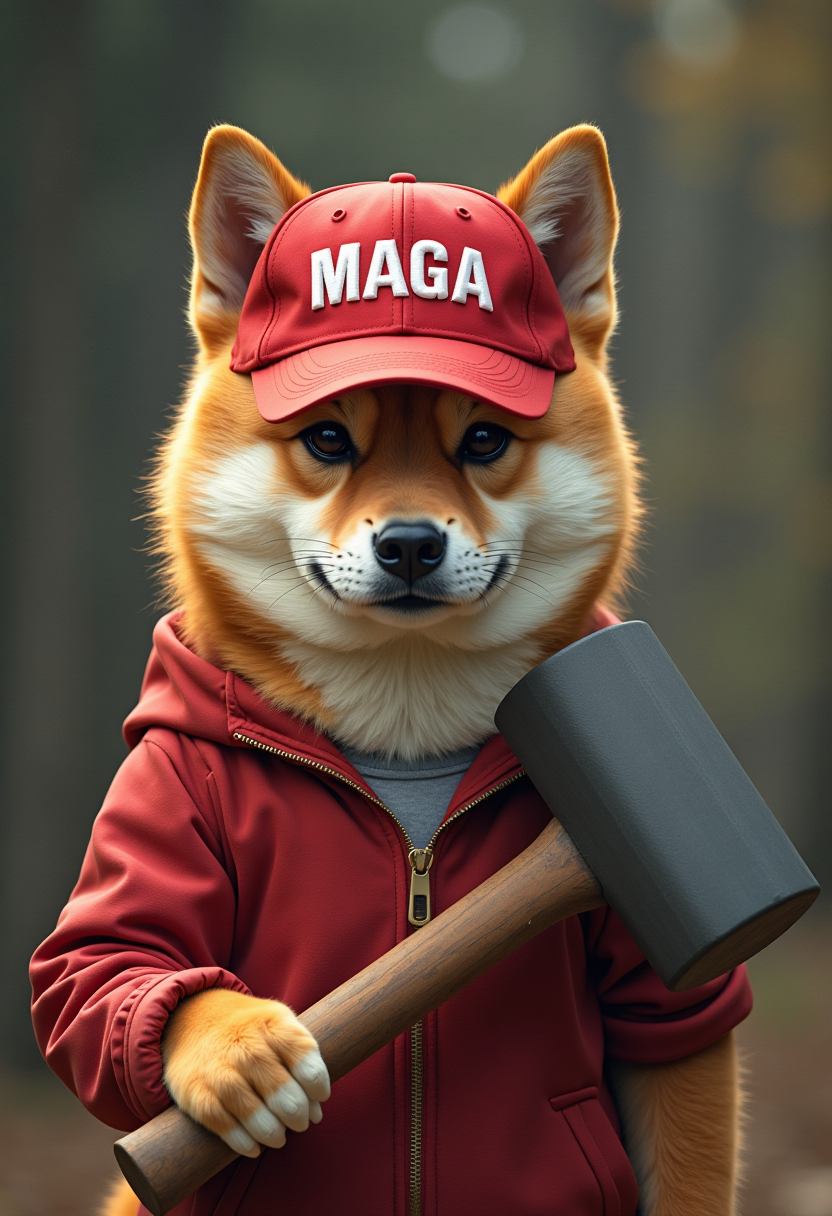

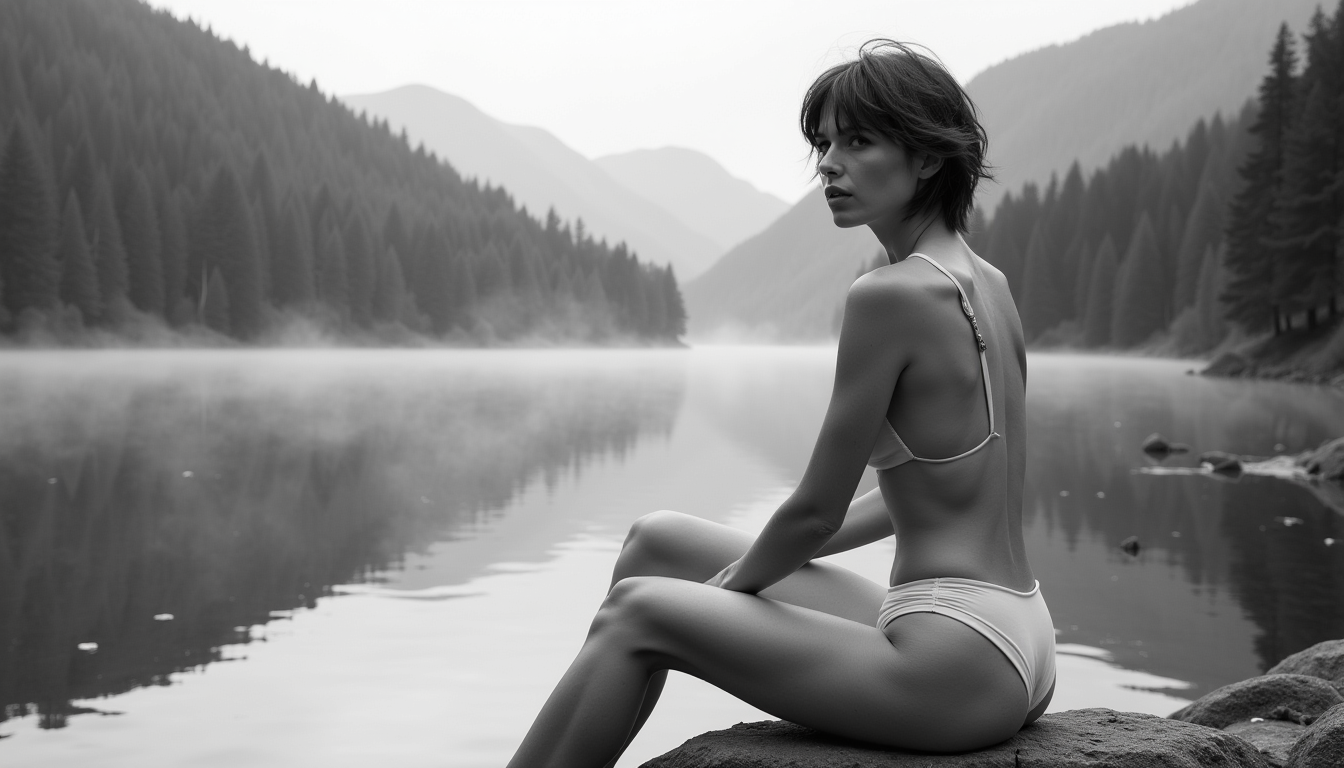
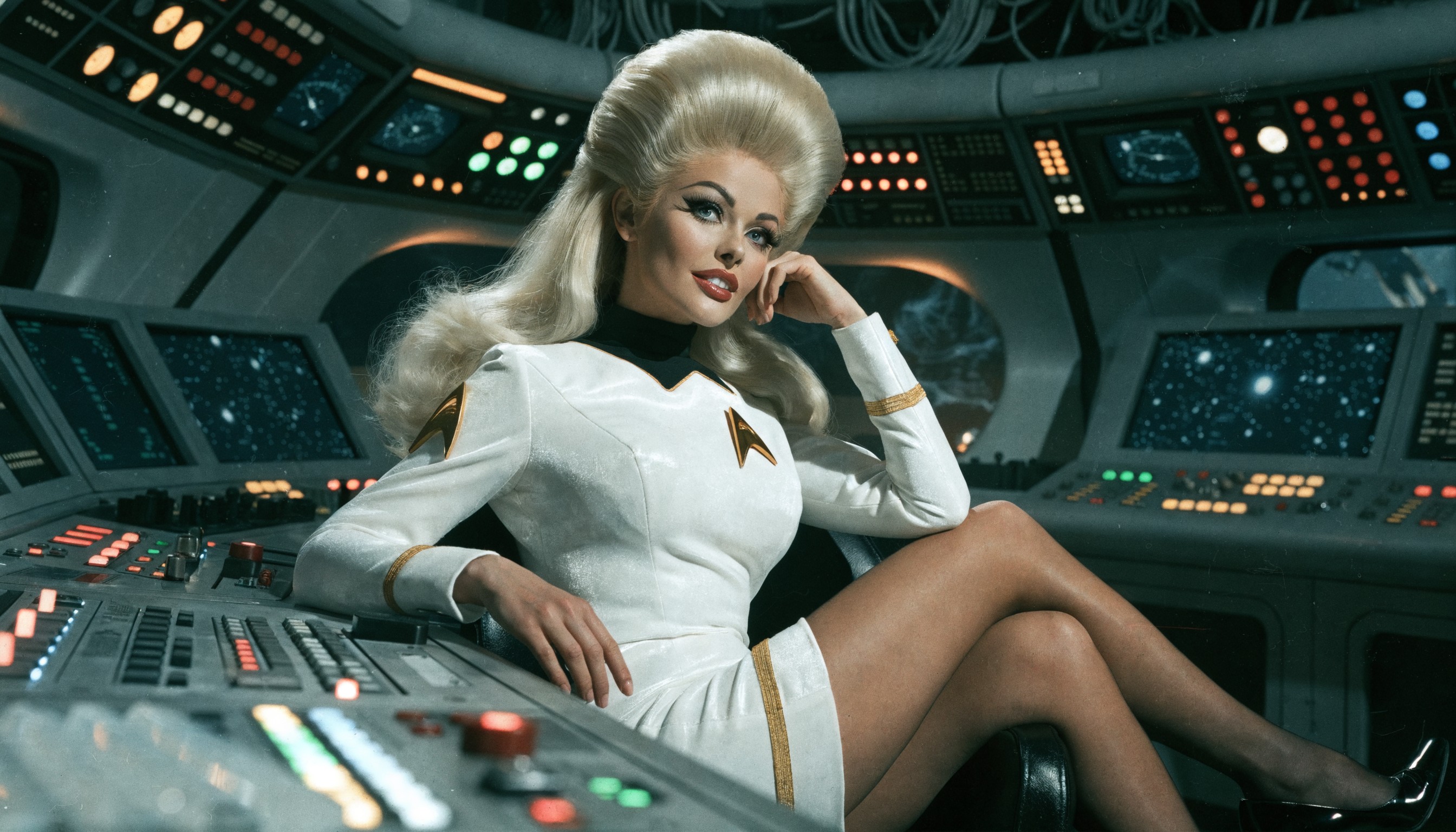

![This extreme close-up photograph taken from a low angle features a young ebony black student woman lips. Her face is angled, revealing her lazy eyes, mouth open, lips parted, and a wide smile, revealing her white upper teeth. Her lips are full and display a natural, healthy texture. Focus on nose and teeth, extreme closeup. skin hairs, [pores], detailed texture, day lighting](https://cdn.pixeldojo.ai/cdn-cgi/image/f=auto,q=90,w=3840/pixeldojo/generated-images/1735992759080-gbar0dgdf.png)
The Pixel Dojo Advantage
Why PixelDojo outperforms other options for fave swap ai image generation
| Others | Pixel Dojo |
|---|---|
| Traditional face swap creation | Instant professional-quality results in seconds instead of hours of manual work or expensive software |
| Generic AI tools | Specialized Face Swap and LoRA tools deliver superior realism, consistency, and integration with video editing features |
| Manual photo editing | No skills or expensive programs needed – AI handles perfect blending, lighting, and expressions automatically |
Loved by creators on PixelDojo
Real feedback from people using PixelDojo, pulled from our in-product surveys.
Easy to use and there's lots of options.
super lora download
Great variety of tools to create and modify images and video.
Lots of Tools, and the one time I needed support I got help right away
Easy to use once you get the hang of it
Love it make anything I can think of so far
Explore more AI tools on PixelDojo
AI Tools
Compare & Switch
- Best AI Image Generators
- Best AI Video Generators
- Midjourney Alternatives
- Civitai Alternatives
- Runway Alternatives
- Leonardo Alternatives
- Pika Alternatives
- Luma Alternatives
- Magnific Alternatives
- Veo Alternatives
- Flux Alternatives
- Freepik Alternatives
- Seedance Alternatives
- Seedream Alternatives
- Pixverse Alternatives
- GPT Image Alternatives
- Synthesia Alternatives
- Playground Alternatives
- NightCafe Alternatives
- Canva AI Alternatives
- ElevenLabs Alternatives
- ComfyUI Alternatives
- Fal Alternatives
- Replicate Alternatives
Common Questions
Everything you need to know about fave swap ai
What is fave swap ai and how does PixelDojo make it easy?
Fave swap ai refers to AI-powered face swapping that replaces one person's face with another in photos or videos while preserving natural expressions, lighting, and skin tones. PixelDojo simplifies this with dedicated tools like Face Swap and LoRA Face Swap in the Characters & Faces section, allowing you to upload images and generate realistic results in seconds without technical knowledge.
How to create realistic face swaps using AI on PixelDojo?
Start by selecting the Face Swap tool, upload a clear source face and target image, add an optional prompt for style or lighting, then generate. For even better consistency across projects, use LoRA Face Swap or Consistent Characters. Our AI automatically handles blending for photorealistic outcomes you can customize further with Magic Lighting or Style Transfer.
Can I use fave swap ai for videos and animations with PixelDojo?
Absolutely. After creating a great face swap image, extend it into video using WAN Video Character Swap, Kling Video Character Swap, or similar tools. These deliver smooth animations with accurate lip sync and motion, perfect for TikTok clips, personalized messages, or marketing content.
Is fave swap ai safe and ethical to use on PixelDojo?
Yes, PixelDojo encourages responsible creative use. Always obtain consent when swapping real people's faces and clearly disclose AI-generated content when sharing publicly. Our platform includes guidelines and tools to help you create fun, positive content responsibly.
What makes PixelDojo's fave swap ai better than free online tools?
PixelDojo offers higher realism through advanced models, no watermarks on paid plans, seamless integration with video and upscaling tools, and a full suite of 40+ AI features. You get consistent results, batch processing options, and the ability to train custom models with our trainers for unique styles.
How much does it cost to use fave swap ai features on PixelDojo?
You can start with a free trial that includes several face swaps. Paid plans are affordable with flexible options and the ability to cancel anytime. Access to premium tools like LoRA Face Swap, video extensions, and high-resolution downloads comes with subscriptions loved by thousands of creators.