sound effects maker
Generated on PixelDojo. Produced by PixelDojo's generation pipeline.
Transform your creative projects with custom sound effects generated in seconds using PixelDojo's advanced AI tools. Whether you're a filmmaker, game developer, or content creator, our platform empowers you to produce unique, high-quality audio that enhances your work and captivates your audience.
Real image examples generated on PixelDojo
Every example below was produced on PixelDojo. Hover to see the prompt.
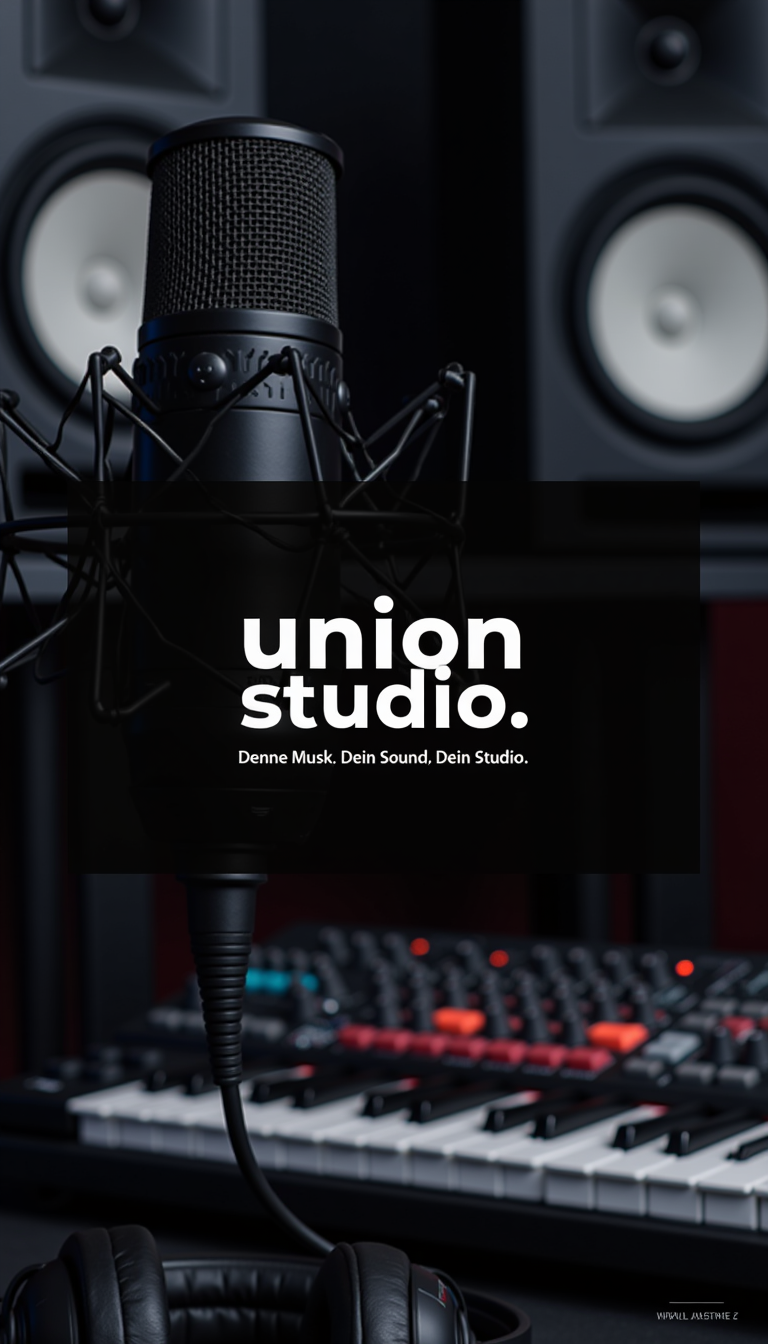
Image is a promotional poster for 'Union Studio
stable-diffusion
Camera zooms in on the monster as it collapses and disintegrates
image-to-video
Quick cut
image-to-video
The camera slowly zooms in on Pamela as she turns on the stand mixer and begins perfecting…
image-to-video
The camera slowly zooms in on Pamela as she turns on the stand mixer and begins perfecting…
image-to-video

A photo of MAGA
flux
Models you can run on PixelDojo for sound effects maker
Switch models without switching tools. Each one runs in the same PixelDojo studio.
What you can do with sound effects maker on PixelDojo
Generate Sounds From Images
Creators upload an image and we produce matching sound effects using our audio models.
Adjust Sound Parameters Directly
We let users modify pitch, length, and intensity before finalizing each effect.
Download Multiple Audio Formats
Sound effects export in WAV, MP3, and OGG for direct use in editing software.
Create Effects in Batches
Users process several images together to receive a group of coordinated sound effects.
Join over 10,000 creators who have enhanced their projects with PixelDojo's AI sound effects generator, rated 4.8/5 for quality and ease of use.
Why Choose Pixel Dojo for sound effects maker
Professional-quality results with cutting-edge AI technology
Instant Custom Sound Effects
Generate unique sound effects tailored to your project's needs in just a few clicks.
High-Quality Audio Output
Produce professional-grade sound effects that enhance the auditory experience of your content.
User-Friendly Interface
Easily create and customize sound effects without any prior audio editing experience.
How It Works
Creating custom sound effects with PixelDojo is simple and efficient. Follow these steps to bring your audio ideas to life:
Step 1: Select the AI Sound Effects Generator
Navigate to the 'Enhance' section and choose the 'Text To Music' tool to begin creating your sound effect.
Step 2: Input Your Description
Enter a detailed description of the sound effect you want to create, such as 'thunderstorm with heavy rain' or 'sci-fi laser blast.'
Step 3: Generate and Download
Click 'Generate' to let the AI create your sound effect. Once satisfied, download the high-quality audio file for use in your project.
The Pixel Dojo Advantage
Why PixelDojo outperforms other options for AI-generated sound effects:
| Others | Pixel Dojo |
|---|---|
| Traditional Sound Libraries | Create unique sounds tailored to your project, eliminating the need to sift through generic libraries. |
| Manual Sound Design | Save time and resources by generating high-quality sound effects without specialized equipment or expertise. |
| Other AI Tools | Enjoy a seamless, user-friendly experience with PixelDojo's intuitive interface and diverse toolset. |
Loved by creators on PixelDojo
Real feedback from people using PixelDojo, pulled from our in-product surveys.
I love this app
It has all the tools I can think of...
deployment rate of splendid features is incredible. Legend
large selection of tools on one platform
the amount you can do on this site
all in one place
Explore more AI tools on PixelDojo
Popular AI Models
AI Tools
Compare & Switch
- Best AI Image Generators
- Best AI Video Generators
- Midjourney Alternatives
- Civitai Alternatives
- Runway Alternatives
- Leonardo Alternatives
- Pika Alternatives
- Luma Alternatives
- Magnific Alternatives
- Veo Alternatives
- Flux Alternatives
- Freepik Alternatives
- Seedance Alternatives
- Seedream Alternatives
- Pixverse Alternatives
- GPT Image Alternatives
- Synthesia Alternatives
- Playground Alternatives
- NightCafe Alternatives
- Canva AI Alternatives
- ElevenLabs Alternatives
- ComfyUI Alternatives
- Fal Alternatives
- Replicate Alternatives
Common Questions
Everything you need to know about sound effects maker
How does PixelDojo's AI sound effects generator work?
Our AI analyzes your text descriptions to generate high-quality sound effects that match your specifications, streamlining the audio creation process.
Can I use the generated sound effects for commercial projects?
Yes, all sound effects created with PixelDojo are royalty-free and can be used in both personal and commercial projects.
Do I need audio editing experience to use PixelDojo's tools?
No, our user-friendly interface is designed for creators of all skill levels, allowing you to generate and customize sound effects easily.
What file formats are available for download?
Generated sound effects can be downloaded in high-quality WAV format, suitable for various applications.
Is there a limit to the number of sound effects I can create?
PixelDojo offers flexible subscription plans to accommodate your creative needs, and your monthly credits are the only limit on sound effect generation.
Can I customize the generated sound effects further?
Yes, you can adjust parameters such as duration and intensity to fine-tune the sound effects to your liking.