flux 2 AI Generator
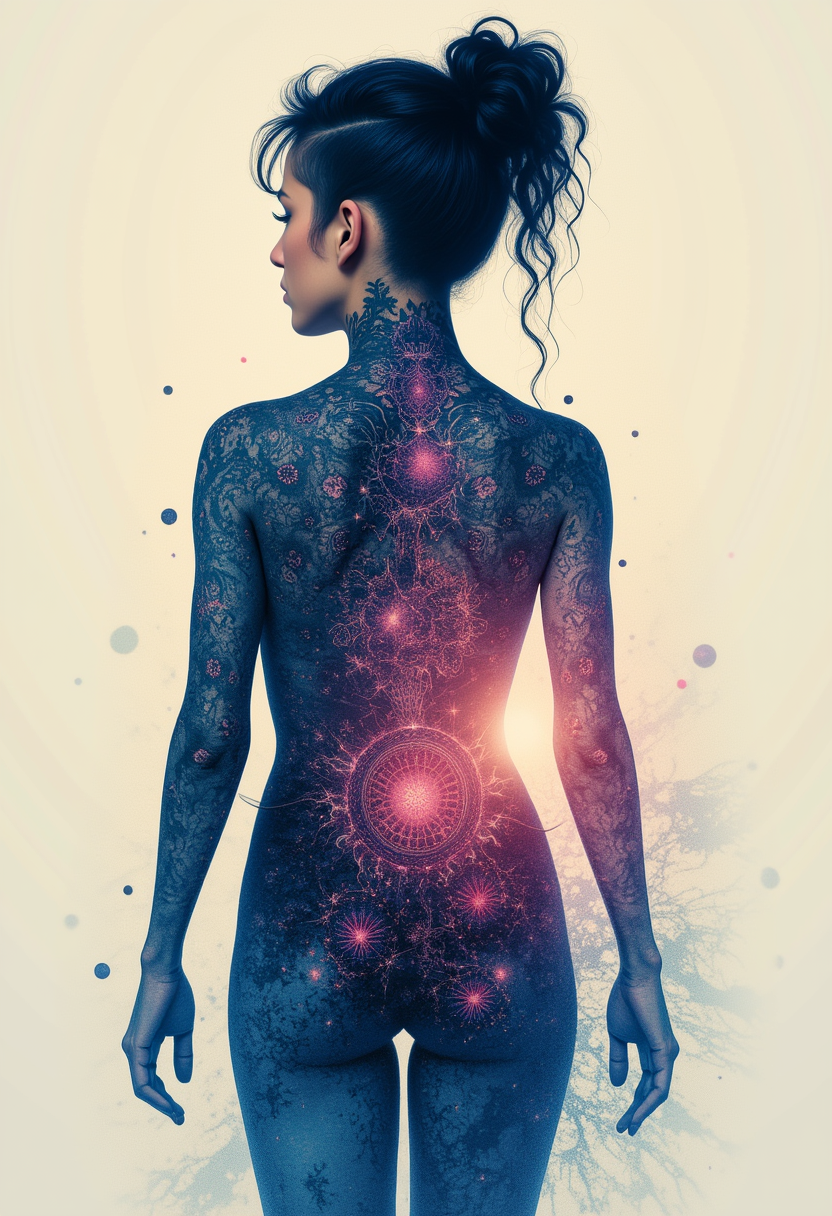
Generated on PixelDojo. Produced by PixelDojo's generation pipeline.
Imagine producing product photos so realistic they look like they came from a high-end studio, complete with accurate lighting, textures and physics that eliminate any artificial look. With PixelDojo's Flux.2 Studio you achieve exactly that outcome: photorealistic images up to 4 megapixels that convert browsers into customers. You maintain the same character, product or style across entire campaigns using multiple reference images, generate infographics and ads with perfectly readable text, and match your brand colors exactly via hex codes. Whether you need cinematic keyframes, fashion editorials with consistent models, or e-commerce mockups that adapt lighting automatically, Flux.2 Studio plus PixelDojo's full suite of editing and enhancement tools lets you go from idea to download-ready asset in minutes. No more waiting on photographers or fighting generic AI artifacts. You get production-grade visuals that respect real-world knowledge, spatial logic and your creative vision, all inside one platform loved by thousands of creators.
Real image examples generated on PixelDojo
Every example below was produced on PixelDojo. Hover to see the prompt.
Kira-Lux-Flux
flux

Add a log edited with Flux Kontext Dev
flux-studio
FLUX Video Upscale Lola talking-head Friday 9am
seedance-2-5

Masterpiece
creative-upscaler
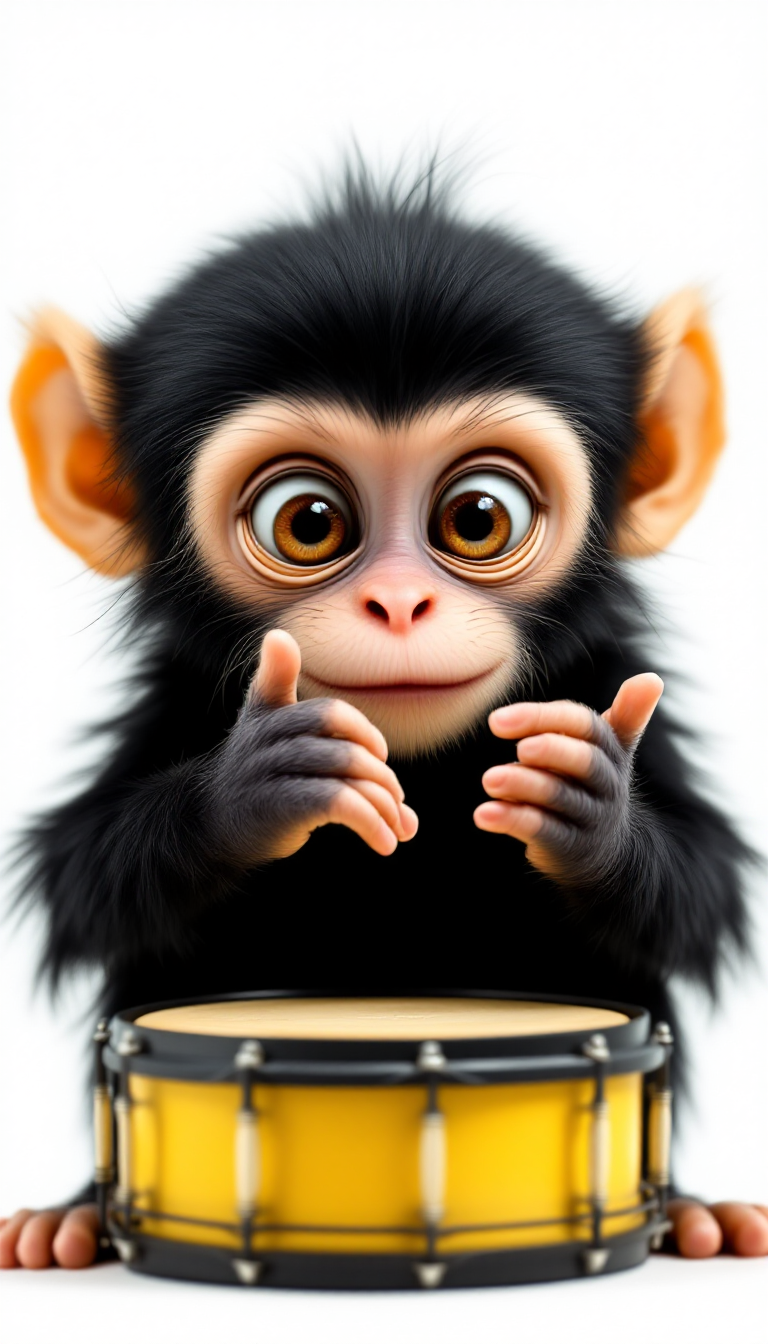
The image features a young monkey with the following visual elements1
flux
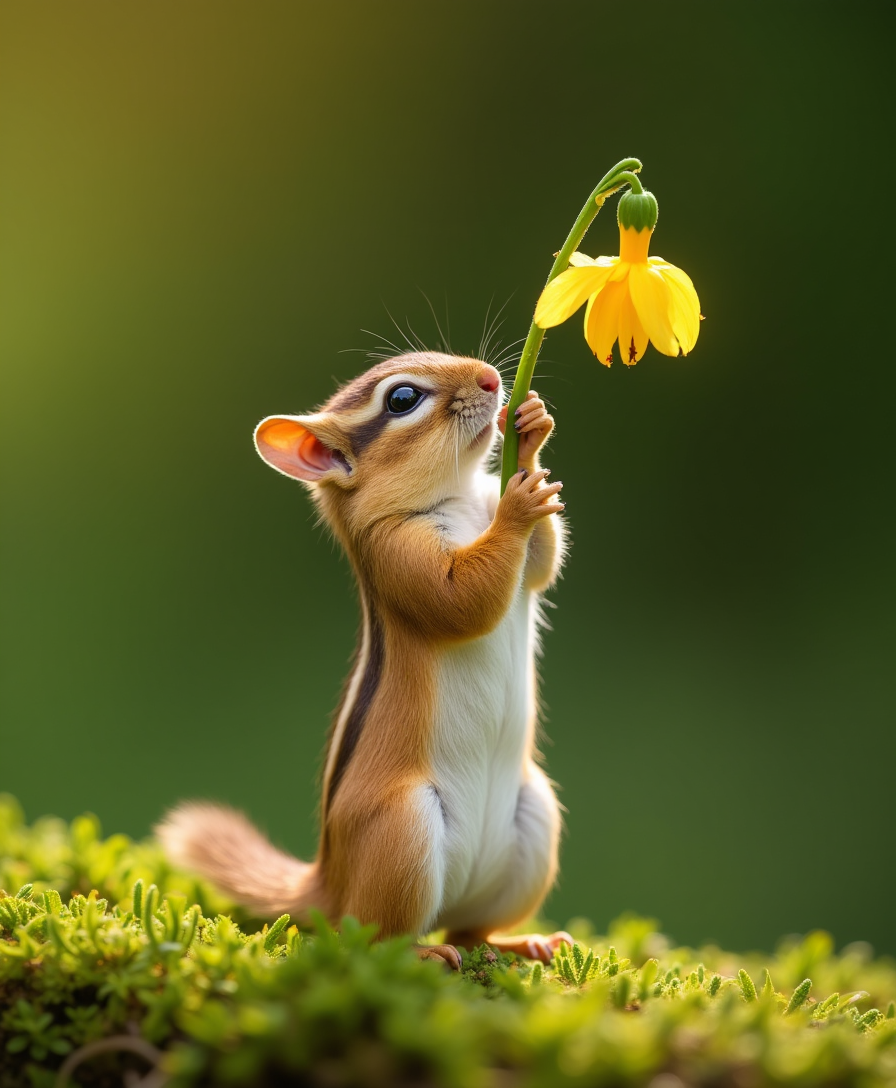
Photo of an adorable chipmunk standing on its hind legs and reaching up to pull down the s…
flux
Models you can run on PixelDojo for flux 2
Switch models without switching tools. Each one runs in the same PixelDojo studio.
What you can do with flux 2 on PixelDojo
Flux 2 Text to Image
We run Flux 2 on PixelDojo so you can turn prompts into stills with tight prompt following and fine detail. You stay in one studio to generate, compare, and keep the frames you want.
Prompt and Style Control
We let you steer Flux 2 with style notes, aspect ratios, and seed reuse. That helps you keep a look consistent across a set of images.
Iterate Without Leaving Studio
We keep generations, variants, and history in your workspace so you can tweak a prompt and run again. You can download or send selected images into other PixelDojo tools.
Ready for Creator Pipelines
We expose Flux 2 alongside the rest of our image stack so you can batch ideas, then edit or upscale in the same account. No extra setup is required beyond your PixelDojo login.
Thousands of creators worldwide generate millions of images with PixelDojo's 40+ cutting-edge AI tools. Join them and experience why users rate the platform 4.8/5 for quality, speed and reliability.
Why Choose Pixel Dojo for flux 2
Professional-quality results with cutting-edge AI technology
Photorealistic Images That Convert
You produce visuals with real-world lighting, physics and textures that close the gap between generated and photographed content. Product shots, automotive ads and lifestyle scenes look professional enough to use immediately in campaigns, boosting engagement and sales without extra retouching.
Unmatched Character and Product Consistency
You keep the same face, product or artistic style across dozens of variations by uploading up to ten reference images. Create fashion editorials, ad series or storyboards where every shot feels cohesive, saving hours of manual matching and eliminating the need for custom training in most cases.
Perfect Text, Colors and Brand Control
You generate infographics, UI mockups, posters and packaging with clean, readable typography even at small sizes, plus exact hex-code color matching for your brand guidelines. Structured prompts give you precise camera angles, poses and composition so every image aligns with your vision.
How It Works
You create stunning Flux 2 images on PixelDojo in three straightforward steps that combine generation, editing and enhancement for professional results every time.
Step 1: Choose Your Tool
Log in to PixelDojo and select Flux.2 Studio from the Generate Images section. You can also start with related tools such as Image to Image, Inpainting or Consistent Characters depending on whether you need a fresh generation or a refined version of existing assets. Flux.2 Studio gives you access to the latest photorealistic capabilities including multi-reference support and hex color control right from the start.
Step 2: Enter Your Prompt
Describe your desired outcome in natural language or use a structured JSON-style prompt covering subject, lighting, camera angle and composition. Upload up to ten reference images to lock in character identity, product details or style. Specify exact brand colors with hex codes and add pose guidance for precise subject positioning. PixelDojo's Flux.2 Studio interprets complex instructions with superior world knowledge so you get accurate hands, faces, textures and spatial relationships on the first try.
Step 3: Customize & Download
Review your high-resolution output and refine it instantly with PixelDojo editing tools: Inpainting to fix small areas, Change Camera Angle for new perspectives, Style Transfer or Magic Lighting for mood adjustments, Background Remover and Reality Polisher for polish. Upscale with P-Image Upscale, Magnific Upscaler or Clarity Pro if you need print-ready files. Download in your preferred format or continue into video tools, character sheets or the Flux 2 Trainer for even more personalized models. Everything stays in one workflow so you move from concept to finished asset without leaving the platform.
The Pixel Dojo Advantage
Why PixelDojo outperforms other options for Flux 2 image generation
| Others | Pixel Dojo |
|---|---|
| Traditional photography and studio shoots | You generate unlimited photorealistic variations in minutes instead of days, with automatic lighting adaptation and no location or talent costs, while still achieving 4MP quality that matches professional photography. |
| Generic AI image tools | You gain superior photorealism, multi-reference consistency up to ten images, exact hex color matching and reliable text rendering that generic platforms struggle with, plus seamless access to 40+ specialized tools like Flux 2 Trainer, Virtual Try-On and advanced upscalers. |
| Manual photo editing software | You skip hours of masking, compositing and color grading. Flux.2 Studio plus PixelDojo's Inpainting, Outpainting, Reality Polisher and Style Transfer deliver production-ready results from a single prompt or a handful of references, all without requiring advanced software skills. |
Loved by creators on PixelDojo
Real feedback from people using PixelDojo, pulled from our in-product surveys.
All the tools needed in one dashboard
Very fair and very broad in tools.
Accurate results
Great site and so much fun to use!
very useful set of tools for image creation, upscaling and enhancement
ease of use, variety of tools, high quality trainings, and a well-maintained discord channel
Explore more AI tools on PixelDojo
AI Tools
Compare & Switch
- Best AI Image Generators
- Best AI Video Generators
- Midjourney Alternatives
- Civitai Alternatives
- Runway Alternatives
- Leonardo Alternatives
- Pika Alternatives
- Luma Alternatives
- Magnific Alternatives
- Veo Alternatives
- Flux Alternatives
- Freepik Alternatives
- Seedance Alternatives
- Seedream Alternatives
- Pixverse Alternatives
- GPT Image Alternatives
- Synthesia Alternatives
- Playground Alternatives
- NightCafe Alternatives
- Canva AI Alternatives
- ElevenLabs Alternatives
- ComfyUI Alternatives
- Fal Alternatives
- Replicate Alternatives
Common Questions
Everything you need to know about flux 2
How do I generate photorealistic Flux 2 images with perfect lighting on PixelDojo?
Open Flux.2 Studio, describe the scene including lighting direction, quality and color in your prompt, then generate. PixelDojo's model understands real-world physics so you get natural shadows, reflections and atmosphere. Follow up with Magic Lighting or Reality Polisher if you want extra refinement, then upscale with Magnific Upscaler for print quality. Thousands of creators use this workflow daily for product photography that converts.
Can I keep the same character consistent across multiple Flux 2 images?
Yes. Upload up to ten reference images of your character into Flux.2 Studio or use the dedicated Consistent Characters and Character Sheets tools. PixelDojo maintains identity, clothing details and style across an entire series, making it ideal for storyboards, ad campaigns or social content. You can further customize with Face Swap or Flux Pro Virtual Try-On without losing consistency.
How accurate is text rendering and hex color matching in Flux 2 on PixelDojo?
Flux.2 Studio produces clean, readable text even in complex infographics, UI mockups and multilingual layouts. Simply include the desired copy in your prompt and specify brand colors with hex codes such as #02eb3c. The results match your guidelines precisely, eliminating the usual AI text errors. Combine with Image Analyzer or Style Transfer for additional control.
What editing tools can I use after generating a Flux 2 image?
PixelDojo gives you a complete post-generation toolkit: Image to Image, Inpainting, Change Camera Angle, Style Transfer, Magic Lighting, Background Remover, Image Outpainting and Reality Polisher. You can also extract frames, merge with video tools or train a custom Flux 2 model using Flux 2 Trainer. Everything happens inside the same account so your workflow stays fast and organized.
Is there a way to train my own Flux 2 model on PixelDojo?
Absolutely. Use the Flux 2 Trainer (or Flux Trainer) to create personalized models from your own images. Once trained, generate with your custom style or characters inside Flux.2 Studio while still accessing all editing, upscaling and character tools. Developers can also integrate via the Developer API and ComfyUI for even more automation.
How does PixelDojo make Flux 2 generation accessible for beginners and professionals?
The platform requires no technical setup. You simply choose Flux.2 Studio, write a prompt or upload references, and generate. Advanced users enjoy structured JSON prompting, pose control, multi-reference blending and the full suite of 40+ tools including 3D, audio and video options. Cancel anytime, start free, and scale with API credits as your needs grow. Loved by thousands of creators, PixelDojo removes every barrier between your idea and a finished, professional image.