run nano banana 2 online AI Generator

Generated on PixelDojo. Produced by PixelDojo's generation pipeline.
You can transform any idea into a polished visual in moments when you run Nano Banana 2 online with PixelDojo. Skip lengthy design cycles and produce photorealistic scenes, character-driven storyboards, product mockups, and marketing graphics that look professionally crafted. You get vibrant lighting, rich textures, sharp details, and readable text right inside your images so your social posts, presentations, and campaigns stand out immediately. Marketers launch assets faster, storytellers keep characters consistent across multiple frames, and creators iterate without technical barriers. Pair Nano Banana 2 with PixelDojo’s Image to Image, Style Transfer, Magic Lighting, and Background Remover tools to refine every result. Then upscale with P-Image Upscale or Magnific Upscaler for print-ready 4K output. You stay in control of aspect ratios from square to cinematic widescreen and walk away with commercial-ready files. Thousands of creators already rely on PixelDojo’s 40+ cutting-edge AI tools to deliver these outcomes daily. Start generating now and experience how quickly your vision becomes reality—no downloads, no steep learning curve, cancel anytime.
Real image examples generated on PixelDojo
Every example below was produced on PixelDojo. Hover to see the prompt.
A nano banana
google-gemini-image

A nano banana
google-gemini-image
A nano banana
image-to-video
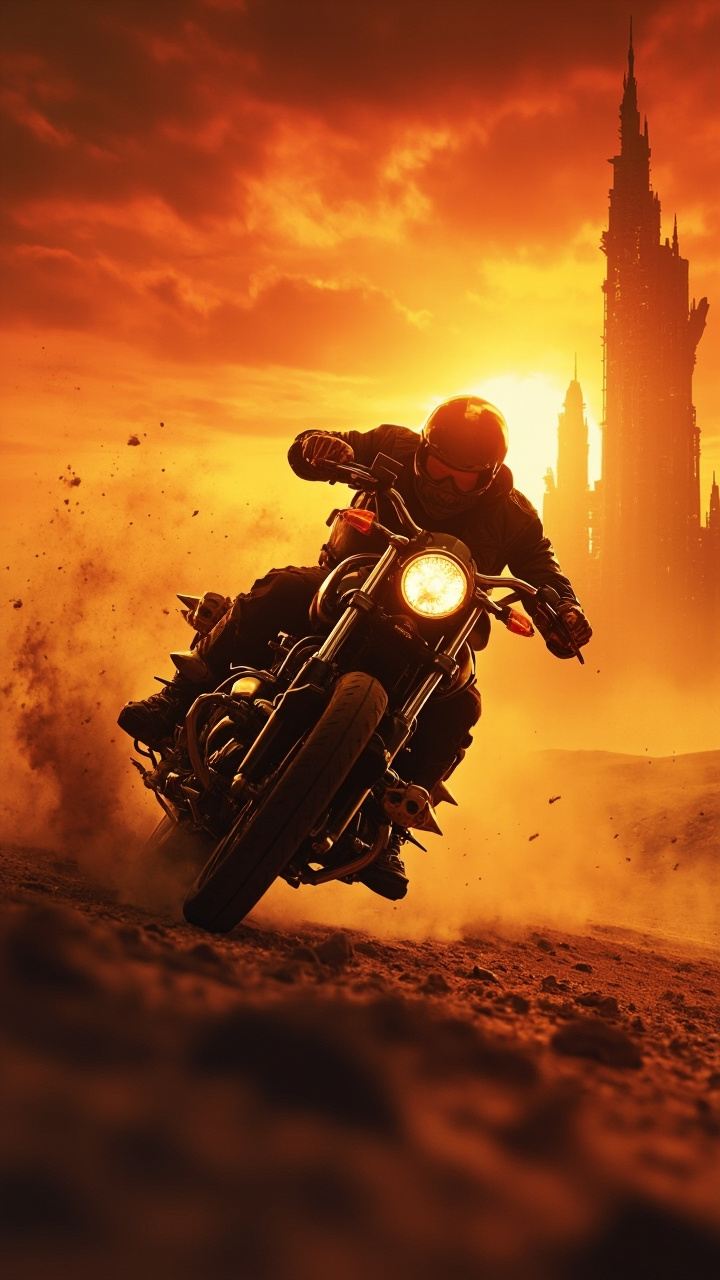
A lone motorcyclist speeding through the desert
minimax
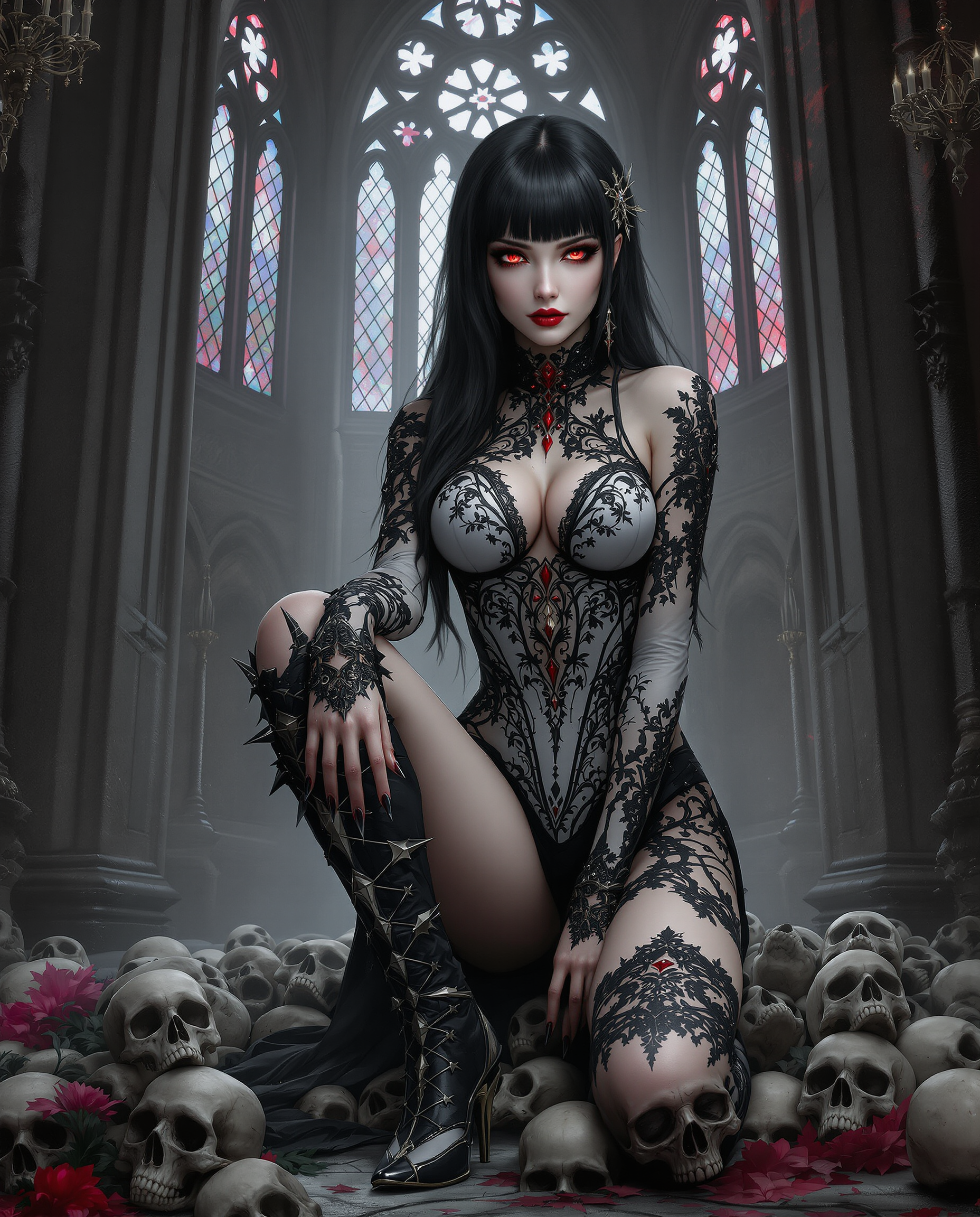
This image is a realistic photo photograph of a female real person digital artwork that fe…
flux
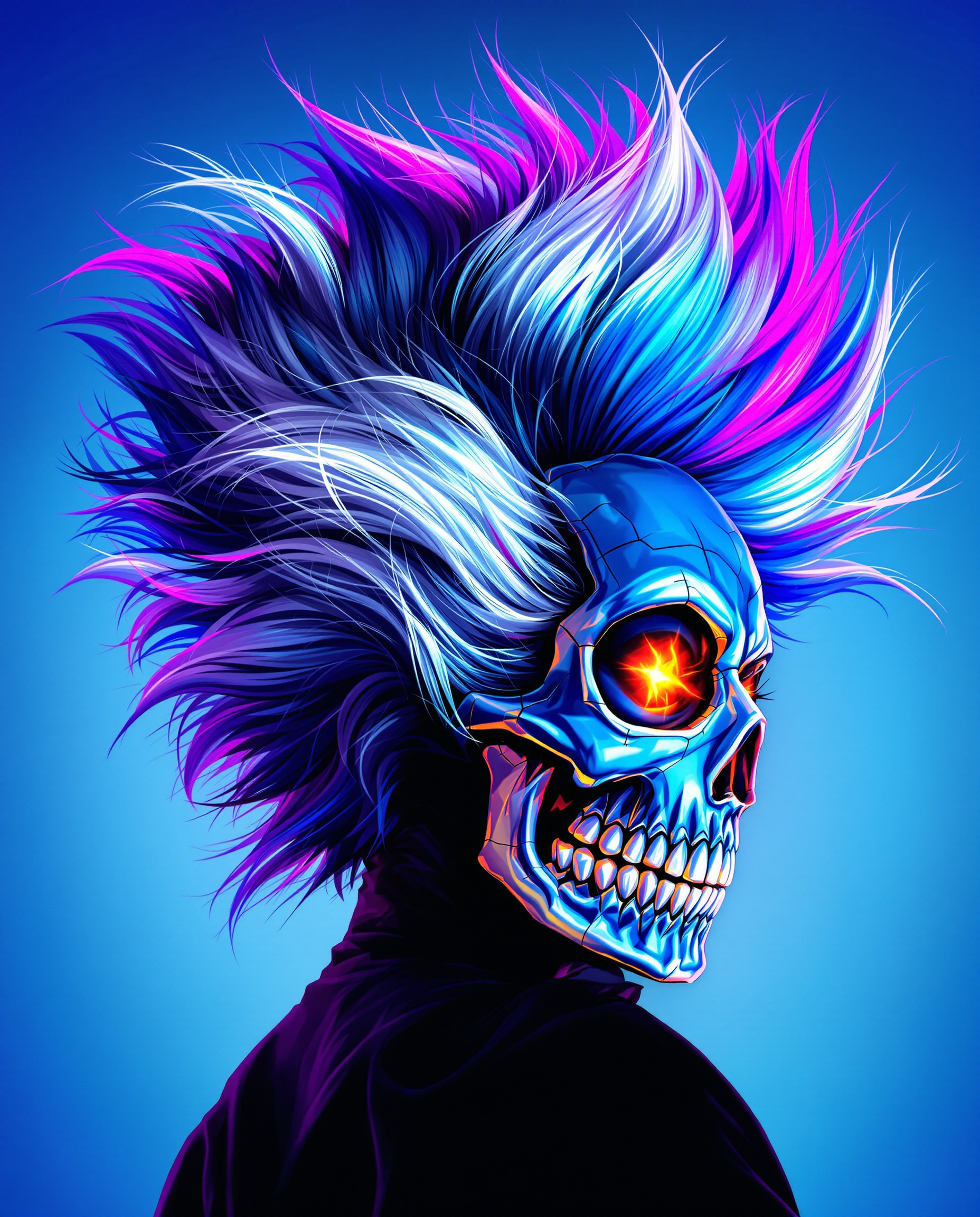
This is a realistic photo photograph of a female real person image that features a dynamic…
flux
Models you can run on PixelDojo for run nano banana 2 online
Switch models without switching tools. Each one runs in the same PixelDojo studio.
What you can do with run nano banana 2 online on PixelDojo
Run Nano Banana 2
We host Nano Banana 2 so you can generate images in the browser without installing local software or managing GPU setup.
Prompt To Image
Enter a text prompt and we run the model to produce stills you can review, regenerate, and refine on the same page.
Save And Download
Keep generations in your workspace and download image files when you are ready to use them in other tools.
Adjust And Retry
Change prompts and settings and run again so you can compare outputs and pick the version that fits the brief.
Loved by thousands of creators worldwide who have produced millions of images. PixelDojo users consistently rate the platform 4.8/5 for speed, quality, and ease of use. Join marketers, artists, and teams who trust our 40+ AI tools for professional results every day.
Why Choose Pixel Dojo for run nano banana 2 online
Professional-quality results with cutting-edge AI technology
Create Studio-Quality Visuals in Seconds
You generate high-fidelity images that rival professional photography and illustration without hiring a studio. Run Nano Banana 2 online to produce photoreal still lifes, concept art landscapes, and posters with clean, accurate text. Iterate rapidly on lighting, composition, and style so your campaigns, social content, and client work stay on schedule. Combine outputs with PixelDojo’s Reality Polisher and Creative Upscaler to push quality even higher while you focus on creative direction instead of technical execution.
Keep Characters and Objects Perfectly Consistent
You maintain the same faces, outfits, and props across an entire series of images so your stories, ads, and character sheets feel cohesive. Nano Banana 2 on PixelDojo supports up to five characters and fourteen objects in one workflow, letting you build visual narratives, product lines, or branded mascots that stay on-model. Follow up with Consistent Characters, Character Sheets, Ideogram Character, or Face Swap tools to lock identity even further. Your audience instantly recognizes your world, and you never start from scratch again.
Deliver Ready-to-Use Assets for Every Platform
You export images in the exact size and ratio you need—square for feeds, vertical for stories, widescreen for banners—without extra cropping or quality loss. Generate at 1K, 2K, or 4K then enhance with Portrait Upscaler, Clarity Pro, or FLUX Video Upscale when motion is next. PixelDojo’s editing suite (Inpainting, Change Camera Angle, Image Outpainting, Virtual Try-On) lets you adapt one generation into dozens of variations. You publish faster, test more creatives, and keep every channel looking premium.
How It Works
Running Nano Banana 2 online on PixelDojo takes three simple steps. You describe what you want, generate, then polish with our full creative toolkit. No software to install and no complex settings to learn.
Step 1: Choose Your Tool
Log in to PixelDojo and open the Generate Images section. Select Nano Banana 2 from the list of 40+ models that also includes GPT Image 2, Flux.2 Studio, Krea Image, Seedream 5, and Ideogram 4. You can start from a blank prompt or upload reference photos for image-led creation. Pick your preferred aspect ratio and resolution so the first output already matches your intended use. This single choice puts Google’s latest fast, high-fidelity image engine at your fingertips inside a complete creative workspace.
Step 2: Enter Your Prompt
Type a clear, narrative description of the scene you want. Include the subject, action, setting, lighting, camera angle, and any text that should appear. Nano Banana 2 understands natural language and real-world knowledge, so you can request accurate depictions of specific objects or locations. For even stronger results, add one to four reference images and let the model blend styles or keep identity. Generate one to four variations at once, then review them side by side. You stay in conversational flow—simply tell the model what to change next.
Step 3: Customize & Download
Once you have a strong base image, jump into PixelDojo’s Edit Images tools. Use Inpainting to fix small areas, Style Transfer to explore new aesthetics, Magic Lighting to adjust mood, or Background Remover for clean cut-outs. Upscale with P-Image Upscale or Magnific Upscaler for extra sharpness. Save in PNG, JPEG, or WebP and download instantly. Your files are ready for social media, print, or further video work with Marketing Studio and Kling Video. The entire process from idea to finished asset happens in your browser.
The Pixel Dojo Advantage
Why PixelDojo outperforms other options for Nano Banana 2 image generation
| Others | Pixel Dojo |
|---|---|
| Traditional [category] creation | You replace days of photoshoots, illustration, and revisions with seconds of generation. PixelDojo gives you professional lighting, accurate text, and character consistency without booking studios or waiting on freelancers. |
| Generic AI tools | You get Nano Banana 2 plus an entire ecosystem of complementary models and editors in one place. Switch to Flux.2 Studio, Seedream 5, or QWEN Image 2, then refine with Inpainting, Virtual Try-On, and upscalers—no jumping between disconnected sites. |
| Manual photo editing | You skip layers, masks, and hours of retouching. Natural-language edits, automatic background removal, and one-click style changes let you produce polished results even if you have never opened professional editing software. |
Loved by creators on PixelDojo
Real feedback from people using PixelDojo, pulled from our in-product surveys.
exceptional quality and great overall design of platform and interface. very intuative. love the creative freedom.
Qwen image 2 is amazing!!
Creative freedom, range of tools and options.
I love the training feature
the quality is the best
All the tools needed in one dashboard
Explore more AI tools on PixelDojo
AI Tools
Compare & Switch
- Best AI Image Generators
- Best AI Video Generators
- Midjourney Alternatives
- Civitai Alternatives
- Runway Alternatives
- Leonardo Alternatives
- Pika Alternatives
- Luma Alternatives
- Magnific Alternatives
- Veo Alternatives
- Flux Alternatives
- Freepik Alternatives
- Seedance Alternatives
- Seedream Alternatives
- Pixverse Alternatives
- GPT Image Alternatives
- Synthesia Alternatives
- Playground Alternatives
- NightCafe Alternatives
- Canva AI Alternatives
- ElevenLabs Alternatives
- ComfyUI Alternatives
- Fal Alternatives
- Replicate Alternatives
Common Questions
Everything you need to know about run nano banana 2 online
How do I run Nano Banana 2 online without installing anything?
You simply visit PixelDojo, create a free account, and select Nano Banana 2 from the Generate Images menu. Everything runs in your browser on desktop or mobile. You can start generating immediately, then enhance results with Image to Image, Inpainting, and our upscalers. PixelDojo offers 40+ cutting-edge AI tools loved by thousands of creators worldwide, and you can cancel anytime.
What kinds of images can I create when I run Nano Banana 2 online on PixelDojo?
You can produce photorealistic product shots, character designs with consistent faces, posters with perfectly readable text, infographics, concept art, lifestyle scenes, and marketing banners. Nano Banana 2 excels at vibrant lighting, rich textures, and keeping up to five characters on-model. Follow up with PixelDojo’s Character Sheets, Face Swap, Style Transfer, and Marketing Studio to turn one generation into a full campaign.
How do I write better prompts for Nano Banana 2 on PixelDojo?
Describe the scene in natural sentences: subject, action, location, lighting, camera, and any on-image text. Be specific about materials, time of day, and mood. You can also upload reference photos so the model matches style or identity. PixelDojo’s interface lets you generate multiple variations, then continue the conversation to refine. Combine with Image Analyzer to understand what worked and iterate even faster.
Can I edit and upscale images after I run Nano Banana 2 online?
Yes. PixelDojo includes a complete Edit Images suite: Image to Image, Inpainting, Change Camera Angle, Style Transfer, Magic Lighting, Background Remover, Image Outpainting, and Reality Polisher. For extra resolution use P-Image Upscale, Magnific Upscaler, Creative Upscaler, or Clarity Pro. You can even move stills into video with Kling Video, WAN 2.7 Video, or Seedance tools without leaving the platform.
Is there a free way to try running Nano Banana 2 online?
PixelDojo lets you start creating right away with access to Nano Banana 2 and dozens of other models. You get to experience the speed and quality firsthand. The platform is loved by thousands of creators worldwide, includes 40+ cutting-edge AI tools, and you can cancel anytime if it is not the right fit. No long-term commitment required.
How does PixelDojo help me keep characters consistent when I run Nano Banana 2 online?
Nano Banana 2 already maintains resemblance for up to five characters and fourteen objects. You can lock that consistency further with PixelDojo’s Consistent Characters, Character Sheets, Ideogram Character, LoRA Face Swap, and WAN Video Character Swap tools. Generate a base look once, then reuse it across stills, videos, and merch mockups using Flux Pro Virtual Try-On. Your brand or story stays instantly recognizable.