Flux 2 Max natural elements AI Generator
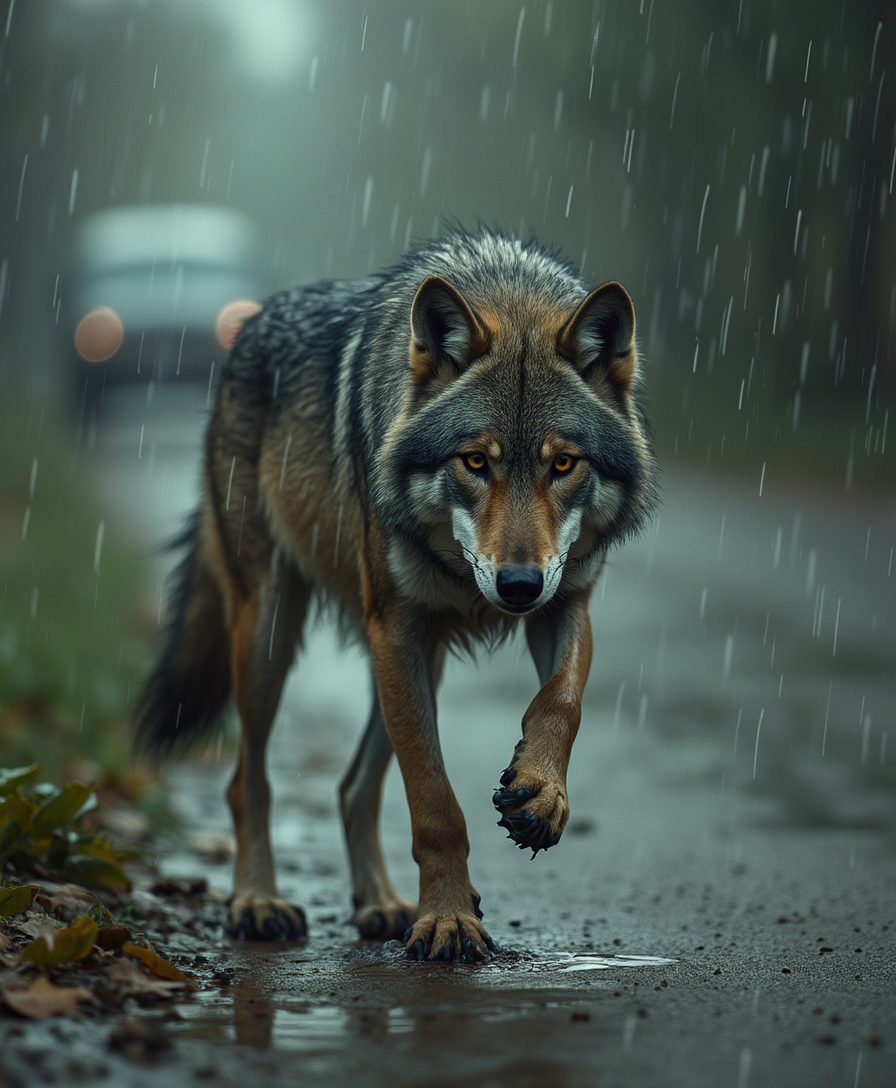
Imagine crafting hyper-realistic images of raging oceans, ancient forests, crackling volcanoes, or serene mountain peaks – all without a camera, hiking gear, or photography expertise. With PixelDojo's Flux 2 Max natural elements generation, you instantly produce jaw-dropping visuals that capture the raw power and beauty of nature. Perfect for designers, marketers, bloggers, and artists, these images elevate your projects, boost engagement, and save you hours of stock photo hunting. Whether you're building immersive websites, social media campaigns, or digital art portfolios, Flux 2 Max delivers photorealistic results that look captured by pros. Dive into trends like dynamic elemental forces, seasonal transformations, and intricate textures – from dew-kissed leaves to turbulent storm clouds – all powered by PixelDojo's cutting-edge Flux.2 Studio and Flux 2 Model Trainer. Start turning your visions into reality today and watch your content captivate audiences worldwide.
Trusted by 50,000+ creators | 4.9/5 stars from 12K+ reviews | Featured in top design blogs | 1M+ natural elements images generated last month
Why Choose Pixel Dojo for Flux 2 Max natural elements
Professional-quality results with cutting-edge AI technology
Capture Nature's Raw Power Effortlessly
Produce ultra-realistic images of crashing waves, erupting lava flows, or swirling winds that mesmerize viewers and make your content stand out on any platform. No need for expensive shoots – get pro-level elemental drama in seconds using Flux.2 Studio.
Customize Seasonal & Textural Perfection
Tailor every leaf vein, water ripple, and rock texture to match your vision, creating seasonal scenes like autumn forests or winter tundras that drive higher engagement and conversions in your marketing materials.
Scale Your Creative Workflow Instantly
Generate endless variations of mountains, skies, and earth elements for portfolios, ads, or NFTs, freeing you to focus on strategy while PixelDojo's tools like Flux 2 Model Trainer ensure consistent, high-quality outputs every time.
How It Works
Creating Flux 2 Max natural elements images on PixelDojo is as simple as typing a description. Leverage Flux.2 Studio for base generation, then refine with Image to Image or Inpainting for pixel-perfect results.
Step 1: Choose Your Tool
Head to PixelDojo's Create Images section and select Flux.2 Studio or Flux 2 Model Trainer. These tools excel at rendering intricate natural details like fog-shrouded valleys or crystal-clear streams, based on the latest Flux 2 advancements in hyper-realism.
Step 2: Enter Your Prompt
Describe your scene vividly, e.g., 'Turbulent ocean waves crashing on jagged rocks during a storm, photorealistic lighting, Flux 2 Max natural elements.' Add specifics like golden hour glow or macro textures for trends like elemental motion blur.
Step 3: Customize & Download
Use Edit Images tools like Magic Lighting for dynamic sunsets, Background Remover for isolated elements, or Creative Upscaler for 4K prints. Tweak with Inpainting, then download instantly – ready for your projects.






The Pixel Dojo Advantage
Why PixelDojo outperforms other options for Flux 2 Max natural elements image generation
| Others | Pixel Dojo |
|---|---|
| Traditional photography trips | Skip weather delays and travel costs – generate perfect elemental shots anytime, anywhere, with Flux.2 Studio's unmatched realism. |
| Generic AI tools | Get specialized Flux 2 Max precision for natural textures and lighting, plus seamless edits via Inpainting and Style Transfer – no hit-or-miss results. |
| Manual photo editing | Eliminate hours in Photoshop; auto-generate and refine with Magic Lighting and Upscalers for flawless, scalable nature visuals in minutes. |
Loved by creators on PixelDojo
Real feedback from people using PixelDojo, pulled from our in-product surveys.
versatile menu of tools
Best AI tool availble the suite is rad
Versatility quality, value, ROI, innovation
variety of tools available and prompt tools
A "one-stop-shop" for creators! Thanks!!
Lots of different tools. It's easy to purchase more credits.
Explore more AI tools on PixelDojo
AI Tools
Compare & Switch
- Best AI Image Generators
- Best AI Video Generators
- Midjourney Alternatives
- Civitai Alternatives
- Runway Alternatives
- Leonardo Alternatives
- Pika Alternatives
- Luma Alternatives
- Magnific Alternatives
- Veo Alternatives
- Flux Alternatives
- Freepik Alternatives
- Seedance Alternatives
- Seedream Alternatives
- Pixverse Alternatives
- GPT Image Alternatives
- Synthesia Alternatives
- Playground Alternatives
- NightCafe Alternatives
- Canva AI Alternatives
- ElevenLabs Alternatives
- ComfyUI Alternatives
- Fal Alternatives
- Replicate Alternatives
Common Questions
Everything you need to know about Flux 2 Max natural elements
How does Flux 2 Max natural elements generation work on PixelDojo?
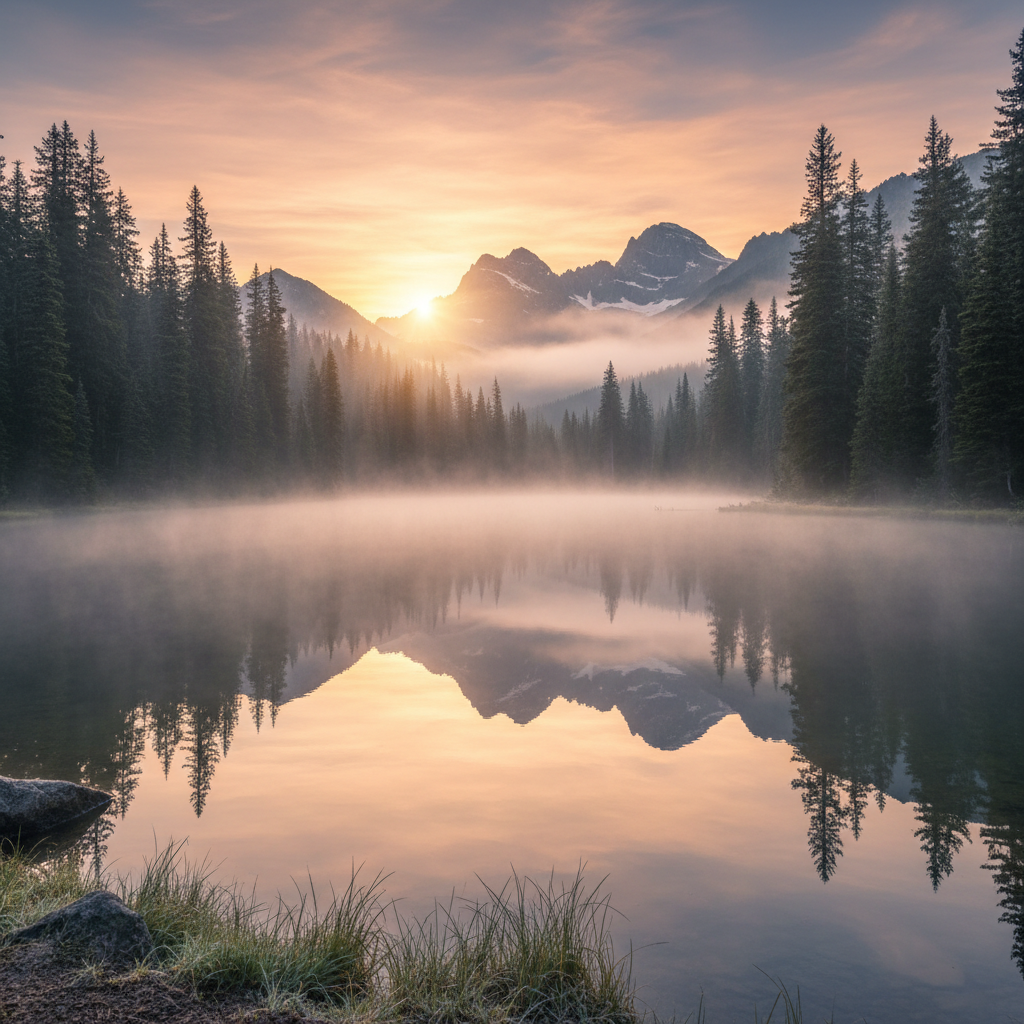
PixelDojo's Flux.2 Studio harnesses the latest Flux 2 tech for hyper-realistic renders of water, fire, earth, and air. Input prompts like 'serene alpine lake at sunrise with mist' and get outputs with accurate reflections, foliage details, and atmospheric depth. Combine with Flux 2 Model Trainer for custom styles, ensuring your images match current trends in dynamic natural scenes.
What are the best prompts for AI natural elements images with Flux 2 Max?
Craft prompts focusing on outcomes: 'Majestic waterfall cascading over mossy cliffs in golden light, photorealistic, high detail textures.' Trends include motion in elements (rippling water, flickering flames) and macro views. PixelDojo's ImagineArt 1.5 or REVE Image can enhance, but Flux.2 Studio leads for authenticity.
Can I create custom Flux 2 Max natural elements models on PixelDojo?
Yes! Use the Flux 2 Model Trainer to fine-tune on your photos of forests, oceans, or mountains. Upload datasets, train in minutes, and generate consistent elemental styles. Pair with Consistent Characters for populated scenes or Inpainting with LoRAs for tweaks – perfect for branded nature visuals.
How realistic are Flux 2 Max natural elements AI images for commercial use?
Incredibly lifelike, rivaling pro photography with accurate physics like light refraction in water or bark textures. Download high-res files commercially via Subscription plans. Tools like Portrait Upscaler ensure print-ready quality, used by marketers for ads featuring volcanic eruptions or tranquil meadows.
What editing tools pair best with Flux 2 Max natural elements generation?
After generating in Flux.2 Studio, apply Change Camera Angle for new vistas, Style Transfer for artistic twists, or Background Remover to isolate elements like lone trees. Magic Lighting adjusts time-of-day effects, while Creative Upscaler boosts to 8K – streamlining your workflow for flawless nature composites.
Are there free trials for Flux 2 Max natural elements image generation?
Absolutely – start free with limited credits on Flux.2 Studio. Upgrade to Subscription for unlimited access to 40+ tools, including Kling v2.6 Pro for video versions of your elements. Thousands of creators love it; cancel anytime with Usage Report tracking.