flux 2 pro ai

Generated on PixelDojo. Produced by PixelDojo's generation pipeline.
You can now produce studio-quality product photography, campaign-ready character images, and marketing visuals that look like they came from a professional shoot—without the time, cost, or logistics. Flux 2 Pro AI on PixelDojo lets you describe the exact scene, lighting, materials, and mood you need, then deliver photorealistic results you can use immediately for e-commerce, social ads, brand storytelling, and client presentations. Whether you need a luxury watch on marble under golden-hour light, a spokesperson who stays identical across an entire campaign, or infographics with perfectly readable text, you get production-ready images that convert. PixelDojo puts Flux.2 Studio, Flux 2 Trainer, and a full suite of editing and upscaling tools at your fingertips so you move from idea to download in minutes. Thousands of creators already rely on these 40+ cutting-edge AI tools every day, and you can cancel anytime.
Real image examples generated on PixelDojo
Every example below was produced on PixelDojo. Hover to see the prompt.
Image of an ai painting a human and a human painting an ai
flux
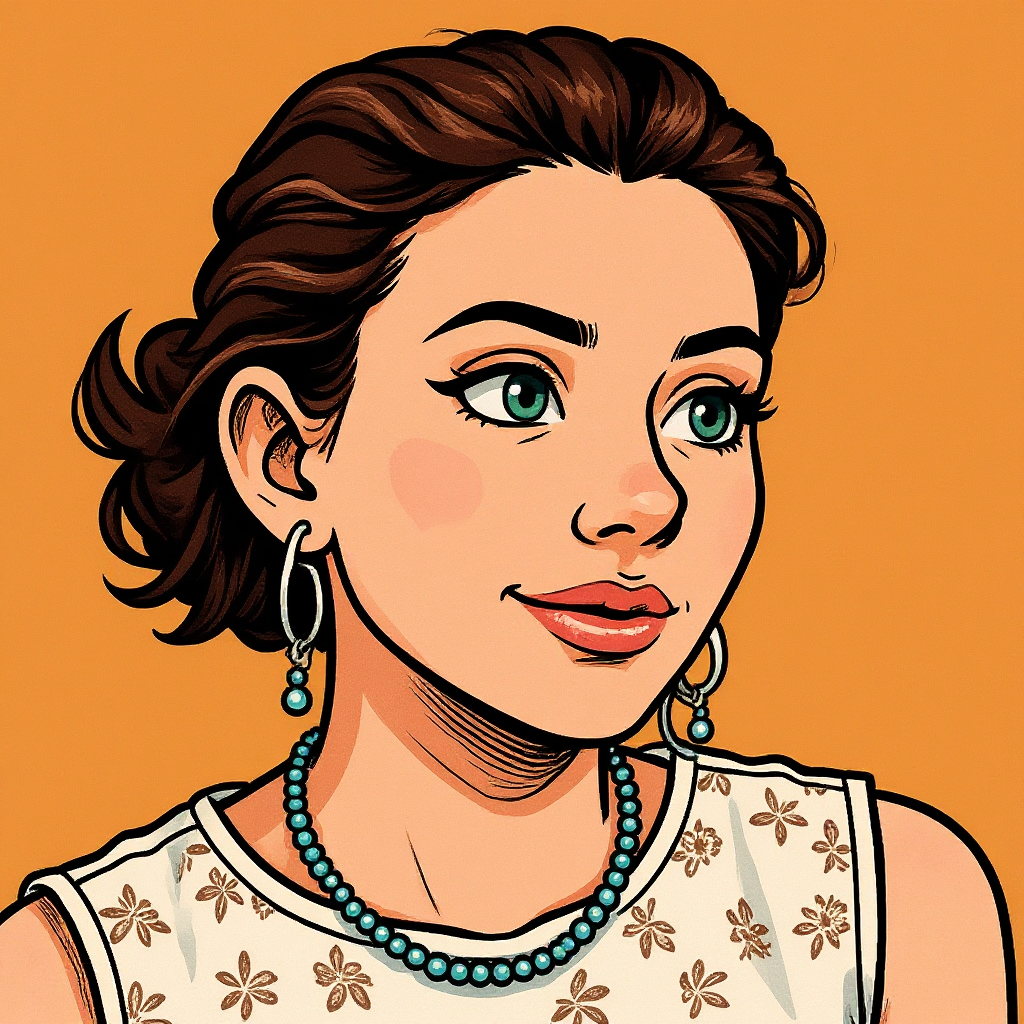
Turn your image into a cartoon with FLUX
stable-diffusion
The woman is talking and saying "welcome to pixel dojo the only AI tool you need"
image-to-video
A korean kpop girl dancing and singing a song about how pixel dojo is the only ai tool you…
image-to-video
A woman says "hi
image-to-video
A man talking
image-to-video
Models you can run on PixelDojo for flux 2 pro ai
Switch models without switching tools. Each one runs in the same PixelDojo studio.
What you can do with flux 2 pro ai on PixelDojo
Flux 2 Pro Access
We run Flux 2 Pro for still image generation so you can turn written prompts into high-detail stills without leaving PixelDojo.
Tight Prompt Control
Use Flux 2 Pro to follow subject, style, lighting, and layout instructions closely, then refine with follow-up prompts in the same workspace.
Studio-Ready Outputs
Generate images at production-friendly resolutions, download them, and keep versions so you can pick the frame that fits the brief.
Iterate Without Switching Tools
We keep Flux 2 Pro next to your prompt history and project files so you can batch ideas, compare takes, and ship the set you need.
Loved by thousands of creators worldwide. 40+ cutting-edge AI tools including Flux.2 Studio. Generate in seconds. Cancel anytime.
Why Choose Pixel Dojo for flux 2 pro ai
Professional-quality results with cutting-edge AI technology
Studio-Quality Product Photos Without the Shoot
You generate catalog-ready images of your products in any environment, lighting, and material finish. Place your item on wet cobblestone at golden hour, on a marble counter with cinematic shadows, or in a lifestyle scene that matches your brand—then download print-ready files. No photographer, no props, no waiting.
Characters That Stay Identical Across Every Campaign
You keep the same face, outfit, and identity perfectly consistent from hero image to social post to video still. Upload a few references once, then generate unlimited new scenes while your spokesperson or mascot never changes. Perfect for brand campaigns that need visual continuity.
Readable Text and Typography That Looks Designed
You create ads, UI mockups, infographics, and packaging with sharp, legible type that actually works in production. Flux 2 Pro AI renders complex layouts, small print, and branded lettering so your designs look professional instead of generated.
How It Works
You create professional Flux 2 Pro AI images in three straightforward steps inside PixelDojo. Start in Flux.2 Studio, describe what you want in natural language, then refine with PixelDojo’s editing and enhancement tools until the result is exactly right.
Step 1: Choose Your Tool
Open Generate Images and select Flux.2 Studio. This is your dedicated workspace for Flux 2 Pro AI. If you already have reference photos of a product or character, you can also start in Image to Image or use Flux 2 Trainer later to lock in a custom look. Everything lives in one dashboard so you never leave PixelDojo.
Step 2: Enter Your Prompt
Write a flowing, descriptive prompt that leads with the most important subject. Use the proven framework: subject + action + style + context. Example: “A stainless-steel luxury watch resting on wet black marble, golden hour sunlight creating long reflections, shot on Hasselblad X2D 80mm f/2.8, shallow depth of field, cinematic lighting.” Front-load the product, specify camera and lighting, and describe materials you want to see. Flux 2 Pro AI follows complex instructions closely, so you get the lighting falloff, texture, and atmosphere you asked for.
Step 3: Customize & Download
Review the result, then refine with PixelDojo’s editing suite. Use Inpainting to change a background, Change Camera Angle for a new viewpoint, Magic Lighting to adjust the mood, or Reality Polisher for extra photorealism. Upscale with P-Image Upscale or Magnific Upscaler for print-ready resolution. When it looks perfect, download in the format you need. You can also train a custom model with Flux 2 Trainer so future generations stay on-brand automatically.
The Pixel Dojo Advantage
Why PixelDojo outperforms other options for Flux 2 Pro AI image generation
| Others | Pixel Dojo |
|---|---|
| Traditional photography and product shoots | You skip the studio rental, photographer fees, and weeks of scheduling. Generate unlimited variations of lighting, angles, and settings in minutes instead of days, then iterate instantly until the image converts. |
| Generic AI tools | You get dedicated Flux.2 Studio plus 40+ specialized tools (Flux 2 Trainer, Reality Polisher, P-Image Upscale, Consistent Characters) in one place. Other platforms give you a single model; PixelDojo gives you a complete production pipeline that stays consistent from first draft to final asset. |
| Manual photo editing and compositing | You describe the finished scene once and receive a photorealistic result that already includes correct lighting, materials, and composition. No hours spent masking, color-matching, or faking reflections. PixelDojo’s editing tools (Inpainting, Style Transfer, Background Remover) finish the last 10 percent in seconds. |
Loved by creators on PixelDojo
Real feedback from people using PixelDojo, pulled from our in-product surveys.
ease of use, variety of tools, high quality trainings, and a well-maintained discord channel
Ease of use, friendliness and support of the owner, continued innovation.
it is an amazing site to create a pics and vids for those who don't have the hardware themselves
good tools in one place
Prompt updates, strong features, and a community that is always willing to help and hear/act on professional feedback. I've never had a better experience.
user friendly all in one thing
Explore more AI tools on PixelDojo
AI Tools
Compare & Switch
- Best AI Image Generators
- Best AI Video Generators
- Midjourney Alternatives
- Civitai Alternatives
- Runway Alternatives
- Leonardo Alternatives
- Pika Alternatives
- Luma Alternatives
- Magnific Alternatives
- Veo Alternatives
- Flux Alternatives
- Freepik Alternatives
- Seedance Alternatives
- Seedream Alternatives
- Pixverse Alternatives
- GPT Image Alternatives
- Synthesia Alternatives
- Playground Alternatives
- NightCafe Alternatives
- Canva AI Alternatives
- ElevenLabs Alternatives
- ComfyUI Alternatives
- Fal Alternatives
- Replicate Alternatives
Common Questions
Everything you need to know about flux 2 pro ai
How do I create photorealistic product images with Flux 2 Pro AI on PixelDojo?
Open Flux.2 Studio, write a detailed prompt that starts with the product, then add lighting, camera, and surface details. Example: “Matte-black wireless earbuds on a rain-slicked concrete ledge at dusk, cinematic rim lighting, shot on Sony A7IV 35mm f/1.4.” Generate, then use Reality Polisher and P-Image Upscale for extra realism. You can also feed existing product photos into Image to Image for even tighter control. Thousands of e-commerce sellers already use this workflow daily.
What is the best prompting technique for Flux 2 Pro AI image generation?
Use flowing prose instead of keyword lists and put the main subject first. Follow Subject + Action + Style + Context. Specify real camera and lens names (“shot on Hasselblad X2D, 80mm f/2.8”) because Flux 2 Pro AI understands photographic language. Describe materials and lighting you want to see rather than using negative prompts. PixelDojo’s Flux.2 Studio accepts long, structured prompts so you can be as precise as you need.
Can Flux 2 Pro AI keep the same character consistent across multiple images?
Yes. Upload 3–8 reference photos of your character or spokesperson into Flux.2 Studio or Consistent Characters. Flux 2 Pro AI’s multi-reference support locks identity, clothing, and facial features so every new scene looks like the same person. You can then generate unlimited campaign images, social posts, or video stills without drift. Combine with Flux 2 Trainer if you want a custom model that never forgets your character.
Does Flux 2 Pro AI render readable text and typography in images?
Flux 2 Pro AI is one of the strongest models available for in-image text. You can generate ads, packaging, UI mockups, and infographics with sharp, correctly spelled lettering. Prompt with the exact words you want plus layout instructions (“clean sans-serif headline in the top third, small body copy below”). PixelDojo’s Flux.2 Studio plus Image Analyzer lets you iterate until the typography is production-ready.
Is Flux 2 Pro AI good enough for professional product photography and e-commerce?
Creators use Flux 2 Pro AI on PixelDojo every day for catalog images, Amazon listings, and lifestyle shots that convert. The model excels at material textures, accurate lighting falloff, and spatial coherence—exactly what shoppers expect. Generate multiple angles and settings, then upscale with Magnific Upscaler or P-Image Upscale. You get print-ready files without a single photoshoot.
Can I train my own Flux 2 Pro style or product model on PixelDojo?
Yes. Use Flux 2 Trainer to fine-tune on your own product photos, brand style, or character set. Once trained, every generation in Flux.2 Studio automatically stays on-brand. Pair it with Consistent Characters and LoRA Face Swap for even tighter control. Training happens inside PixelDojo so you never leave the platform, and you can cancel anytime.