flux 3 video playground
Generated on PixelDojo. Produced by PixelDojo's generation pipeline.
You can now produce professional cinematic videos that look and sound like they were shot by a full production team, without ever picking up a camera. PixelDojo's Flux 3 Video Playground lets you generate up to 20-second clips with native synchronized audio from a simple text description, a still image, or an existing clip. Marketing videos, social reels, product demos, explainer sequences, and short stories come to life with realistic motion, physics-accurate actions, multilingual dialogue with lip-sync, and perfectly matched sound effects and ambience. Skip the weeks of filming, editing, and audio post-production. Describe the scene, camera movement, and sound you want, then download a finished clip ready for campaigns or platforms. Combined with PixelDojo's 40+ cutting-edge AI tools including Flux.2 Studio for stills, Consistent Characters for identity, Film Studio for polishing, and FLUX Video Upscale for enhancement, you achieve Hollywood-level results in minutes. Thousands of creators already use this playground to create content that converts, all with the freedom to cancel anytime.
Real video examples generated on PixelDojo
Every example below was produced on PixelDojo. Hover to see the prompt.
FLUX Video Upscale Lola talking-head Friday 9am
seedance-2-5
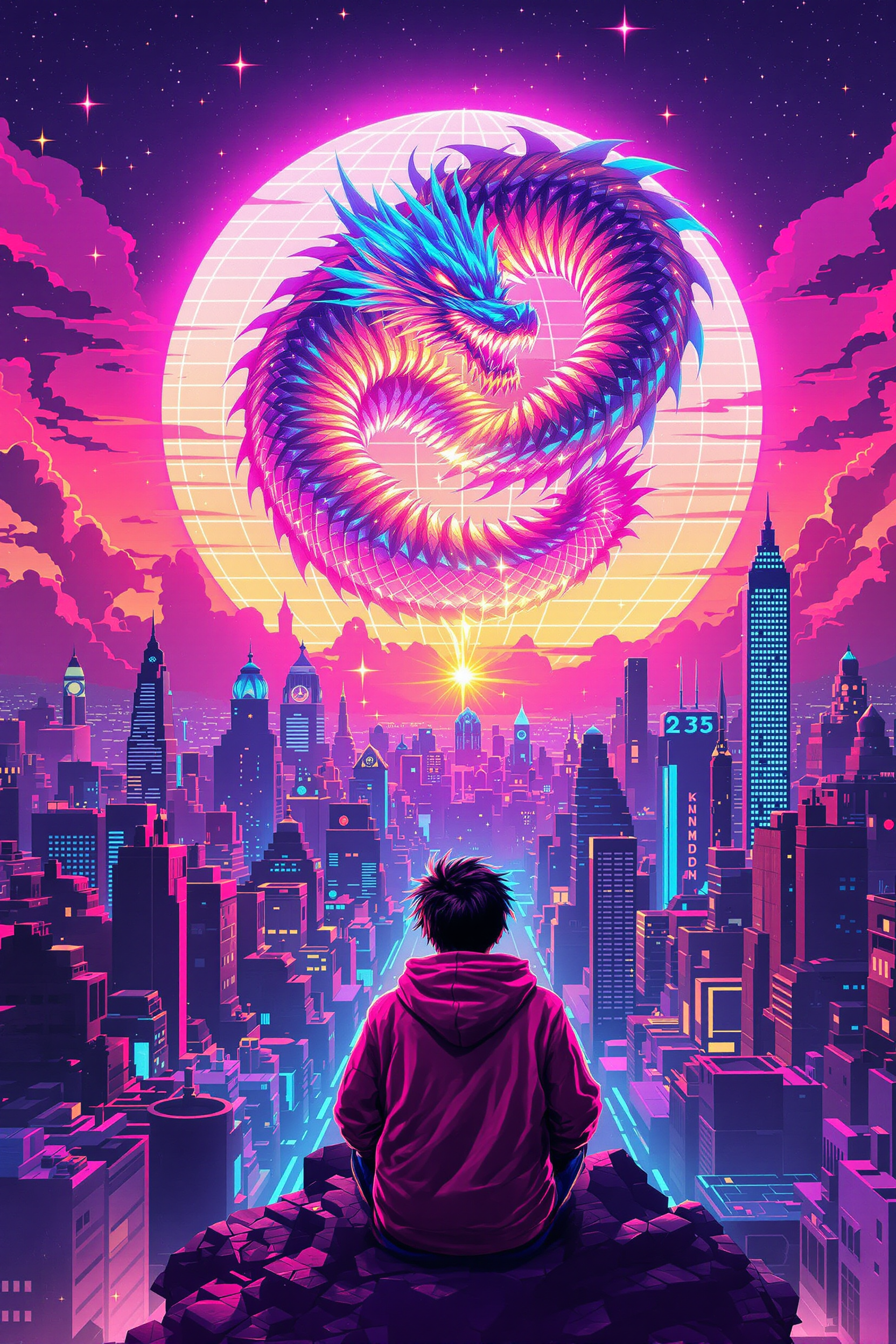
Block-style youth in neon hoodie releasing a glowing voxel dragon above a retro arcade sky…
flux-studio
Angels flying over a car driving down the road
image-to-video
Mushrooms screaming
image-to-video
A luxury sports car driving along a coastal cliff road at sunset
flux-3-video
As the tires spin the snow and rain move off the tire
image-to-video
Models you can run on PixelDojo for flux 3 video playground
Switch models without switching tools. Each one runs in the same PixelDojo studio.
What you can do with flux 3 video playground on PixelDojo
Text to video clips
We run Flux 3 in a dedicated playground so you can generate short videos from written prompts and see results in one place.
Iterate in one workspace
We keep prompt edits, regenerations, and prior takes together so you can compare versions and lock a direction without switching tools.
Duration and framing options
We expose common controls such as length, aspect ratio, and motion intensity so clips fit the format you already shoot or edit in.
Download and reuse footage
We let you export finished clips as standard video files you can drop into an editor, a storyboard, or a client review.
Loved by thousands of creators worldwide who generate professional videos daily. PixelDojo's Flux 3 Video Playground delivers top-ranked results with native audio and 20-second clips, earning 4.8/5 ratings and millions of successful generations across marketing, social, and storytelling use cases.
Why Choose Pixel Dojo for flux 3 video playground
Professional-quality results with cutting-edge AI technology
Create Immersive Videos with Perfect Native Audio
You receive complete audiovisual stories in a single generation. Flux 3 Video produces clips where every footstep, impact, sizzle, crowd murmur, and spoken line is generated and synced with the picture, including multilingual dialogue and lip-sync. No separate audio recording or layering required, so your marketing clips, product films, and stories feel filmed rather than assembled.
Go from Idea to Finished 20-Second Clip in Minutes
You skip expensive crews, locations, and lengthy timelines. Enter a prompt in the Flux 3 Video Playground, optionally add images created with Flux.2 Studio, Grok Image, Seedream 5, or Nano Banana 2, set duration and aspect ratio, and generate 720p or 1080p video. Use draft mode for rapid iteration, then enhance with FLUX Video Upscale or edit in Marketing Studio and Film Studio.
Maintain Character Consistency Across Multi-Shot Stories
You build cohesive narratives without recasting. Combine Flux 3 Video's keyframe pinning and video continuation with PixelDojo's Consistent Characters, Character Sheets, and Ideogram Character tools. Repeat subject descriptions across shots, pin stills as storyboards, and extend clips while identity, style, and audio remain locked, perfect for ads, series, and branded content.
How It Works
You create professional Flux 3 videos on PixelDojo by combining the dedicated playground with complementary tools for stills, characters, editing, and enhancement. The process is designed for speed and control so you move from concept to downloadable clip without technical barriers.
Step 1: Choose Your Tool and Prepare Assets
Log into PixelDojo and open the Flux 3 Video Playground. Select Flux 3 Video for native-audio generation up to 20 seconds. Generate or upload starting frames using Flux.2 Studio, QWEN Image 2, Seedream 4.5, or ImagineArt. For recurring talent, create base looks with Consistent Characters or Character Stylist so identity carries through. Prepare any existing clips for continuation mode.
Step 2: Enter Your Prompt and Configure the Shot
Write a scene-directing prompt that names the subject, action, camera behavior, environment, lighting, and audio. Use a natural one-liner such as a low tracking shot of the subject performing the action in the setting with specific sounds, or build a CASTLE structure for multi-shot work: core summary, consistent subject description, timeline with timestamps, per-shot audio, look, and environment. Add 1-10 keyframe images pinned to times, set 5-20 second duration, choose aspect ratio including 21:9 or 9:16, and enable audio.
Step 3: Generate, Enhance, Edit, and Download
Generate the clip and review the preview. Use draft mode first for fast, low-cost exploration, then render the keeper at full quality. Upscale with FLUX Video Upscale, Magnific Upscaler, or Clarity Pro. Refine with Grok Video Edit, WAN 2.7 Video Edit, Video Reframe, or Merge Videos. Add captions via Video Autocaption, analyze with Video Analyzer, then export or send to Marketing Studio and Film Studio for campaign packaging. Download watermark-free in your chosen resolution.
The Pixel Dojo Advantage
Why PixelDojo's Flux 3 Video Playground outperforms other options for professional video creation
| Others | Pixel Dojo |
|---|---|
| Traditional video production | You eliminate crew costs, location fees, equipment rental, and weeks of shooting plus post-production. Generate 20-second cinematic clips with native audio, realistic physics, multi-shot continuity, and multilingual dialogue in minutes using Flux 3 Video plus PixelDojo's full toolkit. |
| Generic AI tools | You get Flux 3 Video's native audio generation, 20-second length, keyframe storyboarding, and continuation in one unified playground, plus seamless access to 40+ complementary tools such as Flux.2 Studio for stills, Consistent Characters, Film Studio, and FLUX Video Upscale, all without watermarks and with cancel-anytime flexibility. |
| Manual photo and video editing | You avoid hours of timeline scrubbing, audio syncing, and compositing. Flux 3 Video interpolates keyframes, generates matching sound, and PixelDojo's edit suite including Inpainting, Style Transfer, Magic Lighting, Video Autocaption, and Merge Videos lets you polish and package complete videos in seconds. |
Loved by creators on PixelDojo
Real feedback from people using PixelDojo, pulled from our in-product surveys.
Great site and so much fun to use!
very useful set of tools for image creation, upscaling and enhancement
ease of use, variety of tools, high quality trainings, and a well-maintained discord channel
Ease of use, friendliness and support of the owner, continued innovation.
it is an amazing site to create a pics and vids for those who don't have the hardware themselves
good tools in one place
Explore more AI tools on PixelDojo
AI Tools
Compare & Switch
- Best AI Image Generators
- Best AI Video Generators
- Midjourney Alternatives
- Civitai Alternatives
- Runway Alternatives
- Leonardo Alternatives
- Pika Alternatives
- Luma Alternatives
- Magnific Alternatives
- Veo Alternatives
- Flux Alternatives
- Freepik Alternatives
- Seedance Alternatives
- Seedream Alternatives
- Pixverse Alternatives
- GPT Image Alternatives
- Synthesia Alternatives
- Playground Alternatives
- NightCafe Alternatives
- Canva AI Alternatives
- ElevenLabs Alternatives
- ComfyUI Alternatives
- Fal Alternatives
- Replicate Alternatives
Common Questions
Everything you need to know about flux 3 video playground
What is the Flux 3 Video Playground on PixelDojo and how does it help me create videos?
The Flux 3 Video Playground is PixelDojo's dedicated workspace for generating up to 20-second videos with native synchronized audio using Black Forest Labs' Flux 3 Video model. You start from text, still images, keyframes, or existing clips and receive complete audiovisual output including dialogue, effects, and ambience. Combined with PixelDojo's 40+ tools such as Flux.2 Studio, Consistent Characters, Marketing Studio, Film Studio, and FLUX Video Upscale, you produce professional marketing, social, and storytelling content quickly and consistently, then cancel anytime if it no longer fits your needs.
How do I write the best prompts for Flux 3 Video Playground cinematic results?
Direct a scene rather than listing objects. Name the camera shot, subject action, environment, lighting, and the sounds you want. A reliable one-liner follows the pattern of camera shot of subject performing action in environment with supporting audio and motion details. For multi-shot sequences use the CASTLE approach: core summary of the whole piece, identical subject description across shots for continuity, timestamped timeline, per-shot audio, global look, and environment. PixelDojo's playground lets you iterate instantly so you refine until the motion, physics, and audio match your vision.
Can I turn images into videos inside the Flux 3 Video Playground?
Yes. Use image-to-video mode by uploading one to ten stills created with PixelDojo tools such as Flux.2 Studio, GPT Image 2, Grok Image, Seedream 5, or QWEN Image 2. Pin them as opening frame, start-and-end pair, or timestamped keyframes to storyboard the shot. Flux 3 Video interpolates realistic motion, physics, and matching native audio between those frames while preserving style and identity, then you can continue the clip or enhance it further.
What lengths, resolutions, and aspect ratios does Flux 3 Video Playground support?
You generate clips from 5 to 20 seconds at 720p HD or 1080p Full HD, 24 fps, in flexible aspect ratios including 16:9, 9:16, 21:9, 4:3, and 1:1. Draft mode gives fast previews; full renders deliver cinematic quality. Extend beyond 20 seconds with video continuation from the last frames, or chain multi-shot sequences inside one generation. Upscale finished clips with FLUX Video Upscale, Magnific Upscaler, or Clarity Pro and reframe with Video Reframe as needed.
How does native audio and multilingual dialogue work in Flux 3 Video Playground?
Audio is generated in the same pass as the picture, so impacts, footsteps, ambience, music, and speech arrive already synchronized. Quote dialogue, specify language (13+ languages supported with lip-sync), delivery, and whether the speaker is on-camera or voice-over. Describe sound sources rather than requesting silence. The result is ready-to-use audiovisual content for ads, explainers, and localized campaigns. Pair with PixelDojo's Text to Speech or Seed Audio 1.0 if you need additional voice assets.
Is Flux 3 Video Playground free to try and can I cancel anytime?
PixelDojo gives you access to Flux 3 Video among 40+ cutting-edge AI tools loved by thousands of creators worldwide. You can start generating immediately, explore draft and full-quality modes, combine with image, character, edit, and upscale tools, and produce watermark-free videos. There is no long-term lock-in; cancel anytime. Generate your first cinematic clip today and experience the speed and quality for yourself.