flux image to video
![Turn your image into a cartoon with FLUX.1 Kontext [pro] - cartoonify](https://cdn.pixeldojo.ai/cdn-cgi/image/f=auto,q=90,w=3840/pixeldojo/generated-images/1752258771272-zpnmk426d.png)
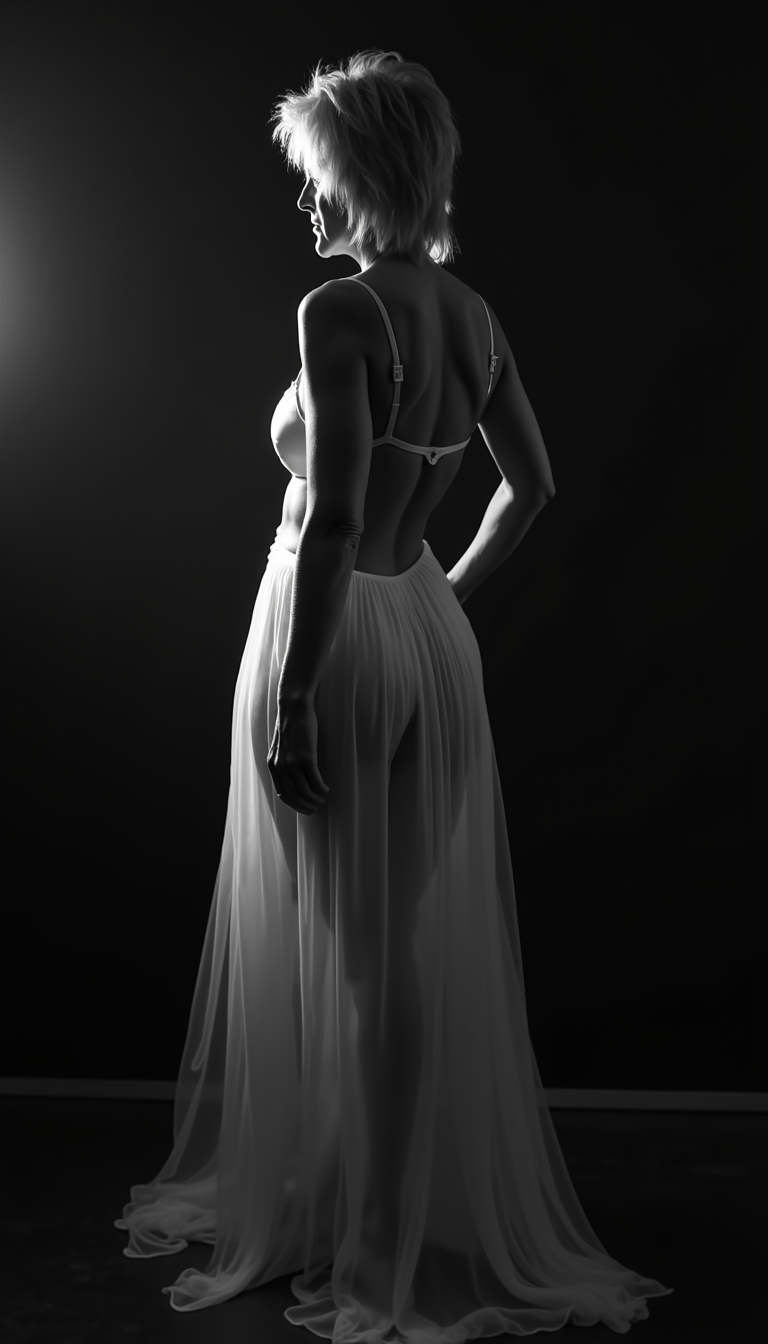
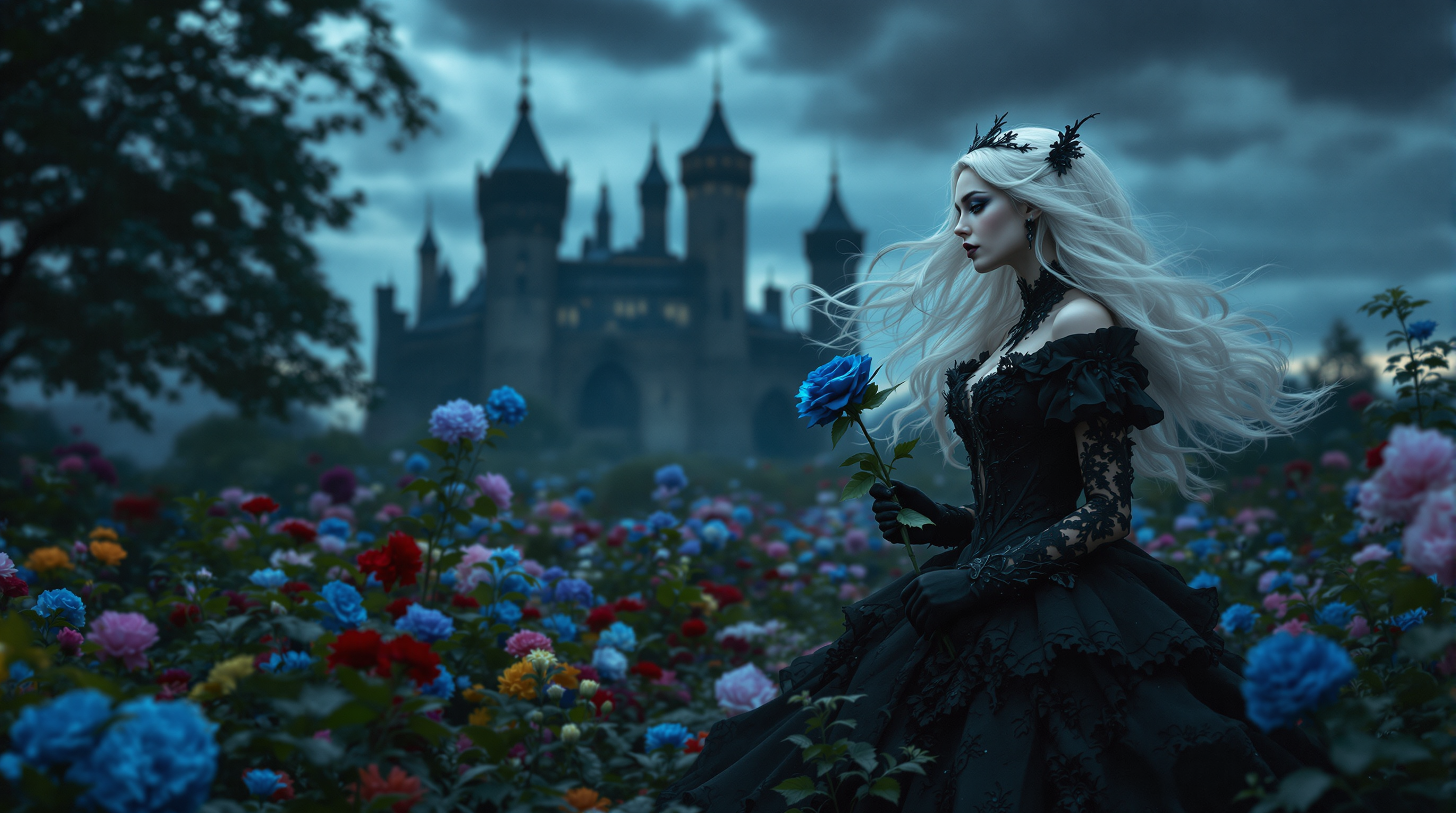
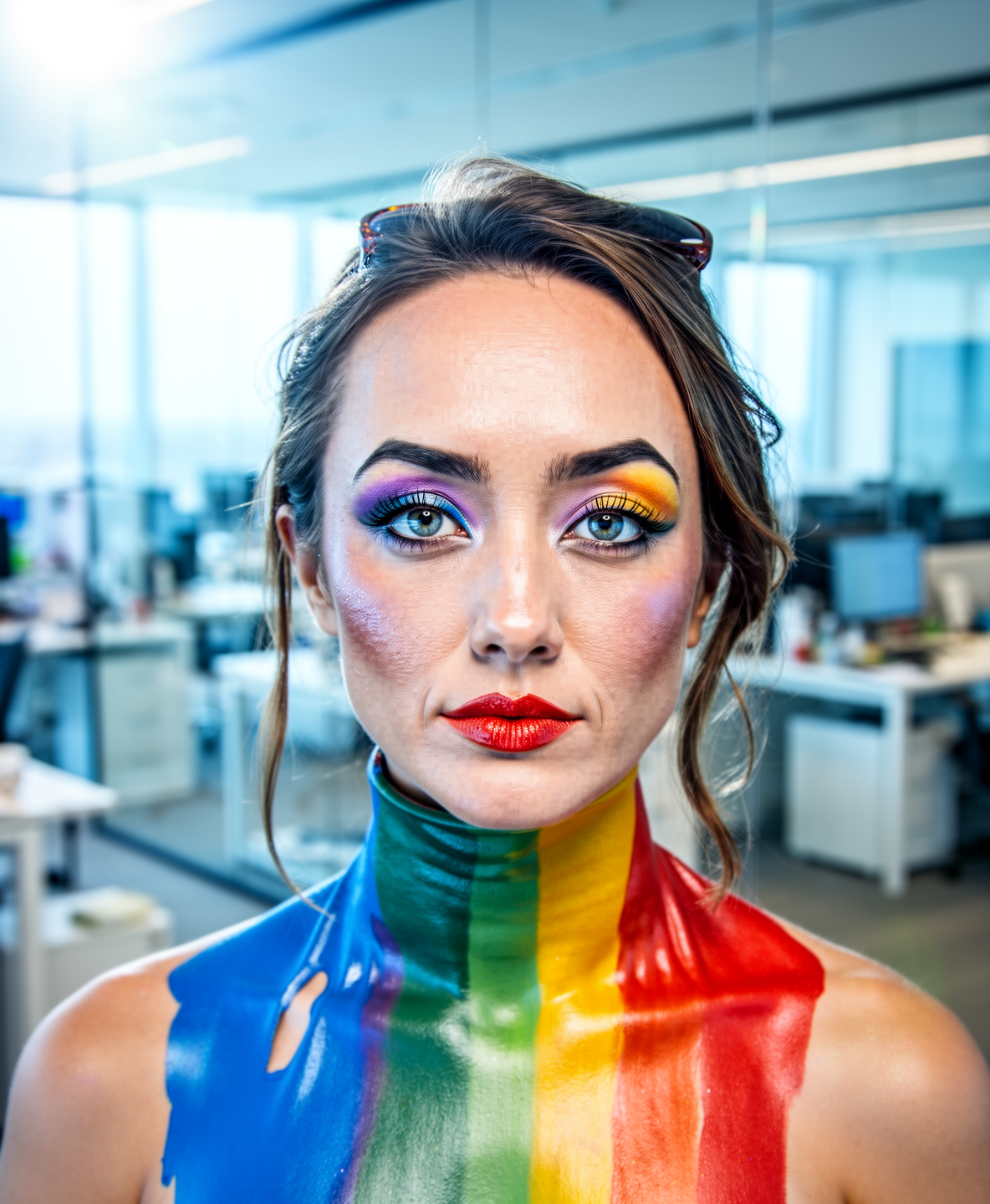
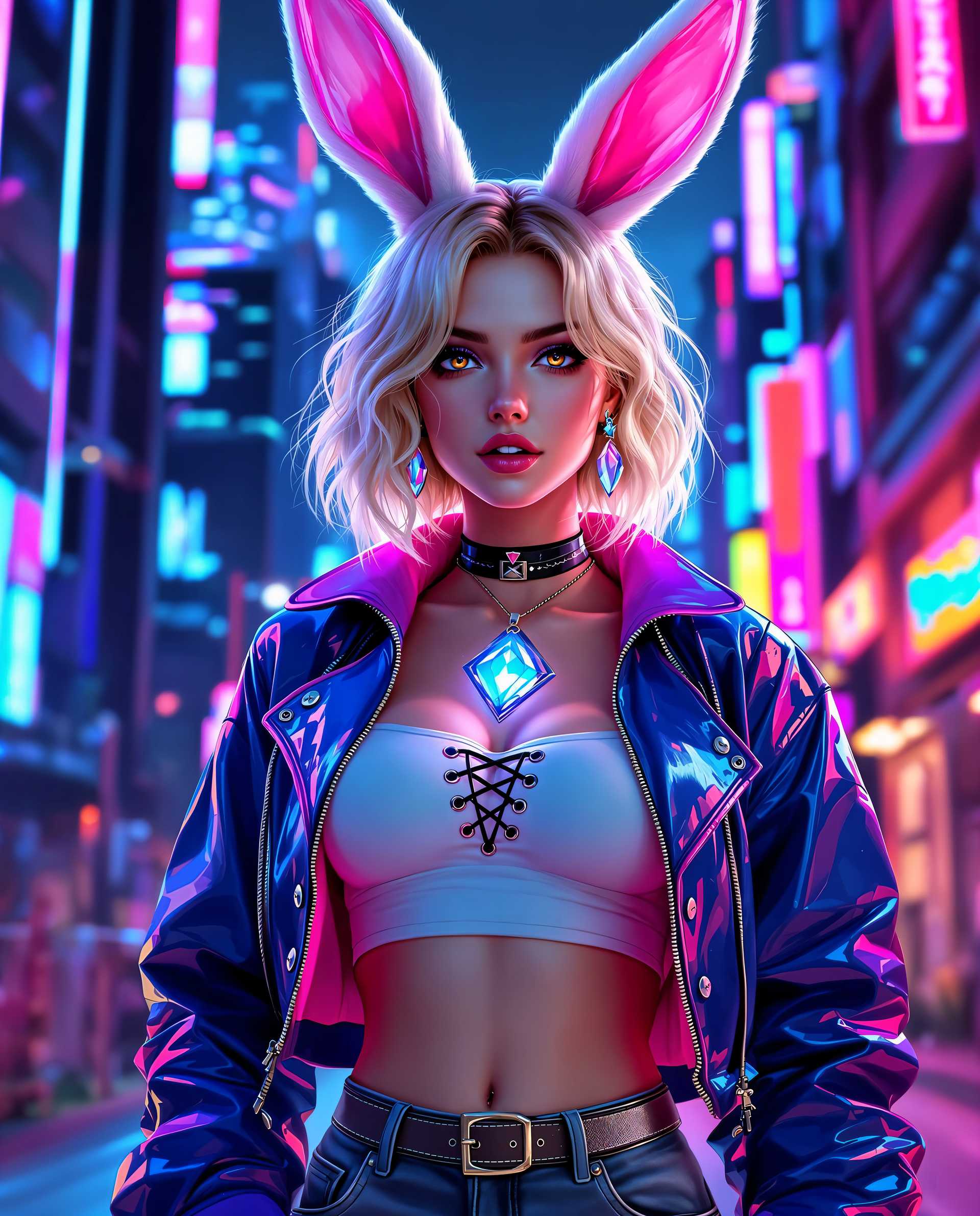
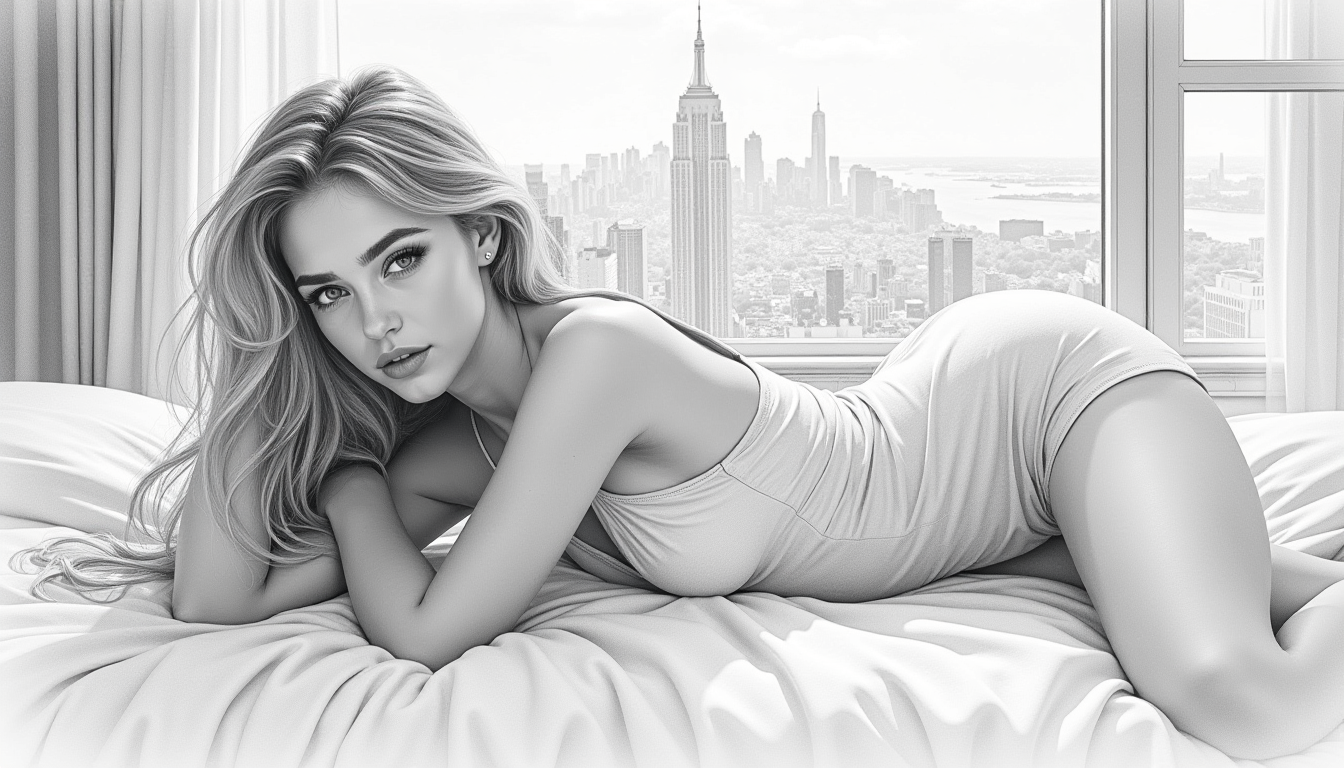
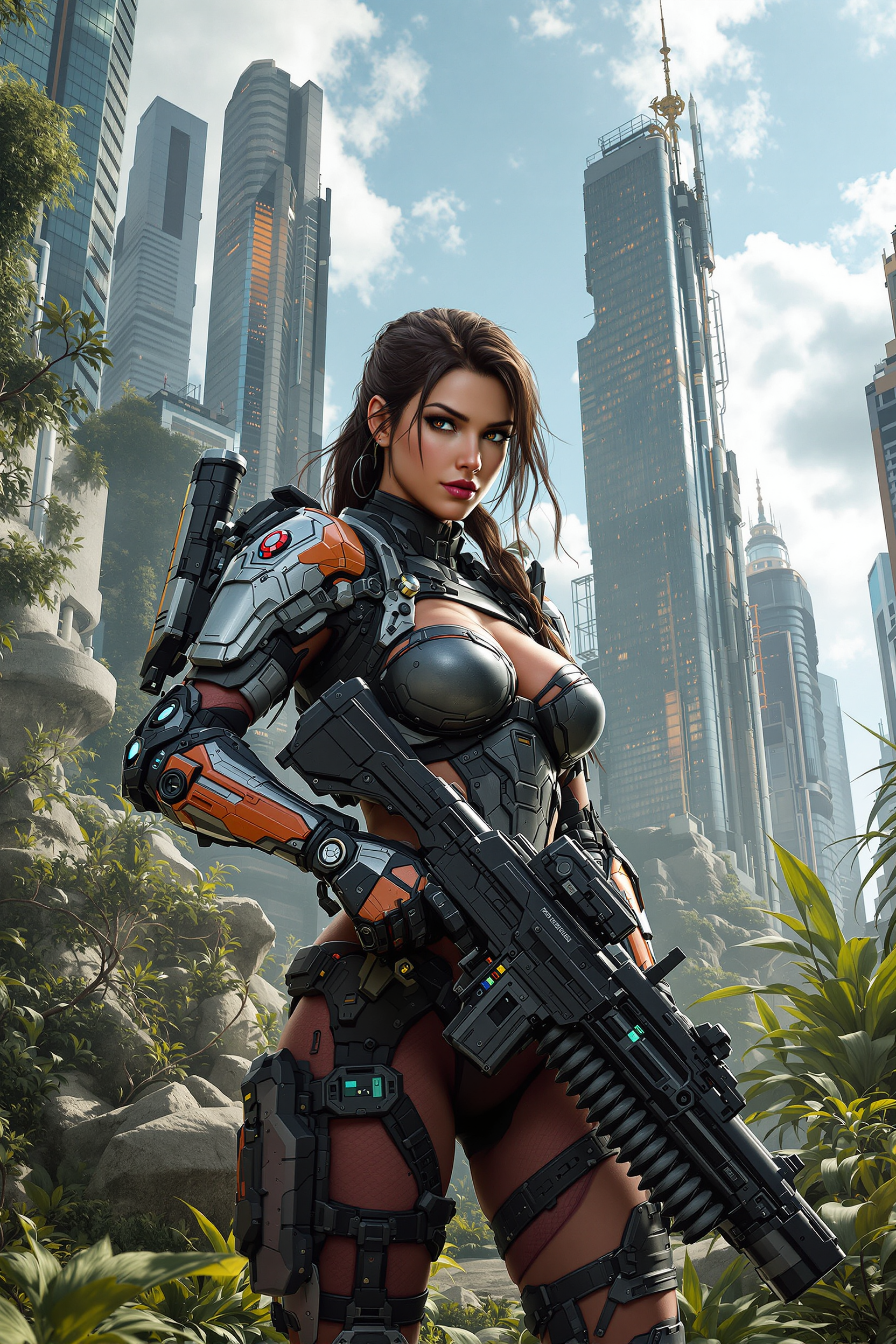
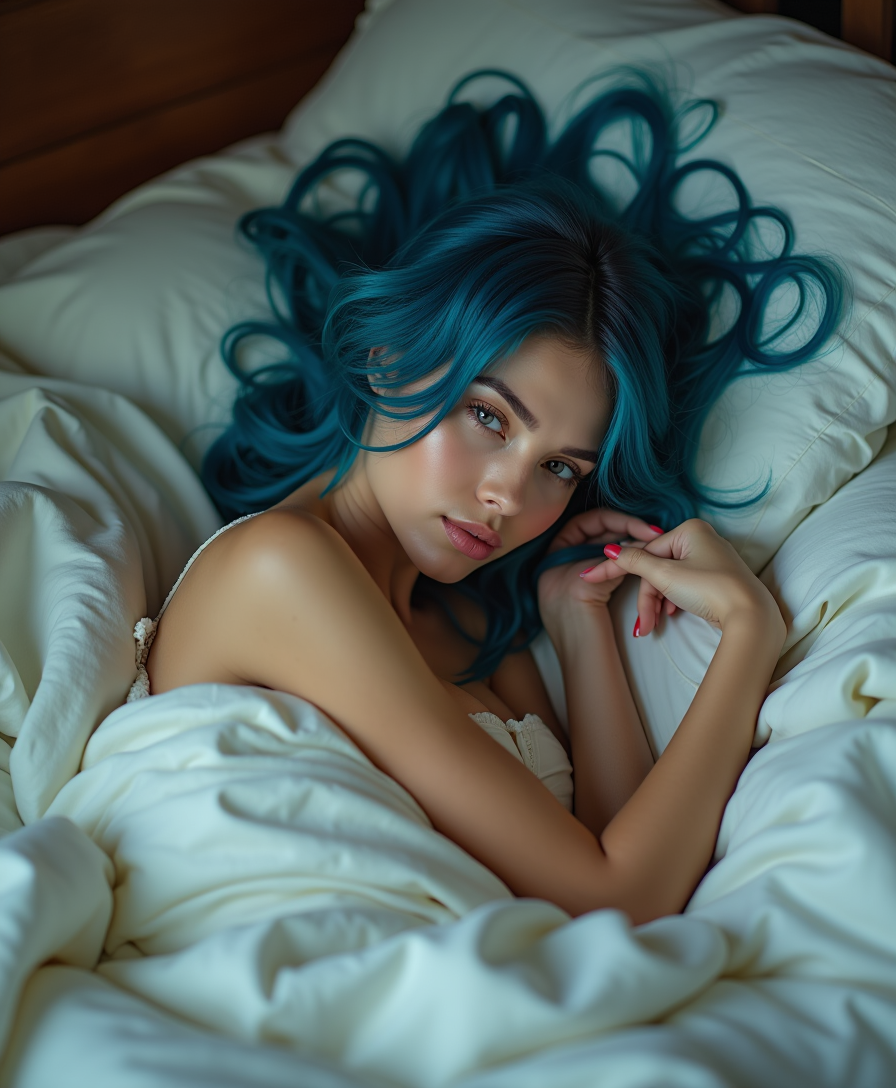
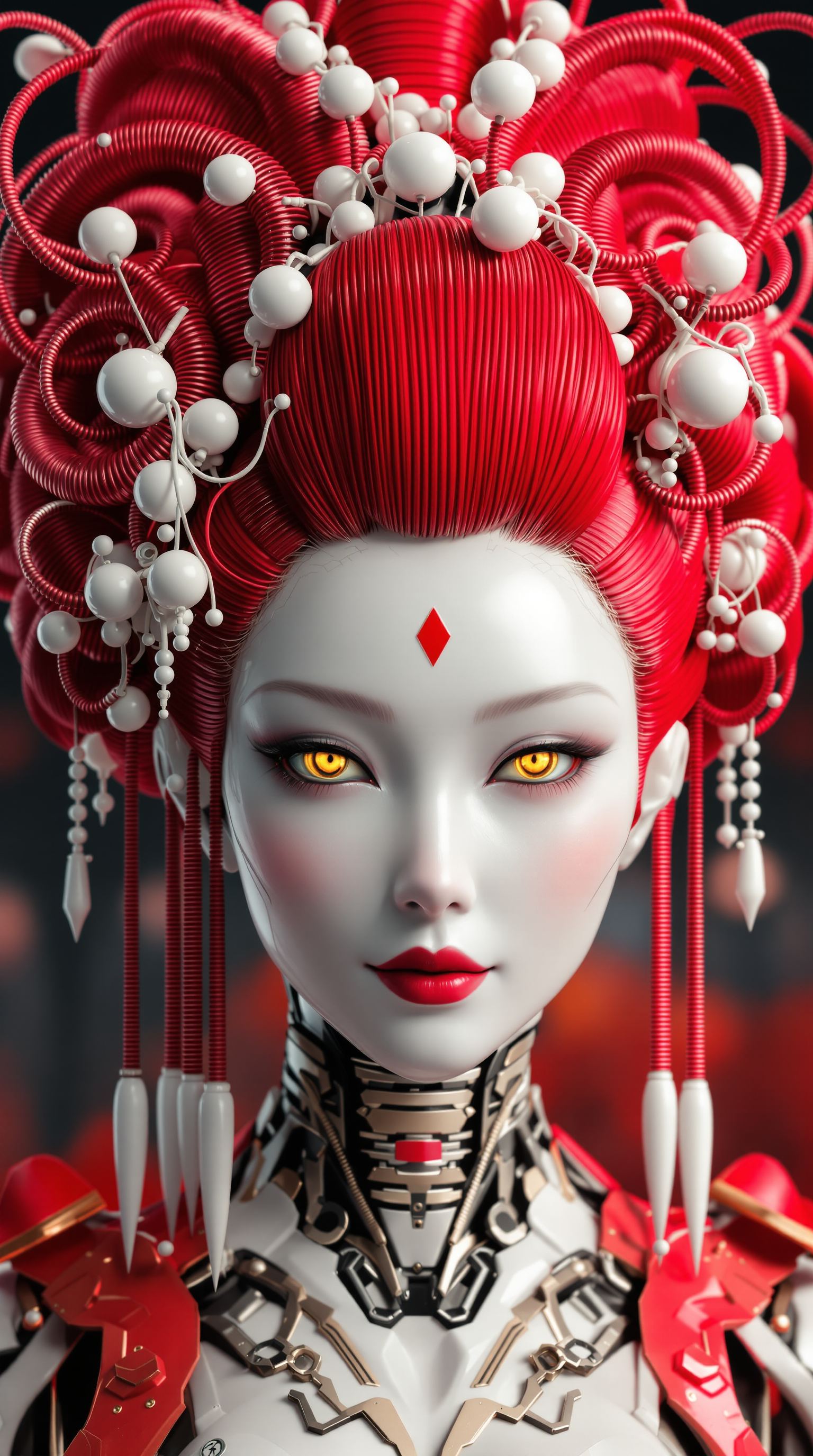
Imagine taking your breathtaking Flux-generated images—hyper-realistic portraits, cinematic landscapes, or product shots—and instantly transforming them into captivating videos that grab attention and drive engagement. With PixelDojo's Flux image to video tools, you achieve professional-quality animations, marketing reels, social media content, and storytelling sequences without complex software or hours of manual work. Upload a Flux still from Flux.2 Studio or Flux.1 Studio, describe the motion, and watch as tools like Flux 3 Video, WAN 2.7 Spicy Image-to-Video, or Kling Reference to Video breathe life into it with natural movement, camera dynamics, and even synchronized audio. Creators worldwide use this to produce scroll-stopping product demos, character animations, and immersive ads that convert viewers into customers. Start turning static brilliance into dynamic stories today and elevate every project.
Loved by thousands of creators worldwide with 40+ cutting-edge AI tools. Join the community producing viral videos daily—rated highly for quality and ease, cancel anytime with zero risk.
Why Choose Pixel Dojo for flux image to video
Professional-quality results with cutting-edge AI technology
Bring Static Masterpieces to Life Instantly
Transform your high-fidelity Flux images into smooth, realistic videos in minutes. Achieve cinematic camera moves, natural character motions, and environmental dynamics that make your content unforgettable for social feeds, ads, and presentations.
Produce Marketing Videos That Convert
Create eye-catching product animations, brand stories, and promo clips from Flux product shots. Drive higher engagement and sales with professional results that look like they cost thousands, all while keeping full creative control.
Scale Content Creation Effortlessly
Generate consistent character videos, multi-shot sequences, and variations at scale. Perfect for social media calendars, YouTube intros, or client work—save hours and focus on strategy while AI handles the motion magic.
How It Works
Creating Flux image to video content on PixelDojo is simple and powerful. Start with a premium Flux image and animate it using specialized tools for stunning results every time.
Step 1: Generate or Upload Your Flux Image
Use Flux.2 Studio or Flux.1 Studio to create a ultra-detailed, high-resolution starting image with precise prompts for photorealism or stylized looks. Or upload your existing Flux masterpiece. Enhance it first with Reality Polisher or P-Image Upscale for maximum quality.
Step 2: Select Image-to-Video Tool & Describe Motion
Choose Flux 3 Video for advanced multimodal animation with native audio up to 20 seconds, WAN 2.7 Spicy Image-to-Video for dynamic spicy motion, Kling Reference to Video or Seedance 2 Reference for character consistency, or LTX-2 Video. Enter a clear prompt describing natural movements, camera angles, and actions while preserving the original style.
Step 3: Customize, Enhance & Download
Adjust duration, intensity, aspect ratio, and add effects. Upscale with Video Upscaler or Clarity Pro, edit further with Kling Video Edit or WAN 2.7 Video Edit, add captions via Video Autocaption, then download in high resolution ready for social, web, or client delivery. Iterate quickly for perfect results.




The Pixel Dojo Advantage
Why PixelDojo outperforms other options for flux image to video generation
| Others | Pixel Dojo |
|---|---|
| Traditional video production | Skip expensive shoots, actors, and editing suites—turn a single Flux image into polished video in minutes instead of days or weeks, at a fraction of the cost while maintaining total creative freedom. |
| Generic AI tools | Access specialized Flux-optimized image generators plus dedicated Flux 3 Video and multiple premium image-to-video models like WAN Spicy and Kling Reference in one seamless platform, delivering superior consistency, quality, and style matching that generic tools can't match. |
| Manual photo editing and animation | Eliminate tedious frame-by-frame work or complex keyframing. AI handles natural physics, motion, and audio automatically so you achieve professional cinematic results with simple prompts and zero technical expertise required. |
Loved by creators on PixelDojo
Real feedback from people using PixelDojo, pulled from our in-product surveys.
Easy to use once you get the hang of it
Love it make anything I can think of so far
Great for all your ideas use it encourage more people to use it
Because it is awesome
exceptional quality and great overall design of platform and interface. very intuative. love the creative freedom.
Qwen image 2 is amazing!!
Explore more AI tools on PixelDojo
AI Tools
Compare & Switch
- Best AI Image Generators
- Best AI Video Generators
- Midjourney Alternatives
- Civitai Alternatives
- Runway Alternatives
- Leonardo Alternatives
- Pika Alternatives
- Luma Alternatives
- Magnific Alternatives
- Veo Alternatives
- Flux Alternatives
- Freepik Alternatives
- Seedance Alternatives
- Seedream Alternatives
- Pixverse Alternatives
- GPT Image Alternatives
- Synthesia Alternatives
- Playground Alternatives
- NightCafe Alternatives
- Canva AI Alternatives
- ElevenLabs Alternatives
- ComfyUI Alternatives
- Fal Alternatives
- Replicate Alternatives
Common Questions
Everything you need to know about flux image to video
What is the best way to create flux image to video content with PixelDojo?
Start by generating a high-quality base image in Flux.2 Studio or Flux.1 Studio for exceptional detail and prompt adherence. Then feed it into Flux 3 Video for multimodal results with native audio, or WAN 2.7 Spicy Image-to-Video and Kling Reference to Video for specialized motion and character consistency. Use detailed motion prompts focused on natural actions and camera work for the best outcomes.
How does Flux 3 Video improve flux image to video generation?
Flux 3 Video, available on PixelDojo, excels at animating still images into coherent 5-20 second clips with synchronized native audio, strong physical understanding, and support for keyframes or first-last frames. It maintains visual fidelity from your Flux source while adding realistic motion, expressions, and sound—ideal for storytelling and professional content.[[1]](https://www.mindstudio.ai/blog/flux-3-video-model-launch)
Can I maintain character consistency when turning Flux images into videos?
Absolutely. Use tools like Kling Reference to Video, WAN Reference to Video, Seedance 2 Reference, or Consistent Characters features alongside your Flux base images. Combine with Character Sheets or Ideogram Character for multi-scene projects where faces, outfits, and styles stay locked in across videos.
What are the latest techniques for high-quality flux image to video results?
Use high-resolution Flux images (upscaled if needed), write prompts describing natural smooth movements, camera paths, lighting consistency, and audio cues. Start with shorter clips, experiment with motion intensity, and leverage draft modes where available before full renders. Tools like Flux 3 support keyframe control for precise storytelling.[[2]](https://flick.art/blog/flux-3-guide)
Is flux image to video suitable for marketing and commercial use?
Yes—thousands of creators use PixelDojo for product demos, social ads, explainer videos, and brand content. Generate from Flux product shots, animate with Marketing Studio or specialized I2V tools, enhance with upscalers and editors, then export ready-to-post assets. Full commercial rights with flexible plans you can cancel anytime.
Do I need technical skills to create professional flux image to video animations?
No. PixelDojo is designed for creators of all levels. Simply generate or upload your Flux image, pick a tool like Flux 3 Video or WAN 2.7 Spicy Image-to-Video, type a plain-language motion description, and refine with easy sliders and previews. Advanced users can chain tools like Video Extend, Merge Videos, or Face Swap for complex projects.
How long can flux image to video clips be on PixelDojo?
Depending on the model—Flux 3 Video supports up to 20-second clips with audio in a single generation, while others like Kling or Seedance offer flexible short-form lengths perfect for social. Extend further using Grok Imagine Video Extend, WAN 2.7 Video Edit, or Merge Videos for longer narratives.[[3]](https://bfl.ai/blog/flux-3-video)
What makes PixelDojo the top choice for flux image to video over other platforms?
You get seamless access to the full Flux image suite plus the latest video models including Flux 3 Video, multiple WAN Spicy Image-to-Video variants, Kling tools, Seedance, Hailuo, and more—all in one place with editing, upscaling, character consistency, and audio tools. Loved by thousands, risk-free with cancel anytime, and focused on real creative outcomes.