flux kontext AI Generator

Generated on PixelDojo. Produced by PixelDojo's generation pipeline.
You no longer need a full studio, a retoucher, or hours of trial and error to produce campaign-ready images that stay true to your vision. PixelDojo puts Flux Kontext image generation and editing in your hands so you can upload a single photo, describe the exact change you want, and receive a new version that preserves every important detail of the original. Your character’s face, your product’s shape, the lighting, and the overall mood remain locked in while you swap outfits, relocate scenes, restyle the entire look, or replace text on signs. The result is a library of cohesive visuals you can use for ads, social posts, product listings, storyboards, and brand assets without starting from scratch each time. Thousands of creators already rely on PixelDojo’s Flux.2 Studio, Flux.1 Studio, Image to Image, and related tools to move from idea to finished asset in minutes instead of days. You keep full creative control, you iterate as many times as you need, and you walk away with high-resolution files ready for any platform. Start with one image and watch it become an entire visual system that actually looks like it belongs together.
Real image examples generated on PixelDojo
Every example below was produced on PixelDojo. Hover to see the prompt.
Add a log edited with Flux Kontext Dev
flux-studio
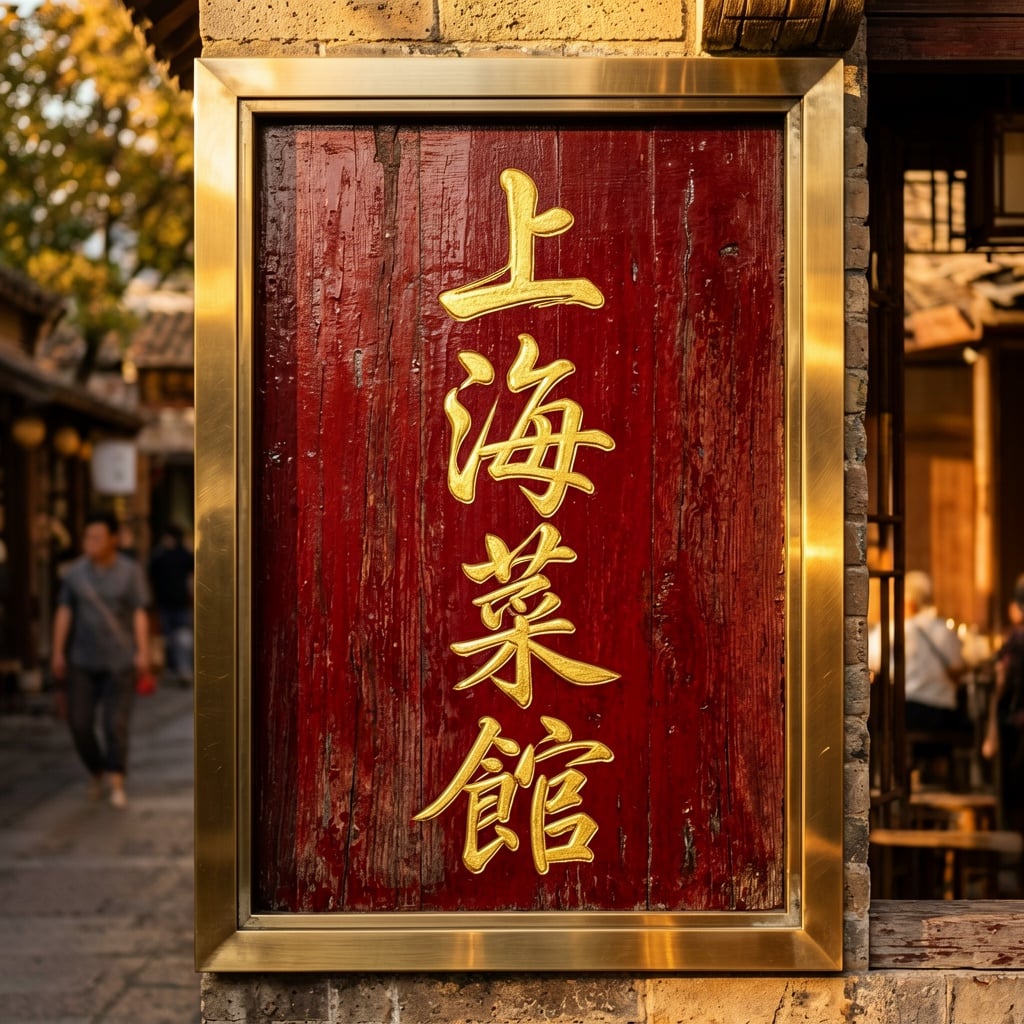
Ern-text
image-to-image

Make it photo realistic edited with Flux Kontext Pro
flux-studio
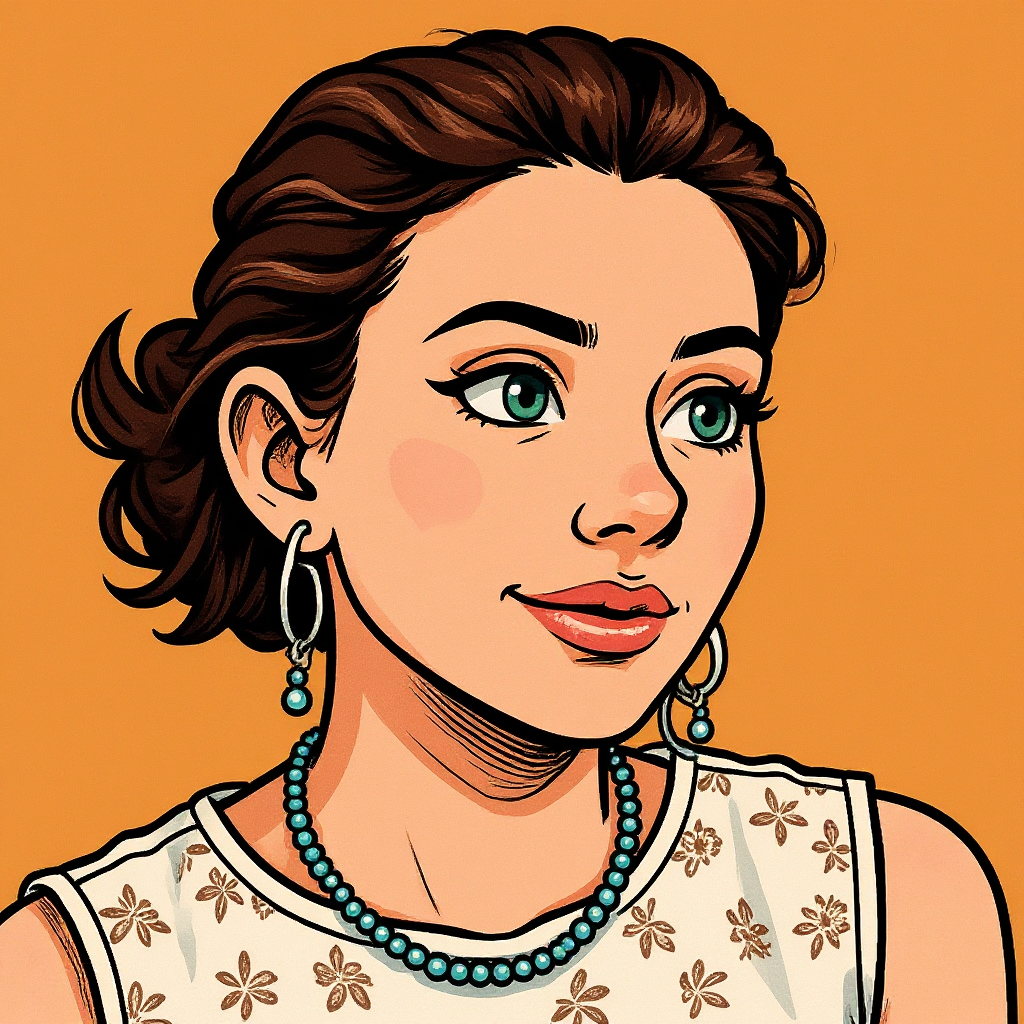
Turn your image into a cartoon with FLUX
stable-diffusion
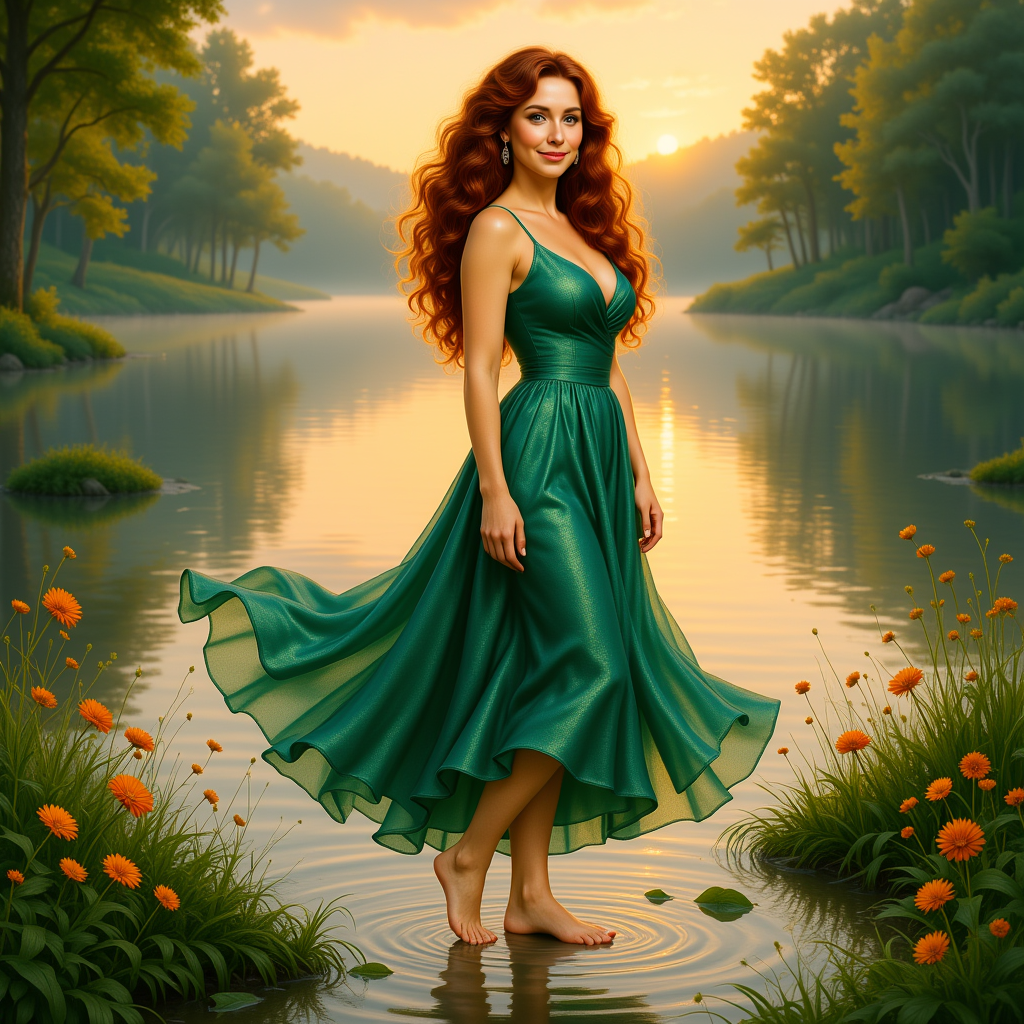
KIRA_SUNRISE
stable-diffusion
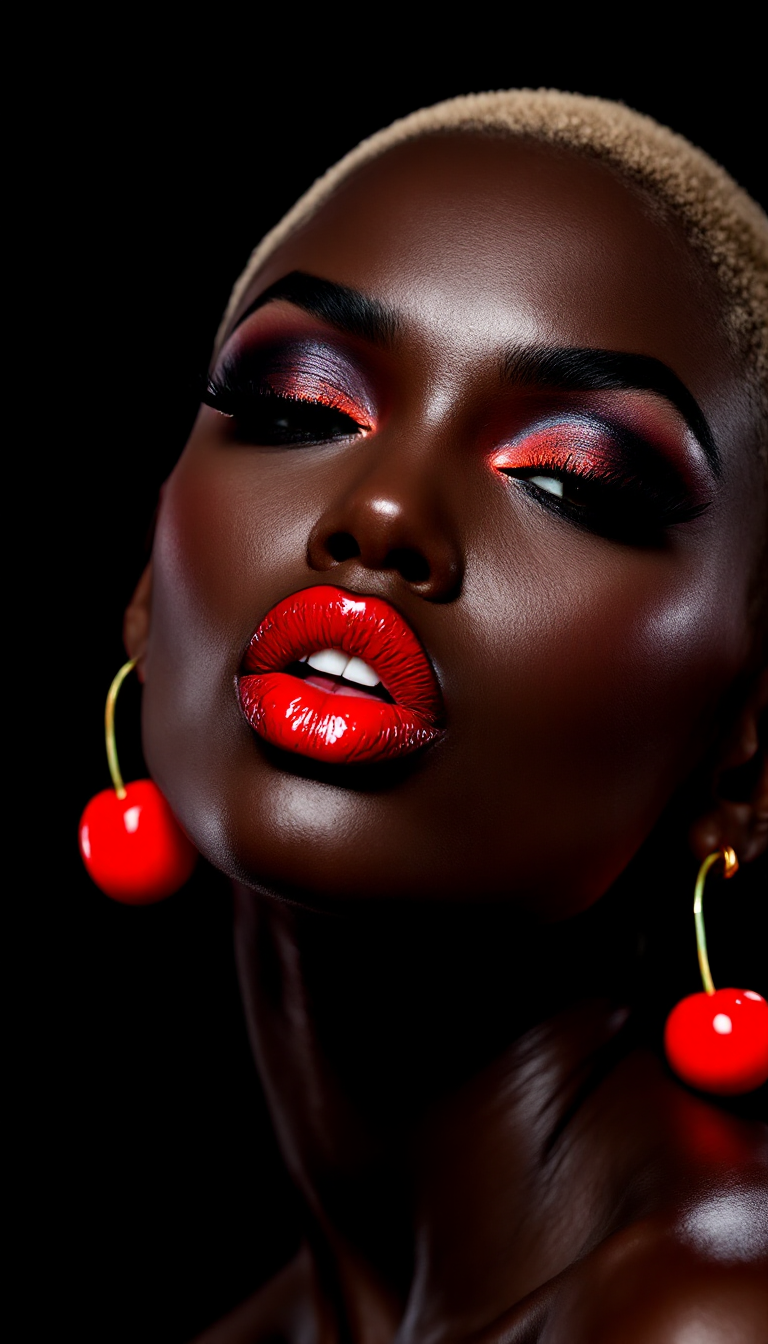
A photo of Marilyn Monroe
flux
Models you can run on PixelDojo for flux kontext
Switch models without switching tools. Each one runs in the same PixelDojo studio.
What you can do with flux kontext on PixelDojo
Context-Aware Image Edits
We run Flux Kontext so you can describe a change in plain language and we apply it while keeping the rest of the scene, lighting, and composition intact.
Character Consistency Tools
We help you keep faces, outfits, and identity stable across prompts so a subject stays recognizable from one edit to the next.
Local Changes Without Full Rerolls
We support targeted updates to objects, text, or regions so you do not have to regenerate the entire image for a small adjustment.
Style And Layout Preservation
We use Kontext to respect existing style, camera angle, and layout while you iterate, which makes multi-step creative work more predictable.
Loved by thousands of creators worldwide who generate millions of images every month. 4.9/5 average rating from marketers, designers, and storytellers who cancel anytime and still come back.
Why Choose Pixel Dojo for flux kontext
Professional-quality results with cutting-edge AI technology
Keep Characters and Products Perfectly Consistent
You upload one reference photo of your model, mascot, or hero product and then generate unlimited new scenes, outfits, and angles without the face, logo, or silhouette drifting. Marketing teams use this to produce entire campaign sequences that feel like they were shot on the same day with the same talent. Storytellers maintain the same protagonist across dozens of frames. E-commerce sellers keep every product shot looking identical in lighting and proportion so shoppers never notice the difference. PixelDojo’s Flux.2 Studio combined with Consistent Characters and Character Sheets delivers this identity lock automatically, saving you from expensive reshoots or manual compositing.
Perform Surgical Local Edits in Seconds
You tell PixelDojo exactly what to change—swap the jacket color, replace the background with a sunlit Italian market, add sunglasses, or rewrite the text on a storefront sign—and everything else stays pixel-perfect. No masks to draw, no layers to blend, no artifacts around the edges. Product photographers turn a simple pack shot into lifestyle imagery. Interior designers test new wall colors or furniture without rebuilding the room. Fashion brands try virtual outfits on the same model in real time. Flux.2 Studio, Image to Image, Inpainting, and Style Transfer work together so your edit looks native to the original photograph rather than pasted on top.
Iterate Freely Until the Image Is Exactly Right
You take the output of one Flux Kontext edit and feed it straight back in as the next starting point. Change the lighting, move the camera, add falling snow, or convert the whole scene to oil-painting texture—all while the core subject remains recognizable. This multi-turn workflow lets you refine a concept the way a photographer would on set, except you never have to wait for the next shoot. Agencies deliver client revisions in minutes instead of days. Content creators test ten background options before breakfast. PixelDojo’s Flux.1 Studio, Reality Polisher, and Magnific Upscaler keep quality high through every round so you finish with print-ready files rather than a pile of almost-good drafts.
How It Works
You create professional Flux Kontext results on PixelDojo by combining an uploaded image with a clear English instruction. The platform handles the rest so you focus on the outcome you want instead of technical settings.
Step 1: Choose Your Tool
Open PixelDojo and select Flux.2 Studio for the latest in-context editing power, or Flux.1 Studio if you prefer the original Kontext workflow. For extra precision you can also start in Image to Image or Inpainting. Upload the photo you want to transform—product shot, portrait, or scene—and the system automatically prepares it as visual context. No software to install, no GPU to configure.
Step 2: Enter Your Prompt
Type a simple instruction that names the change and what must stay the same. Examples: “Change the jacket to a charcoal wool blazer while preserving the face, hair, and pose exactly” or “Replace the background with a sunlit outdoor market, keep the ceramic mug in the identical position and scale.” Use action words such as Change, Add, Replace, or Convert. PixelDojo’s Flux Kontext engine understands the original image so you do not need to re-describe every detail.
Step 3: Customize & Download
Review the result, then refine with Style Transfer, Magic Lighting, Background Remover, or Reality Polisher if you want extra polish. Upscale with P-Image Upscale or Magnific Upscaler for print or large-format use. Download in the resolution and format you need. You can also send the image into Consistent Characters or Character Sheets to generate matching variations, or into Marketing Studio to turn it into video. Everything stays inside PixelDojo so your workflow never leaves the platform.
The Pixel Dojo Advantage
Why PixelDojo outperforms other options for Flux Kontext image generation and editing
| Others | Pixel Dojo |
|---|---|
| Traditional photography and retouching | You skip location scouting, model bookings, and days of post-production. One uploaded photo plus a sentence gives you the same visual consistency that used to require an entire production team and budget. |
| Generic AI tools | PixelDojo gives you dedicated Flux.2 Studio, Flux.1 Studio, Consistent Characters, Image to Image, and Inpainting in one place. You stay inside a single workflow instead of exporting, importing, and losing quality between disconnected apps. |
| Manual photo editing | You never draw masks, clone pixels, or fight lighting mismatches. Flux Kontext understands the scene so your edits look native. What used to take an hour in layers now finishes in seconds and still looks like a real photograph. |
Loved by creators on PixelDojo
Real feedback from people using PixelDojo, pulled from our in-product surveys.
Excellent tools. Ease of use. Well thought out interface. Wide variety of AI tools and features which are up to date with more added each month
I really like how the site is kept up to date, and the leaderboard (where I'm currently #11 most popular artist)
This is the best image generator I've used so far. Well done!
es facil de comprender asi uno no sea programador
amazing web site
phenomenal site. would highly recommend
Explore more AI tools on PixelDojo
AI Tools
Compare & Switch
- Best AI Image Generators
- Best AI Video Generators
- Midjourney Alternatives
- Civitai Alternatives
- Runway Alternatives
- Leonardo Alternatives
- Pika Alternatives
- Luma Alternatives
- Magnific Alternatives
- Veo Alternatives
- Flux Alternatives
- Freepik Alternatives
- Seedance Alternatives
- Seedream Alternatives
- Pixverse Alternatives
- GPT Image Alternatives
- Synthesia Alternatives
- Playground Alternatives
- NightCafe Alternatives
- Canva AI Alternatives
- ElevenLabs Alternatives
- ComfyUI Alternatives
- Fal Alternatives
- Replicate Alternatives
Common Questions
Everything you need to know about flux kontext
How do I get the best Flux Kontext character consistency on PixelDojo?
Upload a clear, well-lit reference photo of your subject into Flux.2 Studio or Consistent Characters. In your prompt always name the person or product and explicitly say what to preserve: “Keep the exact facial features, hair, and body proportions.” Then change only one element at a time—outfit, background, or lighting. After the first result, feed that output back in as the new starting image for the next scene. PixelDojo’s Character Sheets let you generate matching views from multiple angles so your entire campaign stays visually locked together.
What is the most effective prompt structure for Flux Kontext image editing?
Start with a clear action verb, name the specific object, describe the new look, then state what must remain unchanged. Example: “Change the car color to deep navy while keeping the same lighting, reflections, and background exactly.” For text inside images use quotes: “Replace ‘SALE’ with ‘SOLD’.” PixelDojo’s Flux.2 Studio and Image to Image tools respond best when you keep the instruction short and focused rather than writing a full scene description. You can iterate by copying the last output and adding one new instruction.
Can I use Flux Kontext on PixelDojo for product photography and e-commerce?
Yes. Upload a simple pack shot, then use Flux.2 Studio or Image to Image to place the product in lifestyle settings, change backgrounds, adjust lighting, or add complementary props while the product itself stays identical in shape, color, and scale. Background Remover and Reality Polisher clean the edges. P-Image Upscale or Magnific Upscaler delivers the high-resolution files marketplaces require. Virtual Try-On and Flux Pro Virtual Try-On let you show clothing or accessories on models without extra photoshoots. Thousands of sellers already generate complete product catalogs this way.
How does PixelDojo handle iterative Flux Kontext editing without quality loss?
Each result can be sent straight back into Flux.2 Studio, Flux.1 Studio, or Image to Image as the new context image. The model was designed for multi-turn refinement so identity, style, and composition drift far less than older methods. After several rounds you can run Reality Polisher or Clarity Pro to restore any micro-details, then finish with Portrait Upscaler or FLUX Video Upscale if you later turn the stills into motion. You stay inside one platform so there is no compression or color-shift from exporting between tools.
Which PixelDojo tools work best together for Flux Kontext style transfer and local edits?
Start in Flux.2 Studio for the core in-context change. Follow with Style Transfer if you want an artistic look while keeping composition. Use Inpainting or Change Camera Angle for extra control over specific regions. Magic Lighting and Reality Polisher refine atmosphere. For characters add Consistent Characters or Ideogram Character. Finish with P-Image Upscale or Creative Upscaler. All of these sit inside the same PixelDojo workspace so you never leave the page. Marketing Studio can then turn the stills into video if you need motion.
Is there any risk or lock-in when I try Flux Kontext image generation on PixelDojo?
None. You get instant access to 40+ cutting-edge AI tools including every Flux variant, Image to Image, Inpainting, upscalers, and character tools. Thousands of creators already use the platform daily. You can cancel at any time with no questions asked. Credits are simple and transparent. Start with a single image today, see the quality for yourself, and only continue if the results match the professional standard you need for your brand or clients.