flux kontext editor

Generated on PixelDojo. Produced by PixelDojo's generation pipeline.
Unlock professional image transformations in seconds with PixelDojo's Flux Kontext Editor experience. You no longer need to spend hours masking, layering, or fighting inconsistent results. Simply describe the change you want in everyday language and watch your photo evolve while every important detail stays locked in place. Change a car's color, swap a background for a golden-hour beach, restyle clothing, or turn a snapshot into an oil painting—all while the original subject, lighting, and composition remain perfectly intact. PixelDojo brings these capabilities together through Flux.2 Studio, Flux.1 Studio, Image to Image, and complementary tools like Style Transfer and Consistent Characters. You get iterative, high-fidelity edits that stay true to your vision across multiple rounds, making it ideal for marketing campaigns, character series, product variations, and personal art projects. Thousands of creators already rely on our platform because it delivers studio-quality outcomes without the technical overhead. Start today and turn your existing photos into polished, consistent visuals that stand out.
Real image examples generated on PixelDojo
Every example below was produced on PixelDojo. Hover to see the prompt.
Add a log edited with Flux Kontext Dev
flux-studio
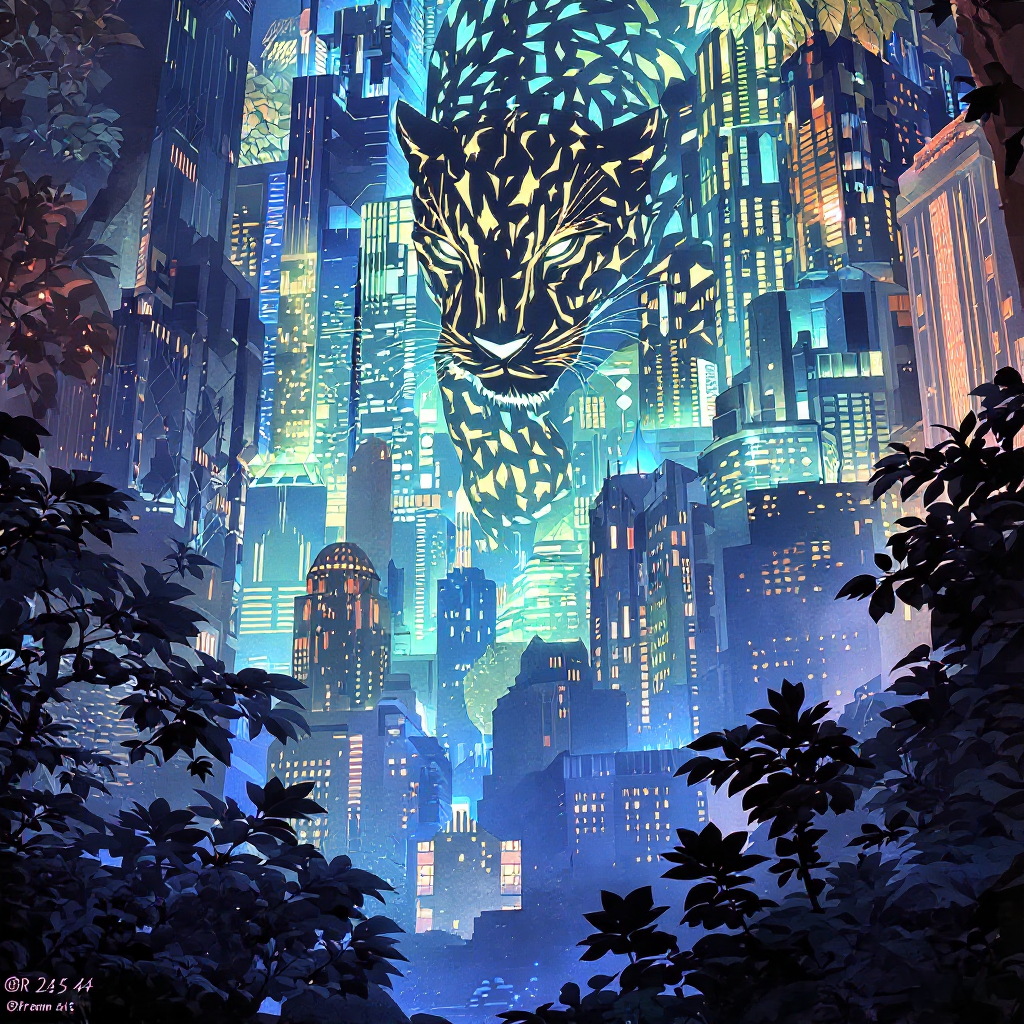
Delete text
flux-studio
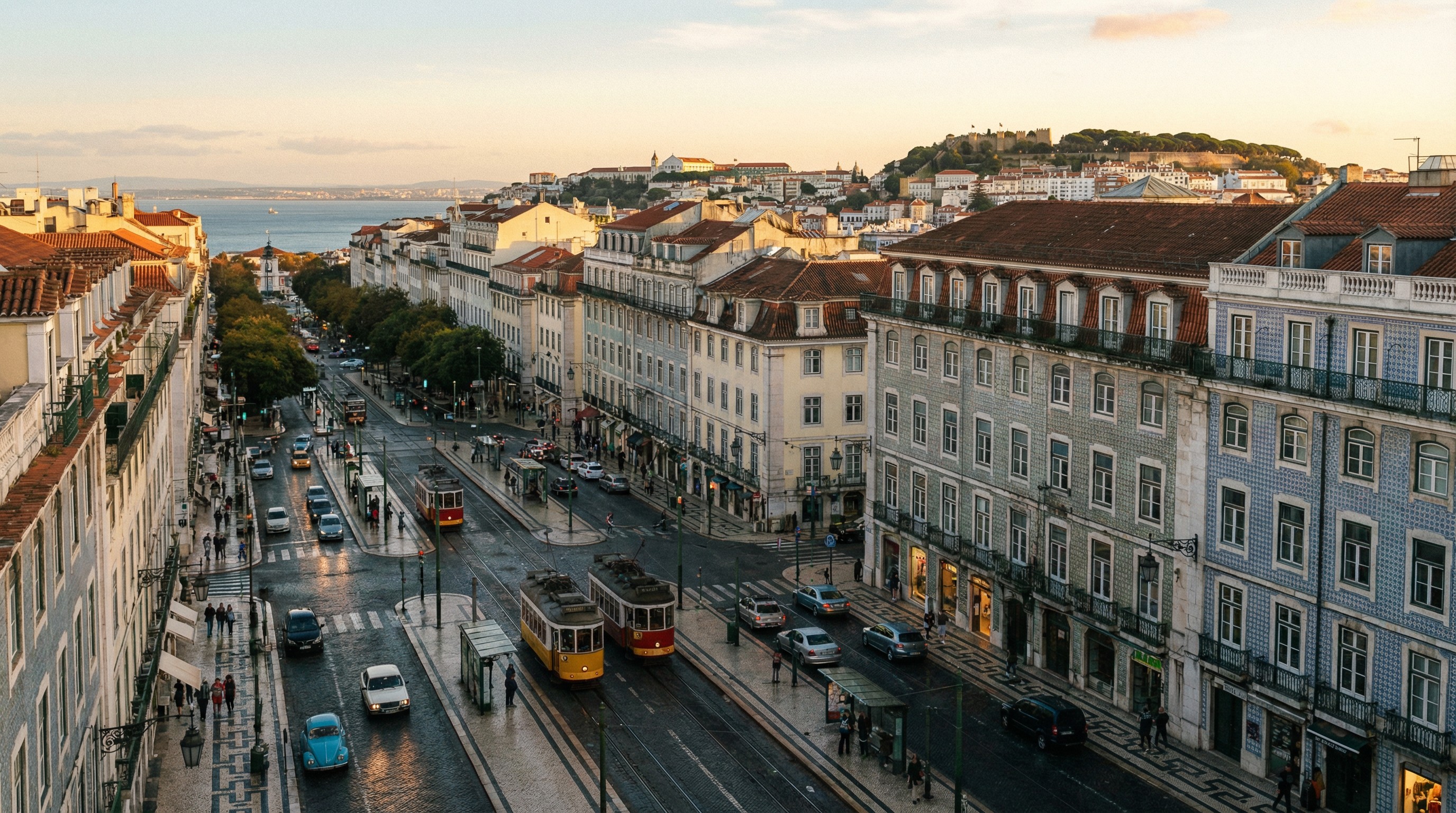
Scene reference: Lisbon portufal
creator-studio-scene
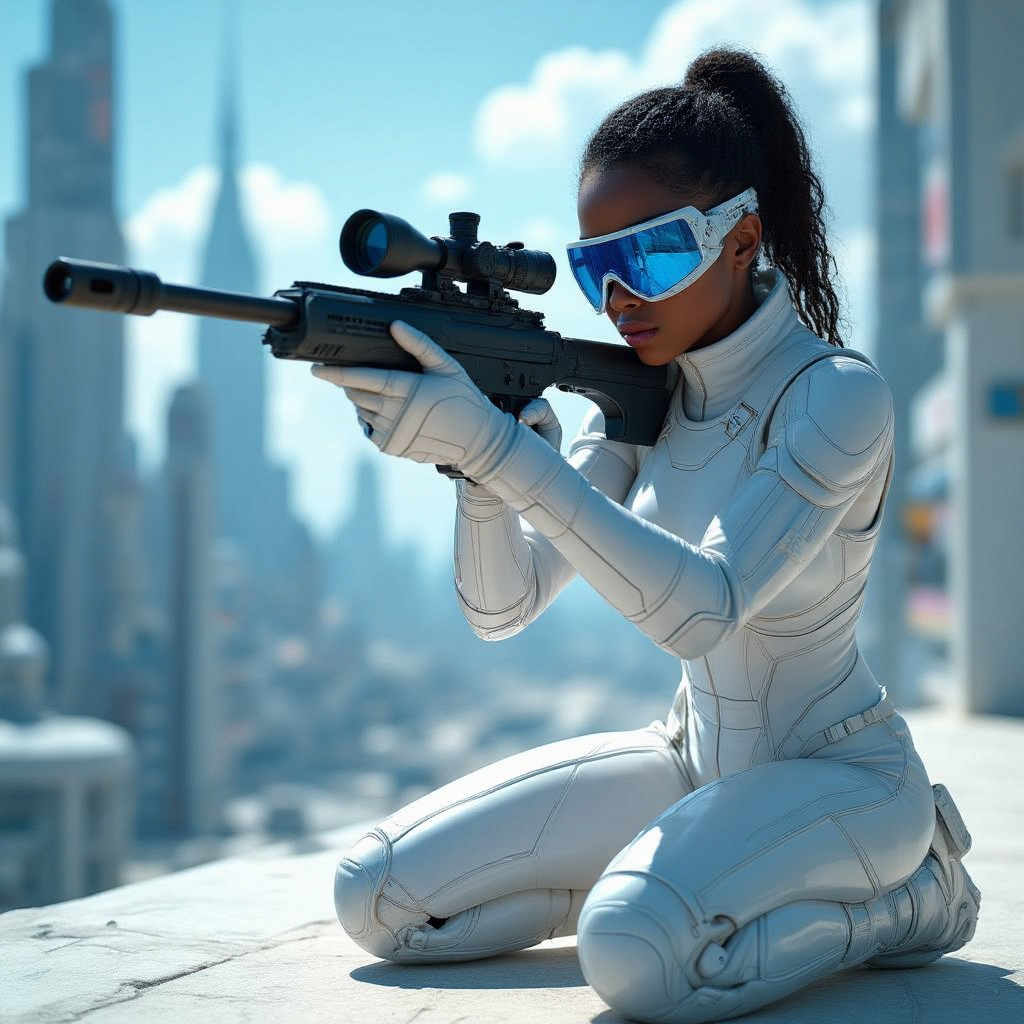
Beautiful black girl aiming her sniper rifle
hidream

A detailed steaming bowl of ramen with fresh herbs and a soft egg
p-image

A jellyfish on the beach
imagen
Models you can run on PixelDojo for flux kontext editor
Switch models without switching tools. Each one runs in the same PixelDojo studio.
What you can do with flux kontext editor on PixelDojo
Text Guided Image Edits
We run Flux Kontext so you can describe the change you want and we apply it while keeping the rest of the scene coherent. Upload a source image, write a clear instruction, and generate a new version without starting from a blank canvas.
Keep Scene Context Intact
We use Kontext to respect lighting, layout, and subject identity while you swap objects, clothing, or backgrounds. Creators stay on-brand across a sequence of stills instead of stitching unrelated generations.
Iterate In The Editor
We let you stack prompts and regenerations in one editor session so you can refine composition, color, and detail step by step. Save the outputs you like and continue from any checkpoint.
Pair Images With Prompts
We accept a reference image plus natural language so Flux Kontext can match pose, product, or character while following your written brief. Use this for product shots, character sheets, and campaign variants from a single starting frame.
Loved by thousands of creators worldwide who produce consistent, professional visuals every day. 40+ cutting-edge AI tools with cancel-anytime flexibility and instant results.
Why Choose Pixel Dojo for flux kontext editor
Professional-quality results with cutting-edge AI technology
Lock Characters Perfectly Across Every Edit
You keep faces, outfits, unique features, and even lighting identical no matter how many times you iterate. Create story sequences, product lines, or social campaigns where your subject never drifts. PixelDojo's Flux.2 Studio and Consistent Characters tools make this effortless so your brand or character stays recognizable from the first frame to the last.
Perform Surgical Local Changes Without Masks
Tell the system exactly what to alter—'make the jacket leather' or 'turn the sky stormy'—and only that element updates. Everything else stays pixel-perfect. Combined with Image to Image, Inpainting, and Magic Lighting on PixelDojo, you achieve the precision of a professional retoucher in a fraction of the time, letting you focus on creativity instead of technical cleanup.
Remix Styles and Scenes Instantly
Apply watercolor, cyberpunk, vintage film, or any aesthetic to your photo while preserving composition and identity. You can also swap environments or lighting moods without rebuilding the entire image. Style Transfer, Reality Polisher, and Flux.1 Studio on PixelDojo give you this flexibility so every project looks unique yet cohesive, helping you produce more content faster and with higher impact.
How It Works
PixelDojo makes Flux Kontext-style editing simple and powerful. You upload an image, describe the desired change in plain language, and receive a high-quality result you can refine or download immediately. The process works with Flux.2 Studio, Image to Image, and supporting tools so you stay in full creative control.
Step 1: Choose Your Tool
Open PixelDojo and select Flux.2 Studio from Generate Images or Image to Image from Edit Images. These tools deliver the in-context understanding that makes Flux Kontext editing so effective. Upload your starting photo—whether a portrait, product shot, or scene—and you are ready to begin. Complementary options like Consistent Characters or Character Sheets can be used if you plan a series.
Step 2: Enter Your Prompt
Type a clear, natural-language instruction that specifies both the change and what must stay the same. Examples include 'Change the car color to red while keeping the driver, background, and lighting exactly as they are' or 'Replace the text on the sign with "OPEN NOW" in the same font style.' Being explicit about preservation prevents unwanted shifts. PixelDojo's models understand context so you get accurate, consistent results on the first try.
Step 3: Customize & Download
Review the output and, if needed, apply further refinements with Style Transfer, Magic Lighting, Background Remover, Inpainting, or P-Image Upscale. You can iterate as many times as you like because character and scene consistency remain strong. Once satisfied, download in high resolution. The entire workflow happens inside PixelDojo so you never leave the platform or lose quality between steps.
The Pixel Dojo Advantage
Why PixelDojo outperforms other options for flux kontext editor image generation and editing
| Others | Pixel Dojo |
|---|---|
| Traditional image editing software | You skip the steep learning curve, hours of masking, and layer management. Flux.2 Studio and Image to Image deliver professional results from a single text instruction in seconds, letting you produce more work with far less effort. |
| Generic AI tools | PixelDojo combines specialized Flux.2 Studio and Flux.1 Studio with a full suite of 40+ tools including Consistent Characters, Style Transfer, Reality Polisher, and upscalers. You get superior consistency, speed, and an all-in-one workflow that generic platforms cannot match. |
| Manual photo editing | Tasks that take skilled editors hours—precise local changes, style transfers, and multi-round consistency—happen in minutes. You maintain perfect character identity and scene integrity that is extremely difficult to achieve by hand, freeing you to focus on ideas rather than pixels. |
Loved by creators on PixelDojo
Real feedback from people using PixelDojo, pulled from our in-product surveys.
easiest workflow to get best output image or video
awesome functionality, UX, constant flood of improvements, discord interactivity
Awesome site with so many features
Love how I can almost create anything
The Flux Pro Ultra is just amazing!
Very easy to use, and they have fast wan 2.2 video generation with custom loras available.
Explore more AI tools on PixelDojo
AI Tools
Compare & Switch
- Best AI Image Generators
- Best AI Video Generators
- Midjourney Alternatives
- Civitai Alternatives
- Runway Alternatives
- Leonardo Alternatives
- Pika Alternatives
- Luma Alternatives
- Magnific Alternatives
- Veo Alternatives
- Flux Alternatives
- Freepik Alternatives
- Seedance Alternatives
- Seedream Alternatives
- Pixverse Alternatives
- GPT Image Alternatives
- Synthesia Alternatives
- Playground Alternatives
- NightCafe Alternatives
- Canva AI Alternatives
- ElevenLabs Alternatives
- ComfyUI Alternatives
- Fal Alternatives
- Replicate Alternatives
Common Questions
Everything you need to know about flux kontext editor
What is the best way to use Flux Kontext Editor for character consistency on PixelDojo?
Start with Flux.2 Studio or Image to Image and upload a clear reference photo. In your prompt, explicitly name the subject and state what must remain unchanged, for example 'Keep the woman's facial features, hairstyle, and clothing identical while changing the background to a city street at night.' Pair this with PixelDojo's Consistent Characters or Character Sheets tools when you need a whole series. Iterate by feeding the previous result back in; the models preserve identity across many rounds so your character stays recognizable throughout an entire campaign or story.
How does Flux Kontext Editor handle text editing in images with PixelDojo tools?
Use quotation marks around the exact text you want to replace: 'Replace "SALE" with "SOLD" while keeping the same font, size, and sign style.' Flux.2 Studio and Image to Image excel at this because they understand both the visual context and the instruction. For extra polish you can follow up with Reality Polisher or Inpainting. The result looks native to the original image rather than pasted on, making it perfect for posters, product labels, and marketing materials.
Can I perform iterative multi-round edits with Flux Kontext techniques on PixelDojo?
Yes. Upload your image to Image to Image or Flux.2 Studio, make the first change, then use the new output as the next input. Because the models are designed for in-context generation, character, style, and composition stay stable even after several successive prompts. You can also mix in Style Transfer, Magic Lighting, or Change Camera Angle between rounds. This workflow lets you refine complex scenes step by step without quality loss or visual drift.
Which PixelDojo tools work best together for Flux Kontext Editor workflows?
Flux.2 Studio and Flux.1 Studio provide the core in-context editing power. Combine them with Image to Image for general transformations, Style Transfer for aesthetic remixes, Inpainting for extra local control, Background Remover and Magic Lighting for environment tweaks, Consistent Characters for series work, and P-Image Upscale or Magnific Upscaler for final quality. The 40+ tool ecosystem means you never have to leave PixelDojo to complete a professional project.
Is Flux Kontext Editor better than traditional inpainting for local image changes?
For most users, yes. You simply describe the change in natural language instead of drawing a precise mask. PixelDojo's Flux.2 Studio and Image to Image automatically identify the target region and leave everything else untouched, reducing artifacts and saving time. When you do need extra control you can still use the dedicated Inpainting tool. The combination gives you both speed and precision that traditional masking workflows struggle to match.
How can I get started with Flux Kontext Editor for free on PixelDojo?
Visit PixelDojo, create an account, and try Flux.2 Studio or Image to Image immediately. The platform offers 40+ cutting-edge AI tools loved by thousands of creators worldwide. You can experiment with your own photos, iterate as needed, and cancel anytime. No complex setup or local hardware is required—just upload, prompt, and download high-quality results. Start with a simple color change or background swap to see the consistency and speed for yourself.