wavespeed alternative
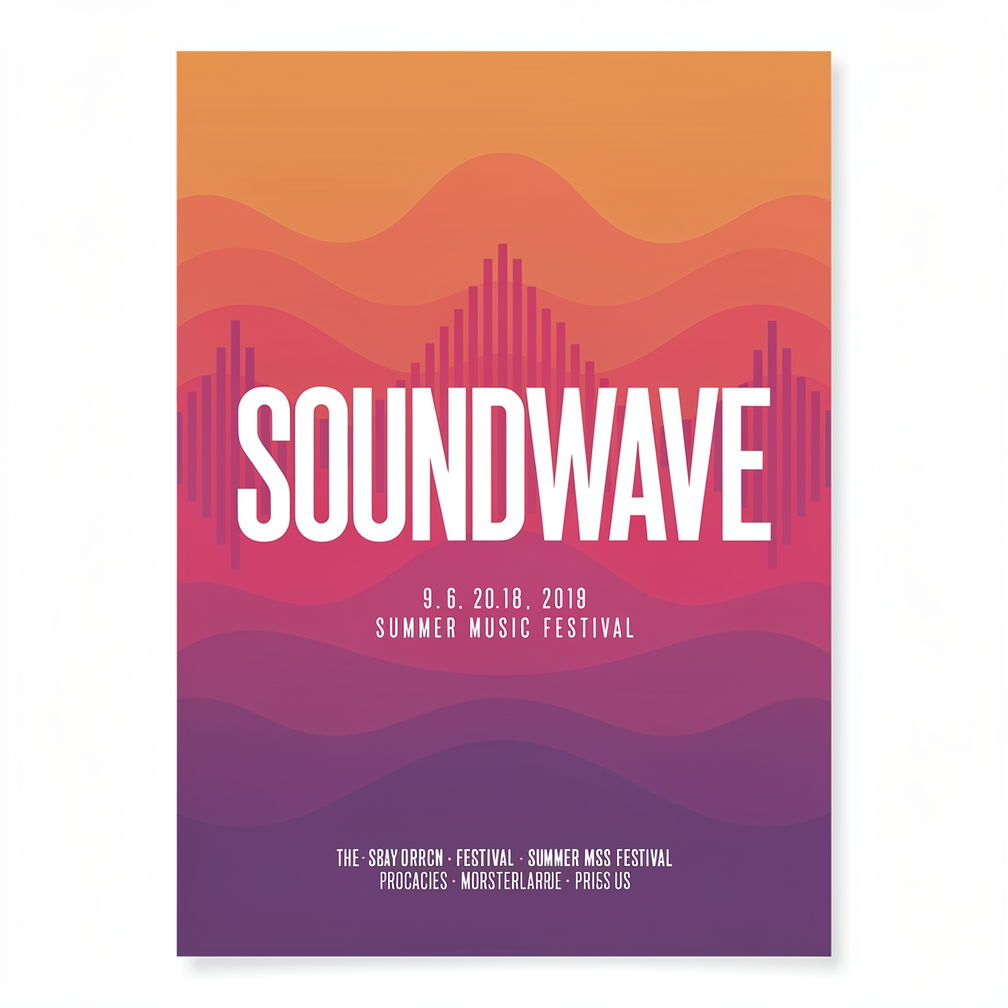
Generated on PixelDojo. Produced by PixelDojo's generation pipeline.
You deserve an AI platform that turns your ideas into stunning visuals without delays or limitations. As your WaveSpeed alternative, PixelDojo lets you create photorealistic product photos, cinematic scenes, branded graphics, and consistent character designs in seconds. Access cutting-edge tools including Nano Banana 2, GPT Image 2, Grok Image, Flux.2 Studio, Krea Image, Riverflow, Luma UNI 1, QWEN Image 2, WAN 2.6, Kling Image, Seedream 5, ImagineArt, and Ideogram 4 to produce assets that captivate your audience and boost conversions. Whether you need marketing campaigns, social media content, or personal artwork, you achieve professional results that look like they came from a high-end studio. PixelDojo combines speed with a complete creative suite so you spend less time waiting and more time bringing your vision to life. Join the creators who rely on this all-in-one solution for images, videos, editing, and custom training every day.
Real image examples generated on PixelDojo
Every example below was produced on PixelDojo. Hover to see the prompt.
A bold minimalist poster for a summer music festival with the headline text SOUNDWAVE in l…
flux-2-pro
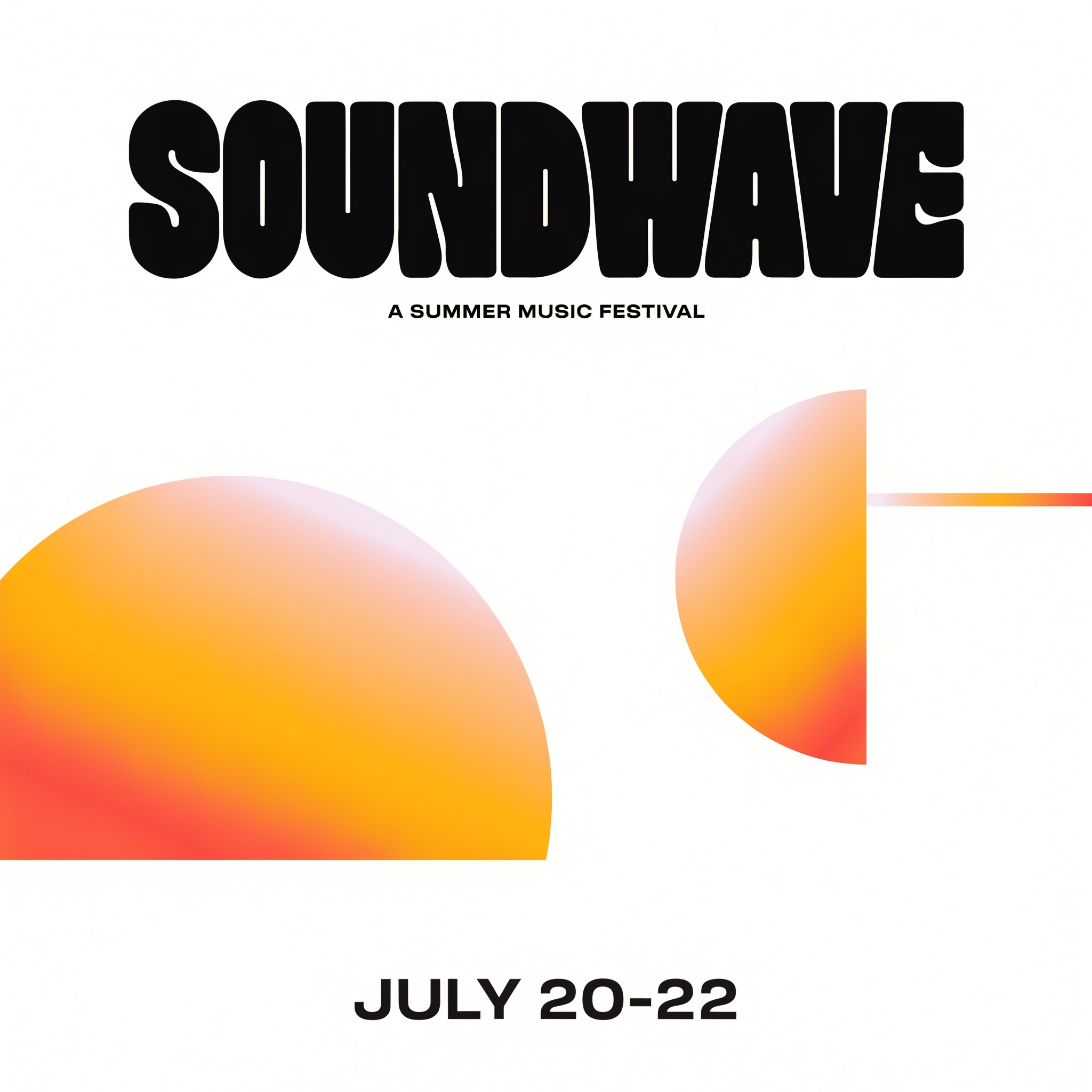
A bold minimalist poster for a summer music festival with the headline text SOUNDWAVE in l…
recraft-v4.1-pro
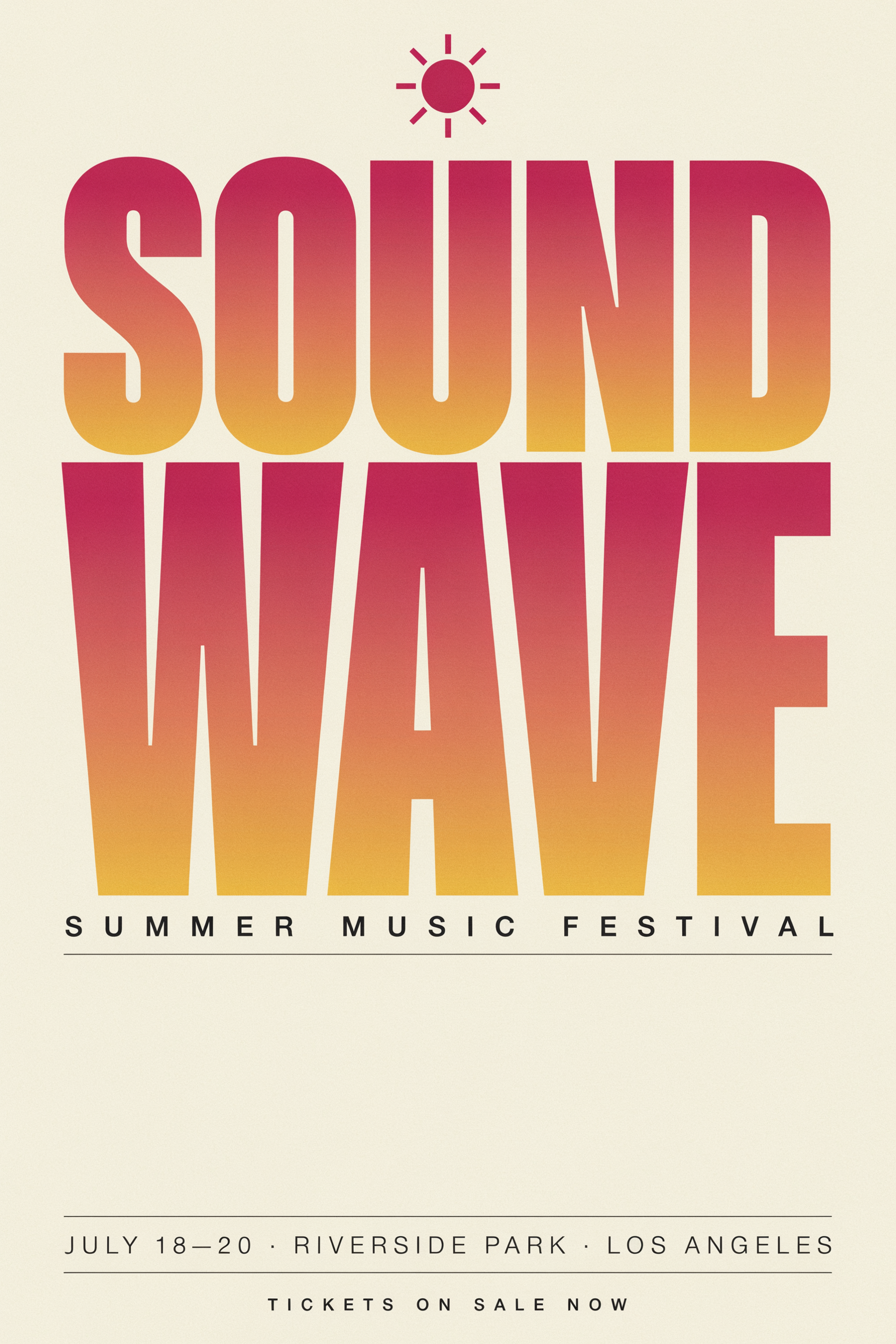
A bold minimalist poster for a summer music festival with the headline text SOUNDWAVE in l…
ideogram-v4-quality
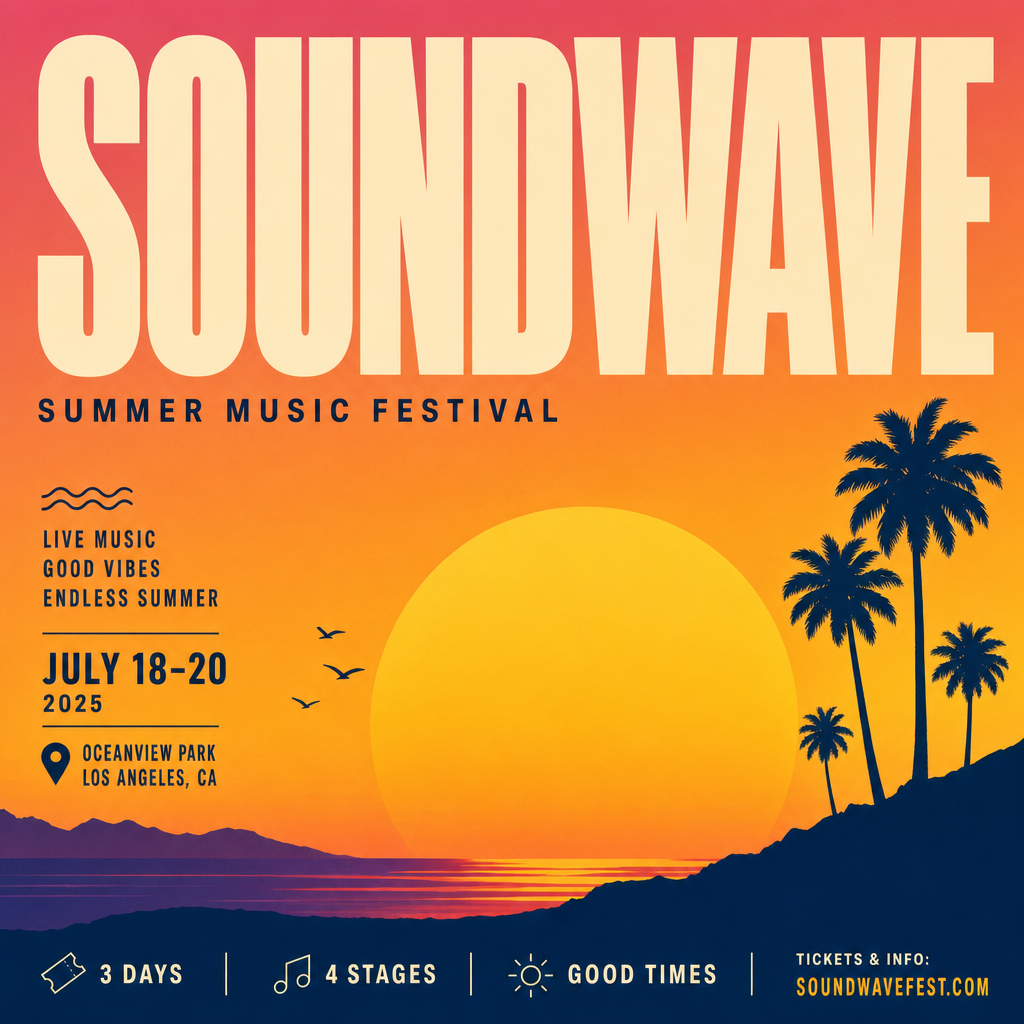
A bold minimalist poster for a summer music festival with the headline text SOUNDWAVE in l…
gpt-image-2

Qwen-text
image-to-image
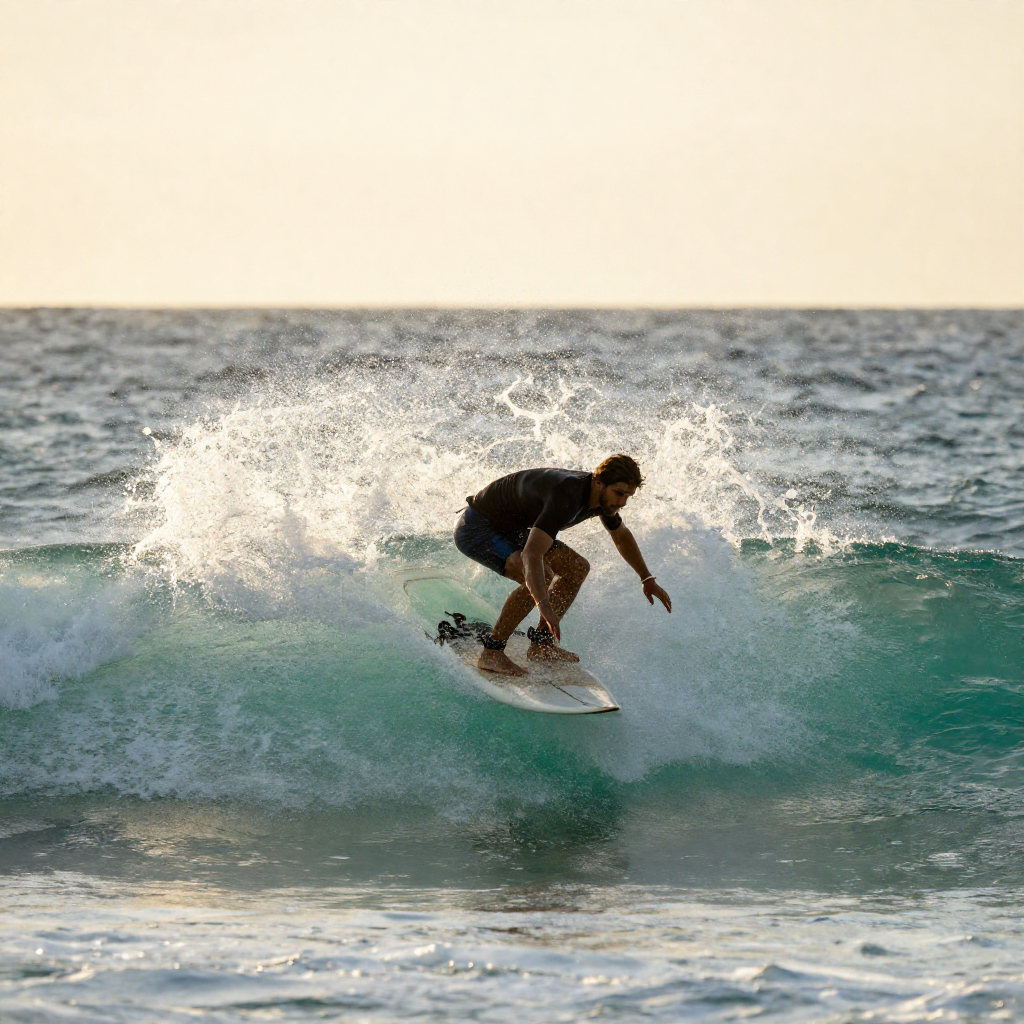
A surfer riding a turquoise wave at sunset
z-image-turbo
Models you can run on PixelDojo for wavespeed alternative
Switch models without switching tools. Each one runs in the same PixelDojo studio.
What you can do with wavespeed alternative on PixelDojo
Multi-model image studio
We host a range of image models in one place so you can try different looks without hopping between tools. Switch models, keep your prompt, and compare outputs side by side.
Prompt to finished stills
You write a prompt, set size and style, and we return stills you can iterate on. Refine with follow-up prompts and save versions as you go.
Controls that stay useful
We expose the settings creators actually use: aspect ratio, seed, guidance, and negative prompts. You keep enough control to match a brief without a heavy setup.
One workspace for drafts
We keep generations, prompts, and downloads in a single workspace so you can pick a WaveSpeed-style flow and stay in PixelDojo. Organize runs, reuse prompts, and export when you are ready.
Loved by thousands of creators worldwide. Access 40+ cutting-edge AI tools with the freedom to cancel anytime.
Why Choose Pixel Dojo for wavespeed alternative
Professional-quality results with cutting-edge AI technology
Lightning-Fast Professional Visuals
You generate high-resolution, publication-ready images instantly with GPT Image 2 delivering crisp text and Nano Banana 2 capturing real-world details. Your product shots, advertisements, and illustrations emerge studio-quality so you launch campaigns faster and impress clients without extra software or long waits.
Complete Creative Control in One Place
You tap into Flux.2 Studio, Seedream 5, QWEN Image 2, WAN Image, P-Image Ideogram, Recraft V4.1, and Hunyuan Image 3 alongside video tools like Kling Video and WAN 3.0. Edit with Inpainting, Style Transfer, and Magic Lighting, then upscale using Magnific Upscaler to finish entire projects without switching platforms.
Consistent Brands and Characters You Own
You build lasting visual identities using Consistent Characters, Character Sheets, Ideogram Character, Face Swap, and Flux Pro Virtual Try-On. Train custom models with Flux Trainer or QWEN Trainer so your unique style appears reliably across every image and video you produce for your brand.
How It Works
Creating professional AI images and videos with PixelDojo as your WaveSpeed alternative is straightforward. Follow these three steps to go from idea to finished asset using the latest models.
Step 1: Choose Your Tool
Sign in and select from Generate Images options such as Nano Banana 2 for versatile photorealism, GPT Image 2 for designs with accurate text, Flux.2 Studio for artistic precision, Seedream 5 for high-fidelity scenes, or WAN 2.7 and Kling Image for cinematic looks. For motion, pick Kling Video, WAN 3.0, Seedance 2.5, or Marketing Studio to match your project goals.
Step 2: Enter Your Prompt
Describe your vision in detail including subject, setting, lighting, mood, and style. Specify photorealistic 8k quality, cinematic lighting, or graphic poster with bold typography for models like QWEN Image 2 and Ideogram 4. Include composition notes so tools such as Riverflow and Luma UNI 1 deliver exactly what you imagine on the first try.
Step 3: Customize & Download
Refine results using Edit Images features like Inpainting, Change Camera Angle, Background Remover, Image Outpainting, and Reality Polisher. Enhance with P-Image Upscale, Clarity Pro, or Portrait Upscaler. Extend to video with Grok Video Edit or Video Reframe, then download high-resolution files ready for commercial use. Train future versions with Z-Image Trainer if you want a custom look.
The Pixel Dojo Advantage
Why PixelDojo outperforms other options for fast, versatile AI image and video generation
| Others | Pixel Dojo |
|---|---|
| Traditional design software | You replace hours of manual drawing and rendering with seconds of generation using Nano Banana 2, Flux.2 Studio, and Seedream 5, plus built-in video tools and character consistency that traditional programs simply cannot match. |
| Generic AI tools | You gain 40+ specialized models including Grok Image, Krea Image, WAN 2.6, Kling Image, and full editing suites instead of limited choices, plus training options and 3D tools like Rodin that generic platforms lack. |
| Manual photo editing and filming | You skip expensive shoots and tedious post-production by generating, editing with Style Transfer and Magic Lighting, upscaling, and animating with P Video Animate or Hailuo 2.3, delivering professional results at a fraction of the time and cost. |
Loved by creators on PixelDojo
Real feedback from people using PixelDojo, pulled from our in-product surveys.
The best tools for IA on the web !
The guy that operates the website is constantly updating it
I’ve been using PixelDojo for around 8 months now and it’s always worked wonderfully while constantly adding features.
The site is easy to navigate and use.
All the tools, readily available and easy to understand
You guys, the LORA training is the BEST in the space right now, great job with that!
Explore more AI tools on PixelDojo
AI Tools
Compare & Switch
- Best AI Image Generators
- Best AI Video Generators
- Midjourney Alternatives
- Civitai Alternatives
- Runway Alternatives
- Leonardo Alternatives
- Pika Alternatives
- Luma Alternatives
- Magnific Alternatives
- Veo Alternatives
- Flux Alternatives
- Freepik Alternatives
- Seedance Alternatives
- Seedream Alternatives
- Pixverse Alternatives
- GPT Image Alternatives
- Synthesia Alternatives
- Playground Alternatives
- NightCafe Alternatives
- Canva AI Alternatives
- ElevenLabs Alternatives
- ComfyUI Alternatives
- Fal Alternatives
- Replicate Alternatives
Common Questions
Everything you need to know about wavespeed alternative
What makes PixelDojo the best WaveSpeed alternative for AI image generation?
PixelDojo gives you 40+ tools such as GPT Image 2 for flawless text rendering, Nano Banana 2 for real-world accuracy, Flux.2 Studio for creative control, and Seedream 5 for photorealism all in one intuitive interface. You also get Consistent Characters, model training with Flux Trainer, video generation, and editing features that let you complete full projects without extra platforms. Thousands of creators choose it for the combination of speed, quality, and cancel-anytime flexibility.
How fast can I generate high-quality images with PixelDojo as a wavespeed alternative?
Tools like Z Image Turbo, Flux.2 Studio, and P-Image deliver results in seconds so you iterate rapidly. Pair them with Image to Image, Style Transfer, and Magnific Upscaler to refine and enhance without delays, producing complete marketing assets or social content faster than traditional workflows allow.
Can I create professional videos using PixelDojo instead of other fast generation services?
Yes, you access Marketing Studio, VEO 3.1, Grok Video, Kling Video, WAN 3.0, WAN 2.7 Video, Seedance 2.5, Hailuo 2.3, MiniMax H3, Vidu Q3, PixVerse V6, and Film Studio. Edit further with Runway Aleph, Grok Video Edit, Video Autocaption, and Merge Videos to produce polished clips ready for campaigns.
Does PixelDojo support custom model training as a WaveSpeed alternative?
Absolutely. You train personalized models using Flux Trainer, QWEN Trainer, SDXL Trainer, Z-Image Trainer, WAN 2.2 Image Trainer, and Flux 2 Trainer. This lets you lock in unique brand styles or character looks that appear consistently in both images and videos you generate later.
Is PixelDojo suitable for commercial use when searching for a wavespeed alternative?
Yes, models like Recraft V4.1, Ideogram 4, Bria 3.2, Hunyuan Image 3, and Ernie produce commercial-ready assets. Use Virtual Try-On, Face Swap, Character Stylist, and upscalers for product shots and print. The Developer API and ComfyUI integration support scaling your output for business needs.
How do I get started with PixelDojo as a wavespeed alternative if I have no coding experience?
Simply create an account, choose an easy tool such as Krea Image, ImagineArt, or PonyXL from the Generate Images section, type your prompt, and generate. Built-in helpers like Image Analyzer and Reality Polisher guide you. Developers can later use API Keys if needed, but most creators succeed with the no-code web interface and can cancel anytime.