qwen image edit online
Generated on PixelDojo. Produced by PixelDojo's generation pipeline.
You no longer need hours in complex software or a reshoot to get the exact image you need. PixelDojo puts Qwen image edit online at your fingertips so you can restyle photos, rewrite baked-in text while keeping fonts and layout intact, rotate objects to brand-new viewpoints, fuse multiple shots into one coherent scene, and keep faces plus product details identical across every version. Marketers launch campaigns faster. Creators build consistent character series without drift. E-commerce teams produce catalog-ready shots from a single photo. Designers deliver bilingual posters and packaging that look professionally typeset. All of this happens in your browser using QWEN Image 2, Qwen 3 Pro, QWEN Image, Image to Image, Inpainting, Style Transfer, Change Camera Angle, Magic Lighting, Background Remover, and Reality Polisher. 1M+ creators already rely on our 100+ cutting-edge AI tools and cancel anytime if it is not the right fit. Start with any photo you already have and walk away with production-ready assets in minutes instead of days.
Real image examples generated on PixelDojo
Every example below was produced on PixelDojo. Hover to see the prompt.
Make it photo realistic edit
stable-diffusion
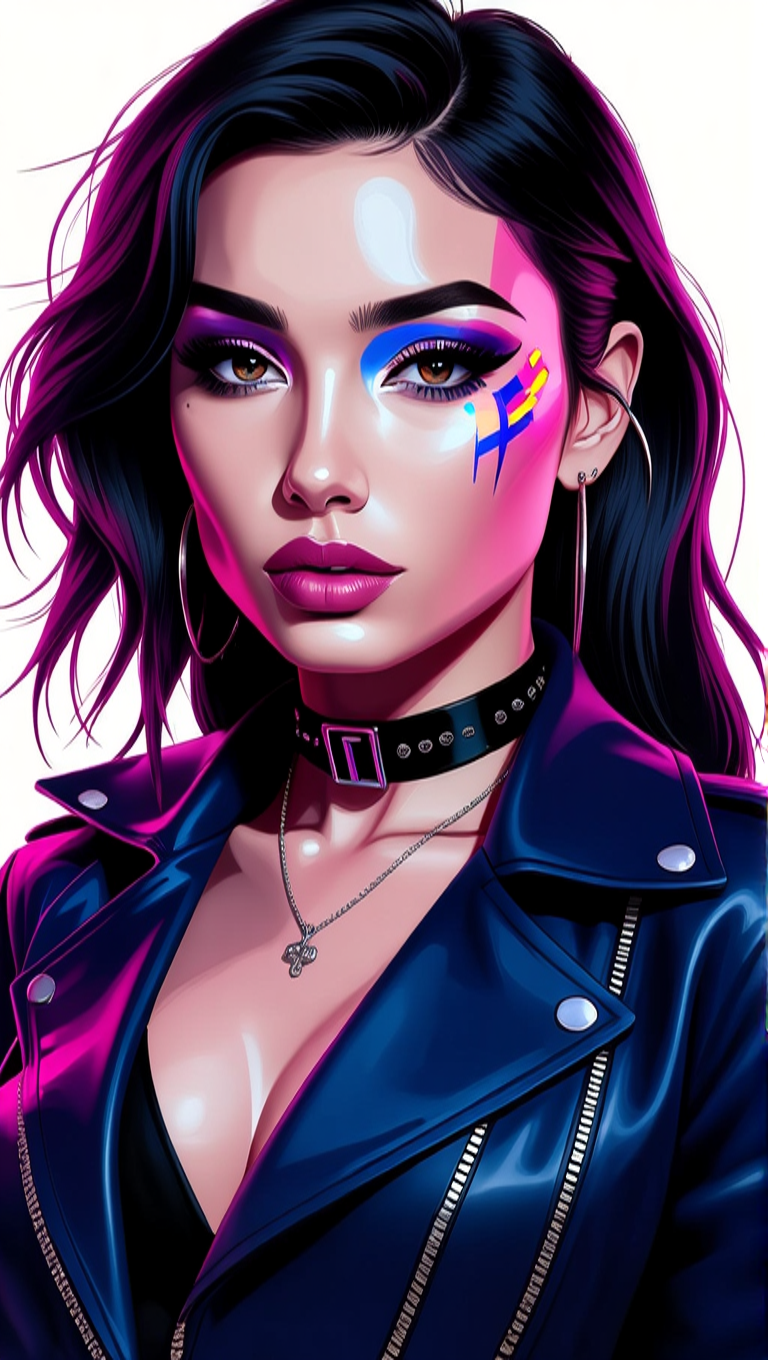
Make her photo realistic edit
hidream

A single ripe tomato on a rustic kitchen table
z-image-turbo
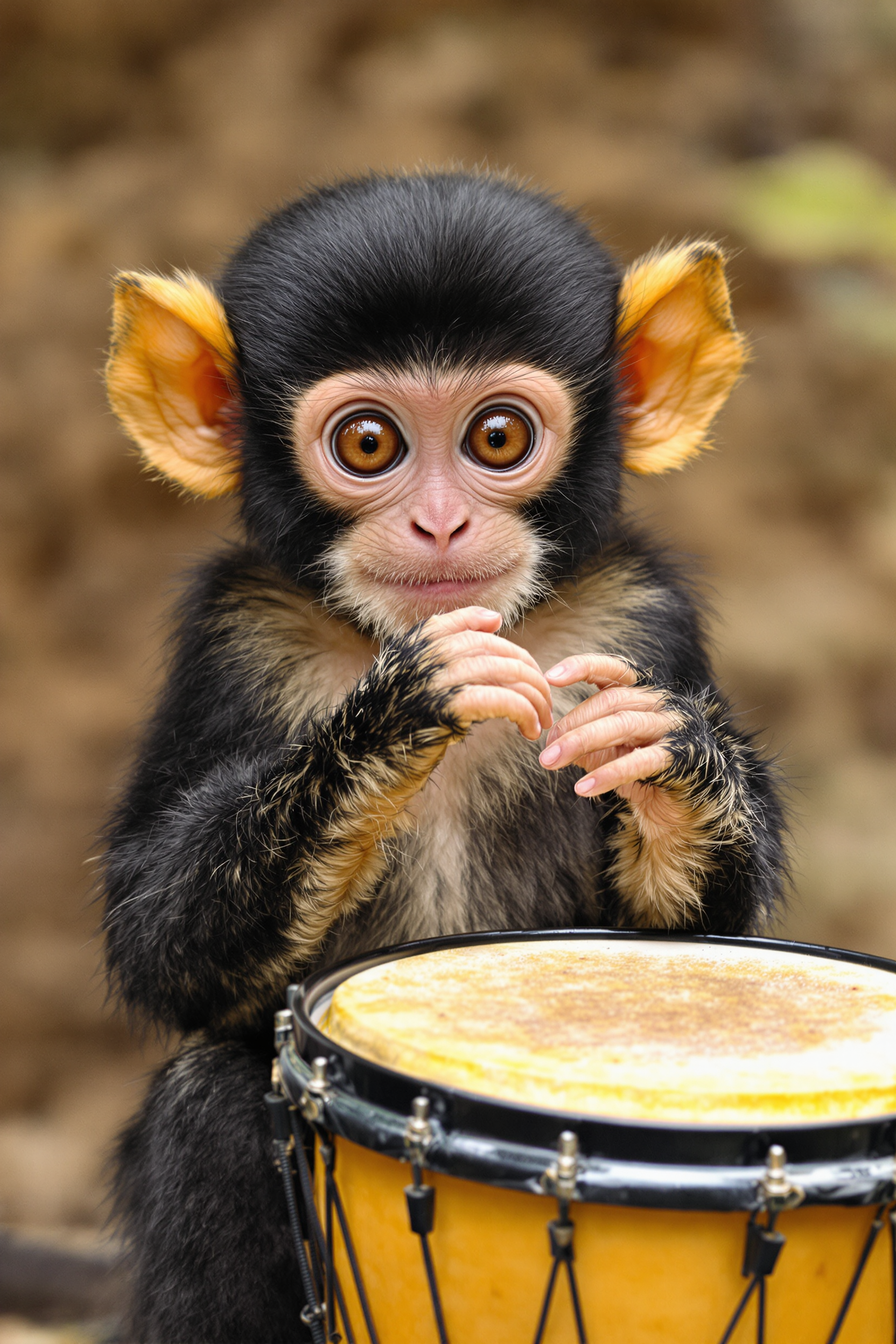
The image features a young monkey with the following visual elements1
flux

This image depicts a scene at a truck stop
flux
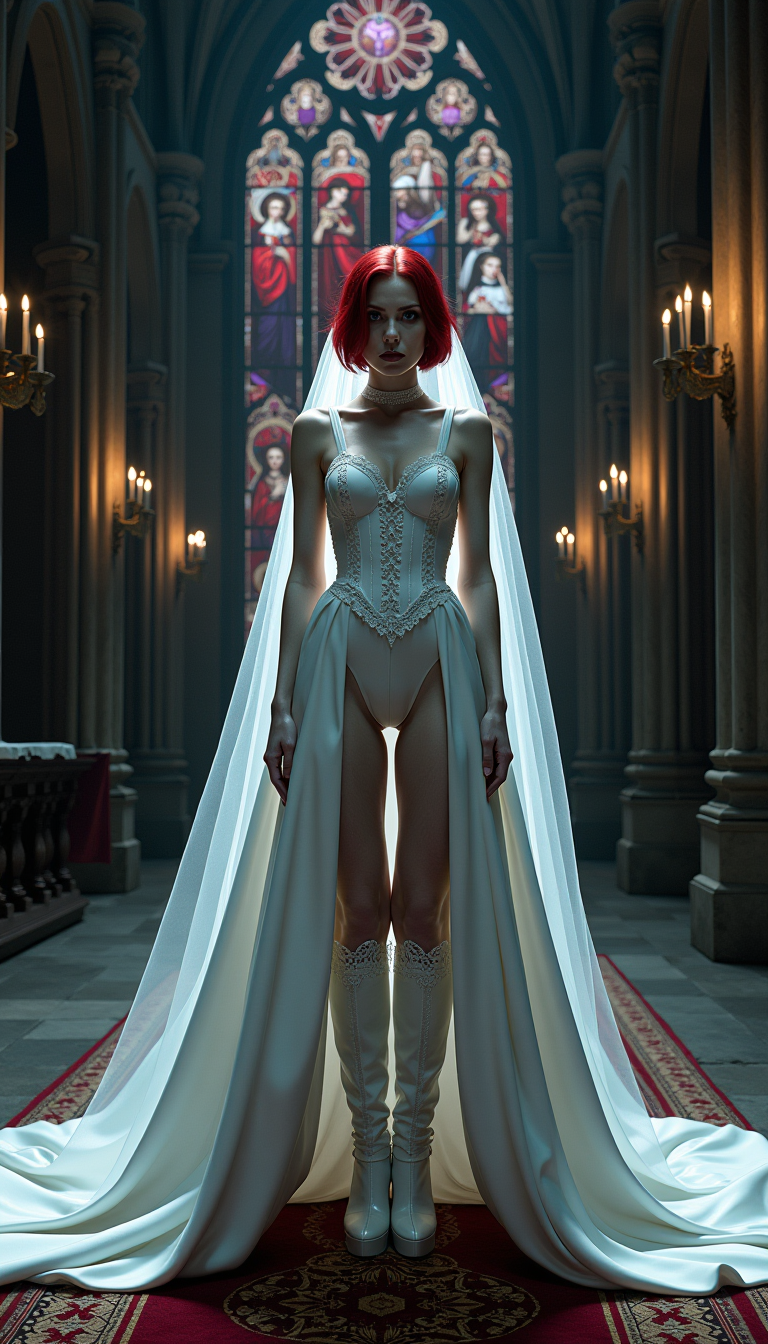
A formidable vampire queen
flux
Models you can run on PixelDojo for qwen image edit online
Switch models without switching tools. Each one runs in the same PixelDojo studio.
What you can do with qwen image edit online on PixelDojo
Qwen Image Edit Online
We host Qwen image editing so you can change photos and generations from the browser. Upload a source image, describe the edit, and receive an updated result without installing local models.
Text Directed Visual Changes
You describe what to add, remove, or restyle and we apply that instruction to the image. Keep composition while updating objects, lighting, or style in a few prompts.
Iterate On The Same Image
We keep your source and prior outputs so you can refine an edit in steps. Adjust one region or the whole frame and compare versions before you download.
Export Ready Still Images
We return stills you can save and reuse in other tools. Use Qwen edits for mockups, concept art, and product shots without a local GPU setup.
Loved by 1M+ creators worldwide. 100+ cutting-edge AI tools including the latest Qwen models. Cancel anytime. High-resolution downloads with no watermarks on paid plans.
Why Choose Pixel Dojo for qwen image edit online
Professional-quality results with cutting-edge AI technology
Keep Faces and Products Identical Across Every Edit
You upload one portrait or product shot and generate dozens of variations—new outfits, poses, lighting, or backgrounds—while identity, logos, and fine details stay locked. Pair QWEN Image 2 or Qwen 3 Pro with Consistent Characters, Character Sheets, and Face Swap so your brand mascot or model never changes from post to post. The result is a cohesive visual library you can use for ads, social series, and lookbooks without expensive reshoots.
Rewrite Text Perfectly Without Distortion
You change slogans, dates, prices, or entire paragraphs inside an existing image and the original font, size, color, and style remain untouched. Qwen’s bilingual strength (English and Chinese) plus PixelDojo’s Image Analyzer and Reality Polisher let you produce print-ready posters, menus, packaging, and social graphics that look like they were designed from scratch. No more blurry letters or mismatched typography that screams “AI.”
Create New Camera Angles and Styles Instantly
You take a single flat photo and generate 90-degree or 180-degree rotations, cinematic viewpoints, or complete artistic restyles without losing the subject. Combine Change Camera Angle, Style Transfer, Magic Lighting, and QWEN Image tools to turn product shots into lifestyle scenes or portraits into anime, oil-paint, or studio-Ghibli looks. Background Remover and Image Outpainting finish the composition so you ship campaign-ready files the same day.
How It Works
You can produce professional Qwen-powered edits on PixelDojo in three straightforward steps. No local GPU, no complicated workflows—just upload, describe, and download.
Step 1: Choose Your Tool and Upload
Open PixelDojo and go to Generate Images or Edit Images. Select QWEN Image 2 or Qwen 3 Pro for the strongest text and consistency results, or start with Image to Image / Inpainting if you already have a photo you want to transform. Upload one to three reference images. For extra control add Background Remover or Image Analyzer first so the model understands exactly what to keep.
Step 2: Write a Clear Edit Prompt
Describe the change in everyday language and be specific about what must stay the same. Example: “Change the blue t-shirt to a red hoodie, keep the face and pose identical, replace the office background with a golden-hour city rooftop, add the text ‘Summer Collection 2025’ in the original serif font.” Reference uploaded files as “image 1,” “image 2.” Use Style Transfer or Magic Lighting keywords when you want a full restyle. Qwen 3 Pro and QWEN Image 2 handle long, detailed instructions and bilingual text with high fidelity.
Step 3: Refine, Upscale, and Download
Preview the result. If a small area needs a tweak, switch to Inpainting or Reality Polisher. Boost resolution with P-Image Upscale, Magnific Upscaler, or Portrait Upscaler. Merge additional frames with Merge Videos or Extract Frame if you are building a sequence. Download the high-resolution file ready for print, web, or social. Iterate as many times as you like—PixelDojo’s 100+ tools stay available and you can cancel anytime.
The Pixel Dojo Advantage
PixelDojo outperforms other options for qwen image edit online because you get the latest Qwen models plus a complete editing suite in one browser tab, with no setup and no skill barrier.
| Others | Pixel Dojo |
|---|---|
| Traditional photo-studio or Photoshop workflows | You skip booking studios, hiring retouchers, and spending hours on layers. One upload plus a sentence of text produces the same (or better) result in under a minute, then you polish with Background Remover, Magic Lighting, and professional upscalers. |
| Generic AI image tools | Most tools drift faces, ruin logos, and scramble text. PixelDojo’s dedicated QWEN Image 2, Qwen 3 Pro, Consistent Characters, and Image to Image pipeline keep identity and typography locked while still giving you style transfer, novel views, and multi-image fusion. |
| Manual photo editing on a laptop | You no longer need years of software training or a powerful GPU. Everything runs in the cloud, results are commercially usable, and you can train a custom QWEN Trainer model later if you want even tighter brand control. |
Loved by creators on PixelDojo
Real feedback from people using PixelDojo, pulled from our in-product surveys.
everyone has gotten so expensive and limits what can be done, you all are simply the best available option by miles
Easy to use and good quality and fun
very useful set of tools for image creation, upscaling and enhancement
ease of use, variety of tools, high quality trainings, and a well-maintained discord channel
Ease of use, friendliness and support of the owner, continued innovation.
it is an amazing site to create a pics and vids for those who don't have the hardware themselves
Explore more AI tools on PixelDojo
Popular AI Models
AI Tools
Compare & Switch
- All AI Tool Alternatives
- Pollo AI Alternative
- PixelDojo vs Pollo AI
- Pollo AI Review
- MotionMuse AI Alternative
- MioCreate Alternative
- Dessi AI Alternative
- Runway Alternatives
- CapCut Alternatives
- Leonardo Alternatives
- OpenArt Alternatives
- Midjourney Alternatives
- Canva AI Alternatives
- Pika Alternatives
- InVideo Alternatives
- Higgsfield Alternatives
- Krea Alternatives
- Luma Alternatives
- Magic Hour Alternatives
- HeyGen Alternatives
- PixAI Alternatives
- Vidu Alternatives
- Seedream Alternatives
- Tensor.Art Alternatives
Common Questions
Everything you need to know about qwen image edit online
What is Qwen image edit online and how does PixelDojo make it simple?
Qwen image edit online lets you describe changes to an existing photo in plain language and receive a new version that preserves the parts you care about. PixelDojo hosts the latest Qwen models (QWEN Image 2, Qwen 3 Pro, QWEN Image) plus supporting tools such as Image to Image, Inpainting, Style Transfer, Change Camera Angle, and Reality Polisher. You never install anything, never worry about VRAM, and can go from upload to finished asset in minutes. 1M+ creators already use the platform and you can cancel anytime.
Can I edit text inside photos with Qwen on PixelDojo?
Yes. Qwen’s standout strength is bilingual (English and Chinese) text editing that keeps original font, size, color, and layout. Upload a poster, menu, or product label, then prompt “change 2024 to 2025” or “replace the slogan with ‘Limited Edition’ in the same serif.” PixelDojo’s Image Analyzer and Reality Polisher help you verify the result looks print-ready. This is ideal for packaging, ads, and social graphics that must look professionally typeset.
How do I keep character faces consistent when doing Qwen image edits?
Upload a clear reference photo and instruct the model to “keep the face identical.” PixelDojo’s QWEN Image 2 and Qwen 3 Pro already excel at identity preservation; you can further lock it with Consistent Characters, Character Sheets, Ideogram Character, Face Swap, or LoRA Face Swap. For multi-person shots use the multi-image input supported by later Qwen edit versions. The combination lets you generate entire campaigns or comic pages without the character drifting.
Is Qwen image edit online free to try on PixelDojo?
You can start immediately and explore the tools. PixelDojo offers 100+ cutting-edge AI models including the full Qwen family. Paid plans remove watermarks, raise resolution limits, and add priority speed. Because you can cancel anytime there is no long-term risk. Many users generate their first professional edit in the free trial and then upgrade only when they need volume or commercial licenses.
Which PixelDojo tools work best together with Qwen for image editing?
Start with QWEN Image 2 or Qwen 3 Pro for the core edit. Layer Image to Image or Inpainting for local changes, Style Transfer and Magic Lighting for mood, Background Remover and Image Outpainting for composition, Change Camera Angle for new viewpoints, and P-Image Upscale or Magnific Upscaler for delivery resolution. If you later want a custom look, train with QWEN Trainer. All of these sit in the same dashboard so you never leave the site.
Can I use Qwen image edit online for product photography and e-commerce?
Absolutely. Upload a single packshot, then generate lifestyle scenes, new colors, seasonal backgrounds, or 360-style rotations while the product itself stays pixel-perfect. Add accurate on-pack text, swap labels, or place the item in a model’s hand using multi-image fusion. Finish with Reality Polisher and a 2K upscale so the files are ready for Amazon, Shopify, or print catalogs the same afternoon. This workflow replaces expensive photo shoots for most catalog needs.