free ai image to video no restrictions
Generated on PixelDojo. Produced by PixelDojo's generation pipeline.
Transform your static images into captivating videos effortlessly with PixelDojo's free AI image to video generator. Whether you're a content creator, marketer, or hobbyist, our platform empowers you to produce dynamic videos without any restrictions or technical expertise. Experience the future of content creation today!
Real video examples generated on PixelDojo
Every example below was produced on PixelDojo. Hover to see the prompt.
A man talking
image-to-video
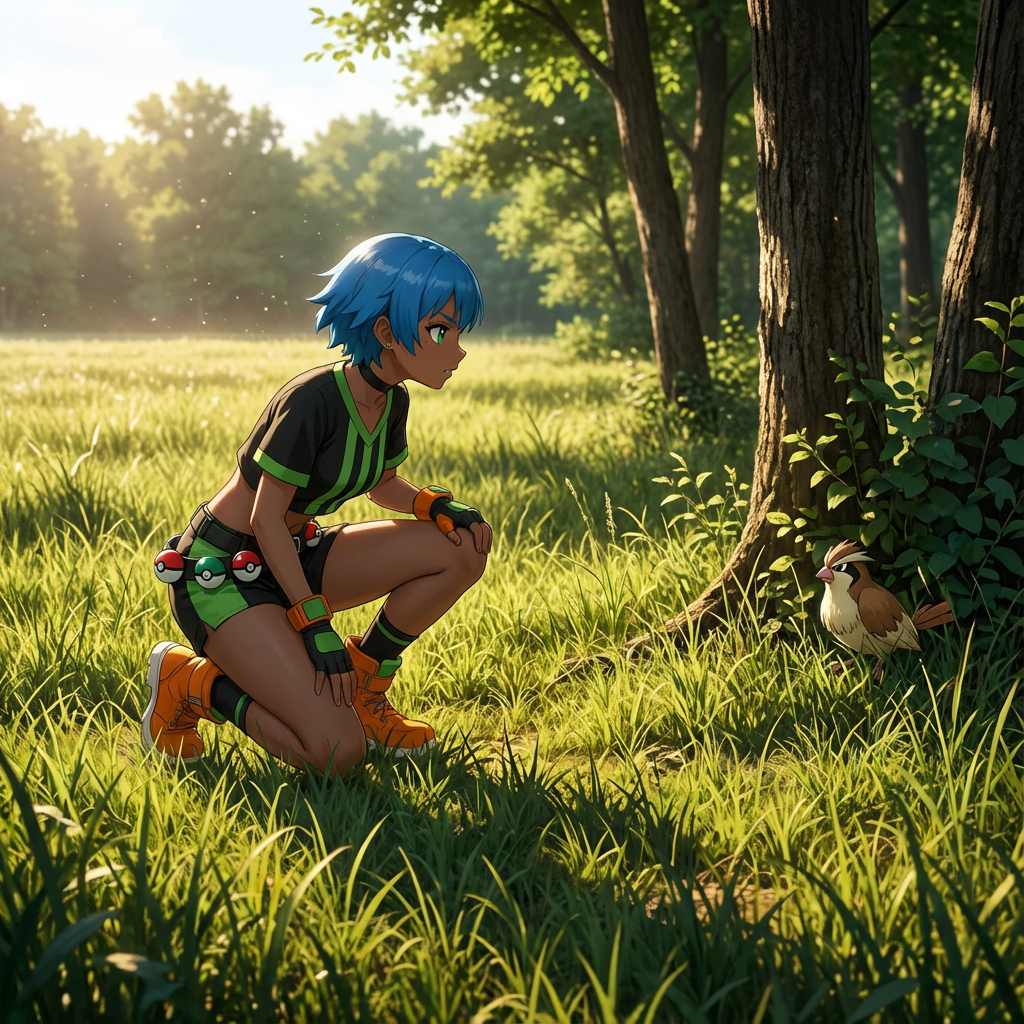
Show me character from a random angle with a random background and random lighting
consistent-characters
A boat traveling through the water toward the camera
image-to-video
Marines breaking down the door
image-to-video
Plays the drums jazzfusion style
image-to-video
A blonde woman in a pink off-shoulder sweater sits poised on a floral pink armchair
image-to-video
Models you can run on PixelDojo for free ai image to video no restrictions
Switch models without switching tools. Each one runs in the same PixelDojo studio.
What you can do with free ai image to video no restrictions on PixelDojo
Free Image to Video
We convert uploaded images into video clips at no cost. Creators receive output files directly from the platform.
No Request Limits
We allow repeated video generations without caps. Users submit images and process new outputs as needed.
Unrestricted Content Input
We accept any image for conversion. Creators work with varied subjects and receive corresponding video results.
Immediate Video Export
We provide downloadable video files after generation. Users save results without additional steps or payments.
Join over 10,000 creators who have generated more than 2 million videos using PixelDojo's AI tools. Rated 4.9/5 for ease of use and quality results.
Why Choose Pixel Dojo for free ai image to video no restrictions
Professional-quality results with cutting-edge AI technology
Unlimited Free Access
Create as many videos as you need without any cost or limitations.
No Sign-Up Required
Start generating videos instantly without the hassle of creating an account.
High-Quality Outputs
Produce professional-grade videos with smooth transitions and vivid visuals.
How It Works
Creating videos from your images is simple and quick with PixelDojo. Follow these easy steps:
Step 1: Upload Your Image
Select and upload the image you want to transform into a video.
Step 2: Enter Your Prompt
Describe the desired motion or scene to guide the AI in video generation.
Step 3: Generate and Download
Click 'Generate' and within moments, your video is ready to download and share.
The Pixel Dojo Advantage
Why PixelDojo outperforms other options for AI image to video generation
| Others | Pixel Dojo |
|---|---|
| Traditional Video Editing | No technical skills required; create videos in minutes. |
| Other AI Tools | Truly free with no hidden fees or watermarks. |
| Manual Animation | Automated process saves time and effort. |
Loved by creators on PixelDojo
Real feedback from people using PixelDojo, pulled from our in-product surveys.
You keep adding to it to stay up to date and that is GOLD.
very easy to use and good support
Very easy to use
super easy to use
it's very easy to use
Practically every Ai suite in one place? Who wouldn't?
Explore more AI tools on PixelDojo
AI Tools
Compare & Switch
- Best AI Image Generators
- Best AI Video Generators
- Midjourney Alternatives
- Civitai Alternatives
- Runway Alternatives
- Leonardo Alternatives
- Pika Alternatives
- Luma Alternatives
- Magnific Alternatives
- Veo Alternatives
- Flux Alternatives
- Freepik Alternatives
- Seedance Alternatives
- Seedream Alternatives
- Pixverse Alternatives
- GPT Image Alternatives
- Synthesia Alternatives
- Playground Alternatives
- NightCafe Alternatives
- Canva AI Alternatives
- ElevenLabs Alternatives
- ComfyUI Alternatives
- Fal Alternatives
- Replicate Alternatives
Common Questions
Everything you need to know about free ai image to video no restrictions
Is PixelDojo's image-to-video tool really free?
Yes, our tool is completely free with no hidden fees or subscriptions.
Do I need to create an account to use the tool?
No, you can start creating videos immediately without signing up.
Are there any limitations on the number of videos I can create?
No, you can generate unlimited videos without any restrictions.
Will my videos have watermarks?
No, all videos generated are free of watermarks.
Can I use the videos for commercial purposes?
Yes, you have full rights to use the videos commercially.
What formats are supported for uploading images?
We support common formats like JPG and PNG.