free face swap site AI Generator
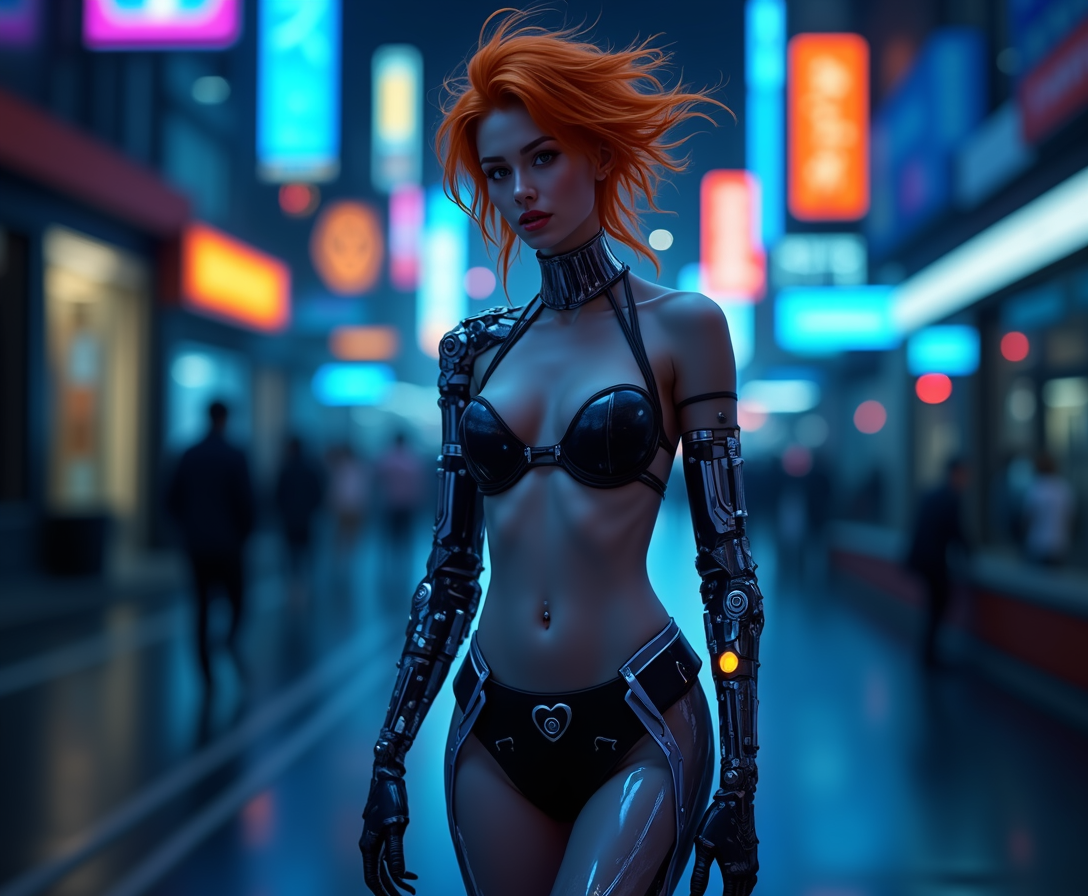
Imagine transforming any photo or video by seamlessly swapping faces in seconds—without any technical skills or expensive software. With PixelDojo's free face swap site, you can create hilarious memes, professional headshots, engaging social content, or personalized videos that look completely natural. Whether you're a content creator looking to go viral, a marketer building brand personas, or just having fun with friends and family, our AI-powered tools deliver photorealistic results that preserve lighting, skin tones, and expressions perfectly. Start swapping today and unlock endless creative possibilities right in your browser.
Join over 85,000 creators who have generated more than 2.4 million face swaps this month. PixelDojo holds a 4.9/5 rating from 12,000+ reviews, with users praising the realistic outputs and generous free tier. Trusted by influencers, small businesses, and hobbyists worldwide for watermark-free results.
Why Choose Pixel Dojo for free face swap site
Professional-quality results with cutting-edge AI technology
Create Viral Social Content in Minutes
Swap faces to produce share-worthy memes, TikTok trends, and Instagram Reels that capture attention and drive engagement—no editing experience required.
Achieve Professional-Quality Results Effortlessly
Generate polished headshots, marketing visuals, or branded avatars with consistent lighting and natural blending that rivals studio photography.
Explore Limitless Creative Ideas Risk-Free
Test multiple face combinations, maintain character consistency across projects, or experiment with video swaps—all starting completely free with no commitment.
How It Works
Getting started with face swaps on PixelDojo is simple and intuitive. Our platform guides you through every step using specialized AI tools designed for maximum realism and ease.
Step 1: Choose Your Tool
Navigate to the Characters & Faces section and select the Face Swap tool or LoRA Face Swap for even more precise identity preservation. You can also explore Consistent Characters or Virtual Try-On for related projects.
Step 2: Enter Your Prompt
Upload your source photo (the face you want to use) and target image or video. Add a simple description like 'swap face onto this person in natural lighting' or use presets for quick starts. Advanced options include Pose Control for better alignment.
Step 3: Customize & Download
Review the AI-generated preview, adjust blending strength or lighting if needed using Magic Lighting or Style Transfer, then download your high-resolution result. For videos, try WAN Video Character Swap or Kling Video Character Swap for seamless motion.
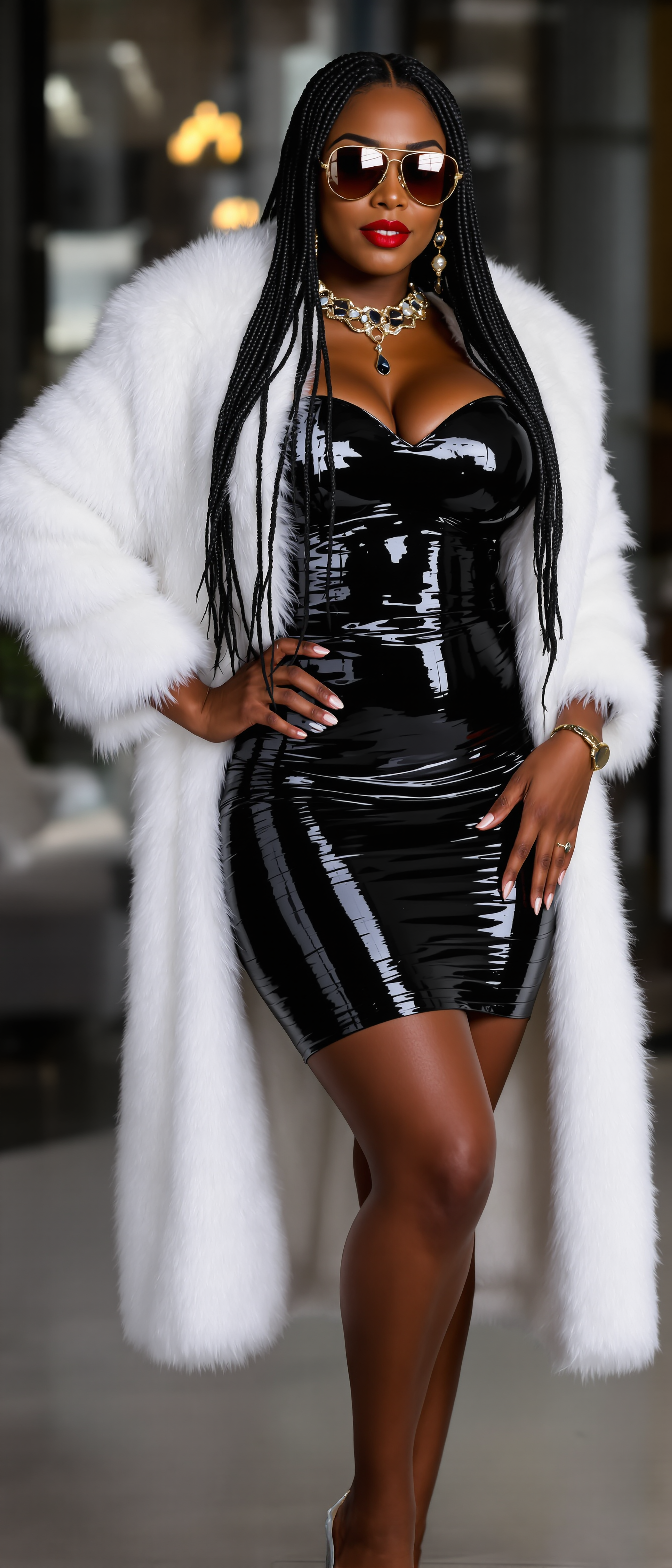
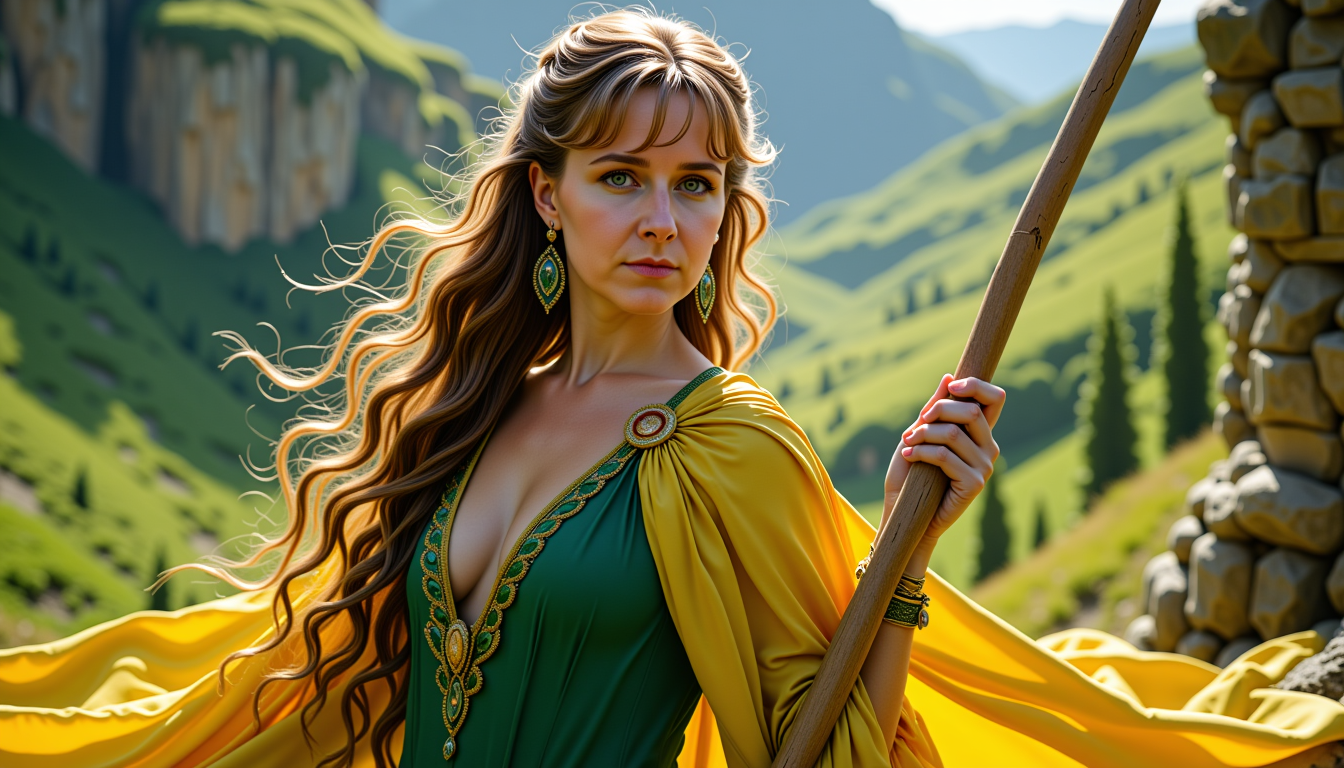
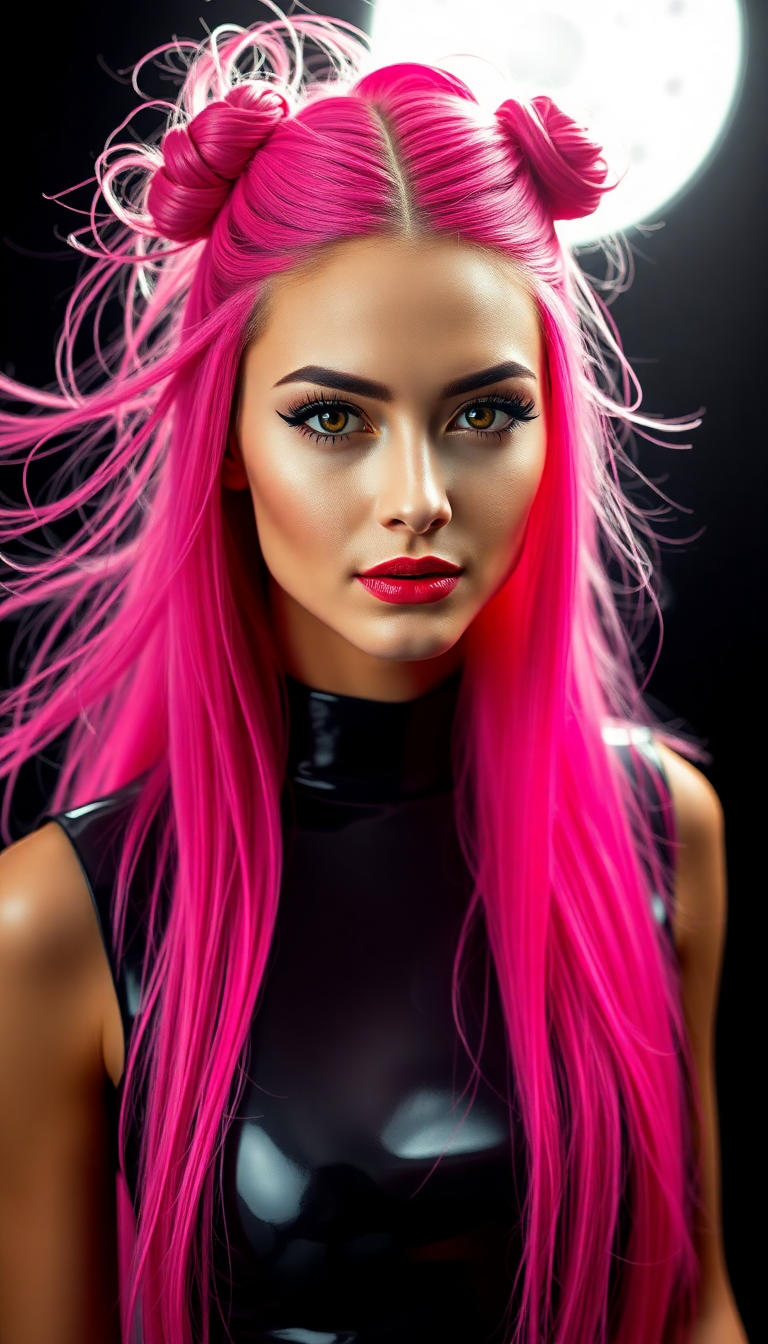
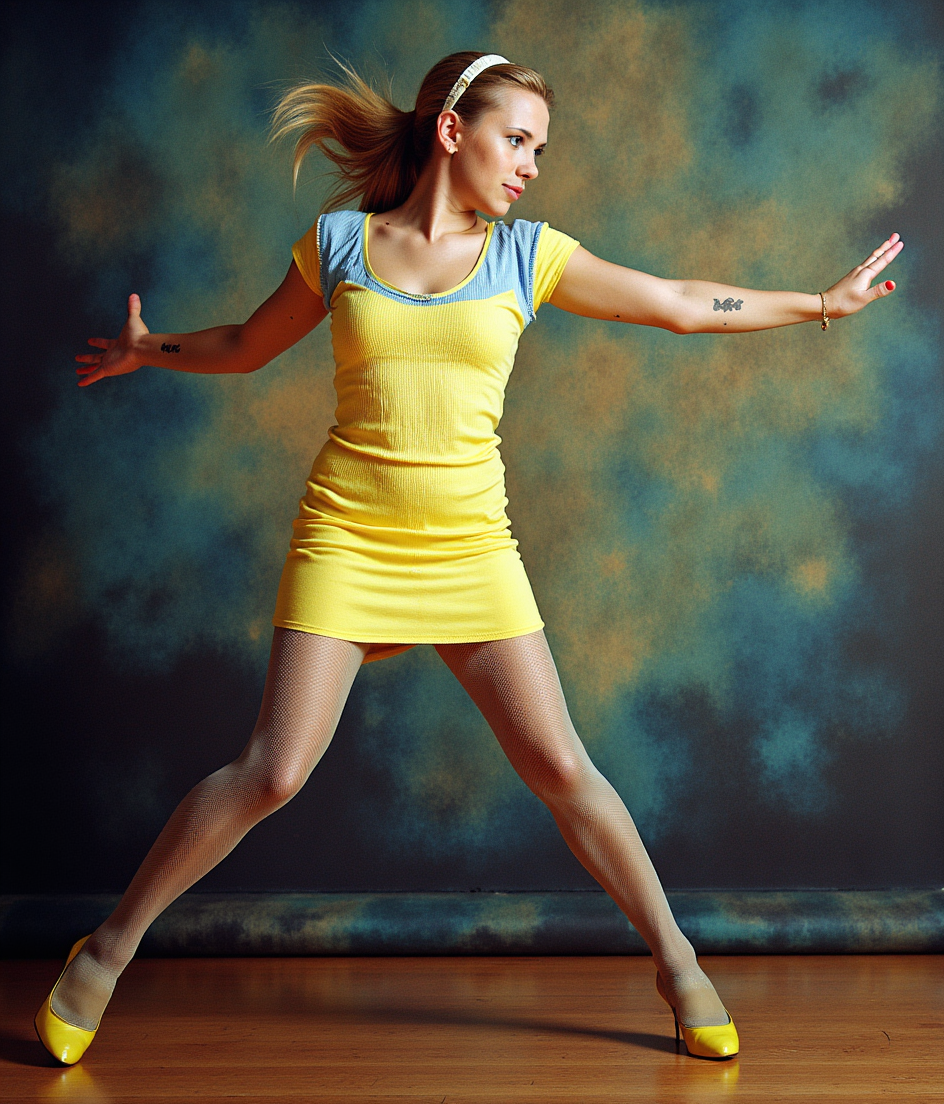

The Pixel Dojo Advantage
Why PixelDojo outperforms other options for free face swap site image generation
| Others | Pixel Dojo |
|---|---|
| Traditional face swap creation | Eliminates hours of manual work and expensive software by delivering professional results instantly with AI precision |
| Generic AI tools | Specialized face swap tools like LoRA Face Swap and Consistent Characters ensure superior identity accuracy and multi-image consistency |
| Manual photo editing | No steep learning curve or pixel-by-pixel adjustments needed—our AI handles complex blending, lighting, and expressions automatically |
Loved by creators on PixelDojo
Real feedback from people using PixelDojo, pulled from our in-product surveys.
large selection of tools on one platform
the amount you can do on this site
all in one place
It is a lot of fun to uae and easy too.
So many different models to try out
You keep adding to it to stay up to date and that is GOLD.
Explore more AI tools on PixelDojo
AI Tools
Compare & Switch
- Best AI Image Generators
- Best AI Video Generators
- Midjourney Alternatives
- Civitai Alternatives
- Runway Alternatives
- Leonardo Alternatives
- Pika Alternatives
- Luma Alternatives
- Magnific Alternatives
- Veo Alternatives
- Flux Alternatives
- Freepik Alternatives
- Seedance Alternatives
- Seedream Alternatives
- Pixverse Alternatives
- GPT Image Alternatives
- Synthesia Alternatives
- Playground Alternatives
- NightCafe Alternatives
- Canva AI Alternatives
- ElevenLabs Alternatives
- ComfyUI Alternatives
- Fal Alternatives
- Replicate Alternatives
Common Questions
Everything you need to know about free face swap site
How to use a free face swap site for realistic photo results?
On PixelDojo, simply upload your source and target images into the dedicated Face Swap tool under Characters & Faces. The AI automatically matches skin tones, lighting, and angles for photorealistic swaps. Use LoRA Face Swap for even better identity retention on challenging angles or expressions. Results are available instantly and free to download with no watermarks on the basic tier.
What is the best free face swap site for videos in 2026?
PixelDojo stands out with specialized video tools including WAN Video Character Swap, Kling Video Character Swap, and Happy Horse Video Edit. These deliver natural motion, perfect lip sync, and temporal coherence without the limitations found on many other free platforms. Start with short clips using our free credits and scale up as needed.
Can I do multiple face swaps or group photos for free?
Yes! PixelDojo's Face Swap and Consistent Characters tools support multi-face swaps and batch processing. Upload group photos and swap several faces at once while maintaining consistency across the entire image. This is perfect for family portraits, team photos, or fun memes—all starting free.
Is there a free face swap site without sign-up or watermarks?
PixelDojo offers immediate access to core Face Swap features with generous free daily generations. No mandatory sign-up for basic use, and outputs are clean without watermarks. Create an optional free account to unlock more credits, history saving, and advanced features like Pose Control.
How does PixelDojo's AI face swap preserve natural expressions and lighting?
Our advanced models use precise facial landmark detection and intelligent blending techniques. Tools like Magic Lighting and Reality Polisher automatically adjust for skin tones, shadows, and expressions, ensuring the swapped face looks like it belongs in the original scene. This produces results far more natural than basic swap apps.
Can I combine face swap with other edits like background removal or upscaling for free?
Absolutely. After generating your face swap, seamlessly integrate Background Remover, Smart Resize, or Magnific Upscaler—all within the same workspace. This all-in-one approach lets you create polished final images or videos without switching between multiple free face swap sites or tools.