free image enhancer
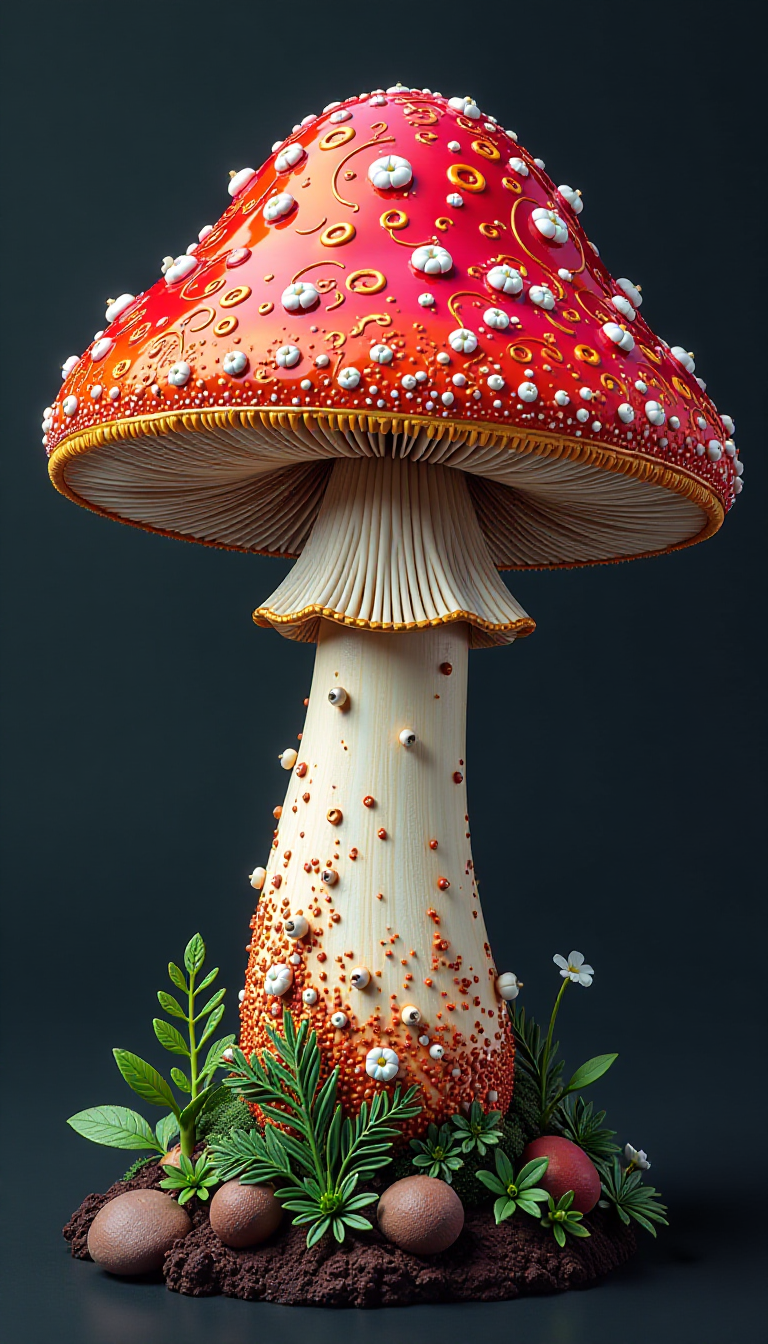
Unlock stunning clarity from any photo with PixelDojo's free AI image enhancer. Whether you have blurry snapshots, low-resolution scans, or old family pictures, our tools transform them into sharp, vibrant, high-resolution images you can proudly share or print. Achieve professional-quality results without expensive software or hours of editing – simply upload and watch your photos come to life.
Over 250,000 images enhanced this month • 4.9/5 average rating from 12,000+ creators • Trusted by photographers, marketers & hobbyists worldwide
Why Choose Pixel Dojo for free image enhancer
Professional-quality results with cutting-edge AI technology
Instant Clarity from Blurry Photos
Restore sharpness and fine details to out-of-focus images, making every shot look professionally captured and ready for social media or prints.
Effortless High-Resolution Upscaling
Transform low-res images into crisp 4K or 8K masterpieces while preserving natural textures, perfect for large prints, websites, or creative projects.
Restore Old Photos Like New
Breathe life into faded or damaged vintage pictures with automatic noise reduction, color correction, and detail recovery that feels magical.
How It Works
Creating enhanced images takes just three simple steps using PixelDojo's dedicated free tools.
Step 1: Choose Your Tool
Select from specialized enhancers like P-Image Upscale for general upscaling, Magnific Upscaler for creative detail recovery, Clarity Pro for sharpness, or Portrait Upscaler for faces.
Step 2: Enter Your Prompt
Upload your image and describe desired improvements, such as 'enhance details and upscale to 4K' or 'restore old photo with natural colors'. Tools like Creative Upscaler and Image to Image adapt intelligently.
Step 3: Customize & Download
Review the enhanced version, fine-tune with options like Portrait Upscaler for faces or Background Remover if needed, then download your high-quality result instantly.

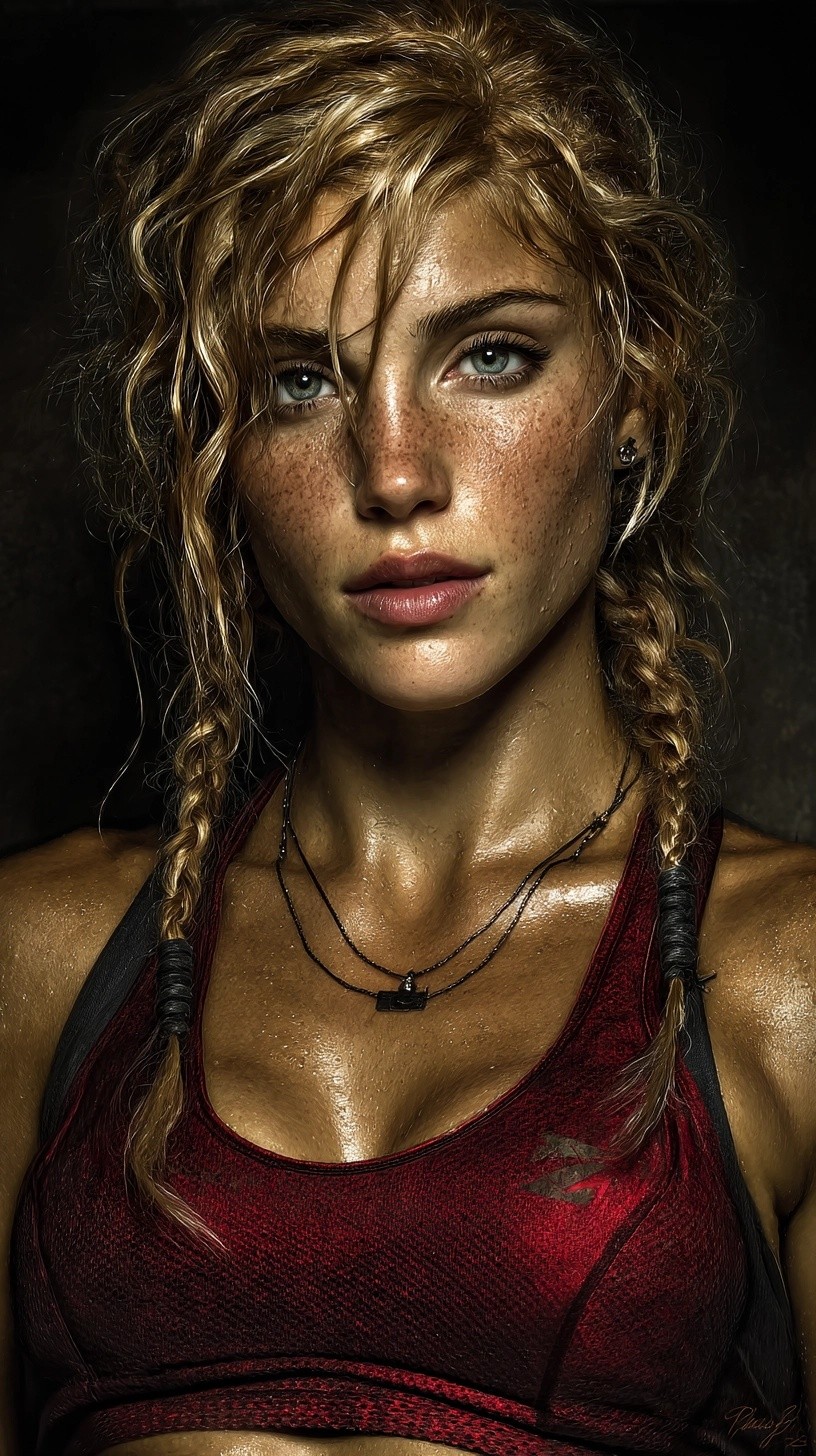
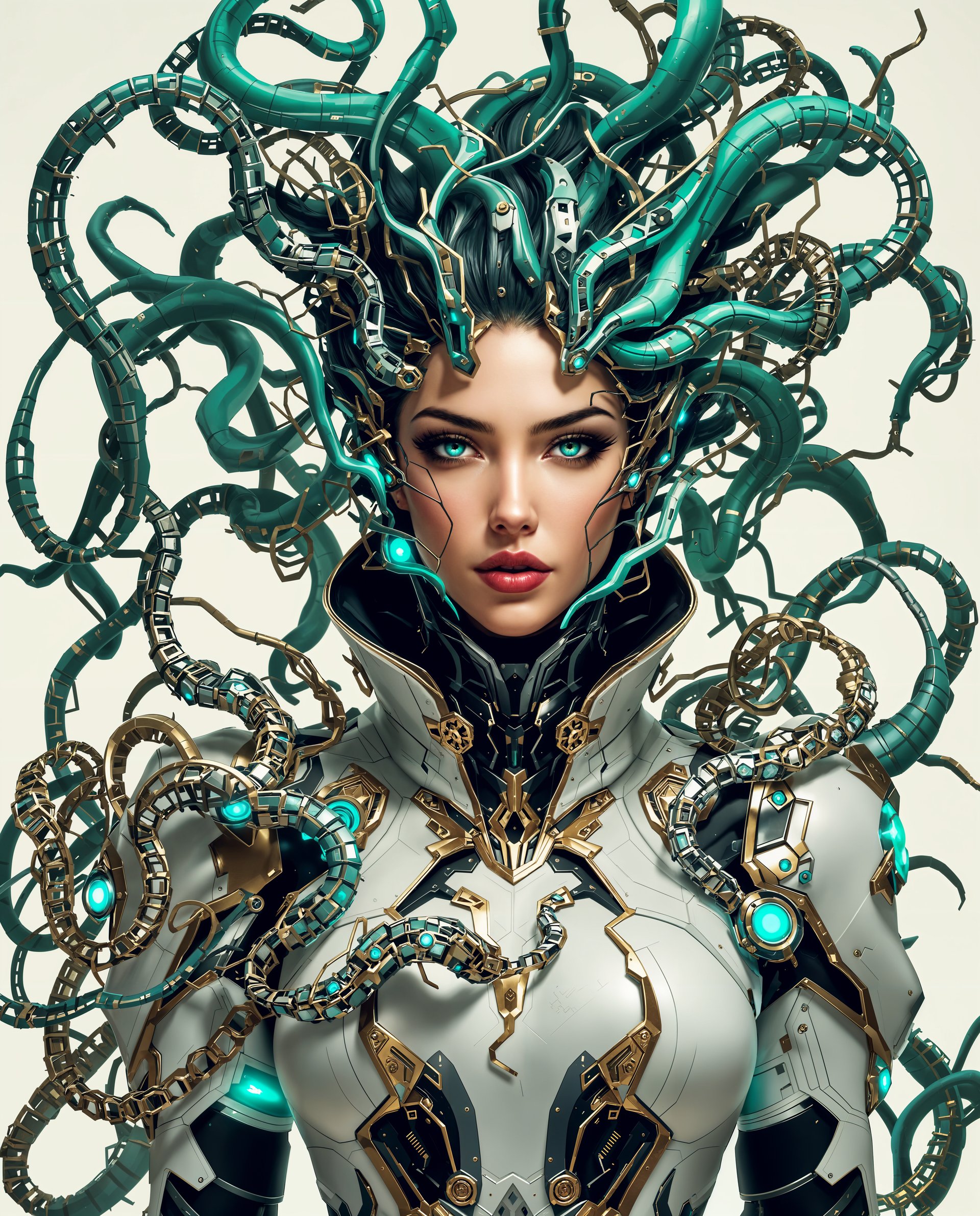
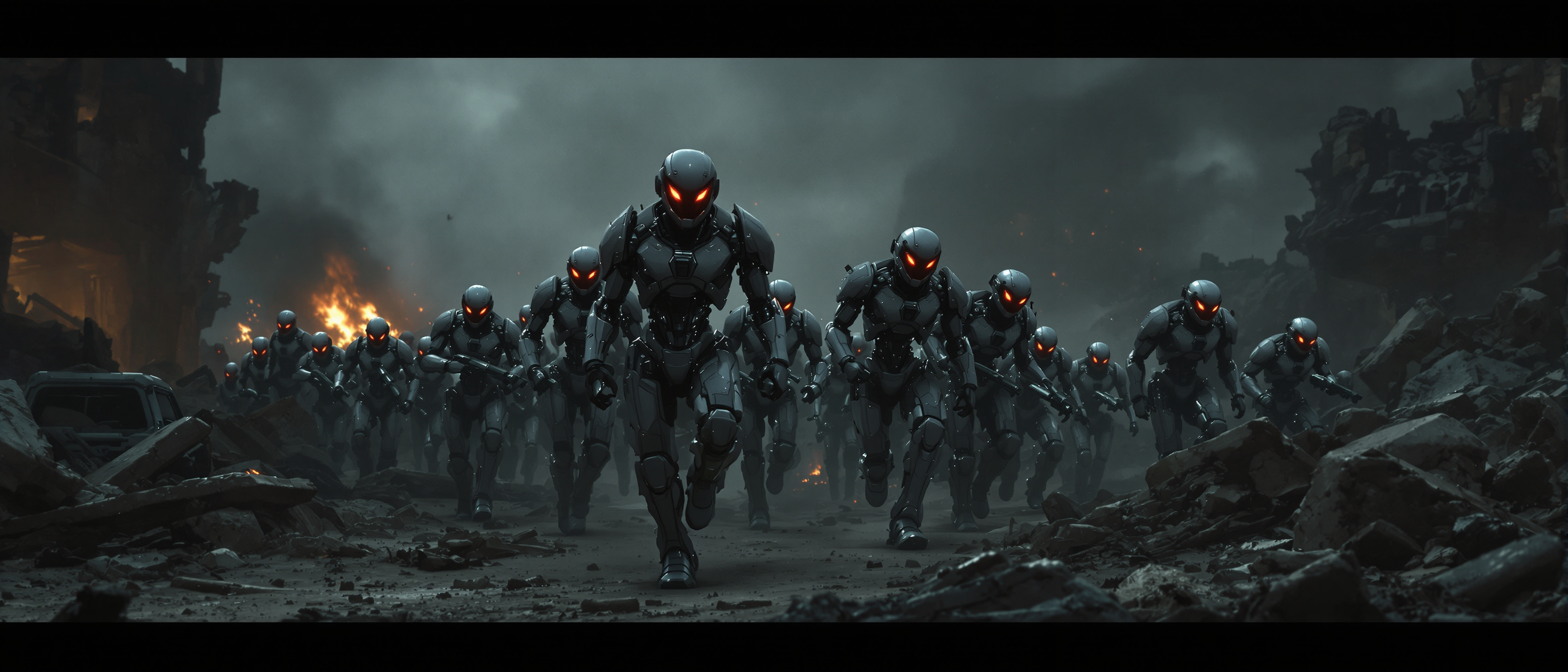


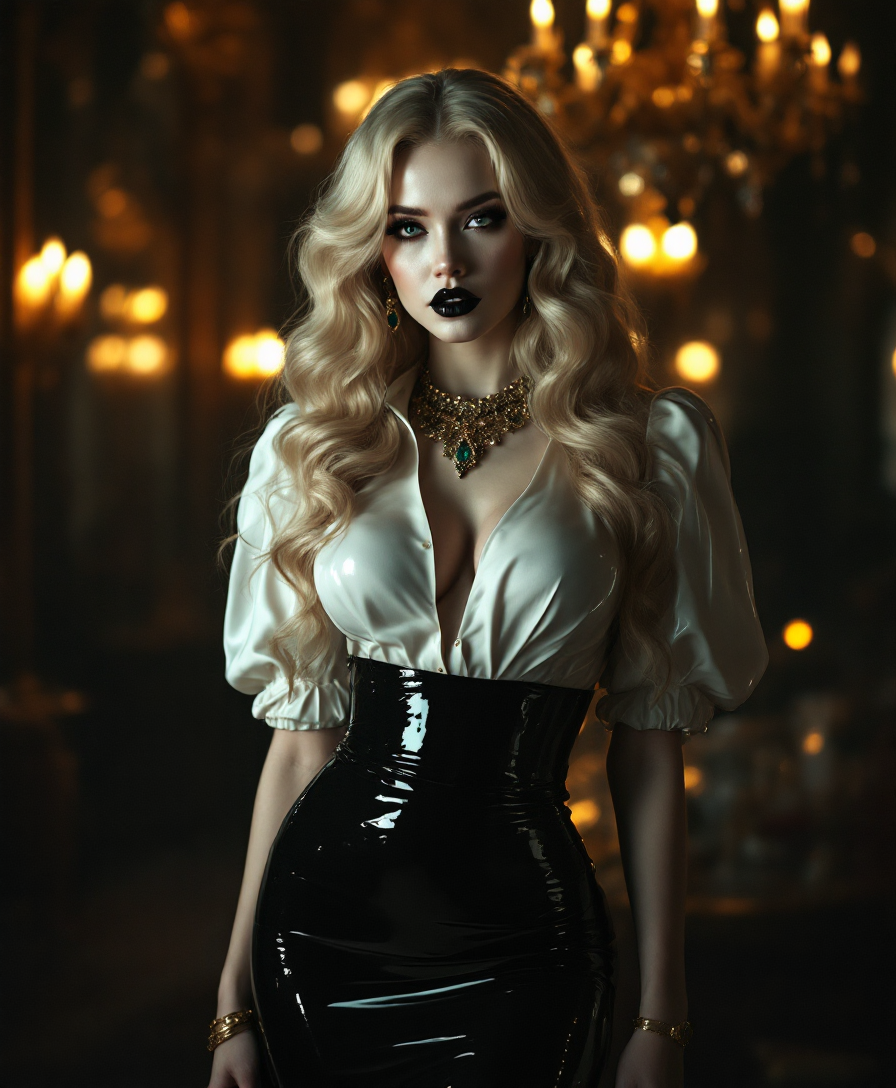
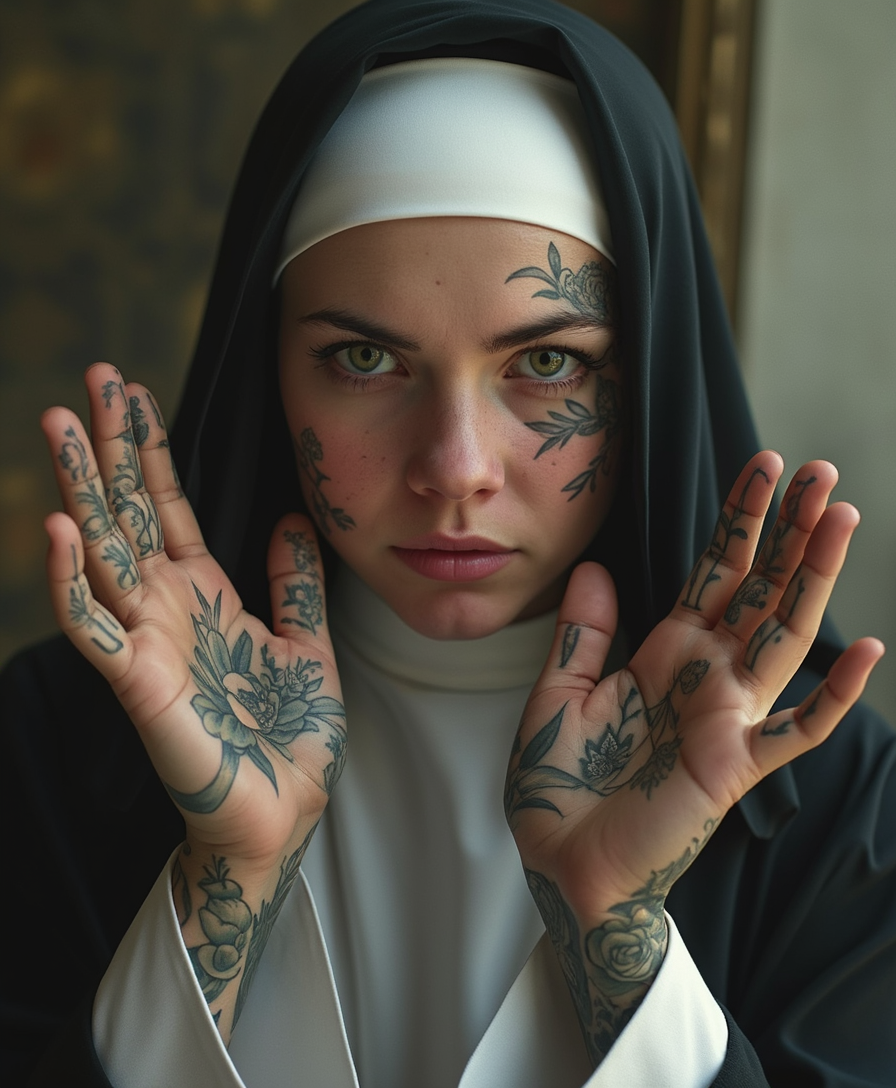
The Pixel Dojo Advantage
Why PixelDojo outperforms other options for free image enhancer generation
| Others | Pixel Dojo |
|---|---|
| Traditional photo editing | Skip complex software and manual adjustments – achieve superior results in seconds with AI that understands your image content automatically |
| Generic AI tools | Access specialized enhancers like Clarity Pro and Magnific Upscaler with generous free usage, consistent high-quality output, and seamless integration across 40+ tools |
| Manual photo editing | Eliminate hours of tedious work and inconsistent results – our AI delivers natural, artifact-free enhancements tailored to portraits, landscapes, products, and more |
Loved by creators on PixelDojo
Real feedback from people using PixelDojo, pulled from our in-product surveys.
Easy to use once you get the hang of it
Love it make anything I can think of so far
Great for all your ideas use it encourage more people to use it
Because it is awesome
exceptional quality and great overall design of platform and interface. very intuative. love the creative freedom.
Qwen image 2 is amazing!!
Explore more AI tools on PixelDojo
AI Tools
Compare & Switch
- Best AI Image Generators
- Best AI Video Generators
- Midjourney Alternatives
- Civitai Alternatives
- Runway Alternatives
- Leonardo Alternatives
- Pika Alternatives
- Luma Alternatives
- Magnific Alternatives
- Veo Alternatives
- Flux Alternatives
- Freepik Alternatives
- Seedance Alternatives
- Seedream Alternatives
- Pixverse Alternatives
- GPT Image Alternatives
- Synthesia Alternatives
- Playground Alternatives
- NightCafe Alternatives
- Canva AI Alternatives
- ElevenLabs Alternatives
- ComfyUI Alternatives
- Fal Alternatives
- Replicate Alternatives
Common Questions
Everything you need to know about free image enhancer
How does the free AI image enhancer work on PixelDojo?
PixelDojo's free image enhancer uses advanced models through tools like P-Image Upscale, Magnific Upscaler, and Clarity Pro. Upload your photo, add a simple prompt describing improvements, and the AI automatically sharpens, upscales, reduces noise, and enhances details while preserving natural textures for realistic results.
Can I use the free image enhancer to restore old photos?
Yes! Tools like Creative Upscaler and Portrait Upscaler excel at restoring vintage images. They recover faded colors, remove scratches and noise, sharpen details, and bring old family photos back to vibrant life – all for free with PixelDojo's accessible platform.
What image types work best with PixelDojo's free AI photo enhancer?
Our enhancer handles everything from blurry smartphone shots and low-res social media images to product photos, portraits, and scanned documents. Specialized options like Portrait Upscaler focus on faces while general tools like P-Image Upscale deliver broad improvements across any image type.
Is there a limit to how many images I can enhance for free?
PixelDojo offers generous free access to its 40+ AI tools including multiple enhancers, allowing you to experiment and create without immediate commitment. Upgrade options are available for heavy users, but you can cancel anytime and enjoy the core free image enhancer features right away.
How do I get the best results from the free image enhancer?
Start with clear prompts like 'upscale to 8K with natural details' or 'enhance sharpness and restore colors'. Combine tools – use Magnific Upscaler first, then Portrait Upscaler for people photos. Preview results and make minor tweaks for perfect, professional-grade output every time.
Does PixelDojo's free image enhancer support batch processing?
While individual enhancements are optimized for quality, many users process multiple images efficiently through quick workflows. Tools like Creative Upscaler and P-Image Upscale deliver fast results, and the platform supports seamless editing sessions for several photos in one go.