gemini 2.5 flash image color grading

Unlock the full potential of your images with Gemini 2.5 Flash's advanced color grading capabilities. Whether you're a photographer, designer, or content creator, achieve professional-grade visuals effortlessly.
Join thousands of creators who have enhanced their visuals using Gemini 2.5 Flash, achieving a 95% satisfaction rate in image quality and consistency.
Why Choose Pixel Dojo for gemini 2.5 flash image color grading
Professional-quality results with cutting-edge AI technology
Achieve Professional-Grade Color Grading
Transform your images with precise color adjustments, enhancing mood and atmosphere to match your creative vision.
Maintain Consistent Visual Identity
Ensure uniform color schemes across multiple images, reinforcing brand identity and storytelling coherence.
Save Time with AI-Powered Editing
Automate complex color grading processes, allowing you to focus more on creativity and less on manual adjustments.
How It Works
Creating stunning color-graded images with Gemini 2.5 Flash is simple and intuitive. Follow these steps to enhance your visuals:
Step 1: Select Your Image
Upload the image you wish to enhance into the Gemini 2.5 Flash interface.
Step 2: Choose a Color Grading Style
Select from a range of predefined color grading styles or customize your own to suit your project's needs.
Step 3: Apply and Adjust
Apply the chosen color grading style to your image and make any necessary adjustments to achieve the desired effect.





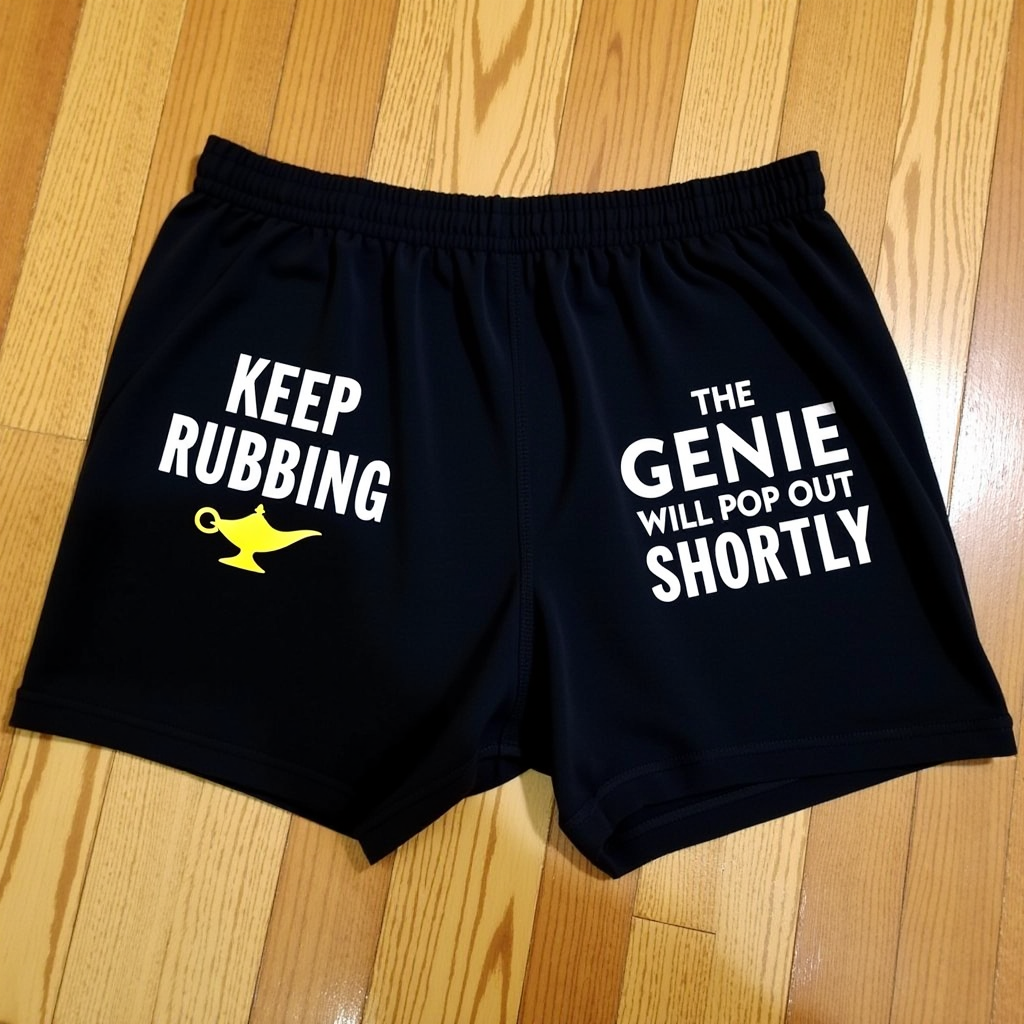


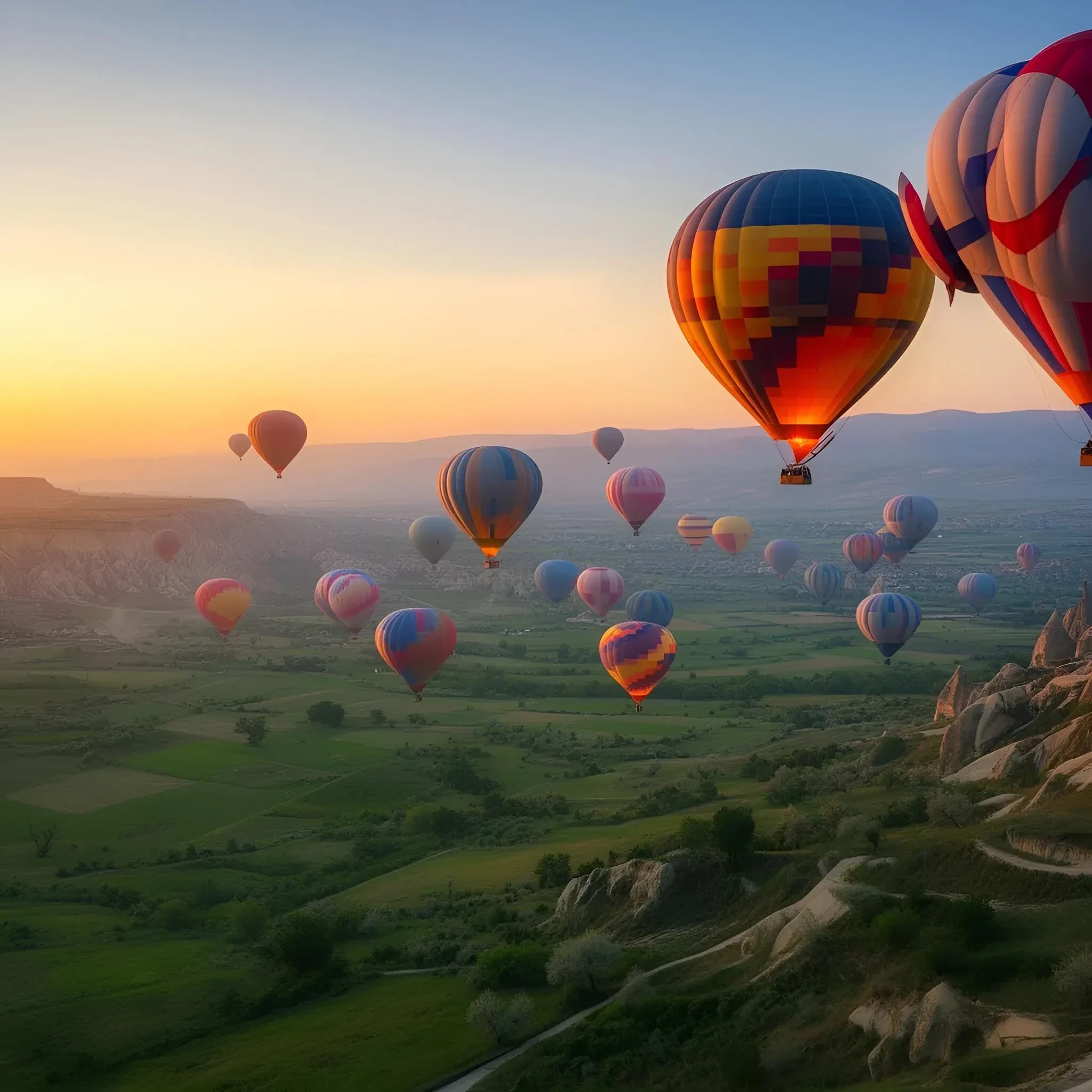

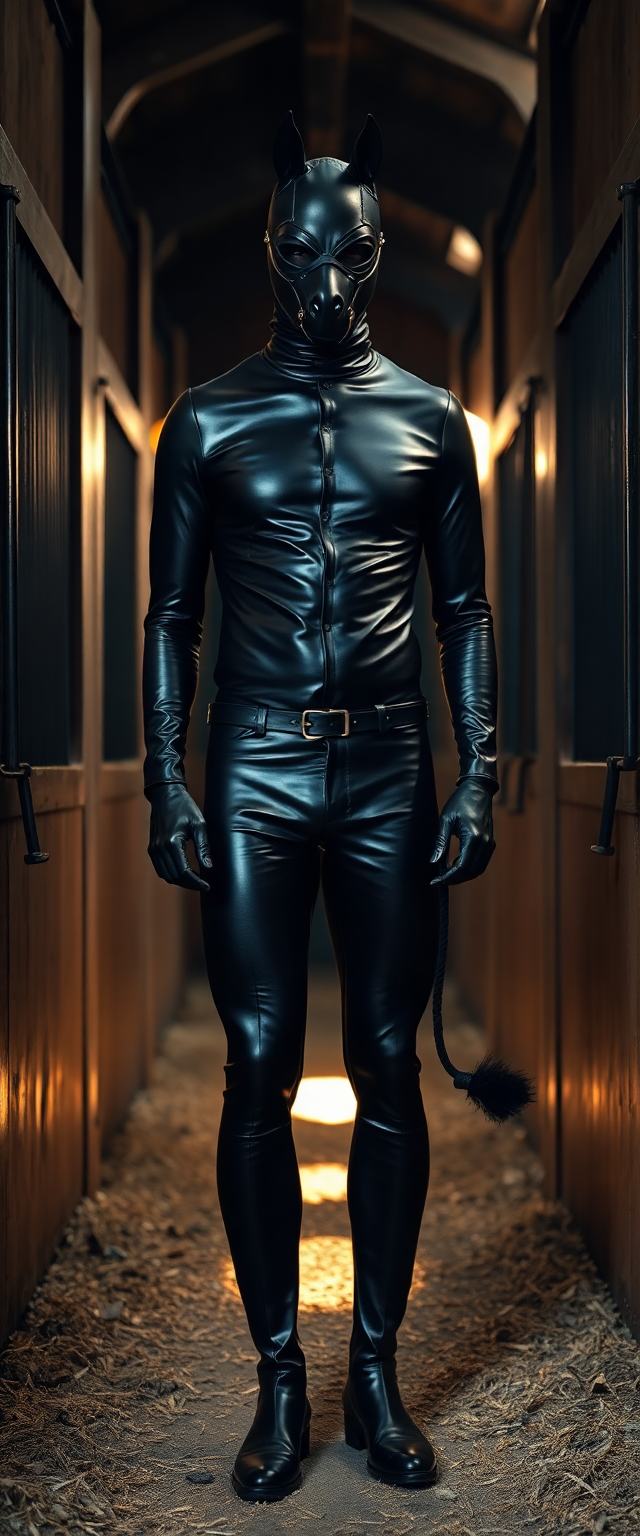



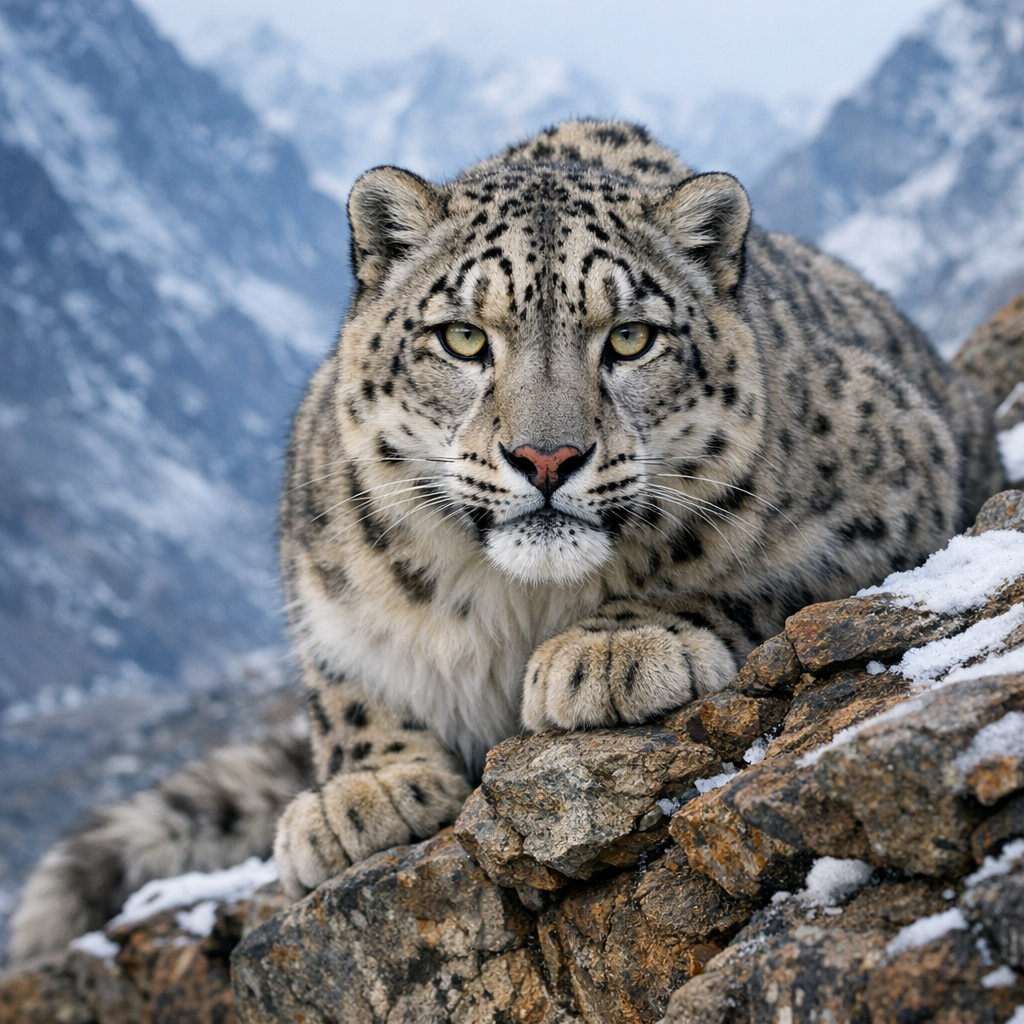

The Pixel Dojo Advantage
Why Gemini 2.5 Flash stands out in image color grading:
| Others | Pixel Dojo |
|---|---|
| Traditional Manual Editing | Automates complex color adjustments, reducing editing time and effort. |
| Generic AI Tools | Offers advanced color grading specifically designed for professional-quality results. |
| Outsourcing to Professionals | Provides cost-effective, high-quality color grading without the need for external services. |
Loved by creators on PixelDojo
Real feedback from people using PixelDojo, pulled from our in-product surveys.
it's very easy to use
Practically every Ai suite in one place? Who wouldn't?
versatile menu of tools
Best AI tool availble the suite is rad
Versatility quality, value, ROI, innovation
variety of tools available and prompt tools
Explore more AI tools on PixelDojo
AI Tools
Compare & Switch
- Best AI Image Generators
- Best AI Video Generators
- Midjourney Alternatives
- Civitai Alternatives
- Runway Alternatives
- Leonardo Alternatives
- Pika Alternatives
- Luma Alternatives
- Magnific Alternatives
- Veo Alternatives
- Flux Alternatives
- Freepik Alternatives
- Seedance Alternatives
- Seedream Alternatives
- Pixverse Alternatives
- GPT Image Alternatives
- Synthesia Alternatives
- Playground Alternatives
- NightCafe Alternatives
- Canva AI Alternatives
- ElevenLabs Alternatives
- ComfyUI Alternatives
- Fal Alternatives
- Replicate Alternatives
Common Questions
Everything you need to know about gemini 2.5 flash image color grading
How does Gemini 2.5 Flash enhance image color grading?
Gemini 2.5 Flash utilizes advanced AI algorithms to analyze and adjust image colors, providing professional-grade color grading with minimal effort.
Can I customize color grading styles in Gemini 2.5 Flash?
Yes, you can choose from predefined styles or create custom color grading settings to match your specific requirements.
Is Gemini 2.5 Flash suitable for beginners?
Absolutely. The user-friendly interface and automated features make it accessible for users of all skill levels.
Does Gemini 2.5 Flash support batch processing?
Yes, you can apply color grading to multiple images simultaneously, streamlining your workflow.
What file formats does Gemini 2.5 Flash support?
Gemini 2.5 Flash supports various image formats, including JPEG, PNG, and TIFF, ensuring compatibility with your projects.
Is there a trial version available for Gemini 2.5 Flash?
Yes, you can try Gemini 2.5 Flash with a free trial to experience its features before committing to a subscription.