vidu studio AI Generator
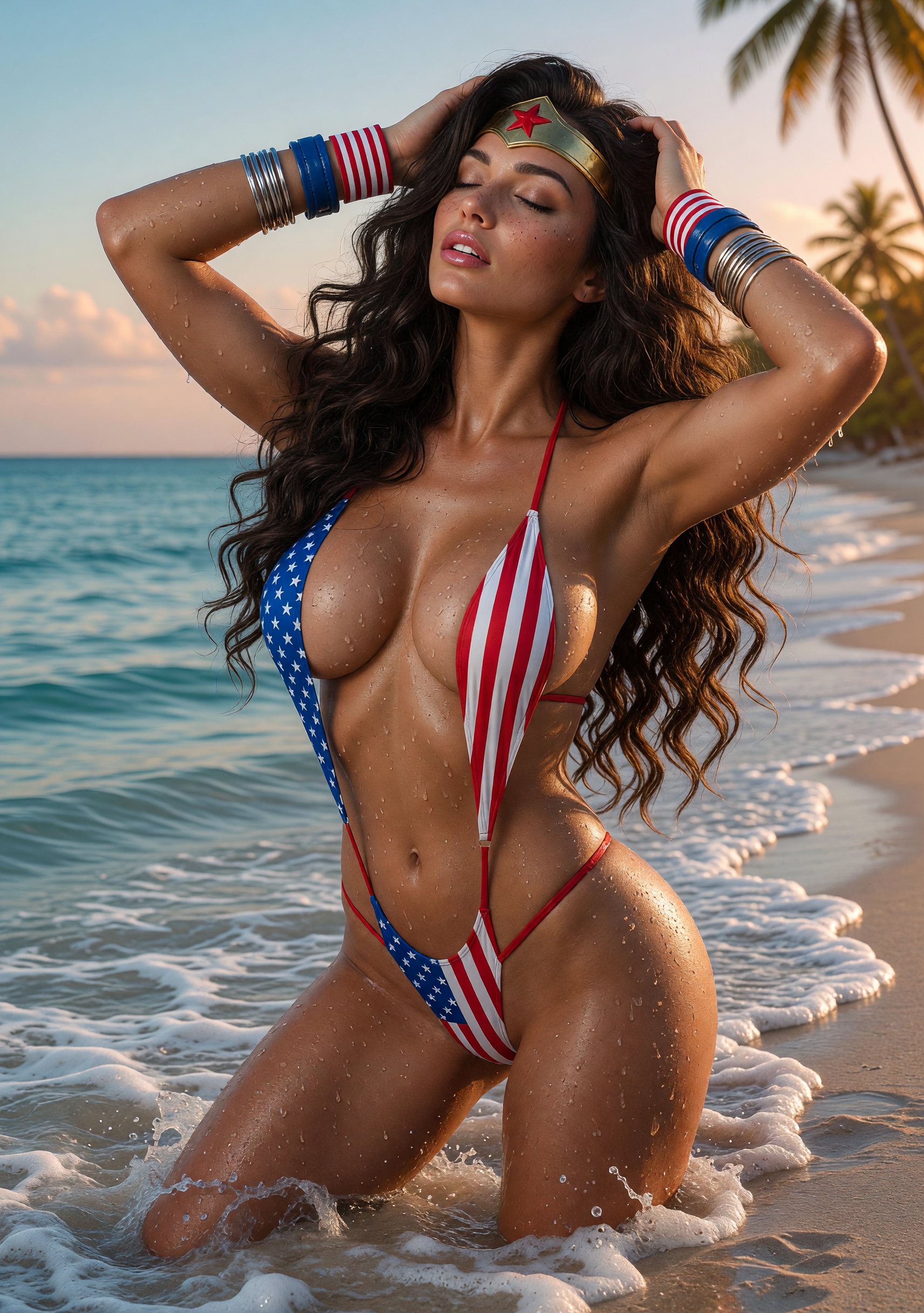
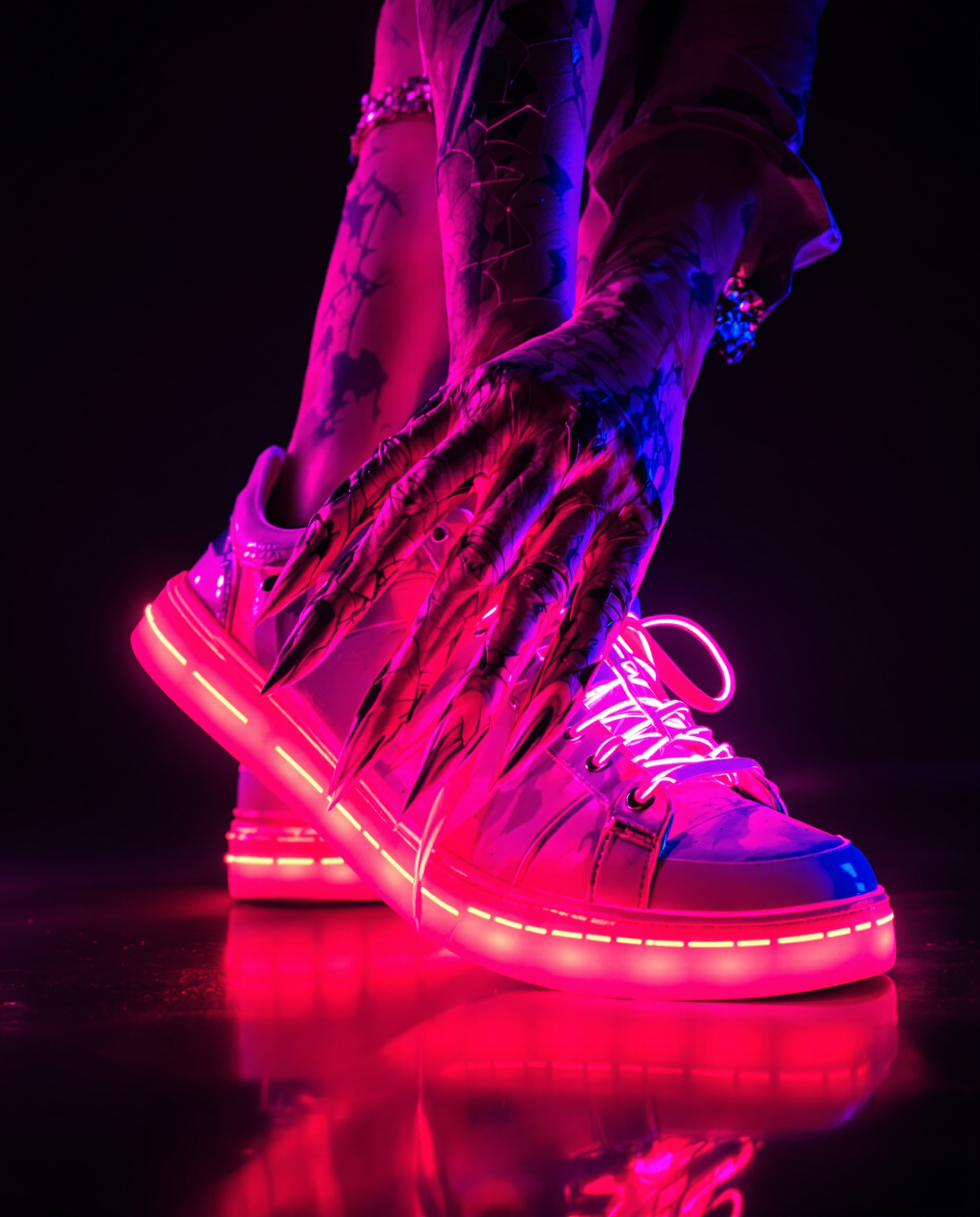
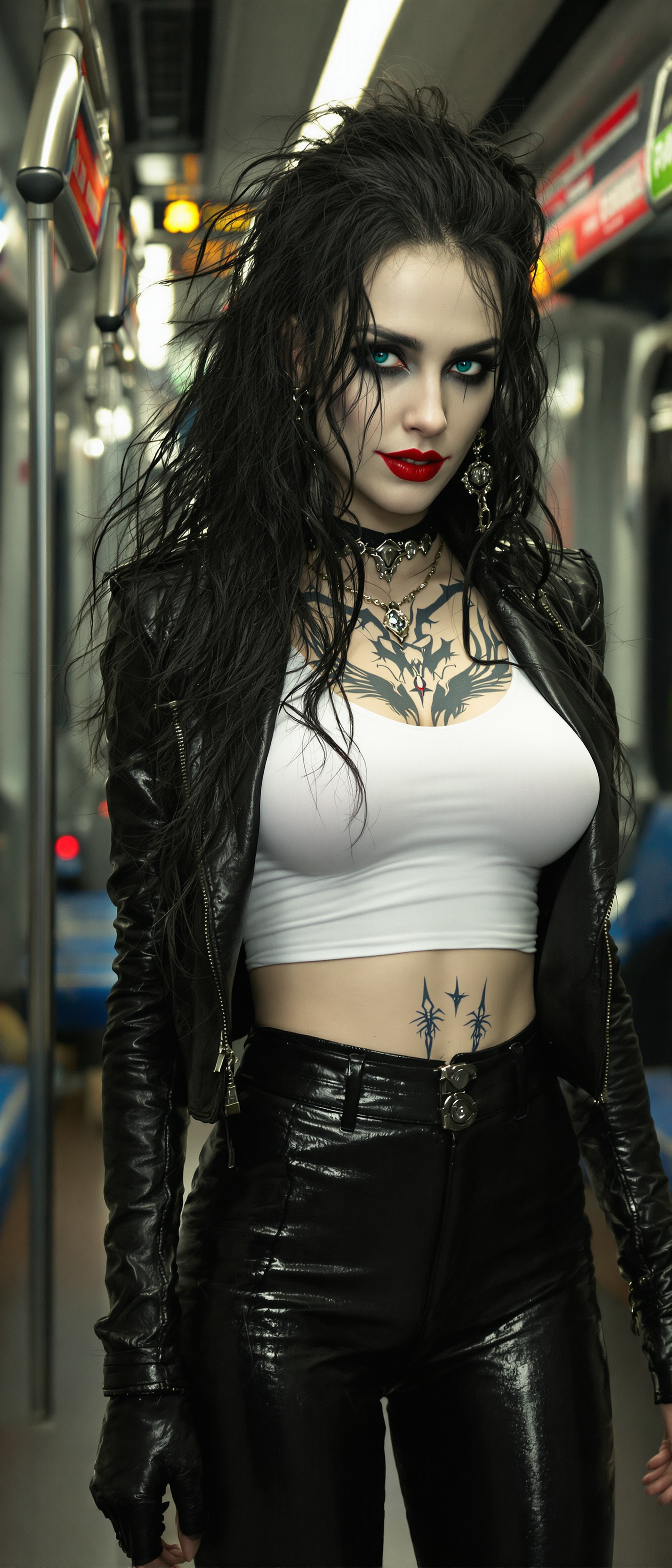
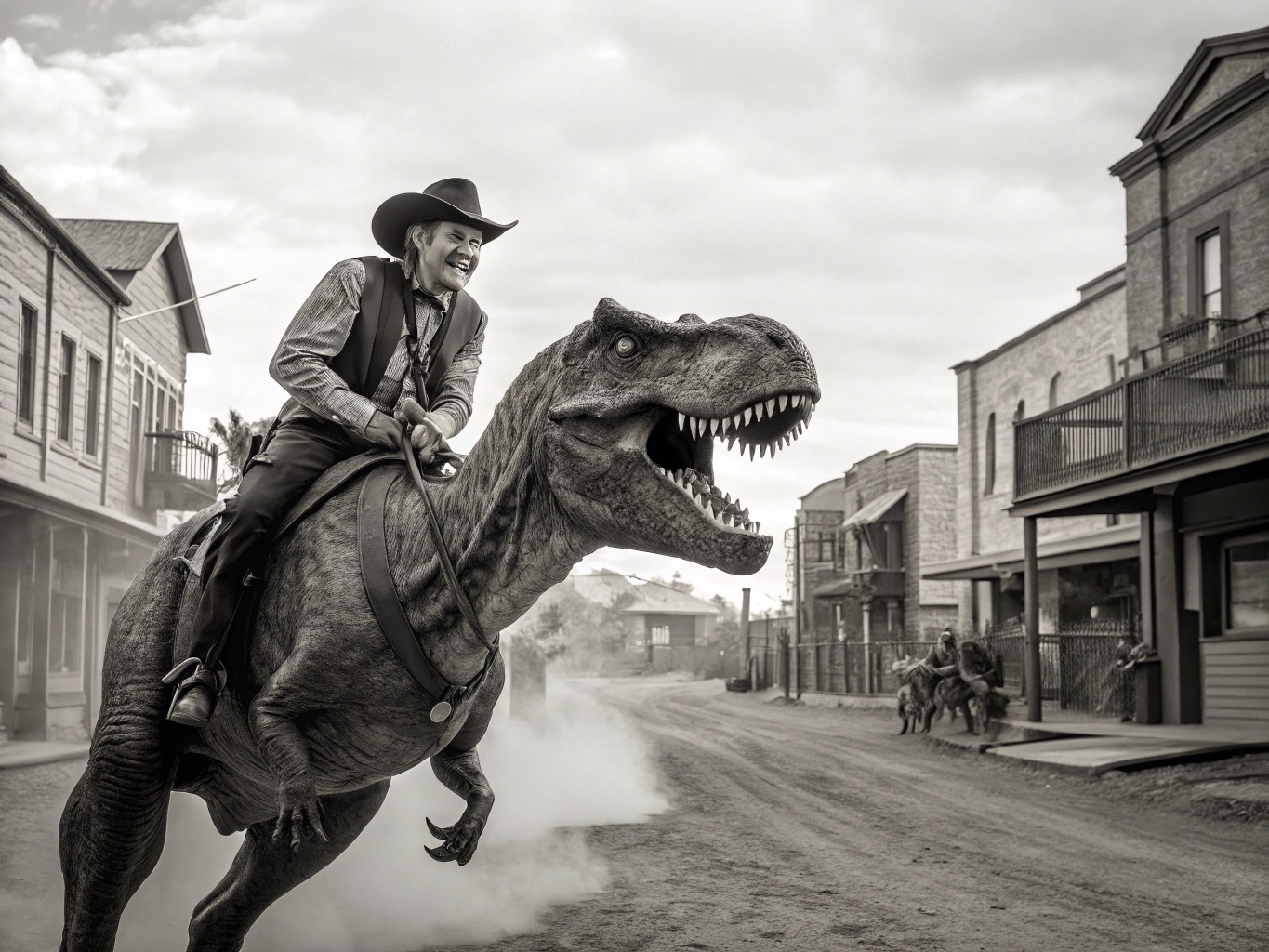
Turn your creative ideas into professional, consistent AI images that look like they came from a high-end studio. With PixelDojo's Vidu Studio capabilities, you can produce ultra-HD visuals for marketing campaigns, brand storytelling, social media content, and more – achieving polished results in seconds without hiring photographers or designers.
Over 50,000 creators have generated more than 1.2 million Vidu Studio-style images on PixelDojo. Average rating of 4.9/5 from thousands of reviews. Trusted by marketing teams at leading brands for consistent, production-ready visuals.
Why Choose Pixel Dojo for vidu studio
Professional-quality results with cutting-edge AI technology
Achieve Flawless Character Consistency
Create the same characters across dozens of scenes and styles for cohesive campaigns, series, or branded content that builds recognition and trust.
Deliver Ultra-HD Professional Quality Instantly
Generate crisp 4K images with realistic details, accurate lighting, and textures perfect for ads, presentations, websites, and print materials.
Refine and Edit with Studio-Level Precision
Quickly adjust compositions, swap backgrounds, enhance lighting, or upscale outputs to match exact brand guidelines or creative visions.
How It Works
Producing Vidu Studio quality images takes just three simple steps using PixelDojo's powerful platform and specialized tools.
Step 1: Choose Your Tool
Select from PixelDojo's Vidu Q3 or top image models like Flux.2 Studio, Ideogram 4, WAN Image, or Recraft V4.1 for optimal consistency and detail.
Step 2: Enter Your Prompt
Describe your scene in detail or upload reference images to leverage multi-subject consistency, style matching, and high-resolution output features.
Step 3: Customize & Download
Use Image to Image, Inpainting, Style Transfer, Magic Lighting, or Portrait Upscaler to perfect your result, then download in ultra-HD.
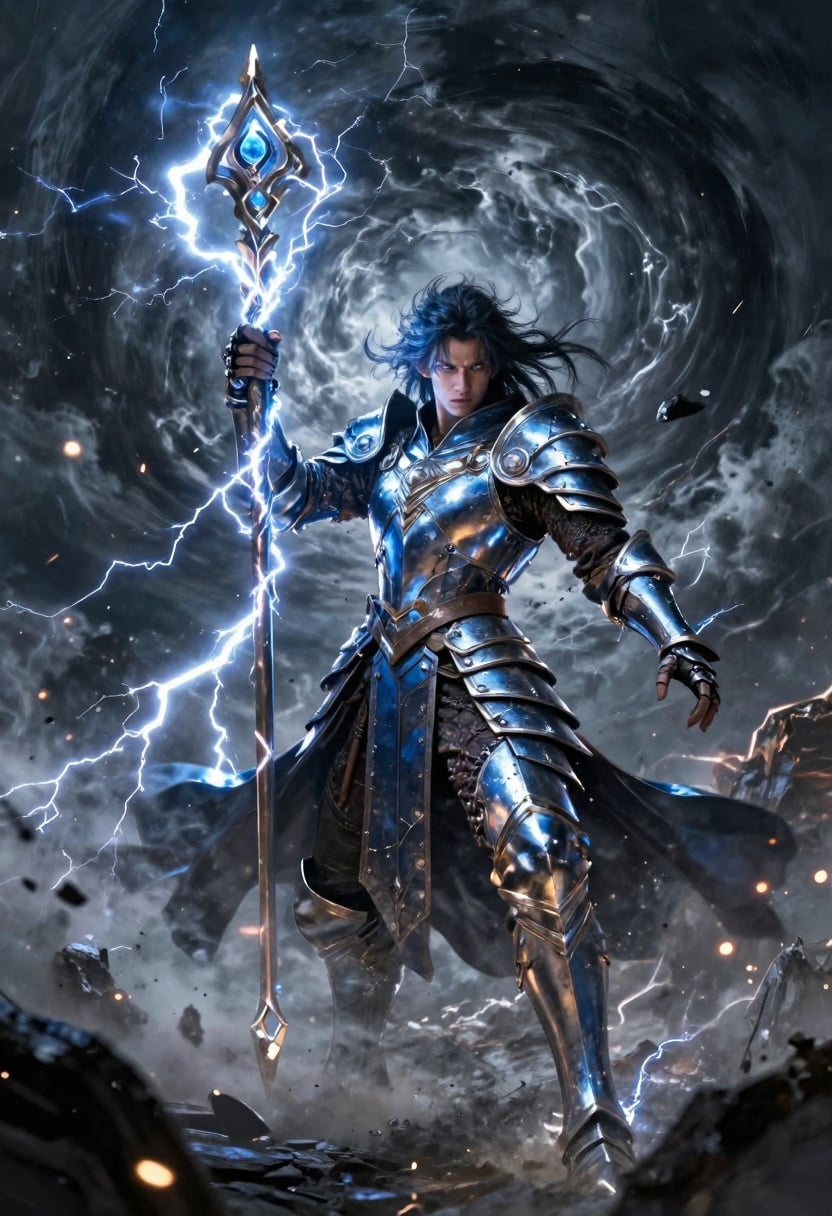
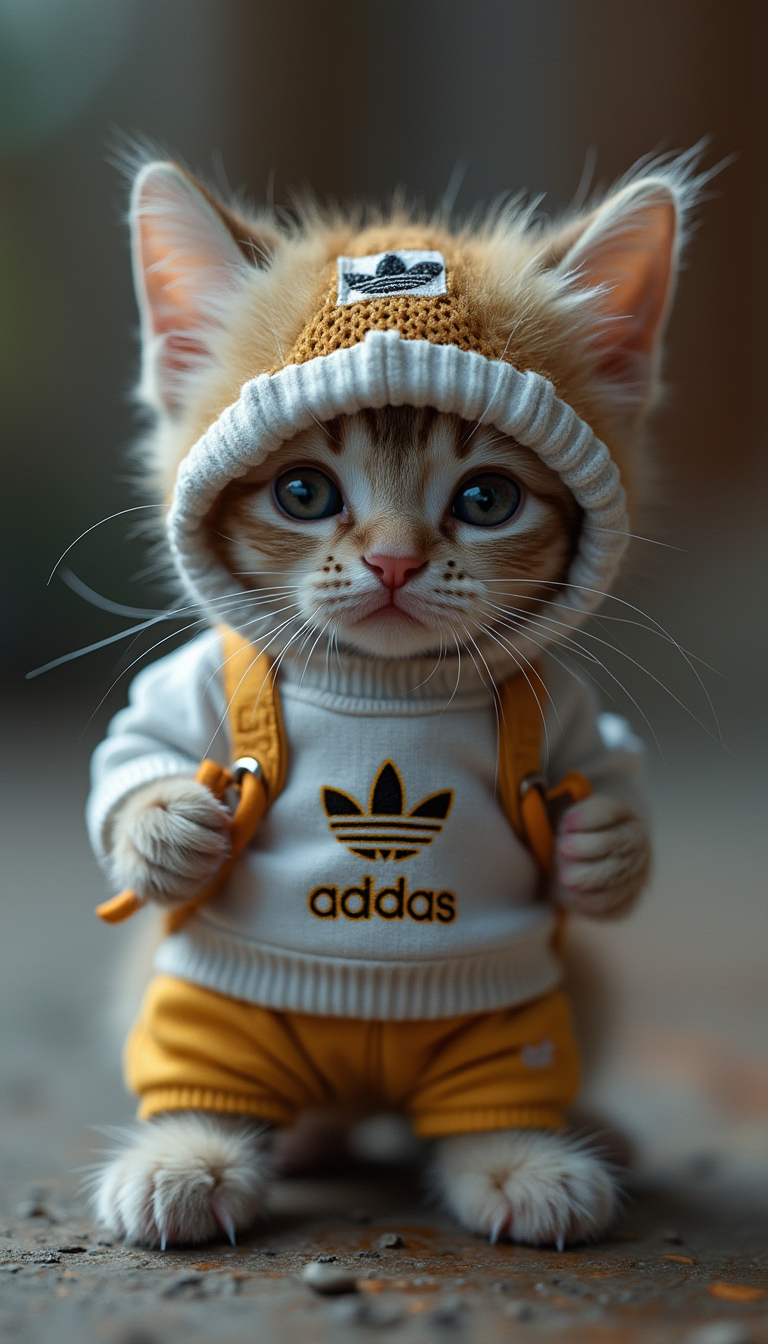
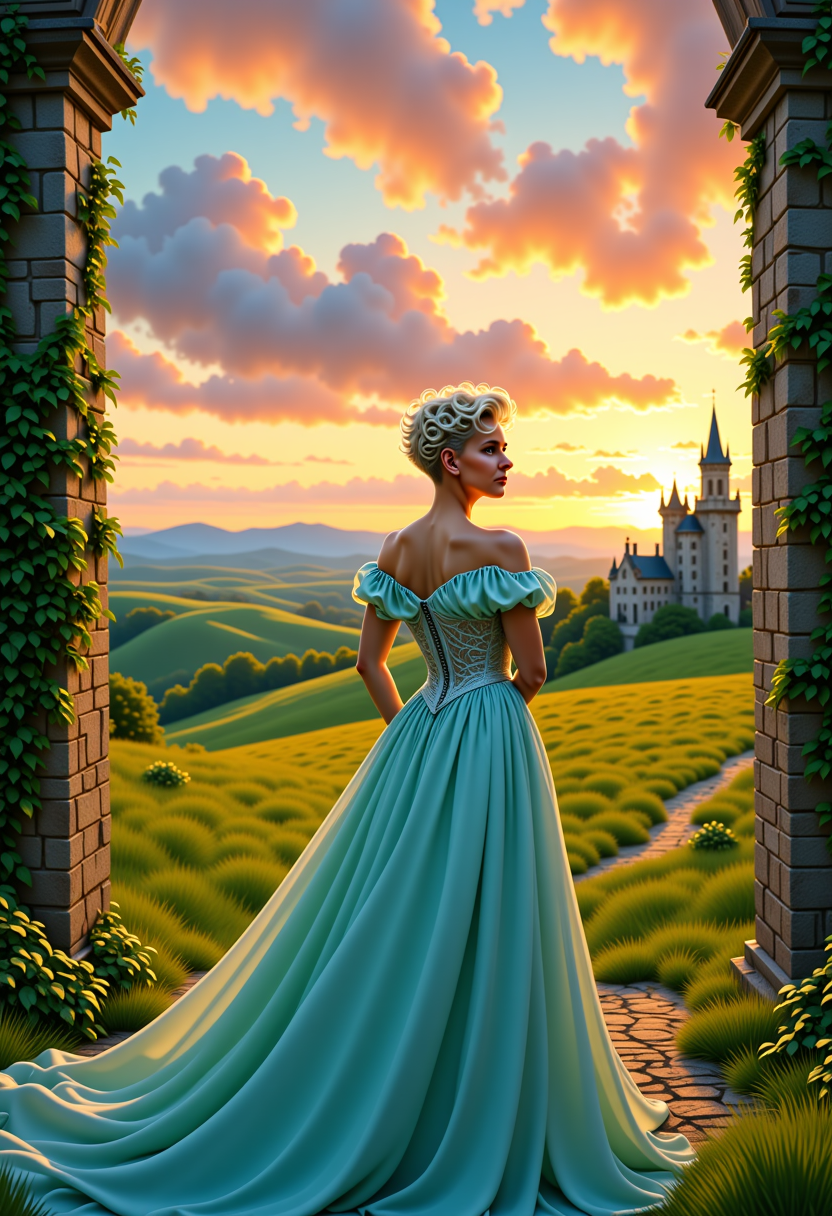
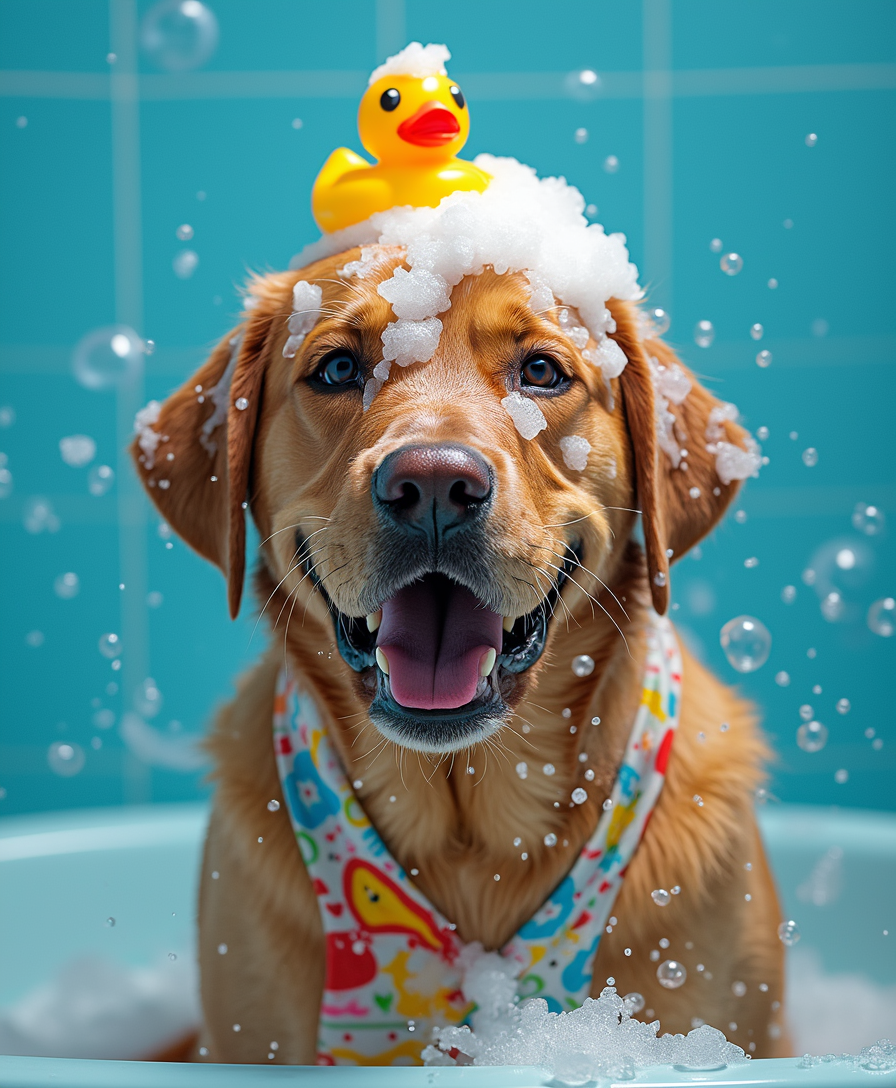
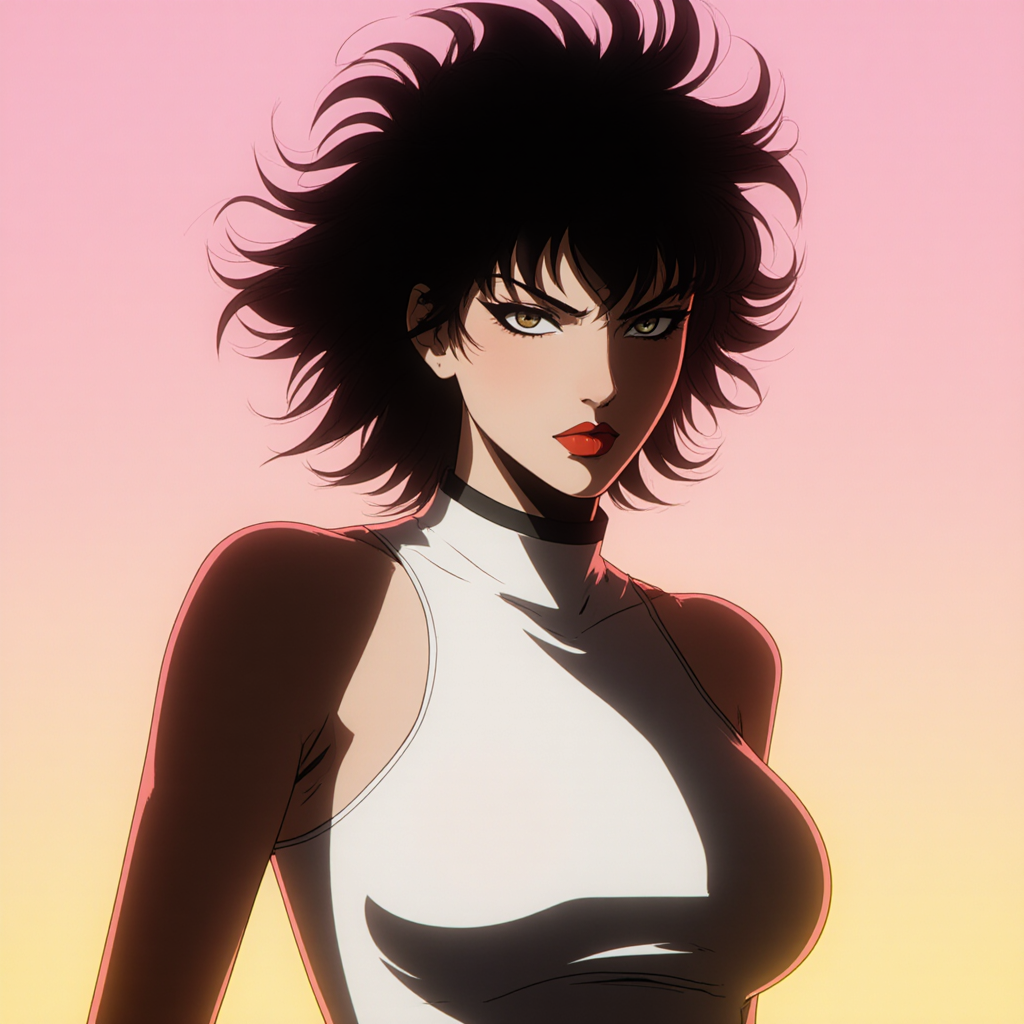
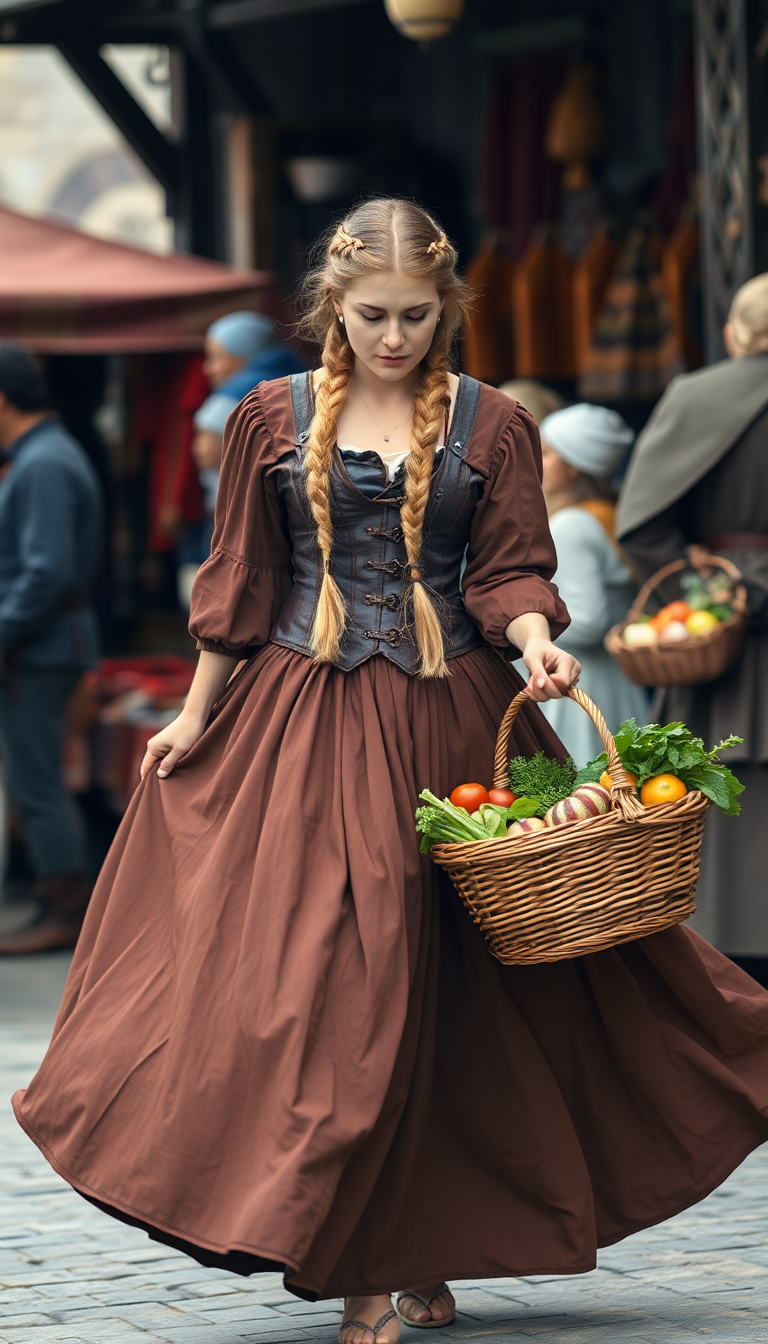
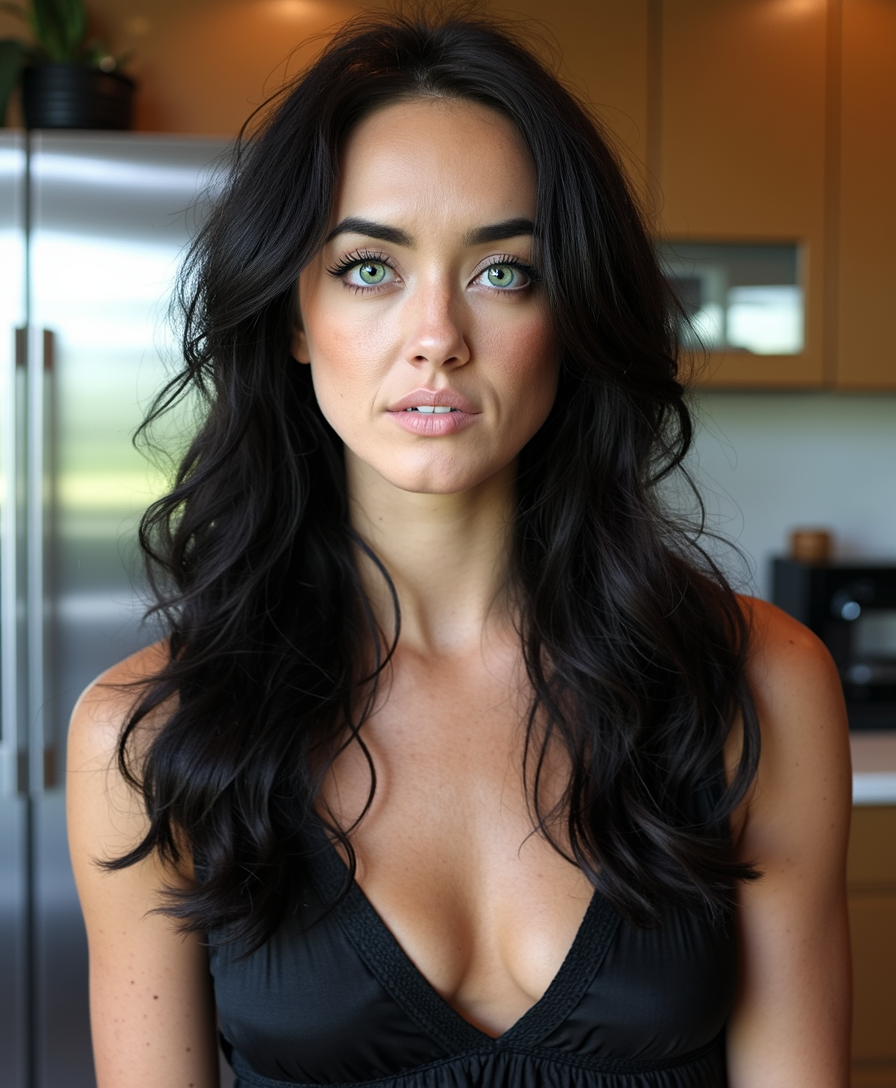
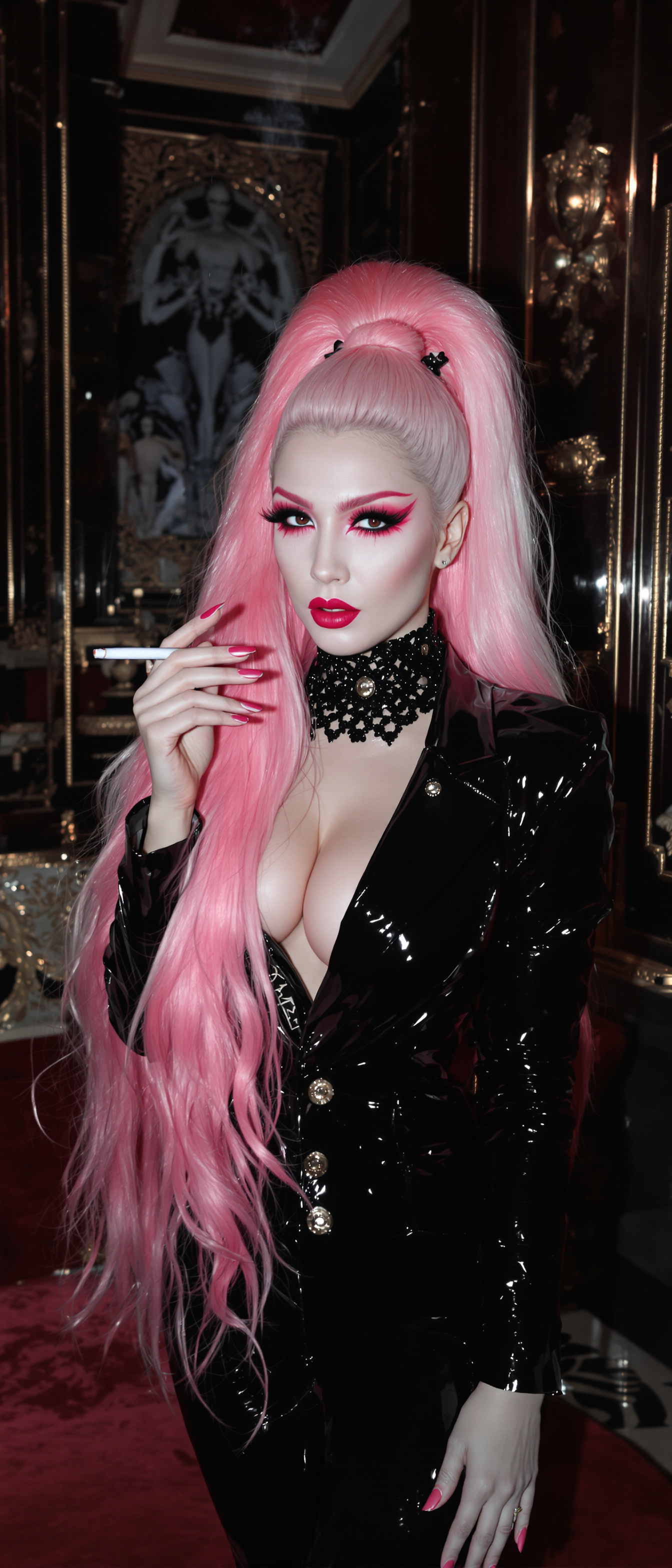
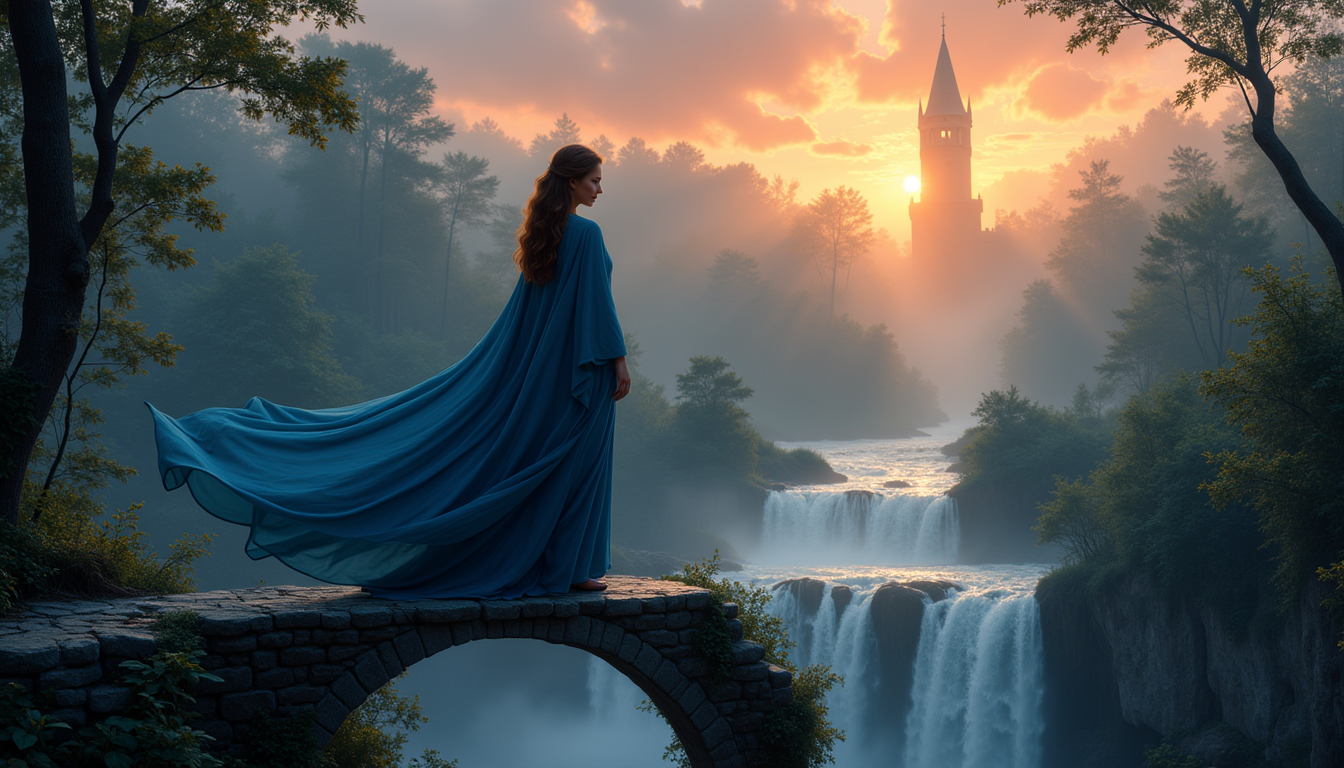
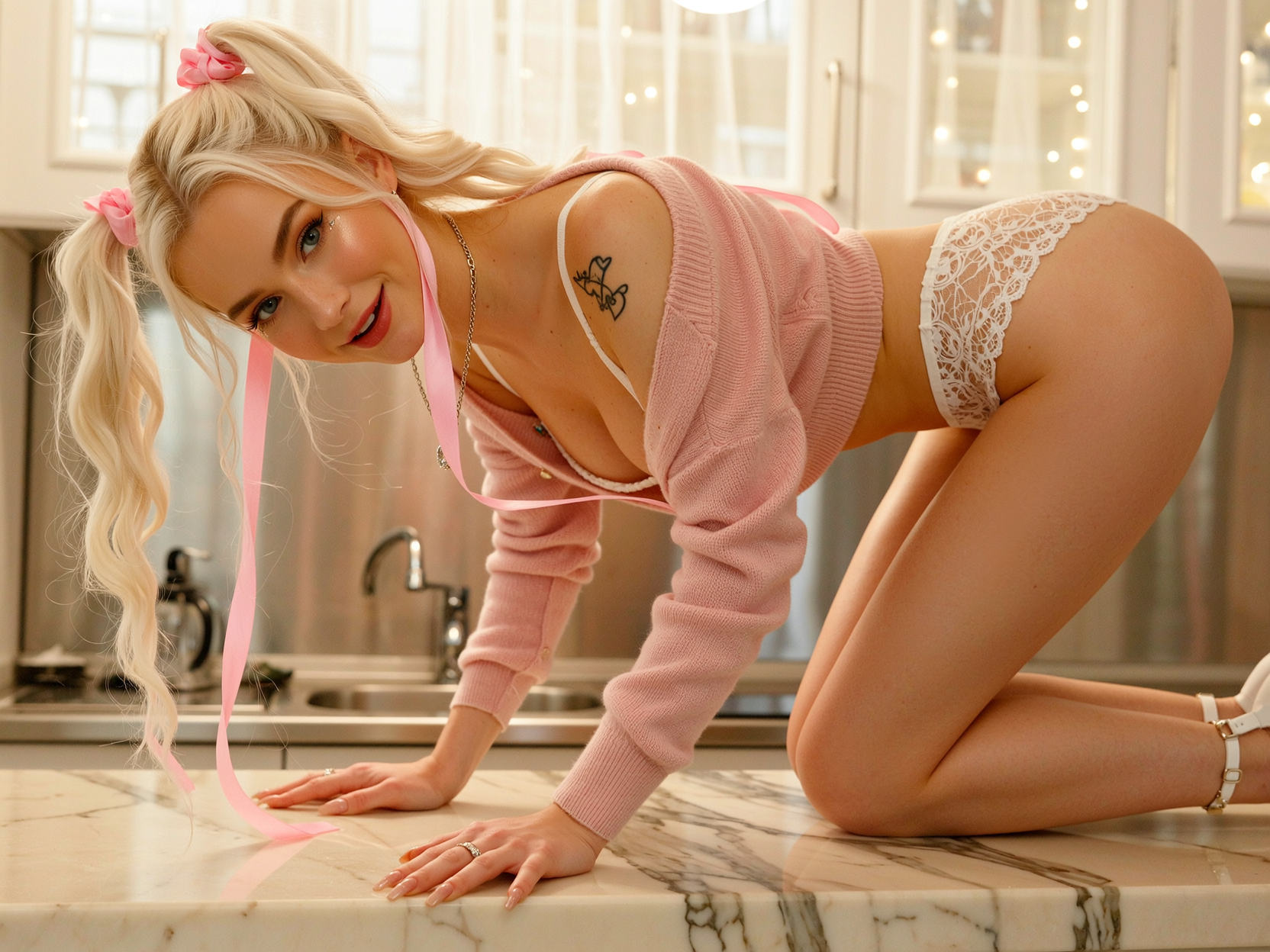
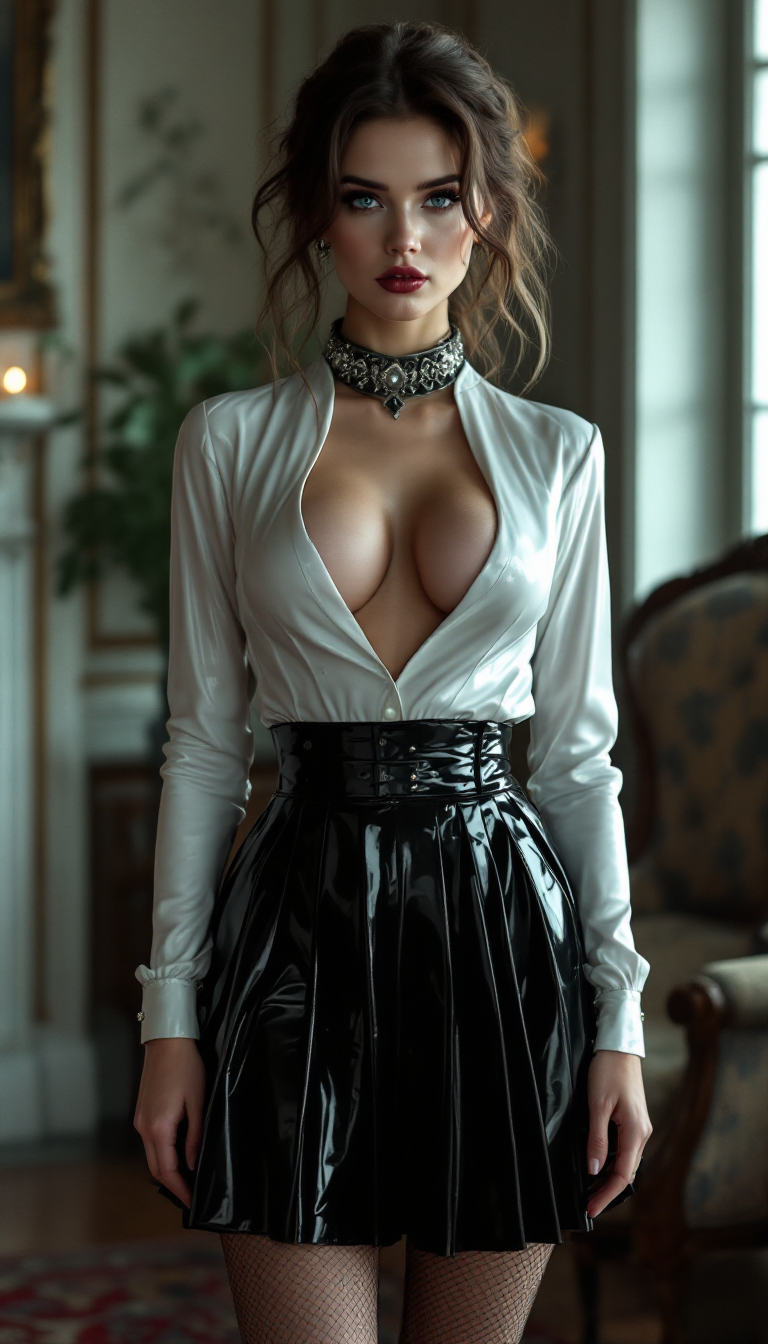
The Pixel Dojo Advantage
Why PixelDojo outperforms other options for Vidu Studio image generation
| Others | Pixel Dojo |
|---|---|
| Traditional studio photography | Create unlimited professional shots on demand without booking studios, models, or equipment – perfect consistency every time |
| Generic AI tools | Access specialized Vidu Q3 and advanced consistency models with built-in editing suites for faster, higher-quality professional workflows |
| Manual photo editing | AI-powered tools handle complex refinements like lighting, backgrounds, and upscaling automatically, saving hours per project |
Loved by creators on PixelDojo
Real feedback from people using PixelDojo, pulled from our in-product surveys.
Very eay to use, works well to train SDXL loras.
The amazing tools
Top notch quality and strong prompt adherence.
A well resourced sunscription with attention to updates.
Easy to use and there's lots of options.
super lora download
Explore more AI tools on PixelDojo
AI Tools
Compare & Switch
- Best AI Image Generators
- Best AI Video Generators
- Midjourney Alternatives
- Civitai Alternatives
- Runway Alternatives
- Leonardo Alternatives
- Pika Alternatives
- Luma Alternatives
- Magnific Alternatives
- Veo Alternatives
- Flux Alternatives
- Freepik Alternatives
- Seedance Alternatives
- Seedream Alternatives
- Pixverse Alternatives
- GPT Image Alternatives
- Synthesia Alternatives
- Playground Alternatives
- NightCafe Alternatives
- Canva AI Alternatives
- ElevenLabs Alternatives
- ComfyUI Alternatives
- Fal Alternatives
- Replicate Alternatives
Common Questions
Everything you need to know about vidu studio
How to create consistent characters using Vidu Studio techniques on PixelDojo?
Use tools like Ideogram Character, Consistent Characters, or Flux Pro Virtual Try-On combined with reference uploads in models such as WAN Image or Vidu Q3. Describe your character in detail once, then generate variations across scenes while maintaining identity, clothing, and features for seamless storytelling series.
What makes Vidu Studio AI images different for professional use?
Vidu Studio techniques on PixelDojo deliver superior multi-subject consistency, ultra-HD 4K output, and production-quality details. Tools like Recraft V4.1 and Bria 3.2 excel at clean edges, accurate textures, and brand-safe results ideal for marketing, ads, and commercial projects.
Can I generate Vidu Studio style images for social media and ads?
Absolutely. PixelDojo's Vidu Q3 and supporting image tools like Grok Image or PonyXL let you create scroll-stopping visuals optimized for Instagram, TikTok, LinkedIn, and ad platforms with perfect aspect ratios via Smart Resize and quick style adaptations.
How do I edit and upscale Vidu Studio generated images on PixelDojo?
After generation, apply Image to Image, Inpainting, Change Camera Angle, Style Transfer, Magic Lighting, Background Remover, or Creative Upscaler and Portrait Upscaler. These tools refine details, adjust perspectives, and boost resolution to 4K+ while preserving quality.
Is Vidu Studio image generation suitable for beginners on PixelDojo?
Yes, the platform is designed for all skill levels. Start with simple text prompts in Flux.1 Studio or WAN 2.6, upload references for guidance, and use one-click editing tools. Thousands of beginners produce pro results on their first try with guided workflows.
What file formats and resolutions does PixelDojo offer for Vidu Studio images?
Download in PNG, JPG, or WebP at up to 4K resolution. Use Video Upscaler or P-Image Upscale for further enhancement, and integrate with video tools like Vidu Q3 or Kling Video for full multimedia campaigns from the same consistent assets.