gemini 2.5 flash image inpainting
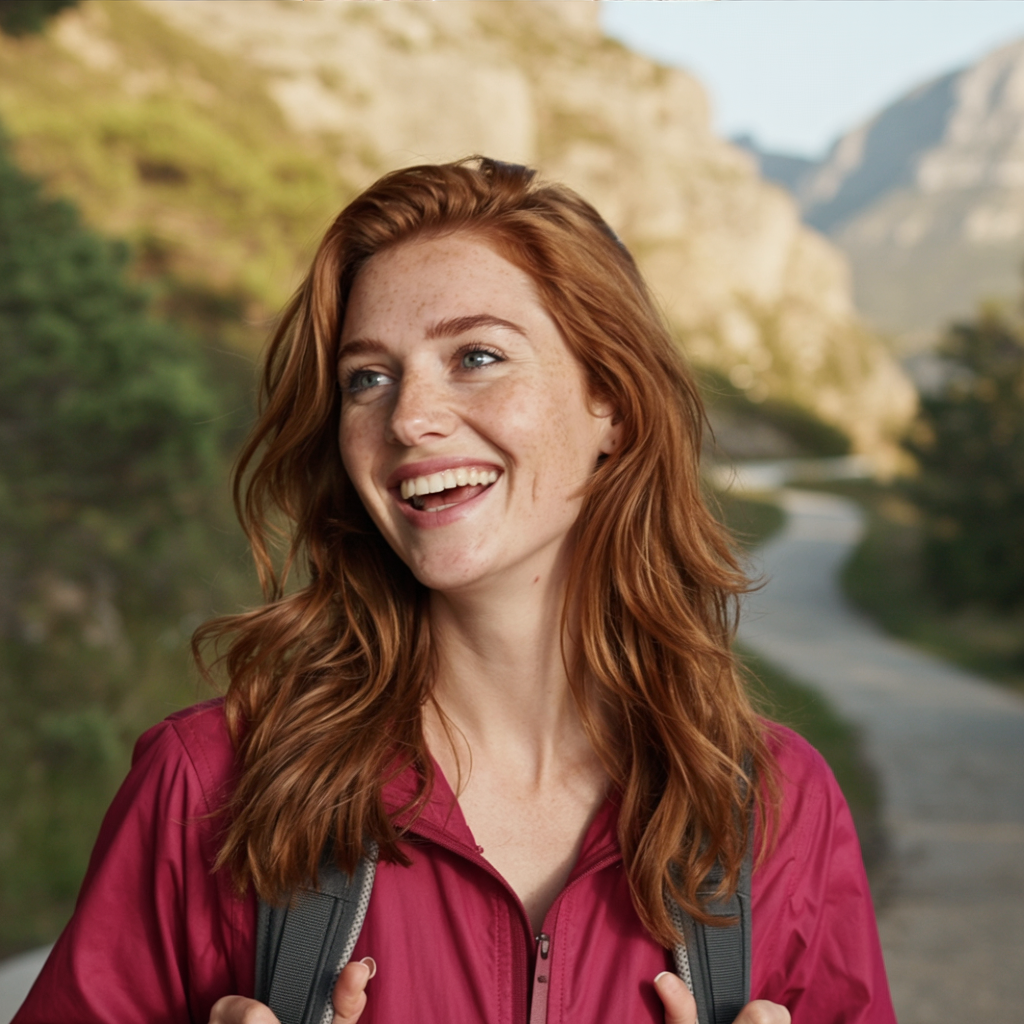
Imagine breathing new life into old photographs, removing unwanted objects, or enhancing image details—all without the need for complex editing skills. With PixelDojo's AI-powered inpainting tools, featuring the advanced Gemini 2.5 Flash technology, you can achieve professional-quality image restoration and enhancement effortlessly. Whether you're a photographer, designer, or hobbyist, our tools empower you to transform your images seamlessly.
Join over 10,000 satisfied creators who have enhanced their images using PixelDojo's AI tools. Rated 4.8/5 based on 2,500+ reviews.
Why Choose Pixel Dojo for gemini 2.5 flash image inpainting
Professional-quality results with cutting-edge AI technology
Effortless Image Restoration
Revive old or damaged photos by seamlessly filling in missing or deteriorated areas, preserving cherished memories.
Seamless Object Removal
Eliminate unwanted elements from your images without leaving any traces, achieving a clean and professional look.
Enhanced Creative Control
Modify and enhance specific parts of your images to match your creative vision, all without complex editing software.
How It Works
Transforming your images with PixelDojo's inpainting tools is a straightforward process. Follow these simple steps to achieve stunning results:
Step 1: Select Your Image
Upload the photo you wish to edit to PixelDojo's platform.
Step 2: Mask the Area
Use the intuitive brush tool to highlight the area you want to modify or remove.
Step 3: Apply AI Inpainting
Let PixelDojo's AI seamlessly fill in the masked area based on the surrounding content, delivering a natural and cohesive result.

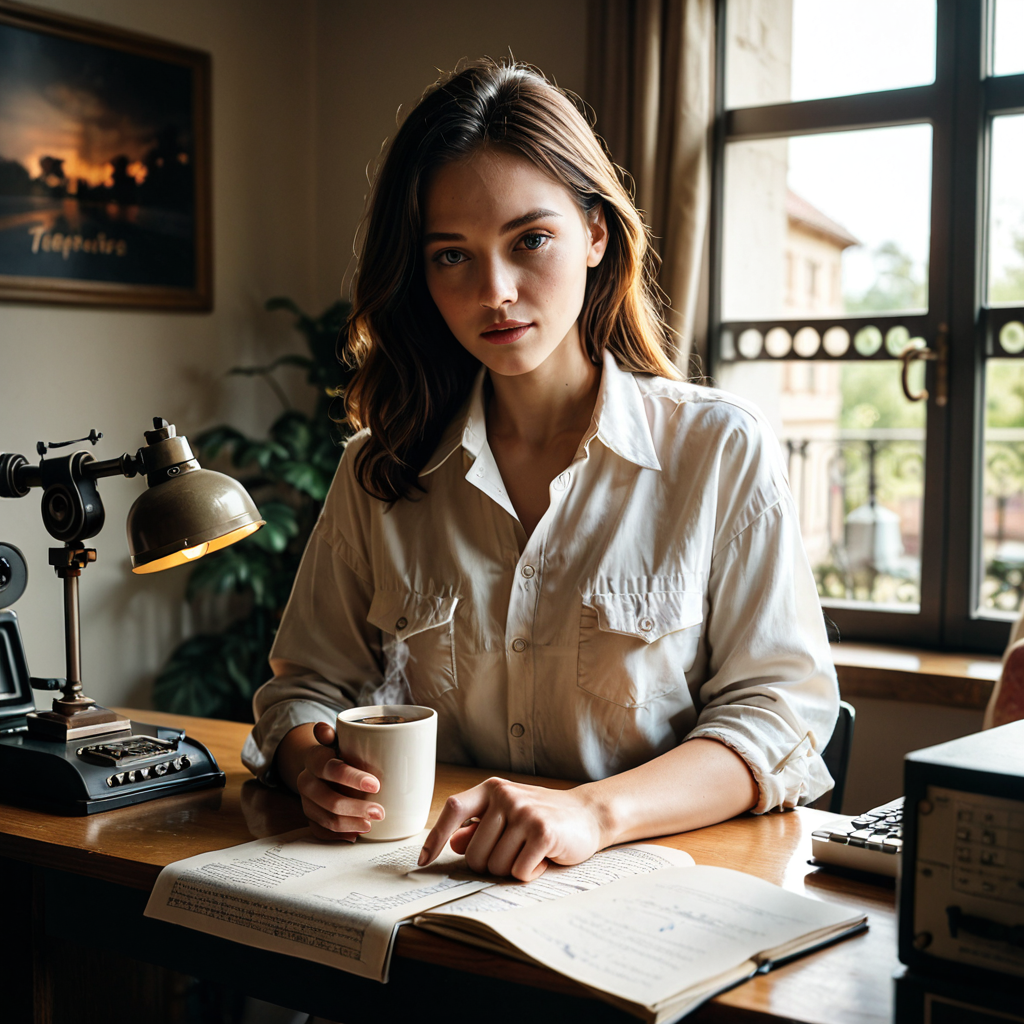


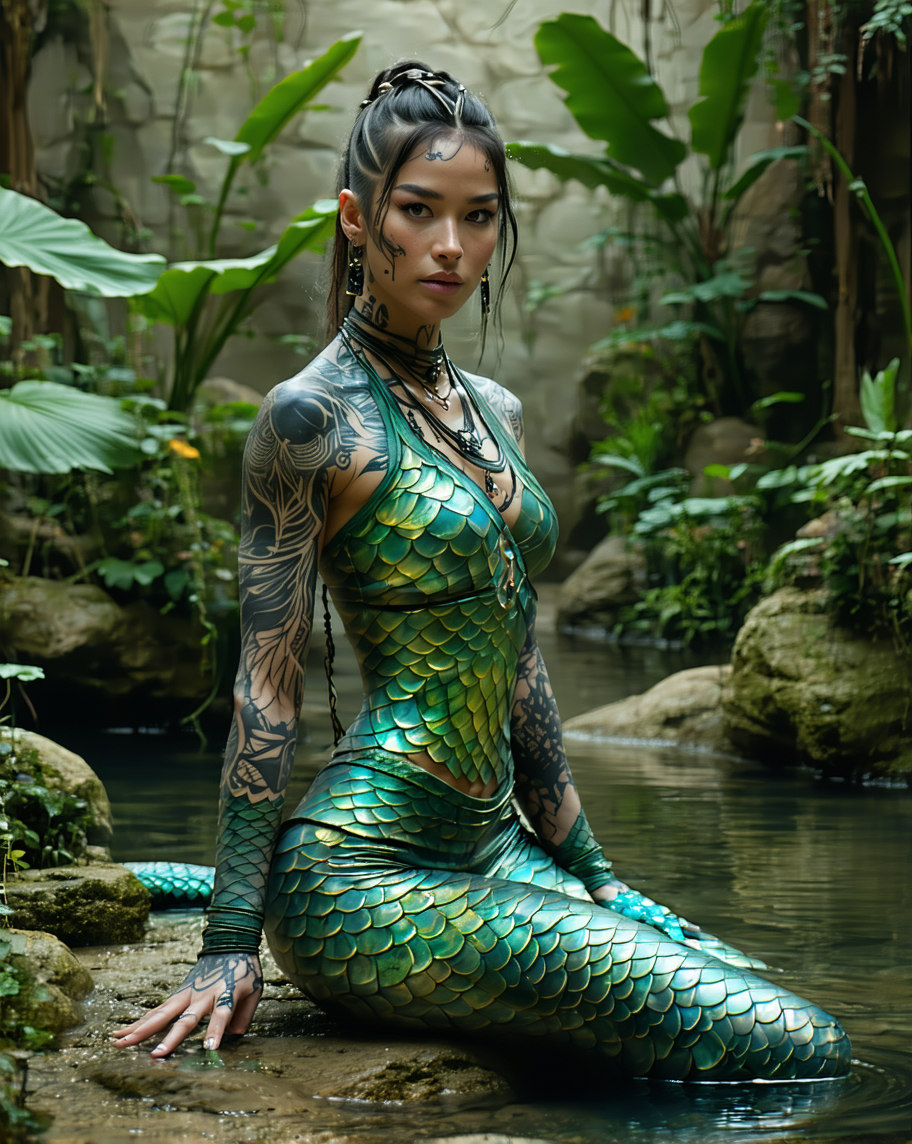
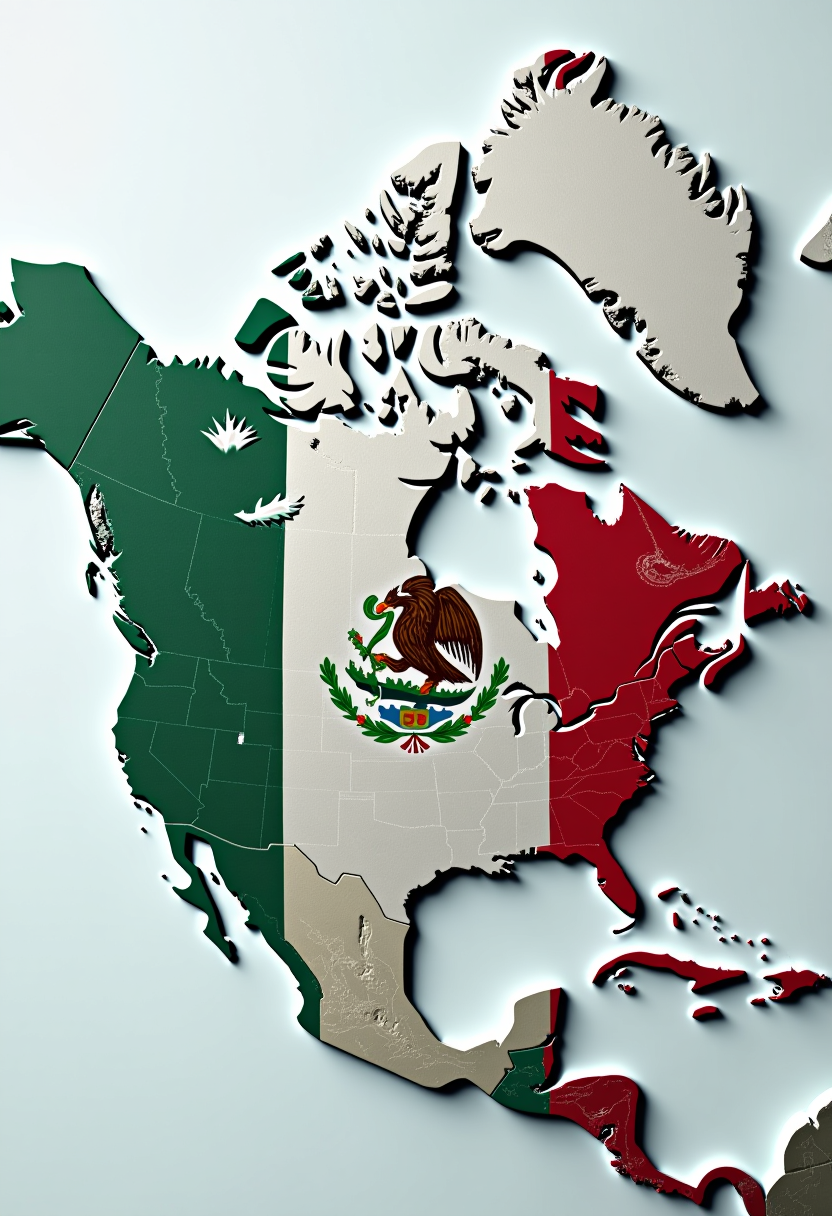

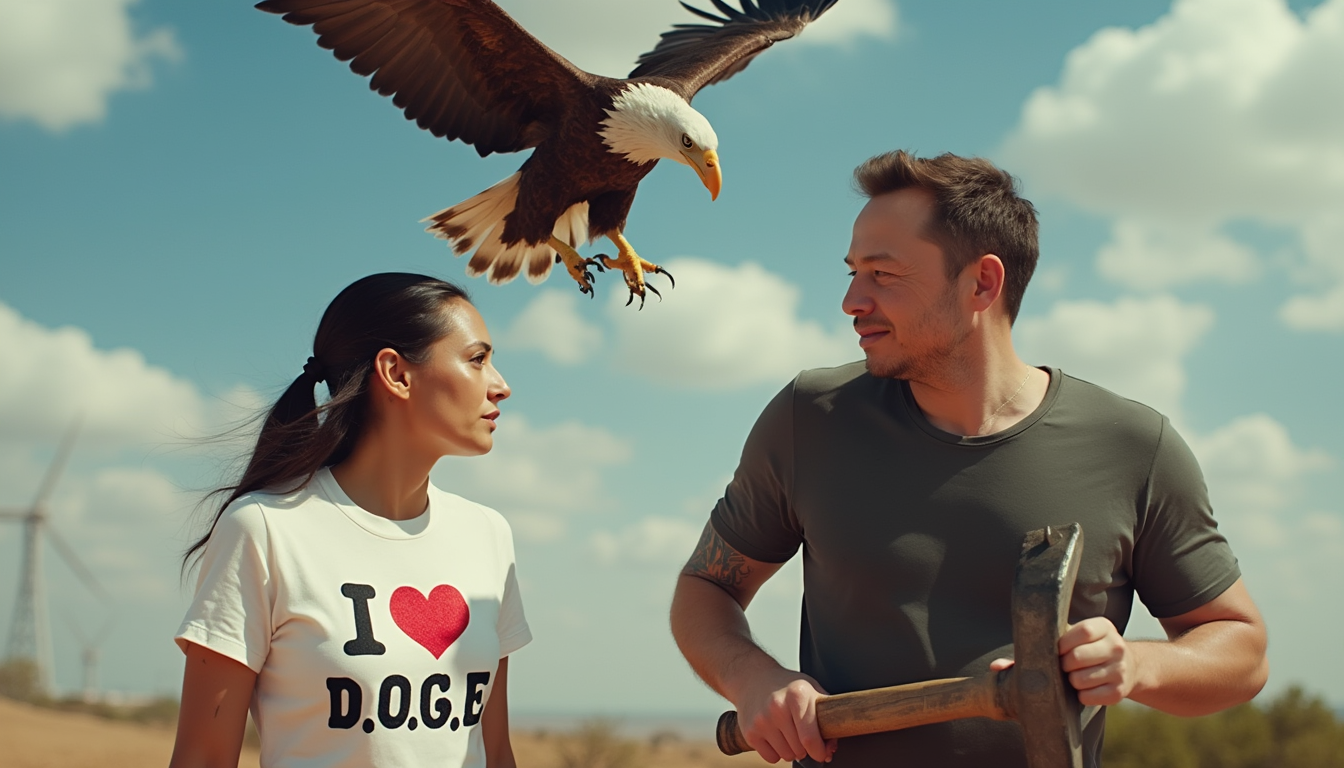

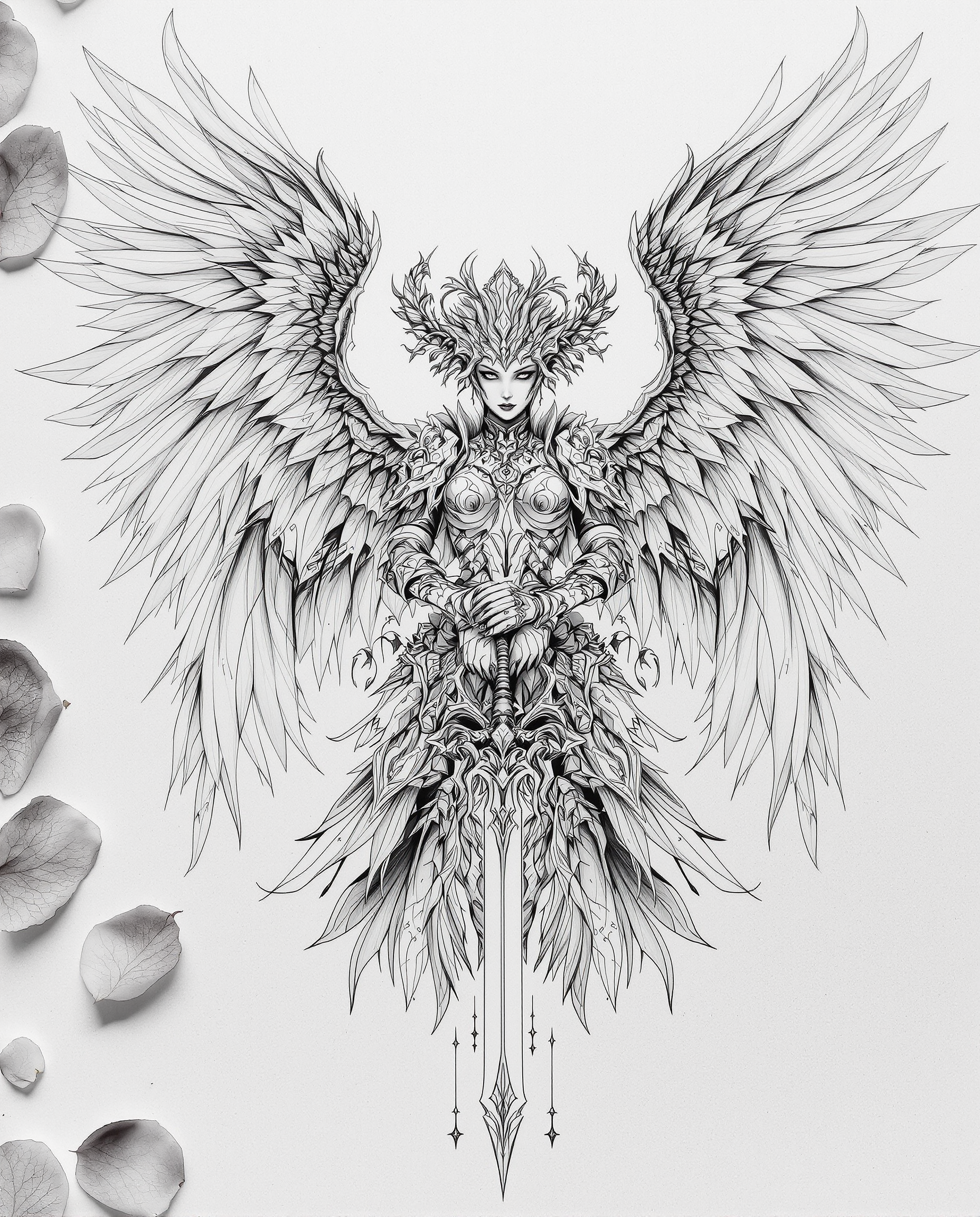
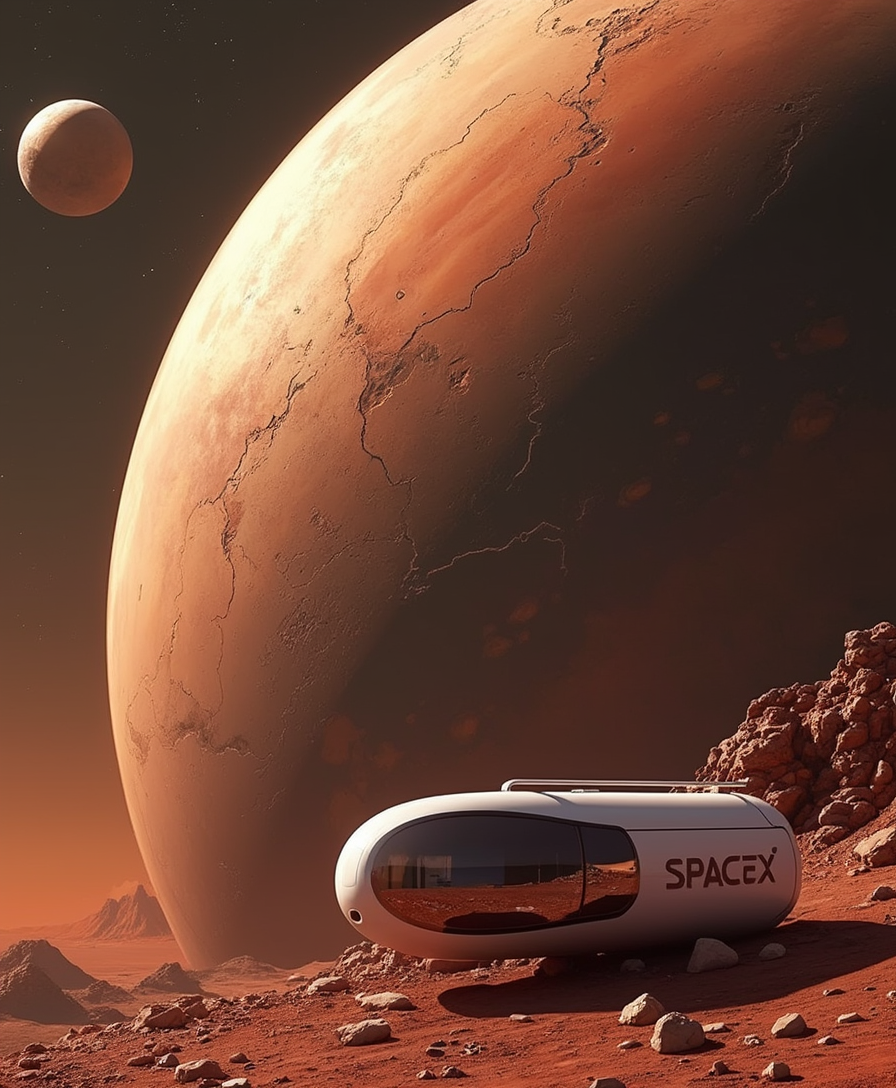
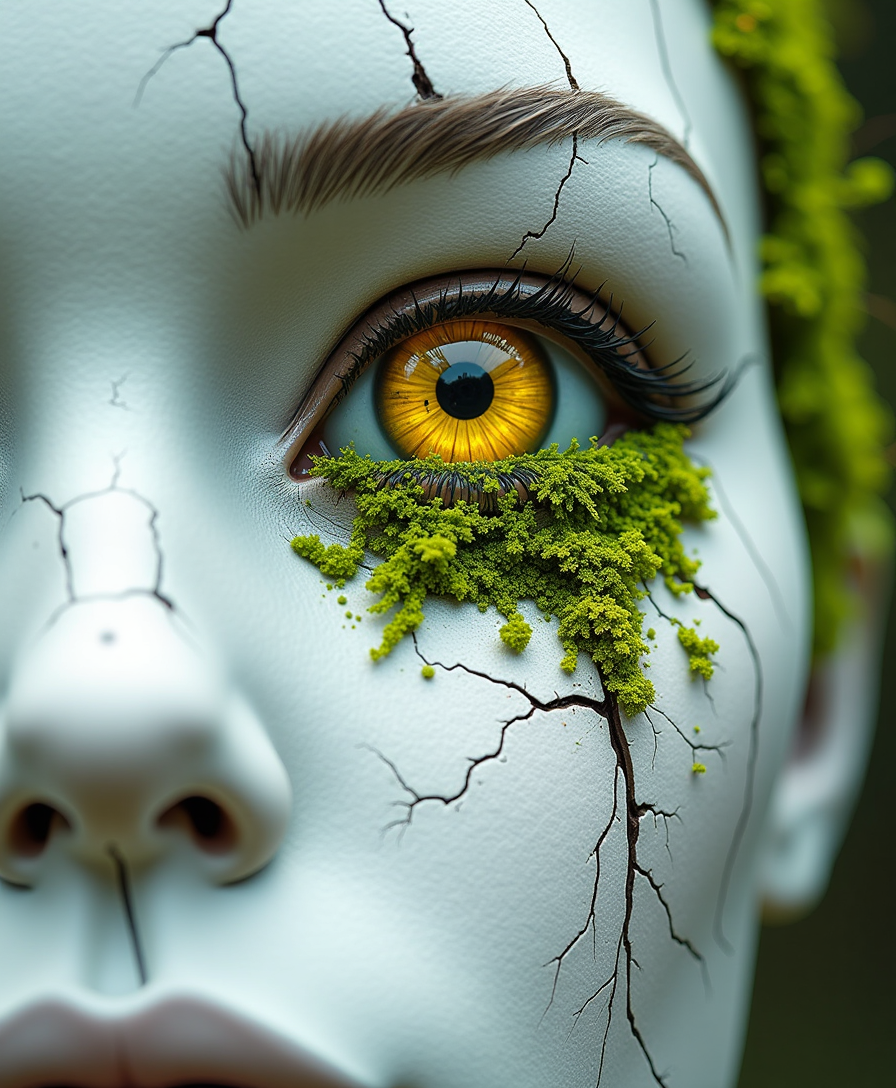
The Pixel Dojo Advantage
Why PixelDojo outperforms other options for inpainting image generation
| Others | Pixel Dojo |
|---|---|
| Traditional inpainting methods | Achieve faster and more accurate results without the need for manual editing skills. |
| Generic AI tools | Specialized inpainting algorithms ensure higher quality and more realistic image restorations. |
| Manual photo editing | Save time and effort by automating complex editing tasks with AI precision. |
Loved by creators on PixelDojo
Real feedback from people using PixelDojo, pulled from our in-product surveys.
Trained my Lora super fast. Still working out how to creat content wit it, but I love it so far.
I love this app
It has all the tools I can think of...
deployment rate of splendid features is incredible. Legend
large selection of tools on one platform
the amount you can do on this site
Explore more AI tools on PixelDojo
AI Tools
Compare & Switch
- Best AI Image Generators
- Best AI Video Generators
- Midjourney Alternatives
- Civitai Alternatives
- Runway Alternatives
- Leonardo Alternatives
- Pika Alternatives
- Luma Alternatives
- Magnific Alternatives
- Veo Alternatives
- Flux Alternatives
- Freepik Alternatives
- Seedance Alternatives
- Seedream Alternatives
- Pixverse Alternatives
- GPT Image Alternatives
- Synthesia Alternatives
- Playground Alternatives
- NightCafe Alternatives
- Canva AI Alternatives
- ElevenLabs Alternatives
- ComfyUI Alternatives
- Fal Alternatives
- Replicate Alternatives
Common Questions
Everything you need to know about gemini 2.5 flash image inpainting
How does PixelDojo's AI inpainting work?
Our AI analyzes the surrounding areas of the masked region and intelligently fills it in to create a seamless and natural-looking result.
Can I use PixelDojo to restore old or damaged photos?
Absolutely! Our inpainting tools are perfect for repairing scratches, tears, and other imperfections in old photographs.
Is PixelDojo suitable for beginners?
Yes, our platform is designed with user-friendliness in mind, making it accessible for users of all skill levels.
What file formats does PixelDojo support?
We support a wide range of image formats, including JPEG, PNG, and TIFF.
Is there a limit to the number of images I can edit?
With our subscription plans, you can edit an unlimited number of images. Cancel anytime if you're not satisfied.
How long does it take to process an image?
Processing times are typically under a minute, depending on the complexity of the edit.