world map AI Generator
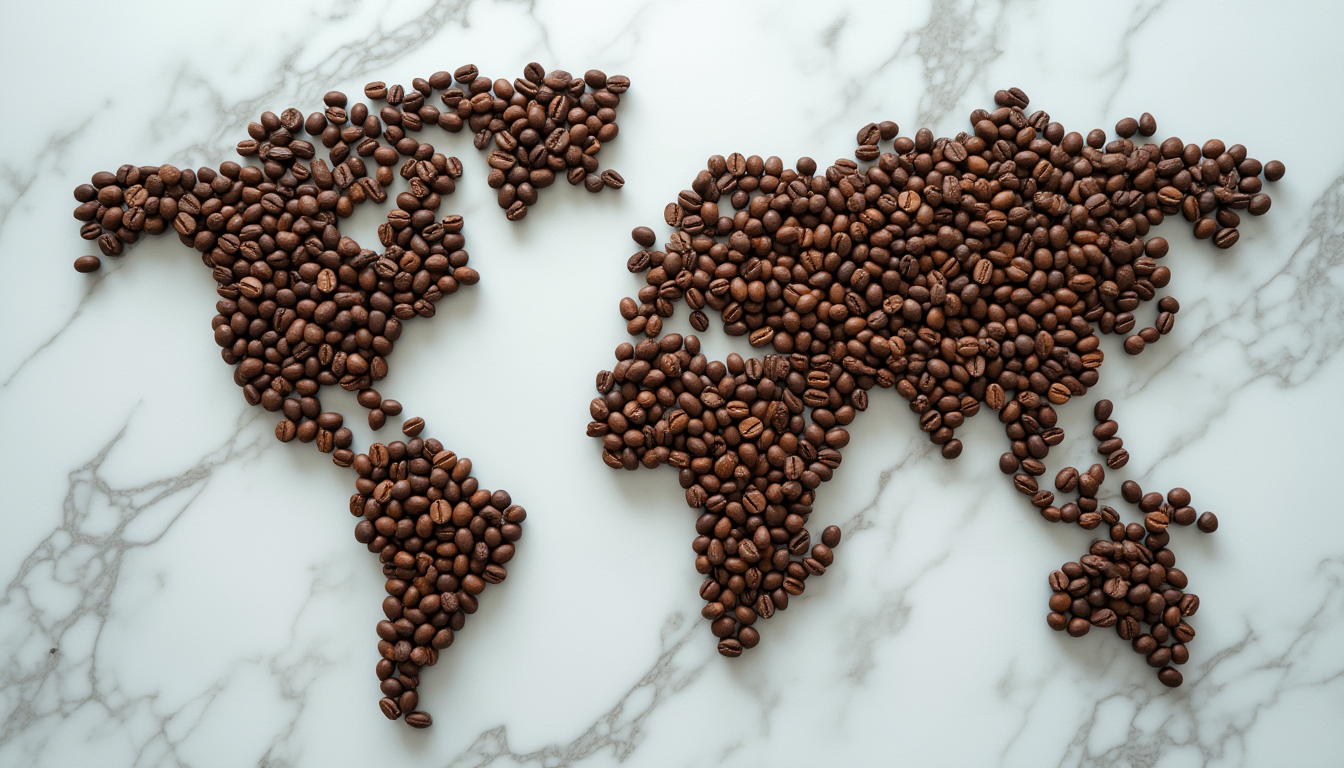
Generated on PixelDojo. Produced by PixelDojo's generation pipeline.
Imagine having the power to bring entire fictional universes into existence with just a few words. With PixelDojo's AI world map generator, you can transform vague ideas into breathtaking, professionally detailed world maps that captivate players, readers, and viewers. Whether you're a Dungeon Master preparing the next legendary D&D campaign, an author worldbuilding for your fantasy novel, a game developer designing immersive environments, or a content creator needing striking visuals, our tools deliver results that inspire wonder and tell stories at a glance. The latest trends in AI map generation focus on hyper-detailed biomes, realistic geographical logic like natural river flows from mountains to seas, multi-continental layouts, and authentic cartographic styles ranging from aged parchment with ink illustrations to modern satellite-inspired views and even convertible 3D terrains. PixelDojo makes these trends accessible to everyone. Our platform combines cutting-edge models like Flux.2 Studio, Recraft V4, Grok Image, and SDXL to understand complex prompts about mountain ranges, ancient forests, sprawling kingdoms, treacherous oceans, and hidden magical realms. You no longer need to spend weeks hand-drawing maps or hiring expensive artists. Create dozens of variations, refine every coastline and river bend, expand your world seamlessly, and even turn your 2D map into an explorable 3D model using Hunyuan 3D. The outcome? Worlds that feel alive, consistent, and uniquely yours — maps that enhance storytelling, boost engagement in games, and help you sell digital products like map packs or worldbuilding guides. Thousands of creators worldwide are already using PixelDojo to accelerate their creative process while achieving museum-quality cartography. Start building the world you've always dreamed of today.
Real image examples generated on PixelDojo
Every example below was produced on PixelDojo. Hover to see the prompt.
A photo of a world map made from coffee beans
stable-diffusion
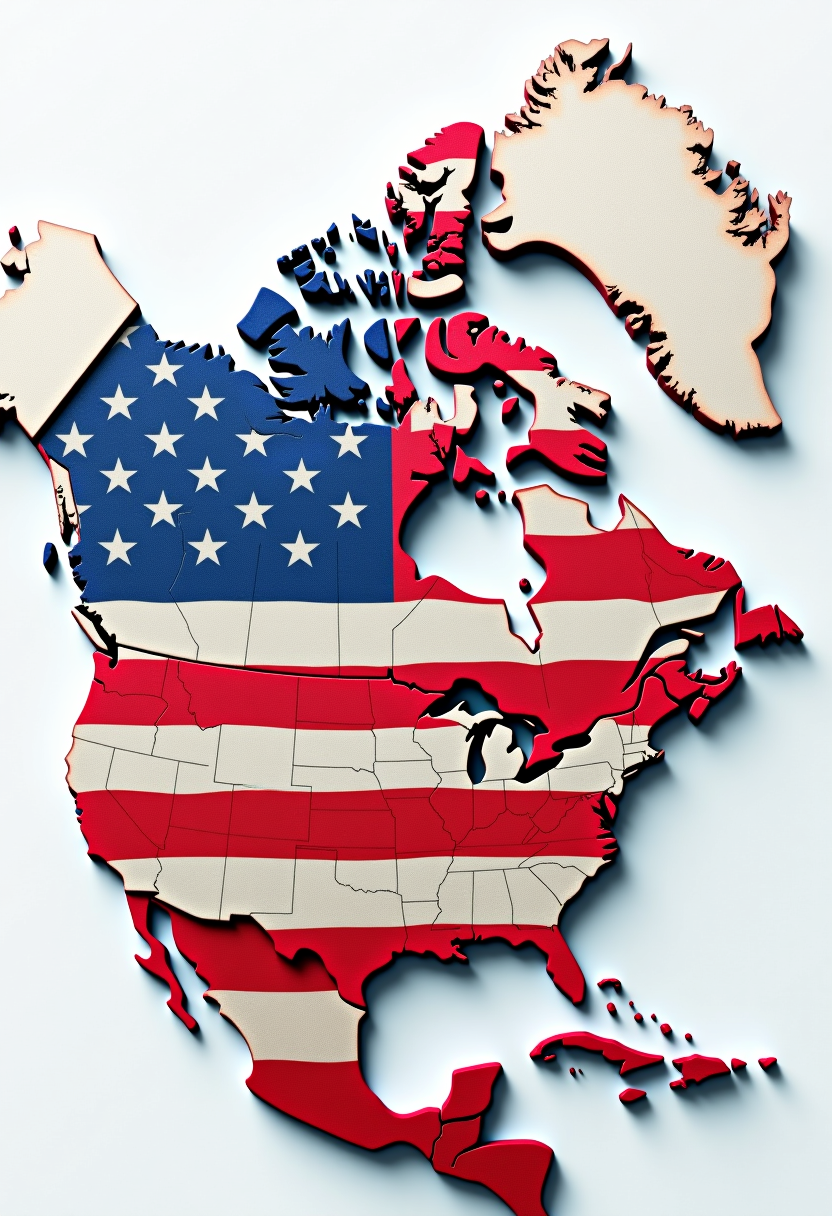
Create a unified Canada and United States map as one country
flux
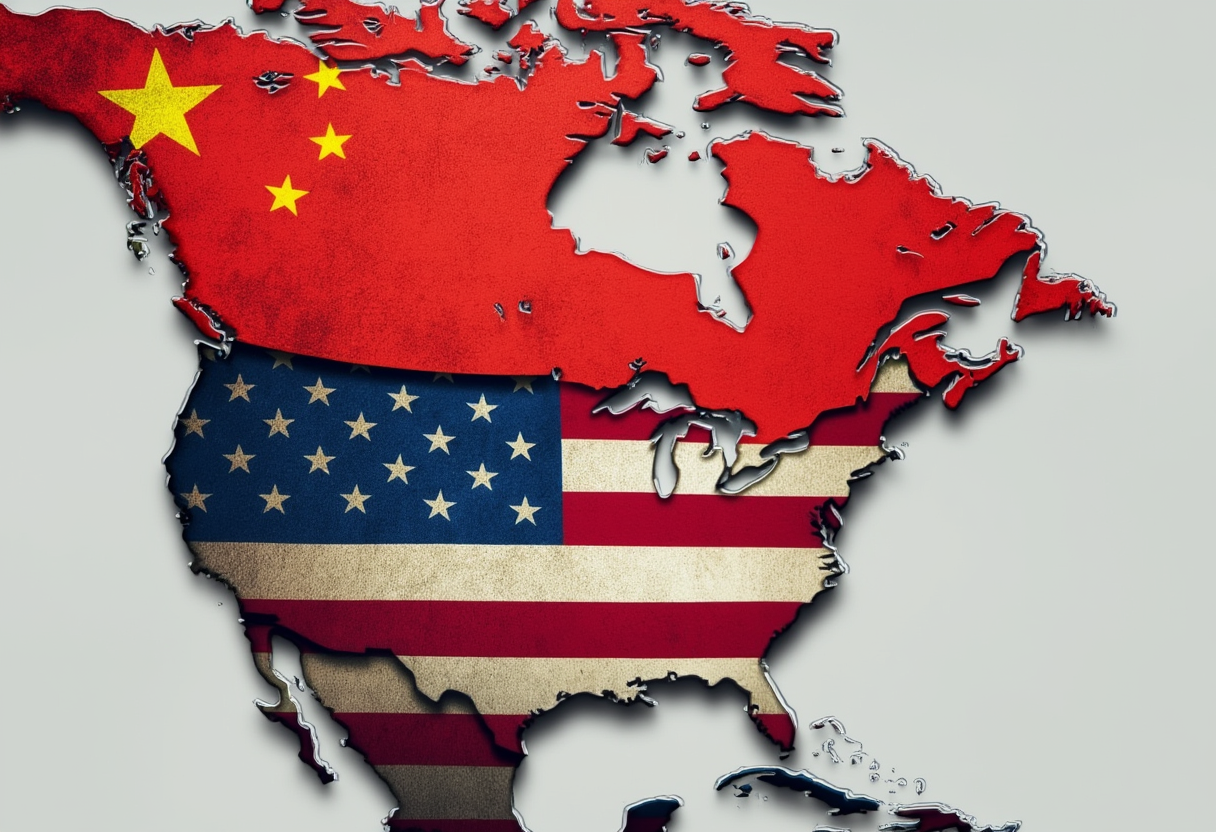
This image is a composite of two national flags superimposed onto the outlines of North Am…
flux
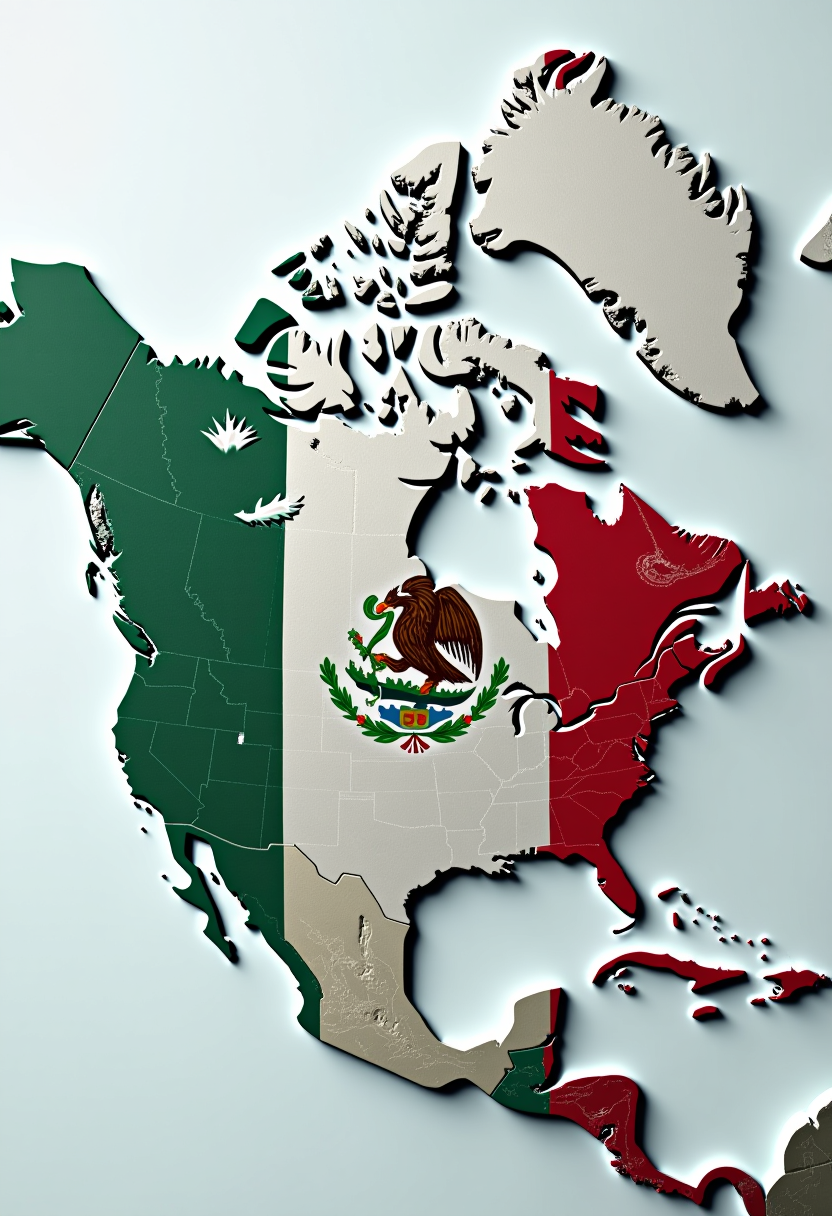
Create a unified Canada and United States map as one country
flux
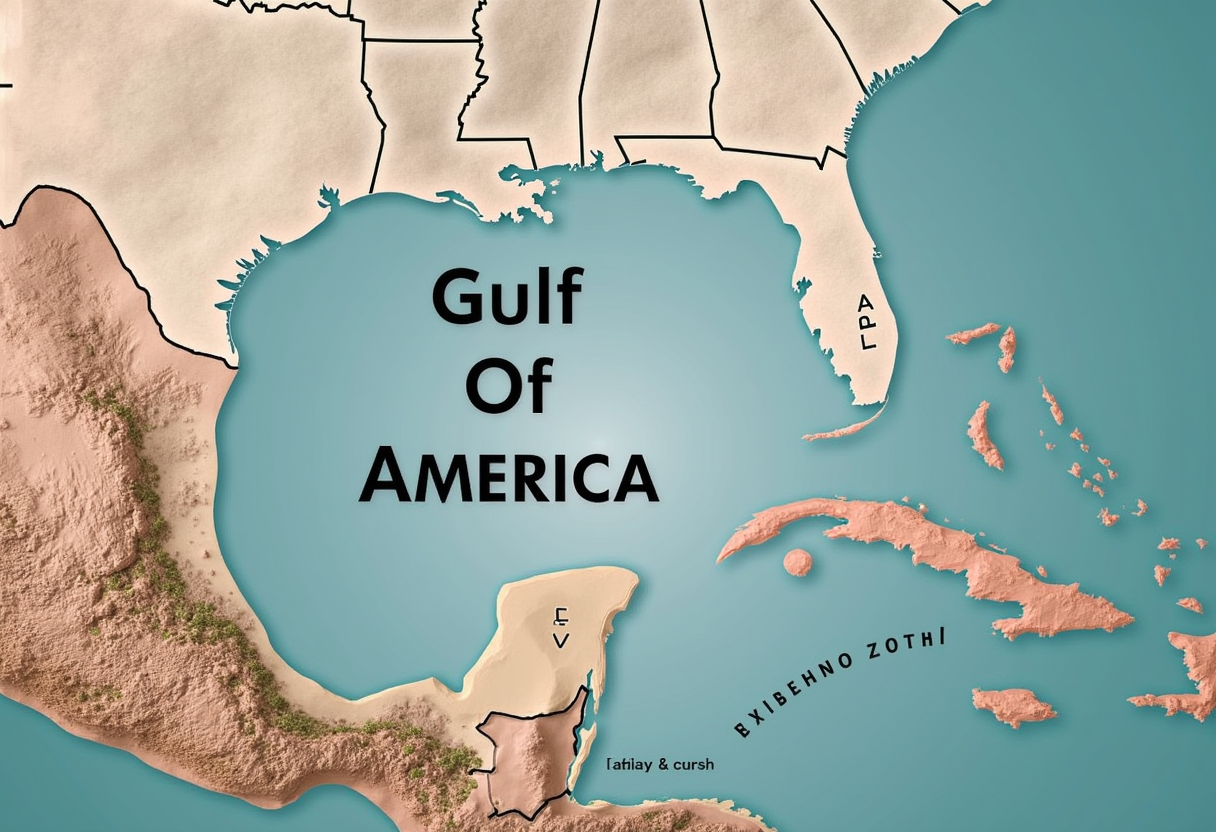
Map of Gulf of America 3d Pixar
flux
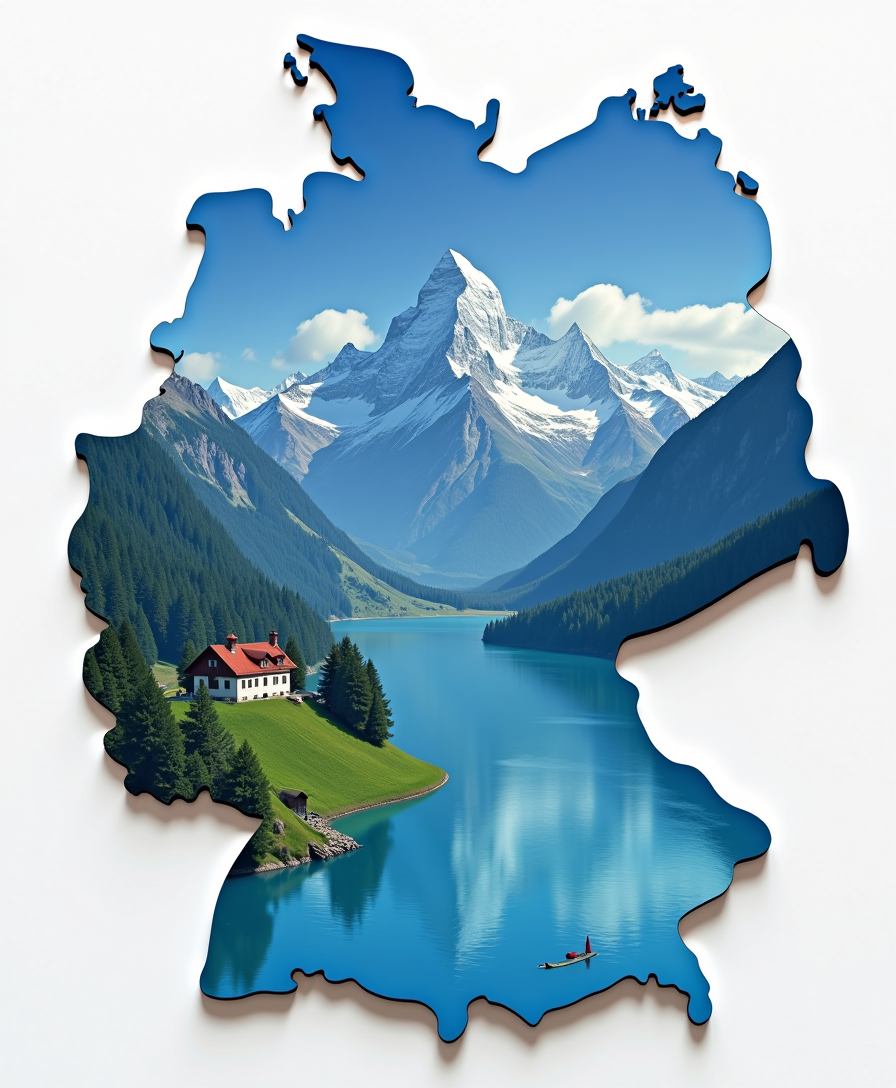
Create a 3d map of Bavaria showing of BAVARIA is a German state and blue and white flag
flux
Models you can run on PixelDojo for world map
Switch models without switching tools. Each one runs in the same PixelDojo studio.
What you can do with world map on PixelDojo
Generate Detailed World Maps
Creators input parameters to produce world maps with specified geographical features and projections.
Customize Map Color Schemes
We allow selection of color palettes and styles for world map visualizations.
Focus on Specific Regions
Users define areas of interest to generate close up views within larger world maps.
Export Maps for Use
Generated images are available for download in standard formats suitable for projects.
Join 28,000+ worldbuilders who have generated over 450,000 maps. Rated 4.9/5 by 1,850 verified creators. 'Revolutionized my D&D campaigns — the maps look like they came from a professional cartographer.' — Alex R., Lead Game Master
Why Choose Pixel Dojo for world map
Professional-quality results with cutting-edge AI technology
Bring Your Fictional Worlds to Life Instantly
Describe your vision once and watch as PixelDojo's AI generates complete continents with logical geography, diverse biomes, cities, roads, and landmarks that perfectly match your lore. Whether you want a Tolkien-inspired parchment map with glowing runes or a futuristic sci-fi planetary survey, you achieve immersive, story-rich visuals in seconds instead of days. Use this for D&D sessions that hook players immediately, book covers that sell copies, or video content that goes viral. The result is deeper audience connection and faster project completion so you can focus on the adventures within your world rather than the drawing board.
Save Weeks of Design Time with Pro Results
Traditional map creation takes 20-80 hours of meticulous work. PixelDojo's AI world map generator condenses this into minutes while delivering superior detail and consistency. Refine river systems that actually flow naturally, adjust mountain chains for geological accuracy, or iterate on kingdom borders until they tell the perfect political story. Our editing suite including Inpainting, Image Outpainting, and Reality Polisher lets you perfect every element without starting over. Creators report cutting worldbuilding time by 90%, allowing more time for storytelling, playtesting campaigns, or marketing their universes. Cancel your subscription anytime — the value is in the speed and quality you gain immediately.
Unlimited Styles, Consistency & 3D Exploration
From vintage hand-drawn fantasy maps and realistic topographic surveys to isometric battle maps and animated video versions, PixelDojo gives you complete creative control. Generate a base map with Flux.2 Studio, maintain visual consistency across zoom levels and sequels using our trainer tools, then convert it into an interactive 3D terrain with Hunyuan 3D for game engines or immersive presentations. Add magical effects with Style Transfer or enhance print quality with Magnific Upscaler. The outcome is professional assets ready for commercial use that you fully own, helping you build worlds that expand across novels, games, merchandise, and beyond while standing out from generic templates.
How It Works
Creating incredible world maps with PixelDojo is straightforward and incredibly powerful. Our platform puts the latest AI image generation, editing, and enhancement tools at your fingertips so you can go from concept to polished cartography faster than ever before. Follow these steps to generate maps that exceed your expectations.
Step 1: Choose Your Perfect AI Tool
Navigate to Generate Images and select from our specialized models. Choose Flux.2 Studio or Recraft V4 for intricate vintage fantasy styles with perfect linework and parchment textures. Grok Image or SDXL work excellently for realistic satellite or topographic world maps. These tools excel at understanding complex geography prompts. For 3D results later, keep Hunyuan 3D in mind. Start with a 16:9 or square aspect ratio to give your map breathing room for continents and oceans. This first choice determines the foundation quality of your final world map.
Step 2: Write a Detailed World Prompt
Describe your world comprehensively for best results. Effective prompts include: 'Highly detailed top-down fantasy world map on vintage parchment paper, two major continents separated by stormy seas, snow-capped northern mountains feeding realistic rivers through temperate forests into southern deserts, coastal trading cities, ancient ruins marked by subtle icons, volcanic islands to the east, ornate compass rose and scale bar, Tolkien-inspired cartography style, muted earth tones with gold accents, highly intricate, 8k resolution, no legible text or labels'. Reference specific biomes, political boundaries, or historical events. Generate multiple variations instantly. The AI understands geographical logic so your maps feel authentic and immersive right away.
Step 3: Refine, Enhance & Export Your Map
Use our editing tools to perfect your creation. Apply Image to Image for style variations, Inpainting to adjust specific regions like adding a hidden valley or fixing river paths, and Image Outpainting to expand the map edges and discover new lands. Polish details with Reality Polisher, remove any artifacts, then upscale dramatically with Magnific Upscaler or Creative Upscaler for print-ready 4K or larger files. For extra impact, convert your map to 3D terrain using Hunyuan 3D or create an animated reveal video with Kling Video or WAN 2.7 Video. Download in multiple formats or continue iterating. You own everything you create with full commercial rights.
The Pixel Dojo Advantage
Why PixelDojo outperforms other options for world map image generation
| Others | Pixel Dojo |
|---|---|
| Traditional hand-drawn cartography | Create museum-quality maps in minutes instead of weeks. Iterate endlessly without erasing or starting over. Achieve consistent geographical accuracy and artistic excellence without years of training as a cartographer. |
| Generic AI image generators | Our specialized models understand cartographic conventions, produce realistic geography and biome transitions, and include a full editing suite to fix common AI issues like unrealistic river flow or poor composition. Plus dedicated 3D conversion and upscaling tools. |
| Hiring freelance map artists | Get professional maps for a fraction of the cost with instant results instead of waiting weeks and paying $300-$2000 per map. Maintain complete creative control and ownership while experimenting with countless styles and variations. |
Loved by creators on PixelDojo
Real feedback from people using PixelDojo, pulled from our in-product surveys.
Very eay to use, works well to train SDXL loras.
The amazing tools
Top notch quality and strong prompt adherence.
A well resourced sunscription with attention to updates.
Easy to use and there's lots of options.
super lora download
Explore more AI tools on PixelDojo
Popular AI Models
AI Tools
Compare & Switch
- Best AI Image Generators
- Best AI Video Generators
- Midjourney Alternatives
- Civitai Alternatives
- Runway Alternatives
- Leonardo Alternatives
- Pika Alternatives
- Luma Alternatives
- Magnific Alternatives
- Veo Alternatives
- Flux Alternatives
- Freepik Alternatives
- Seedance Alternatives
- Seedream Alternatives
- Pixverse Alternatives
- GPT Image Alternatives
- Synthesia Alternatives
- Playground Alternatives
- NightCafe Alternatives
- Canva AI Alternatives
- ElevenLabs Alternatives
- ComfyUI Alternatives
- Fal Alternatives
- Replicate Alternatives
Common Questions
Everything you need to know about world map
What is the best AI world map generator for creating fantasy and D&D maps?
PixelDojo is the best AI world map generator available today because it combines multiple specialized models like Flux.2 Studio, Recraft V4, and Grok Image that excel at cartographic detail with a complete editing and enhancement toolkit. Unlike basic generators that produce maps with illogical geography or garbled text, our platform creates authentic, story-rich maps with natural river systems, biome transitions, and professional styling. You can generate a base map, use Inpainting to perfect mountain ranges or city placements, expand with Outpainting, enhance with Reality Polisher, and upscale with Magnific for print or digital use. Thousands of game masters, authors, and worldbuilders trust us because we deliver consistent, high-quality results that enhance their storytelling. Best of all, you can try it risk-free and cancel your subscription at any time.
How do I create a realistic fantasy world map with accurate geography using AI?
Creating realistic fantasy world maps on PixelDojo starts with a strong prompt that specifies top-down view, parchment or paper texture, and detailed geographical features. For example: 'Intricate fantasy world map, top down view, aged parchment, massive central continent with realistic mountain chains in the north feeding multiple rivers through forests, plains, and swamps into a southern ocean, scattered islands with volcanoes, logical biome placement, detailed coastlines with fjords and bays, subtle city icons, ornate compass rose, highly detailed cartography, no text labels'. Select Flux.2 Studio or Recraft V4 for best results. After generation, use our Smart Resize and Image Outpainting to expand unexplored regions while maintaining style consistency. The Reality Polisher tool cleans up any minor artifacts while preserving the hand-drawn aesthetic. Many users then convert their finished map into 3D terrain using Hunyuan 3D for even more immersive worldbuilding. The entire process takes minutes but produces maps that feel like they belong in published fantasy books.
Can I generate both fantasy world maps and realistic modern or historical maps with PixelDojo?
Absolutely. PixelDojo's flexible AI tools handle every style of world map you can imagine. For fantasy maps, use parchment, ink, and mythical elements with models like Recraft V4. For realistic modern maps, prompt for satellite imagery style, topographic lines, or political boundaries with accurate country shapes using Flux.2 Studio or QWEN Image 2. Historical maps can be styled as antique sepia drawings or illuminated manuscripts. The key is being specific in your prompt about the era, projection style, color palette, and level of detail. Our editing tools like Style Transfer let you convert a fantasy map into a realistic one or vice versa in seconds. You can even create animated versions using our video tools like Kling Video or WAN 2.7 Video to show continental drift or exploration routes. This versatility makes PixelDojo the only tool creators need for all their mapping projects, from TTRPG battle maps to professional presentation graphics.
Do I need drawing or design skills to create professional world maps with AI?
No artistic skills are required whatsoever. PixelDojo's AI world map generator is designed for complete beginners while still satisfying professional cartographers and game studios. Simply describe what you want in plain English — the AI handles the complex illustration work. Our step-by-step interface guides you through prompt creation with helpful examples for fantasy maps, D&D maps, and more. If the first result isn't perfect, use Image to Image to evolve it or Inpainting to make targeted changes like moving a mountain range or adding a forest without affecting the rest of the map. The editing tools are intuitive and visual. Thousands of non-artist users — teachers, novelists, hobbyist game masters — create publication-ready maps every day. We also provide extensive prompt libraries and community examples so you improve rapidly. The outcome is always professional quality that you can be proud to display or sell.
How do I add city names, labels, and legends to my AI generated world maps?
The best practice is to generate your map without text first (include 'no text, no labels' in your prompt) to avoid the garbled text common in AI outputs. Once you have a clean, detailed base map from Flux.2 Studio or Recraft V4, use PixelDojo's advanced editing features. Our Inpainting tool allows you to carefully add symbols or markers, while many creators export and add professional typography using the Smart Resize and Background tools before finalizing. For fully integrated results, generate multiple clean map layers and combine them. The final upscaled version with Magnific Upscaler often looks like traditional print cartography. This workflow gives you complete control over font styles, placement, and readability while keeping the beautiful AI-generated artwork intact. Many users create both labeled and unlabeled versions of their maps for different uses like player handouts versus DM-only versions in D&D campaigns.
What file sizes, resolutions, and commercial rights do I get with PixelDojo world maps?
PixelDojo delivers exceptional quality suitable for any use. Initial generations are high resolution, and our Magnific Upscaler and Creative Upscaler can produce print-ready files up to 8K or larger with perfect clarity for posters, book illustrations, or game assets. All maps you create are yours to keep with full commercial usage rights — use them in published books, sell as digital downloads, integrate into video games, or print for personal use. Our subscription gives you generous monthly credits that reset regularly, and you can purchase additional credits if needed. The platform includes usage reports so you can track your creations. Whether you need one perfect world map for your novel or hundreds for a game expansion pack, PixelDojo scales with you. Join thousands of satisfied creators who rely on us for consistent, high-quality output they can trust professionally. Cancel anytime if it doesn't meet your needs.